Business Best in category 1 results Inbox Organization AI Tool

Popular AI tools in the Inbox Organization field of Business include Unspam, etc., helping you quickly improve efficiency.

Unspam

Unspam

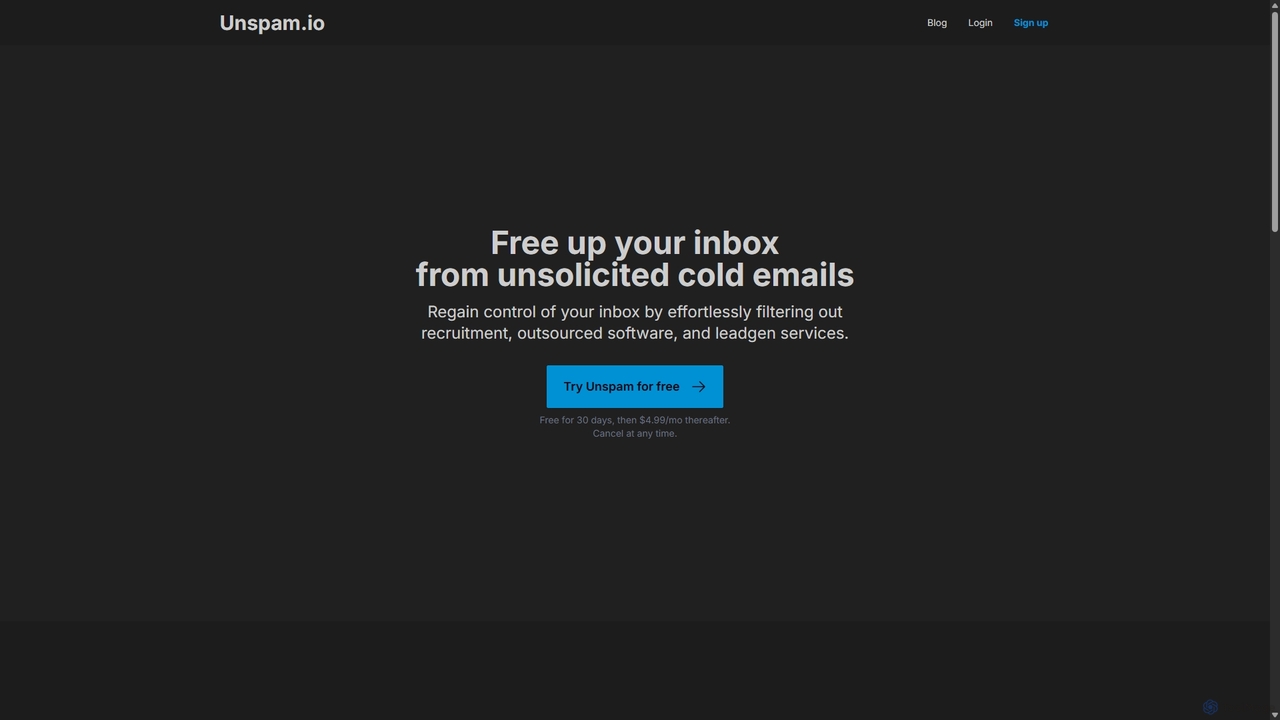
Unspam is an AI-powered tool designed to clean up your inbox by automatically filtering unsolicited cold emails. It …

3.1K

About Inbox Organization

Inbox Organization AI tools are specialized solutions designed to automate and streamline the management of digital communications, primarily emails. Leveraging advanced natural language processing (NLP) and machine learning, these tools intelligently categorize, prioritize, summarize, and even draft responses for incoming messages. Their primary value lies in reducing information overload, enhancing productivity, and ensuring critical communications are addressed promptly, making them indispensable for professionals and teams navigating high volumes of digital correspondence within the broader Business productivity landscape.

Core Features

  • Intelligent Categorization: Automatically sorts emails into relevant folders (e.g., urgent, promotional, social, personal) based on content and sender.
  • Priority Flagging: Identifies and highlights high-importance messages, ensuring critical communications are seen first.
  • Smart Reply Suggestions: Generates contextually relevant draft responses, accelerating email communication.
  • Email Summarization: Condenses long email threads or newsletters into concise summaries for quick comprehension.
  • Spam & Clutter Filtering: Advanced algorithms detect and move unwanted emails, reducing inbox noise.

Applicable Scenarios

These tools are vital for professionals, executives, and customer support teams who face overwhelming email volumes daily. They enable sales teams to quickly identify and respond to leads, help project managers track critical updates, and allow individuals to regain control over their digital communication, transforming a chaotic inbox into an organized, actionable workspace.

How to Choose

When selecting an Inbox Organization AI tool, consider its integration capabilities with your existing email client (e.g., Outlook, Gmail), the accuracy of its AI for categorization and summarization, and its security protocols for handling sensitive data. Evaluate customization options for rules and preferences, scalability for team use, and the pricing model to ensure it aligns with your budget and specific organizational needs.

Inbox OrganizationUse Cases

1

Prioritizing Executive Communications

For busy executives and their assistants, AI inbox tools automatically identify and flag urgent emails from key stakeholders, clients, or internal teams. This ensures critical messages are never missed, allowing for immediate attention and response, significantly reducing decision-making delays and improving strategic communication flow.

2

Automating Customer Support Responses

Customer service teams can leverage AI inbox organization to automatically categorize incoming support tickets and suggest relevant canned responses or draft personalized replies based on common queries. This drastically reduces response times, improves agent efficiency, and ensures consistent, high-quality customer interactions, especially during peak periods.

3

Summarizing Daily Newsletters and Reports

Professionals who subscribe to numerous industry newsletters or receive lengthy daily reports can use these tools to generate concise summaries. The AI extracts key information and action points, allowing users to quickly grasp essential updates without reading every detail, saving significant time and keeping them informed efficiently.

4

Converting Emails into Actionable Tasks

Project managers and team leads often receive action items embedded within emails. AI inbox tools can automatically detect these tasks, extract relevant details, and integrate them directly into project management software or a to-do list. This streamlines workflow, prevents tasks from falling through the cracks, and enhances team accountability.

5

Efficiently Filtering Spam and Promotional Content

For any user, an overflowing inbox often contains a large volume of unwanted spam, promotional offers, or social notifications. AI organization tools employ advanced filtering to accurately identify and move these non-essential emails to designated folders, significantly decluttering the main inbox and allowing users to focus on important communications.

6

Streamlining Unsubscribe and Opt-Out Management

Marketing and communications teams, or even individual users, can utilize AI tools to manage subscription overload. These tools can identify subscription emails and offer one-click unsubscribe options or automatically process opt-out requests, helping maintain a clean and relevant inbox while ensuring compliance with privacy regulations.

Inbox OrganizationFrequently Asked Questions