

Harmony Overview
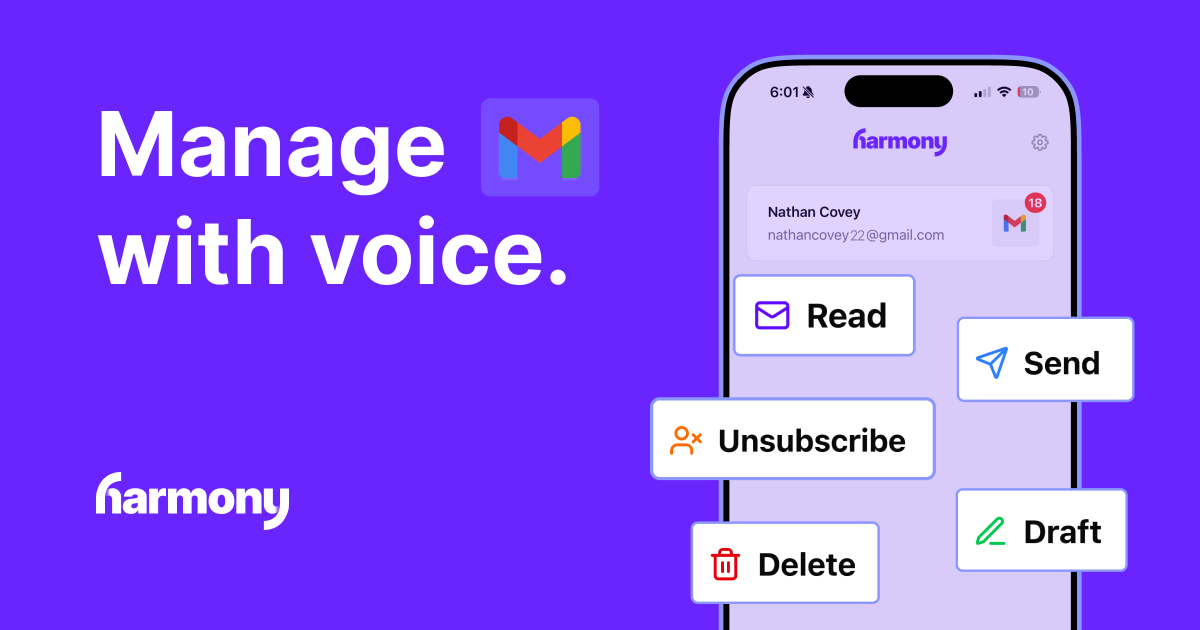
Harmony is a revolutionary AI email voice assistant designed to help you achieve Inbox Zero completely hands-free. It transforms unproductive moments, like your daily commute or workout session, into highly efficient email management time. By reading your emails aloud and understanding your voice commands, Harmony allows you to listen, reply, organize, and clear your inbox without ever needing to touch or look at your screen. The core mission behind Harmony is to build a comprehensive AI executive assistant that harmonizes your life, starting with mastering your email. The tool has already gained recognition, winning the "Product of the Week" award from Tiny Startups, a testament to its innovative approach and user-centric design.
A cornerstone of Harmony's philosophy is its "Privacy First" commitment. The platform is built to ensure your data remains completely private and secure. It does not store any of your emails; all processing happens in real-time. All network communications are encrypted using industry-standard protocols, and the company has a strict no-data-sales policy. This dedication to privacy is further validated by a successful CASA security audit conducted by an independent third party.
How to use Harmony
Getting started with Harmony is simple and intuitive. First, download the Harmony AI Email Assistant app from the Apple App Store for your iPhone or iPad. Once installed, connect your Gmail account securely. The app will then have permission to access your emails in real-time. From there, you can start using it immediately. During your drive, walk, or workout, simply activate the assistant and start issuing voice commands. You can ask it to "read my new emails," and it will begin narrating them, using smart summaries and thread detection for clarity. You can then respond with commands like "reply," "delete," "archive," or "unsubscribe."
Core Features of Harmony
- AI Voice Agent: Interact with a conversational AI that understands natural language commands to manage your email.
- Read Emails Aloud: Listen to your incoming emails, complete with smart summaries to quickly grasp the content and thread detection to understand conversations.
- Voice-Controlled Actions: Perform a full range of email actions with just your voice, including composing and sending new emails, creating drafts, and deleting single or multiple messages.
- Advanced Organization: Effortlessly manage your inbox by modifying labels, moving emails to specific folders, or marking them as unread.
- One-Command Unsubscribe: Instantly unsubscribe from unwanted newsletters and marketing lists to reduce inbox clutter.
- Supported Providers: Currently offers full support for Gmail, with plans to integrate Outlook and other email providers in the future.
Use Cases for Harmony
Harmony is designed for anyone who wants to reclaim their time and stay on top of their email communications, even when their hands and eyes are occupied.
- While Driving: Turn traffic jams and long commutes into productive work sessions by safely clearing your inbox.
- During Exercise: Catch up on important messages and send quick replies without interrupting your workout rhythm.
- While Doing Chores: Make mundane household tasks like cooking or cleaning more productive by multitasking with email management.
- On a Walk: Enjoy the fresh air and stay active while productively handling your email correspondence.
Advantages of Harmony
The primary advantage of Harmony is its ability to unlock productivity in moments that were previously unavailable for screen-based work. It offers a truly hands-free and eyes-free experience, enhancing safety for users who manage email while driving. The focus on privacy is a significant differentiator, giving users peace of mind that their sensitive data is not being stored or sold. Its intuitive voice command system makes email management feel as simple as talking to a human assistant.
Pricing and Plans
Harmony operates on a subscription-based model. This ensures the platform can continue to develop without relying on selling user data. For the most current information on pricing tiers, subscription plans, and any available free trial periods, please check the official Harmony AI Email Assistant page on the Apple App Store.
Harmony Alternatives
InboxChat
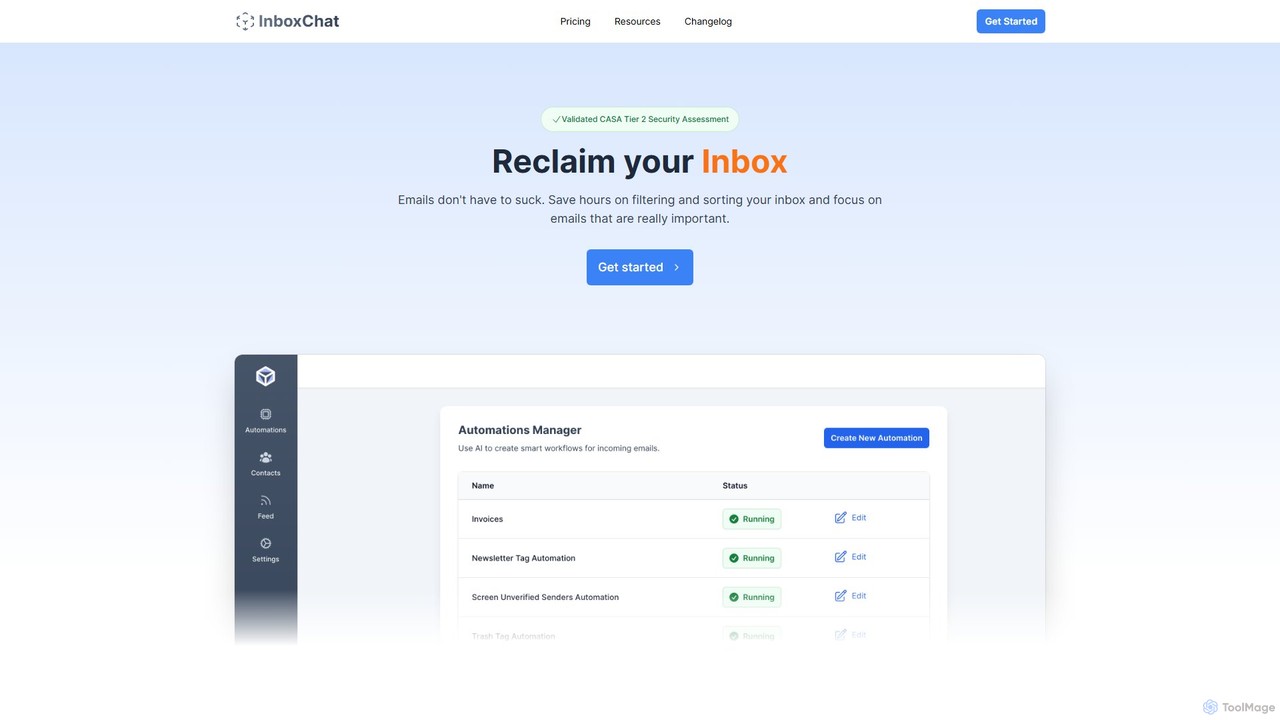
InboxChat is an AI-powered assistant that transforms your Gmail inbox management. Use natural language to search, summarize, and draft emails, saving you hours each week. It offers top-tier security, ensuring your data is always private and protected.
Search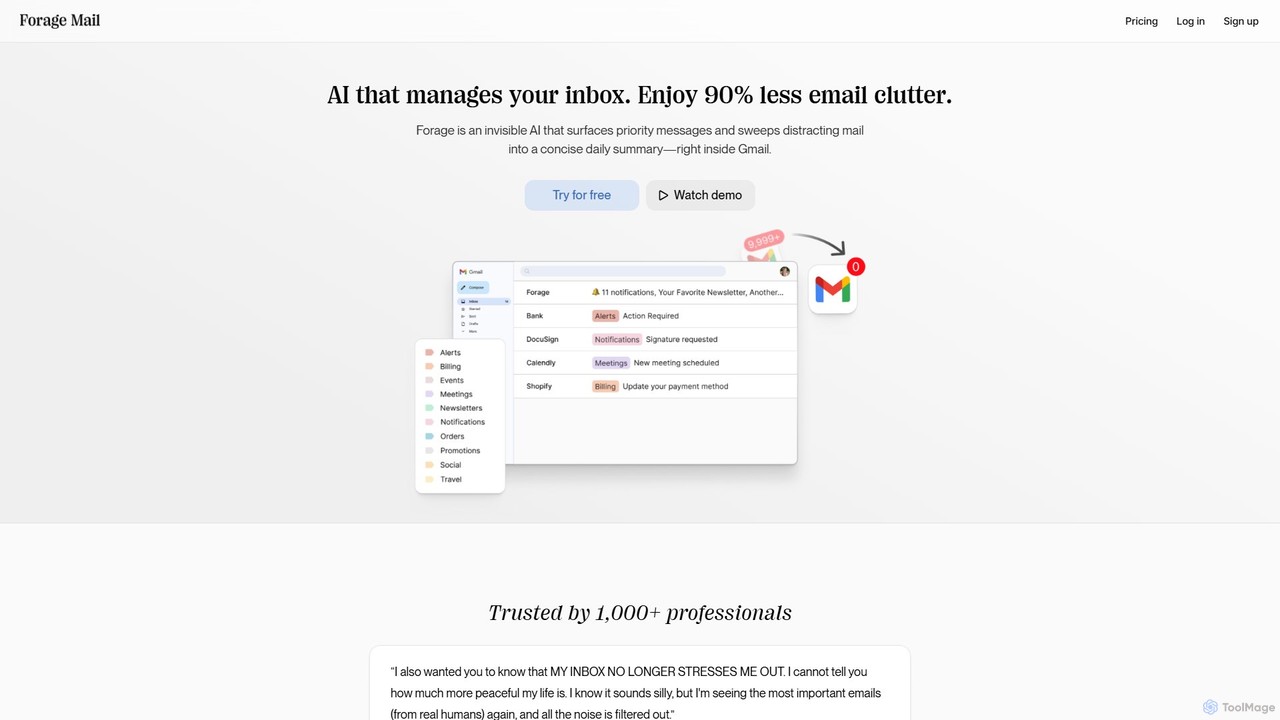
Forage Mail
Forage Mail is an AI-powered email management tool for Gmail that ends inbox overwhelm. It intelligently filters emails, surfaces priority messages, and consolidates non-essential mail like newsletters and promotions into a single, concise daily summary, helping you save hours and reduce stress.
Inbox Management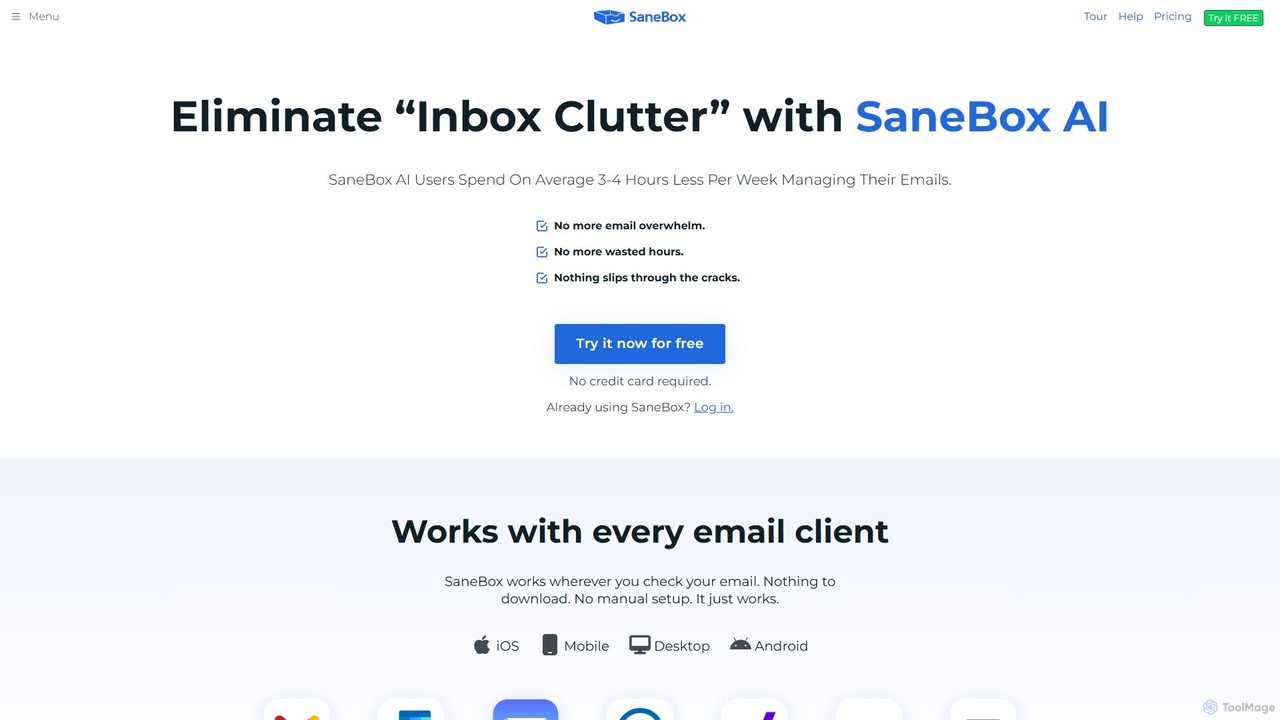
SaneBox
SaneBox is an AI-powered email management tool that automatically cleans up your inbox, filters unimportant emails, and helps you stay focused. It identifies important messages, hides distractions, provides follow-up reminders, and offers one-click unsubscribing, saving users an average of 3-4 hours per week.
Communication
The Librarian
The Librarian is an AI personal assistant designed to supercharge your productivity. It integrates with Google Workspace (Gmail, Calendar, Drive) to automate tasks like drafting emails, summarizing conversations, scheduling meetings, and instantly finding documents. Accessible via Web, WhatsApp, and Slack, it helps you focus on what truly matters by streamlining your daily workflow.
Assistant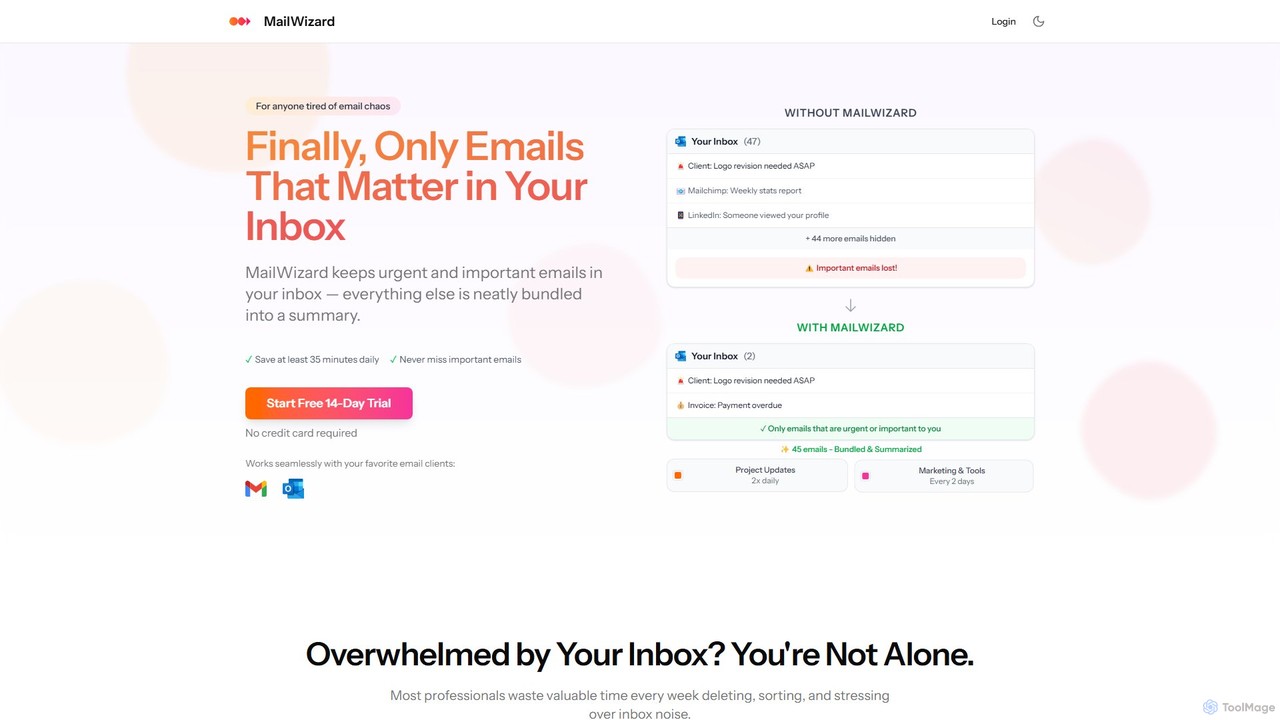
MailWizard
MailWizard is an AI-powered email assistant that transforms your inbox experience. It intelligently filters out noise, bundles non-urgent emails into smart summaries, and ensures you only see what truly matters. Save time, reduce stress, and reclaim your focus with automated workflows and AI-generated digests, including audio versions for on-the-go updates.
Workflow ManagementHarmony Categories
Harmony Embed Widget
Copy this embed code to place the badge on your blog, article, or product site and send readers directly to this ToolMage detail page.

Related AI tools
InboxChat
InboxChat is an AI-powered assistant that transforms your Gmail inbox management. Use natural language to search, summarize, and draft emails, saving you hours each week. It offers top-tier security, ensuring your data is always private and protected.
SearchForage Mail
Forage Mail is an AI-powered email management tool for Gmail that ends inbox overwhelm. It intelligently filters emails, surfaces priority messages, and consolidates non-essential mail like newsletters and promotions into a single, concise daily summary, helping you save hours and reduce stress.
Inbox Management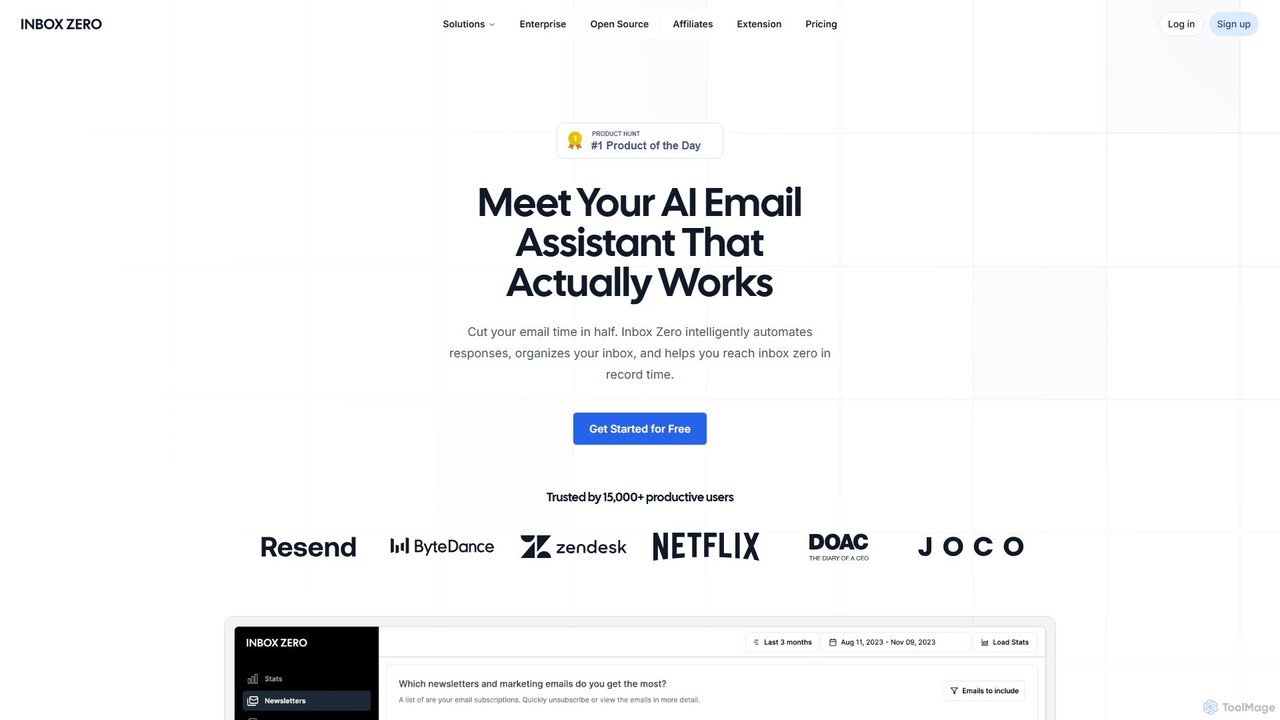
getinboxzero
getinboxzero is an AI-powered email assistant designed to help you achieve Inbox Zero. It intelligently automates responses, organizes your inbox, blocks cold emails, and bulk unsubscribes from newsletters. By handling repetitive email tasks, it cuts your email time in half and boosts productivity for individuals and support teams.
Personal Assistant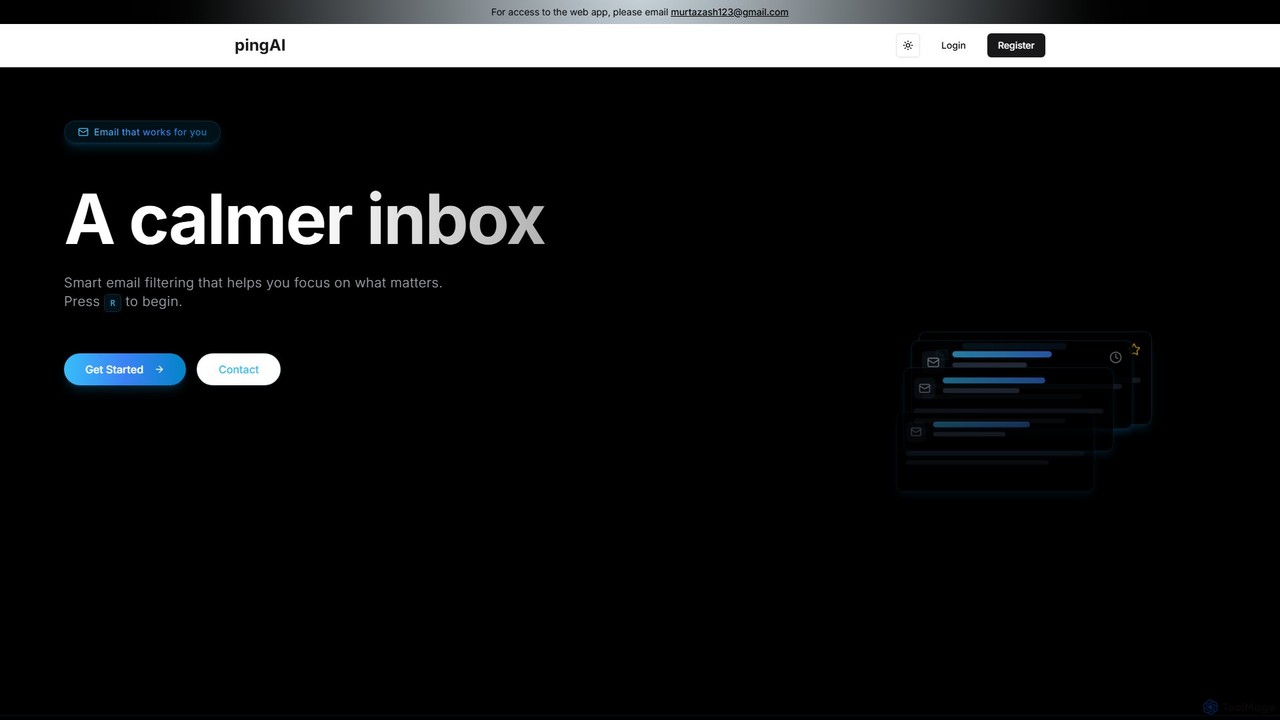
Ping
Ping is an AI-powered email management tool designed to combat inbox overload. It intelligently filters your emails, prioritizes important messages, and learns from your behavior to create a calmer, more focused inbox. Stop missing critical emails and reduce stress with smart, automated organization for your Gmail account.
Inbox Assistant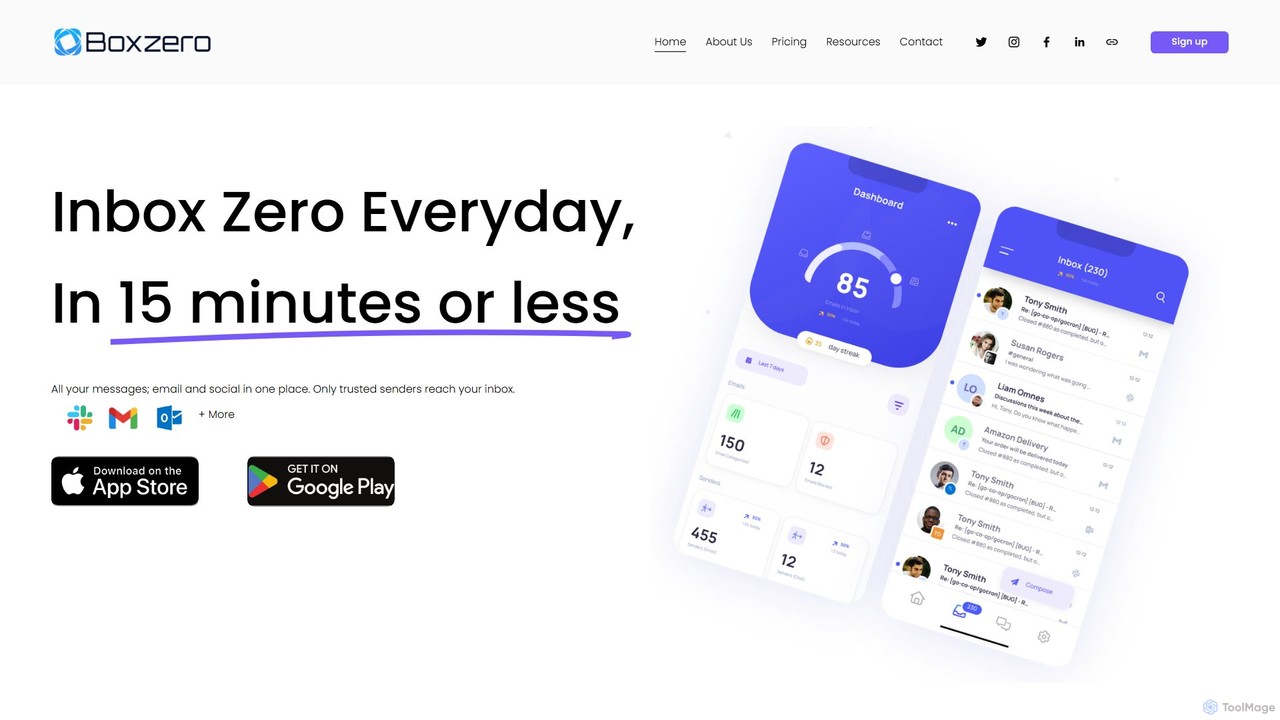
Boxzero
Boxzero is an AI-powered unified inbox that helps you achieve 'Inbox Zero' in 15 minutes or less daily. It consolidates all your emails (Gmail, Outlook) and social messages (Slack) into one place, using smart filtering to only show messages from trusted senders. An AI assistant generates smart replies, saving you hours of work and reducing communication overload.
Personal AssistantSaneBox
SaneBox is an AI-powered email management tool that automatically cleans up your inbox, filters unimportant emails, and helps you stay focused. It identifies important messages, hides distractions, provides follow-up reminders, and offers one-click unsubscribing, saving users an average of 3-4 hours per week.
CommunicationThe Librarian
The Librarian is an AI personal assistant designed to supercharge your productivity. It integrates with Google Workspace (Gmail, Calendar, Drive) to automate tasks like drafting emails, summarizing conversations, scheduling meetings, and instantly finding documents. Accessible via Web, WhatsApp, and Slack, it helps you focus on what truly matters by streamlining your daily workflow.
AssistantMailWizard
MailWizard is an AI-powered email assistant that transforms your inbox experience. It intelligently filters out noise, bundles non-urgent emails into smart summaries, and ensures you only see what truly matters. Save time, reduce stress, and reclaim your focus with automated workflows and AI-generated digests, including audio versions for on-the-go updates.
Workflow Management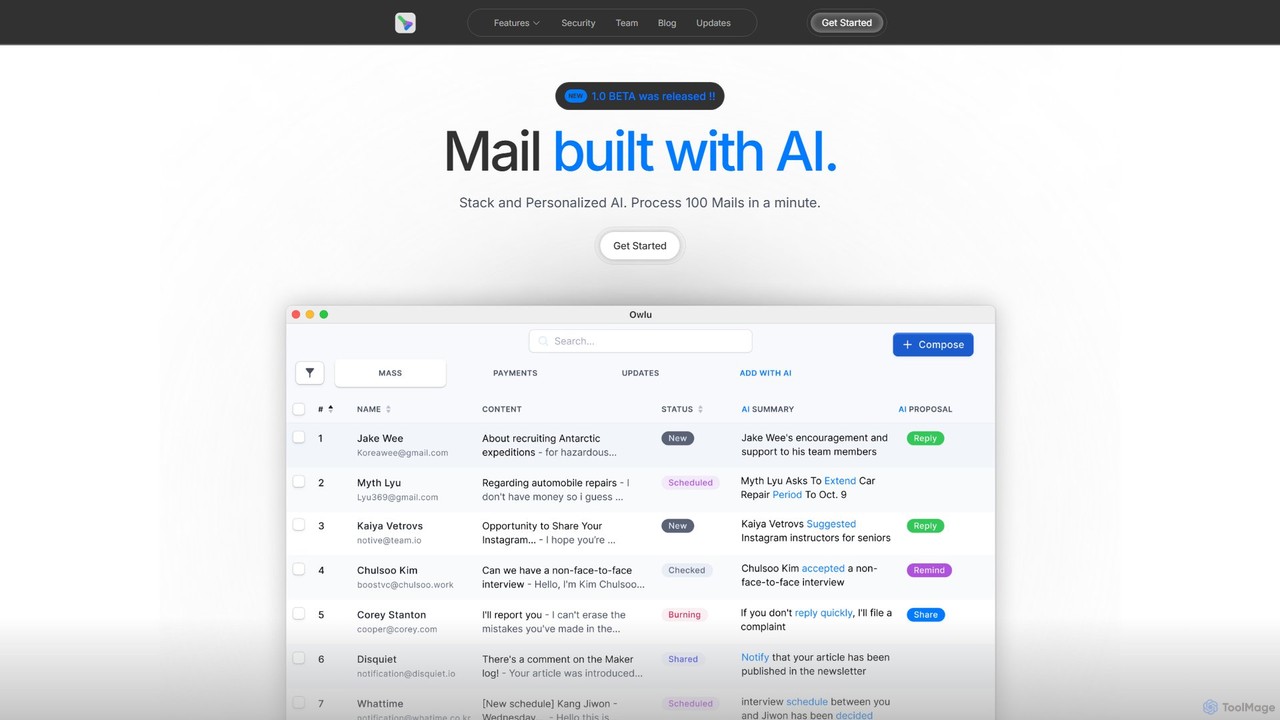
OwlU
OwlU is an AI-powered email client for Mac OS designed to revolutionize your inbox. It intelligently summarizes, suggests replies, and automates tasks, allowing you to process hundreds of emails in minutes. With a personalized AI and a unified dashboard, OwlU helps you achieve unprecedented email productivity.
Personal
Inbox Narrator
Inbox Narrator is an AI-powered tool that transforms your unread emails into a daily audio summary. Listen to your important emails as a personalized podcast or through voice assistants like Siri and Google Assistant, helping you stay updated hands-free and reduce screen time.
Text To Speech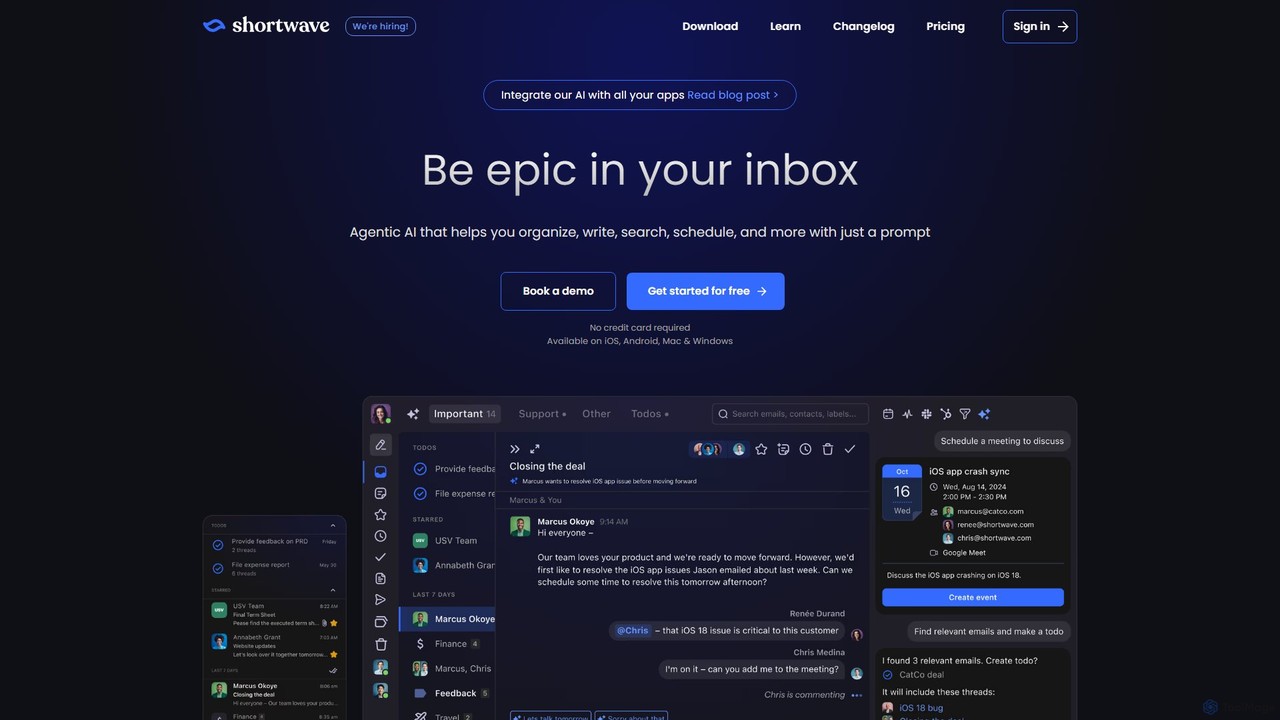
Shortwave
Shortwave is an AI-powered email client designed to supercharge your productivity and team collaboration. It acts as an intelligent assistant for your inbox, helping you organize, write, search, and automate email workflows. By learning your unique writing style and prioritizing important messages, Shortwave transforms your cluttered inbox into an organized workspace, helping you and your team achieve more with less effort.
Writing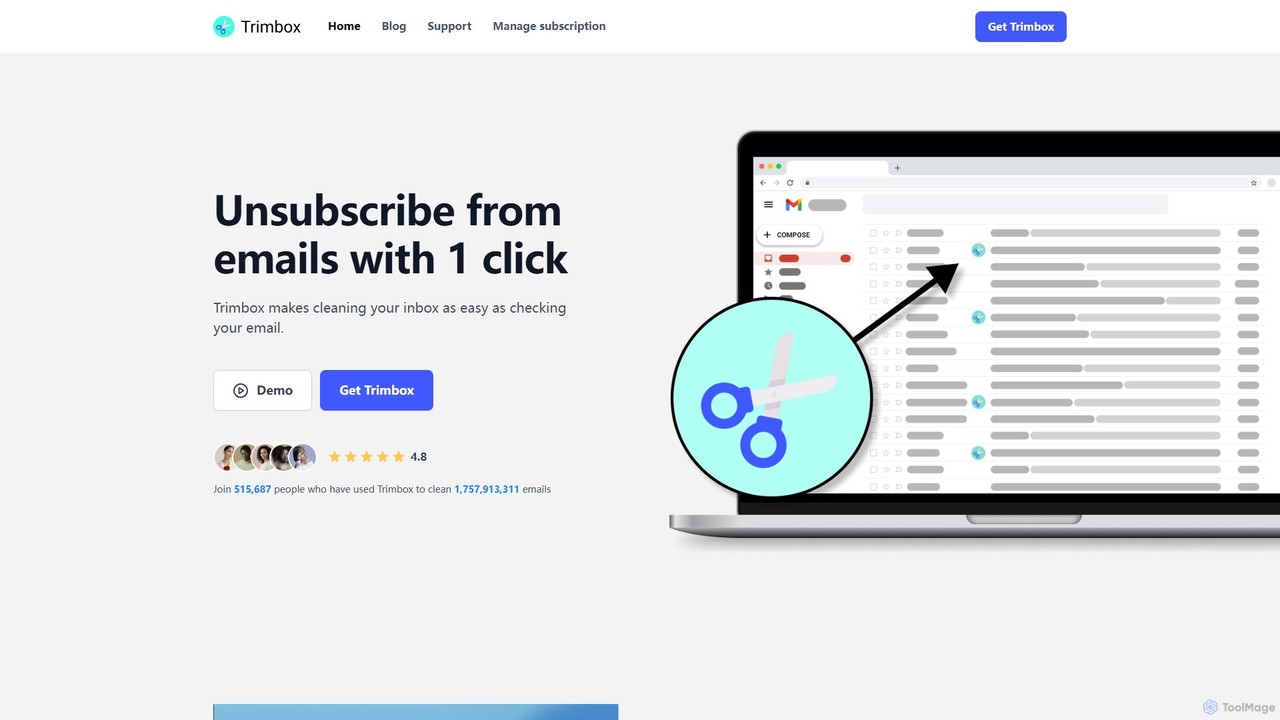
Trimbox
Trimbox is an AI-powered Gmail plugin designed for ultimate inbox management. It allows you to unsubscribe from mailing lists and delete all past emails from any sender with a single click, all while ensuring your privacy by processing data directly on your device.
Email Management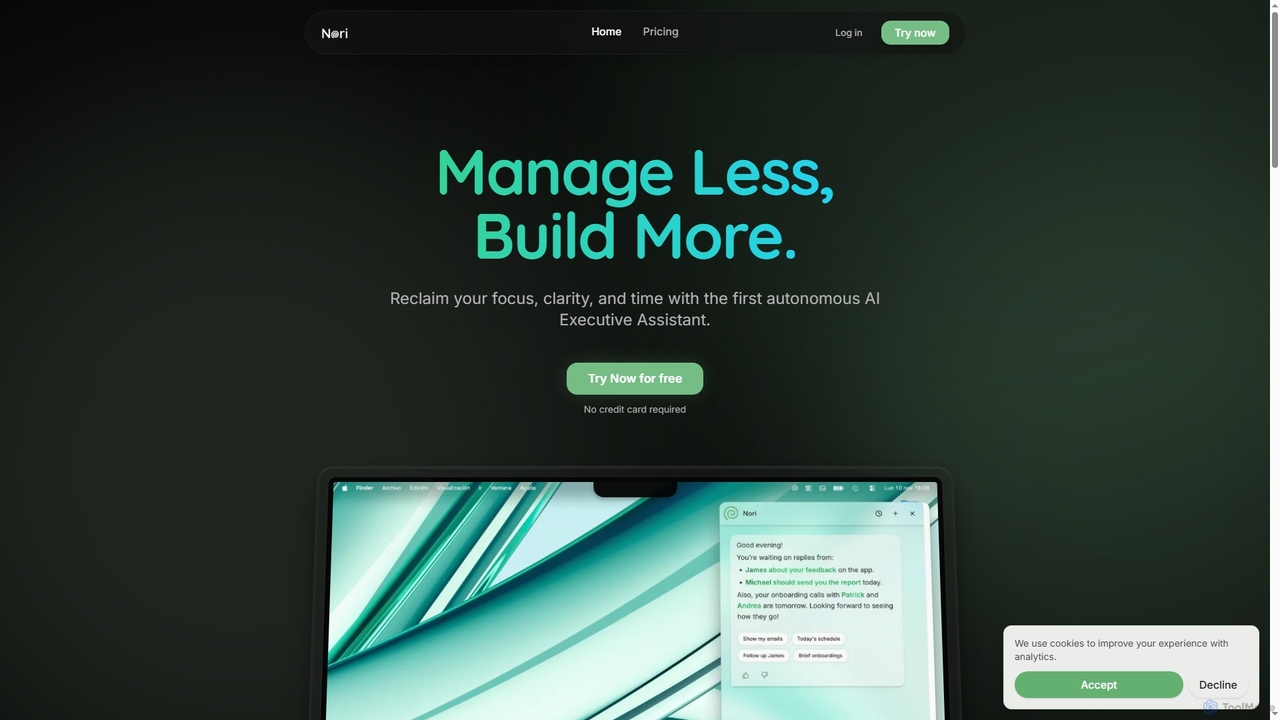
Nori
Nori is an autonomous AI Executive Assistant designed to help founders and executives reclaim their time and focus. It intelligently manages your day, prioritizes tasks, handles follow-ups, sets reminders, and coordinates meetings across calendars, integrating seamlessly with Gmail and Google Calendar.
Executive Assistant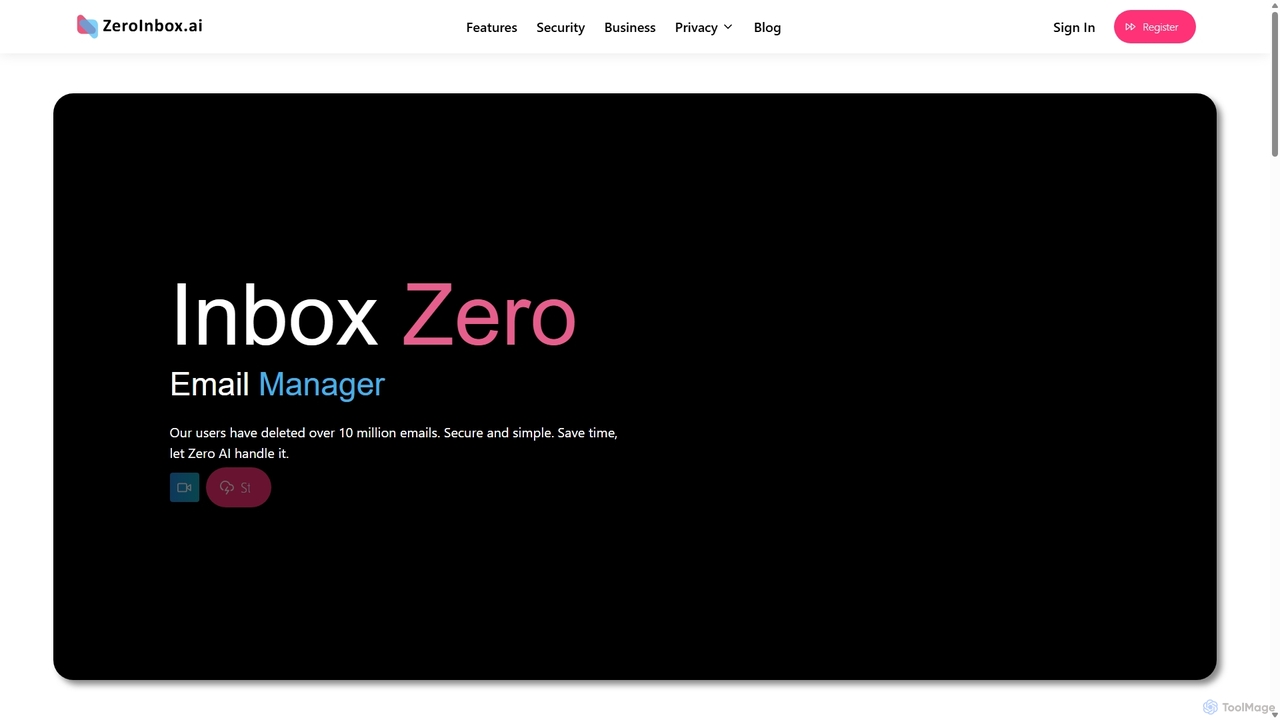
Inbox Zero
Inbox Zero is an AI-powered email organizer designed to help you clean and manage your inbox effortlessly. It intelligently sorts emails, deletes spam, and facilitates one-click unsubscribing from newsletters, allowing you to achieve a clean, organized inbox in seconds. With a strong focus on security and user privacy, it's the ultimate tool for boosting email productivity for both individuals and businesses.
Email Management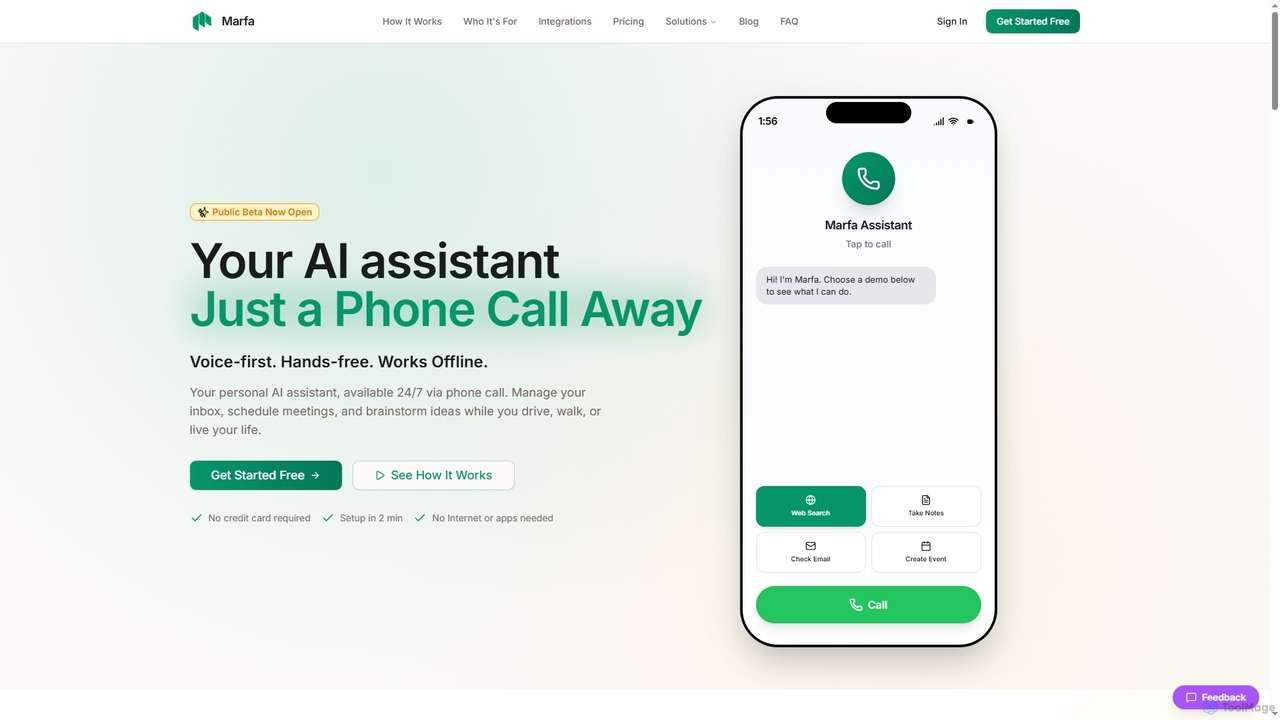
Marfa
Marfa is a voice-first AI assistant designed for on-the-go productivity, accessible 24/7 via a simple phone call. It helps manage emails, schedule meetings, and capture ideas without needing a screen or internet connection, making it ideal for busy professionals.
Personal Assistant
Harmony Comments (0)
Sign in to comment.
Sign inNo comments yet.