ToolMage
Sign in

Best 3 Voice Assistant for Utilities

Popular Voice Assistant in Utilities include Harmony, JenAI Chat, and HoneyDo, helping you work more efficiently.

JenAI Chat
Freemium

JenAI Chat

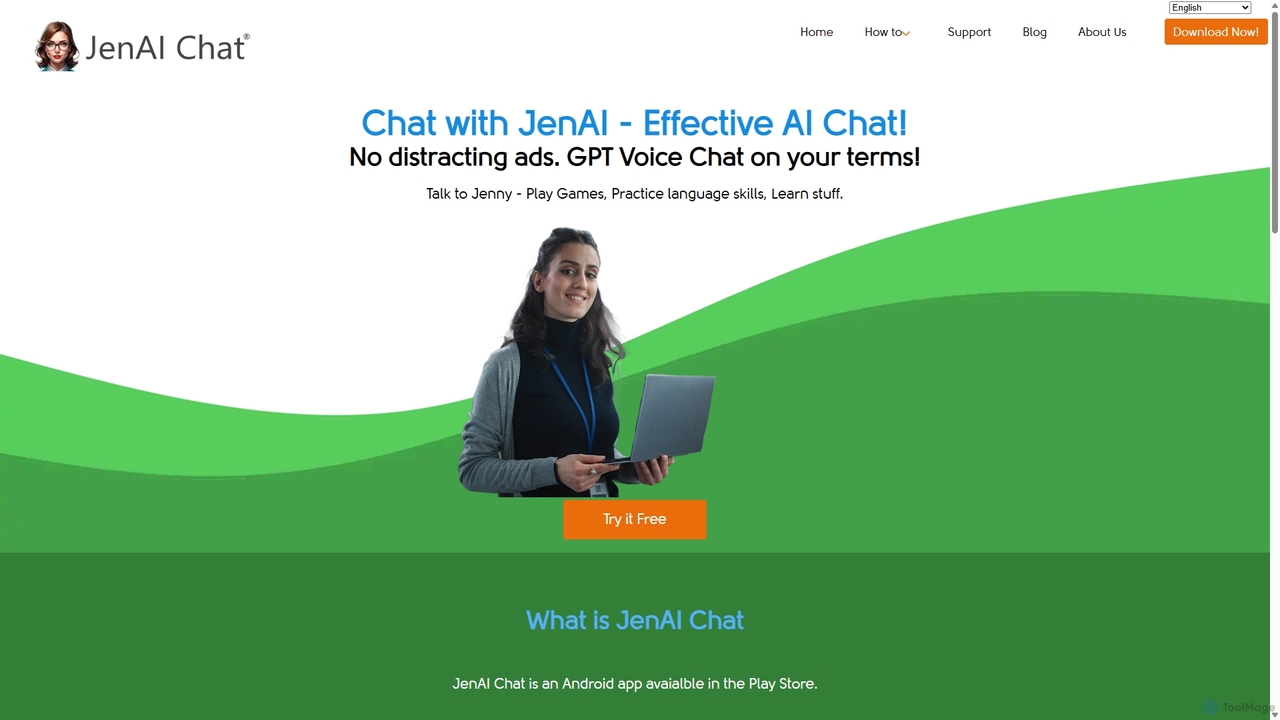
JenAI Chat is a powerful, ad-free AI chat application for Android. It provides access to leading AI models like GPT-4o, GPT-4, and Google Gemini Pro. Featuring intuitive voice chat, a pay-as-you-go credit system (no subscriptions), and customizable commands, it's a flexible and affordable tool for productivity, learning, and entertainment on the go.

Language Learning
Visits 5.4KFavorites 157Likes 147
HoneyDo
Freemium

HoneyDo

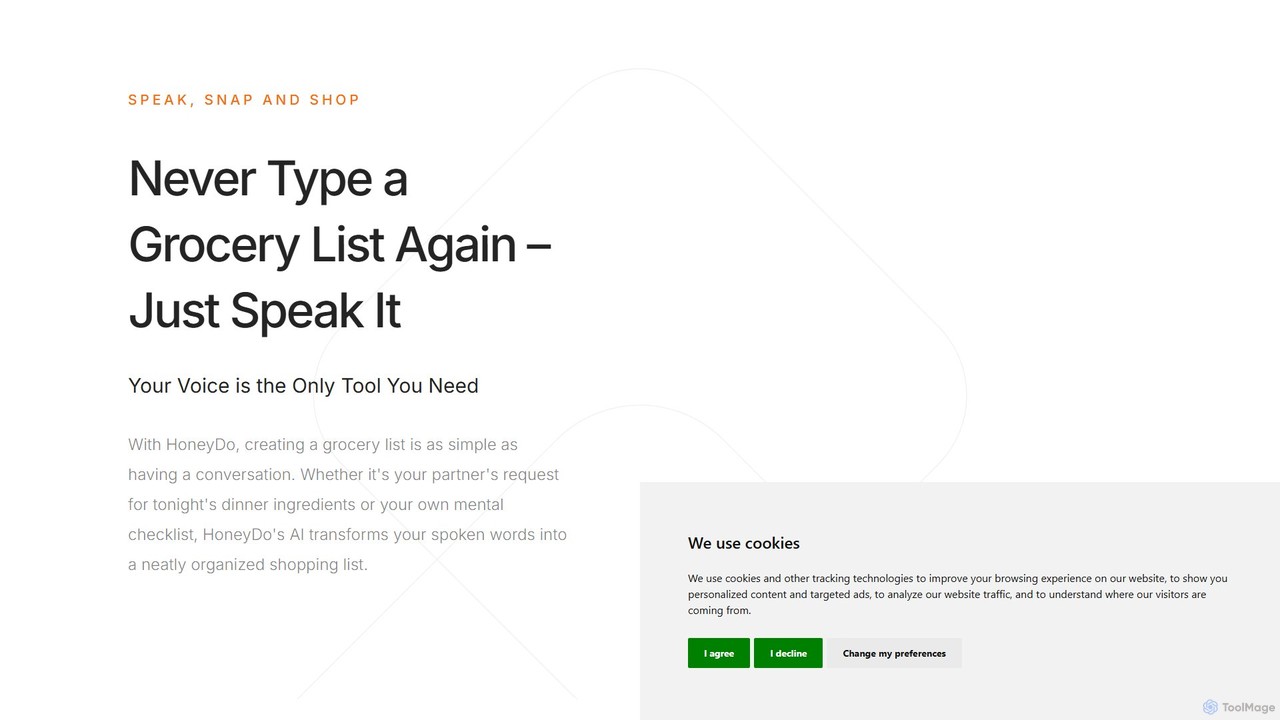
HoneyDo is an AI-powered grocery list app that transforms your spoken words and photos into organized, shareable shopping lists. Designed for families and individuals, it simplifies shopping by eliminating manual typing, reducing miscommunication, and syncing lists instantly across devices via iCloud.

Shopping
Visits 5.2KFavorites 144Likes 147
Harmony
Freemium

Harmony

Harmony is an AI-powered email voice assistant that lets you manage your inbox hands-free. It reads your emails aloud and allows you to reply, delete, archive, and organize them using simple voice commands, perfect for when you're driving, exercising, or doing chores. Achieve Inbox Zero without ever looking at your screen.

Ios Apps
Visits 5.4KFavorites 146Likes 127

About Voice Assistant

Voice Assistants are AI-powered tools that interpret spoken commands and respond with relevant information or actions. Leveraging advanced speech recognition and natural language processing, these assistants enable hands-free interaction with technology. They enhance productivity and convenience by automating tasks, controlling smart devices, and providing instant access to information across various platforms.

Core Features

  • Speech Recognition & NLU: Accurately converts spoken language into text and understands user intent.
  • Task Automation: Executes commands for setting alarms, sending messages, playing music, or managing calendars.
  • Smart Device Control: Integrates with smart home ecosystems to control lights, thermostats, and other connected devices.
  • Information Retrieval: Provides quick answers to questions, weather updates, news briefings, and real-time data.
  • Personalization: Learns user preferences and habits to offer tailored recommendations and experiences.

Applicable Scenarios

In smart homes, voice assistants manage lighting, thermostats, and entertainment systems, creating an integrated living experience. For professionals, they streamline daily tasks like scheduling meetings, dictating notes, and managing emails, boosting hands-free productivity. They also serve as accessibility tools, enabling individuals with mobility challenges to interact with technology effortlessly.

How to Choose

When selecting a voice assistant, consider its accuracy in understanding diverse accents and commands, and its integration capabilities with your existing devices and apps. Evaluate the range of supported languages and the level of personalization offered. Data privacy policies and the assistant's ability to handle complex, multi-turn conversations are also crucial factors for a seamless and secure user experience.

Voice Assistant use cases

1

Hands-Free Smart Home Management

Homeowners can use voice assistants to effortlessly control their smart home ecosystem. By simply speaking commands, they can adjust lighting, change thermostat settings, lock doors, or play music across different rooms. This eliminates the need to manually interact with multiple apps or switches, providing convenience and enhancing accessibility for all family members, including those with limited mobility.

2

Personal Productivity & Task Automation

Busy professionals and individuals leverage voice assistants to manage their daily schedules and tasks. Users can dictate emails, set reminders, schedule appointments, or add items to a shopping list using voice commands. This hands-free approach allows for multitasking, such as organizing a day while commuting or cooking, significantly boosting personal efficiency and reducing screen time.

3

Real-Time Information Access

Students, researchers, and curious individuals utilize voice assistants for instant access to information. By asking questions, users can get quick facts, weather forecasts, news updates, sports scores, or even recipe instructions without typing. This immediate retrieval of knowledge supports learning, decision-making, and staying informed, making information readily available at any moment.

4

Enhanced Accessibility for Users with Disabilities

Voice assistants provide invaluable support for individuals with visual impairments, motor disabilities, or other accessibility needs. They enable users to operate computers, smartphones, and smart home devices through spoken commands, overcoming physical barriers. This technology empowers them to communicate, access entertainment, and manage their environment independently, fostering greater inclusion.

5

In-Car Navigation & Entertainment Control

Drivers can safely manage navigation, communication, and entertainment systems using voice assistants integrated into their vehicles. Commands like 'Navigate home,' 'Call Sarah,' or 'Play my driving playlist' allow drivers to keep their hands on the wheel and eyes on the road. This significantly enhances road safety by minimizing distractions and providing a seamless, intuitive in-car experience.

6

Customer Service & Support Automation

Businesses deploy voice assistants in customer service roles to handle routine inquiries and provide instant support. These AI agents can answer FAQs, guide users through troubleshooting steps, or direct them to the right department, reducing wait times and improving customer satisfaction. This frees up human agents to focus on more complex issues, optimizing operational efficiency.

Voice Assistant FAQ

What are Voice Assistants?

Voice Assistants are AI-powered software programs that understand and respond to human voice commands. They utilize speech recognition to convert spoken words into text and natural language processing to interpret user intent. Their primary function is to perform tasks, provide information, or control devices based on verbal instructions, offering a hands-free and intuitive way to interact with technology.

How do Voice Assistants work?

Voice Assistants typically work in several stages: first, they use Automatic Speech Recognition (ASR) to convert your spoken words into text. Next, Natural Language Understanding (NLU) processes this text to decipher your intent and extract key information. Finally, the assistant executes the requested action or generates a response, often using Text-to-Speech (TTS) to vocalize the answer back to you. This entire process happens in milliseconds.

What is the difference between a Voice Assistant and a Chatbot?

While both are conversational AI, the primary difference lies in their interface. A Voice Assistant primarily interacts through spoken language, often integrated into smart speakers, phones, or cars, focusing on hands-free control and real-time audio responses. A Chatbot typically interacts via text-based interfaces on websites or messaging apps. Voice assistants are designed for auditory interaction, whereas chatbots excel in written communication, though some modern chatbots also incorporate voice capabilities.

What are the key features to look for in a Voice Assistant?

When choosing a voice assistant, consider its accuracy in speech recognition across different accents and environments. Look for robust natural language understanding to handle complex queries and multi-turn conversations. Integration capabilities with your smart devices and preferred apps are crucial. Also, evaluate its personalization features, data privacy policies, and the breadth of supported languages to ensure it meets your specific needs and preferences.

Can Voice Assistants improve productivity?

Yes, Voice Assistants can significantly boost productivity by automating routine tasks and providing instant information. Users can quickly set reminders, schedule meetings, send messages, or dictate notes without interrupting their workflow or needing to type. This hands-free operation allows for efficient multitasking, such as managing your calendar while driving or preparing a meal, freeing up time and mental effort for more complex tasks.