

SaneBox Overview
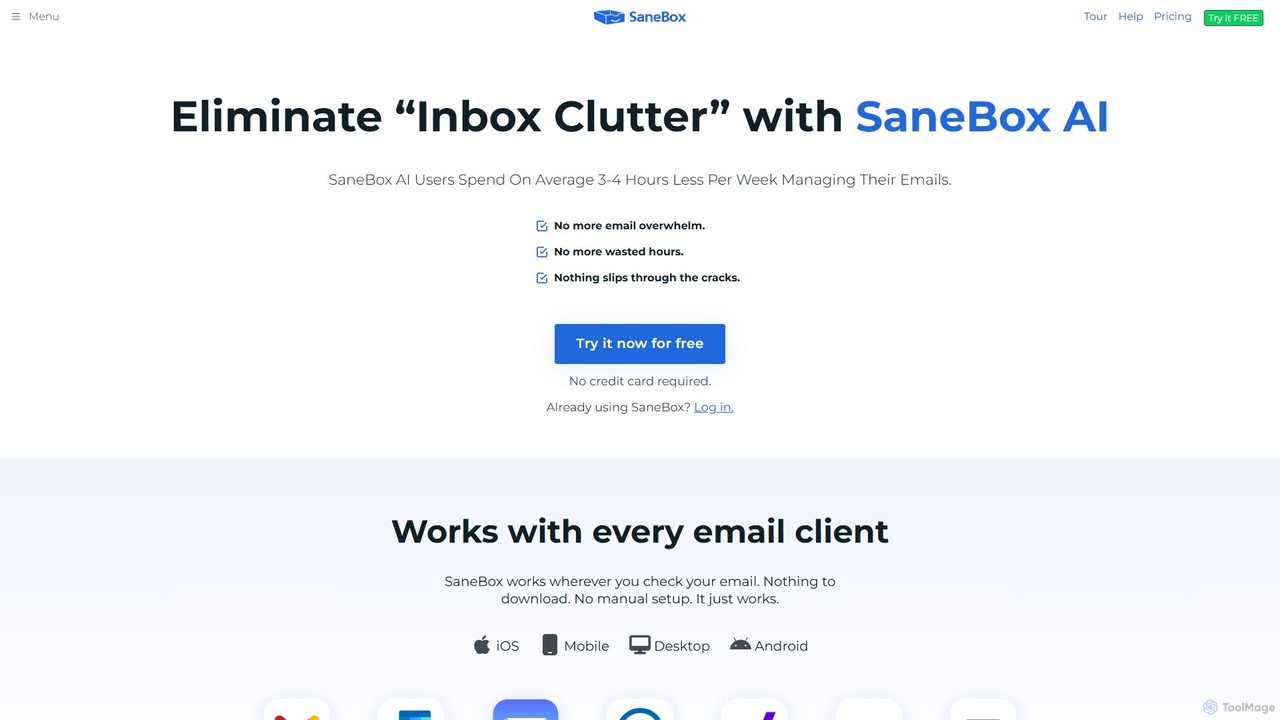
SaneBox is an intelligent email management service designed to combat email overload and restore sanity to your inbox. Leveraging sophisticated AI algorithms and machine learning, SaneBox analyzes your past email behavior to understand what's important to you. It automatically sorts incoming emails into designated folders, ensuring your main inbox only contains messages that truly require your attention. This process saves the average user 3-4 hours per week, freeing up valuable time for more critical tasks. The service works seamlessly with any email provider, including Gmail, Microsoft 365, and iCloud, and across all devices without requiring any software installation.
How to use SaneBox
Getting started with SaneBox is designed to be effortless. There are no downloads or complex configurations.
1. Visit the SaneBox website and sign up for the 14-day free trial using your existing email address. No credit card is required.
2. Securely connect your email account using OAuth. SaneBox will then begin analyzing your email headers (not the body content, ensuring privacy) to understand your communication patterns.
3. Within minutes, SaneBox creates new folders in your email account, such as @SaneLater, @SaneNews, and @SaneBlackHole. It will automatically start filtering unimportant emails, newsletters, and spam into these folders.
4. You can train the AI by simply moving an email from one folder to another. For example, if an important email lands in @SaneLater, moving it to your Inbox teaches SaneBox to prioritize similar messages in the future.
5. Use the SaneBox dashboard to manage features like Reminders, Snoozing, and to review your Daily Digest, which summarizes the non-urgent emails processed that day.
Core Features of SaneBox
- AI-Powered Filtering (@SaneLater): Automatically moves unimportant emails from your inbox to a separate folder, allowing you to process them in bulk at your convenience.
- SaneBlackHole: Unsubscribe from annoying mailing lists and unwanted senders with a single click. Simply drag an email into this folder, and you'll never hear from that sender again.
- Follow-up Reminders (@SaneReminders): Get reminded if someone doesn't reply to your email by a specific time. You can also set reminders for your future self for tasks and follow-ups.
- Email Snoozing (@SaneSnooze): Temporarily remove an email from your inbox and have it reappear at a more convenient time, like the next morning or next week.
- Daily Digest: Receive a daily summary of all the unimportant emails that SaneBox has filtered. This allows you to quickly scan for anything you might have missed without cluttering your inbox.
- Distraction-Free Mode (@SaneDoNotDisturb): Pause the flow of new emails to your inbox for a set period, allowing you to focus without interruptions.
- Attachment Management: Automatically sends email attachments to your preferred cloud storage service like Dropbox or Google Drive, freeing up space and organizing files.
- SaneScreener: Filters emails from first-time senders into a separate folder, letting you decide whether to allow them into your inbox or not.
Use Cases for SaneBox
SaneBox is ideal for anyone feeling overwhelmed by their email volume.
Busy Professionals and Executives: Managers and executives who receive hundreds of emails daily can use SaneBox to prioritize communications from their team, clients, and stakeholders, ensuring they don't miss critical messages while ignoring promotional clutter.
Sales Teams and Entrepreneurs: For those who rely on timely follow-ups, SaneReminders is a game-changer. It ensures no lead or opportunity slips through the cracks due to a missed reply.
Small Business Owners: By automating email organization and unsubscribing from junk, owners can save hours each week, allowing them to focus on growing their business instead of managing their inbox.
Academic and Non-Profit Staff: With a 25% discount, SaneBox is an affordable way for users in these sectors to manage high volumes of internal communications, newsletters, and external correspondence efficiently.
Advantages of SaneBox
The primary advantage of SaneBox is the significant time savings and reduction in stress. It brings order to chaotic inboxes, boosts productivity by minimizing distractions, and ensures important tasks are not forgotten. Its universal compatibility means it works with your existing email setup without any changes. Furthermore, SaneBox is built with a strong commitment to security and privacy. It never reads the body of your emails, is independently audited for security, and uses secure OAuth for account access, which can be revoked at any time.
Pricing and Plans
SaneBox offers a 14-day free trial with access to all features. After the trial, you can choose from several paid plans.
- Snack Plan: Starting at $4.13/month (paid bi-yearly), this plan is for basic email sanity. It includes 1 email account and 2 SaneBox features.
- Lunch Plan (Most Popular): Starting at $7.04/month (paid bi-yearly), this plan includes 2 email accounts and 6 SaneBox features per account.
- Dinner Plan: Starting at $20.79/month (paid bi-yearly), this plan is for power users. It includes 4 email accounts and all SaneBox features.
Annual and monthly billing options are also available. SaneBox offers a 25% discount for educational, non-profit, and government agencies. Custom plans for businesses and users needing more than 4 accounts are also available upon request.
Traffic
Latest traffic
Status
Monthly traffic trend
- 2025-9: 155.4K
- 2026-1: 142.7K
- 2026-2: 122.3K
- 2026-3: 145.2K
- 2026-4: 103.7K
- 2026-5: 124.0K
Geography
Top 5 countries / regions
- 🇺🇸United States80.0%
- 🇩🇪Germany7.3%
- 🇨🇦Canada6.3%
- 🇻🇳Vietnam3.9%
- 🇮🇳India2.6%
Traffic sources
| Source type | Percentage |
|---|---|
Direct | 66.1% |
Email | 27.9% |
Referral | 6.0% |
Top keywords
| Keyword | Cost per click |
|---|---|
| saneboix | $0.00 |
| sanebox | $4.91 |
| sanebox discounts government | $0.00 |
| sanebox email | $0.00 |
| what is sanebox | $0.00 |
SaneBox Videos on YouTube


SaneBox




MacStories

Tasia Custode

SaneBox Alternatives
Forage Mail
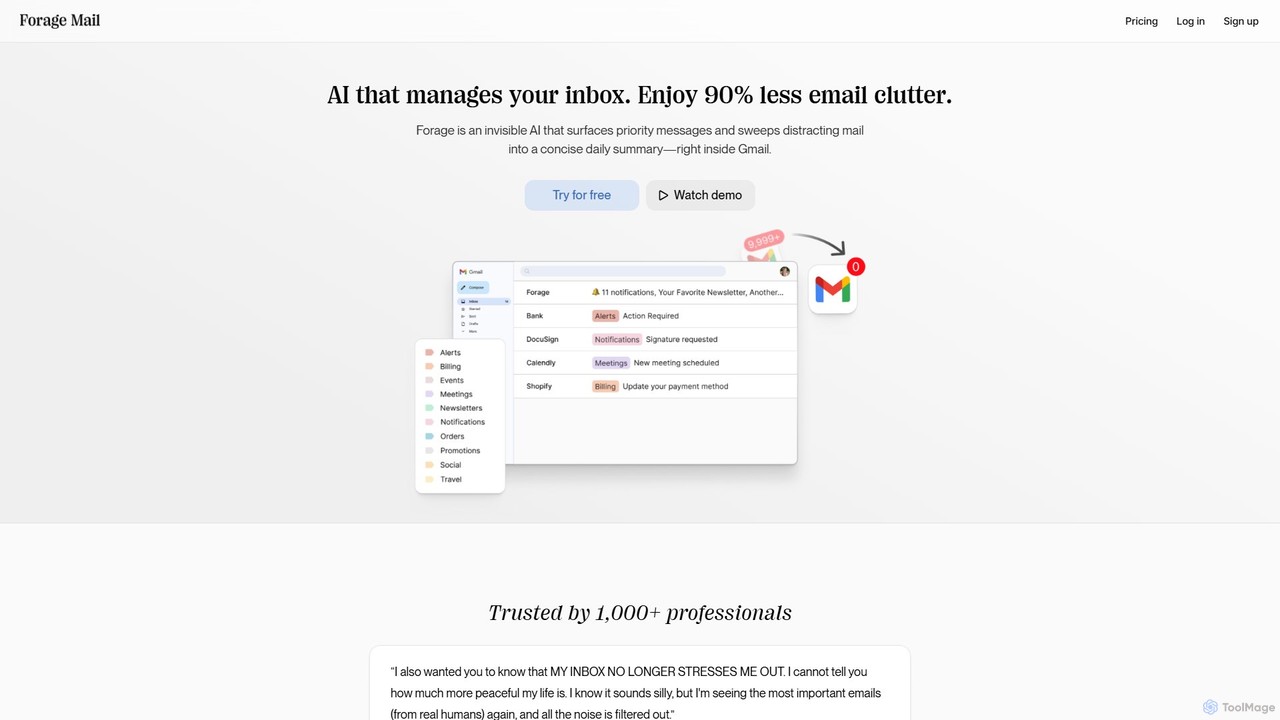
Forage Mail is an AI-powered email management tool for Gmail that ends inbox overwhelm. It intelligently filters emails, surfaces priority messages, and consolidates non-essential mail like newsletters and promotions into a single, concise daily summary, helping you save hours and reduce stress.
Inbox Management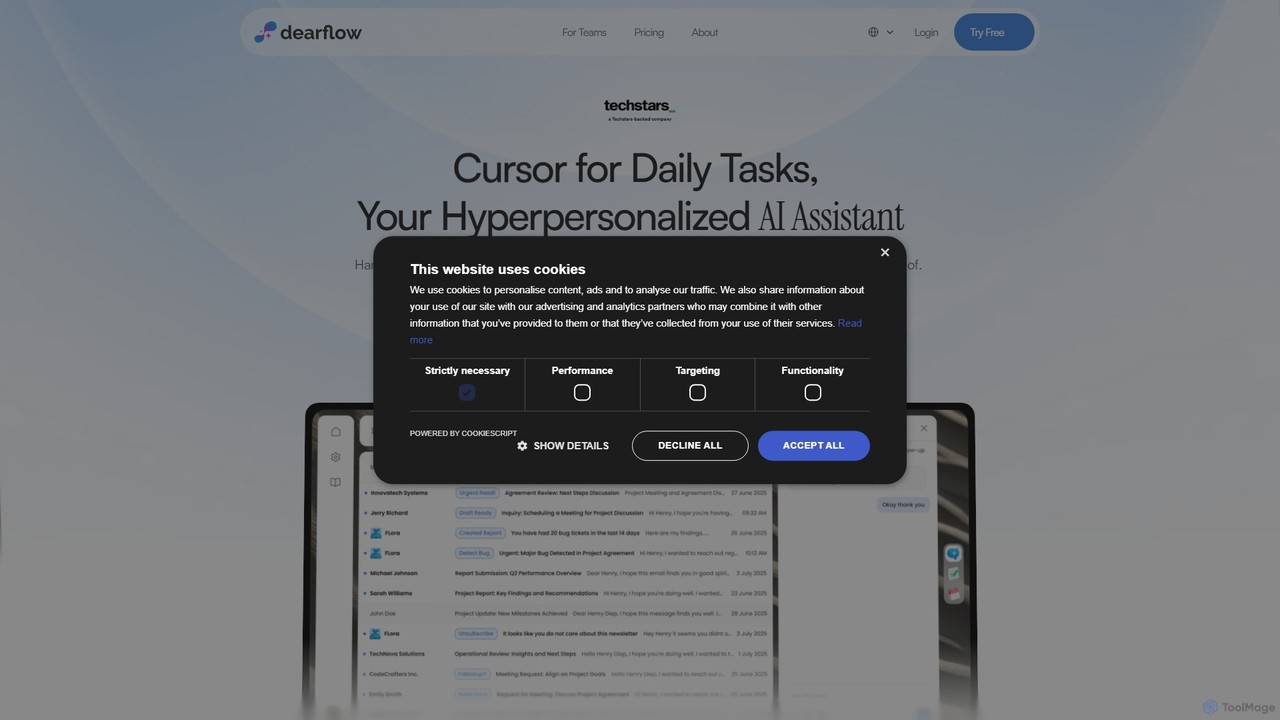
DearFlow
DearFlow is a hyper-personalized AI administrative assistant named Flora that proactively manages your daily chaos. It handles emails, calendars, tasks, and content creation by learning your unique work style, communication tone, and priorities. It aims to save you an hour every day, allowing you to focus on what truly matters.
Workflow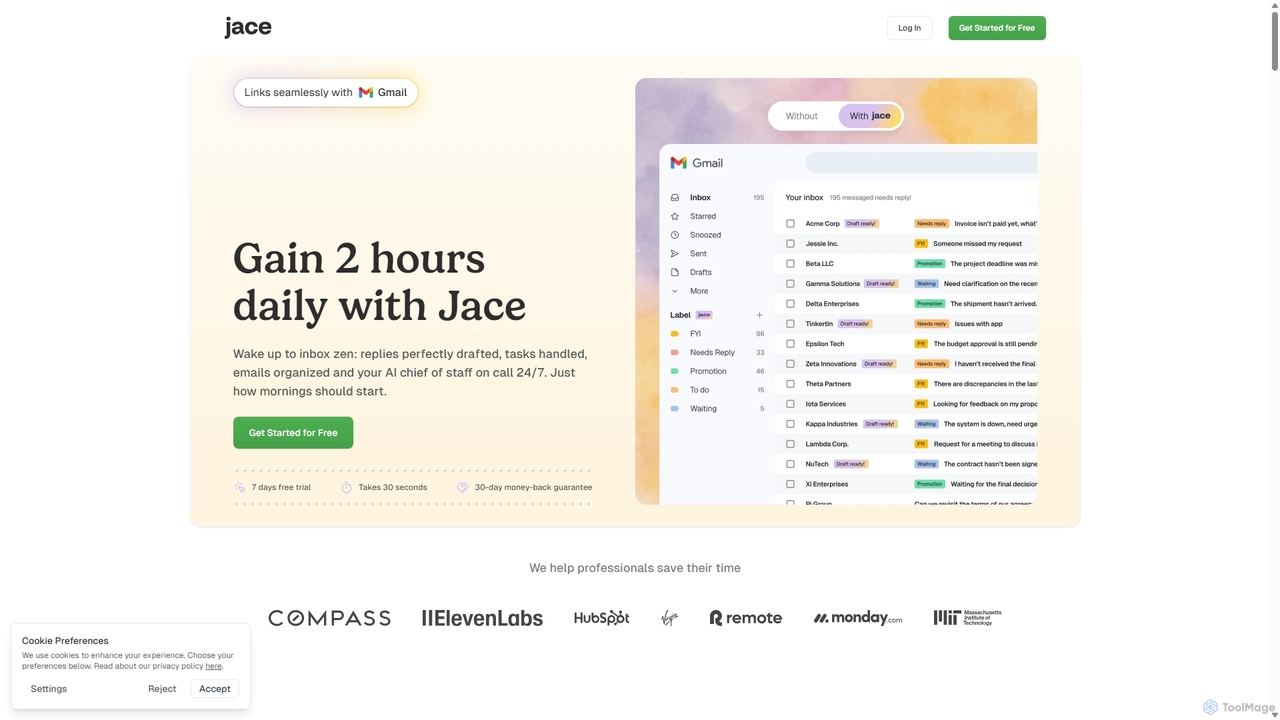
Jace AI
Jace AI is an intelligent 24/7 email assistant that automates your inbox. It seamlessly integrates with Gmail to draft replies, organize emails with AI labels, and handle tasks automatically. By analyzing context from attachments, calendars, and Slack, Jace saves professionals hours daily, allowing them to focus on what truly matters.
Workflow Management
VoxNote
VoxNote is an AI-powered mobile app that transforms your phone calls into concise summaries and actionable to-do lists. It automatically records, transcribes, and analyzes your conversations, ensuring you never miss important details or follow-ups. Ideal for busy professionals who want to focus on the conversation, not on taking notes.
Communication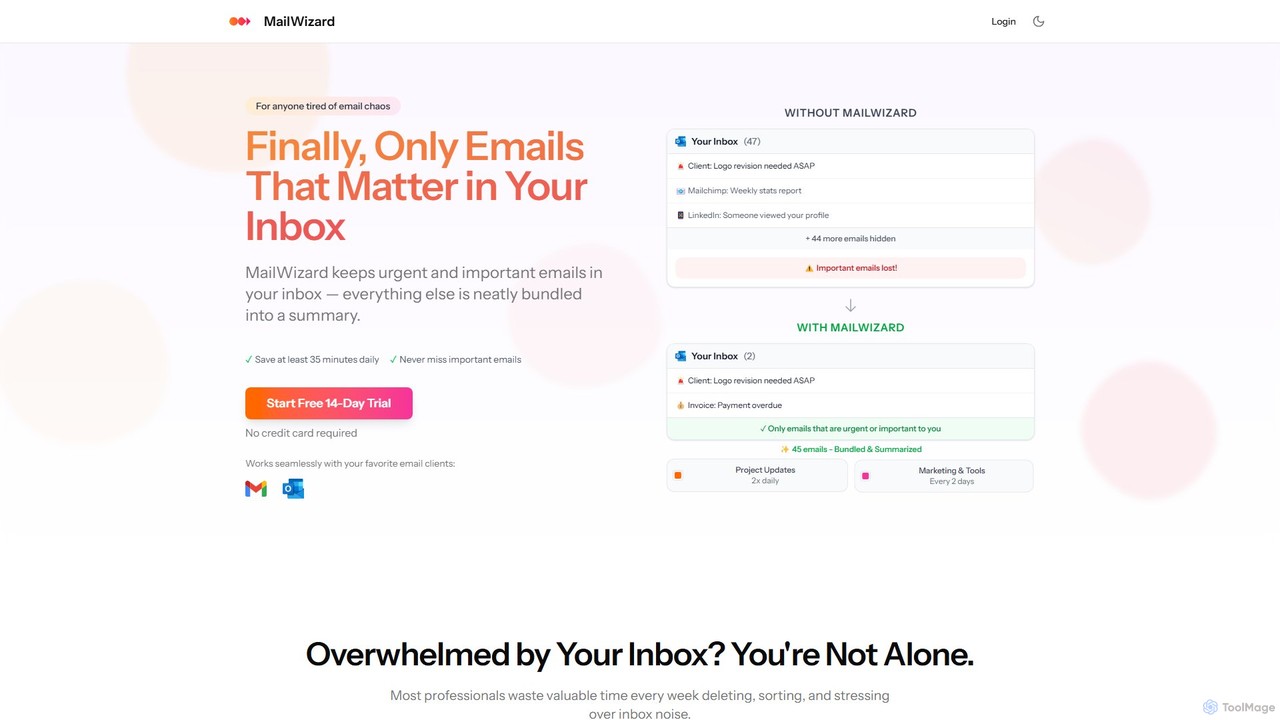
MailWizard
MailWizard is an AI-powered email assistant that transforms your inbox experience. It intelligently filters out noise, bundles non-urgent emails into smart summaries, and ensures you only see what truly matters. Save time, reduce stress, and reclaim your focus with automated workflows and AI-generated digests, including audio versions for on-the-go updates.
Workflow ManagementSaneBox Categories
SaneBox Embed Widget
Copy this embed code to place the badge on your blog, article, or product site and send readers directly to this ToolMage detail page.

Related AI tools
Forage Mail
Forage Mail is an AI-powered email management tool for Gmail that ends inbox overwhelm. It intelligently filters emails, surfaces priority messages, and consolidates non-essential mail like newsletters and promotions into a single, concise daily summary, helping you save hours and reduce stress.
Inbox Management
Inbox Zero
Inbox Zero is an AI-powered email organizer designed to help you clean and manage your inbox effortlessly. It intelligently sorts emails, deletes spam, and facilitates one-click unsubscribing from newsletters, allowing you to achieve a clean, organized inbox in seconds. With a strong focus on security and user privacy, it's the ultimate tool for boosting email productivity for both individuals and businesses.
Email Management
Ping
Ping is an AI-powered email management tool designed to combat inbox overload. It intelligently filters your emails, prioritizes important messages, and learns from your behavior to create a calmer, more focused inbox. Stop missing critical emails and reduce stress with smart, automated organization for your Gmail account.
Inbox Assistant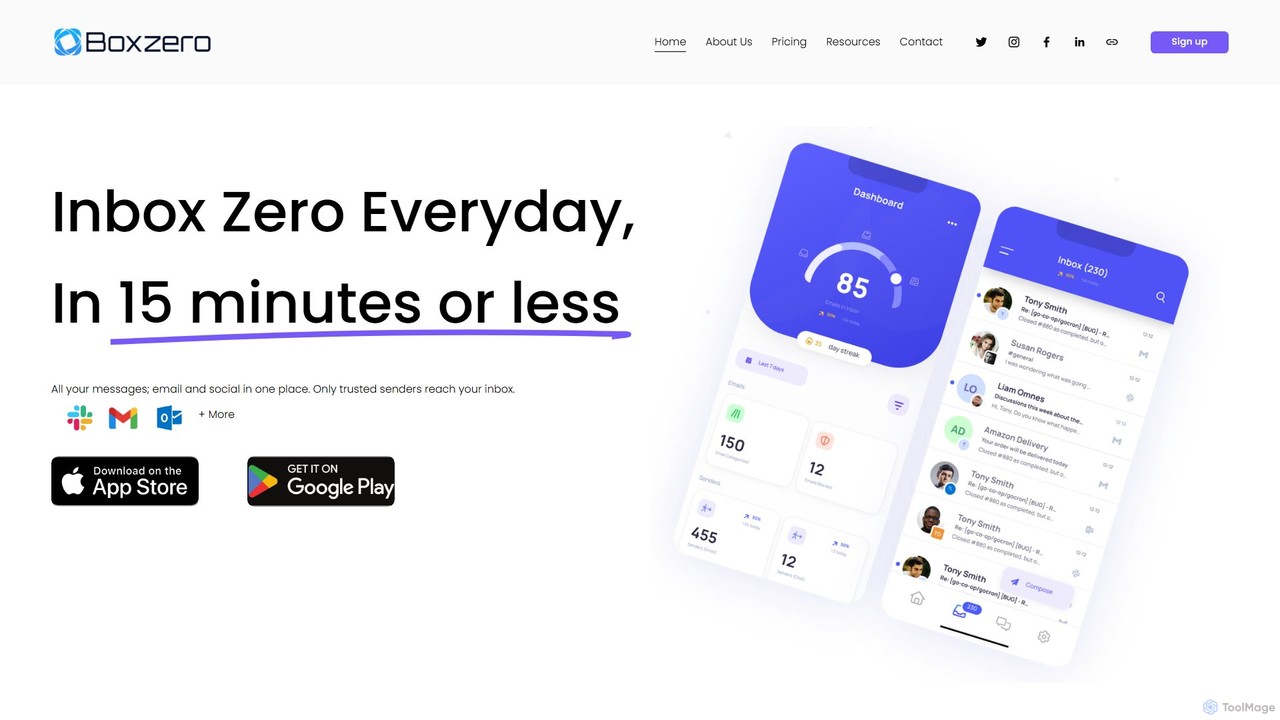
Boxzero
Boxzero is an AI-powered unified inbox that helps you achieve 'Inbox Zero' in 15 minutes or less daily. It consolidates all your emails (Gmail, Outlook) and social messages (Slack) into one place, using smart filtering to only show messages from trusted senders. An AI assistant generates smart replies, saving you hours of work and reducing communication overload.
Personal AssistantMailWizard
MailWizard is an AI-powered email assistant that transforms your inbox experience. It intelligently filters out noise, bundles non-urgent emails into smart summaries, and ensures you only see what truly matters. Save time, reduce stress, and reclaim your focus with automated workflows and AI-generated digests, including audio versions for on-the-go updates.
Workflow Management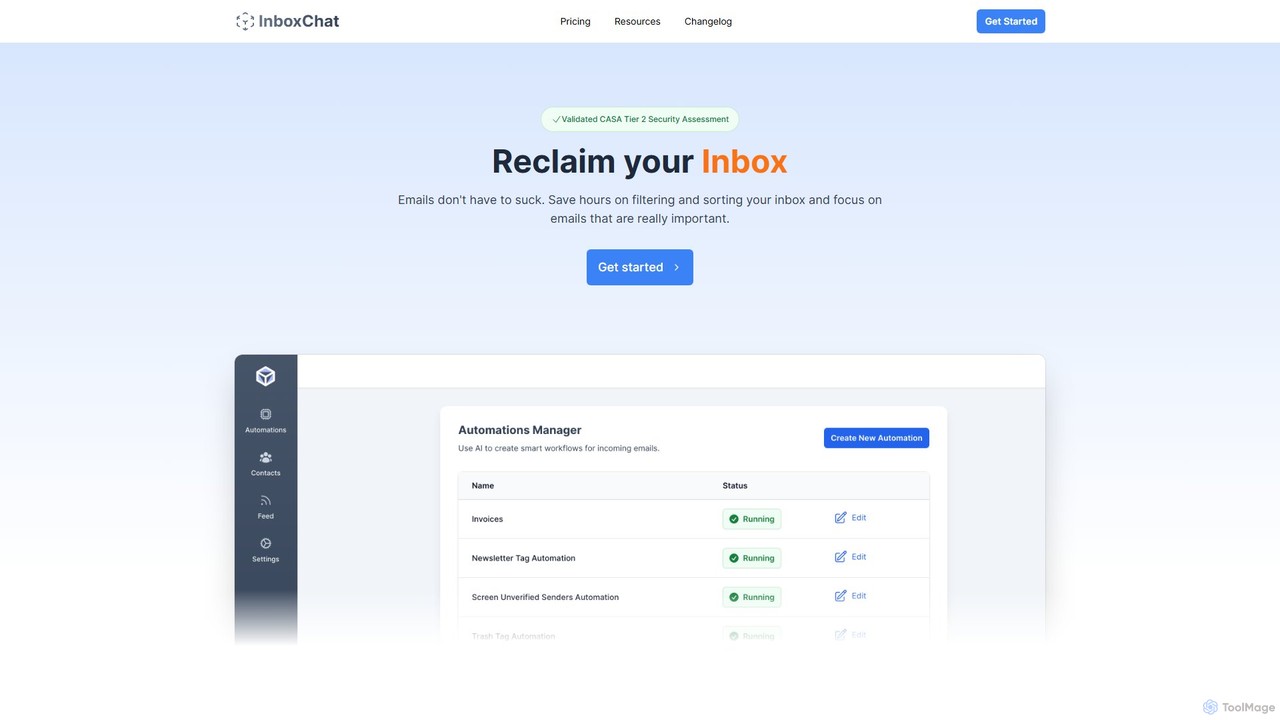
InboxChat
InboxChat is an AI-powered assistant that transforms your Gmail inbox management. Use natural language to search, summarize, and draft emails, saving you hours each week. It offers top-tier security, ensuring your data is always private and protected.
Search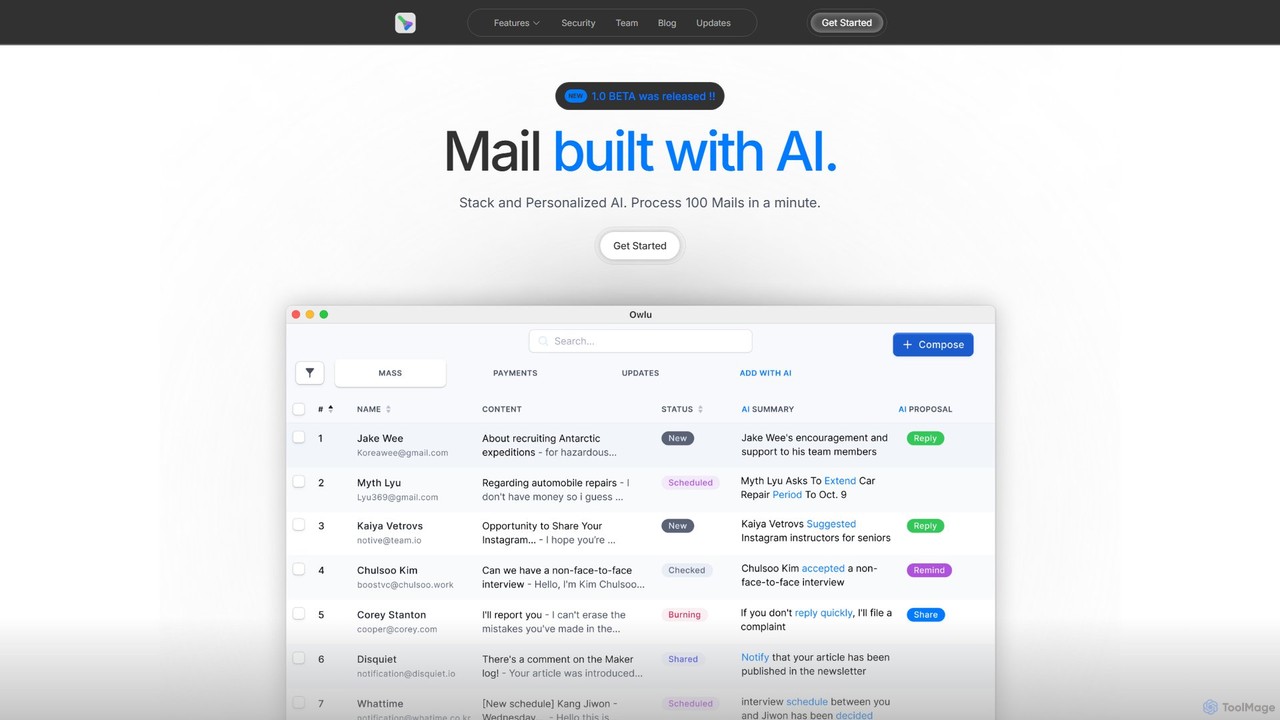
OwlU
OwlU is an AI-powered email client for Mac OS designed to revolutionize your inbox. It intelligently summarizes, suggests replies, and automates tasks, allowing you to process hundreds of emails in minutes. With a personalized AI and a unified dashboard, OwlU helps you achieve unprecedented email productivity.
Personal
Harmony
Harmony is an AI-powered email voice assistant that lets you manage your inbox hands-free. It reads your emails aloud and allows you to reply, delete, archive, and organize them using simple voice commands, perfect for when you're driving, exercising, or doing chores. Achieve Inbox Zero without ever looking at your screen.
Ios Apps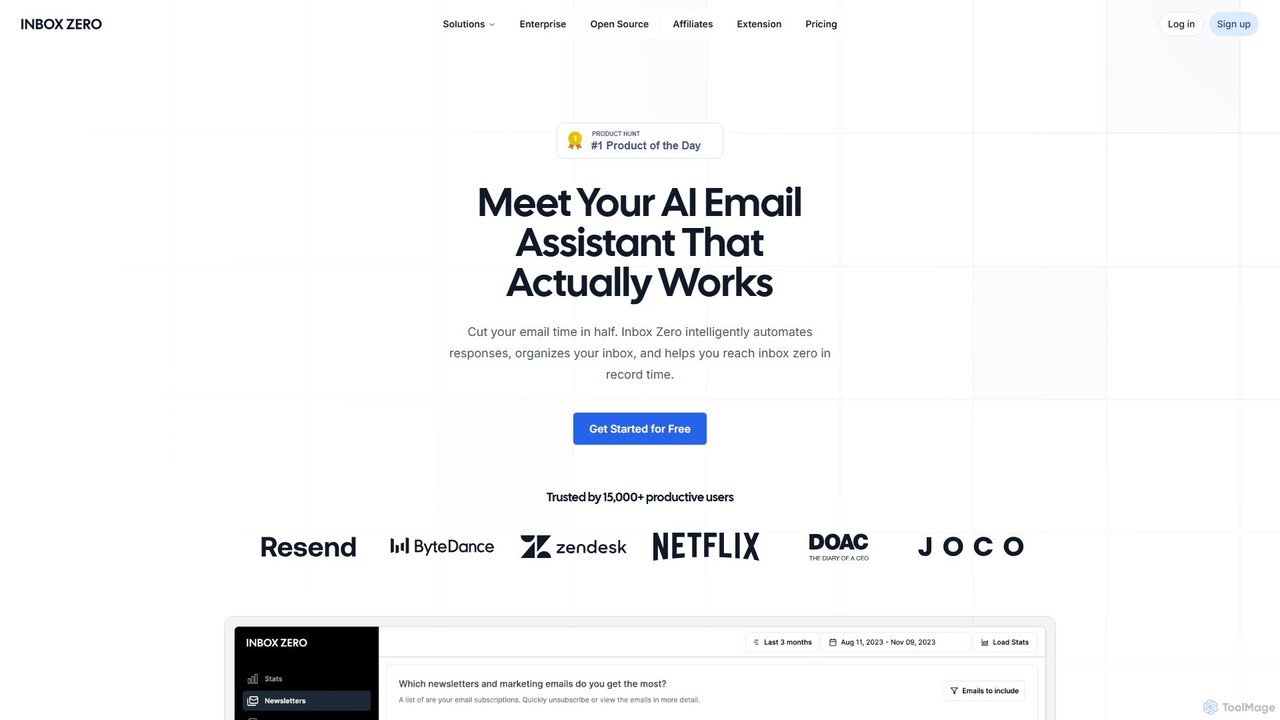
getinboxzero
getinboxzero is an AI-powered email assistant designed to help you achieve Inbox Zero. It intelligently automates responses, organizes your inbox, blocks cold emails, and bulk unsubscribes from newsletters. By handling repetitive email tasks, it cuts your email time in half and boosts productivity for individuals and support teams.
Personal Assistant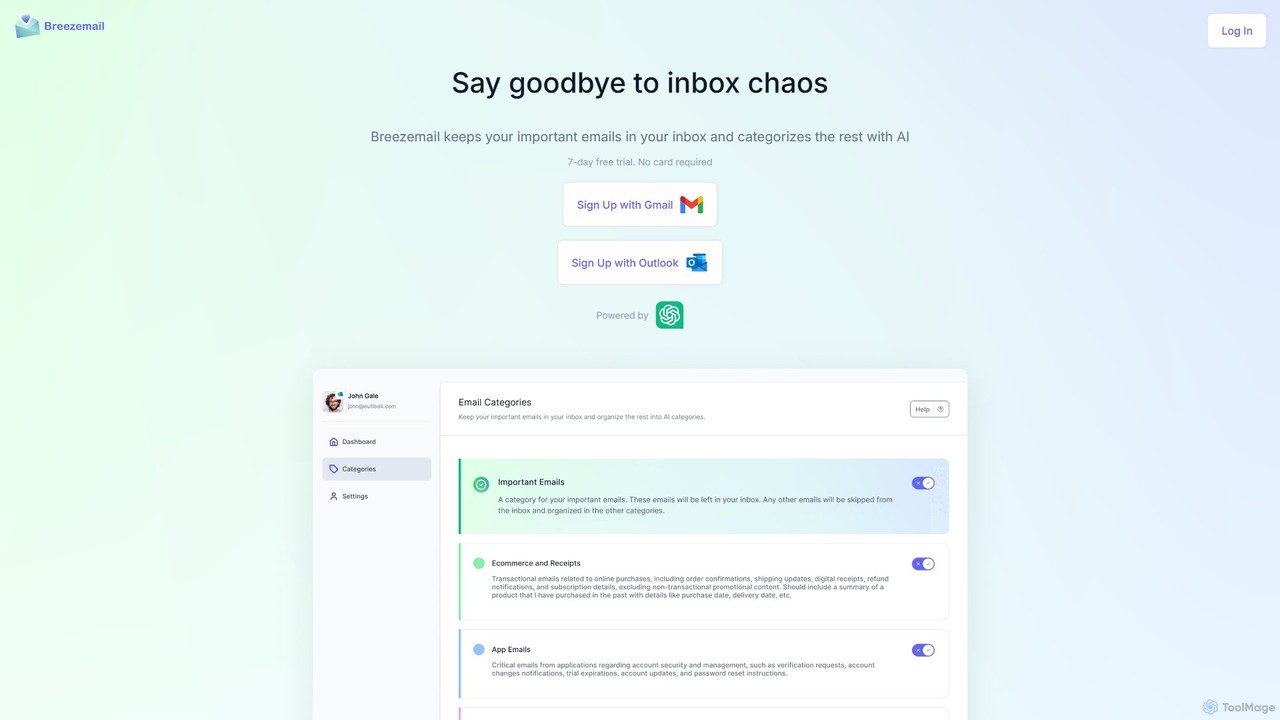
Breezemail
Breezemail is an AI-powered email organizer that automatically categorizes your emails in Gmail and Outlook. By creating custom, intelligent labels, it filters out newsletters and clutter, helping you focus on important conversations and achieve inbox zero effortlessly. Reclaim your productivity and enjoy a clean, organized inbox.
Workflow AutomationDearFlow
DearFlow is a hyper-personalized AI administrative assistant named Flora that proactively manages your daily chaos. It handles emails, calendars, tasks, and content creation by learning your unique work style, communication tone, and priorities. It aims to save you an hour every day, allowing you to focus on what truly matters.
Workflow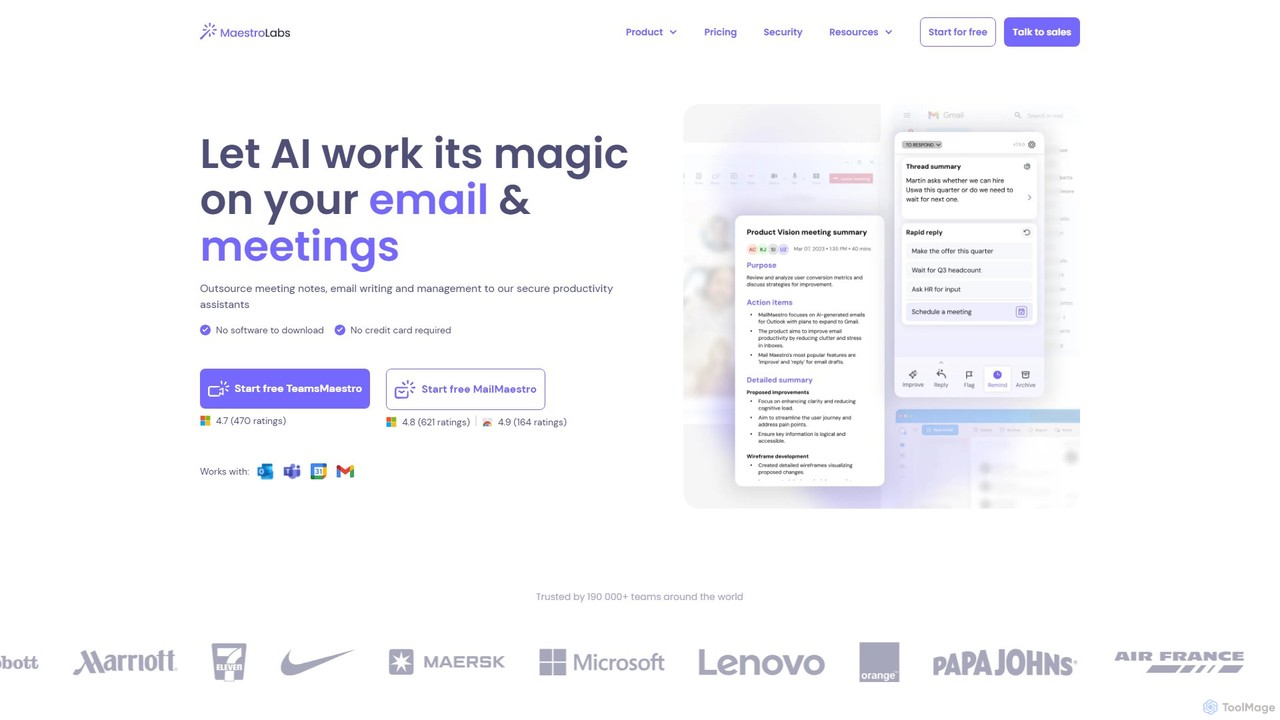
MailMaestro
MailMaestro is a secure AI productivity assistant for email and meetings. It integrates with Outlook, Gmail, and Teams to help you draft replies, summarize long threads, manage your inbox, and capture meeting action items. Save hours each week and enhance your communication with smart, multilingual support.
Meeting Assistant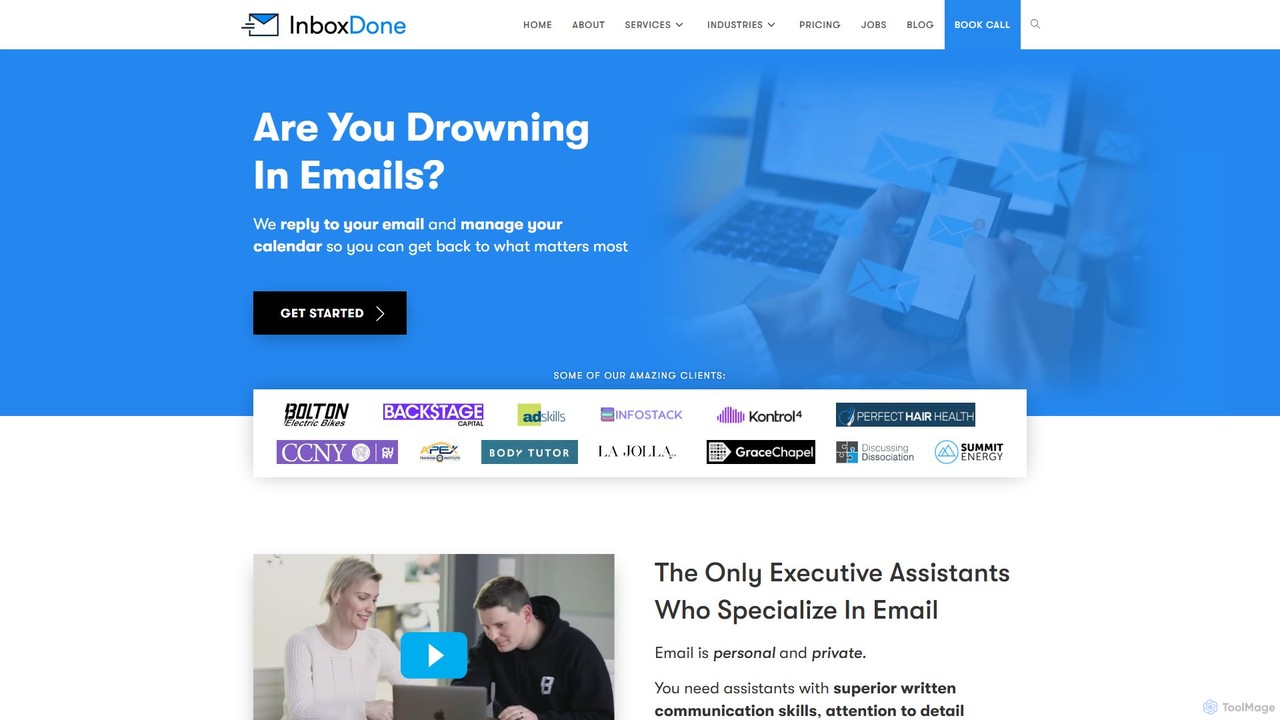
inboxdone
inboxdone is a premium executive assistant service specializing in email and administrative task management. It provides highly-vetted, North American-based human assistants who leverage AI as a co-pilot to achieve maximum efficiency. The service aims to save busy professionals over 20 hours per week by managing emails, calendars, social media, and more, allowing them to focus on core business growth.
Email Management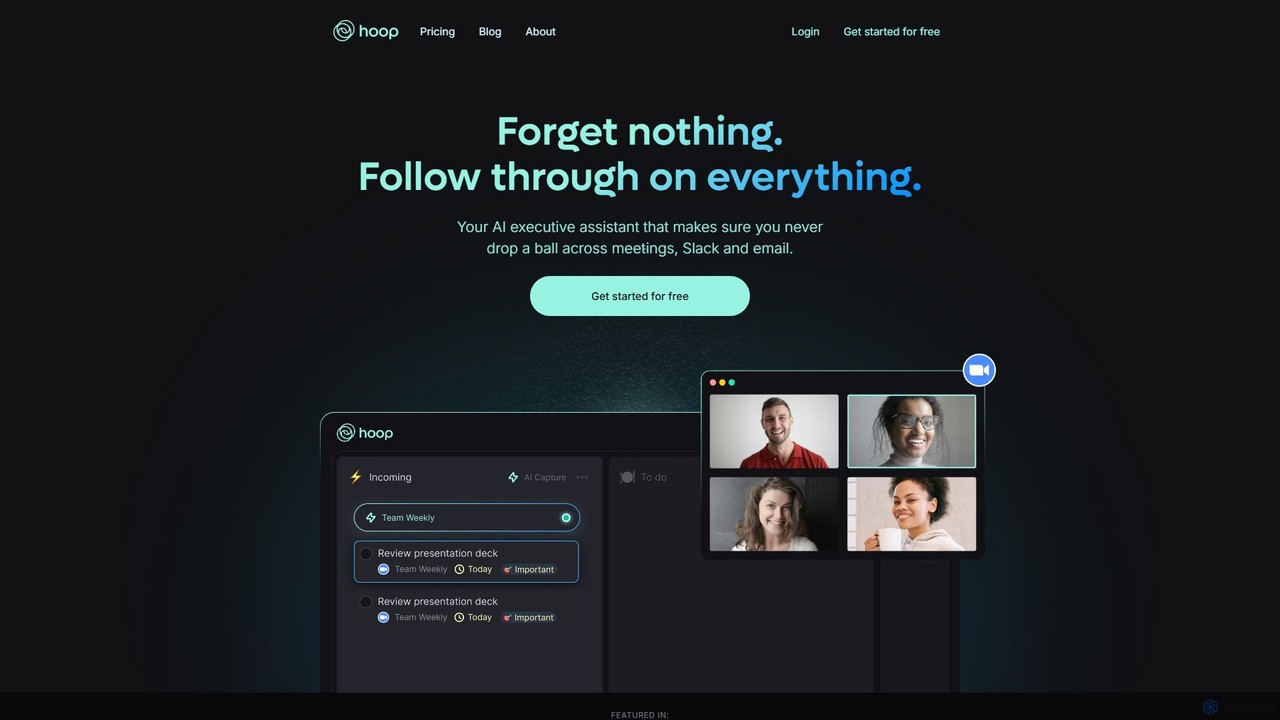
Hoop
Hoop is an AI executive assistant that automatically captures tasks from your meetings, Slack, and emails. It centralizes all your to-dos in one place, ensuring you never miss an important action item. It works seamlessly across platforms like Zoom, Meet, and Teams without intrusive bots.
Virtual Assistant
The Librarian
The Librarian is an AI personal assistant designed to supercharge your productivity. It integrates with Google Workspace (Gmail, Calendar, Drive) to automate tasks like drafting emails, summarizing conversations, scheduling meetings, and instantly finding documents. Accessible via Web, WhatsApp, and Slack, it helps you focus on what truly matters by streamlining your daily workflow.
Assistant
SaneBox Comments (0)
Sign in to comment.
Sign inNo comments yet.