ToolMage
Sign in

Best email organizer AI tools

Discover powerful email organizer AI tools, including SaneBox, Inboxie, Inbox Zero, Email Filter, and Breezemail, and other related products.

Email Filter
Freemium

Email Filter

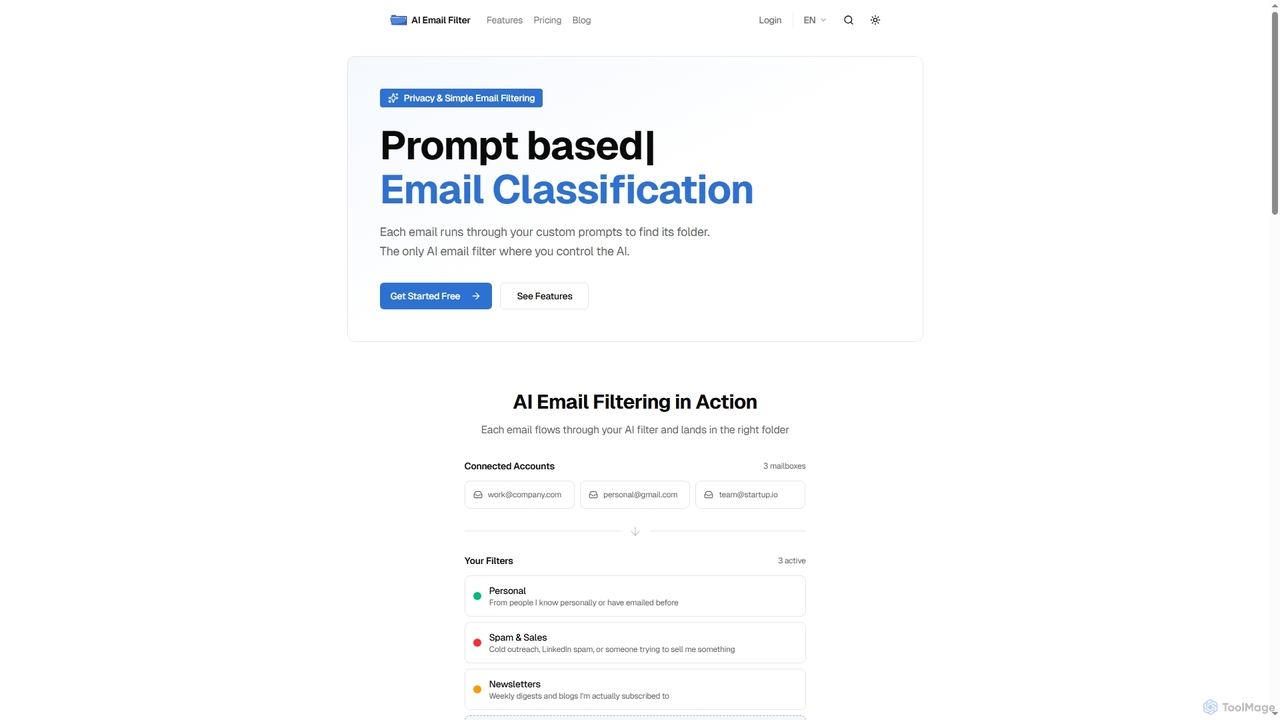
Email Filter is an AI-powered email management tool that uses custom, natural language prompts to automatically sort and organize your incoming emails. It connects to any IMAP/SMTP provider, processes emails directly on your server for enhanced privacy, and offers the flexibility to integrate your own Large Language Models. Streamline your inbox with intelligent, context-aware classification.

Email Automation
Visits 5.6KFavorites 14Likes 23
Inboxie

Inboxie

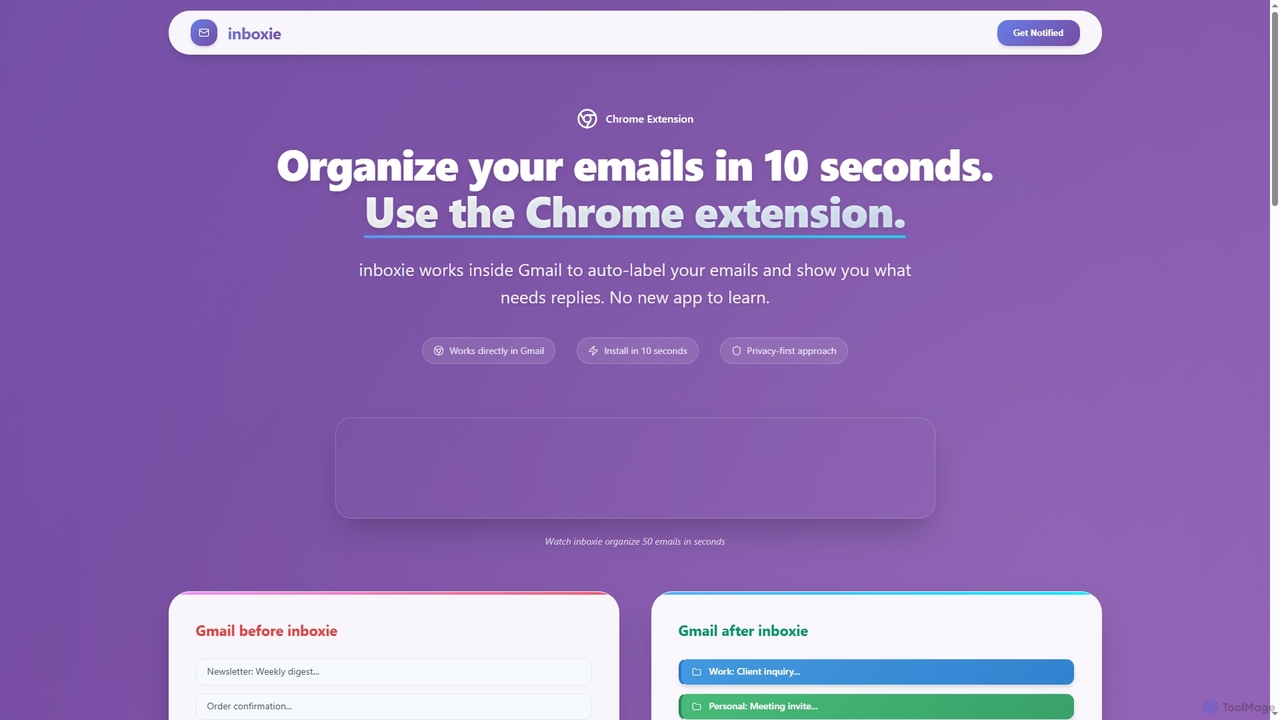
Inboxie is an AI-powered Chrome extension designed to organize your Gmail inbox efficiently. It automatically labels emails, highlights those requiring a response, and provides a smart inbox view, all within your existing Gmail interface. Streamline your email management and achieve inbox clarity in seconds.

Inbox Management
Visits 5.9KFavorites 132Likes 117
Inbox Zero
Freemium

Inbox Zero

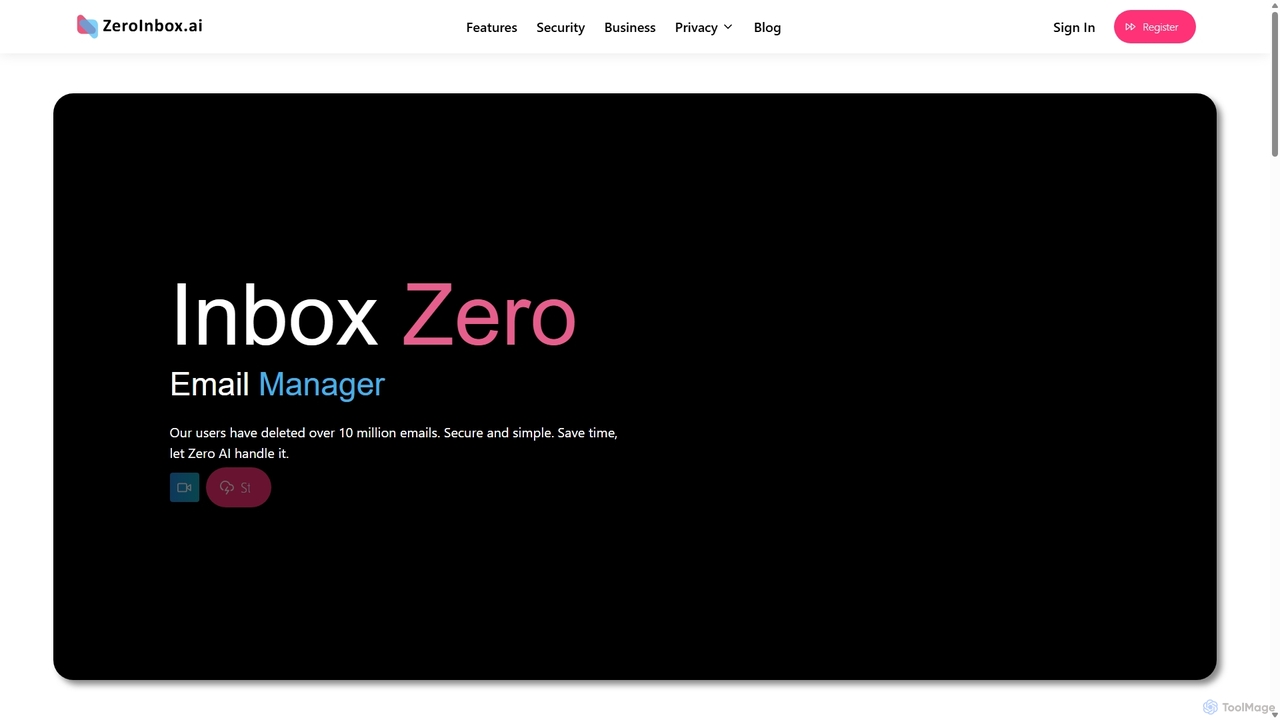
Inbox Zero is an AI-powered email organizer designed to help you clean and manage your inbox effortlessly. It intelligently sorts emails, deletes spam, and facilitates one-click unsubscribing from newsletters, allowing you to achieve a clean, organized inbox in seconds. With a strong focus on security and user privacy, it's the ultimate tool for boosting email productivity for both individuals and businesses.

Email Management
Visits 5.7KFavorites 127Likes 118
Breezemail
Freemium

Breezemail

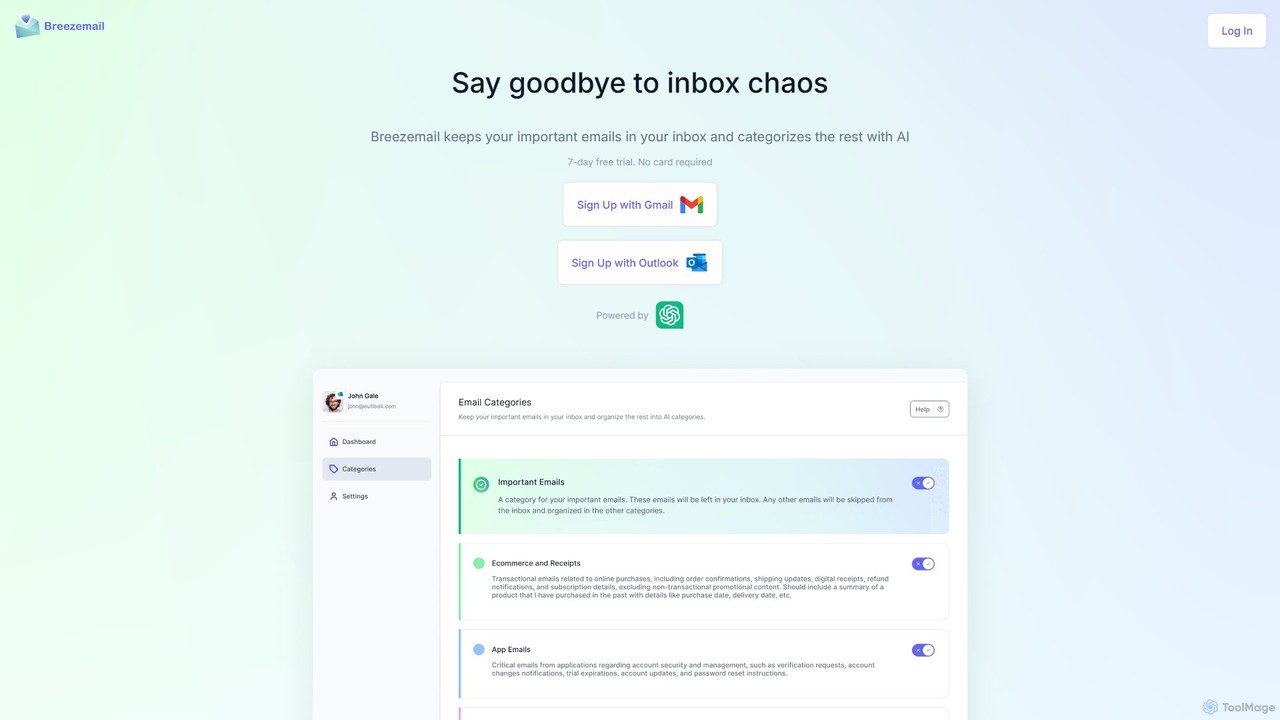
Breezemail is an AI-powered email organizer that automatically categorizes your emails in Gmail and Outlook. By creating custom, intelligent labels, it filters out newsletters and clutter, helping you focus on important conversations and achieve inbox zero effortlessly. Reclaim your productivity and enjoy a clean, organized inbox.

Workflow Automation
Visits 5.6KFavorites 118Likes 99
SaneBox
Freemium

SaneBox

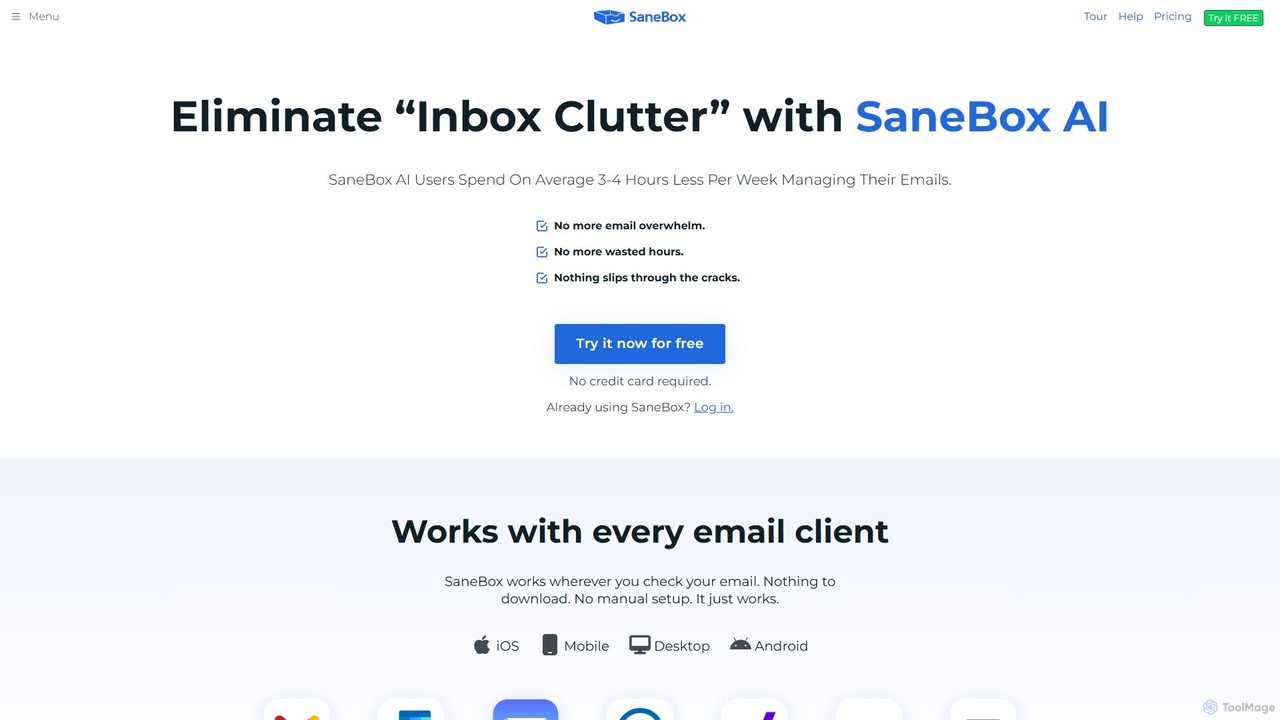
SaneBox is an AI-powered email management tool that automatically cleans up your inbox, filters unimportant emails, and helps you stay focused. It identifies important messages, hides distractions, provides follow-up reminders, and offers one-click unsubscribing, saving users an average of 3-4 hours per week.

Communication
Visits 129KFavorites 140Likes 141
Tag