Communication Best in category 4 results Meeting Assistant AI Tool

Popular AI tools in the Meeting Assistant field of Communication include Ava、MailMaestro、vidby、resona.ai, etc., helping you quickly improve efficiency.

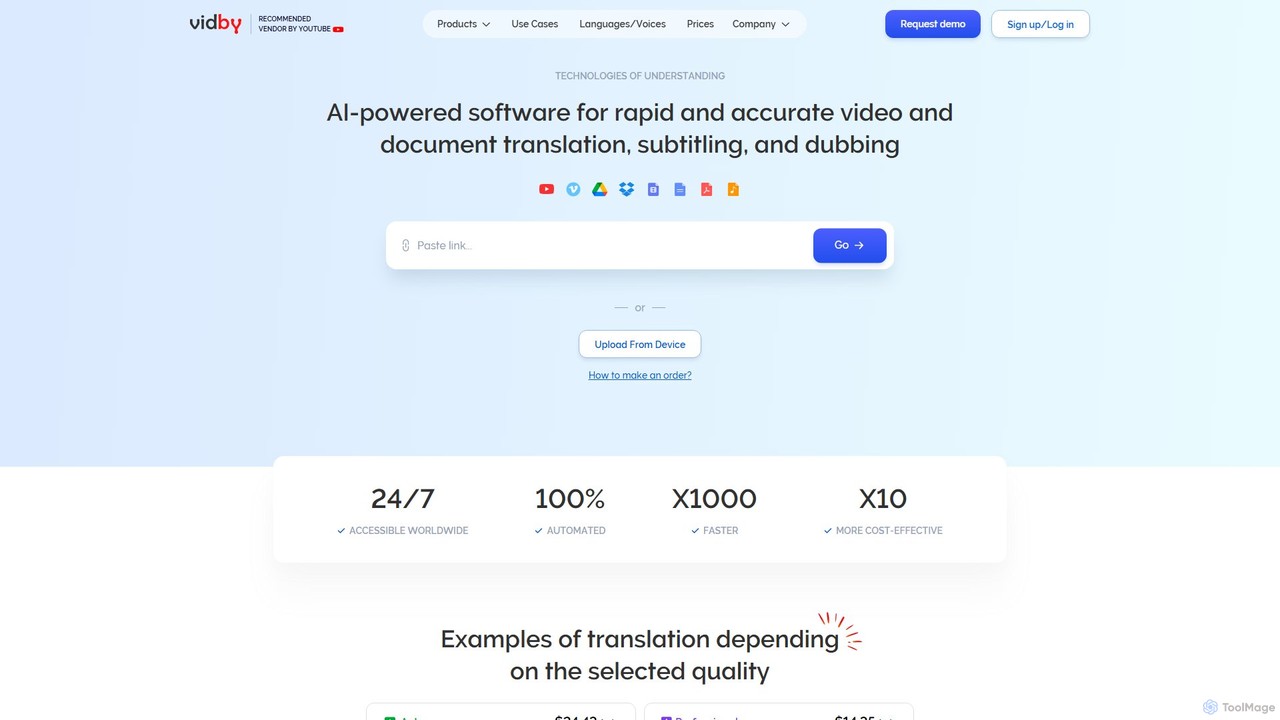
vidby

vidby

vidby is an advanced AI-powered platform for fast and accurate video translation, dubbing, subtitling, and voice cloning. It …

69.0K
resona.ai

resona.ai

Resona.ai is an AI-powered scheduling assistant that automates the process of finding the best meeting times for teams. …

3.1K
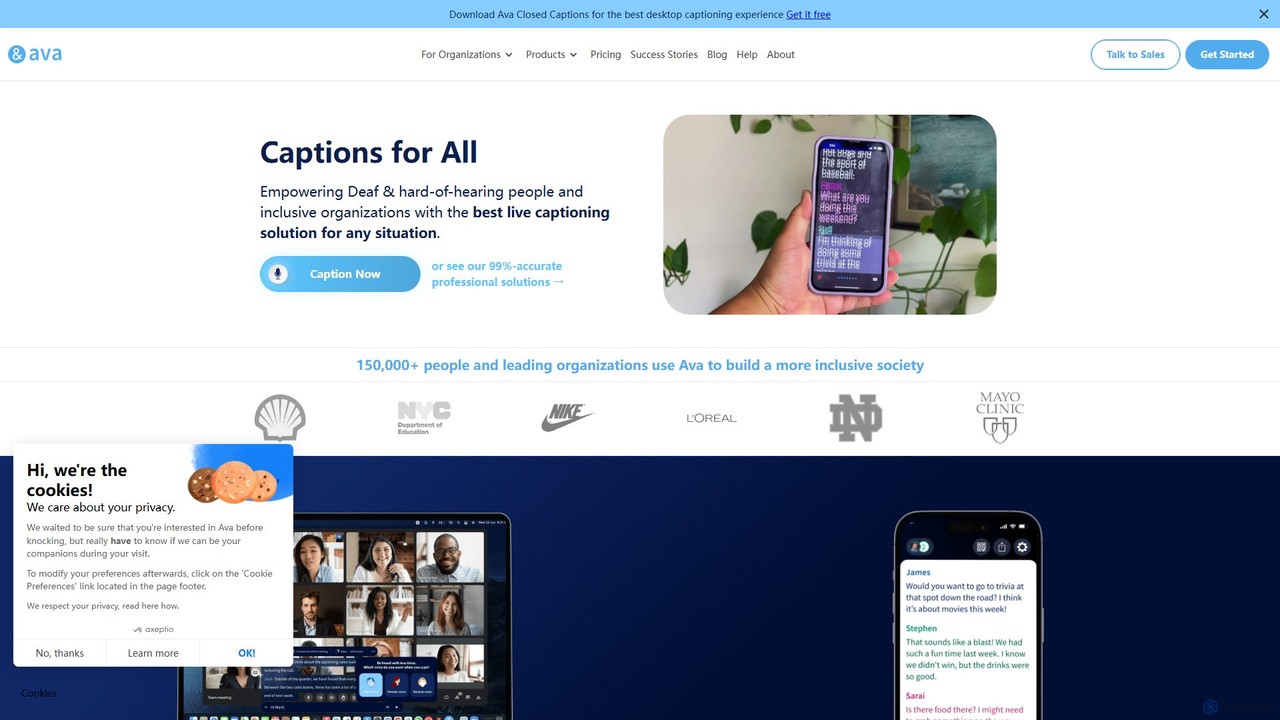
Ava

Ava

Ava is an AI-powered live captioning service designed to make conversations accessible for the Deaf and Hard-of-Hearing (HoH) …

187.0K
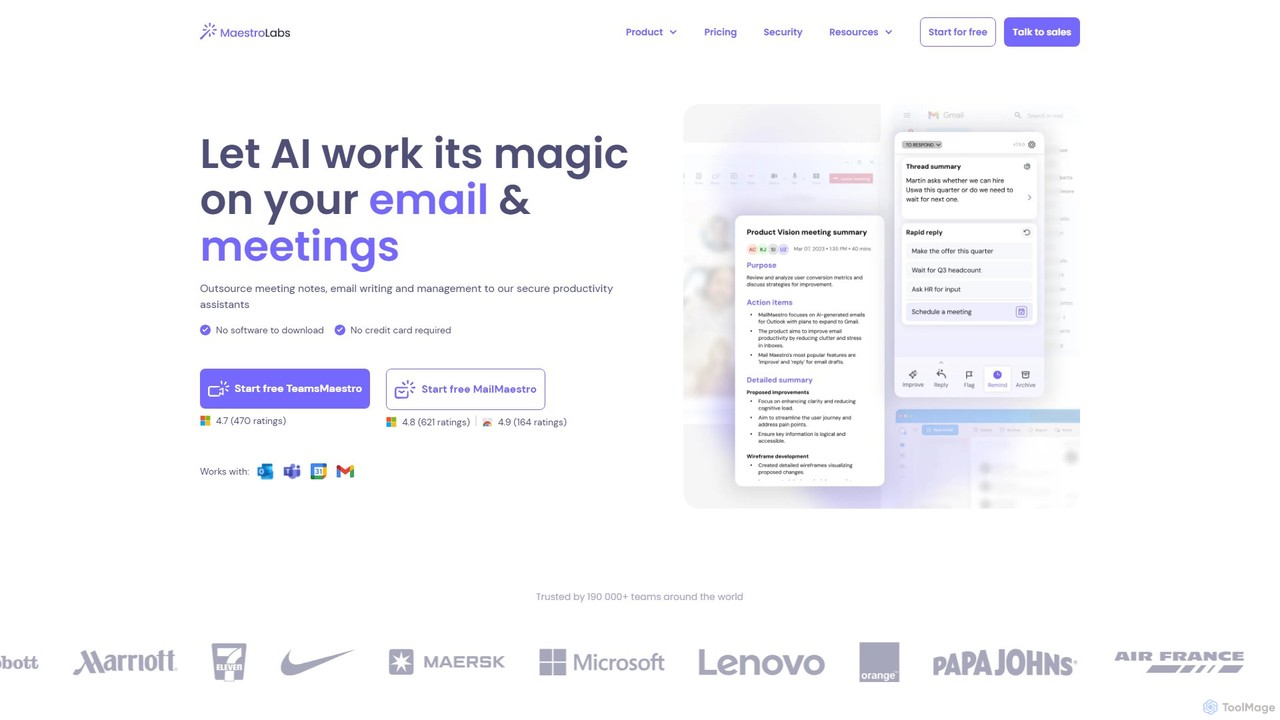
MailMaestro

MailMaestro

MailMaestro is a secure AI productivity assistant for email and meetings. It integrates with Outlook, Gmail, and Teams …

76.8K

About Meeting Assistant

Meeting Assistant tools are AI-powered applications designed to streamline and enhance the entire meeting lifecycle, from preparation to follow-up. Leveraging advanced natural language processing and speech-to-text technologies, these tools automatically transcribe conversations, identify key discussion points, and generate concise summaries. They significantly boost productivity by automating tedious manual tasks, ensuring no critical information is missed, and facilitating efficient knowledge sharing within teams. These intelligent assistants transform how organizations manage their internal and external communications, making every meeting more impactful.

Core Features

  • Real-time Transcription: Accurately converts spoken words into text during live meetings.
  • Automated Summarization: Generates concise summaries of meeting discussions, decisions, and action items.
  • Action Item & Decision Tracking: Automatically identifies and tracks tasks, owners, and deadlines.
  • Speaker Identification: Distinguishes between different speakers in the transcript.
  • Integration Capabilities: Seamlessly connects with popular calendar, video conferencing, and project management platforms.

Use Cases

Meeting Assistant tools are invaluable for businesses, remote teams, and educational institutions. They are used by project managers to keep track of progress and decisions, by sales teams to review client calls, and by HR departments for interview documentation. These tools ensure that all participants, especially those who couldn't attend, stay informed and aligned with meeting outcomes.

How to Choose

When selecting a Meeting Assistant, consider its transcription accuracy, especially for multiple accents or technical jargon. Evaluate its summarization quality and ability to identify action items. Check for seamless integration with your existing video conferencing and CRM platforms. Finally, assess data security protocols and pricing models to ensure it aligns with your organizational needs and budget.

Meeting AssistantUse Cases

1

Automating Meeting Minutes for Project Teams

Project managers often spend hours manually taking notes and summarizing weekly team syncs. A Meeting Assistant automatically transcribes the entire discussion, identifies key decisions, and extracts action items with assigned owners. This saves significant administrative time, ensures accuracy, and allows the project manager to focus on facilitating the discussion, leading to faster project progress and better accountability.

2

Enhancing Sales Call Review and Coaching

Sales managers need to review numerous client calls to provide effective coaching and track deal progress. Using a Meeting Assistant, sales calls are automatically transcribed and summarized, highlighting customer pain points, objections, and commitments. This enables managers to quickly pinpoint areas for improvement, train new reps more efficiently, and ensure consistent messaging, ultimately boosting sales performance.

3

Documenting Board Meetings and Compliance

Corporate board meetings require meticulous record-keeping for governance and compliance. A Meeting Assistant provides a comprehensive, searchable transcript of all discussions, decisions, and votes. This ensures an accurate, tamper-proof record, simplifies the creation of official minutes, and provides an auditable trail for regulatory requirements, reducing legal risks and administrative burden.

4

Streamlining Remote Team Collaboration

Distributed teams often struggle with information asymmetry and keeping everyone aligned across different time zones. A Meeting Assistant captures all discussions from virtual meetings, generating shareable summaries and action item lists. This allows team members who missed a meeting to quickly catch up, ensures everyone has access to the same information, and fosters more efficient asynchronous collaboration.

5

Facilitating Research Interviews and Data Analysis

Researchers conducting interviews or focus groups face the challenge of accurately capturing and analyzing qualitative data. A Meeting Assistant transcribes interviews in real-time, making the data immediately searchable and annotatable. This significantly reduces manual transcription effort, speeds up thematic analysis, and ensures the integrity of research findings, allowing researchers to focus on insights.

6

Onboarding New Employees with Meeting Archives

New hires often struggle to get up to speed with ongoing projects and team dynamics. By leveraging a Meeting Assistant's archive, new employees can access searchable transcripts and summaries of past project meetings. This provides them with a comprehensive historical context, helps them understand team decisions and rationale, and accelerates their integration into the team, reducing onboarding time.

Meeting AssistantFrequently Asked Questions