

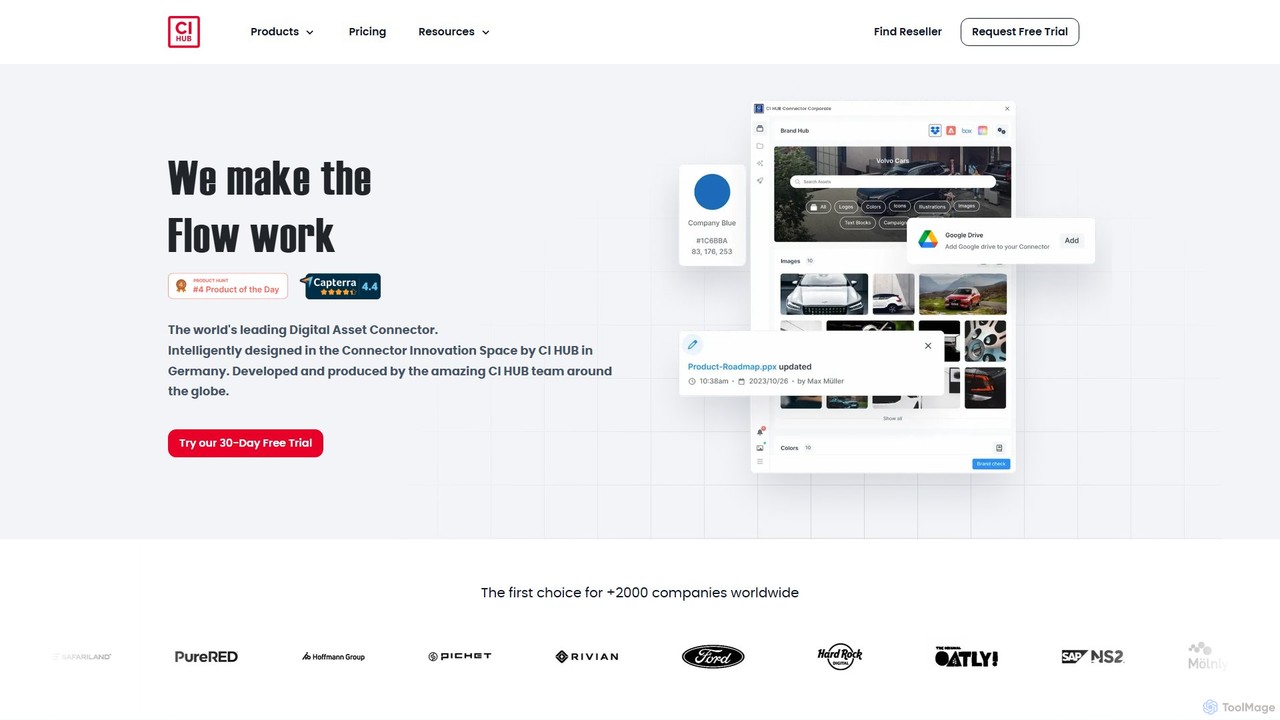
ci_hub Overview
CI HUB is the industry-standard in-app connectivity software, designed to eliminate creative workflow chaos and boost productivity. It acts as a central bridge, connecting your various digital asset repositories—such as Digital Asset Management (DAM), Product Information Management (PIM), cloud storage (like Google Drive, Dropbox), and stock photo services (like Shutterstock, Getty Images)—directly into the applications your team uses every day. Trusted by global brands like Ford, T-Mobile, and FedEx, CI HUB transforms how teams access and utilize digital content, saving an average of 40% of time previously lost to inefficient processes.
By embedding a unified panel within over 20 leading corporate applications, CI HUB eradicates the constant need for 'window-hopping'. Creatives, marketers, and other team members can find, use, and manage files, icons, brand colors, and even pre-approved text blocks without ever leaving their primary work environment. This not only accelerates project delivery but also significantly strengthens brand compliance and consistency across all materials.
How to use ci_hub
Getting started with CI HUB is a straightforward process designed for quick integration into your existing workflow:
- Installation: Begin by installing the CI HUB connector for your specific applications. This is done through official marketplaces like the Adobe Exchange for Creative Cloud, Microsoft AppSource for Office 365, the Figma Community, or the WordPress plugin repository. The installation is typically a one-click process.
- Connection Setup: Once installed, open the CI HUB panel within your host application (e.g., Photoshop, PowerPoint, Figma). You will be prompted to add new connections. Select your desired systems from a list of over 60 integrations, including your company's DAM, Google Drive, Dropbox, SharePoint, and more. Authenticate your accounts to link them to the hub.
- Access and Use Assets: With your systems connected, you can now browse all your assets from a single, unified interface. Use the powerful search and filter functions to quickly locate the exact file you need using keywords, metadata, or AI tags.
- Place and Manage Content: Simply drag and drop assets directly from the CI HUB panel into your document, design, or presentation. You can choose different renditions (e.g., low-res for layout, high-res for print), check version history, and even access and embed asset metadata.
- Collaborate and Maintain Consistency: The entire team can connect to the same CI HUB setup, ensuring everyone accesses the single source of truth for all brand assets, from logos and images to approved marketing copy.
Core Features of ci_hub
- Unified Asset Access: Connects to over 60 DAM, PIM, MAM, cloud storage, and stock provider systems in a single, centralized panel.
- Seamless In-App Integration: Works as a native plugin within Adobe Creative Cloud (Photoshop, InDesign, Illustrator, etc.), Microsoft 365 (PowerPoint, Word, Excel), Google Workspace, Figma, Sketch, WordPress, and more.
- Advanced Search and Filtering: Enables powerful, cross-system searches using metadata, keywords, file types, and AI-powered tags to find assets instantly.
- Brand Compliance and Consistency: Provides direct access to approved brand assets, including logos, colors, icons, and text blocks. The 'Brand Check' feature helps ensure all content adheres to brand guidelines.
- Version Control and Renditions: Easily access different versions of an asset and choose from various pre-configured renditions (e.g., web-optimized, print-quality) to suit your needs.
- Metadata Management: View, edit, and embed asset metadata directly within your creative application, ensuring data integrity and traceability.
- Generative AI and Tagging: Utilizes AI to automatically suggest tags for assets, improving searchability and organization within your libraries.
Use Cases for ci_hub
Marketing Teams: A marketing manager can create a new campaign presentation in PowerPoint, pulling in the latest approved product images from the company DAM, performance charts from a shared drive, and logos from the brand library, all without leaving PowerPoint.
Design Agencies: A designer working in Figma can seamlessly switch between different client projects, with CI HUB instantly connecting to each client's specific DAM and brand guidelines. This allows them to pull in the correct logos, fonts, and imagery for each project with confidence.
Corporate Communications: An employee drafting a company-wide newsletter in Microsoft Word can access a library of pre-approved text blocks, executive photos, and official templates, ensuring the communication is professional and on-brand.
Web Content Managers: A user managing a WordPress site can browse their company's entire media library, including Widen or AdmiralCloud DAMs, and insert optimized images directly into posts and pages, keeping the site's media library clean and up-to-date.
Advantages of ci_hub
The primary advantage of CI HUB is the massive boost in efficiency. By eliminating the time-consuming cycle of searching, downloading, and uploading assets, teams can focus on creativity and strategy. It breaks down data silos, ensuring that sales, marketing, design, and management are all working from the same set of approved, current assets. This centralization drastically reduces the risk of using outdated or non-compliant content, protecting brand integrity and reducing costly errors. The platform's extensive range of integrations makes it a uniquely versatile and indispensable tool for any modern organization.
Pricing and Plans
CI HUB offers a flexible, modular pricing structure based on the applications you need to connect. All plans come with a 30-day free trial.
- Adobe Creative Cloud Connector: $22.00 per user/month
- Microsoft 365 Connector: $11.00 per user/month
- Google Workspace Connector: $11.00 per user/month
- Figma Connector: $9.00 per user/month
- Sketch Connector: $9.00 per user/month
- Canva Connector: $9.00 per user/month
- WordPress Connector: $17.00 per user/month
- SharePoint Connector: $9.00 per user/month
- Salesforce Connector: $35.00 per user/month
These prices are based on a 12-month upfront payment and do not include applicable VAT. For larger teams and enterprise needs, custom 'Corporate' plans are available by contacting the sales team.
Traffic
Latest traffic
Status
Monthly traffic trend
- 2025-9: 18.3K
- 2026-1: 15.2K
- 2026-2: 17.5K
- 2026-3: 16.3K
- 2026-4: 15.8K
- 2026-5: 29.0K
Geography
Top 5 countries / regions
- 🇺🇸United States55.9%
- 🇬🇧United Kingdom21.0%
- 🇩🇪Germany8.8%
- 🇮🇳India8.8%
- 🇫🇷France5.5%
Traffic sources
| Source type | Percentage |
|---|---|
Direct | 78.3% |
Referral | 21.7% |
Top keywords
| Keyword | Cost per click |
|---|---|
| ci hub | $0.00 |
| ci hub pricing | $0.00 |
| ci hub sales hub | $0.00 |
| figma ci-hub bynder | $0.00 |
| sitecore digital apps connector(ci-hub) trial | $0.00 |
ci_hub Alternatives

Playbook
Playbook is an AI-powered visual cloud storage and digital asset management (DAM) platform designed for creatives, teams, and enterprises. It replaces traditional file storage with a dynamic, searchable workspace for images, videos, and design files. Featuring GPT-4 powered search, seamless collaboration tools, one-click publishing for portfolios, and integrated mini-apps for quick edits, Playbook streamlines the entire creative workflow from storage to delivery.
Asset Management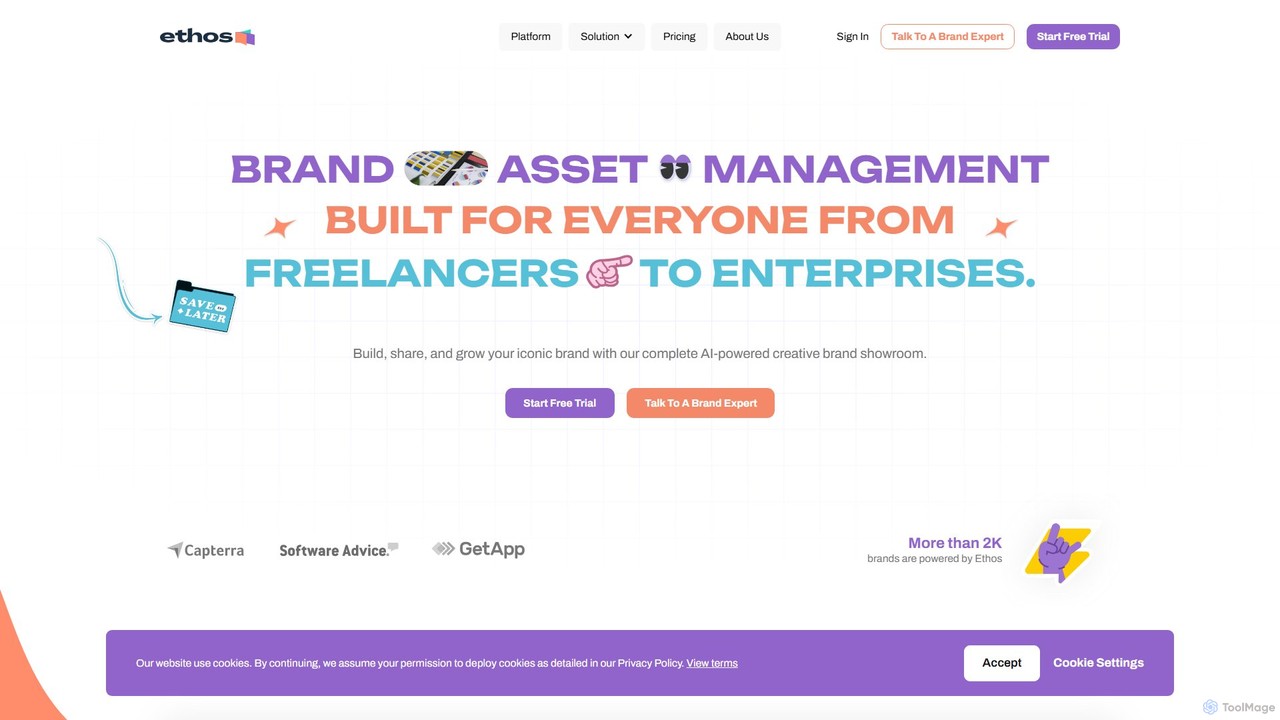
yourethos
yourethos is an AI-powered brand asset management platform designed for everyone from freelancers to large enterprises. It enables users to build, manage, and share their brand through interactive, visually stunning "brand showrooms." By centralizing all brand assets, guidelines, and copy, yourethos ensures brand consistency, streamlines team collaboration, and saves significant time, replacing cluttered traditional file storage systems.
Teamwork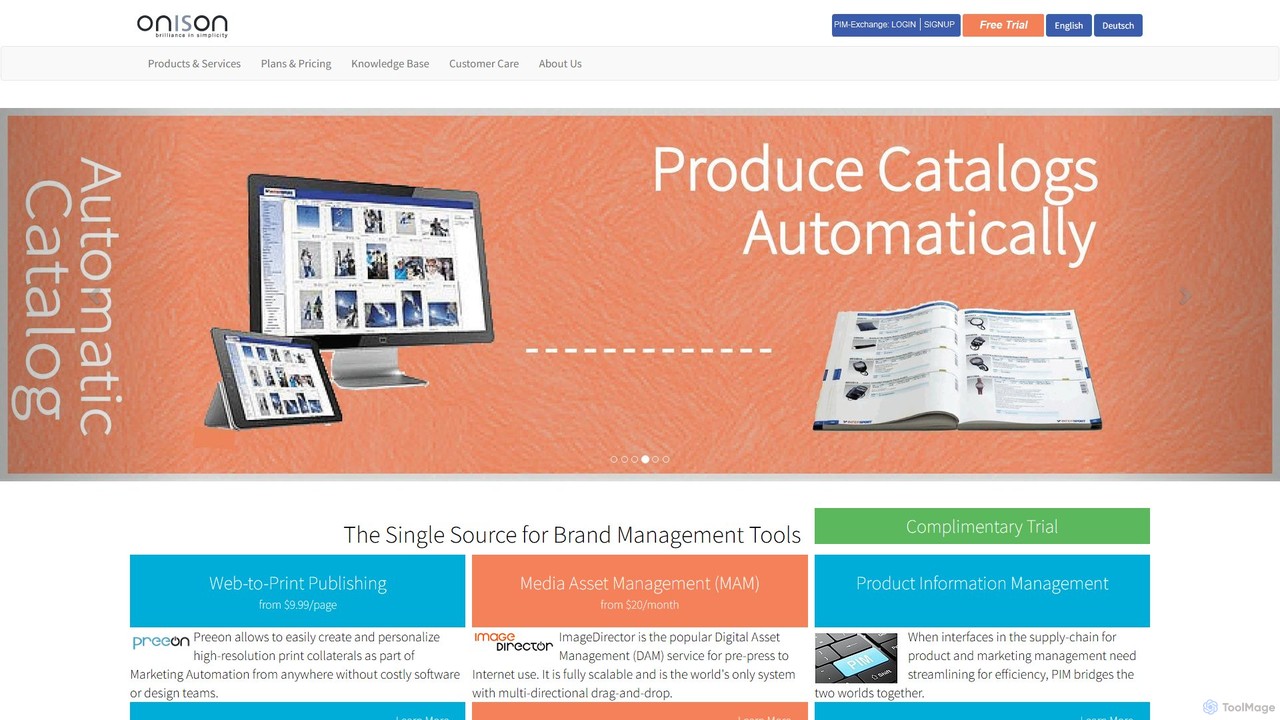
Onison
Onison is an integrated brand management and marketing automation platform. It combines Digital Asset Management (DAM), Web-to-Print (W2P), and Product Information Management (PIM) into a single source of truth. AI-powered features like background removal and semantic search help streamline workflows, ensure brand consistency, and automate the creation of marketing collateral.
Publishing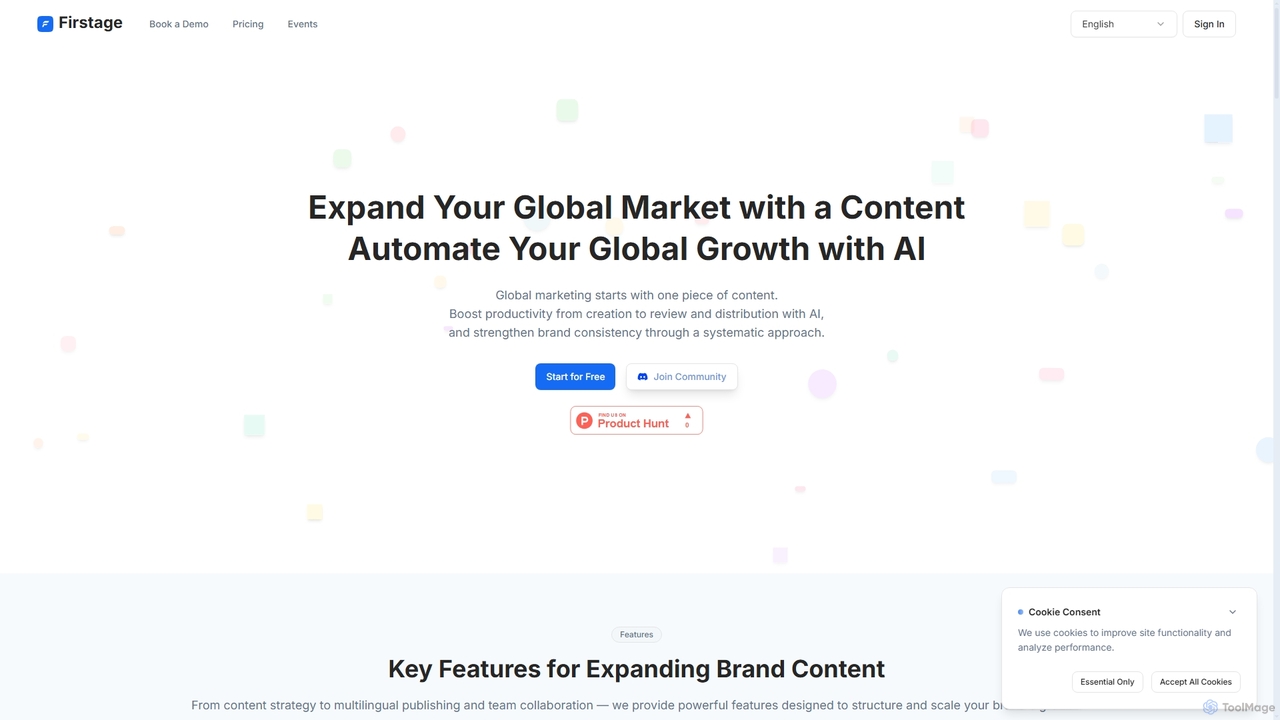
Firstage
Firstage is an AI-powered global marketing automation platform designed to streamline the entire content lifecycle. It helps brand teams create, collaborate on, translate, and distribute content across multiple channels while maintaining brand consistency. Key features include AI-assisted creation, workflow automation, and integrated analytics.
Writing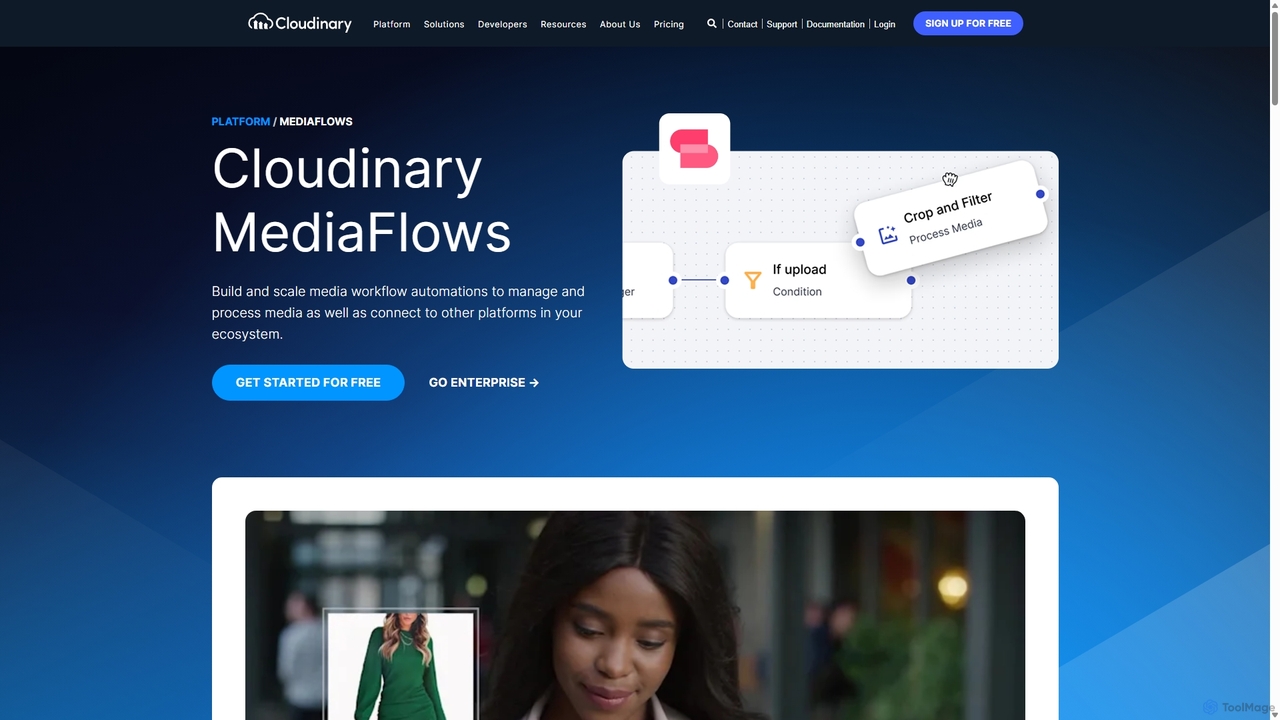
MediaFlows
MediaFlows by Cloudinary is a low-code/no-code workflow automation platform for visual media. It empowers teams to build and scale workflows for managing, processing, and connecting media assets. Leveraging AI for tasks like background removal and alt-text generation, it integrates seamlessly with platforms like Shopify, Akeneo, and OpenAI to boost productivity for marketers, creatives, and developers.
Apici_hub Categories
ci_hub Embed Widget
Copy this embed code to place the badge on your blog, article, or product site and send readers directly to this ToolMage detail page.

Related AI tools
Playbook
Playbook is an AI-powered visual cloud storage and digital asset management (DAM) platform designed for creatives, teams, and enterprises. It replaces traditional file storage with a dynamic, searchable workspace for images, videos, and design files. Featuring GPT-4 powered search, seamless collaboration tools, one-click publishing for portfolios, and integrated mini-apps for quick edits, Playbook streamlines the entire creative workflow from storage to delivery.
Asset Managementyourethos
yourethos is an AI-powered brand asset management platform designed for everyone from freelancers to large enterprises. It enables users to build, manage, and share their brand through interactive, visually stunning "brand showrooms." By centralizing all brand assets, guidelines, and copy, yourethos ensures brand consistency, streamlines team collaboration, and saves significant time, replacing cluttered traditional file storage systems.
TeamworkOnison
Onison is an integrated brand management and marketing automation platform. It combines Digital Asset Management (DAM), Web-to-Print (W2P), and Product Information Management (PIM) into a single source of truth. AI-powered features like background removal and semantic search help streamline workflows, ensure brand consistency, and automate the creation of marketing collateral.
PublishingFirstage
Firstage is an AI-powered global marketing automation platform designed to streamline the entire content lifecycle. It helps brand teams create, collaborate on, translate, and distribute content across multiple channels while maintaining brand consistency. Key features include AI-assisted creation, workflow automation, and integrated analytics.
WritingMediaFlows
MediaFlows by Cloudinary is a low-code/no-code workflow automation platform for visual media. It empowers teams to build and scale workflows for managing, processing, and connecting media assets. Leveraging AI for tasks like background removal and alt-text generation, it integrates seamlessly with platforms like Shopify, Akeneo, and OpenAI to boost productivity for marketers, creatives, and developers.
Api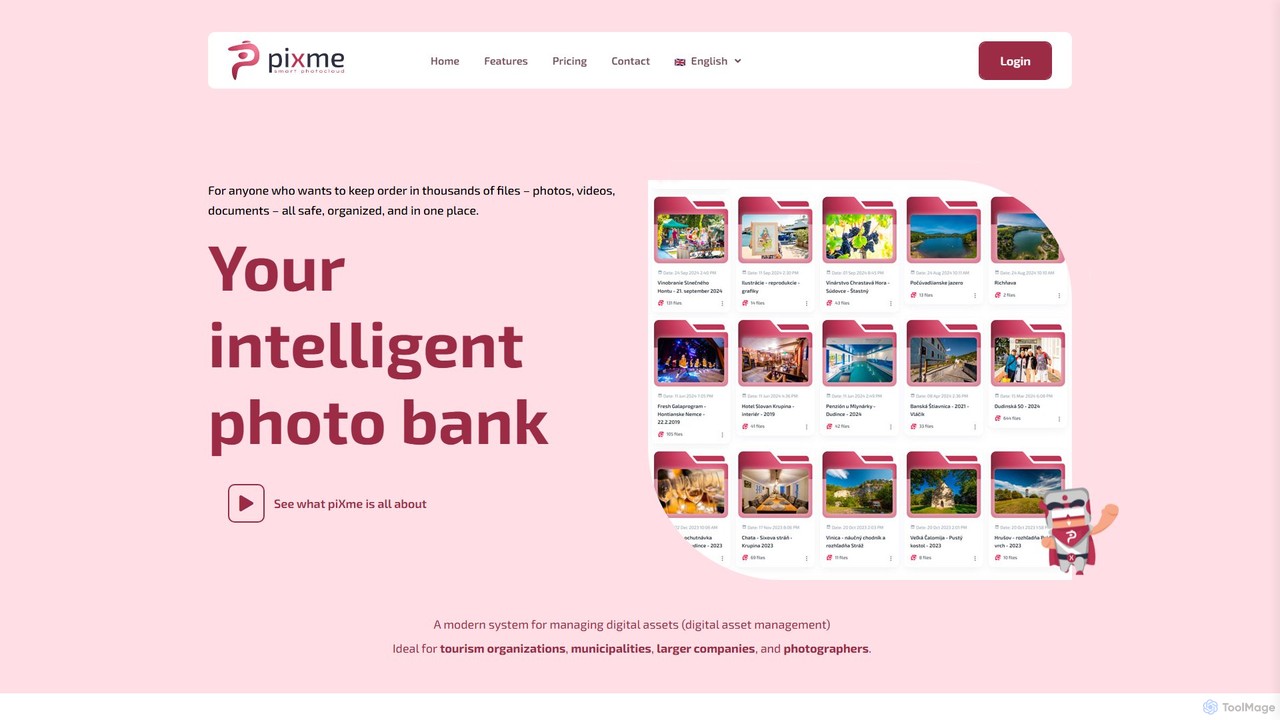
piXme
piXme is an intelligent Digital Asset Management (DAM) platform that uses AI to organize, back up, and search your photos, videos, and documents. Designed for businesses and professionals, it provides a secure, centralized cloud for all your digital files, saving time and improving workflow efficiency with powerful, content-aware search capabilities.
File Management
amplifi
amplifi is an AI-powered Product Experience Management (PXM) platform designed for global ecommerce. It centralizes Product Information Management (PIM) and Digital Asset Management (DAM), using AI to optimize content for higher conversion. It enables brands to manage, enhance, and syndicate product information seamlessly across thousands of global marketplaces and retail channels.
Data Management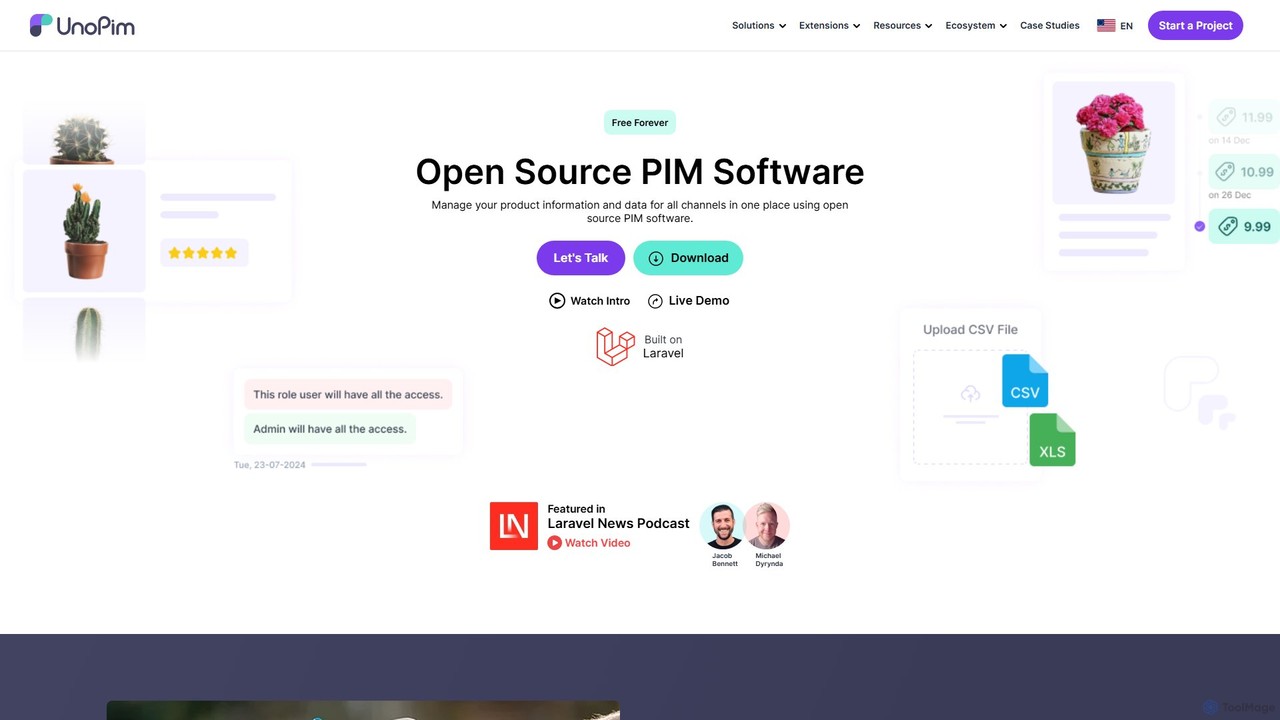
unopim
unopim is a powerful open-source Product Information Management (PIM) and Digital Asset Management (DAM) platform designed for e-commerce. It centralizes all product data and digital assets, streamlining workflows and ensuring data consistency across multiple sales channels like Shopify, Magento, and WooCommerce.
Open Source
Blueberry AI
Blueberry AI is an intelligent Digital Asset Management (DAM) platform designed for creative teams in gaming, industrial design, and retail. It uses AI-powered semantic search to organize, manage, and share digital assets, especially large 3D files. The platform features in-browser previews for over 100 formats, seamless team collaboration, robust version control, and enterprise-grade security, significantly boosting workflow efficiency and reducing costs.
Modeling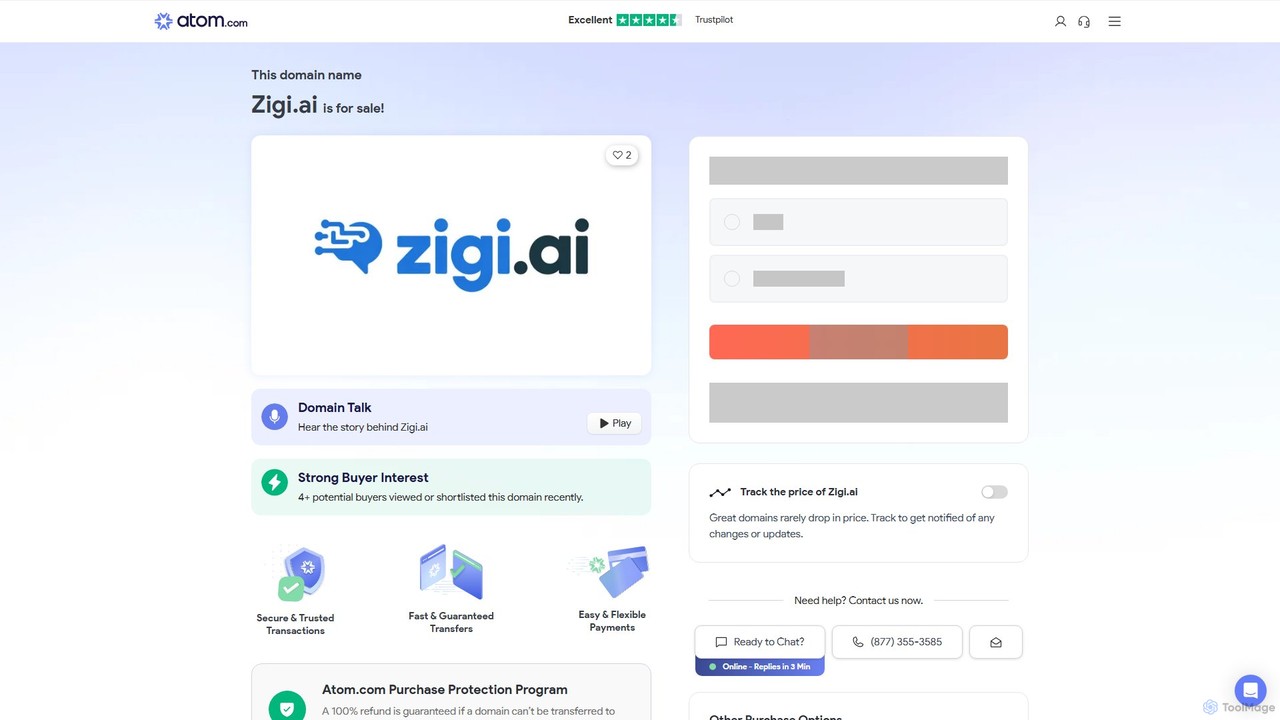
Zigi.ai
Zigi.ai is an intelligent AI assistant designed to automate workflows, manage tasks, and enhance team collaboration. By integrating with your existing tools, Zigi proactively streamlines processes, summarizes meetings, and provides data-driven insights to boost productivity for individuals and businesses.
Intelligent Assistants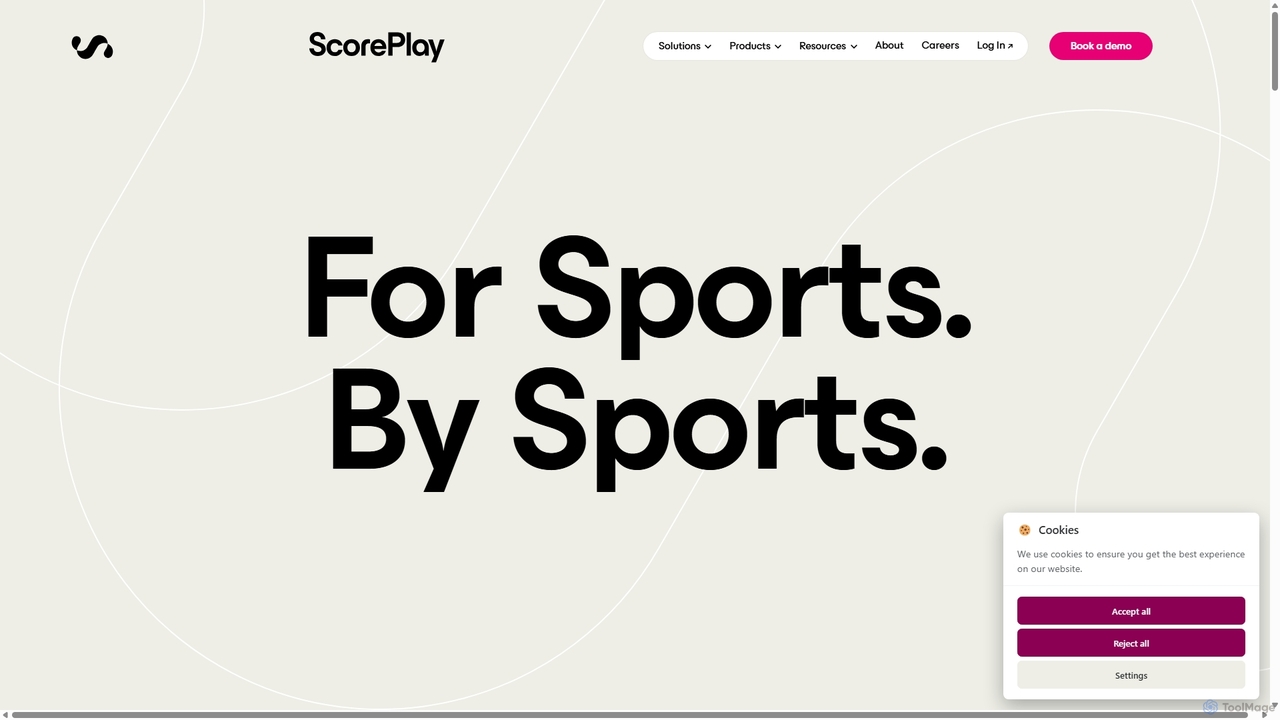
ScorePlay
ScorePlay is an AI-powered media infrastructure built specifically for the sports industry. It automates the centralization, AI-tagging, and distribution of photos, videos, and live broadcasts. This platform streamlines workflows for teams, leagues, and competitions, enabling instant content sharing with athletes, partners, and fans to enhance engagement and brand growth.
Asset Management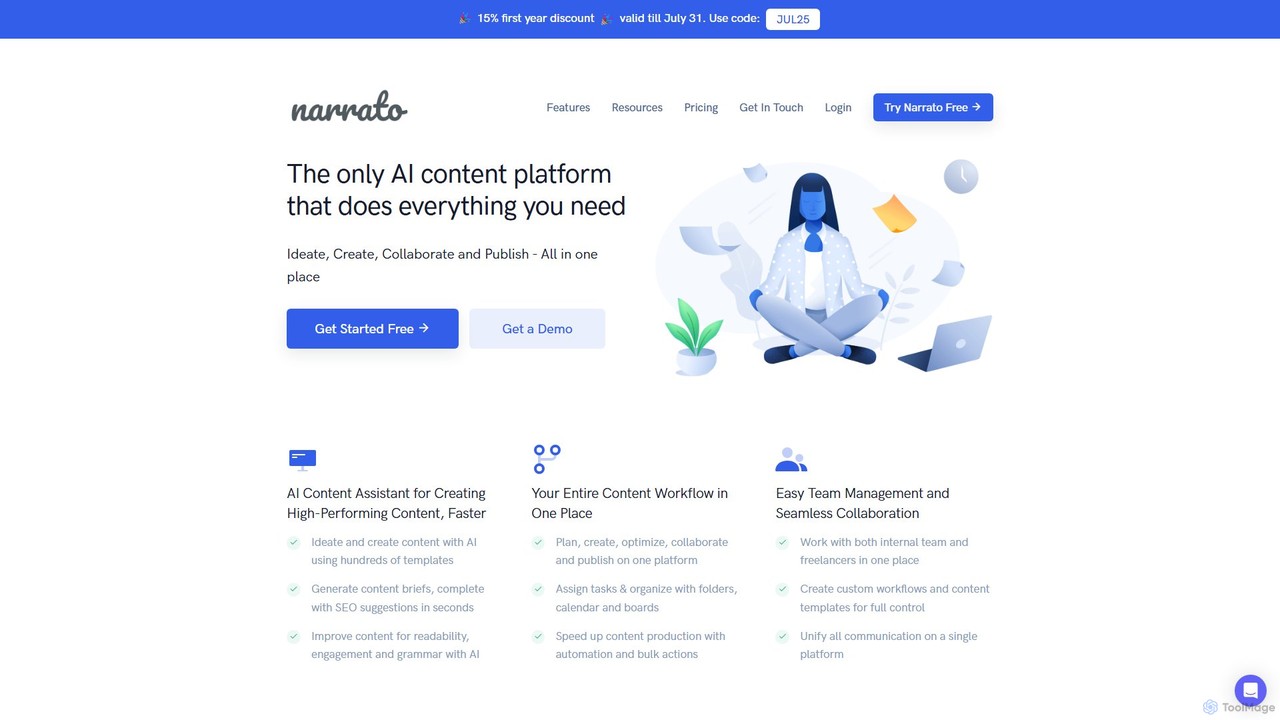
Narrato
Narrato is an all-in-one AI content creation, marketing, and workflow platform. It combines over 100 AI tools, a collaborative workspace, and powerful automation to help teams plan, create, and publish high-performing content at scale. From AI-powered writing and image generation to seamless team management and automated publishing, Narrato streamlines the entire content lifecycle.
Content Creation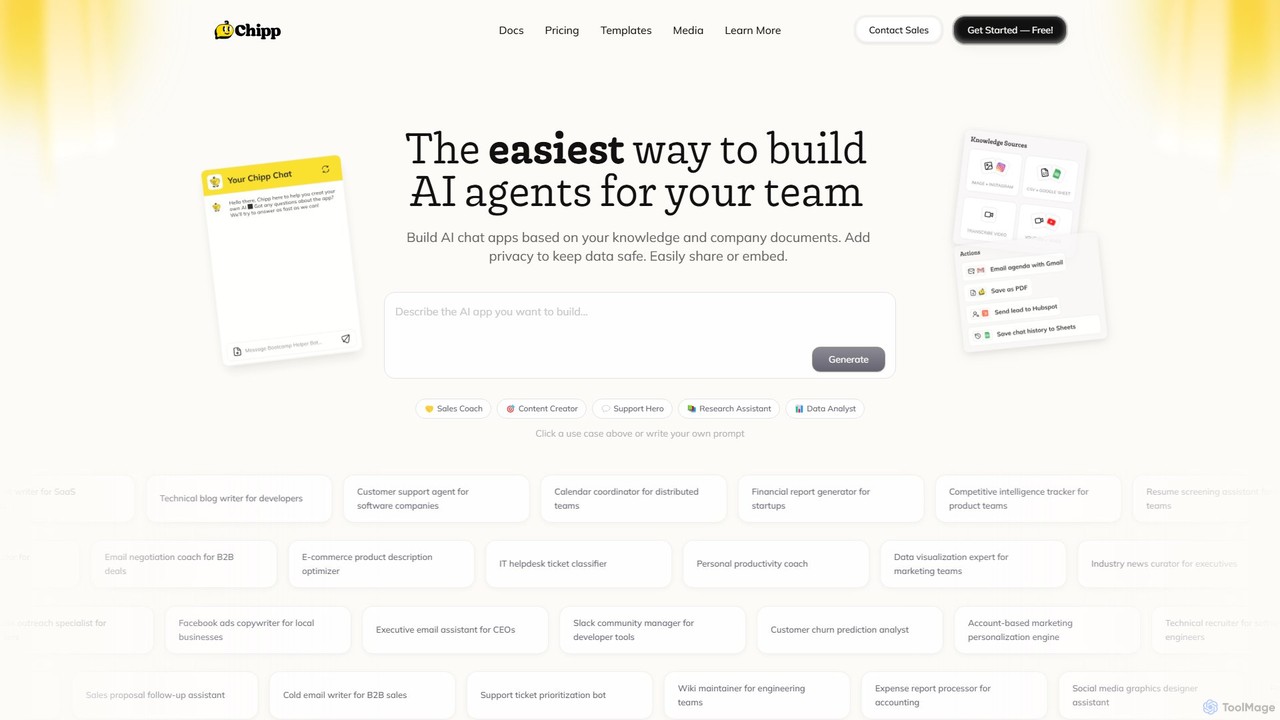
Chipp
Chipp is a no-code platform that empowers teams and individuals to build, share, and monetize custom AI agents. Based on your own knowledge bases and company documents, you can create specialized chatbots for sales, customer support, data analysis, and more, with a strong focus on privacy and ease of use.
Help Desk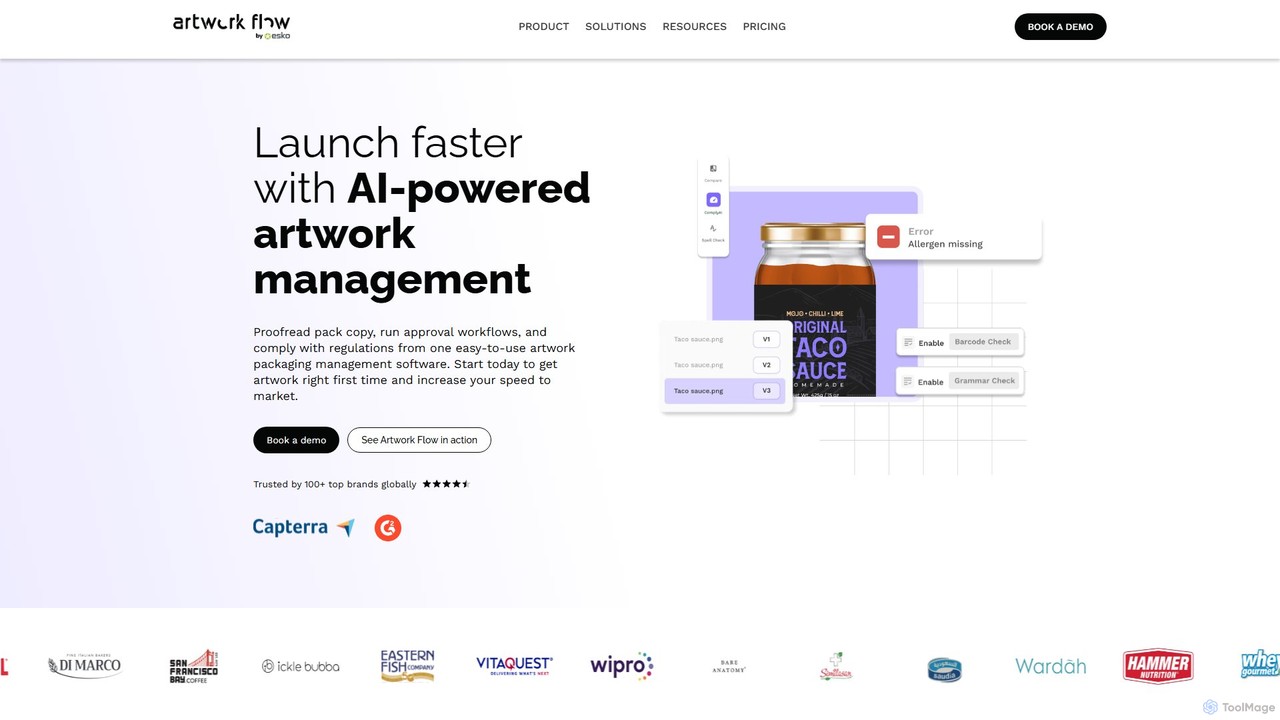
Artwork Flow
Artwork Flow is an AI-powered packaging artwork management platform designed to streamline creative workflows. It helps teams manage, proof, and approve packaging designs faster by automating compliance checks, centralizing assets, and simplifying collaboration, ultimately accelerating time-to-market.
Creative Automation
Promptmetheus
Promptmetheus is a professional Prompt Engineering IDE designed for developers and teams to build, test, and optimize high-quality prompts for LLM-powered applications. It supports over 100 LLMs, offers advanced composition tools, reliability testing, performance optimization, and real-time team collaboration, enabling a systematic and efficient approach to prompt design.
Model Management
ci_hub Comments (0)
Sign in to comment.
Sign inNo comments yet.