ToolMage
Sign in

Best 6 Modeling AI tools for 3D

Popular Modeling AI tools in 3D include Customuse, Backflip AI, Blueberry AI, photog, Lalaland.ai, and Syntaccx, helping you work more efficiently.

Syntaccx
Freemium

Syntaccx

An all-in-one, no-code computer vision platform that generates synthetic training data from CAD/3D models. It enables users to create, train, and deploy robust AI vision models in minutes, significantly reducing costs and development time without requiring deep expertise.

Modeling
Visits 3.5KFavorites 129Likes 122
Blueberry AI
Freemium

Blueberry AI

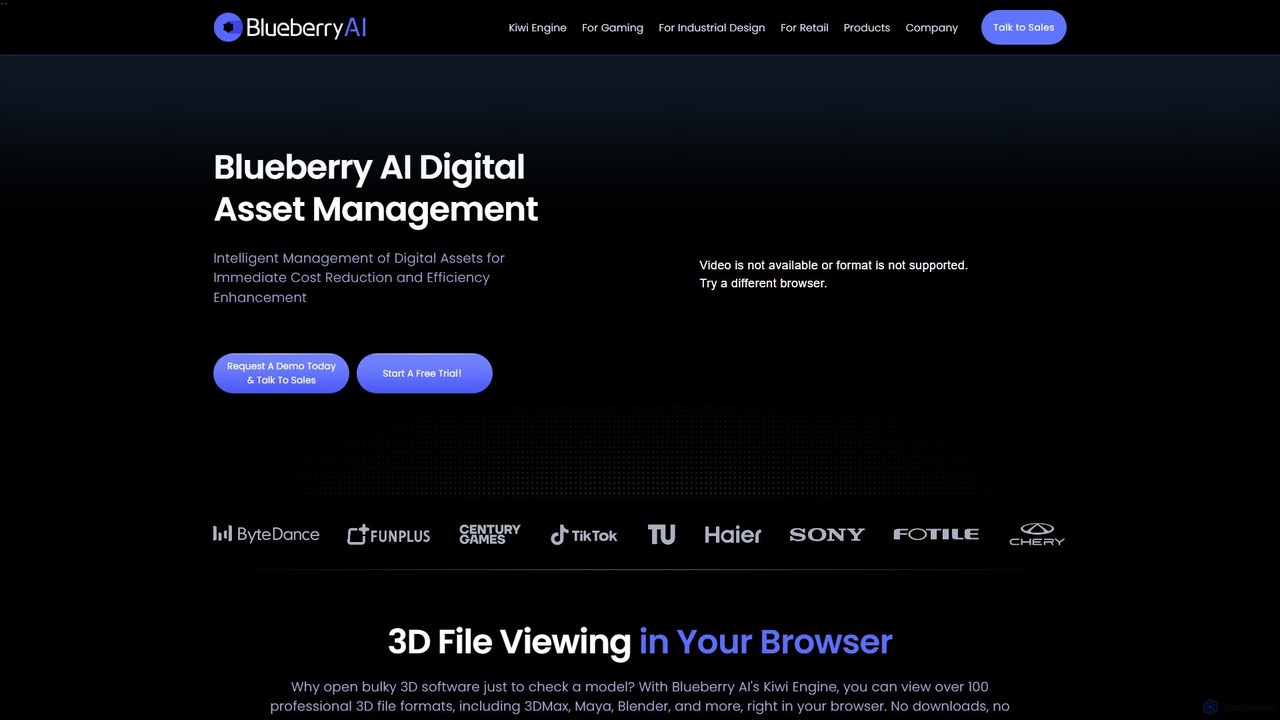
Blueberry AI is an intelligent Digital Asset Management (DAM) platform designed for creative teams in gaming, industrial design, and retail. It uses AI-powered semantic search to organize, manage, and share digital assets, especially large 3D files. The platform features in-browser previews for over 100 formats, seamless team collaboration, robust version control, and enterprise-grade security, significantly boosting workflow efficiency and reducing costs.

Modeling
Visits 13.1KFavorites 107Likes 111
Lalaland.ai
Freemium

Lalaland.ai

Lalaland.ai is an AI-powered digital model studio for the fashion industry. It enables brands to generate hyper-realistic, diverse, and inclusive virtual models to showcase 3D garment designs. This eliminates the need for physical photoshoots, reduces waste, accelerates time-to-market, and helps brands connect with a wider audience by presenting their collections on a variety of body types, sizes, and skin tones.

Modeling
Visits 3.5KFavorites 109Likes 111
Backflip AI
Freemium

Backflip AI

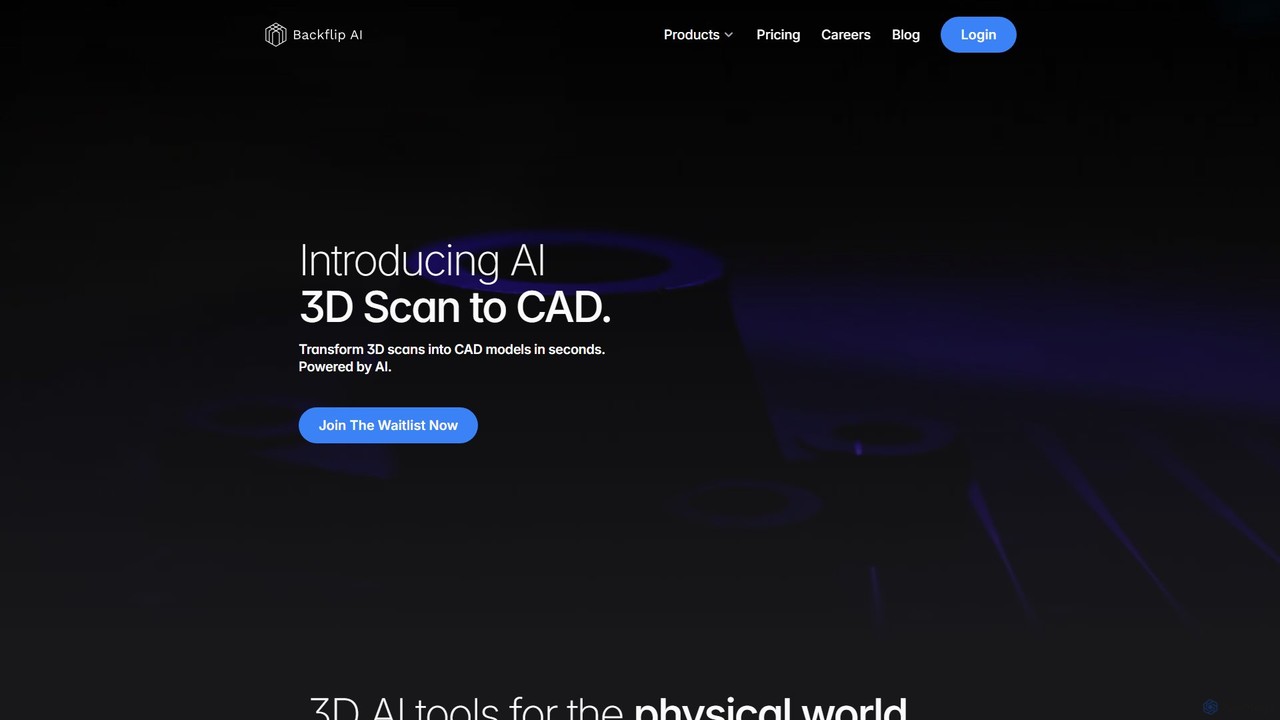
Backflip AI is a powerful platform that transforms 3D design workflows. It features AI-driven tools to convert 3D scans into parametric CAD models in seconds and generate 3D mesh models from text, images, or sketches. It's designed to accelerate engineering, manufacturing, and creative processes.

Modeling
Visits 24.9KFavorites 90Likes 103
photog
Freemium

photog

photog is an all-in-one AI marketing team for e-commerce. It generates ads, product videos, SEO-optimized content, and 3D models from a single product image. This platform streamlines marketing efforts, providing competitive analysis, image editing, and cross-platform campaign orchestration to boost traffic and sales.

Modeling
Visits 5KFavorites 107Likes 109
Customuse
Freemium

Customuse

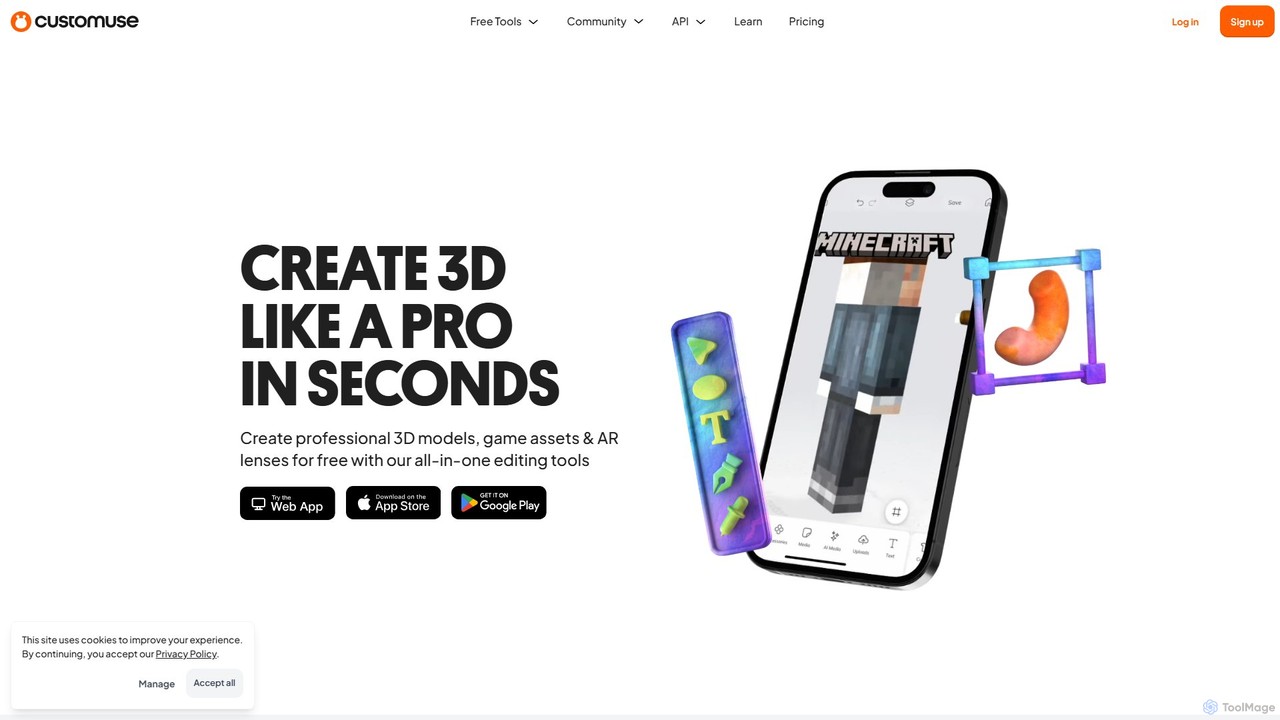
Customuse is an all-in-one AI-powered design studio for creating professional 3D models, game assets, and AR filters. It simplifies 3D creation for platforms like Roblox, Minecraft, Zepeto, Snapchat, and TikTok, using an intuitive editor, extensive templates, and powerful AI tools. Available on both desktop and mobile, it empowers creators of all skill levels to design, monetize, and share their digital creations effortlessly.

Modeling
Visits 529.9KFavorites 96Likes 99

About Modeling

AI Modeling tools are a category of artificial intelligence applications designed to automate and enhance the creation of three-dimensional digital models. These tools leverage advanced algorithms, often based on deep learning, to generate 3D assets from various inputs such as text descriptions, 2D images, or even raw scan data. They significantly accelerate the modeling workflow, enabling designers and developers to produce complex 3D content with unprecedented speed and efficiency.

Core Features

  • Text-to-3D Generation: Creates detailed 3D models directly from natural language prompts.
  • Image-to-3D Conversion: Transforms 2D images or multiple views into fully textured 3D objects.
  • Automated Mesh Optimization: Simplifies complex geometries while preserving visual fidelity, ideal for real-time applications.
  • Procedural Asset Creation: Generates variations of models or environments based on defined rules and AI guidance.
  • Intelligent Texture Mapping: Automatically applies and optimizes textures to 3D models for realistic rendering.

Applicable Scenarios

AI Modeling tools are invaluable across industries. Game developers use them to rapidly prototype and generate environmental assets or character variations. Product designers can quickly visualize new concepts in 3D from sketches. Architects leverage them for generating detailed building components or urban landscapes from conceptual drawings.

How to Choose

When selecting an AI Modeling tool, consider its input compatibility (e.g., text, image, CAD), the quality and complexity of the output models (mesh density, texture resolution), and its integration capabilities with your existing 3D software pipeline. Evaluate the learning curve, pricing structure, and whether it specializes in organic, hard-surface, or environmental modeling to match your specific project needs.

Featured tool rankings

Modeling use cases

1

Rapid Game Asset Prototyping

Game designers and 3D artists use AI modeling tools to quickly generate diverse environmental props, character accessories, or architectural elements from text prompts or concept art, drastically reducing initial development time and accelerating iteration cycles.

2

Product Design Visualization

Industrial designers and marketers leverage these tools to transform 2D sketches or product photos into interactive 3D models. This allows for rapid visualization of new product concepts, material variations, and ergonomic assessments before physical prototyping.

3

Architectural & Urban Planning

Architects and urban planners utilize AI modeling to generate detailed 3D models of buildings, landscapes, or entire city blocks from blueprints, satellite imagery, or textual descriptions. This aids in design exploration, impact analysis, and client presentations.

4

VFX & Animation Production

VFX artists and animators employ AI modeling to create complex background elements, creature variations, or intricate props for film and television. The tools help in generating high-fidelity models that can be seamlessly integrated into visual effects sequences.

5

E-commerce 3D Product Display

Online retailers and e-commerce platforms use AI modeling to convert standard product images into interactive 3D models. This enhances the customer shopping experience by allowing users to view products from all angles, improving engagement and reducing returns.

6

Medical & Scientific Visualization

Researchers and medical professionals apply AI modeling to reconstruct 3D anatomical structures from MRI or CT scans, or to visualize complex molecular structures. This supports surgical planning, educational content, and scientific discovery.

Modeling FAQ

What are AI Modeling tools?

AI Modeling tools are software applications that utilize artificial intelligence, particularly deep learning, to automate and assist in the creation of 3D digital models. Unlike traditional manual modeling, these tools can generate complex geometries and textures from simple inputs like text descriptions, 2D images, or even point cloud data, significantly speeding up the 3D asset creation pipeline.

How do AI Modeling tools differ from traditional 3D modeling software?

The primary difference lies in automation and input methods. Traditional 3D modeling software relies heavily on manual manipulation by an artist. AI Modeling tools, however, automate much of the process, generating models algorithmically from high-level prompts or existing data. While traditional tools offer precise control, AI tools excel in speed, generating variations, and handling repetitive tasks, often complementing rather than replacing manual workflows.

What types of 3D models can AI Modeling tools create?

AI Modeling tools are versatile and can create a wide range of 3D models. This includes hard-surface objects like furniture, vehicles, and architectural elements; organic forms such as characters, creatures, and plants; and entire environments or landscapes. Many tools also specialize in generating realistic textures, materials, and even rigging for animation, expanding their utility across various asset types.

Who benefits most from using AI Modeling tools?

A diverse group of professionals benefits from AI Modeling tools. This includes game developers needing rapid asset generation, product designers for quick visualization, architects for conceptual modeling, VFX artists for complex scene elements, and content creators seeking to populate virtual worlds. Anyone looking to accelerate their 3D workflow, reduce manual effort, or explore numerous design iterations quickly will find these tools highly valuable.

What are the current limitations of AI Modeling tools?

While powerful, current AI Modeling tools have limitations. They may sometimes struggle with highly specific artistic styles, intricate details requiring precise control, or generating models that perfectly match a very niche artistic vision without significant post-processing. The "black box" nature of some AI models can also make debugging or fine-tuning challenging. They are best viewed as powerful assistants rather than complete replacements for human creativity and expertise.