
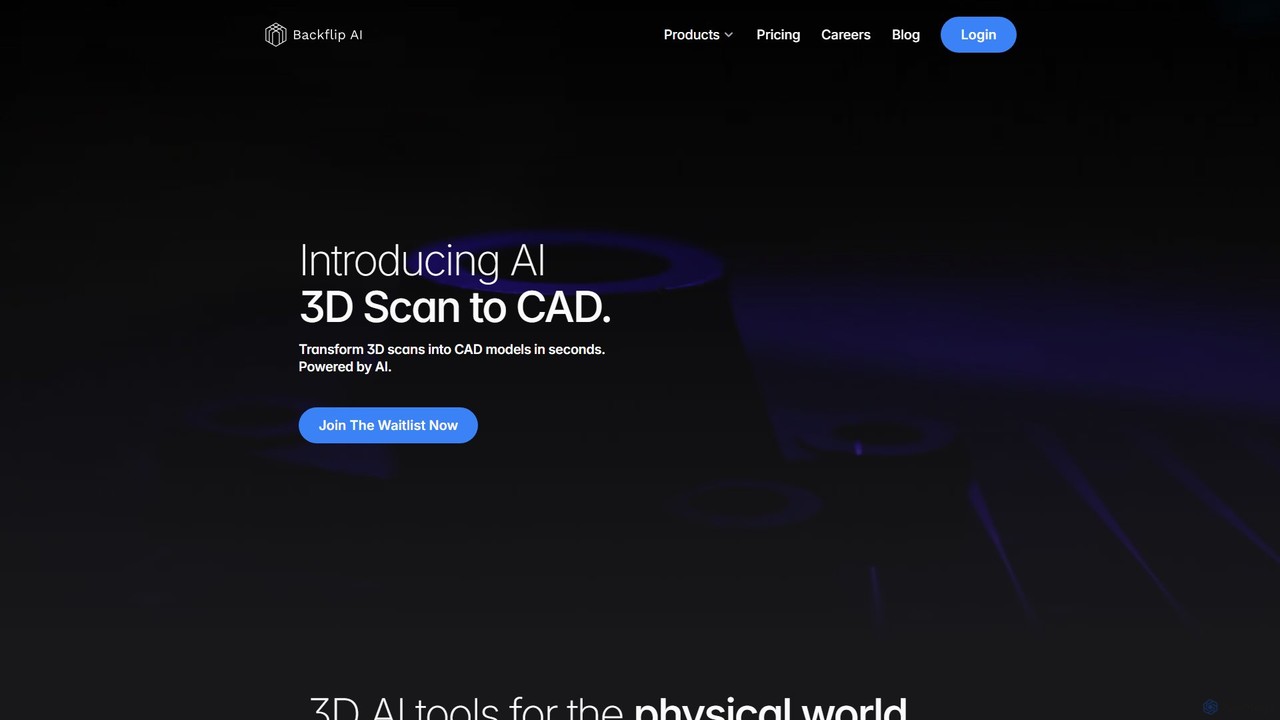
Backflip AI Overview
Backflip AI is a revolutionary platform designed to transform the frontend of the 3D design process. Founded by Greg Mark and David Benhaim, the creators of the successful 3D printing company Markforged (NYSE: MKFG), Backflip AI brings a new level of speed and efficiency to creating 3D models for the physical world. The platform is built to accelerate the way you create, whether you work with mechanical CAD for manufacturing or 3D meshes for printing and digital applications. It offers two core, powerful functionalities: Parametric 3D Scan to CAD and Mesh Idea to Mesh.
The first key feature, Parametric 3D Scan to CAD, addresses a major bottleneck in reverse engineering and part replacement. It allows users to translate 3D scan data into fully-featured, parametric CAD models with a single click. This eliminates the tedious and error-prone manual process of measuring parts with calipers and rebuilding sketch curves from noisy point clouds. The tool natively integrates with Onshape and also exports standard .STEP files, ensuring compatibility with the entire modern manufacturing ecosystem, including software like SolidWorks, Fusion 360, and CATIA.
The second feature, Mesh Idea to Mesh, empowers creativity by allowing users to generate complex 3D mesh models from simple inputs. You can describe what you want to create with text, upload a sketch, or provide an image, and the AI will generate a detailed 3D model in seconds. This is ideal for rapid prototyping, concept visualization, and creating assets for 3D printing or digital media. The generated models can be exported in various standard formats, including .STL, .OBJ, .GLB, and .PLY, making them ready for 3D printers or further processing in mesh-editing tools like Blender or ZBrush.
How to use Backflip AI
Using Backflip AI is designed to be intuitive and streamlined:
- For 3D Scan to CAD:
1. Scan your physical part using any 3D scanner to create a point cloud or mesh file.
2. Upload the scan file to the Backflip AI platform.
3. With one click, the AI analyzes the geometry and reconstructs it as a parametric CAD model.
4. Export the model as a .STEP file for use in any CAD software or send it directly to your Onshape account. (Note: This feature is currently on a waitlist). - For Idea to Mesh:
1. Select your input method: text description, sketch, or image.
2. Provide your creative input. For example, type "a futuristic drone with six propellers" or upload a drawing of a custom part.
3. The AI will process your input and generate a 3D mesh model within seconds.
4. Review the generated model, and if satisfied, export it in your desired format (.STL, .OBJ, etc.) for 3D printing or other applications.
Core Features of Backflip AI
- AI-Powered Scan to CAD: Instantly convert 3D scan data into manufacturable, parametric CAD models.
- Idea to Mesh Generation: Create 3D mesh models from text descriptions, sketches, or images.
- Broad File Compatibility: Exports parametric models as .STEP files and mesh models as .STL, .OBJ, .GLB, and .PLY files.
- Native CAD Integration: Seamlessly builds models in Onshape, turbocharging your existing workflow.
- High-Speed Processing: Delivers complex 3D models in seconds, not hours or days.
- User-Friendly Interface: Simplifies complex 3D modeling tasks, making them accessible to a wider range of users.
Use Cases for Backflip AI
Backflip AI is versatile and valuable across various industries:
- Reverse Engineering: Engineers can quickly scan a legacy or broken part and generate a production-ready CAD model for manufacturing a replacement.
- Product Design: Designers can rapidly prototype ideas, turning sketches and descriptions into 3D-printable models for physical validation.
- Custom Manufacturing: Create custom-fit parts, tools, and fixtures by scanning the target environment and modeling directly from it.
- Game Development & Animation: Artists can generate base meshes for 3D assets from concept art or written descriptions, speeding up the creative pipeline.
- Hobbyists and Makers: Creators can bring their ideas to life without needing extensive 3D modeling skills, simply by describing or drawing them.
Advantages of Backflip AI
The primary advantage of Backflip AI is its ability to dramatically accelerate the 3D design workflow. It automates the tedious "grunt work" of modeling, freeing up engineers and designers to focus on innovation and higher-value tasks. The AI-driven process reduces human error associated with manual measurements and modeling. Founded by pioneers in the 3D printing industry, the tool is built with a deep understanding of manufacturing needs, ensuring the outputs are practical and manufacturable. Its accessibility lowers the barrier to entry for professional-grade 3D modeling.
Pricing and Plans
Backflip AI offers a clear pricing structure for its Idea to Mesh service, with a 7-day free trial that includes 250 credits.
- Standard: $20/month for 2,000 credits (approx. 50 3D model generations). Ideal for hobbyists.
- Pro: $40/month for 5,000 credits (approx. 125 3D model generations). Suited for designers and power users.
- Business: $200/month for 35,000 credits (approx. 875 3D model generations). Designed for professional teams.
- Enterprise: Custom credit allocation, dedicated support, and team onboarding. Contact sales for pricing.
- Credit Pack: $20 for 1,800 rollover credits for users who need extra credits that don't expire.
Pricing for the Scan to CAD feature is not yet announced and is listed as "coming soon".
Traffic
Latest traffic
Status
Monthly traffic trend
- 2025-9: 45.1K
- 2026-1: 51.3K
- 2026-2: 43.0K
- 2026-3: 42.0K
- 2026-4: 31.4K
- 2026-5: 20.9K
Geography
Top 5 countries / regions
- 🇺🇸United States32.9%
- 🇧🇷Brazil26.3%
- 🇻🇳Vietnam21.2%
- 🇹🇭Thailand9.9%
- 🇷🇺Russia9.6%
Traffic sources
| Source type | Percentage |
|---|---|
Direct | 86.2% |
Referral | 13.8% |
Top keywords
| Keyword | Cost per click |
|---|---|
| backflip | $4.81 |
| backflip ai | $1.10 |
| backflip (yc) | $0.00 |
| blackflip ai | $0.00 |
| cbackflip | $0.00 |
Backflip AI Alternatives

Glyf
Glyf is an AI-powered platform that transforms text prompts and images into high-quality 3D models. Designed for creators of all skill levels, it simplifies the 3D creation process, enabling rapid prototyping, game asset generation, and artistic expression without complex software.
Generative Art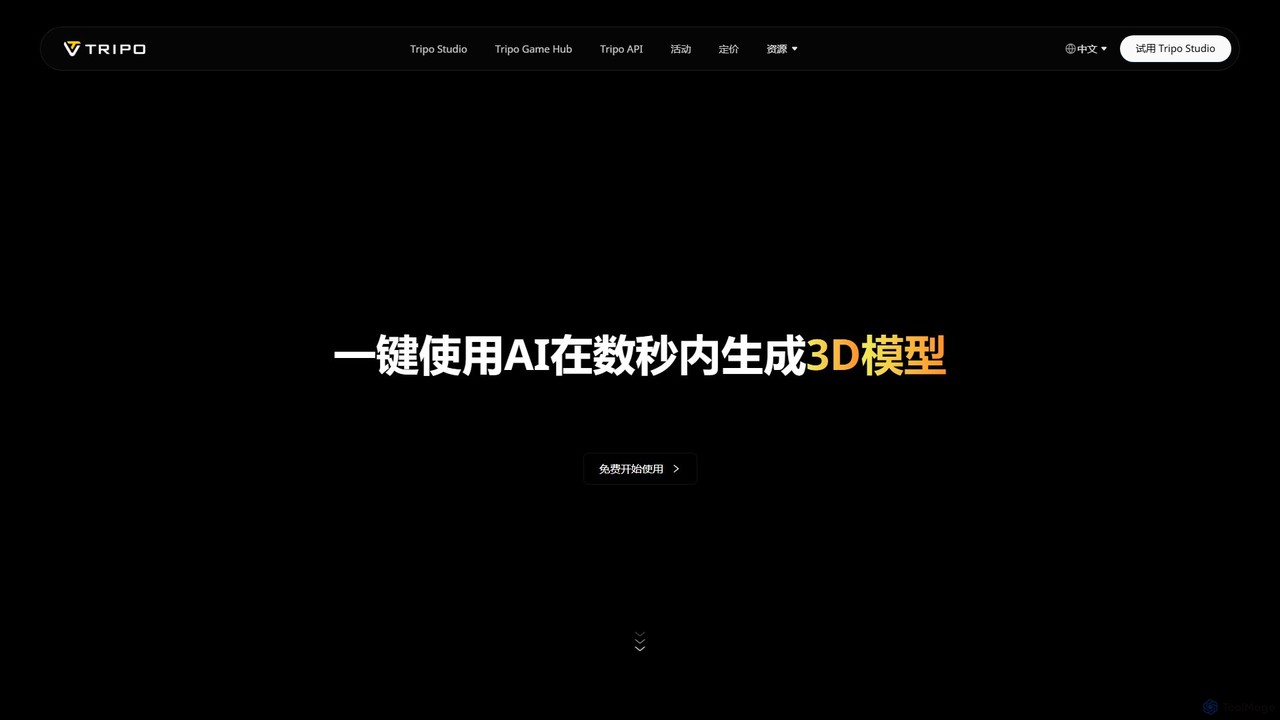
Tripo3D
Tripo3D is a powerful AI 3D model generator that creates high-quality 3D models from text, images, or doodles in seconds. It supports various export formats for gaming, AR/VR, 3D printing, and design, featuring professional-grade geometry, PBR materials, and auto-rigging capabilities.
Generator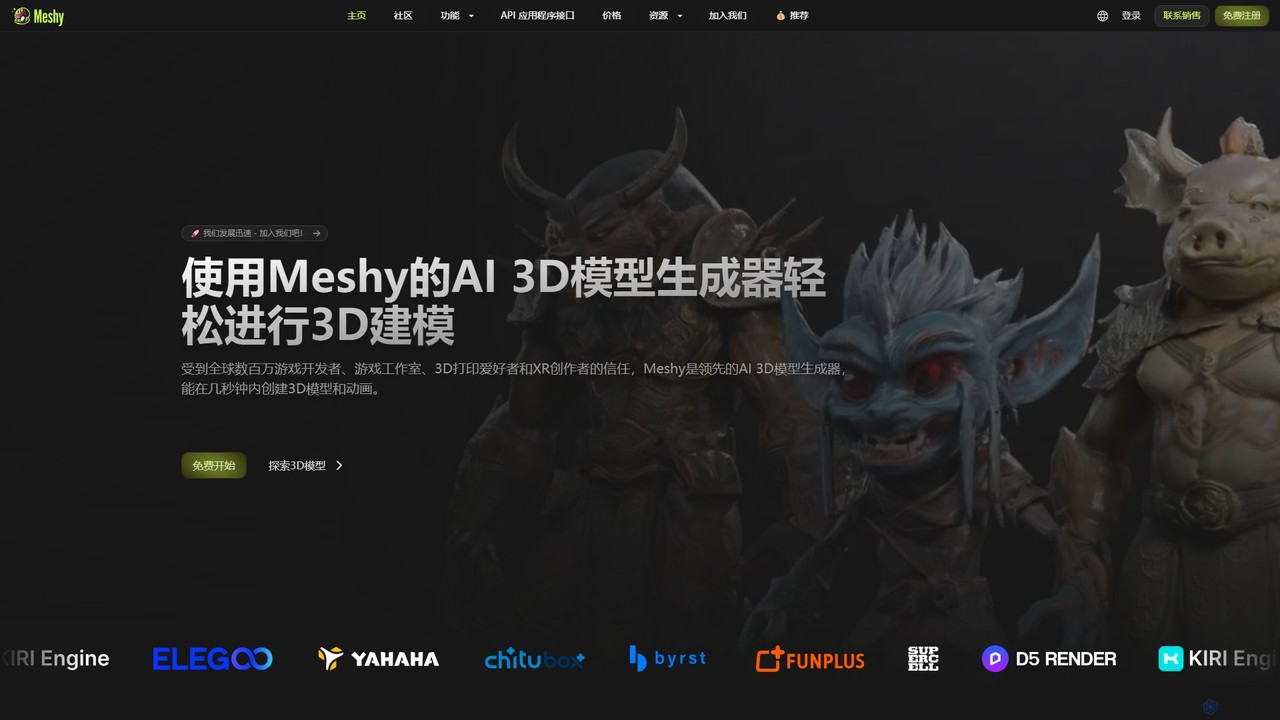
Meshy
Meshy is an all-in-one AI 3D content creation suite. Generate stunning 3D models, textures, and animations from text or images in minutes. It's the ultimate toolkit for game developers, artists, and creators, simplifying the entire 3D workflow from concept to a fully animated asset.
Generator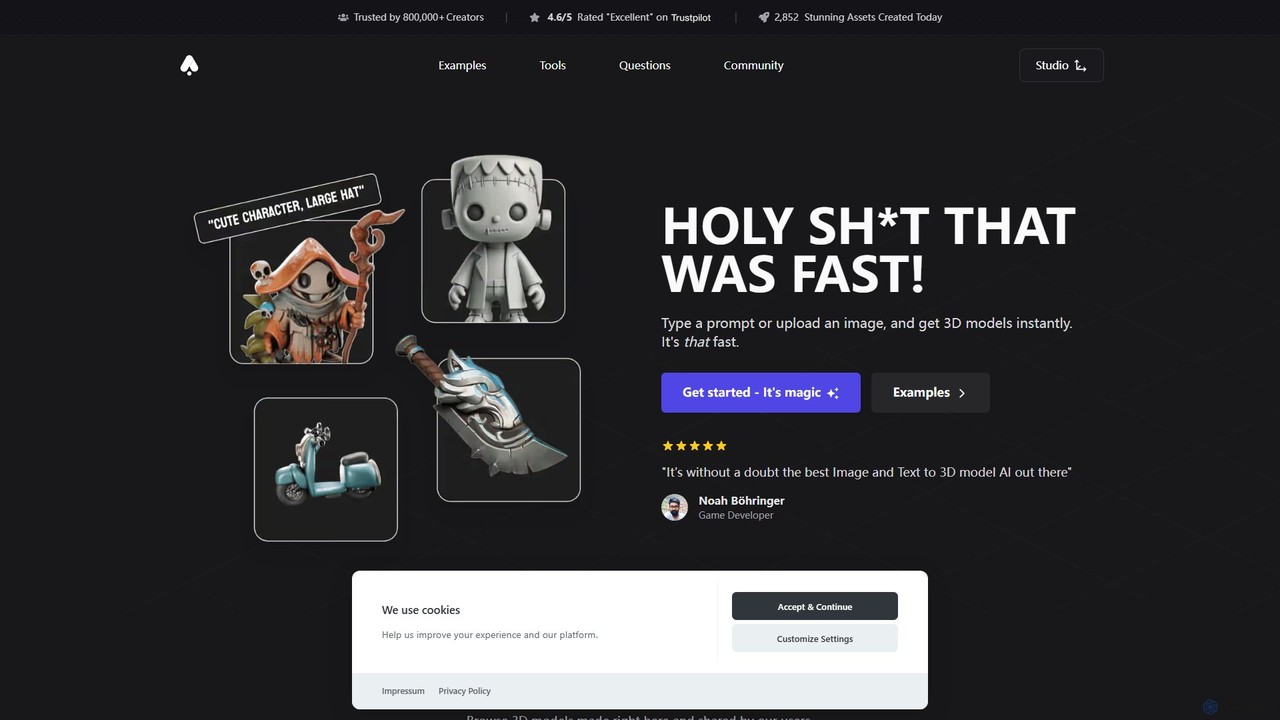
3D AI Studio
3D AI Studio is a powerful AI-driven platform that generates high-quality 3D models from text prompts or images in seconds. Designed for creators, game developers, and designers, it simplifies the 3D creation process with features like AI texturing, automatic remeshing, and a vast community library. It offers a fast, intuitive, and cost-effective solution for producing game-ready assets, 3D printable models, and more, without requiring extensive 3D modeling experience.
Ai 3D Generator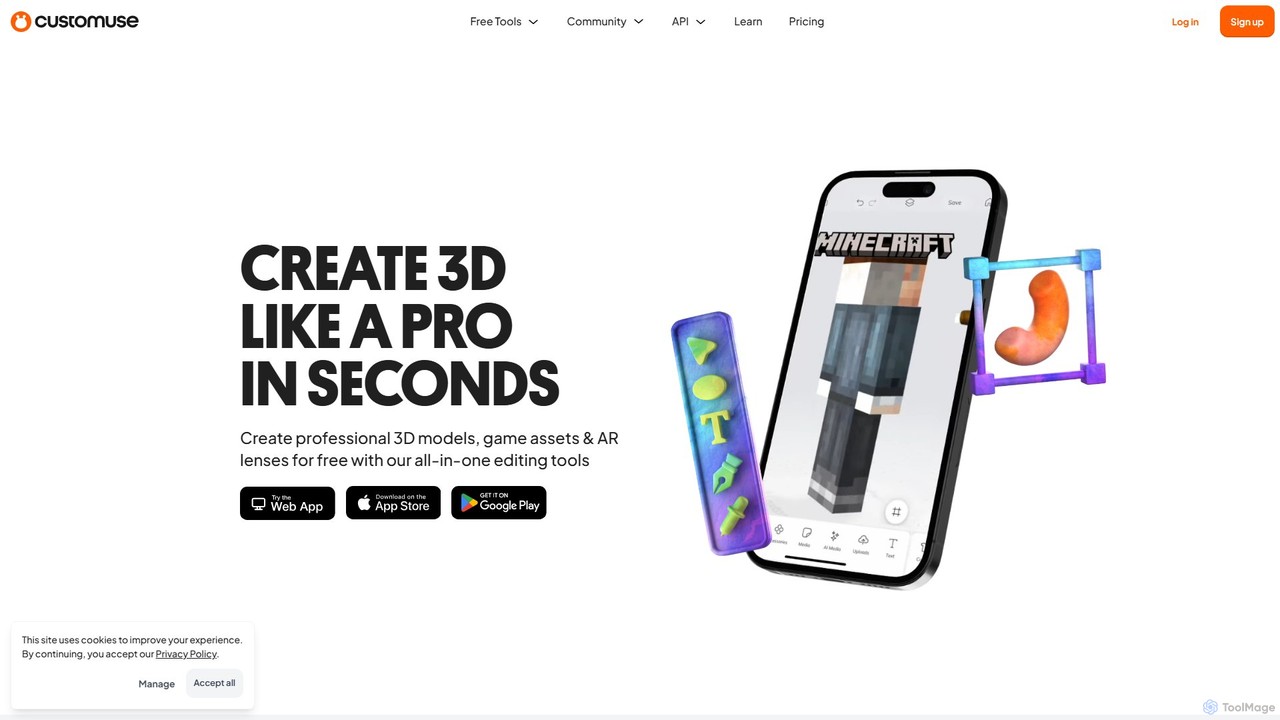
Customuse
Customuse is an all-in-one AI-powered design studio for creating professional 3D models, game assets, and AR filters. It simplifies 3D creation for platforms like Roblox, Minecraft, Zepeto, Snapchat, and TikTok, using an intuitive editor, extensive templates, and powerful AI tools. Available on both desktop and mobile, it empowers creators of all skill levels to design, monetize, and share their digital creations effortlessly.
ModelingBackflip AI Categories
Backflip AI Embed Widget
Copy this embed code to place the badge on your blog, article, or product site and send readers directly to this ToolMage detail page.

Related AI tools
Glyf
Glyf is an AI-powered platform that transforms text prompts and images into high-quality 3D models. Designed for creators of all skill levels, it simplifies the 3D creation process, enabling rapid prototyping, game asset generation, and artistic expression without complex software.
Generative ArtTripo3D
Tripo3D is a powerful AI 3D model generator that creates high-quality 3D models from text, images, or doodles in seconds. It supports various export formats for gaming, AR/VR, 3D printing, and design, featuring professional-grade geometry, PBR materials, and auto-rigging capabilities.
GeneratorMeshy
Meshy is an all-in-one AI 3D content creation suite. Generate stunning 3D models, textures, and animations from text or images in minutes. It's the ultimate toolkit for game developers, artists, and creators, simplifying the entire 3D workflow from concept to a fully animated asset.
Generator3D AI Studio
3D AI Studio is a powerful AI-driven platform that generates high-quality 3D models from text prompts or images in seconds. Designed for creators, game developers, and designers, it simplifies the 3D creation process with features like AI texturing, automatic remeshing, and a vast community library. It offers a fast, intuitive, and cost-effective solution for producing game-ready assets, 3D printable models, and more, without requiring extensive 3D modeling experience.
Ai 3D Generator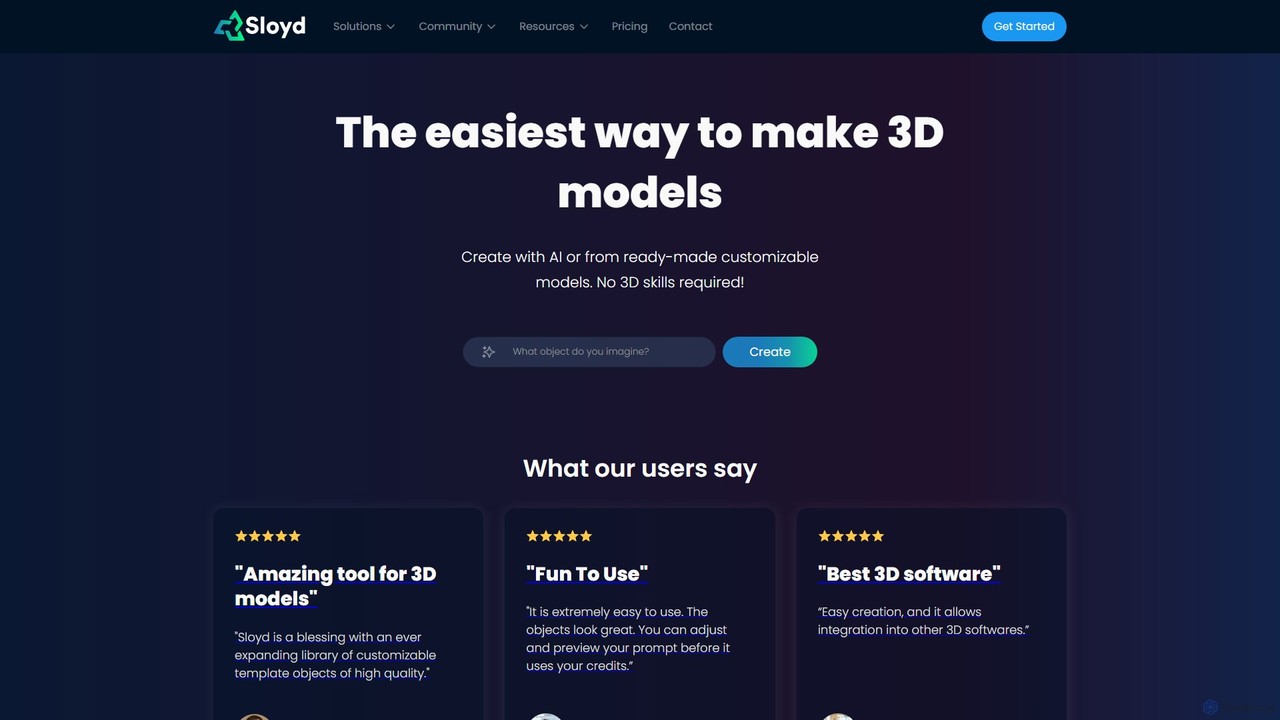
Sloyd
Sloyd is an AI-powered 3D model generator that makes 3D creation effortless. Generate models from text prompts or images, or customize from a vast library of parametric templates. No 3D skills are required, making it perfect for game developers, designers, and hobbyists.
Generator
Artefacts.ai
Artefacts.ai is a powerful AI-driven platform that transforms text prompts and 2D images into high-quality 3D models in seconds. Designed for creators, designers, and game developers, it simplifies the 3D creation workflow from concept to asset. Users can generate game-ready models, create files for full-color 3D printing, and seamlessly integrate their creations into existing DCC software. The platform also offers a unique service to order physical 3D prints of generated models.
Generative 3D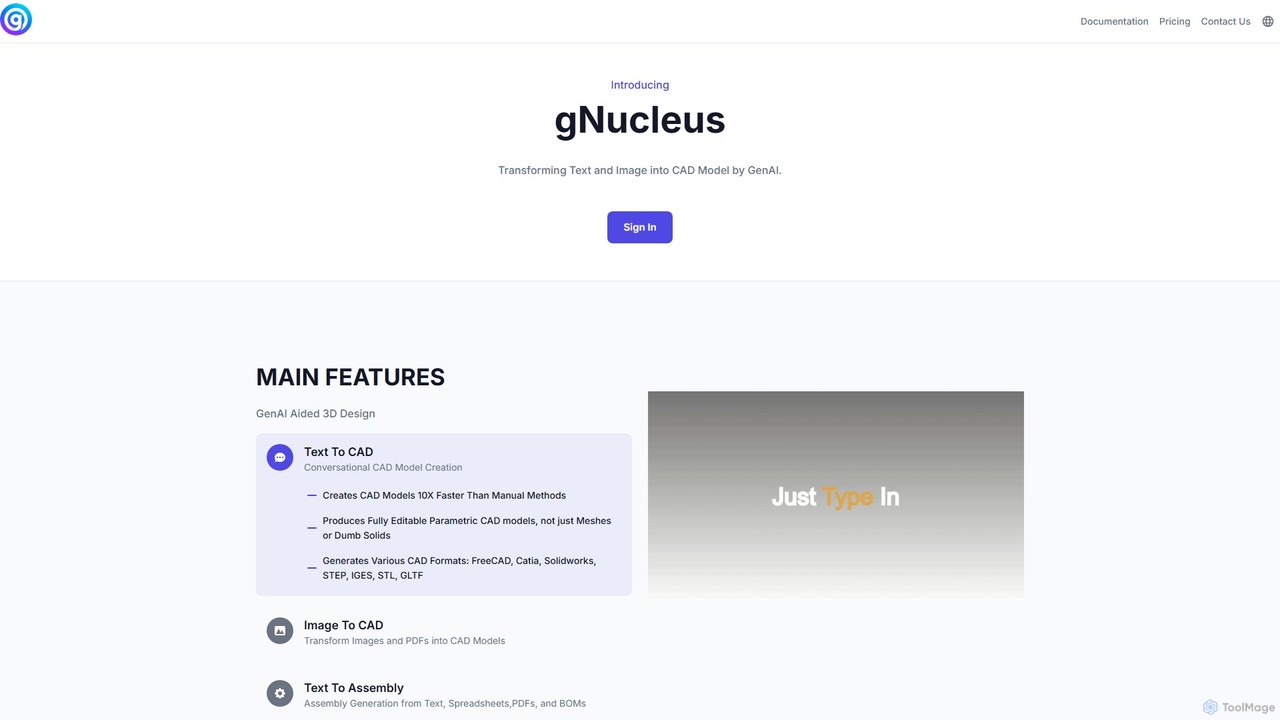
gNucleus
gNucleus is a generative AI platform that transforms text, images, and data into fully editable, parametric 3D CAD models. Designed for engineers and designers, it accelerates the design process by up to 10x, supporting various CAD formats and seamless integration with existing workflows.
3D Modeling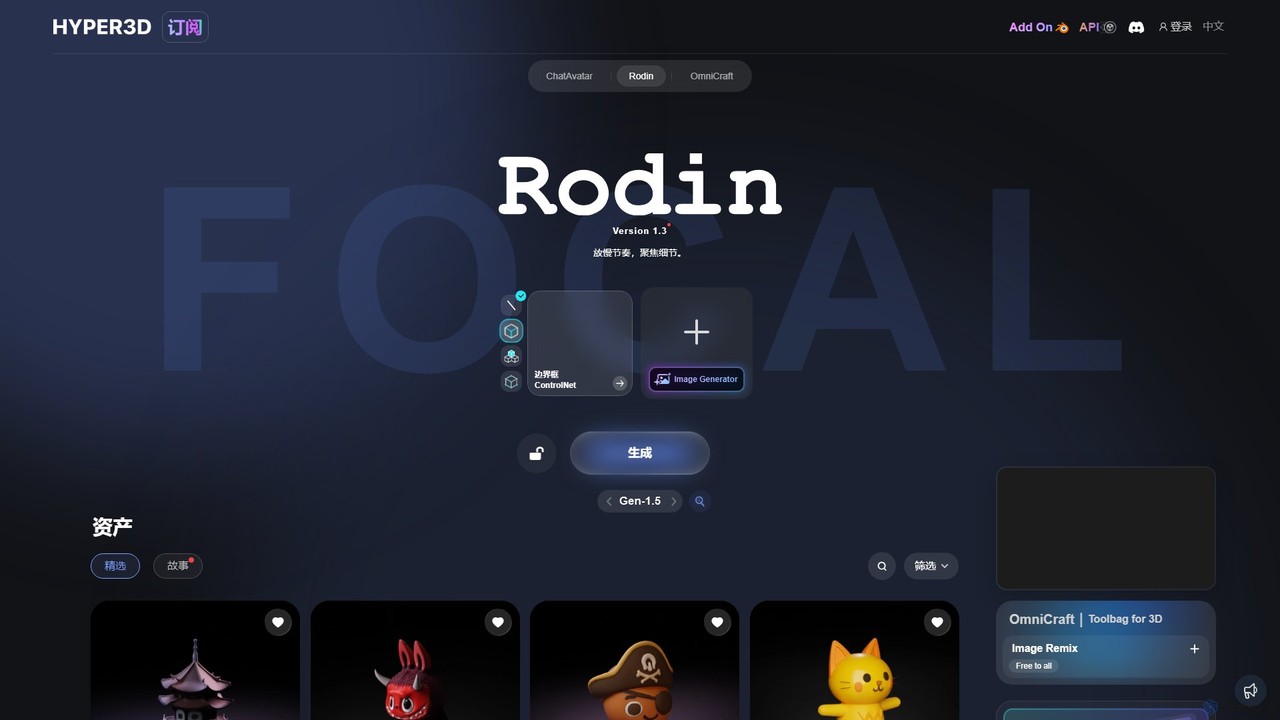
Hyper3D
Hyper3D is a comprehensive AI-powered 3D creation suite. Its core tool, Rodin, generates high-quality 3D models from single images, multi-view photos, or text prompts. The platform also includes the OmniCraft toolbag for mesh editing, texture generation, and more, streamlining the entire 3D asset creation workflow for designers, game developers, and animators.
3D Modeling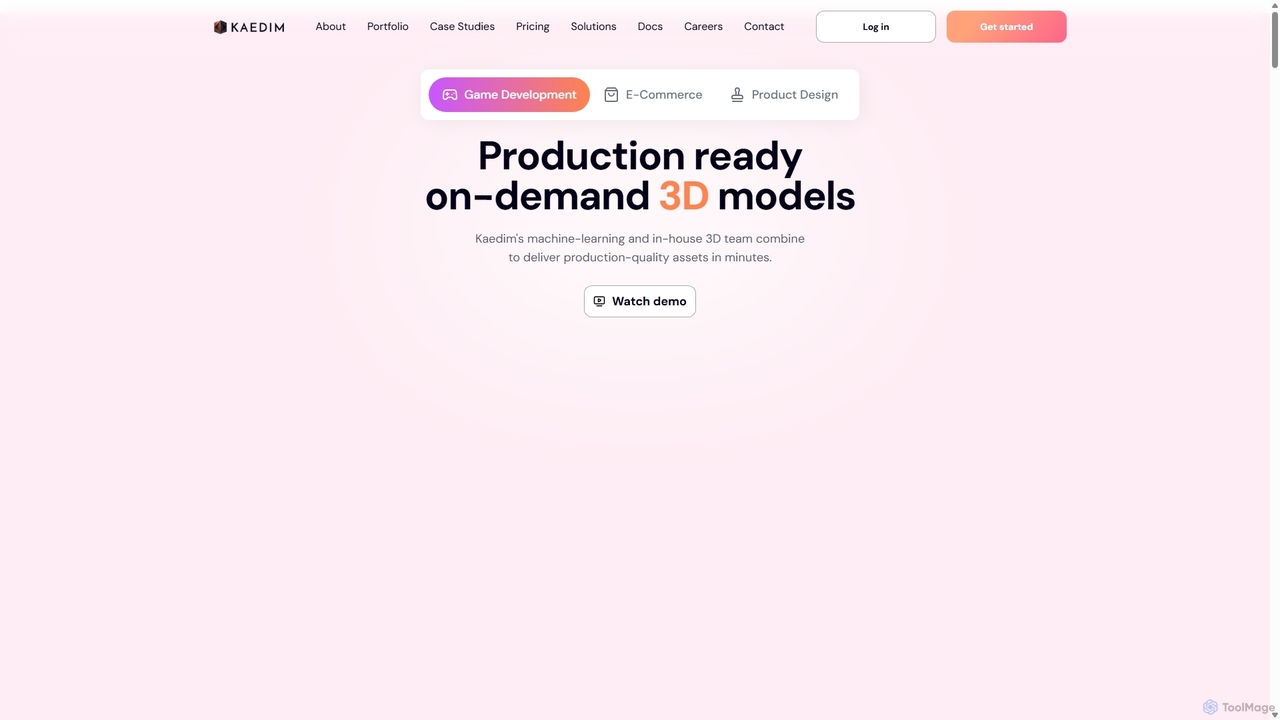
Kaedim3D
Kaedim3D is an AI-powered platform that accelerates 3D asset creation by transforming 2D images or text descriptions into production-ready 3D models. It combines machine learning with a team of in-house artists to deliver high-quality, optimized assets 10x faster for game development, e-commerce, and product design.
3D Modeling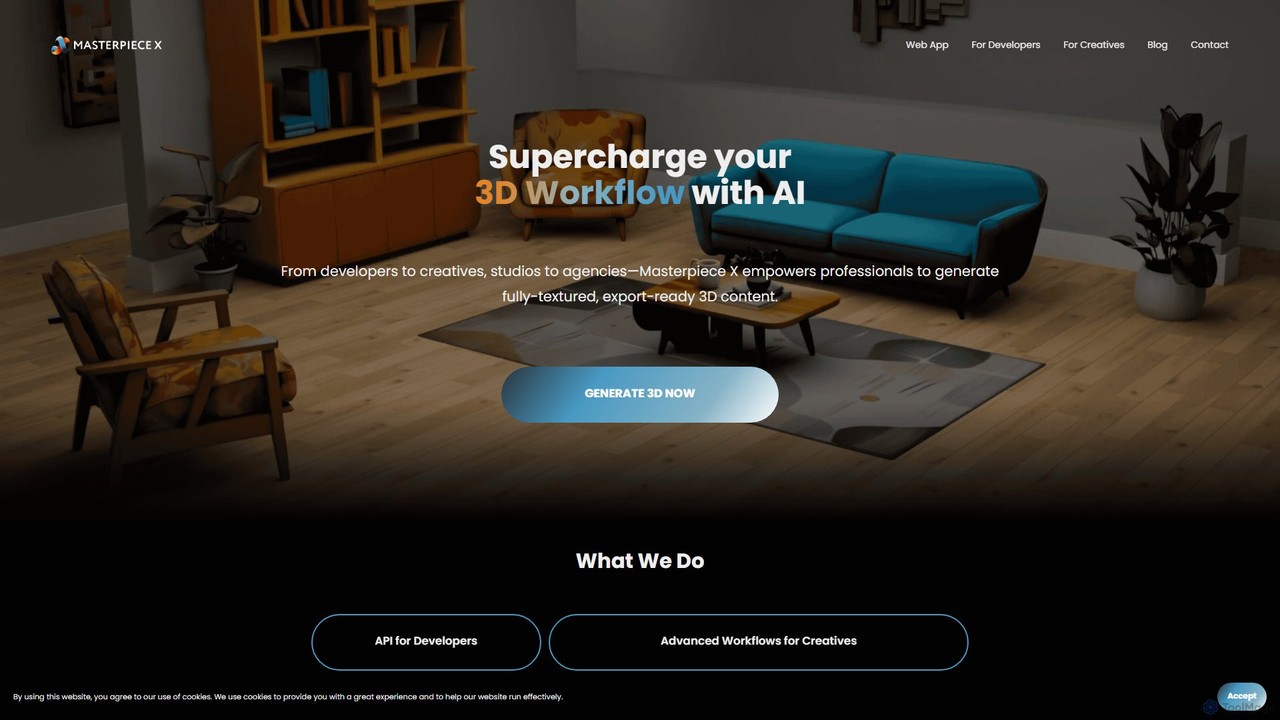
Masterpiece X
Masterpiece X is an advanced AI-powered 3D creation platform designed for professionals and creatives. It enables users to generate fully-textured, animated, and export-ready 3D models from simple text prompts or images, significantly accelerating workflows in game development, concept art, and metaverse creation.
3D Modeling
Polyhive
Polyhive is an AI-powered platform for generating high-quality, game-ready 3D models and textures. It enables creators to produce 3D assets from text prompts or 2D images and apply AI-driven textures to existing models, drastically accelerating the creative workflow for game developers and 3D artists.
Generative Art
Jyek
Jyek is an AI agent platform that understands objectives, creates execution plans, uses tools, and delivers verifiable results for complex, multi-step tasks.
Automation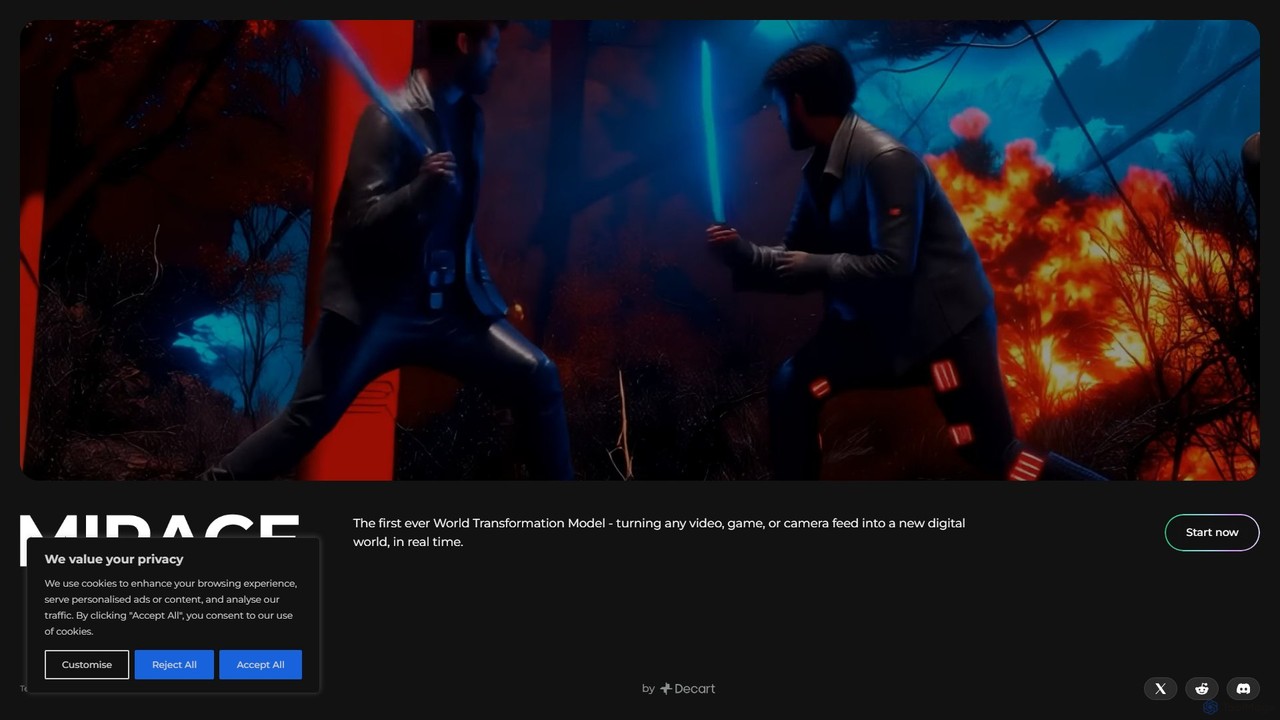
Mirage
Mirage by Decart.ai is an advanced AI-powered 3D content creation platform. It enables users to generate high-quality 3D models, textures, and entire scenes from simple text prompts or 2D images. Designed for game developers, 3D artists, and designers, Mirage streamlines the creative workflow, dramatically reducing the time and effort required to produce stunning 3D assets.
Generative Modeling
heroify
Heroify is an AI-powered platform for generating high-quality 3D models and design assets from 2D images and text prompts. It's designed for designers, developers, and creators to accelerate their workflow and bring creative visions to life with ease.
Image To 3D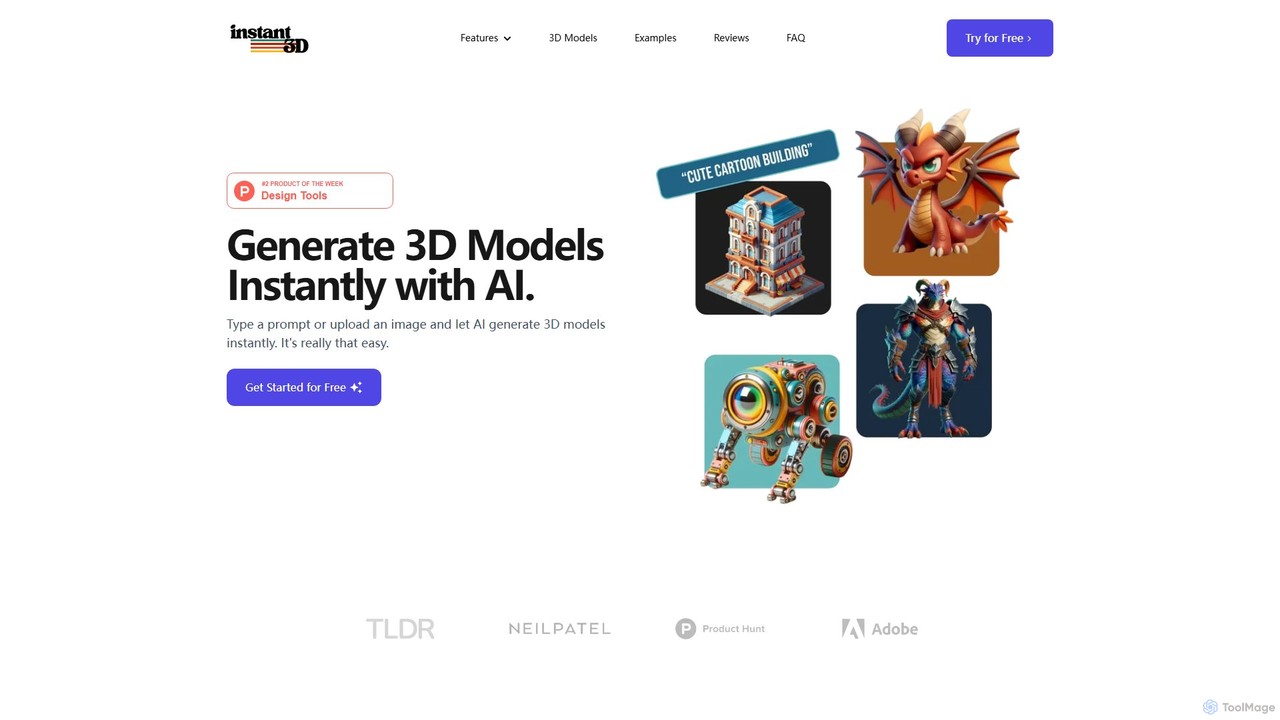
Instant3D
Instant3D is an AI-powered platform that generates high-quality 3D models from text prompts or 2D images in seconds. It's designed for designers, game developers, animators, and hobbyists to accelerate their creative workflow, offering tools for character generation, model optimization, and in-browser editing.
Generator
Backflip AI Comments (0)
Sign in to comment.
Sign inNo comments yet.