

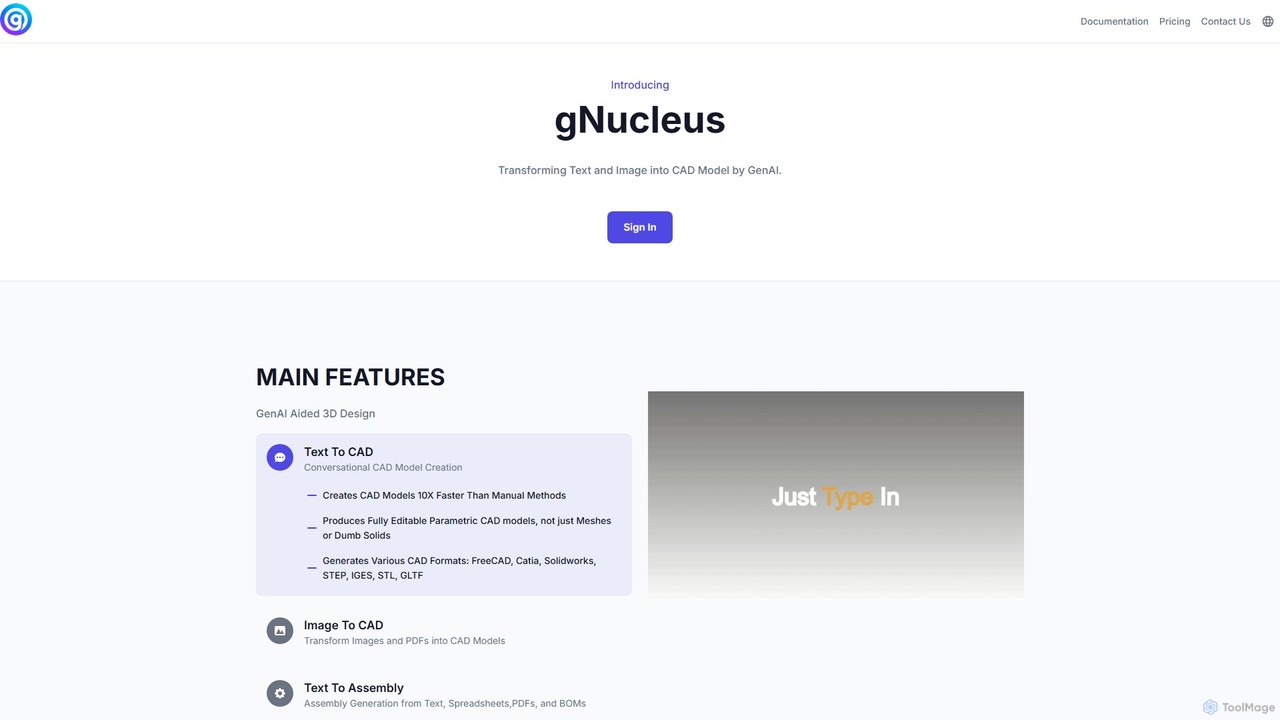
gNucleus Overview
gNucleus is a cutting-edge generative AI company, founded by engineers from FAANG and leading CAD companies, dedicated to revolutionizing the industrial design and engineering industries. The platform leverages advanced AI models to interpret text, images, PDFs, and even spreadsheets, and automatically generate fully parametric 3D CAD models. This innovative approach significantly streamlines the design workflow, enabling users to create complex models up to 10 times faster than traditional manual methods. Unlike tools that produce static meshes or dumb solids, gNucleus generates models with a complete modeling history, ensuring they are fully editable in popular CAD software.
How to use gNucleus
Using gNucleus is designed to be intuitive and efficient, integrating seamlessly into a designer's or engineer's workflow. The process is straightforward:
- Provide Input: Users can start with various types of input. For the Text-to-CAD feature, you can use natural language prompts in a conversational chat interface, describing the part you want to create (e.g., "Create a flange with an outer diameter of 100mm, an inner diameter of 50mm, and six 10mm bolt holes on a 75mm pitch circle diameter").
- Image/PDF to CAD: For the Image-to-CAD feature, you can upload 2D drawings, sketches, or technical documents in image or PDF format. The AI will analyze the geometry and convert it into a 3D model.
- Assembly Generation: For complex assemblies, you can provide text descriptions, spreadsheets, or a Bill of Materials (BOM). The platform will generate the entire assembly, including all individual components and their relationships.
- Generate and Refine: The AI processes the input and generates a 3D CAD model. Users can then review the model and conversationally refine the design until it meets their exact specifications.
- Export: Once satisfied, users can export the model in a variety of industry-standard formats, including parametric formats like FreeCAD and native formats for Solidworks and Catia, as well as neutral formats like STEP, IGES, STL, and GLTF.
Core Features of gNucleus
- Text To CAD: Utilizes a conversational AI to create detailed 3D models from simple text descriptions.
- Image To CAD: Transforms 2D images, sketches, and PDFs into editable 3D CAD models.
- Text To Assembly: Generates complete and complex assemblies from text prompts, spreadsheets, or Bills of Materials (BOMs).
- Parametric Model Generation: Creates truly parametric CAD models with a full feature history, not just static meshes. This allows for easy editing and modification in professional CAD software.
- Multi-Format Support: Exports models in a wide range of formats, including FreeCAD, Catia, Solidworks, STEP, IGES, STL, and GLTF.
- API and Customization: Offers API access for seamless integration into existing CAD systems and workflows. Enterprise clients can fine-tune the GenAI model with their own proprietary CAD data for highly specialized and accurate outputs.
- No-Code CAD Creation: Empowers users without coding skills to generate and customize complex CAD models through simple, intuitive inputs.
Use Cases for gNucleus
gNucleus is versatile and applicable across various industries:
- Rapid Industrial Product Design: Quickly generate and iterate on design concepts, turning ideas into precise, manufacturable prototypes in a fraction of the time and cost.
- Workflow Automation: Integrate gNucleus via its API to automate repetitive and time-consuming modeling tasks within an existing design pipeline, freeing up engineers to focus on innovation.
- Legacy Data Conversion: Modernize old 2D technical drawings or PDF archives by converting them into fully editable 3D parametric models.
- Custom Component Generation: Quickly create custom parts based on specific parameters defined in a spreadsheet or BOM, ideal for customized machinery or product configurations.
Advantages of gNucleus
The primary advantage of gNucleus is its ability to dramatically increase efficiency. By automating the initial modeling phase, it reduces design time from hours or days to mere minutes. The platform produces high-quality, parametric models, which is a significant step up from tools that only generate static meshes. This ensures that the output is immediately useful and editable within professional engineering environments. Furthermore, its ability to be fine-tuned with a company's own data allows for the creation of a highly specialized tool that understands and replicates a company's unique design language and standards.
Pricing and Plans
gNucleus offers a tiered pricing structure to suit different user needs:
- Basic (Free): $0/month. Includes 100 credits per month, plus 50 free credits daily upon login. Provides access to Text-to-CAD, Assembly Generation, and model export (IGES, STEP, GLB, STL).
- Professional: $29.99/month. Includes 3,000 credits per month, all features of the Basic plan, plus dedicated customer support.
- Premium: $99.99/month. Includes 15,000 credits per month, all features of the Professional plan, plus priority customer support and customized CAD generation support.
- Enterprise: Custom pricing. Offers unlimited credits and usage, a customized GenAI model fine-tuned with your data, custom integrations, a custom UI/chatbot, and dedicated support.
Credit System: Each successful CAD generation costs 5 credits. Downloading a parametric model (e.g., FreeCAD) costs 20 credits, while non-parametric formats (STEP, IGES, etc.) cost 10 credits. Failed generation attempts are free.
Traffic
Latest traffic
Status
Monthly traffic trend
- 2026-2: 204
- 2026-3: 0
- 2026-4: 76
- 2026-5: 1.0K
Geography
Top 5 countries / regions
- 🇺🇸United States70.5%
- 🇮🇳India29.5%
Top keywords
| Keyword | Cost per click |
|---|---|
| gnucleus | $0.00 |
| gnucleus ai | $0.00 |
| gnuclues | $0.00 |
| neoculus ai | $0.00 |
| nucleus image ai | $0.00 |
gNucleus Alternatives
Zoo
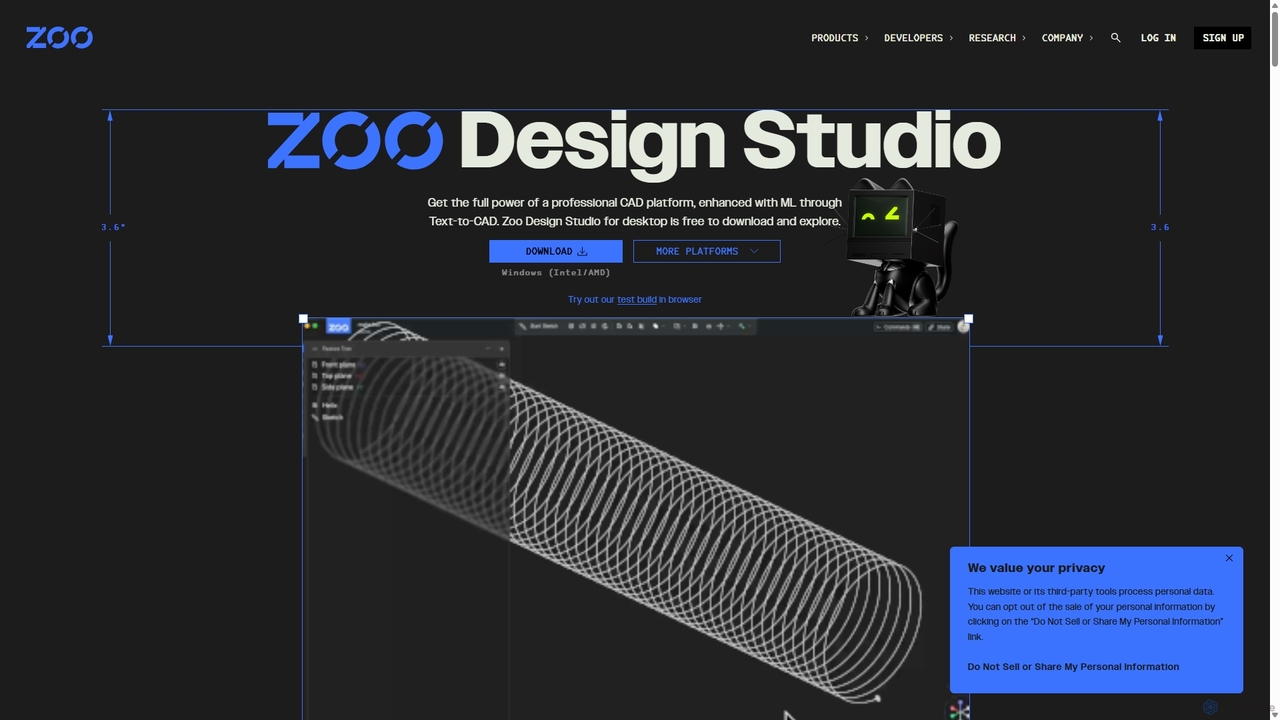
Zoo is a next-generation, AI-powered CAD platform featuring Text-to-CAD technology. It combines traditional 3D modeling with machine learning and programmatic design, enabling engineers and designers to create complex mechanical models from simple text prompts. Built on a high-performance, GPU-accelerated geometry engine, Zoo accelerates the entire design workflow from concept to manufacturing.
3D Modeling
Hypar
Hypar is a cloud-based generative design platform for the Architecture, Engineering, and Construction (AEC) industry. It empowers users to automate building design processes, rapidly generate and evaluate thousands of design options, and collaborate seamlessly in a data-driven environment.
3D Modeling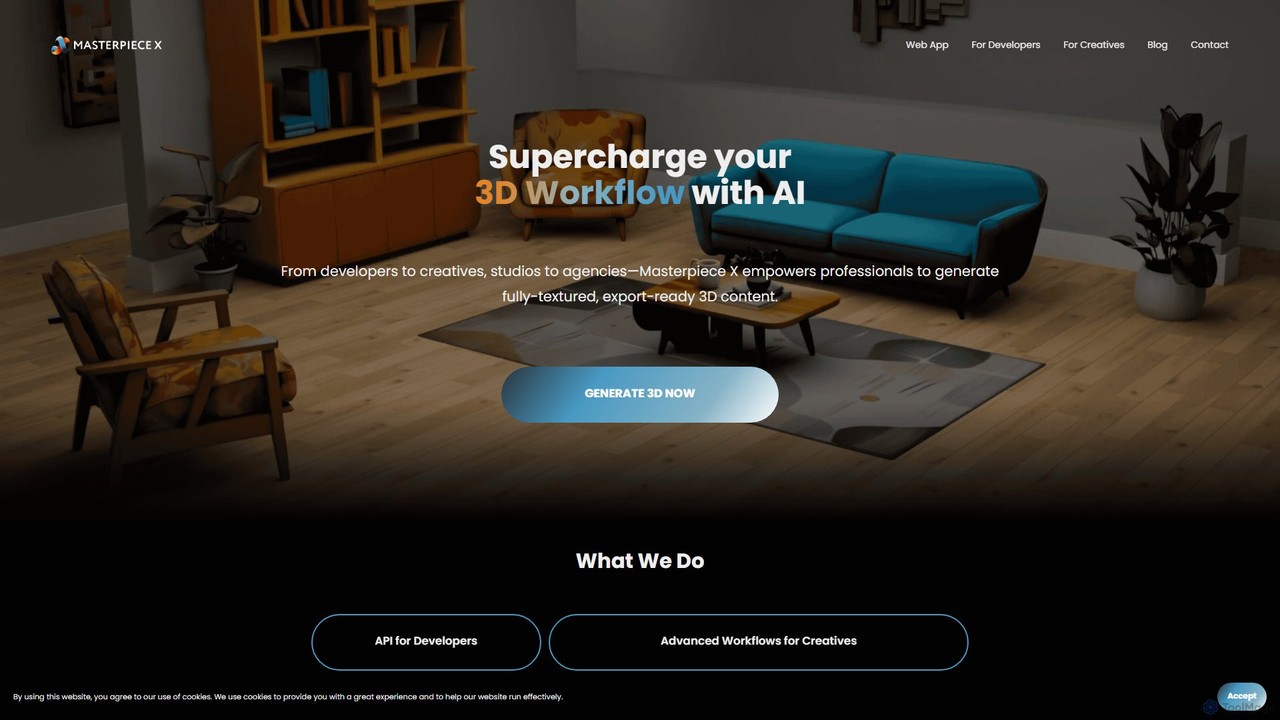
Masterpiece X
Masterpiece X is an advanced AI-powered 3D creation platform designed for professionals and creatives. It enables users to generate fully-textured, animated, and export-ready 3D models from simple text prompts or images, significantly accelerating workflows in game development, concept art, and metaverse creation.
3D Modeling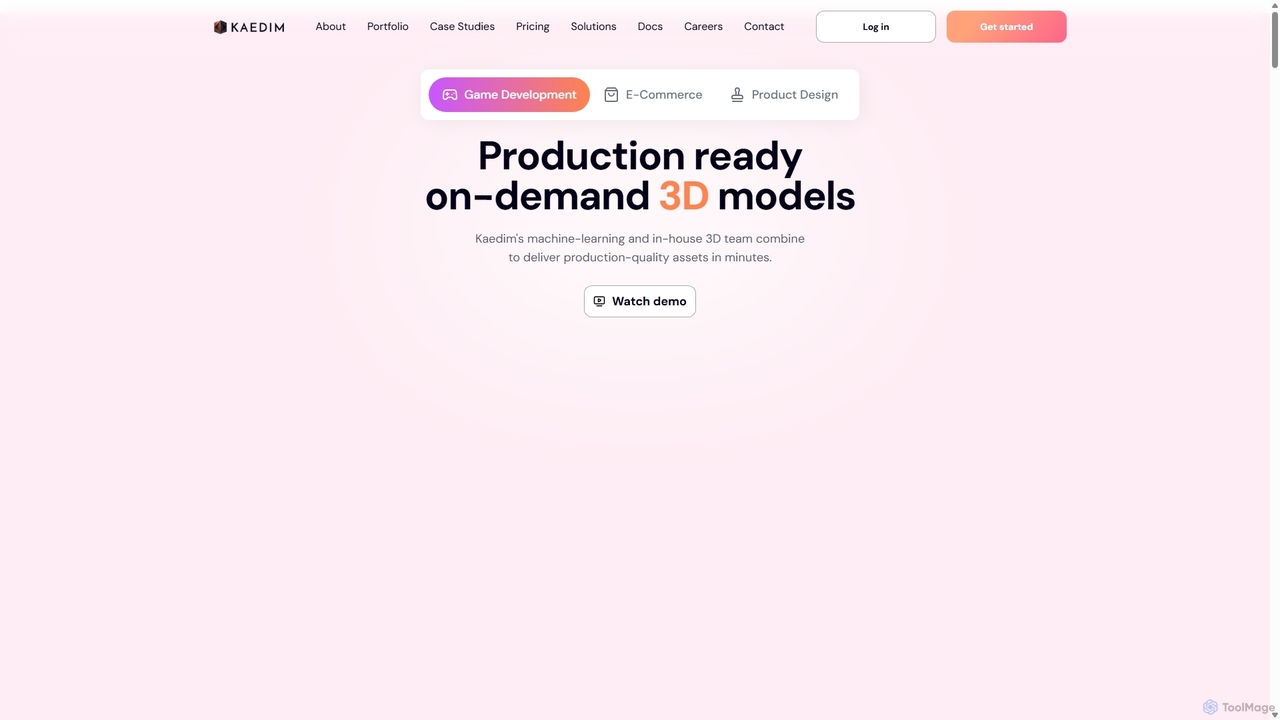
Kaedim3D
Kaedim3D is an AI-powered platform that accelerates 3D asset creation by transforming 2D images or text descriptions into production-ready 3D models. It combines machine learning with a team of in-house artists to deliver high-quality, optimized assets 10x faster for game development, e-commerce, and product design.
3D Modeling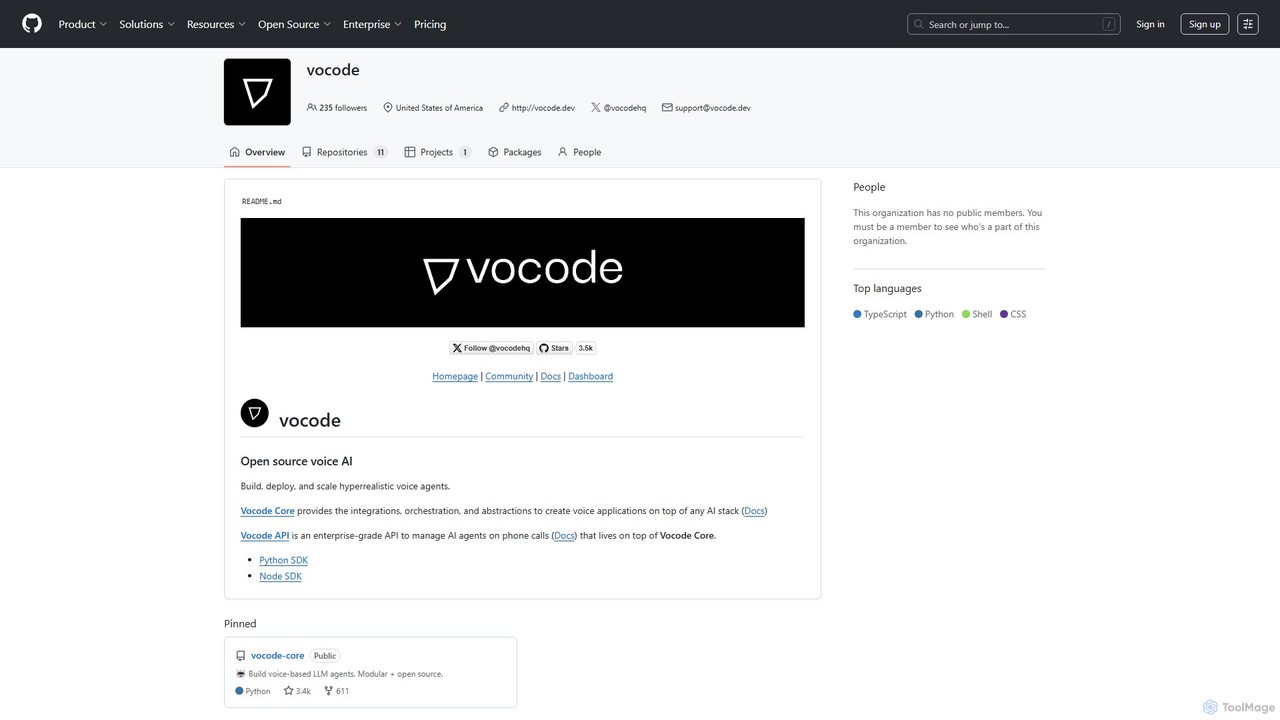
vocode
Vocode is an open-source platform for building, deploying, and scaling hyperrealistic voice AI agents. It provides developers with a core framework and an enterprise-grade API to create sophisticated voice-based LLM applications for tasks like automated customer service, sales calls, and interactive voice response (IVR) systems.
VoicebotgNucleus Categories
gNucleus Embed Widget
Copy this embed code to place the badge on your blog, article, or product site and send readers directly to this ToolMage detail page.

Related AI tools
Masterpiece X
Masterpiece X is an advanced AI-powered 3D creation platform designed for professionals and creatives. It enables users to generate fully-textured, animated, and export-ready 3D models from simple text prompts or images, significantly accelerating workflows in game development, concept art, and metaverse creation.
3D Modeling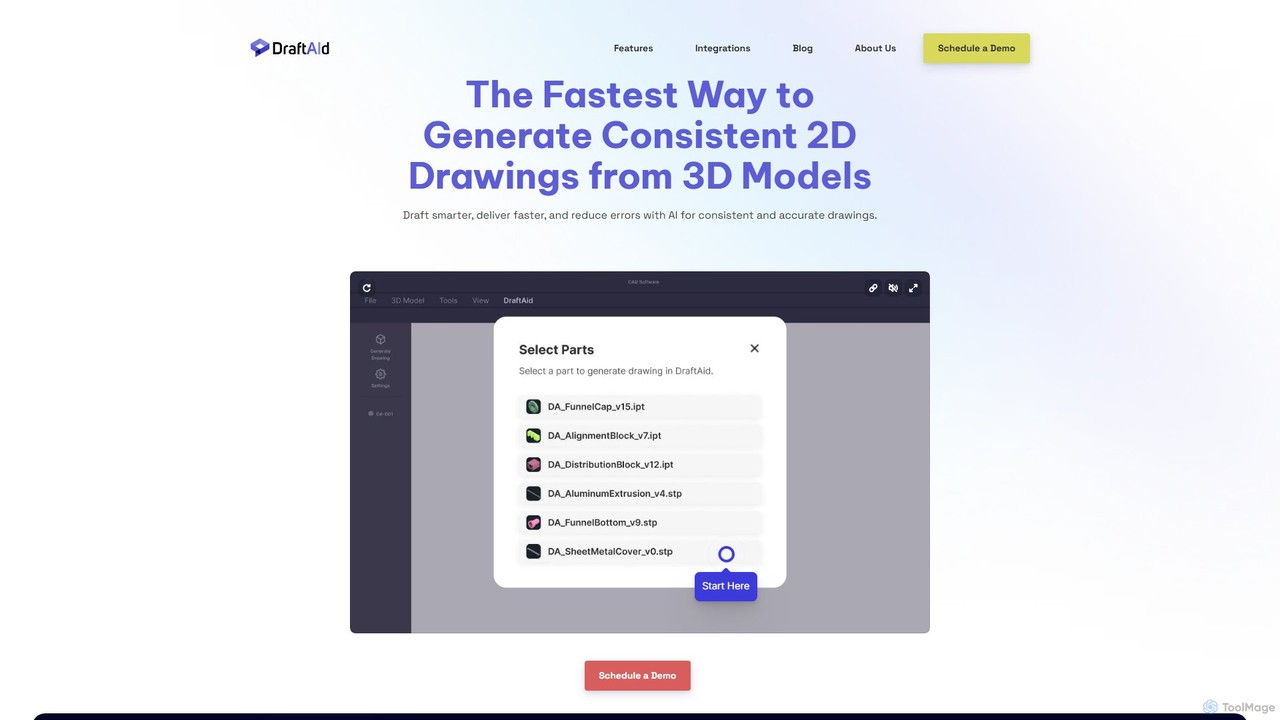
DraftAid
DraftAid is an AI-powered tool that automates the creation of 2D manufacturing drawings from 3D CAD models. It significantly accelerates the drafting process, boosting productivity by up to 3x. By intelligently adding dimensions, views, and details with a single click, it helps engineers, designers, and CNC programmers reduce manual work, minimize errors, and get products to manufacturing faster.
Cad
mondial3d
mondial3d is a powerful AI-driven platform for the rapid creation of high-quality 3D models and immersive environments. By leveraging advanced generative AI, it enables users to generate detailed 3D assets from simple text prompts or 2D images. It's tailored for game developers, architects, and designers, streamlining the 3D content creation pipeline and significantly reducing production time and costs.
Generative 3DHypar
Hypar is a cloud-based generative design platform for the Architecture, Engineering, and Construction (AEC) industry. It empowers users to automate building design processes, rapidly generate and evaluate thousands of design options, and collaborate seamlessly in a data-driven environment.
3D Modeling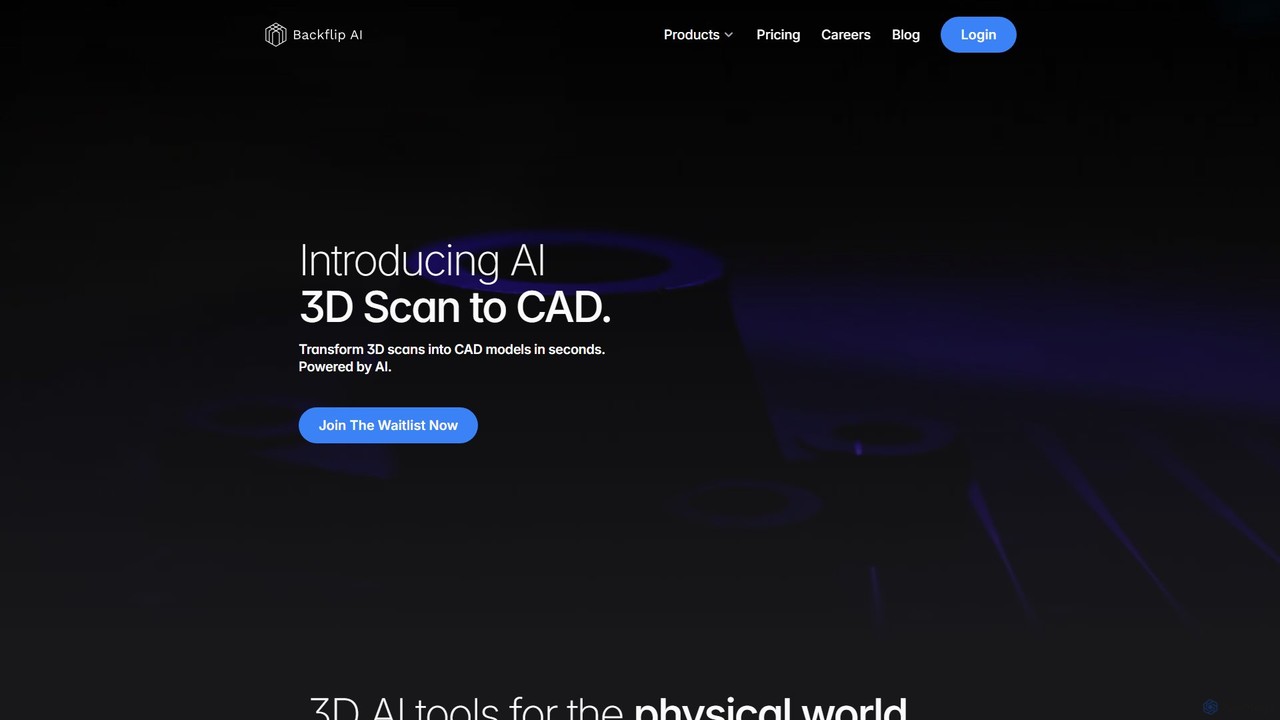
Backflip AI
Backflip AI is a powerful platform that transforms 3D design workflows. It features AI-driven tools to convert 3D scans into parametric CAD models in seconds and generate 3D mesh models from text, images, or sketches. It's designed to accelerate engineering, manufacturing, and creative processes.
Modeling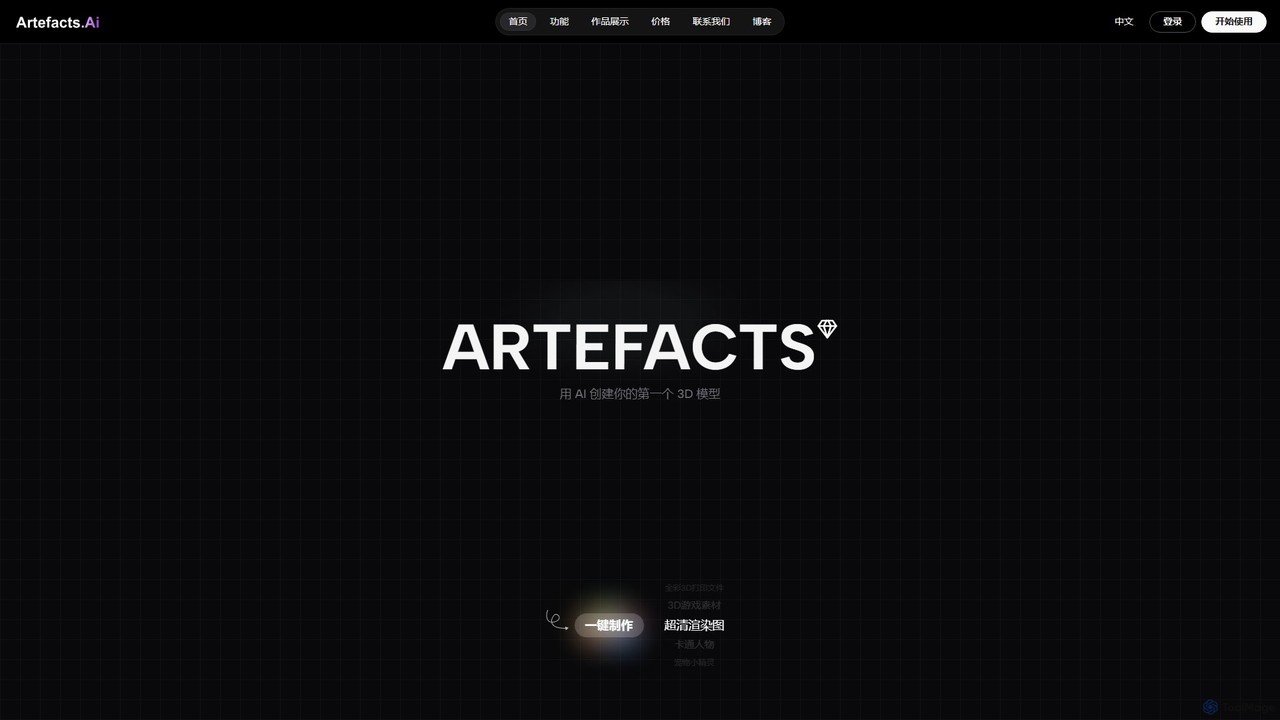
Artefacts.ai
Artefacts.ai is a powerful AI-driven platform that transforms text prompts and 2D images into high-quality 3D models in seconds. Designed for creators, designers, and game developers, it simplifies the 3D creation workflow from concept to asset. Users can generate game-ready models, create files for full-color 3D printing, and seamlessly integrate their creations into existing DCC software. The platform also offers a unique service to order physical 3D prints of generated models.
Generative 3D
Polyhive
Polyhive is an AI-powered platform for generating high-quality, game-ready 3D models and textures. It enables creators to produce 3D assets from text prompts or 2D images and apply AI-driven textures to existing models, drastically accelerating the creative workflow for game developers and 3D artists.
Generative Art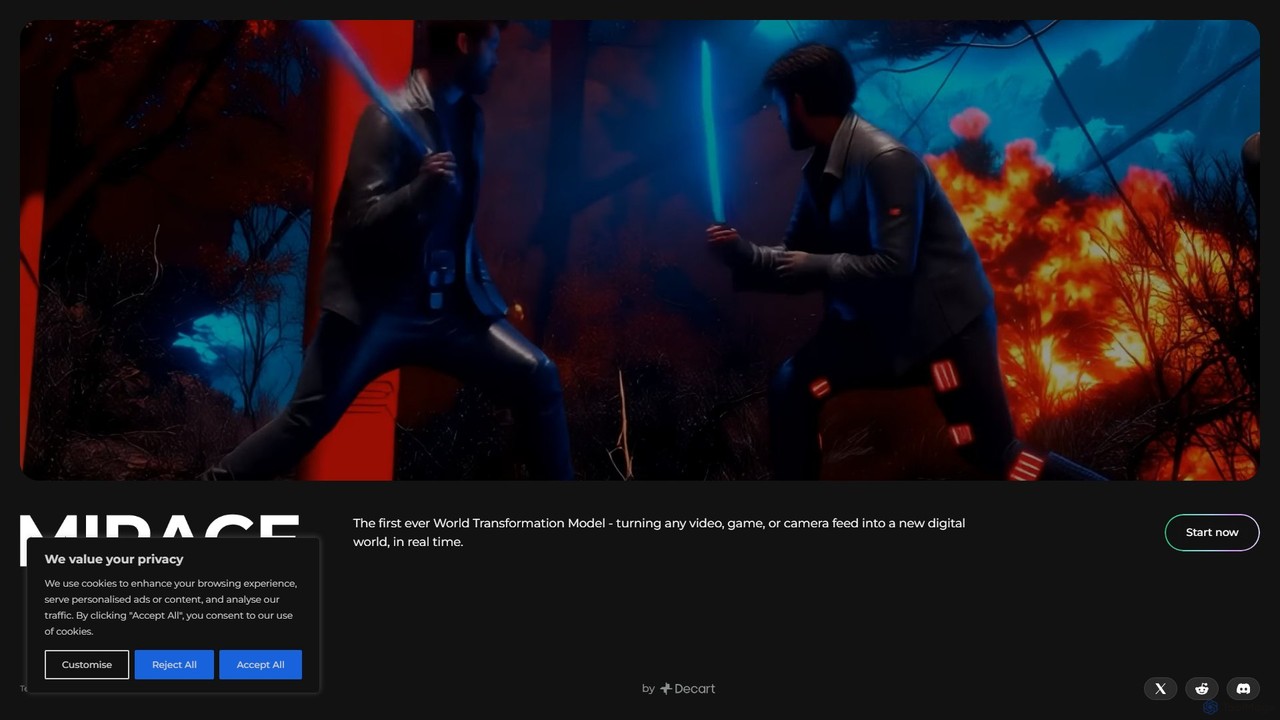
Mirage
Mirage by Decart.ai is an advanced AI-powered 3D content creation platform. It enables users to generate high-quality 3D models, textures, and entire scenes from simple text prompts or 2D images. Designed for game developers, 3D artists, and designers, Mirage streamlines the creative workflow, dramatically reducing the time and effort required to produce stunning 3D assets.
Generative Modeling
Jyek
Jyek is an AI agent platform that understands objectives, creates execution plans, uses tools, and delivers verifiable results for complex, multi-step tasks.
Automation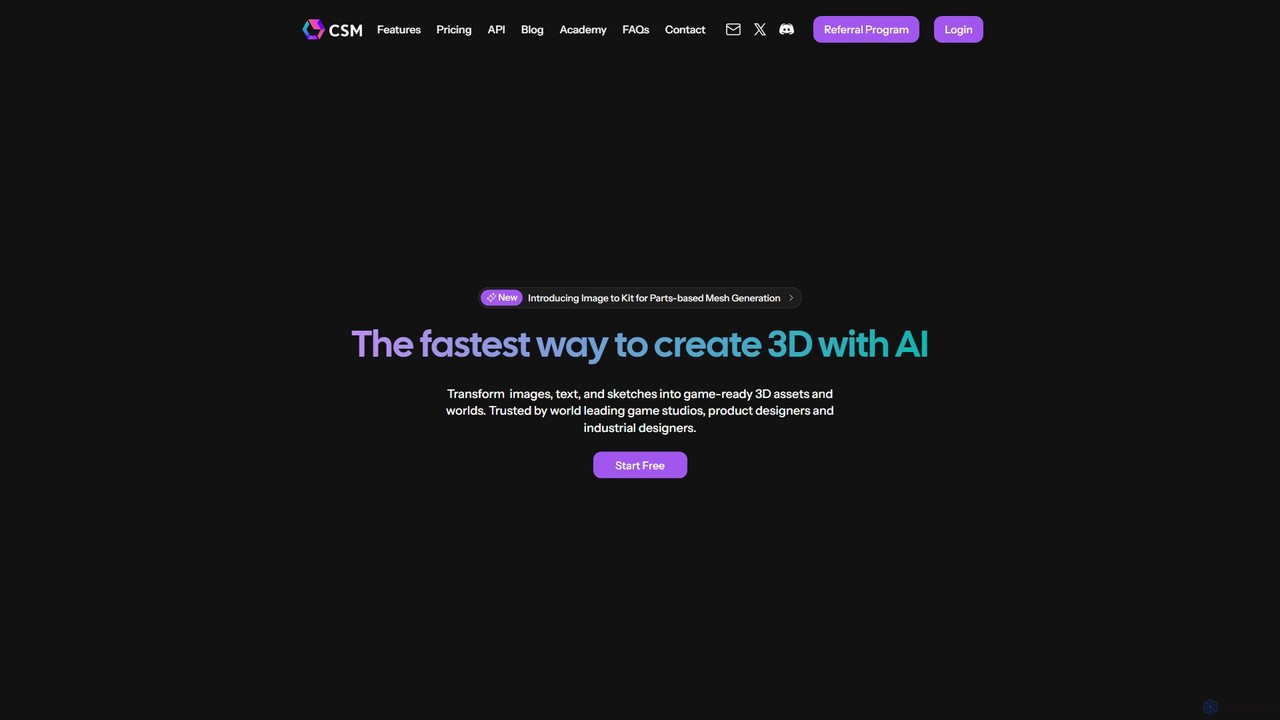
CSM
CSM is an advanced AI platform that rapidly transforms images, text, and sketches into game-ready 3D assets and worlds. It's designed for game developers, product designers, and 3D artists to supercharge their workflows in Unity, Unreal, and Blender with features like Image-to-Kit, AI Retexturing, and Text-to-4D generation.
3D Modeling
Glyf
Glyf is an AI-powered platform that transforms text prompts and images into high-quality 3D models. Designed for creators of all skill levels, it simplifies the 3D creation process, enabling rapid prototyping, game asset generation, and artistic expression without complex software.
Generative Art
polymorf3d
polymorf3d is an advanced AI-powered platform for 3D content creation. It enables users to generate high-quality 3D models and textures from text prompts or 2D images. Designed for game developers, artists, and designers, it streamlines the 3D asset pipeline, offering rapid prototyping, automated texturing, and model variation generation to accelerate creative workflows.
3D GeneratorKaedim3D
Kaedim3D is an AI-powered platform that accelerates 3D asset creation by transforming 2D images or text descriptions into production-ready 3D models. It combines machine learning with a team of in-house artists to deliver high-quality, optimized assets 10x faster for game development, e-commerce, and product design.
3D ModelingZoo
Zoo is a next-generation, AI-powered CAD platform featuring Text-to-CAD technology. It combines traditional 3D modeling with machine learning and programmatic design, enabling engineers and designers to create complex mechanical models from simple text prompts. Built on a high-performance, GPU-accelerated geometry engine, Zoo accelerates the entire design workflow from concept to manufacturing.
3D Modeling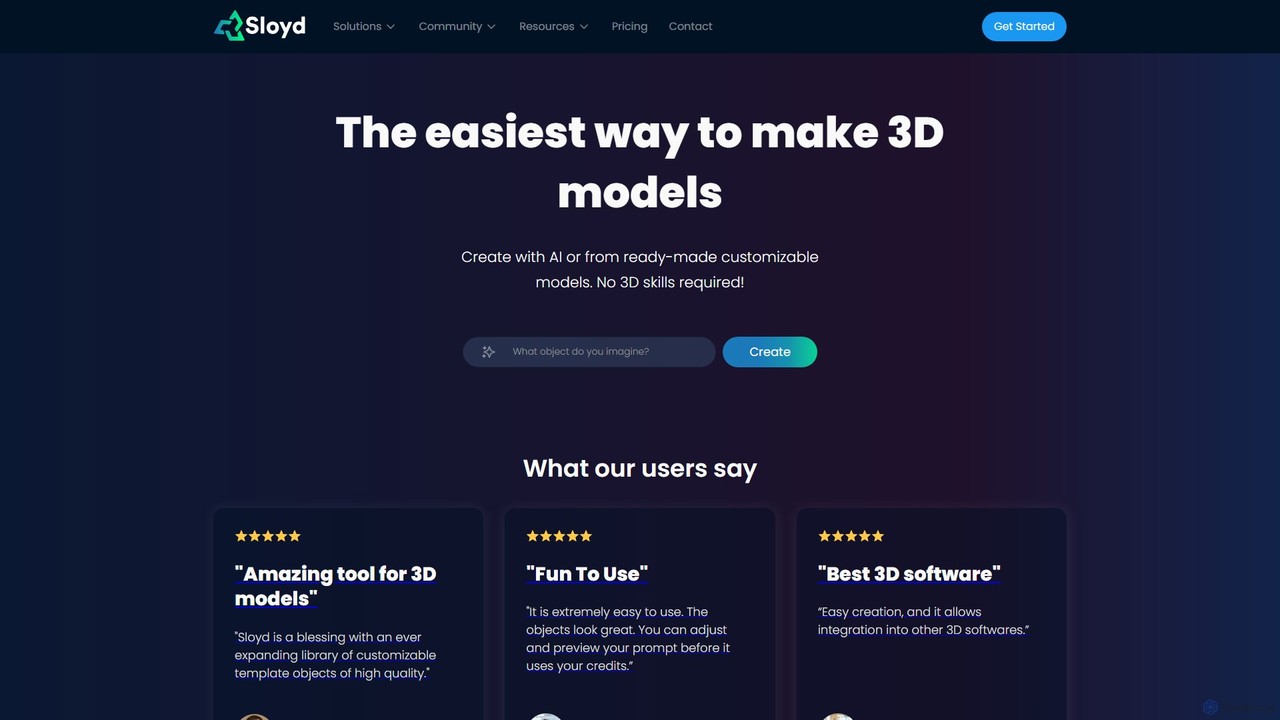
Sloyd
Sloyd is an AI-powered 3D model generator that makes 3D creation effortless. Generate models from text prompts or images, or customize from a vast library of parametric templates. No 3D skills are required, making it perfect for game developers, designers, and hobbyists.
Generator
gNucleus Comments (0)
Sign in to comment.
Sign inNo comments yet.