Engineering Best in category 3 results Cad AI Tool

Popular AI tools in the Cad field of Engineering include Zoo、gNucleus、Photonium, etc., helping you quickly improve efficiency.

Zoo

Zoo

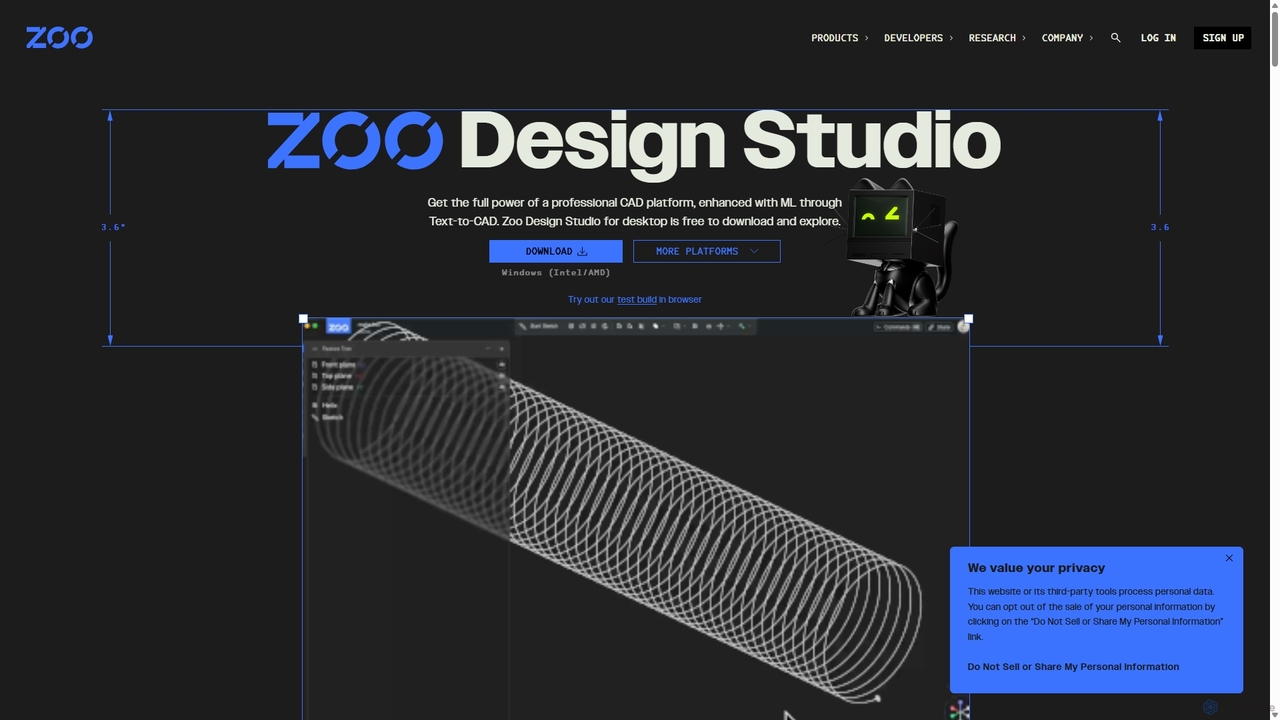
Zoo is a next-generation, AI-powered CAD platform featuring Text-to-CAD technology. It combines traditional 3D modeling with machine learning …

267.1K
gNucleus

gNucleus

gNucleus is a generative AI platform that transforms text, images, and data into fully editable, parametric 3D CAD …

2.4K
Photonium

Photonium

Photonium is an AI-powered platform that revolutionizes optical system design by automating the optomechanical workflow. It enables engineers …

2.2K

About Cad

AI CAD tools are a class of software that uses artificial intelligence to automate and enhance the creation of 2D and 3D technical designs. These tools employ machine learning algorithms for tasks like generative design, predictive modeling, and automated error checking. This enables engineers, architects, and designers to explore numerous design possibilities, optimize for performance, and significantly reduce manual drafting time. Unlike traditional CAD, these tools can proactively suggest improvements and identify potential issues before manufacturing.

Core Features

  • Generative Design: Automatically generates thousands of optimized design variations based on specified constraints like material, weight, and cost.
  • Automated Drafting: Converts 3D models into production-ready 2D technical drawings with dimensions, annotations, and views automatically.
  • Predictive Simulation & Analysis: Performs stress, thermal, or fluid dynamics analysis in real-time during the design process to predict performance.
  • Smart Object Recognition: Identifies and standardizes components from imported 2D drawings or 3D scans, converting them into intelligent model elements.

Use Cases

AI CAD tools are primarily used in mechanical engineering, architecture, product design, and manufacturing. They are essential for roles such as mechanical engineers optimizing part strength, architects generating efficient floor plans, and industrial designers creating ergonomic products. For example, an aerospace engineer can use generative design to create a lightweight yet durable aircraft bracket.

How to Choose

When selecting an AI CAD tool, consider its industry specialization (e.g., AEC vs. manufacturing), the specific AI features offered (generative design, simulation), integration capabilities with your existing PLM or CAM software, and file format compatibility (e.g., STEP, DWG, IFC). Also, evaluate the learning curve and the level of automation required for your workflow.

CadUse Cases

1

Generative Design for Lightweight Mechanical Parts

A mechanical engineer is tasked with designing a new bracket for an automotive application that must be 30% lighter than the current version while maintaining its structural integrity. Instead of manually iterating on designs, the engineer inputs key constraints into an AI CAD tool. These constraints include load points, mounting locations, material properties (e.g., aluminum alloy), and a target weight reduction. The AI then generates hundreds of topologically optimized design variations, many with complex, organic-looking lattice structures that would be difficult for a human to conceive. The engineer can then select the most promising option for further refinement and simulation, reducing the design cycle from weeks to a few days.

2

Automated Floor Plan Generation for Architects

An architect is working on a preliminary design for a multi-family residential building. The client has provided a list of requirements, including the number of units, room adjacencies (e.g., kitchen near the dining area), and minimum room sizes. Using an AI CAD tool, the architect inputs these rules and the building's outer boundary. The AI system generates dozens of different valid floor plan layouts within minutes. This allows the architect to present multiple high-quality options to the client early in the process, facilitating faster decision-making and avoiding the tedious manual work of drafting each option from scratch.

3

Real-time Stress Analysis for Product Designers

An industrial designer is creating a new ergonomic chair. As they modify the 3D model, an AI-powered CAD tool with integrated simulation capabilities runs stress analysis in real-time. If a change weakens a critical joint or introduces a potential failure point, the system immediately highlights the area in red and suggests potential reinforcements. This instant feedback loop allows the designer to optimize for both aesthetics and structural strength simultaneously, without needing to export the model to a separate analysis program and wait for results. It streamlines the iterative process and ensures a more robust final product.

4

Automated Conversion of 2D Drawings to 3D Models

An engineering firm needs to modernize a facility designed decades ago using 2D paper blueprints. Instead of manually redrawing everything in 3D, they use an AI CAD tool. They scan the old drawings, and the AI's computer vision capabilities recognize lines, shapes, dimensions, and text. It intelligently interprets these 2D views (top, front, side) to reconstruct a full 3D model of the components and assemblies. The AI also identifies standard parts like bolts and bearings, replacing them with smart, parametric components from a digital library. This process saves thousands of hours of manual modeling work and reduces the risk of human error in transcription.

5

Optimizing Building Energy Performance at the Design Stage

An architectural firm is designing a new office building with a focus on sustainability. They use an AI CAD tool that integrates with building performance analysis. As the architects adjust the 3D model—changing window sizes, orientation, or shading devices—the AI continuously calculates the building's projected energy consumption, daylighting levels, and thermal comfort. The system provides immediate feedback, allowing the design team to make informed decisions that improve energy efficiency without disrupting their creative workflow. This helps them achieve sustainability certifications like LEED or BREEAM more effectively.

6

Automated Cost Estimation from 3D Models

A manufacturing company uses an AI CAD tool to get instant cost estimates for new parts. As a designer completes a 3D model, the AI analyzes its geometry, volume, and material specifications. It cross-references this data with a database of manufacturing processes (e.g., CNC milling, 3D printing, injection molding) and their associated costs. The system automatically generates a detailed cost breakdown, including material costs, machine time, and labor. If the designer makes a change, like adding a complex feature, the cost estimate updates in real-time. This allows for 'Design for Manufacturability' and 'Design to Cost' principles to be applied early and continuously.

CadFrequently Asked Questions