Engineering Best in category 1 results Automation AI Tool

Popular AI tools in the Automation field of Engineering include Saphira, etc., helping you quickly improve efficiency.

Saphira

Saphira

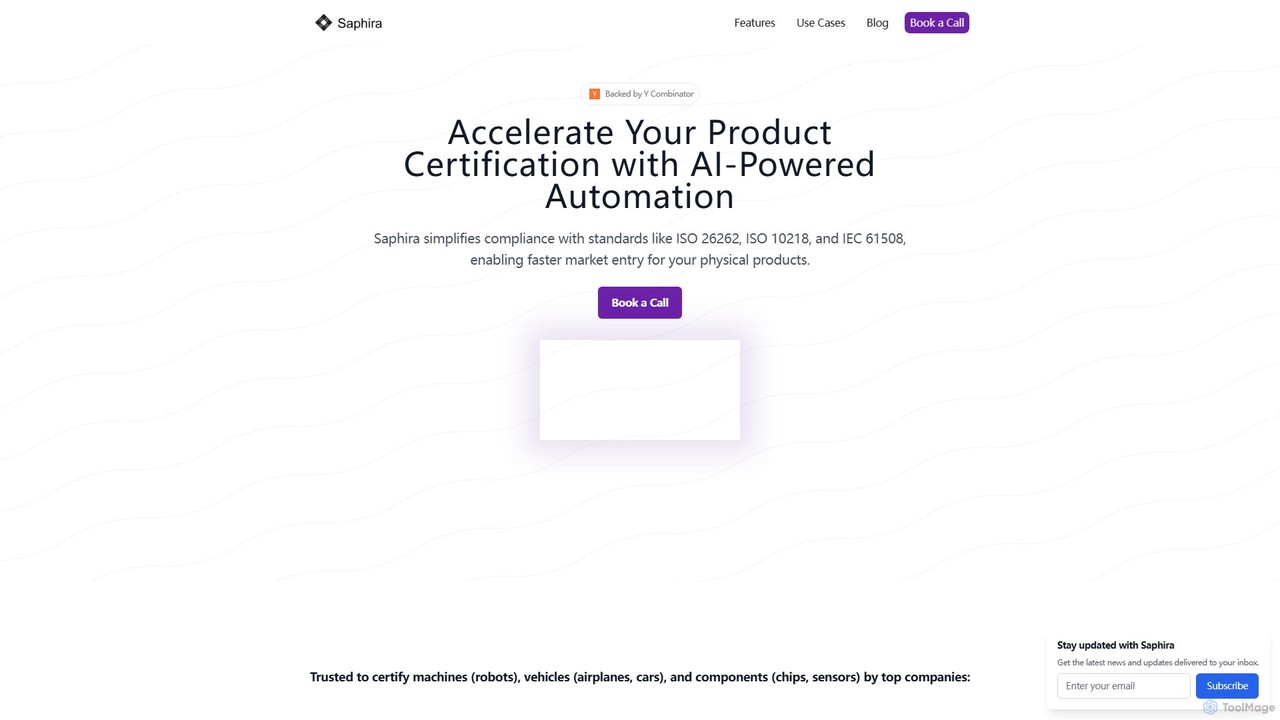
Saphira is a Y Combinator-backed AI platform that automates product safety certification and compliance. It helps engineering teams …

7.7K

About Automation

AI Automation tools are a class of software that use artificial intelligence to execute and optimize complex tasks within engineering workflows. These tools leverage machine learning and intelligent algorithms to go beyond simple scripting, enabling them to understand context, make decisions, and adapt to changing conditions. Their primary value lies in accelerating development cycles, improving system reliability, and freeing up engineers from repetitive, manual work. Unlike traditional automation, AI-driven solutions can handle variability and optimize processes like code generation, testing, and infrastructure management autonomously.

Core Features

  • Intelligent Workflow Orchestration: Design and automate multi-step processes with conditional logic and adaptive decision-making based on real-time data.
  • Automated Code Generation & Refactoring: Generate boilerplate code, write unit tests, or suggest optimizations for existing code from natural language prompts or specifications.
  • AI-Powered Testing & Debugging: Automatically create comprehensive test cases, identify performance anomalies, and pinpoint root causes of errors in logs.
  • Predictive Infrastructure Management: Automate the scaling of cloud resources, manage configurations, and proactively address potential system failures based on predictive analytics.

Use Cases

These tools are widely used in software development, DevOps, and IT operations. For instance, a DevOps team might use an AI automation tool to optimize a CI/CD pipeline by intelligently reordering test suites. Software developers can use them to automate code reviews, while Site Reliability Engineers (SREs) apply them for proactive anomaly detection and automated incident response in production environments.

How to Choose

When selecting an AI Automation tool, consider its integration capabilities with your existing toolchain (e.g., Git, Jenkins, Jira). Evaluate the supported programming languages and frameworks. Assess the balance between low-code interfaces for rapid setup and advanced scripting options for custom logic. Finally, consider the tool's learning curve and the quality of its documentation and community support.

AutomationUse Cases

1

Automating CI/CD Pipeline Optimization

A DevOps team manages a complex CI/CD pipeline that takes over 40 minutes to complete, slowing down deployment frequency. By implementing an AI Automation tool, they can analyze historical build data, test results, and code changes. The tool identifies non-critical tests that can be run in parallel and predicts which tests are most likely to fail based on the code changes, running them first. This intelligent reordering and parallelization reduces the average pipeline execution time by 30%, enabling faster feedback loops and more frequent, reliable deployments.

2

Generating Unit Tests from Code Specifications

A quality assurance (QA) team is tasked with increasing test coverage for a new microservice but faces tight deadlines. Instead of manually writing dozens of unit tests, a QA engineer uses an AI Automation tool. They provide the tool with the function signatures and a high-level description of the expected behavior in natural language. The AI analyzes the code, understands its logic, and automatically generates a comprehensive suite of unit tests, including edge cases and boundary conditions. This accelerates the testing process by over 70% and ensures a higher level of code quality and robustness before release.

3

Proactive Anomaly Detection in Production Systems

A Site Reliability Engineer (SRE) is responsible for maintaining the uptime of a large-scale e-commerce platform. Manually sifting through millions of log entries and metrics to find potential issues is inefficient. They deploy an AI Automation platform that continuously monitors system behavior, learning the normal patterns of CPU usage, memory consumption, and network traffic. When the tool detects a deviation that could lead to an outage, it automatically creates a high-priority incident ticket with detailed context, root cause analysis, and suggested remediation steps. This shifts the team from a reactive to a proactive stance, reducing mean time to resolution (MTTR) significantly.

4

Automating Cloud Resource Management for Cost Optimization

A cloud engineering team struggles with rising cloud infrastructure costs due to over-provisioned resources. They use an AI Automation tool to analyze usage patterns across their services. Based on historical data and predictive models, the tool automatically right-sizes virtual machine instances, scales down non-production environments during off-hours, and identifies idle resources that can be decommissioned. The automation policies are set once, and the tool continuously optimizes the environment, resulting in a 25% reduction in monthly cloud spending without impacting performance.

5

Intelligent Code Review and Security Vulnerability Patching

A software development team wants to improve code quality and security without slowing down their workflow. They integrate an AI Automation tool into their version control system. When a developer submits a pull request, the AI automatically scans the code for common bugs, style violations, and known security vulnerabilities (CVEs). It not only flags the issues but also suggests specific code changes to fix them. For critical vulnerabilities, it can even automatically generate and apply a patch, which then goes through the standard testing pipeline. This process catches defects early and secures the codebase efficiently.

6

Generating Infrastructure as Code (IaC) from Diagrams

An architect designs a new cloud infrastructure on a visual diagramming tool. Traditionally, a DevOps engineer would need to manually translate this diagram into hundreds of lines of Terraform or CloudFormation code, a process that is time-consuming and error-prone. By using an AI Automation tool, the architect can export the diagram, and the tool automatically generates the corresponding IaC scripts. The AI understands the relationships between resources (e.g., VPCs, subnets, security groups) and produces clean, well-structured code, reducing setup time from days to minutes and minimizing human error.

AutomationFrequently Asked Questions