

Zoo Overview
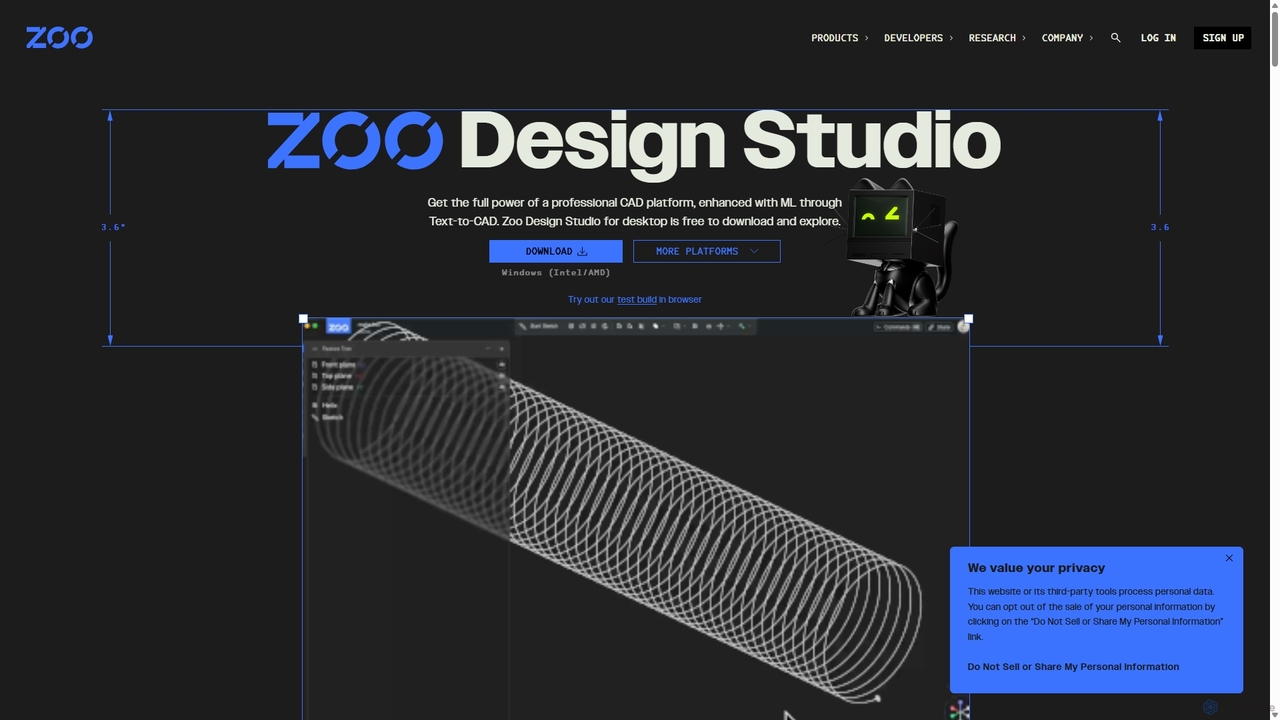
Zoo represents a paradigm shift in computer-aided design (CAD), offering a unified suite that merges the precision of traditional 3D modeling with the power of machine learning and code-based design. At its core is Zoo Design Studio, a professional-grade CAD platform built on a proprietary, high-performance, GPU-accelerated geometry engine. This innovative foundation allows for unprecedented speed and efficiency, especially when handling complex geometries and operations.
The standout feature of Zoo is its groundbreaking Text-to-CAD functionality. This ML-powered tool allows users to generate intricate, manufacturing-ready B-rep CAD models simply by describing them in natural language. Whether you're creating a part from scratch or modifying an existing design, Text-to-CAD interprets prompts like "Engine valve, 120 mm long, 30 mm head, 6 mm stem" and instantly produces a detailed 3D model. This dramatically accelerates the conceptual design phase and lowers the barrier to entry for complex modeling.
How to use Zoo
Getting started with Zoo is straightforward and accessible for users of all skill levels:
- Download or Access Online: Download the Zoo Design Studio desktop application for Windows, macOS, or Linux for full functionality. Alternatively, you can explore a test build directly in your web browser to quickly experiment with its features.
- Choose a Modeling Method: Zoo offers a unique hybrid approach. You can use familiar point-and-click tools for traditional solid and surface modeling.
- Leverage Text-to-CAD: For rapid ideation, type a descriptive text prompt into the Text-to-CAD interface. Be specific with dimensions, features, and components to get the best results. The AI will generate a 3D model that you can then refine using other tools.
- Use Programmatic CAD (KCL): For advanced users, automation, and parametric design, Zoo provides KCL (KittyCAD Language). Write code to define geometry, create complex patterns, and automate repetitive design tasks, offering ultimate control and repeatability.
- Integrate with APIs: Utilize the comprehensive KittyCAD Design API to build custom applications, automate workflows, and integrate Zoo's powerful geometry engine into your own software ecosystem.
Core Features of Zoo
- Text-to-CAD Generation: Instantly create precise B-rep CAD models from simple text prompts, powered by a machine learning model tuned for real-world manufacturing.
- Hybrid Modeling Environment: Seamlessly switch between traditional point-and-click modeling, AI-powered Text-to-CAD, and programmatic design using the KCL language.
- High-Performance Geometry Engine: Built from the ground up, Zoo's GPU-accelerated engine delivers exceptional performance for complex operations like surface-surface intersections, sweeps, and patterns, overcoming the bottlenecks of legacy CAD systems.
- API-First Architecture: Every feature is accessible through an API, enabling developers to build custom tools, automate workflows, and integrate CAD capabilities into other applications.
- Cross-Platform Support: Full-featured desktop application available for Windows (Intel/AMD, Qualcomm), macOS (Apple Silicon, Intel), and Linux (ARM64, x86-64).
- Enterprise-Ready: Offers solutions for teams and enterprises, including fine-tuning ML models on private datasets, advanced security, SSO, and dedicated support.
Use Cases for Zoo
Zoo is versatile enough to support a wide range of industries and applications:
- Mechanical Engineering: Design, analyze, and iterate on complex mechanical parts, assemblies, and machinery with high precision.
- Rapid Prototyping: Go from a simple idea to a 3D-printable or CNC-machinable model in minutes using Text-to-CAD.
- Product Design: Develop and refine consumer products, from simple enclosures to complex electromechanical devices, with an accelerated workflow.
- Automated Design: Programmatically generate thousands of design variations for testing or customization using the KCL language and APIs.
- Aerospace and Automotive: Create sophisticated, performance-critical components like airfoils, engine parts, and custom tooling with robust solid modeling tools.
Advantages of Zoo
Zoo offers significant advantages over traditional CAD software:
- Speed and Efficiency: Drastically reduce design time by generating models from text and leveraging a high-performance engine.
- Unmatched Flexibility: The unique combination of three modeling paradigms (GUI, AI, Code) empowers users to choose the best tool for any task.
- Democratized Design: Text-to-CAD makes complex 3D modeling accessible to a broader audience, not just seasoned CAD experts.
- Modern, Developer-Friendly Platform: Built with an API-first philosophy, it's designed for the modern, interconnected world of software and hardware development.
- Scalability: From individual hobbyists on the free plan to large enterprises with custom requirements, Zoo's platform scales to meet any need.
Pricing and Plans
Zoo offers a range of plans to suit different needs:
- Free Plan: $0/month. Includes the full modeling application and 20 free Text-to-CAD credits per month. Ideal for individuals and exploration.
- Plus Plan: $20/month (or $99/year special). Includes 100 Text-to-CAD credits per month and password-protected model sharing.
- Pro Plan: $99/month (or $546/year special). Offers unlimited Text-to-CAD credits for heavy users.
- Team Plan: $399/user/month. Designed for organizations, with unlimited credits, advanced admin controls, unified billing, and priority support.
- Enterprise Plan: Custom pricing. Provides dedicated account management, SAML SSO, custom security reviews, and the ability to fine-tune the AI model on your company's data.
Traffic
Latest traffic
Status
Monthly traffic trend
- 2025-9: 210.1K
- 2026-1: 227.2K
- 2026-2: 210.8K
- 2026-3: 295.4K
- 2026-4: 264.5K
- 2026-5: 337.2K
Geography
Top 5 countries / regions
- 🇺🇸United States60.9%
- 🇮🇳India15.0%
- 🇩🇪Germany8.3%
- 🇬🇧United Kingdom8.2%
- 🇮🇶Iraq7.7%
Traffic sources
| Source type | Percentage |
|---|---|
Direct | 85.7% |
Referral | 11.9% |
Email | 2.4% |
Top keywords
| Keyword | Cost per click |
|---|---|
| text to cad | $2.35 |
| zoo ai | $0.00 |
| zoo cad | $3.73 |
| zoo design studio | $0.00 |
| zoo dev | $0.68 |
Zoo Videos on YouTube



Zoo Alternatives
gNucleus
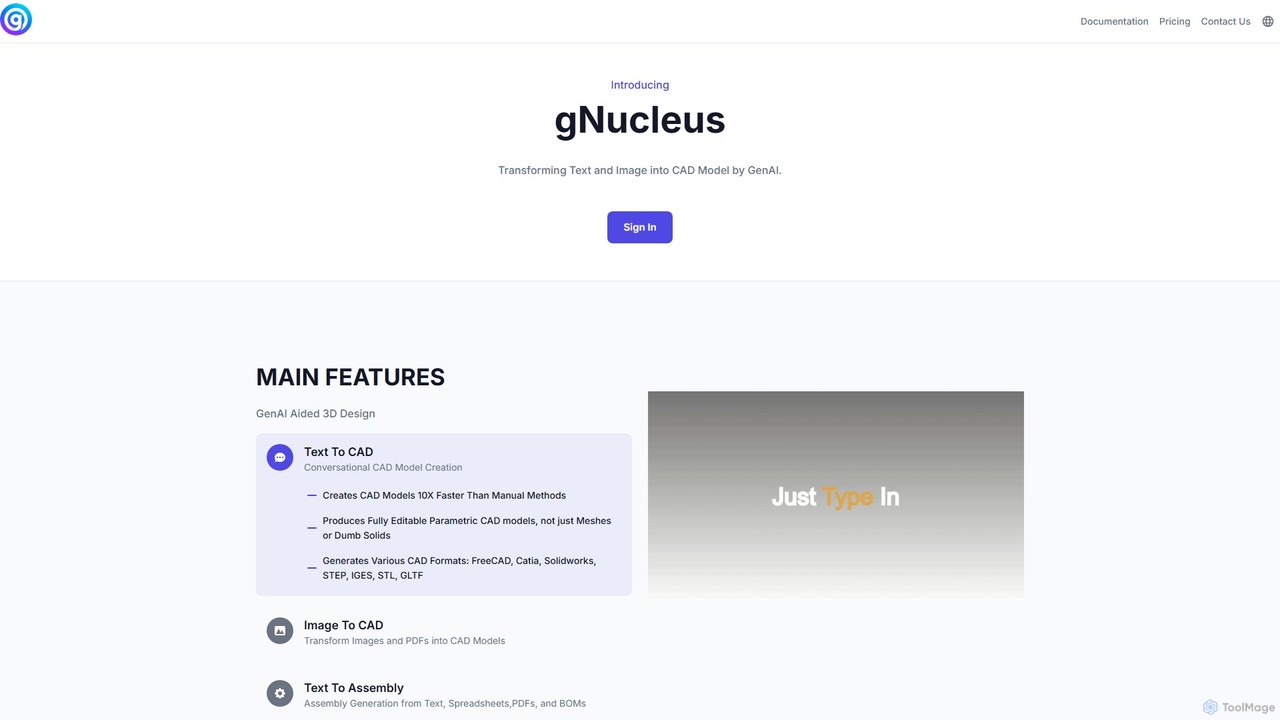
gNucleus is a generative AI platform that transforms text, images, and data into fully editable, parametric 3D CAD models. Designed for engineers and designers, it accelerates the design process by up to 10x, supporting various CAD formats and seamless integration with existing workflows.
3D Modeling
Hypar
Hypar is a cloud-based generative design platform for the Architecture, Engineering, and Construction (AEC) industry. It empowers users to automate building design processes, rapidly generate and evaluate thousands of design options, and collaborate seamlessly in a data-driven environment.
3D Modeling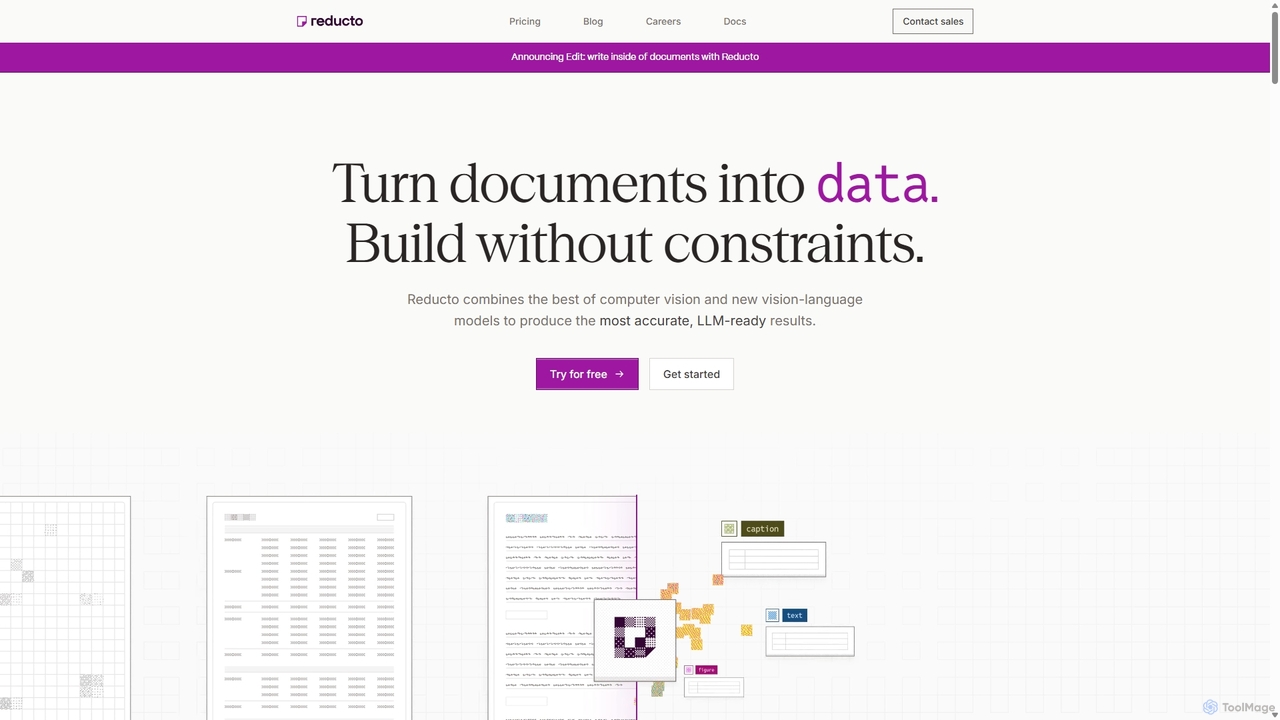
Reducto
Reducto is an advanced Document Ingestion API for developers and enterprises. It uses Agentic OCR and Vision-Language Models to accurately parse, split, extract, and even edit documents. It transforms unstructured data from various file formats into structured, LLM-ready inputs, automating complex document processing workflows with high precision and enterprise-grade security.
Document Processing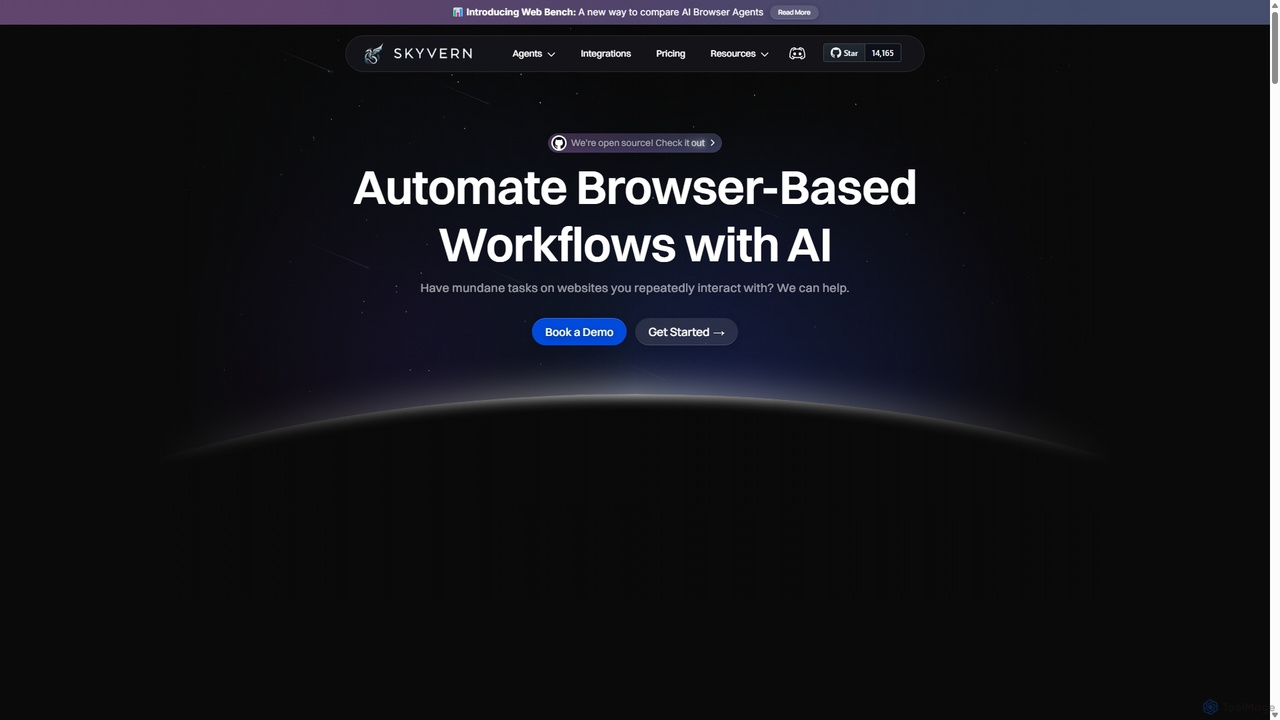
Skyvern
Skyvern is an AI-powered browser automation platform that uses computer vision and natural language to automate complex web workflows. It can handle data extraction, form submissions, invoice retrieval, and more on any website, adapting dynamically to changes without traditional scripting.
Api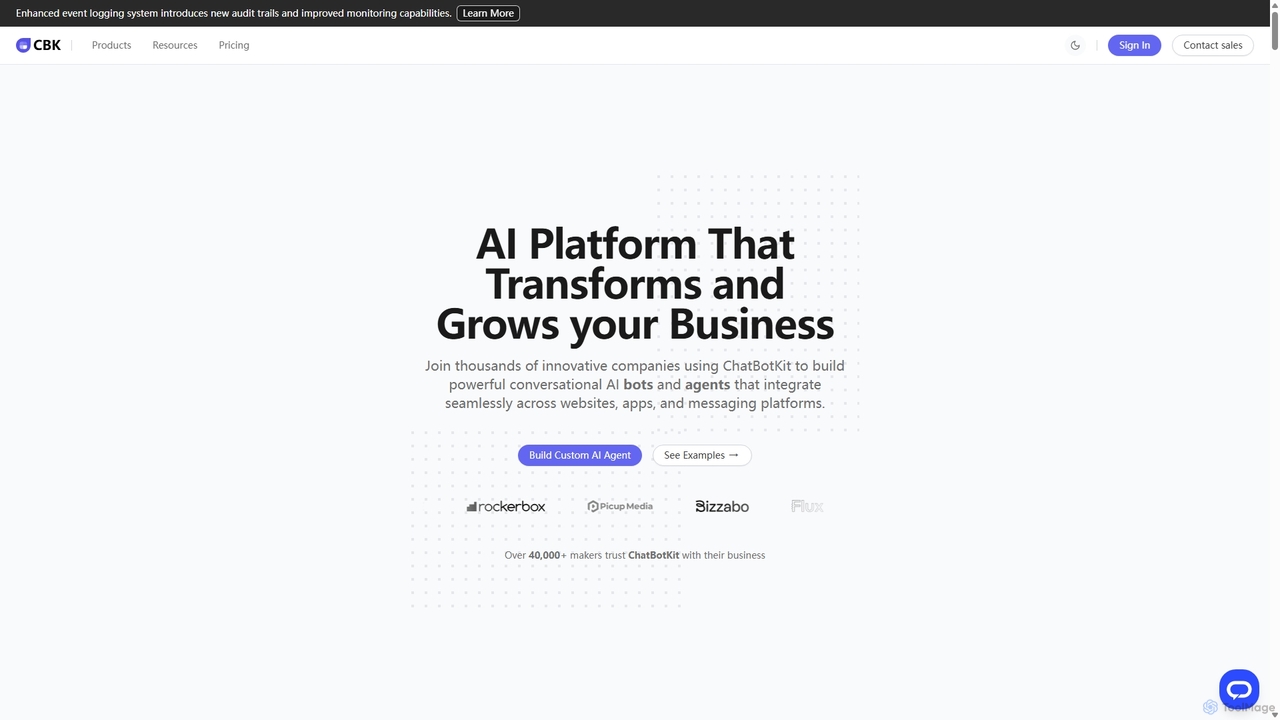
ChatBotKit
ChatBotKit is a comprehensive conversational AI platform for building, deploying, and managing custom AI bots and agents. It offers a suite of modular tools, seamless integrations with websites and messaging apps like Slack and WhatsApp, and intuitive templates for rapid development. Ideal for businesses seeking to enhance customer engagement, automate tasks, and streamline workflows with powerful, customizable AI solutions.
ChatbotsZoo Categories
Zoo Jobs
Zoo Embed Widget
Copy this embed code to place the badge on your blog, article, or product site and send readers directly to this ToolMage detail page.

Related AI tools
gNucleus
gNucleus is a generative AI platform that transforms text, images, and data into fully editable, parametric 3D CAD models. Designed for engineers and designers, it accelerates the design process by up to 10x, supporting various CAD formats and seamless integration with existing workflows.
3D ModelingHypar
Hypar is a cloud-based generative design platform for the Architecture, Engineering, and Construction (AEC) industry. It empowers users to automate building design processes, rapidly generate and evaluate thousands of design options, and collaborate seamlessly in a data-driven environment.
3D Modeling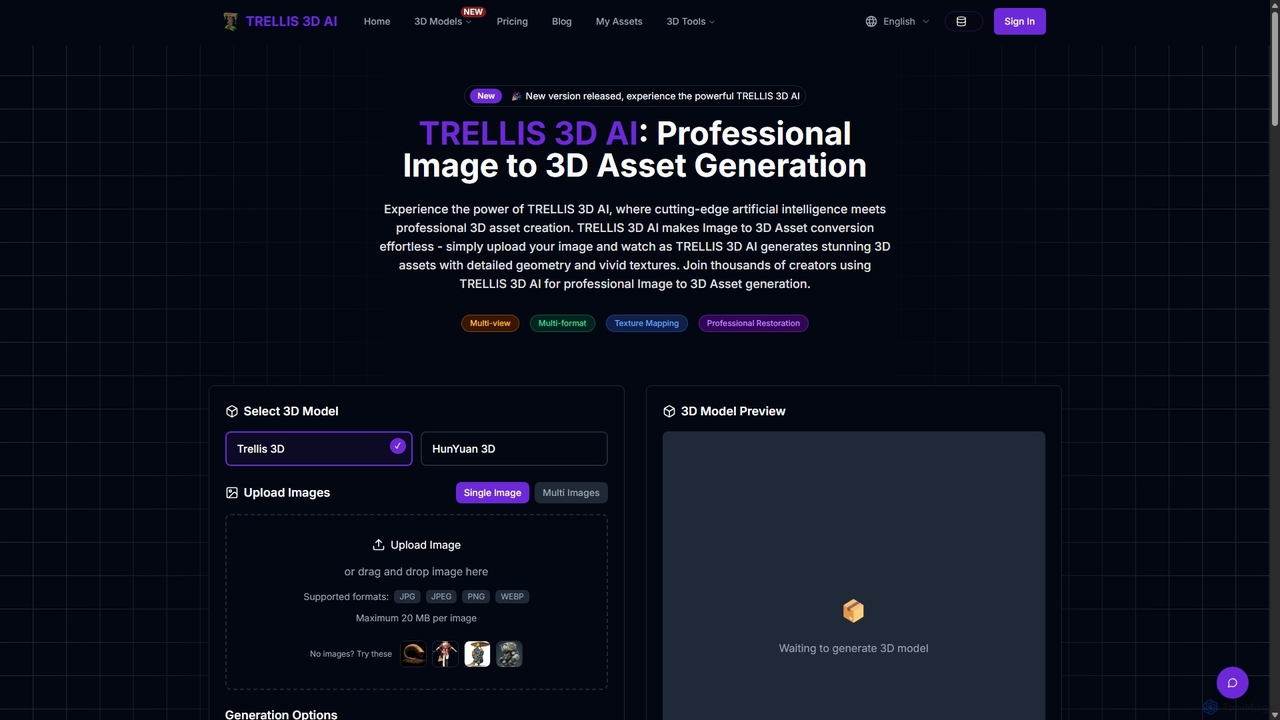
TRELLIS 3D AI
TRELLIS 3D AI is a cutting-edge tool that transforms 2D images into high-quality 3D assets in seconds. Using advanced AI technology, it generates detailed geometry and vivid textures from single or multiple images. It supports various export formats, making it ideal for game developers, 3D artists, and designers looking to accelerate their workflow and create professional-grade 3D models effortlessly.
Image To 3D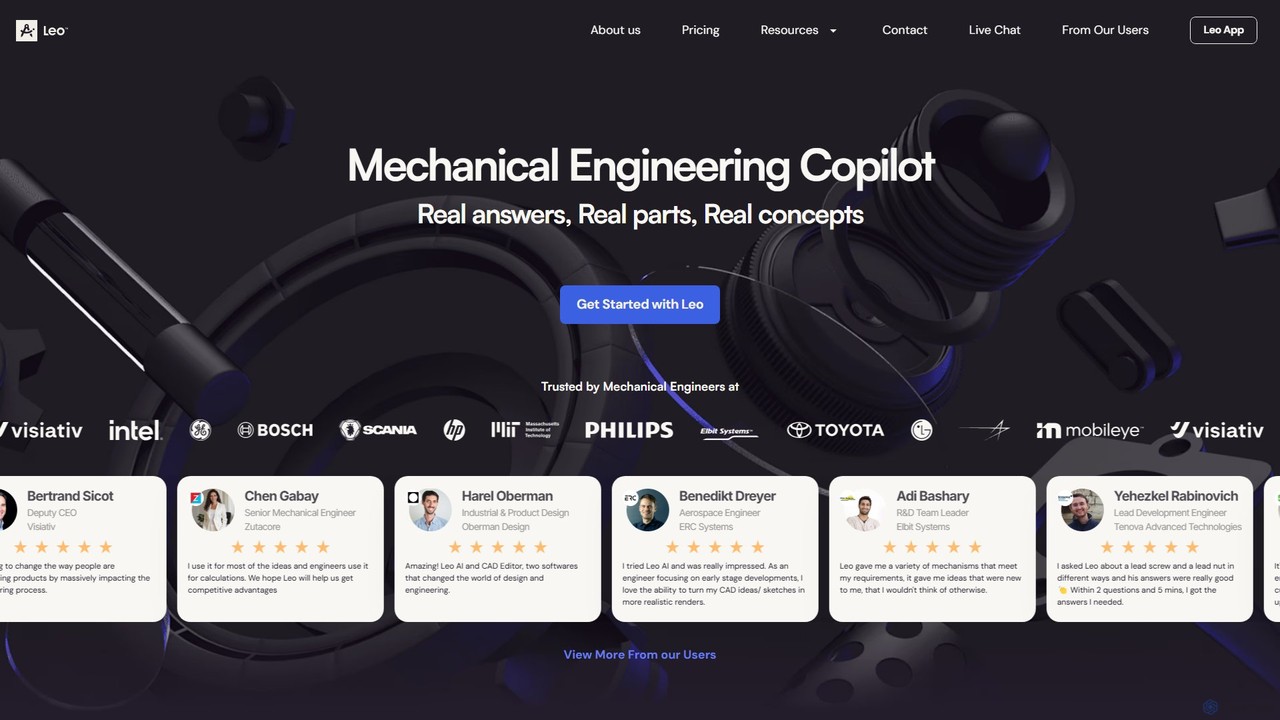
Leo AI
Leo AI is an AI-powered engineering design copilot specifically for mechanical engineers. It accelerates product design by answering technical questions, solving complex calculations, finding standard parts, and brainstorming 3D concepts. By integrating with CAD, PDM, and internal data, Leo AI acts as an intelligent partner, turning ideas into products faster than ever.
Cad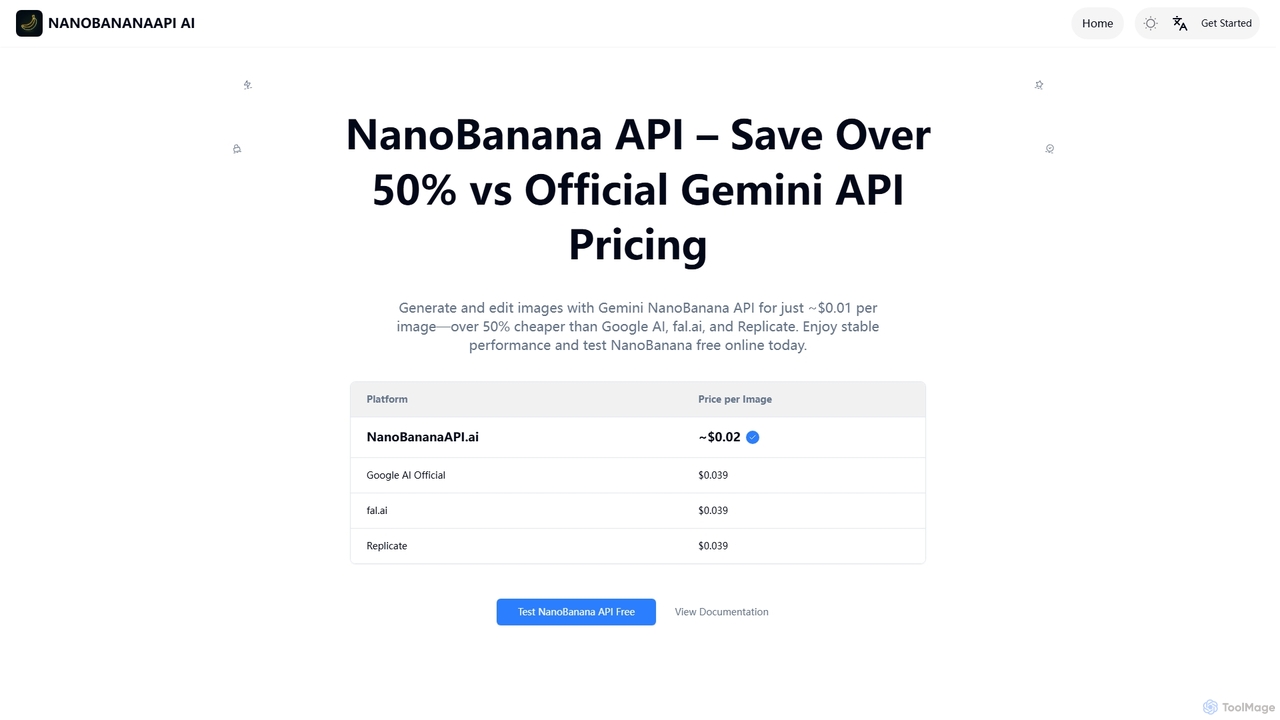
NanoBanana API
NanoBanana API offers a cost-effective solution for AI image generation and editing, enabling photorealistic outputs, consistent character generation, and complex edits via natural language. It provides over 50% savings compared to official Gemini API pricing, making advanced image manipulation accessible for developers and creators.
Design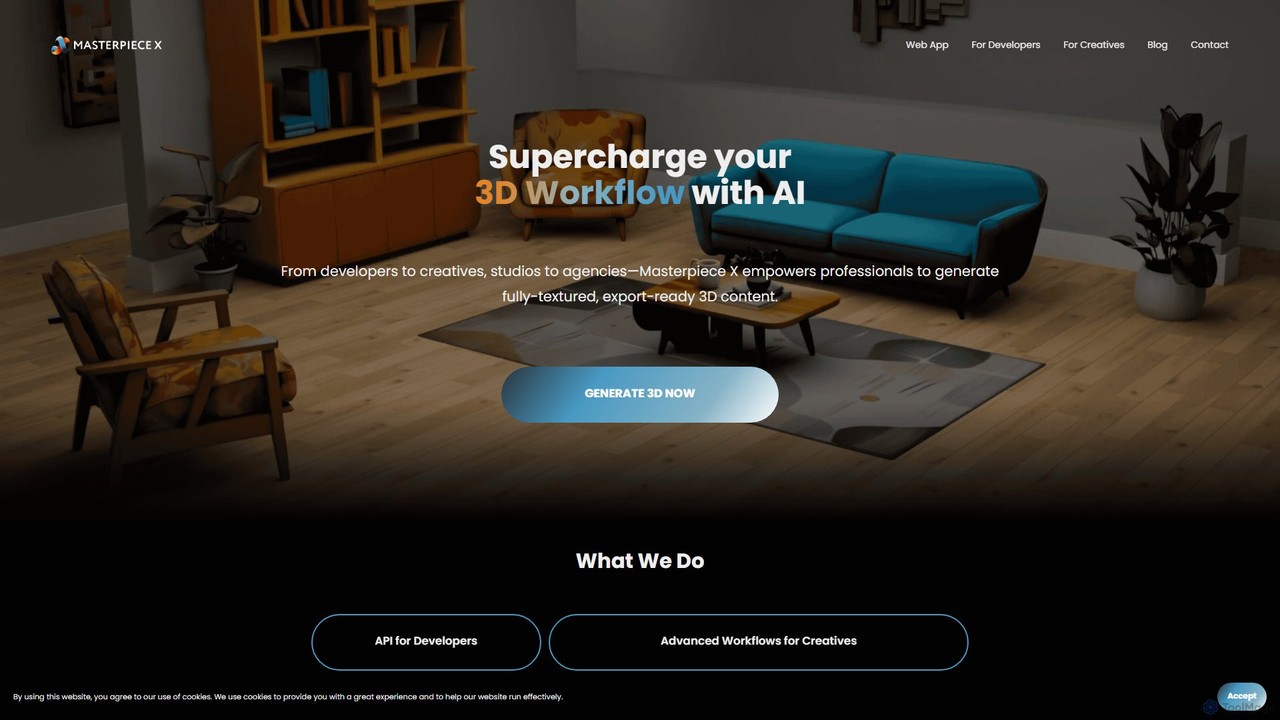
Masterpiece X
Masterpiece X is an advanced AI-powered 3D creation platform designed for professionals and creatives. It enables users to generate fully-textured, animated, and export-ready 3D models from simple text prompts or images, significantly accelerating workflows in game development, concept art, and metaverse creation.
3D Modeling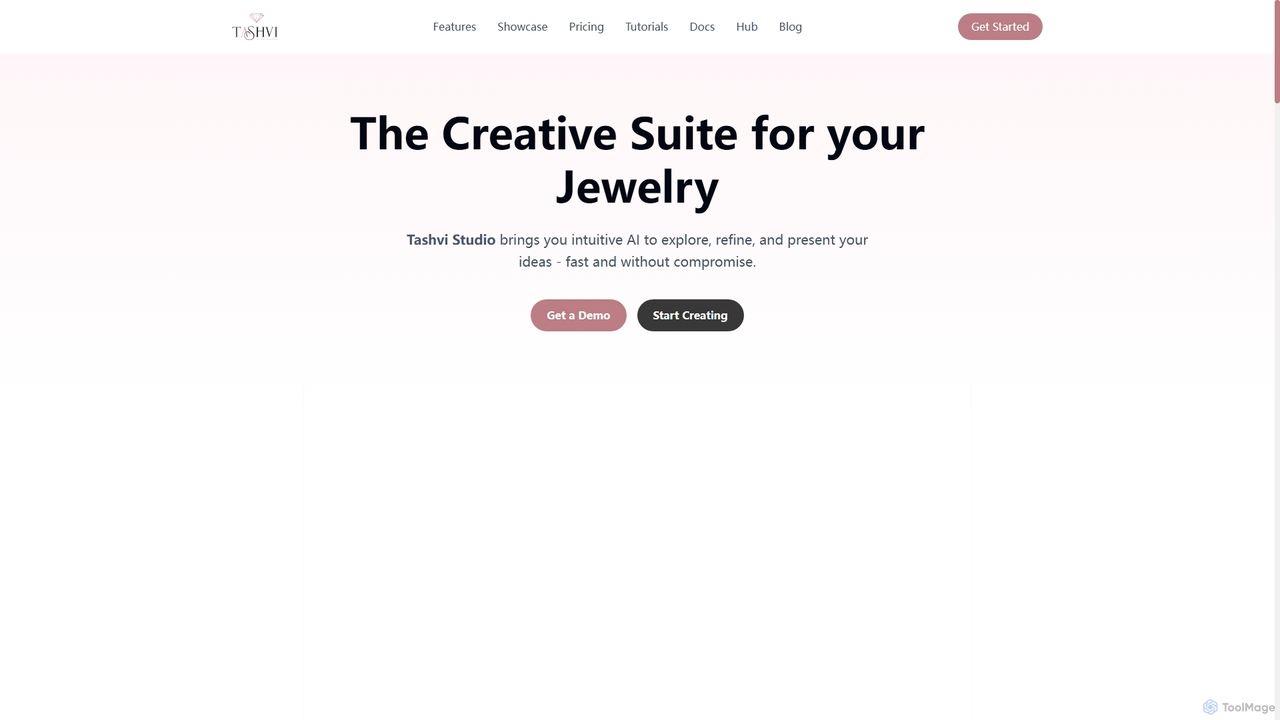
Tashvi
Tashvi is an AI-powered creative suite designed specifically for jewelry designers, transforming ideas into realistic renderings and market-ready content with unprecedented speed and detail. It empowers creators to explore, refine, and present jewelry designs using advanced AI models, canvas editing, and video generation, bridging traditional artistry with cutting-edge technology.
Jewelry Design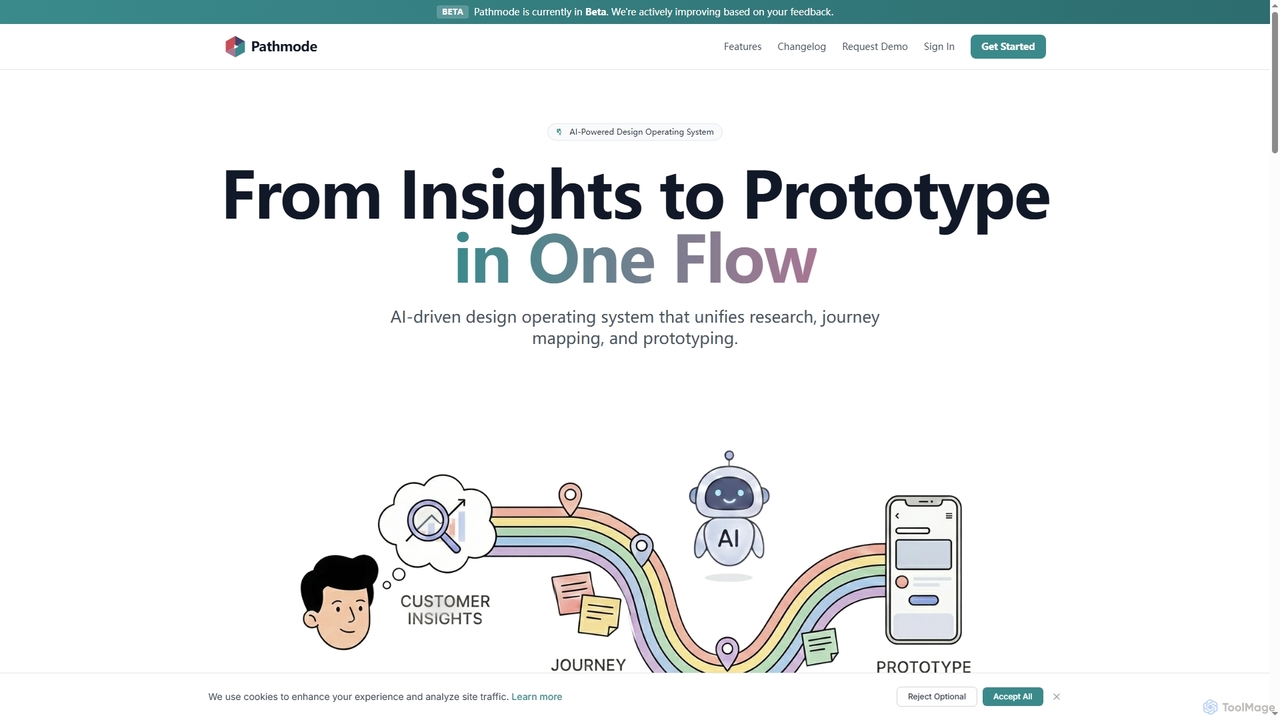
Pathmode
Pathmode is an AI-powered design operating system that unifies user research, automated journey mapping, and prototype specification into a single, seamless workflow. It transforms raw insights into actionable UI design specifications, eliminating manual handoffs and driving efficient product execution.
Design Assistant
Glyf
Glyf is an AI-powered platform that transforms text prompts and images into high-quality 3D models. Designed for creators of all skill levels, it simplifies the 3D creation process, enabling rapid prototyping, game asset generation, and artistic expression without complex software.
Generative Art
Vibart
Vibart is an AI-powered artboard designed for the next-gen art community, enabling seamless creation, editing, and sharing of visual content. It integrates various advanced AI models for generating high-quality images and videos, offering a versatile canvas for creative exploration and rapid iteration on both desktop and mobile.
Digital Canvas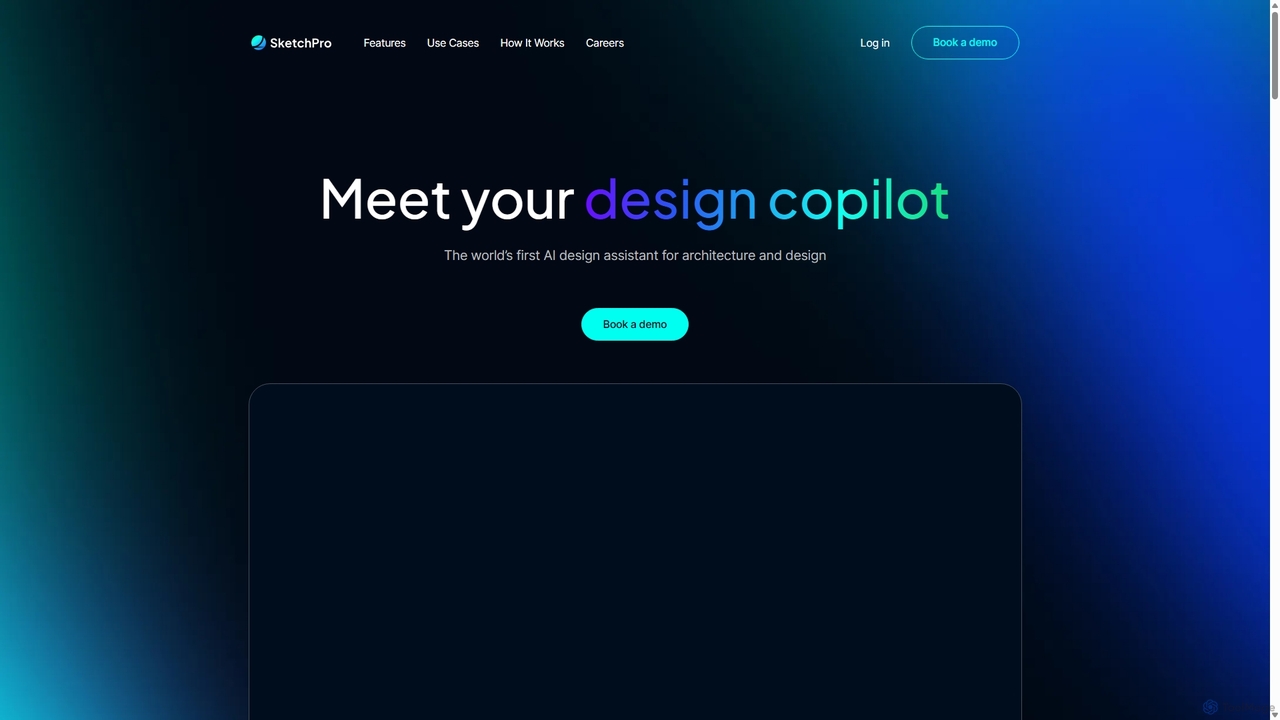
SketchPro
SketchPro is an AI-powered design copilot for architects, interior designers, and real estate developers. It transforms sketches, 3D models, or photos into high-quality, realistic renders in seconds. Users can apply style references, give text-based instructions for edits, and instantly change materials to accelerate their design workflow and visualize concepts with unprecedented speed and flexibility.
Architectural Visualization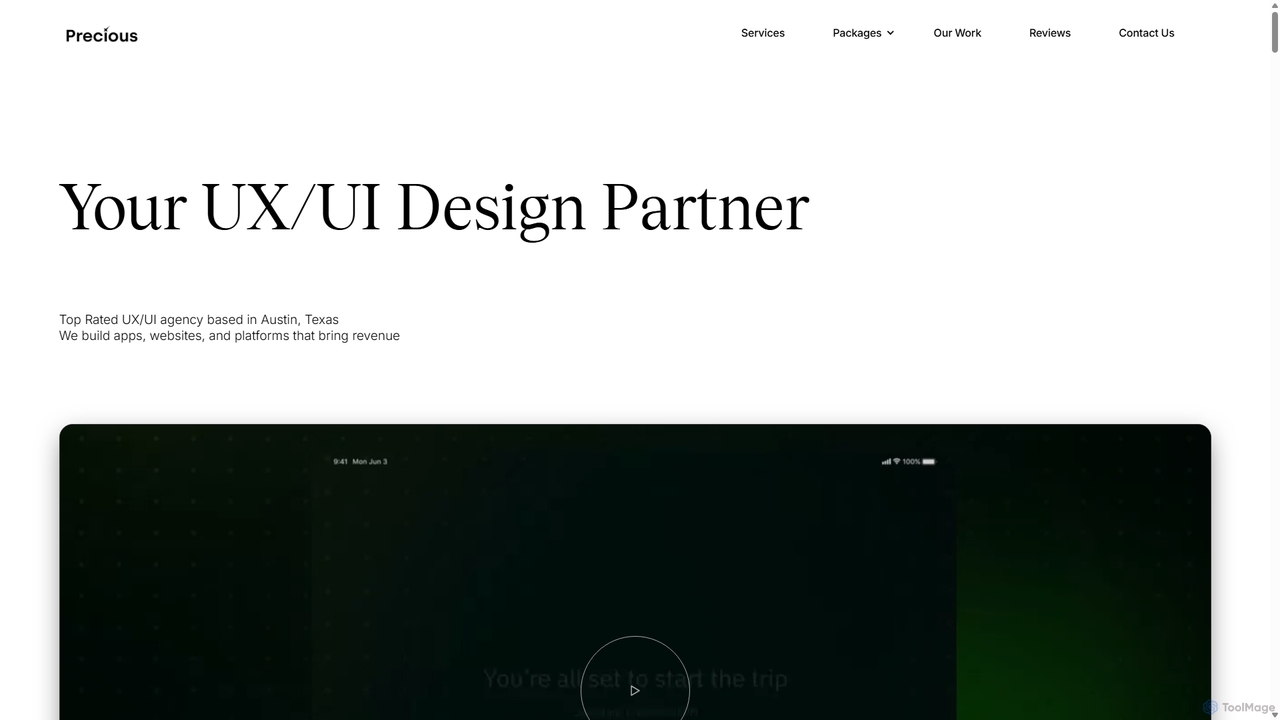
Precious
Precious is a top-rated UX/UI design and development agency based in Austin, TX. They specialize in creating user-centric apps, websites, and platforms for startups and enterprises. With a dedicated focus on "UX for AI," they help businesses design intuitive and engaging experiences for AI agents, chatbots, and AI-powered applications, turning complex technology into seamless user journeys.
Ai Consulting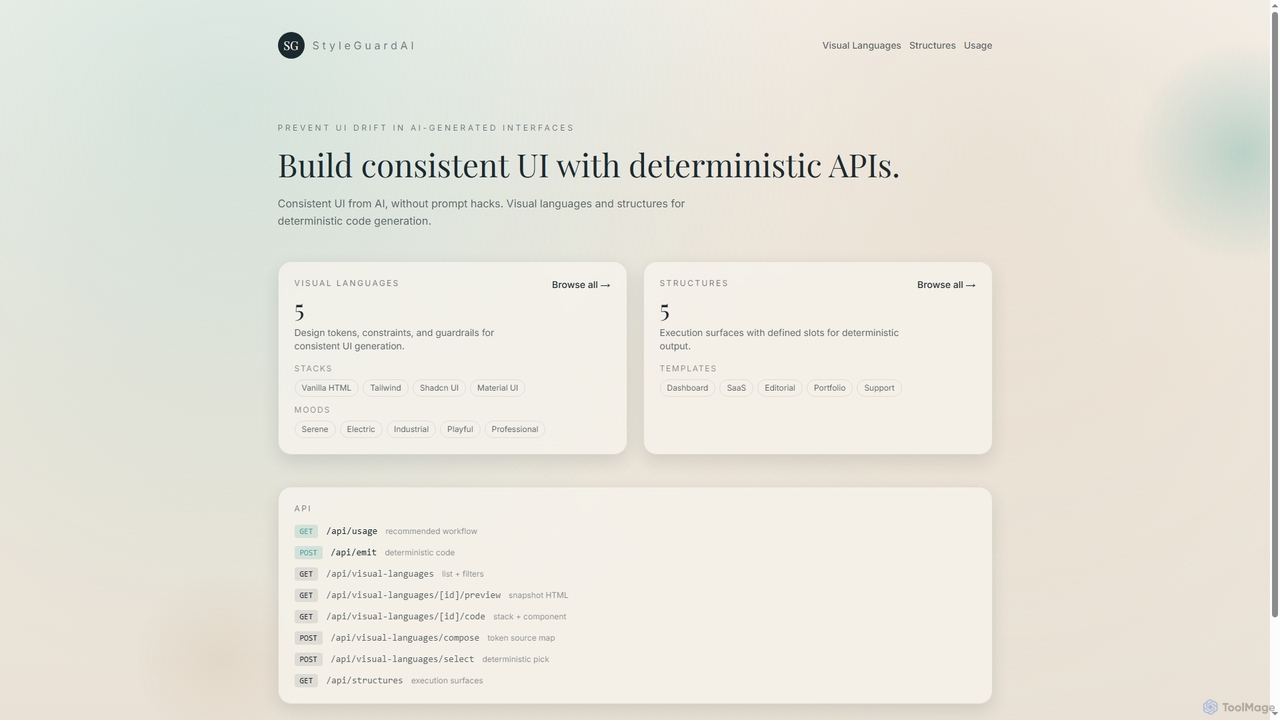
StyleGuardAI
StyleGuardAI is an advanced AI tool that ensures consistent UI generation by leveraging deterministic APIs, visual languages, and structured templates. It prevents design drift in AI-generated interfaces, providing stable and predictable output across different agents and sessions.
Ui GenerationReducto
Reducto is an advanced Document Ingestion API for developers and enterprises. It uses Agentic OCR and Vision-Language Models to accurately parse, split, extract, and even edit documents. It transforms unstructured data from various file formats into structured, LLM-ready inputs, automating complex document processing workflows with high precision and enterprise-grade security.
Document ProcessingSkyvern
Skyvern is an AI-powered browser automation platform that uses computer vision and natural language to automate complex web workflows. It can handle data extraction, form submissions, invoice retrieval, and more on any website, adapting dynamically to changes without traditional scripting.
Api
Zoo Comments (0)
Sign in to comment.
Sign inNo comments yet.