ToolMage
Sign in

Best 2 Ui Generation AI tools for Design

Popular Ui Generation AI tools in Design include Superapp and StyleGuardAI, helping you work more efficiently.

StyleGuardAI

StyleGuardAI

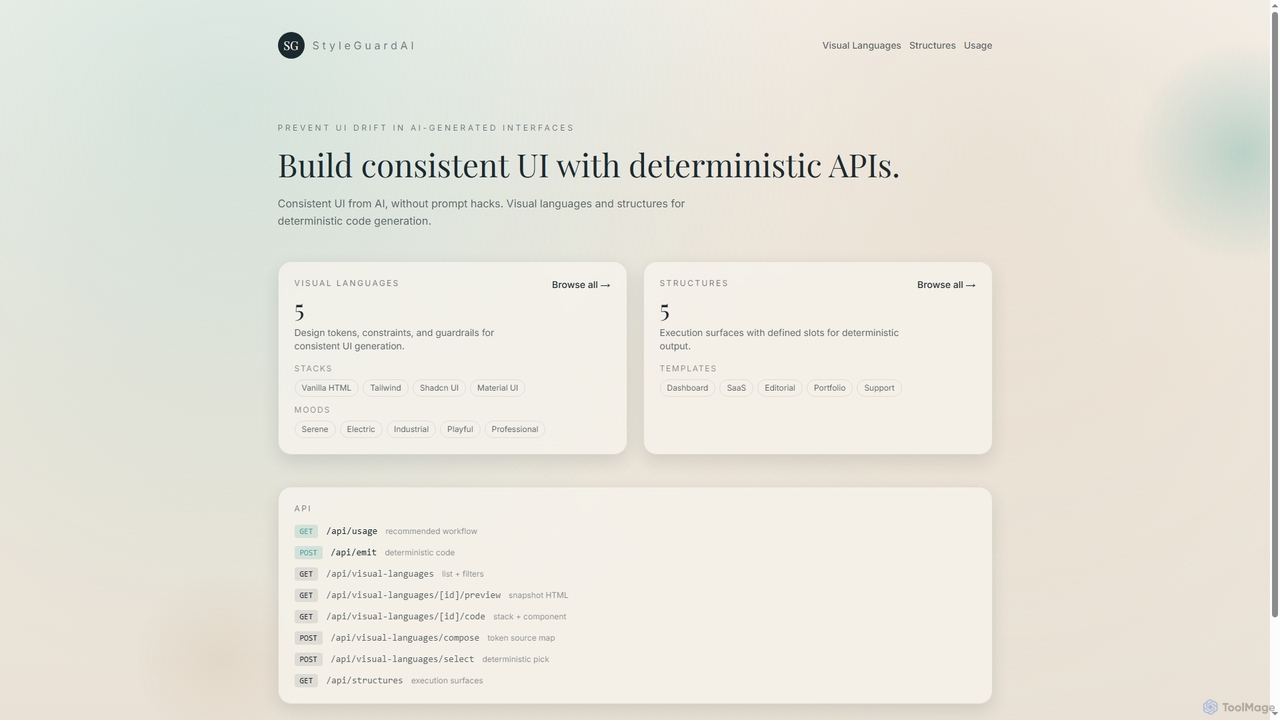
StyleGuardAI is an advanced AI tool that ensures consistent UI generation by leveraging deterministic APIs, visual languages, and structured templates. It prevents design drift in AI-generated interfaces, providing stable and predictable output across different agents and sessions.

Ui Generation
Visits 4.1KFavorites 24Likes 26
Superapp
Freemium

Superapp

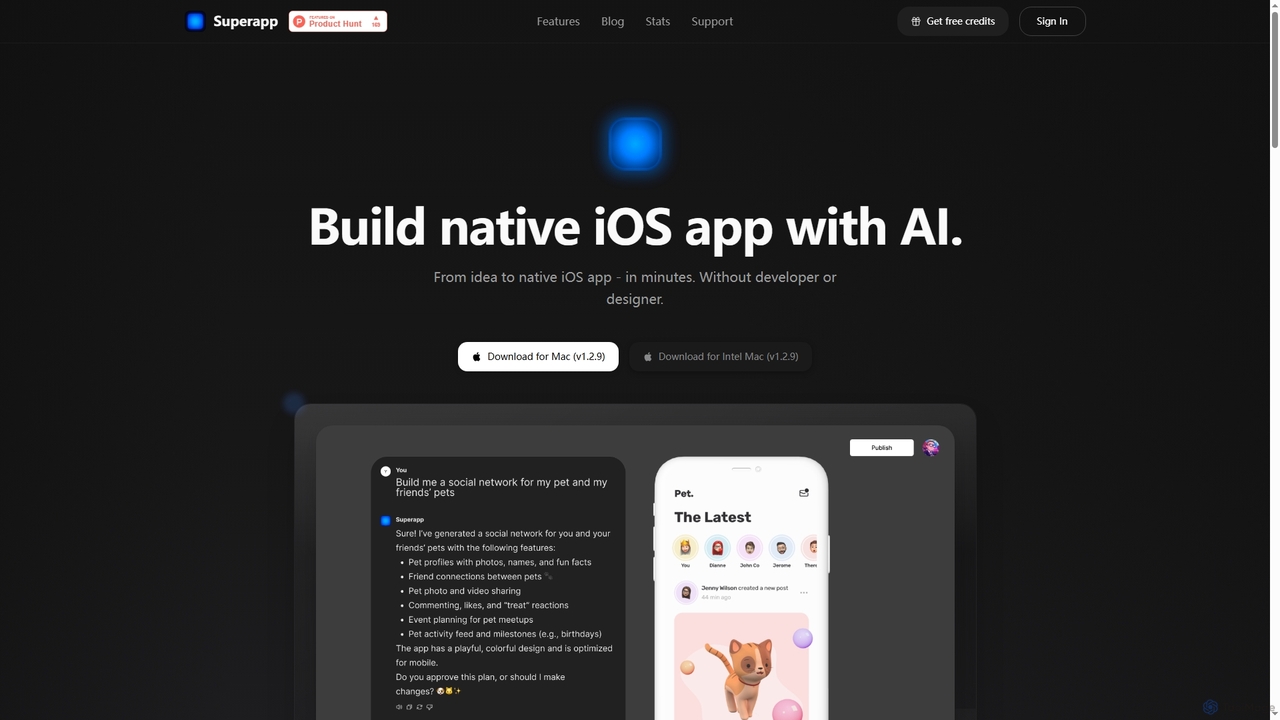
Superapp is an AI-powered desktop application for Mac that enables anyone, regardless of technical skill, to build native iOS applications from an idea to a fully functional app in minutes. It generates high-quality Swift code, integrates with Supabase for backend, and includes a built-in design system, making app development accessible and efficient for founders and non-developers.

Ios Development
Visits 61.2KFavorites 103Likes 107

About Ui Generation

UI Generation tools are a category of AI-powered software designed to automate the creation of user interface elements and complete layouts. Leveraging advanced machine learning and natural language processing, these tools transform various inputs—from text descriptions to wireframes—into functional and aesthetically pleasing UI designs. They significantly accelerate the design process, enabling rapid prototyping and consistent application of design principles within the broader field of digital design.

Core Features

  • Text-to-UI Conversion: Generates user interfaces directly from natural language descriptions or prompts.
  • Wireframe/Sketch-to-Design: Transforms low-fidelity sketches or wireframes into high-fidelity digital designs.
  • Design System Integration: Automatically applies existing design system rules, components, and styles to new UI generations.
  • Automated Layout & Styling: Intelligently arranges UI elements and applies appropriate styling based on content and context.
  • Cross-Platform Export: Exports generated UI code or assets compatible with various platforms and frameworks (e.g., React, Vue, HTML/CSS).

Applicable Scenarios

UI Generation tools are invaluable for accelerating design workflows across various sectors. Startups can rapidly prototype new product ideas without extensive design resources, quickly validating concepts with users. Established enterprises can ensure strict adherence to their design systems, automating the creation of consistent UI components and screens. Developers benefit from faster design-to-code handoffs, receiving ready-to-implement UI code snippets or full layouts, significantly reducing front-end development time.

How to Choose

When selecting a UI Generation tool, consider its input flexibility (text, sketch, wireframe), output compatibility (code frameworks, design tools), and customization options. Evaluate its integration capabilities with your existing design system and development environment. Assess the quality and consistency of the generated UI, and consider the learning curve for your team. Finally, compare pricing models and the level of support offered to ensure it aligns with your budget and operational needs.

Featured tool rankings

Ui Generation use cases

1

Generate UI Mockups from Text Prompts

A product manager needs to quickly visualize a new feature for a mobile app. Instead of waiting for a designer, they can use a UI Generation tool to input a text description like "a social media feed with user profiles, posts, and comment sections." The AI then generates multiple UI mockups based on this prompt, allowing for rapid iteration and concept validation within minutes, significantly accelerating the initial design phase.

2

Convert Hand-Drawn Sketches to Digital Interfaces

A UX designer is brainstorming ideas for a new web page and quickly sketches several layouts on paper. Using a UI Generation tool, they can take a photo of their hand-drawn sketch, and the AI interprets the elements and structure to produce a digital wireframe or even a high-fidelity design. This dramatically reduces the time spent manually digitizing initial concepts, allowing designers to focus more on user experience and less on repetitive tasks.

3

Automate Design System Component Creation

For large enterprises maintaining extensive design systems, ensuring consistency across hundreds of components can be challenging. A UI Generation tool can be integrated with the existing design system. When a new component variation or a standard screen layout is needed, the AI can automatically generate it, adhering strictly to the defined tokens, styles, and accessibility guidelines. This ensures brand consistency, reduces manual errors, and frees up design teams to focus on more complex problem-solving.

4

Streamline Developer Handoff with Code Generation

Developers often spend significant time translating design mockups into functional code. UI Generation tools can directly output front-end code (e.g., HTML, CSS, React components) from the generated designs. This allows development teams to receive ready-to-implement code snippets or even full page layouts, drastically reducing the manual coding effort and potential for discrepancies between design and implementation. It accelerates the development cycle and improves collaboration between design and engineering teams.

5

Rapidly A/B Test UI Variations

Marketing teams often need to test multiple UI variations to optimize conversion rates. With UI Generation tools, they can quickly generate several distinct versions of a landing page or call-to-action button with different layouts, color schemes, or element placements. This allows for efficient A/B testing without requiring extensive manual design work for each variant, providing data-driven insights to improve user engagement and business outcomes.

6

Personalize User Experiences at Scale

For platforms with diverse user segments, personalizing UI can significantly enhance engagement. UI Generation tools can dynamically create tailored interfaces based on user data, preferences, or behavior. For example, an e-commerce site could generate different homepage layouts or product recommendation widgets for new vs. returning customers, or based on their browsing history. This level of dynamic UI adaptation improves relevance and user satisfaction without manual design for each segment.

Ui Generation FAQ

What are UI Generation tools?

UI Generation tools are AI-powered software that automate the creation of user interface elements and layouts. They leverage machine learning to interpret inputs like text descriptions or sketches, transforming them into digital designs or even functional code. These tools aim to accelerate the design process, enhance consistency, and reduce the manual effort involved in UI development, making design more accessible and efficient for various stakeholders.

How do AI UI Generation tools work?

AI UI Generation tools typically work by employing advanced machine learning models, often including natural language processing (NLP) and computer vision. For text-to-UI, NLP models understand user prompts and translate them into design components. For sketch-to-UI, computer vision algorithms recognize shapes and structures in images. These models are trained on vast datasets of existing UI designs, enabling them to learn design patterns, best practices, and aesthetic principles to generate new, coherent interfaces.

What are the main benefits of using AI for UI Generation?

The main benefits of using AI for UI Generation include significant time savings, enhanced design consistency, and increased accessibility. AI can generate designs much faster than manual processes, accelerating prototyping and iteration cycles. It ensures adherence to design system rules, leading to consistent branding and user experience. Furthermore, it lowers the barrier to entry for non-designers to create functional interfaces and allows designers to focus on higher-level strategic tasks rather than repetitive element creation.

How does UI Generation differ from traditional UI design?

UI Generation primarily differs from traditional UI design in its level of automation and speed. Traditional UI design relies heavily on manual effort, where designers meticulously craft each element and layout using design software. UI Generation, conversely, uses AI to automate much of this process, transforming high-level inputs into complete designs or code. While traditional design offers granular control and creative freedom, AI generation excels in efficiency, consistency, and rapid iteration, especially for standard or repetitive design tasks.

Who can benefit most from UI Generation tools?

A wide range of professionals can benefit from UI Generation tools. Product managers and entrepreneurs can rapidly prototype ideas and validate concepts without extensive design resources. Developers can accelerate front-end development by receiving ready-to-use UI code. UX/UI designers can offload repetitive tasks, focus on complex problem-solving, and ensure design system compliance. Marketing teams can quickly generate and A/B test various UI elements for campaigns, while large enterprises can maintain brand consistency across numerous digital products more efficiently.