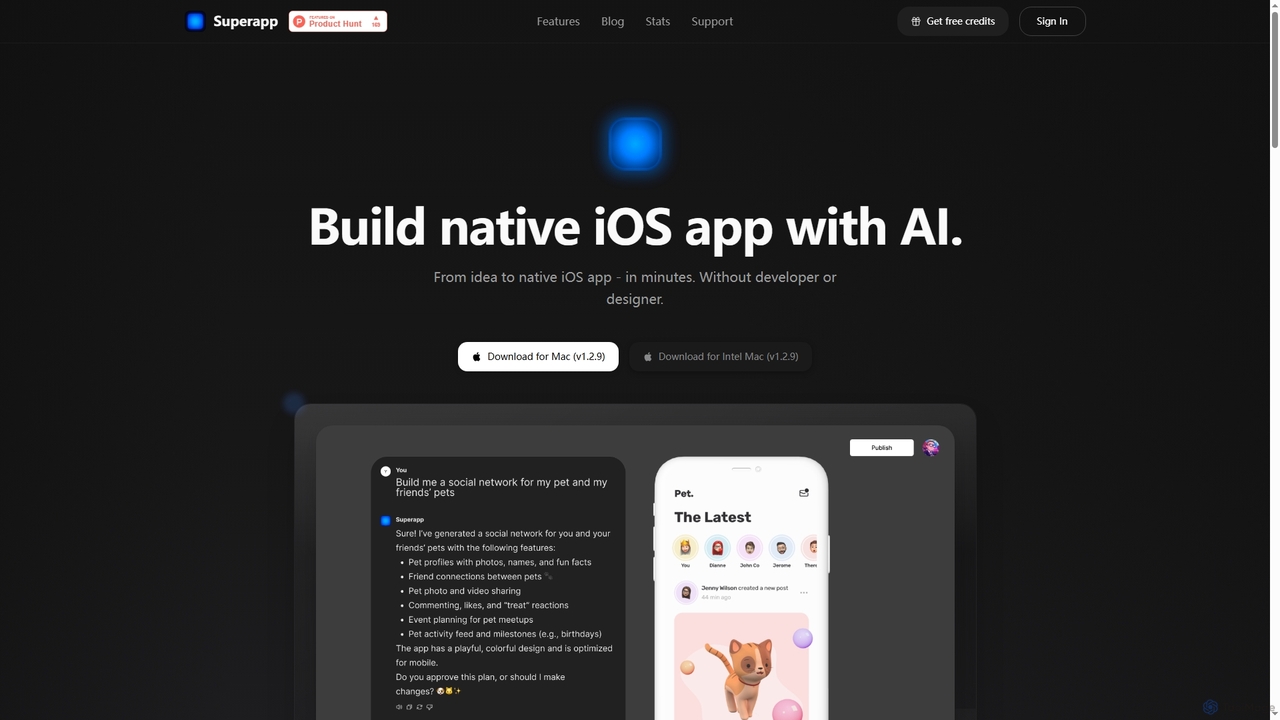
Ios Development tools are specialized AI-powered platforms and frameworks designed to streamline and enhance the creation of applications for Apple's iOS ecosystem. These tools leverage artificial intelligence to automate repetitive tasks, assist with code generation, optimize UI/UX, and improve testing processes, significantly accelerating the development lifecycle for iPhones, iPads, and other Apple devices. They empower developers to build high-quality, performant, and user-friendly native iOS applications with greater efficiency and precision.
Core Features
- AI-Assisted Code Generation: Automatically suggests or generates Swift/Objective-C code snippets, reducing manual coding effort and potential errors.
- Intelligent UI/UX Design: Provides AI-driven recommendations for interface layouts, component placement, and accessibility features tailored for iOS Human Interface Guidelines.
- Automated Testing & Debugging: Utilizes AI to identify potential bugs, suggest fixes, and automate UI/unit tests across various iOS device configurations.
- Performance Optimization: Analyzes app performance metrics and suggests improvements for memory usage, battery consumption, and launch times specific to the iOS platform.
- Cross-Platform Integration Support: While focused on iOS, some tools offer AI assistance for integrating with backend services or other platforms, ensuring seamless data flow.
Use Cases
These tools are primarily used by mobile app developers, software engineers, and product teams focused on delivering native applications for Apple's mobile devices. They are invaluable for startups building their first iOS app, large enterprises developing complex internal tools, and independent developers aiming for efficiency and quality in the competitive App Store market.
How to Choose
When selecting iOS Development tools, consider their compatibility with Swift/Objective-C and Xcode, the depth of AI features (e.g., code generation, testing, UI design), integration capabilities with existing CI/CD pipelines and Apple services, and the level of community support. Evaluate the tool's ability to handle specific project complexities, its pricing model, and the learning curve for your development team to ensure it aligns with your project requirements and budget.