
SupaDupaAI
SupaDupaAI is an AI-powered no-code app builder that allows users to create native iOS and Android mobile applications …
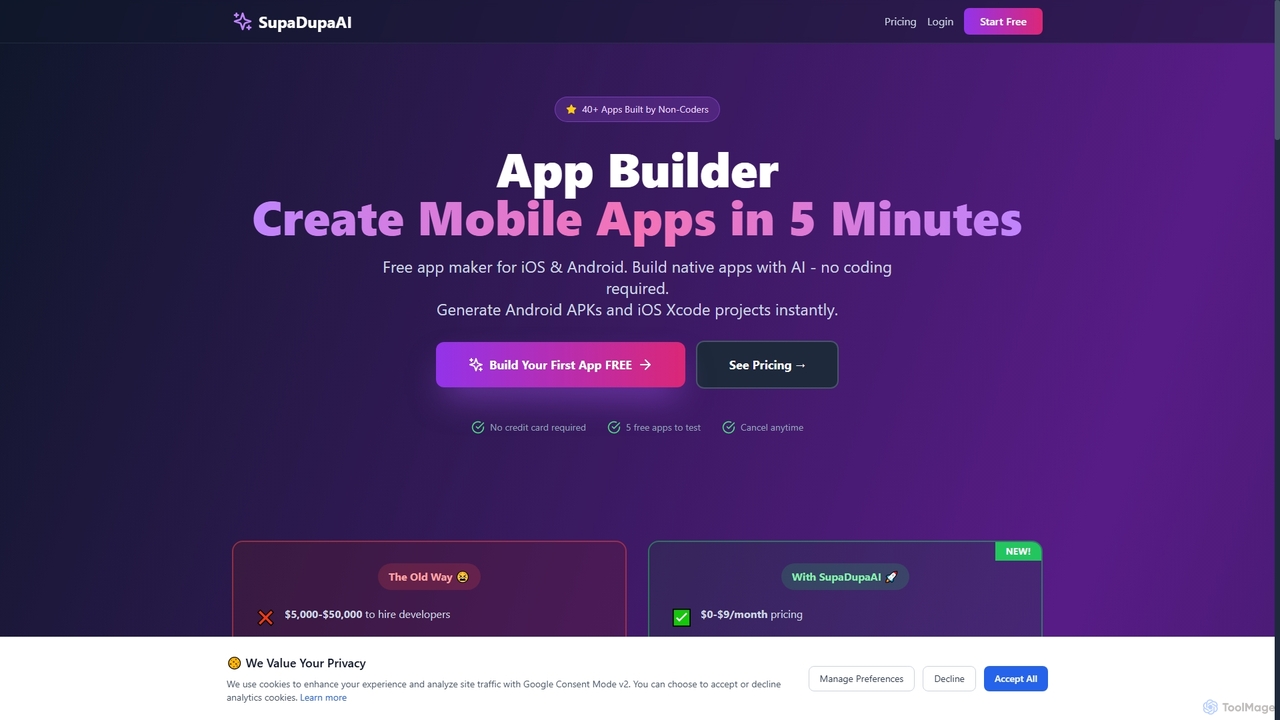
SupaDupaAI is an AI-powered no-code app builder that allows users to create native iOS and Android mobile applications in just 5 minutes using plain English descriptions. It eliminates the need for coding, enabling entrepreneurs, small businesses, and individuals to rapidly prototype, build, and launch professional-grade apps.
About No Code Development
No-Code Development platforms are tools that enable users to build applications and automate workflows using visual interfaces without writing any code. These platforms utilize drag-and-drop components, pre-built templates, and visual logic builders to abstract away the complexity of traditional programming. This approach significantly lowers the barrier to software creation, empowering business users and entrepreneurs to bring their ideas to life quickly. It accelerates prototyping, development of internal tools, and the launch of customer-facing applications.
Core Features
- Visual UI Builder: Design application interfaces by dragging and dropping elements like buttons, forms, and text fields.
- Workflow Automation: Create complex business logic and automated processes by visually connecting actions and triggers.
- Database & API Integration: Connect to external databases and third-party services through pre-built connectors or simple API configurations.
- Responsive Design: Automatically adapt applications to work seamlessly across desktops, tablets, and mobile devices.
- One-Click Deployment: Publish and host applications on the web with a single click, managing hosting and infrastructure automatically.
Use Cases
No-Code Development is widely used by marketing teams to build landing pages, operations managers to create internal tools for process management, and startup founders to launch Minimum Viable Products (MVPs). It is also ideal for small businesses needing custom CRM systems or project management dashboards without the budget for a dedicated development team.
How to Choose
When selecting a No-Code Development tool, consider the type of application you need to build (e.g., web app, mobile app, internal workflow). Evaluate its integration capabilities with your existing software stack. Assess the platform's scalability to ensure it can handle future growth in users and data. Finally, examine the pricing model and the steepness of the learning curve to find a balance that fits your team's skills and budget.
No Code DevelopmentUse Cases
Build a Custom Internal Tool
An operations manager at a mid-sized company needs a custom tool to track inventory and manage supplier orders, but the IT department has a long backlog. Using a no-code platform, the manager designs a web application with a user-friendly interface for data entry, a database to store inventory levels, and automated workflows that trigger reorder alerts when stock is low. This empowers the operations team to solve their own problem in days instead of months, improving efficiency and reducing reliance on technical resources.
Launch a Minimum Viable Product (MVP)
An entrepreneur has an idea for a new online service but lacks the technical skills and funding to hire a development team. They use a no-code platform to build a functional MVP. This includes creating user registration and login, a core feature like a searchable directory, and a payment integration. By launching the MVP in just a few weeks, they can test market demand, gather crucial user feedback, and demonstrate a working product to potential investors, significantly de-risking their startup venture.
Automate a Marketing Workflow
A marketing team wants to automate their lead nurturing process. Using a no-code automation tool, they create a workflow that connects their website's contact form to their email marketing service and CRM. When a new lead submits the form, the workflow automatically adds them to the CRM, tags them based on their interests, and enrolls them in a personalized email sequence. This eliminates manual data entry, ensures timely follow-up, and improves lead conversion rates without writing a single line of code.
Create a Client Portal
A freelance designer wants to provide a professional experience for their clients. They use a no-code platform to build a secure client portal. Clients can log in to view project progress, access shared files, provide feedback directly on designs, and see their invoice history. This centralized hub improves communication, keeps projects organized, and enhances the designer's professional image, all without needing to hire a web developer to build and maintain a custom site.
Develop a Simple E-commerce Store
A local artist wants to sell their prints online but finds complex e-commerce platforms overwhelming. Using a no-code website builder with integrated e-commerce features, they create a visually appealing online store. They can easily upload product images, set prices, and manage inventory through a simple dashboard. The platform handles the shopping cart and payment processing securely, allowing the artist to start selling their work globally within a day, focusing on their art rather than on technical website management.
Create a Membership Community Site
A fitness coach wants to build an online community for their clients. They use a no-code platform to create a membership site where users can sign up for different subscription tiers. The site includes features like exclusive video content, a community forum for members to interact, and a system for booking one-on-one coaching sessions. The no-code tool handles user authentication and recurring payments, enabling the coach to build a new revenue stream and foster a stronger community around their brand without technical expertise.