
DraftAid Overview
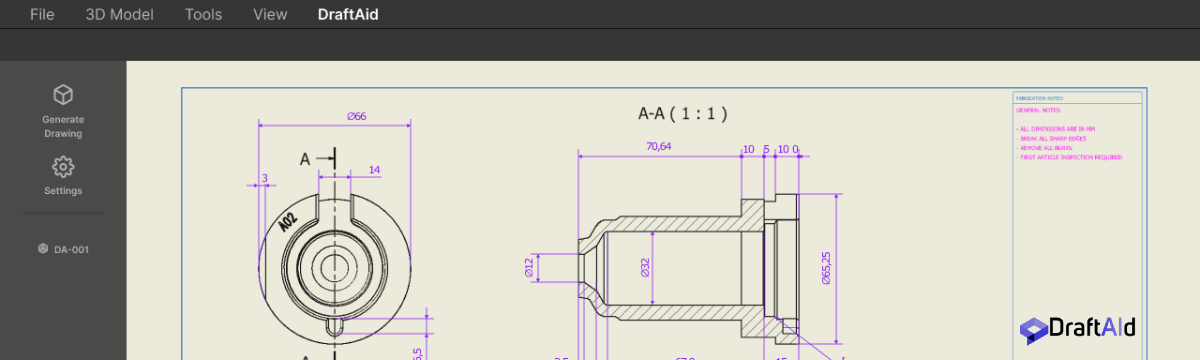
DraftAid is a revolutionary AI platform designed to automate and streamline the creation of 2D technical drawings from 3D CAD models. In the fields of engineering, design, and manufacturing, creating detailed and accurate 2D drawings is a critical but often time-consuming process. DraftAid addresses this bottleneck by leveraging artificial intelligence to generate comprehensive drawings in a fraction of the time it takes manually, claiming to boost productivity by as much as three times.
The platform is built for professionals such as mechanical engineers, CNC programmers, facade designers, and fabricators who rely on precise drawings for production. It transforms the complex task of manual drafting into a simple, one-click operation. The AI analyzes the geometry of a 3D model and automatically produces standard orthographic and isometric views, complete with precise dimensions, annotations, and callouts for features like holes and slots. This automation not only saves significant time but also enhances accuracy and consistency, minimizing the human errors that can occur in manual drafting.
How to use DraftAid
The workflow for using DraftAid is designed for simplicity and efficiency, integrating seamlessly into existing design processes. Here’s a typical step-by-step guide:
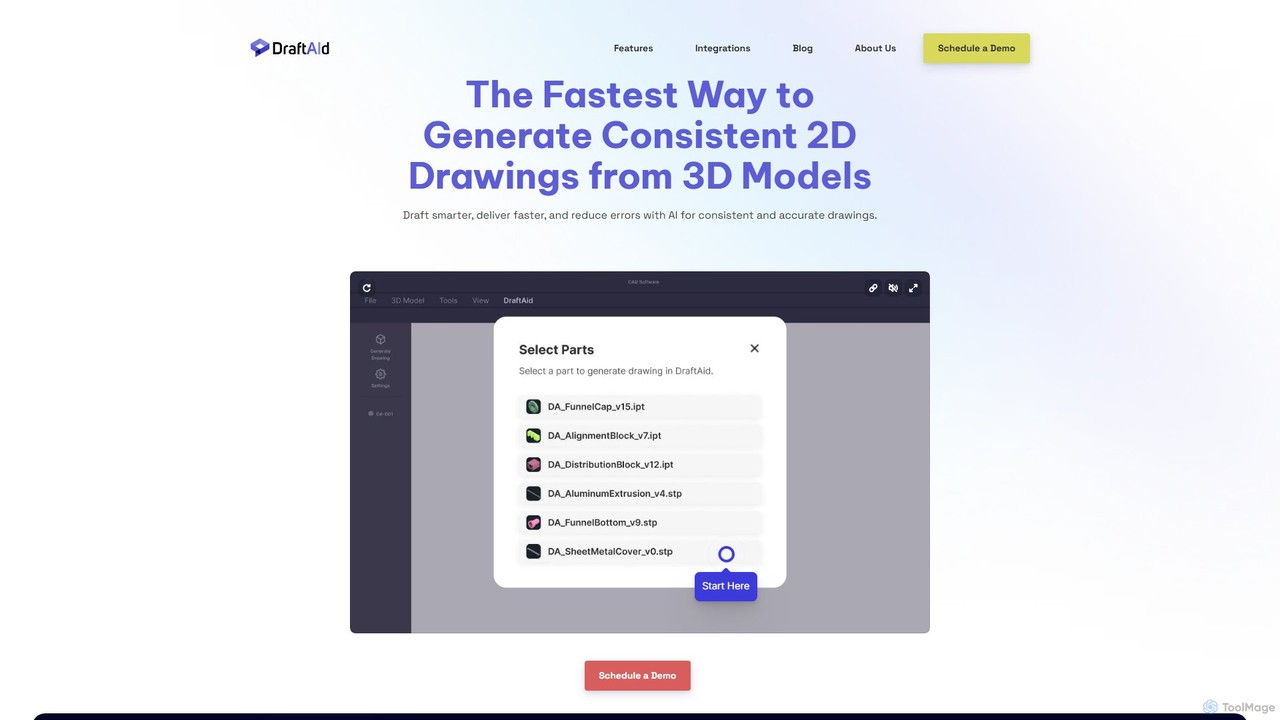
- Upload 3D Model: Begin by uploading your 3D CAD file (e.g., STEP, IGES, or native SolidWorks files) to the DraftAid platform.
- Initiate AI Drafting: With a single click, you trigger the AI engine. The system analyzes the model’s geometry, features, and complexity.
- Automatic Drawing Generation: DraftAid automatically creates a complete 2D drawing, including standard views (top, front, side), an isometric view, and a detailed title block.
- Intelligent Dimensioning: The AI intelligently applies all necessary dimensions, such as overall part size, feature locations, hole diameters, and slot lengths, adhering to standard drafting conventions.
- Review and Refine: The generated drawing is presented for review. While the AI is highly accurate, users have the option to make minor adjustments or add specific notes to meet unique project requirements.
- Export for Manufacturing: Once satisfied, export the final drawing in industry-standard formats like DXF or DWG, ready for use by CNC machines, fabrication shops, or for quality control.
Core Features of DraftAid
- Automated 2D Drawing Generation: Instantly converts complex 3D models into complete, multi-view 2D drawings.
- Intelligent Dimensioning and Annotation: The AI automatically recognizes features and applies precise dimensions, tolerances, and callouts, reducing manual input.
- Standard and Custom Views: Generates standard orthographic (top, front, side) and isometric views, with options to create custom section or detail views.
- Feature Recognition: Accurately identifies and details common manufacturing features like holes, slots, chamfers, fillets, and pockets.
- CAD Format Compatibility: Supports a wide range of 3D CAD file formats for input and exports drawings in universal 2D formats like DXF and DWG.
- Customizable Templates: Allows companies to use their own drawing templates, title blocks, and annotation styles to maintain brand and project consistency.
Use Cases for DraftAid
DraftAid is a versatile tool applicable across various industries:
- Mechanical Engineering: Engineers can rapidly generate fabrication drawings for custom machine parts, reducing documentation time.
- CNC Machining: CNC programmers receive clear, accurate, and consistently formatted drawings, which speeds up the process of creating toolpaths.
- Sheet Metal Fabrication: Quickly create flat pattern drawings complete with bend lines and dimensions for production.
- Architectural and Facade Design: Designers can automate the creation of detailed drawings for custom panels, brackets, and structural components.
- Product Development: Accelerate the entire product lifecycle by shortening the time spent on the documentation and drafting phase.
Advantages of DraftAid
The primary advantage of DraftAid is a massive increase in efficiency. By automating the most tedious aspects of drafting, it allows skilled professionals to focus on design, innovation, and other high-value tasks. The tool ensures a high level of precision and consistency across all drawings, significantly reducing the risk of costly manufacturing errors. This leads to faster turnaround times, lower operational costs, and a more streamlined workflow from design to production.
Pricing and Plans
DraftAid operates on a B2B model with pricing tailored to the needs of professional teams and enterprises. Specific pricing details are not publicly listed on the website. Interested users are encouraged to book a personalized 15-minute demo to see how the tool works and discuss a pricing plan that fits their organization's specific workflow and usage volume. This approach ensures that customers receive a solution customized to their requirements.
Traffic
Latest traffic
Status
Monthly traffic trend
- 2025-9: 14.7K
- 2026-1: 31.0K
- 2026-2: 31.0K
- 2026-3: 38.4K
- 2026-4: 47.2K
- 2026-5: 46.8K
Geography
Top 5 countries / regions
- 🇺🇸United States43.9%
- 🇮🇳India16.7%
- 🇨🇦Canada15.6%
- 🇹🇷Türkiye12.3%
- 🇳🇬Nigeria11.4%
Traffic sources
| Source type | Percentage |
|---|---|
Direct | 75.3% |
Referral | 18.9% |
Email | 5.9% |
Top keywords
DraftAid Alternatives
Hestus
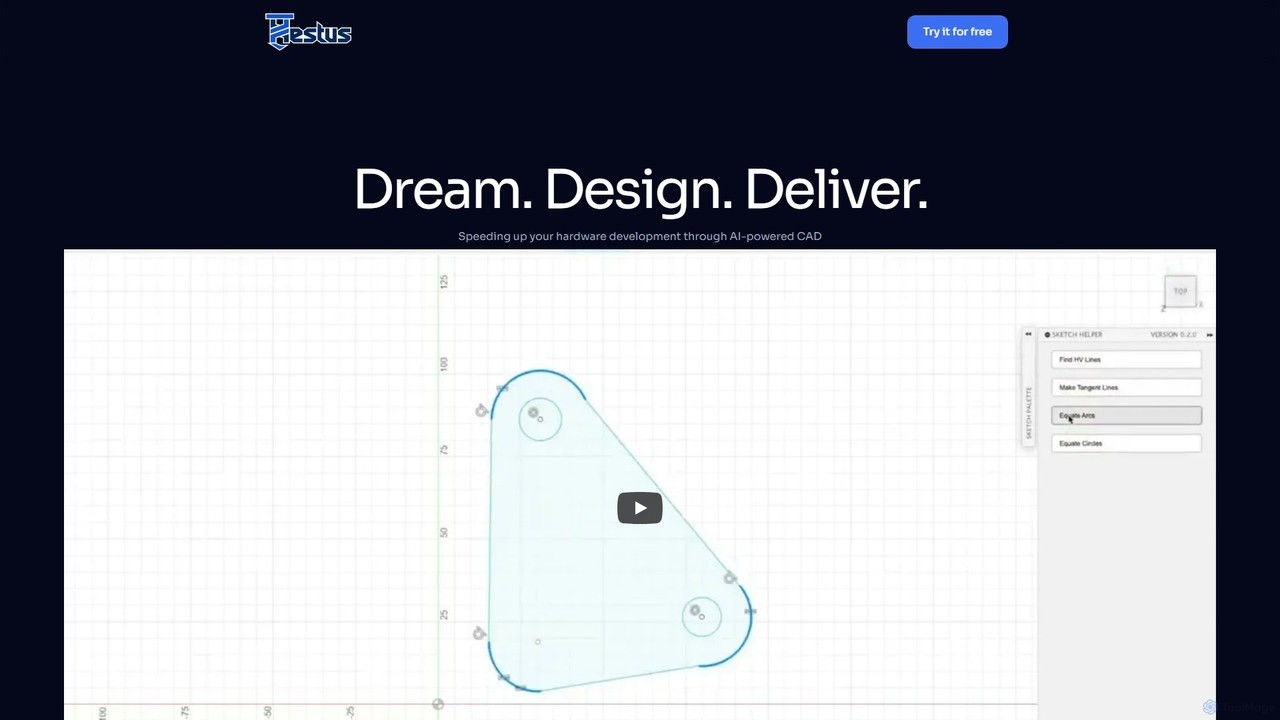
Hestus is an AI-powered CAD assistant for Autodesk Fusion 360 that accelerates hardware development. It automates mundane sketching tasks like adding constraints, generating geometry, and applying dimensions, allowing engineers to focus on creative design and innovation.
Developer Tools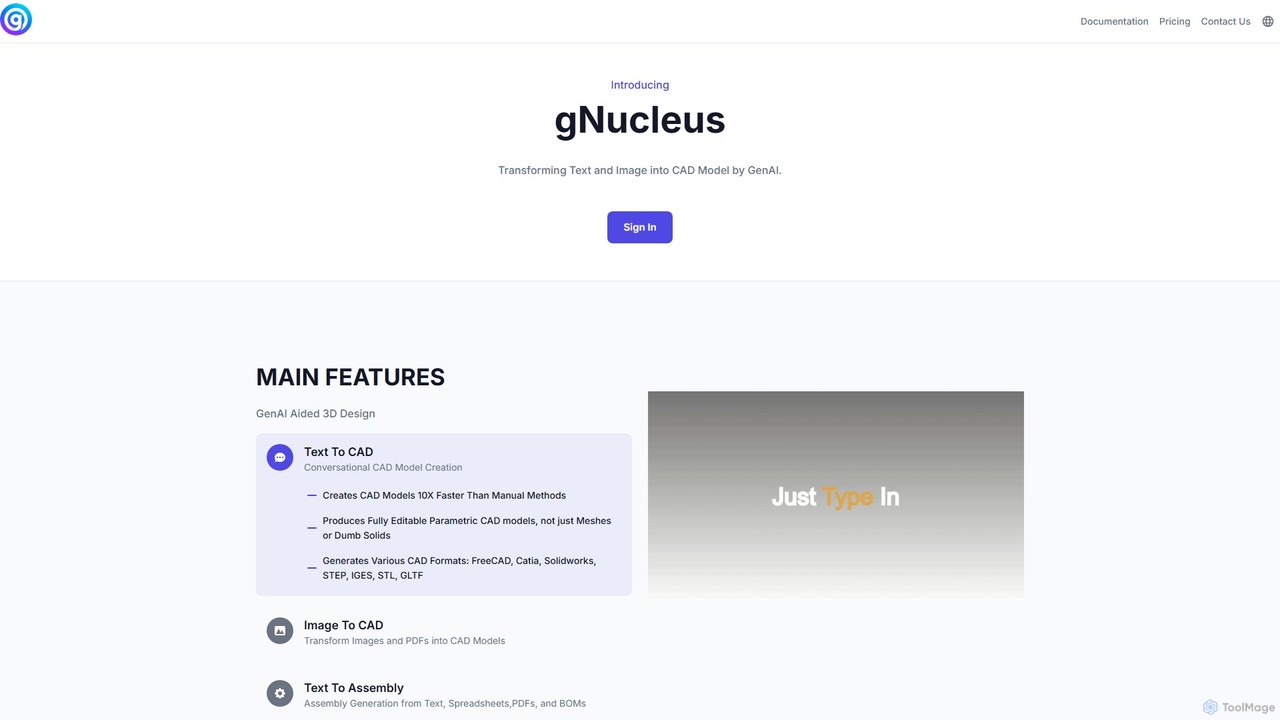
gNucleus
gNucleus is a generative AI platform that transforms text, images, and data into fully editable, parametric 3D CAD models. Designed for engineers and designers, it accelerates the design process by up to 10x, supporting various CAD formats and seamless integration with existing workflows.
3D Modeling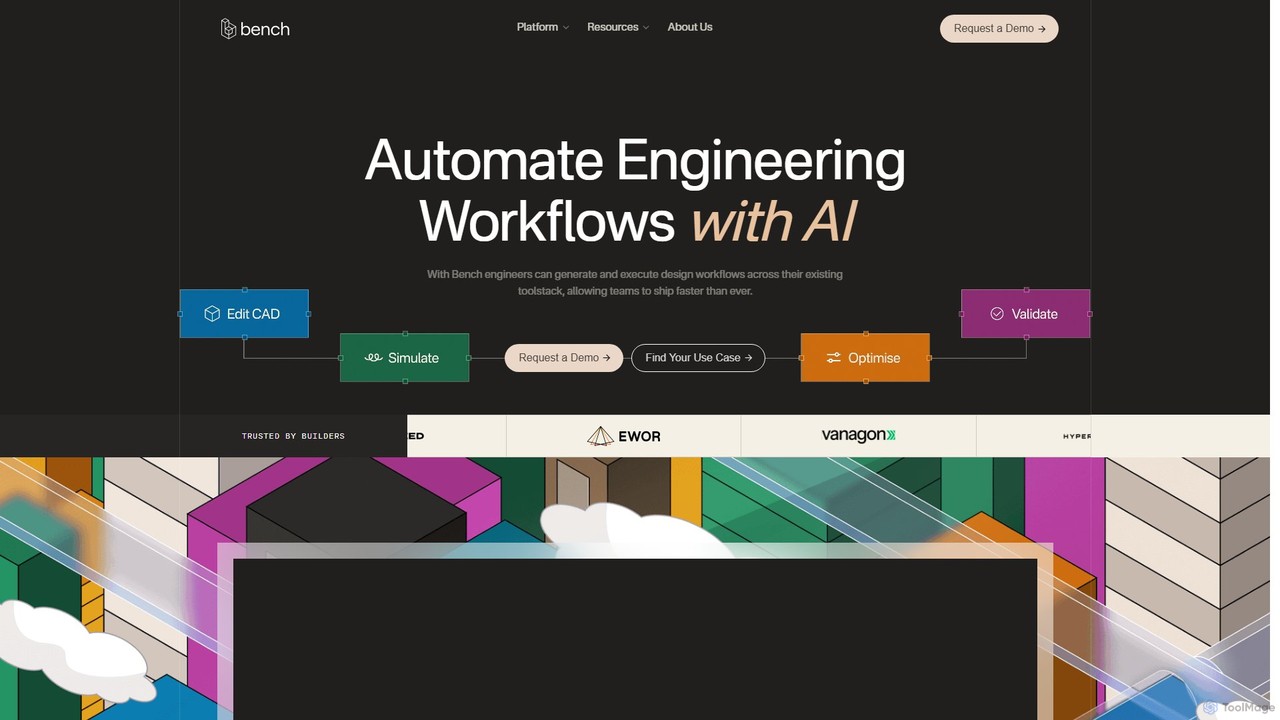
Bench
Bench is an AI-powered platform that automates engineering workflows. It integrates with your existing CAD, CAE, and PLM toolstack, enabling engineers to generate and execute complex design workflows, run parallel simulations, and automate revisions, ultimately accelerating product development and time-to-market.
3D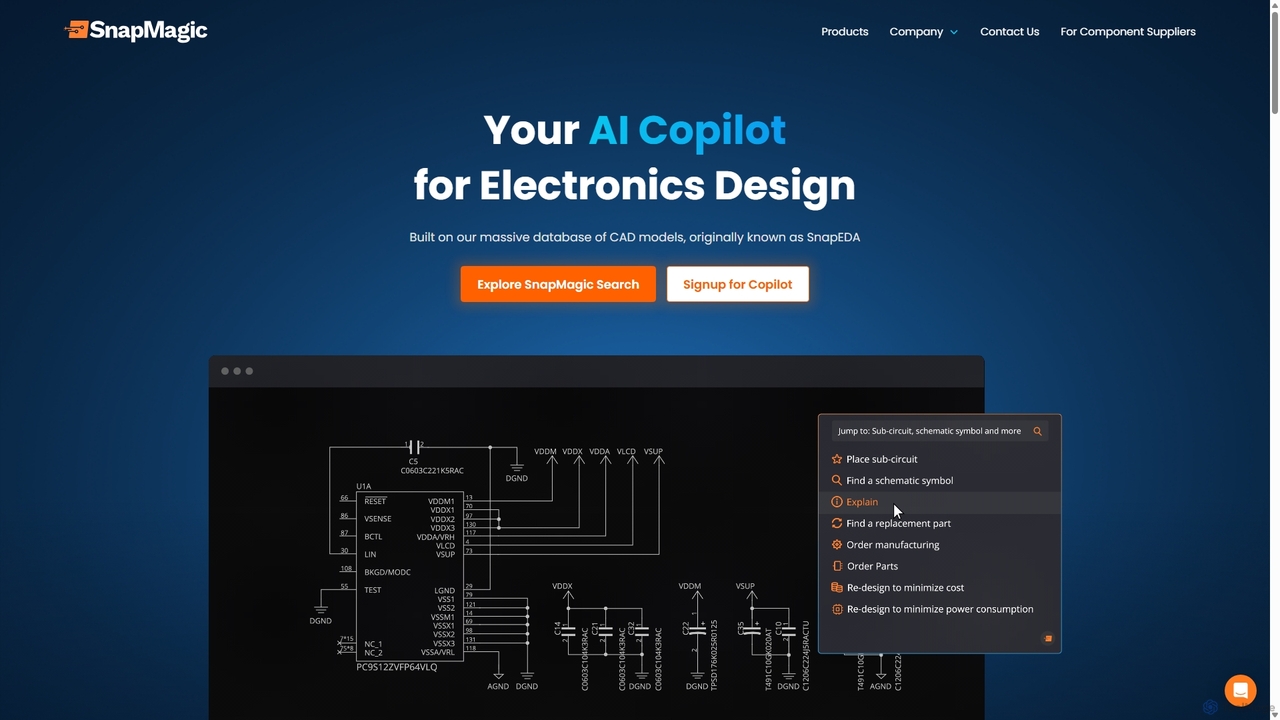
SnapMagic
SnapMagic is an AI copilot for electronics design, automating and accelerating the circuit board creation process. It uses AI to auto-complete circuits, optimize your Bill of Materials (BOM) for cost and power, and provides real-time supply chain data. Engineers can interact with designs using natural language, streamlining repetitive tasks and fostering innovation from concept to manufacturing.
Hardware
Averroes
Averroes is a no-code AI platform for automated visual inspection and virtual metrology in manufacturing. It delivers over 99% accuracy in defect detection, integrates seamlessly with existing hardware, and requires minimal data to train. Designed for industries like semiconductors, electronics, and solar, it boosts productivity and yield by automating quality control processes.
No CodeDraftAid Categories
DraftAid Embed Widget
Copy this embed code to place the badge on your blog, article, or product site and send readers directly to this ToolMage detail page.

Related AI tools
gNucleus
gNucleus is a generative AI platform that transforms text, images, and data into fully editable, parametric 3D CAD models. Designed for engineers and designers, it accelerates the design process by up to 10x, supporting various CAD formats and seamless integration with existing workflows.
3D Modeling
Enginuity Labs
Enginuity Labs offers an AI-powered engineering design studio, integrating intelligent agents into CAD, PCB, and simulation workflows. It automates repetitive tasks, enhances team collaboration with AI insights, and empowers engineers to focus on creativity while AI manages complexity in design processes.
3D ModelingHestus
Hestus is an AI-powered CAD assistant for Autodesk Fusion 360 that accelerates hardware development. It automates mundane sketching tasks like adding constraints, generating geometry, and applying dimensions, allowing engineers to focus on creative design and innovation.
Developer ToolsBench
Bench is an AI-powered platform that automates engineering workflows. It integrates with your existing CAD, CAE, and PLM toolstack, enabling engineers to generate and execute complex design workflows, run parallel simulations, and automate revisions, ultimately accelerating product development and time-to-market.
3D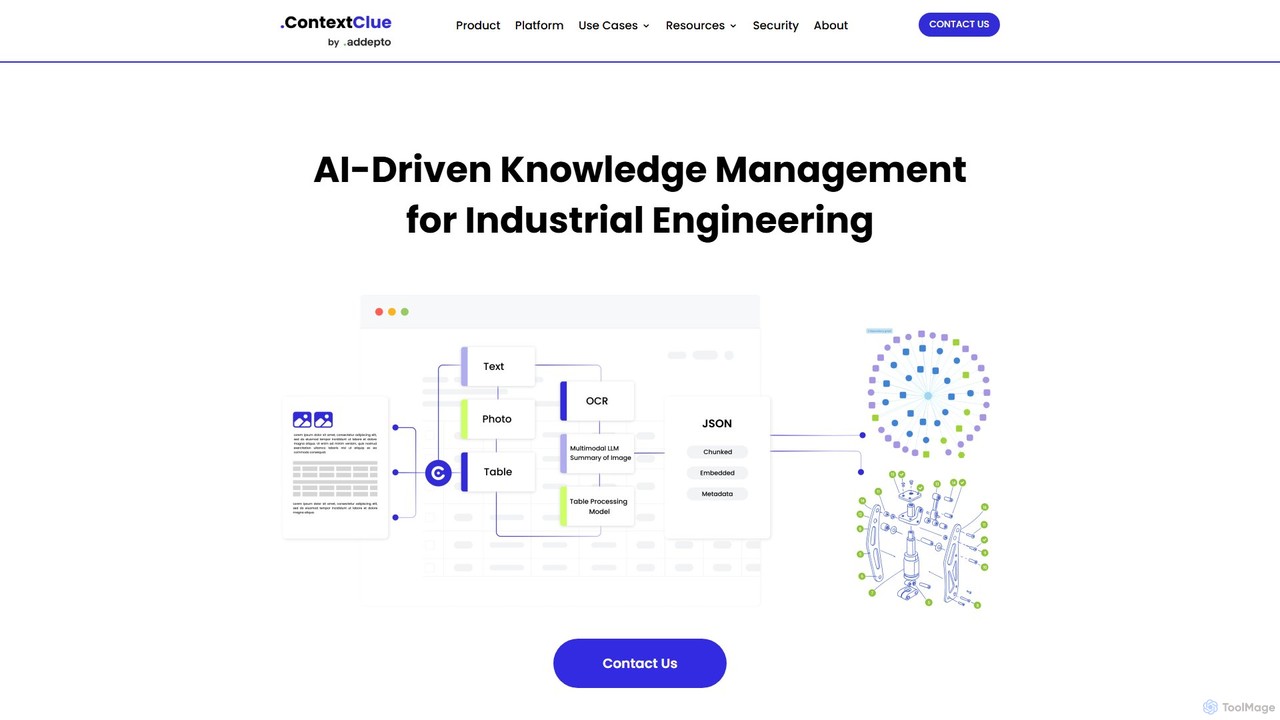
Context Clue
Context Clue is an AI-driven knowledge management platform for industrial engineering teams. It transforms complex data from CAD files, ERP systems, and technical documents into structured, queryable knowledge graphs. This enables engineers to instantly find information, visualize system relationships, and streamline workflows for spare parts planning, maintenance, and digital twin operations, significantly reducing search time and improving operational efficiency.
Data AnalysisSnapMagic
SnapMagic is an AI copilot for electronics design, automating and accelerating the circuit board creation process. It uses AI to auto-complete circuits, optimize your Bill of Materials (BOM) for cost and power, and provides real-time supply chain data. Engineers can interact with designs using natural language, streamlining repetitive tasks and fostering innovation from concept to manufacturing.
HardwareAverroes
Averroes is a no-code AI platform for automated visual inspection and virtual metrology in manufacturing. It delivers over 99% accuracy in defect detection, integrates seamlessly with existing hardware, and requires minimal data to train. Designed for industries like semiconductors, electronics, and solar, it boosts productivity and yield by automating quality control processes.
No Code
Hypar
Hypar is a cloud-based generative design platform for the Architecture, Engineering, and Construction (AEC) industry. It empowers users to automate building design processes, rapidly generate and evaluate thousands of design options, and collaborate seamlessly in a data-driven environment.
3D Modeling
cartage
Cartage offers "Wilson," an AI logistics coordinator for manufacturers and distributors. It automates freight management, from quoting and booking to real-time tracking and issue resolution. Wilson integrates seamlessly into your existing workflows (email, Slack, Teams) to reduce manual effort, lower costs, and improve customer satisfaction, all monitored by a 24/7 human operations team.
Supply Chain Management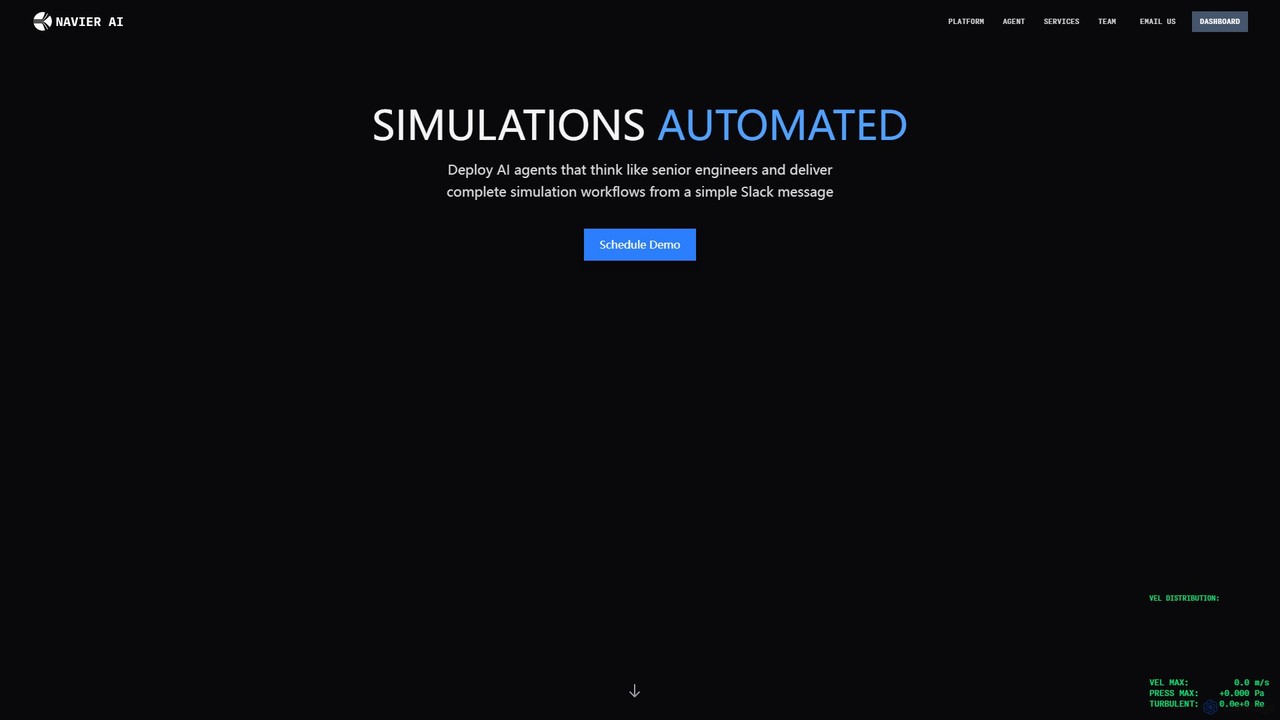
Navier AI
Navier AI deploys an autonomous AI agent that functions like a senior engineer, automating complete Computational Fluid Dynamics (CFD) simulation workflows from a simple Slack message. It integrates simulation, AI, and collaboration to accelerate design, analysis, and iteration cycles, offering a 95% reduction in time.
Api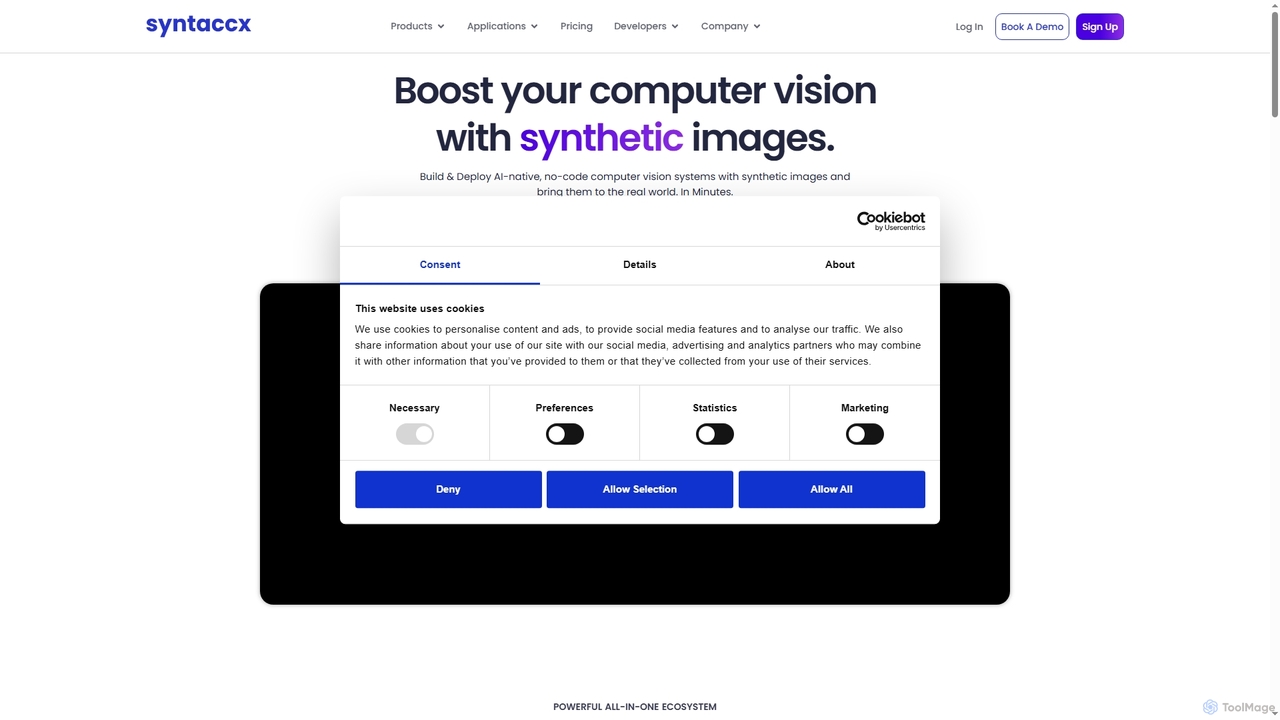
Syntaccx
An all-in-one, no-code computer vision platform that generates synthetic training data from CAD/3D models. It enables users to create, train, and deploy robust AI vision models in minutes, significantly reducing costs and development time without requiring deep expertise.
Modeling
Jyek
Jyek is an AI agent platform that understands objectives, creates execution plans, uses tools, and delivers verifiable results for complex, multi-step tasks.
Automation
Figure
Figure is an AI robotics company developing general-purpose humanoid robots. Its flagship robot, Figure 02, is designed to work alongside humans, addressing labor shortages in manufacturing, logistics, and warehousing. By combining a human-like form with advanced AI, Figure aims to create robots that can perform a wide variety of tasks autonomously in environments built for people.
Embodied Ai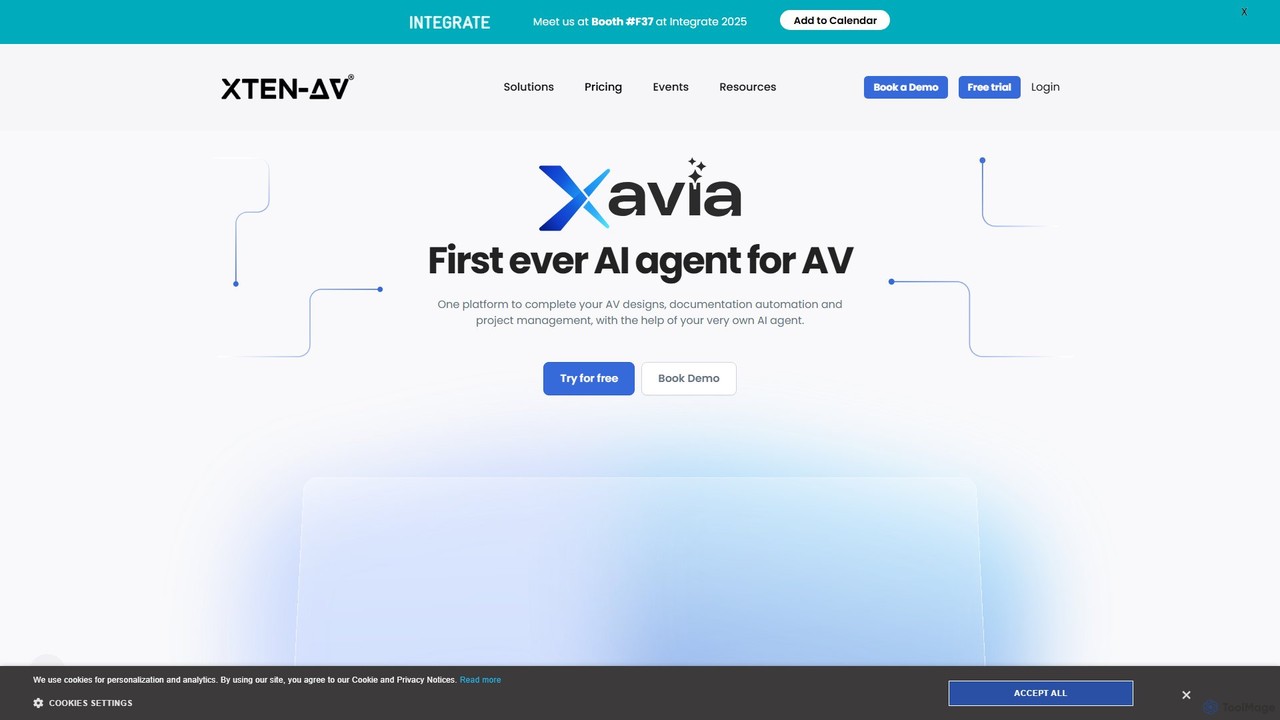
xtenav
XTEN-AV is a revolutionary AI-powered, cloud-based platform for the audio-visual (AV) industry. It streamlines the entire workflow for AV professionals by automating system design, proposal generation, and project management. Featuring an AI agent named XAVIA, it helps users create complex drawings, accurate Bill of Materials (BOMs), and winning proposals in a fraction of the time, consolidating multiple tools into one efficient solution.
Diagramming
Vendra
Vendra is an AI-powered marketplace that connects businesses with a network of verified American manufacturers for custom parts. It streamlines the entire procurement process, from automated RFQs and intelligent supplier matching to transparent production and end-to-end logistics.
Marketplace
DraftAid Comments (0)
Sign in to comment.
Sign inNo comments yet.