
Bench Overview
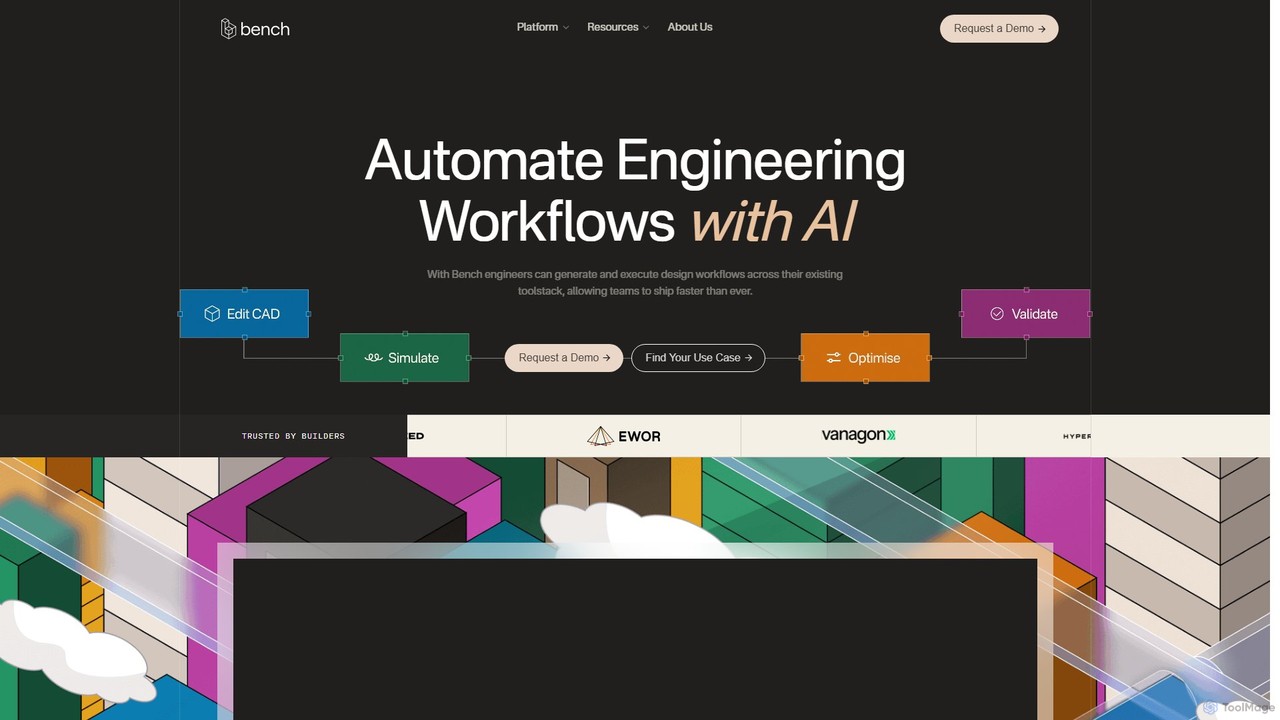
Bench is a revolutionary platform designed to bring engineering workflows into the AI era. It addresses the slow, fragmented, and manual processes that traditionally dominate hardware development. By leveraging artificial intelligence, Bench empowers engineering teams to automate both simple and complex design workflows, drastically reducing iteration times from days to mere minutes. The core mission of Bench is to free engineers from tedious, repetitive tasks, allowing them to focus on high-leverage R&D and innovation.
The platform seamlessly integrates into your existing engineering toolstack, including popular CAD (Computer-Aided Design), CAE (Computer-Aided Engineering), and PLM (Product Lifecycle Management) software. This plug-and-play approach means teams can adopt AI-driven automation without painful or costly migrations, enhancing their current processes rather than replacing them. With Bench, teams can ship products faster, maintain a competitive edge, and scale their operations without proportionally increasing team size.
How to use Bench
Using Bench involves a streamlined process designed for maximum efficiency:
- Integration: Connect Bench to your current engineering software. It offers live integrations with tools like Onshape and SimScale, with more on the way for Solidworks, Catia, SiemensNX, and ANSYS.
- Define Workflow: Using simple prompts or a dedicated interface, define the task you want to automate. This could be anything from making specific revisions to a CAD model to setting up a complex simulation loop.
- AI-Powered Execution: Bench's AI engine interprets your request and automatically executes the workflow across your connected tools. For example, it can generate hundreds of design variations and run performance tests on them in parallel.
- Analyze & Iterate: Review the results instantly. The platform provides a seamless review process, allowing team members to collaborate, provide feedback, and make informed decisions to uncover the best-performing designs.
- Optimize and Finalize: Use the insights to refine your designs, running further automated iterations until the optimal solution is achieved, ready for the next stage of development.
Core Features of Bench
- AI Workflow Automation: Automate menial and complex tasks, from CAD edits to simulation orchestration, using AI.
- Parallel Scenario Exploration: Test countless design variations simultaneously to compare performance and identify optimal configurations at scale.
- Automated CAD Revisions: Accelerate design cycles by automating repetitive CAD edits, freeing up engineers for more critical tasks.
- Performance Optimization Loop: Fully automate the CAD-to-simulation loop to iterate on designs and improve performance at an unprecedented speed.
- Seamless Toolstack Integration: Plugs directly into your existing CAD, CAE, and PLM software without requiring tool changes.
- Enterprise-Grade Platform: Features robust security, granular role-based access control, and scalability for global teams of any size.
- Collaborative Review Process: A built-in system to ensure all feedback is captured and all stakeholders' voices are heard during the design process.
Use Cases for Bench
Bench is versatile and can be applied across various engineering domains:
- Hardware Product Development: Drastically shorten the concept-to-launch timeline for new hardware products by automating design iterations.
- Aerospace & Automotive: Optimize the performance and weight of critical components by exploring thousands of design permutations in parallel.
- Consumer Electronics: Rapidly iterate on enclosure designs and internal layouts to balance thermal performance, durability, and aesthetics.
- Industrial Machinery: Automate the process of updating and revising large, complex CAD assemblies based on new requirements or component changes.
- Multidomain Optimization: Solve complex engineering problems that involve trade-offs between different physics domains, such as structural integrity and fluid dynamics.
Advantages of Bench
Adopting Bench provides a significant competitive advantage:
- Accelerated Iteration: Reduce design and analysis cycles from days or weeks to just minutes.
- Enhanced Productivity: Allow engineers to focus on creative problem-solving and innovation instead of manual, repetitive work.
- Faster Time-to-Market: Eliminate key bottlenecks in the development process to launch products sooner.
- No Disruptive Migration: Enhance your existing workflows with a plug-and-play solution that works with the tools you already use.
- Competitive Edge: Stay ahead of the curve by adopting an AI-first engineering workflow that outpaces traditional methods.
Pricing and Plans
Bench is built for enterprise needs and offers tailored solutions. The pricing is customized based on the scale of the team, specific integration requirements, and overall usage. To get detailed pricing information, you need to book a call with one of the founders for a live demo and a personalized quote.
Traffic
Latest traffic
Status
Monthly traffic trend
- 2025-9: 3.7K
- 2026-1: 3.8K
- 2026-2: 2.7K
- 2026-3: 1.3K
- 2026-4: 3.0K
- 2026-5: 3.7K
Geography
Top 5 countries / regions
- 🇺🇸United States55.6%
- 🇬🇧United Kingdom31.5%
- 🇮🇳India12.9%
Top keywords
| Keyword | Cost per click |
|---|---|
| ai bench | $0.00 |
| bench ai | $0.00 |
| bench. ai | $0.00 |
| getbench | $0.00 |
| getbench.ai) | $0.00 |
Bench Alternatives
DraftAid
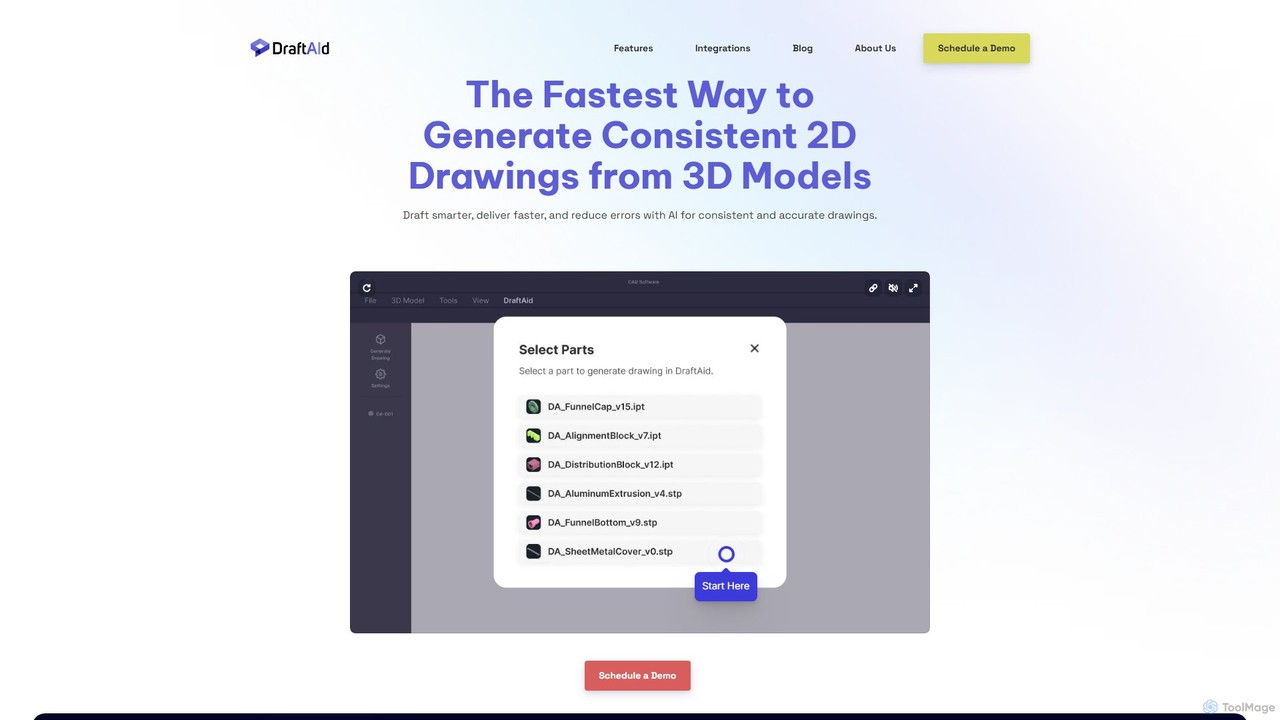
DraftAid is an AI-powered tool that automates the creation of 2D manufacturing drawings from 3D CAD models. It significantly accelerates the drafting process, boosting productivity by up to 3x. By intelligently adding dimensions, views, and details with a single click, it helps engineers, designers, and CNC programmers reduce manual work, minimize errors, and get products to manufacturing faster.
Cad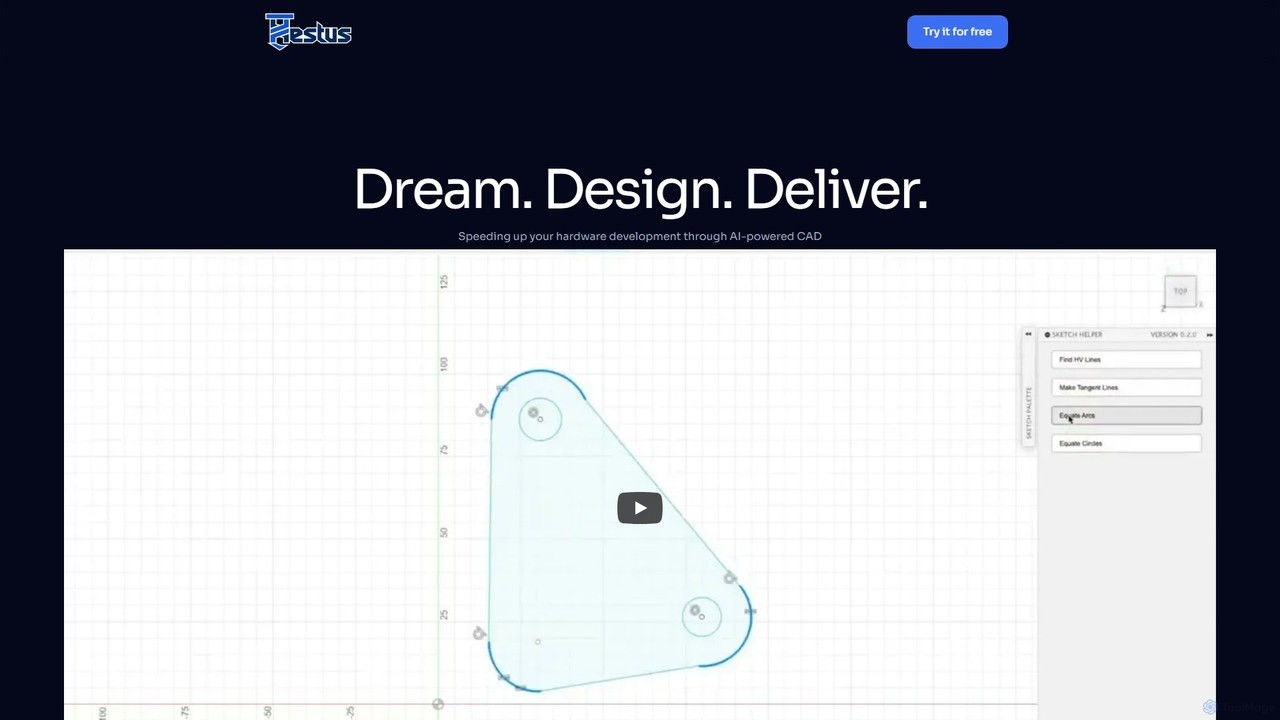
Hestus
Hestus is an AI-powered CAD assistant for Autodesk Fusion 360 that accelerates hardware development. It automates mundane sketching tasks like adding constraints, generating geometry, and applying dimensions, allowing engineers to focus on creative design and innovation.
Developer Tools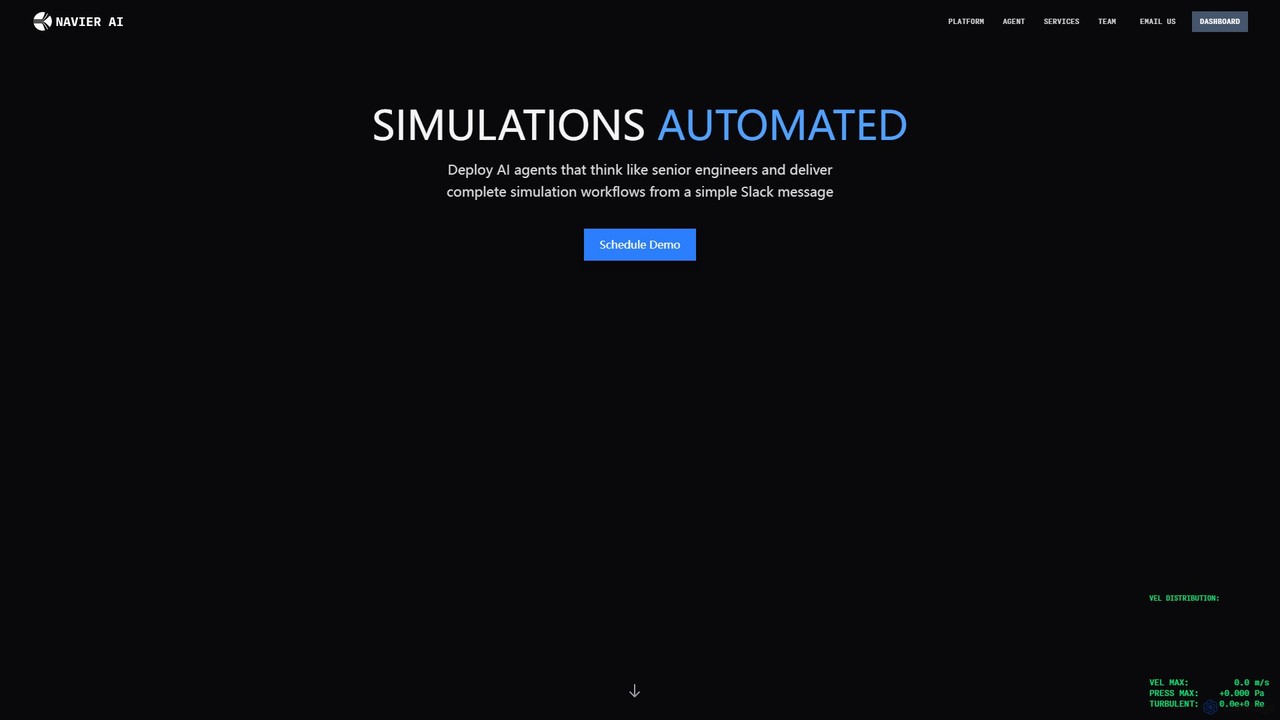
Navier AI
Navier AI deploys an autonomous AI agent that functions like a senior engineer, automating complete Computational Fluid Dynamics (CFD) simulation workflows from a simple Slack message. It integrates simulation, AI, and collaboration to accelerate design, analysis, and iteration cycles, offering a 95% reduction in time.
Api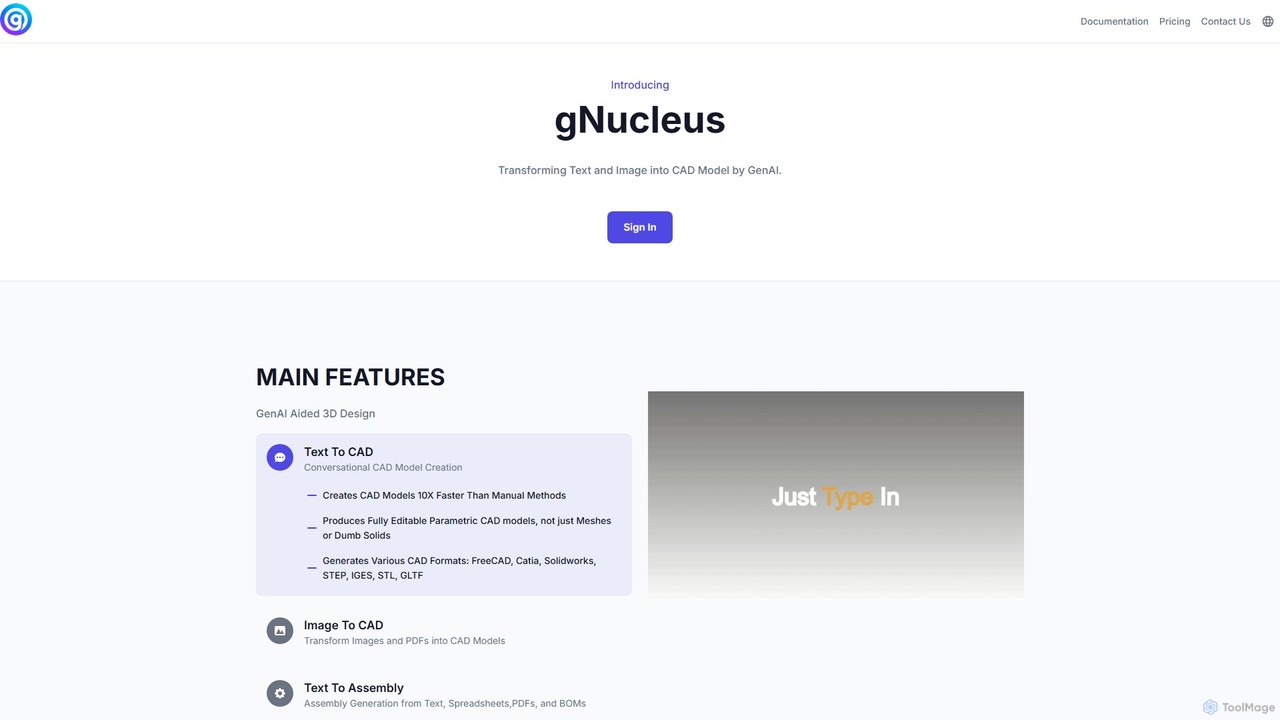
gNucleus
gNucleus is a generative AI platform that transforms text, images, and data into fully editable, parametric 3D CAD models. Designed for engineers and designers, it accelerates the design process by up to 10x, supporting various CAD formats and seamless integration with existing workflows.
3D Modeling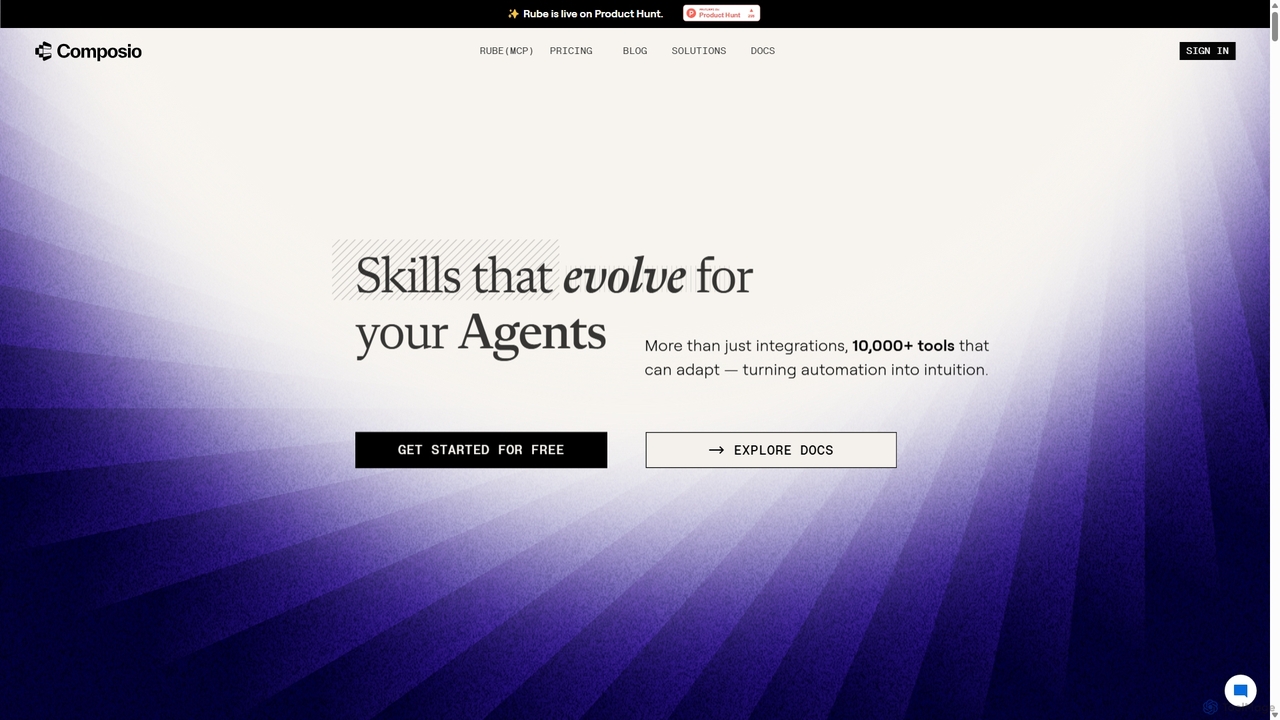
Composio
Composio is a developer platform that acts as a "skill layer" for AI agents. It enables developers to seamlessly connect their AI agents to over 10,000 tools and APIs, handling complex tasks like authentication, execution, and scaling. This allows developers to build powerful, action-oriented AI applications much faster by focusing on agent logic rather than integration plumbing.
Agent ToolingBench Categories
Bench Embed Widget
Copy this embed code to place the badge on your blog, article, or product site and send readers directly to this ToolMage detail page.

Related AI tools
Enginuity Labs
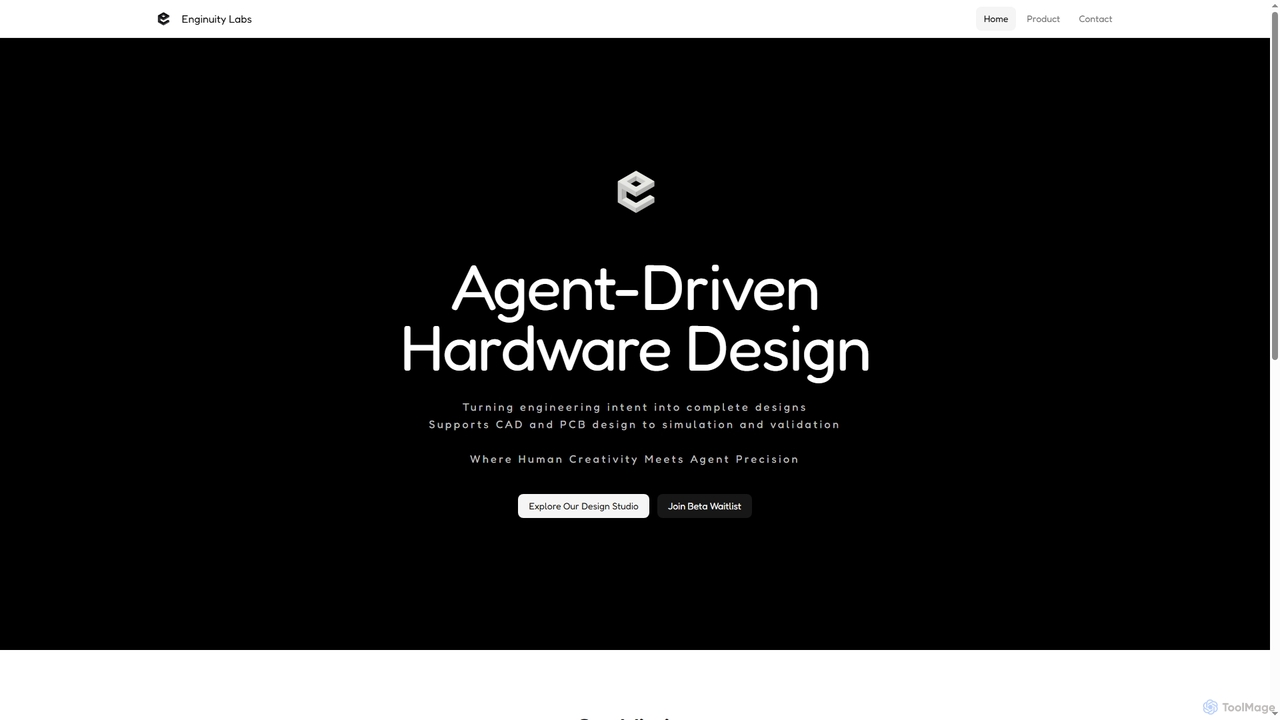
Enginuity Labs offers an AI-powered engineering design studio, integrating intelligent agents into CAD, PCB, and simulation workflows. It automates repetitive tasks, enhances team collaboration with AI insights, and empowers engineers to focus on creativity while AI manages complexity in design processes.
3D ModelingDraftAid
DraftAid is an AI-powered tool that automates the creation of 2D manufacturing drawings from 3D CAD models. It significantly accelerates the drafting process, boosting productivity by up to 3x. By intelligently adding dimensions, views, and details with a single click, it helps engineers, designers, and CNC programmers reduce manual work, minimize errors, and get products to manufacturing faster.
CadHestus
Hestus is an AI-powered CAD assistant for Autodesk Fusion 360 that accelerates hardware development. It automates mundane sketching tasks like adding constraints, generating geometry, and applying dimensions, allowing engineers to focus on creative design and innovation.
Developer Tools
Jyek
Jyek is an AI agent platform that understands objectives, creates execution plans, uses tools, and delivers verifiable results for complex, multi-step tasks.
AutomationNavier AI
Navier AI deploys an autonomous AI agent that functions like a senior engineer, automating complete Computational Fluid Dynamics (CFD) simulation workflows from a simple Slack message. It integrates simulation, AI, and collaboration to accelerate design, analysis, and iteration cycles, offering a 95% reduction in time.
ApigNucleus
gNucleus is a generative AI platform that transforms text, images, and data into fully editable, parametric 3D CAD models. Designed for engineers and designers, it accelerates the design process by up to 10x, supporting various CAD formats and seamless integration with existing workflows.
3D Modeling
Rescale
Rescale is a cloud-based High Performance Computing (HPC) platform designed to accelerate engineering and scientific R&D. It provides on-demand access to a multi-cloud infrastructure, a vast catalog of simulation and AI software, and a unified environment for managing complex workflows, data, and security. It empowers organizations in aerospace, automotive, life sciences, and more to innovate faster and more efficiently.
High Performance Computing (Hpc)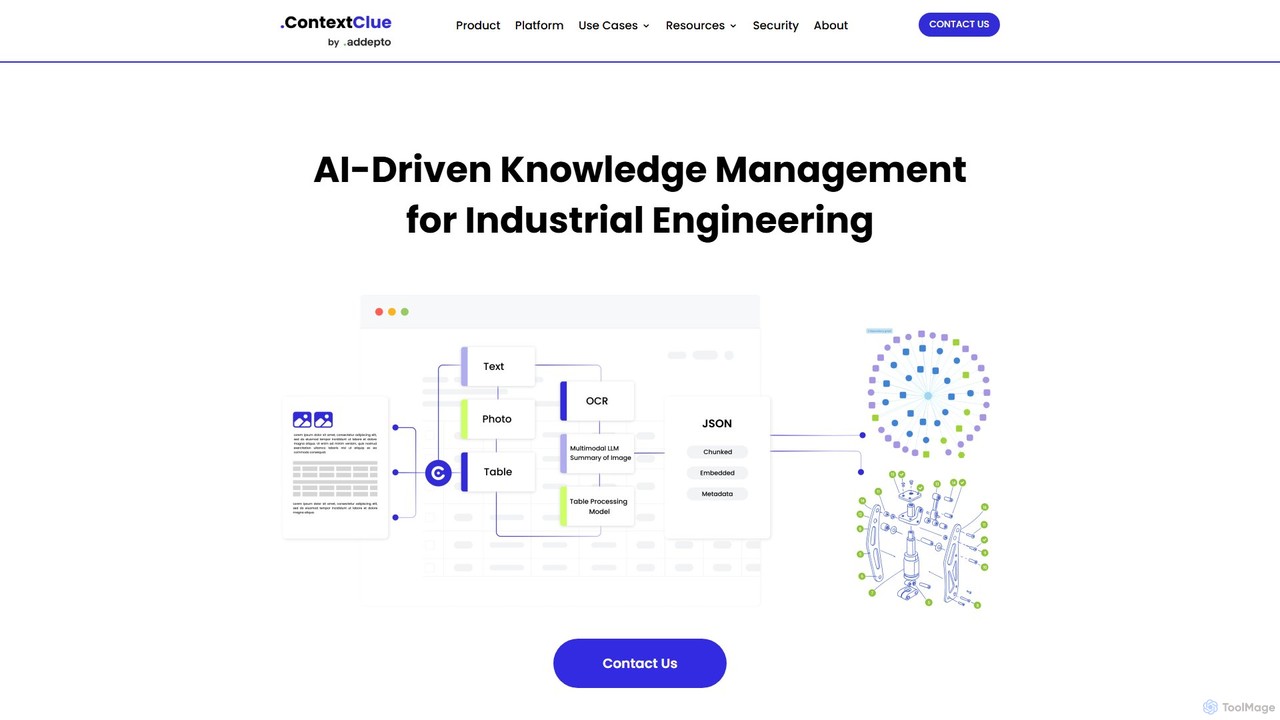
Context Clue
Context Clue is an AI-driven knowledge management platform for industrial engineering teams. It transforms complex data from CAD files, ERP systems, and technical documents into structured, queryable knowledge graphs. This enables engineers to instantly find information, visualize system relationships, and streamline workflows for spare parts planning, maintenance, and digital twin operations, significantly reducing search time and improving operational efficiency.
Data Analysis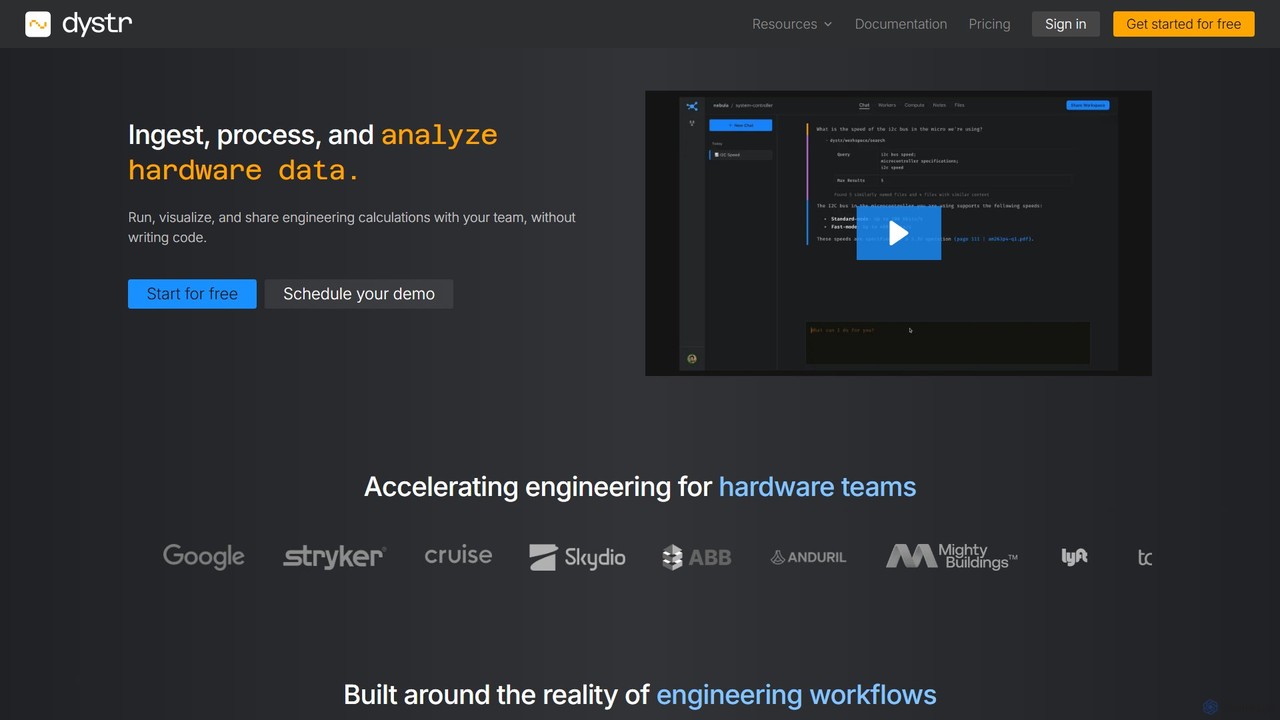
dystr
Dystr is an AI-powered engineering analysis platform for technical teams. It enables users to ingest, process, and analyze hardware data using natural language, without writing code. It streamlines workflows by automating calculations, generating live reports, and fostering collaboration in a unified, secure environment.
No CodeComposio
Composio is a developer platform that acts as a "skill layer" for AI agents. It enables developers to seamlessly connect their AI agents to over 10,000 tools and APIs, handling complex tasks like authentication, execution, and scaling. This allows developers to build powerful, action-oriented AI applications much faster by focusing on agent logic rather than integration plumbing.
Agent Tooling
Blaze
Blaze (formerly Text Blaze) is a powerful text expander and automation tool that eliminates repetitive typing. Create customizable snippets and templates with dynamic formulas, forms, and team collaboration features to boost productivity across any website or application.
Response Management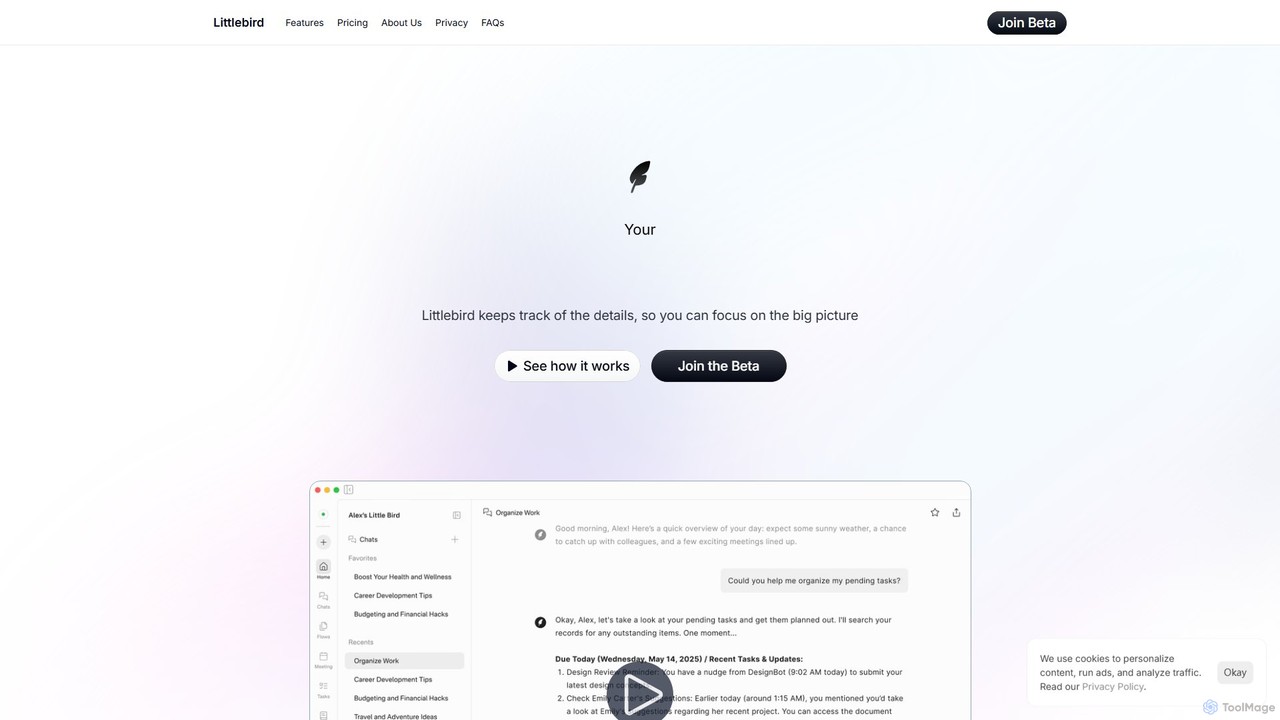
Littlebird
Littlebird is a personalized AI assistant that acts as your digital twin, learning your unique workflow across all applications. It automates tasks, organizes information, and provides contextual insights to help you focus on what matters most, eliminating busywork and context switching.
Personal Assistant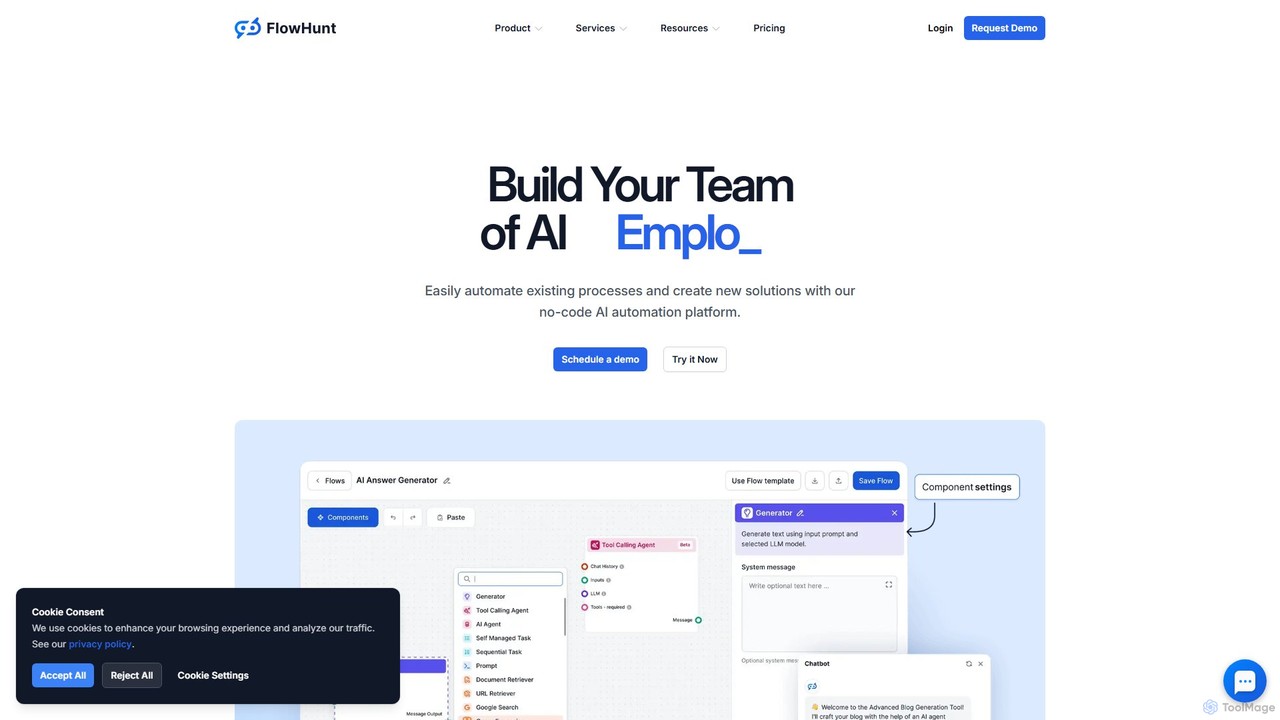
FlowHunt
FlowHunt is a powerful no-code AI automation platform that empowers users to build custom AI tools, chatbots, and complex workflows. It enables teams to automate processes in customer service, marketing, sales, and HR by creating autonomous AI agents and integrating with existing business software. With a visual builder and access to the latest AI models, FlowHunt puts the power of AI creation directly into your hands without needing to write a single line of code.
No Code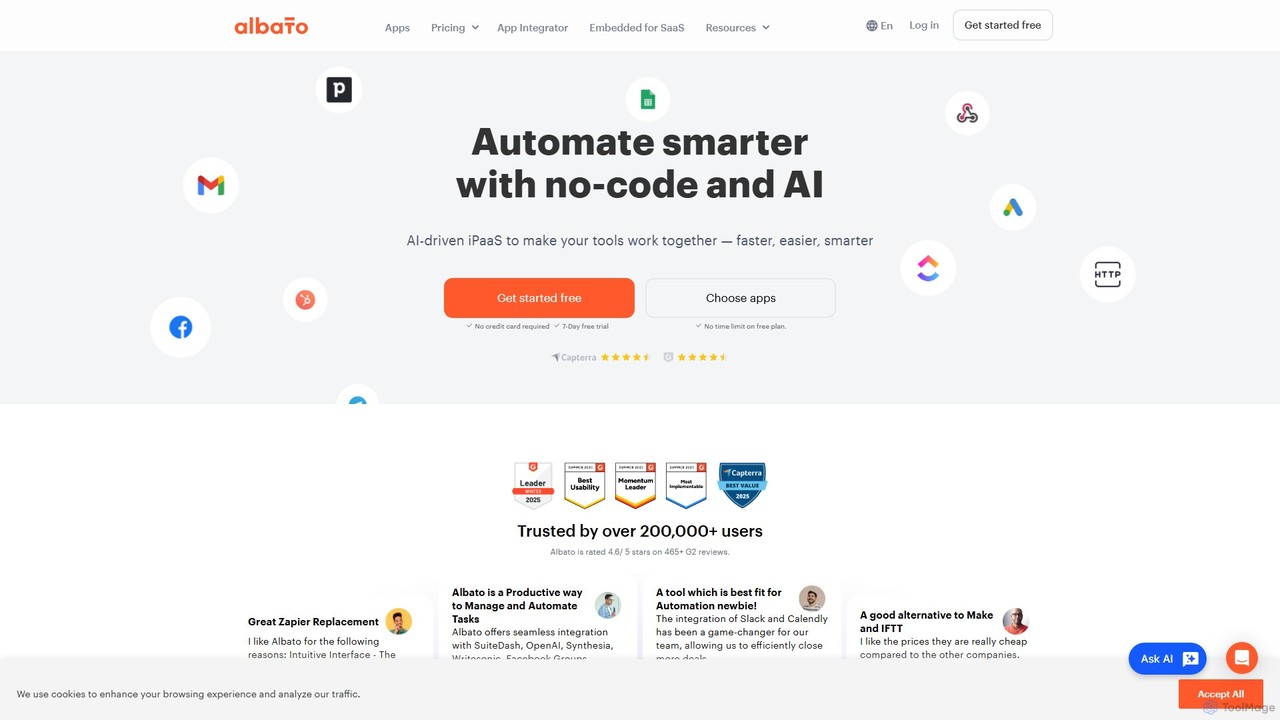
Albato
Albato is an AI-driven, no-code integration platform (iPaaS) that empowers users to connect over 800 applications and automate complex workflows effortlessly. It serves as a powerful alternative to Zapier and Make, offering an intuitive interface, extensive app library, and the ability to build custom integrations. Ideal for businesses of all sizes, Albato simplifies data synchronization, task automation, and process management, enhancing productivity and efficiency without requiring any coding knowledge.
Workflow Management
Simular
Simular is an AI-powered platform that creates autonomous agents to operate computers just like humans. It automates complex digital tasks across any application on your desktop, browser, or smartphone. By combining the flexibility of LLMs with the precision of symbolic code, Simular aims to free users from repetitive work, handling everything from data research and content creation to personal task management.
Personal Assistant
Bench Comments (0)
Sign in to comment.
Sign inNo comments yet.