Chatbots Best in category 2 results No Code AI Tool

Popular AI tools in the No Code field of Chatbots include FlowHunt、Mochii, etc., helping you quickly improve efficiency.

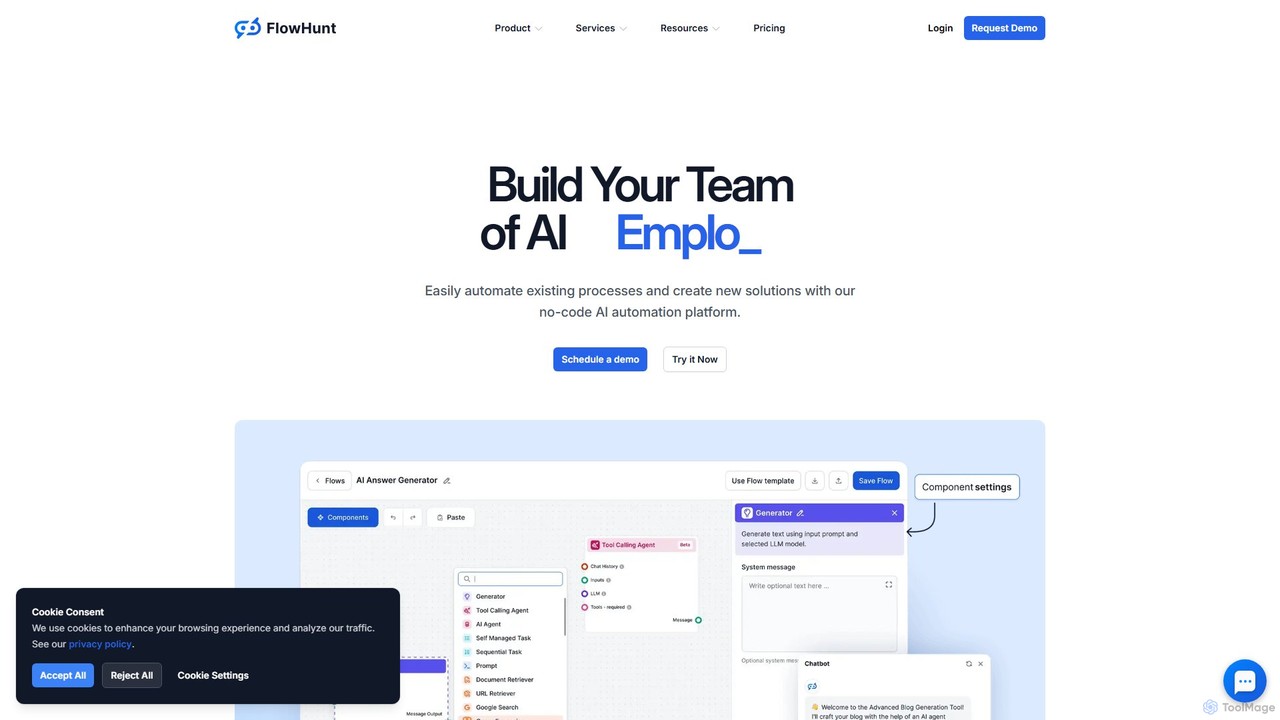
FlowHunt

FlowHunt

FlowHunt is a powerful no-code AI automation platform that empowers users to build custom AI tools, chatbots, and …

284.4K
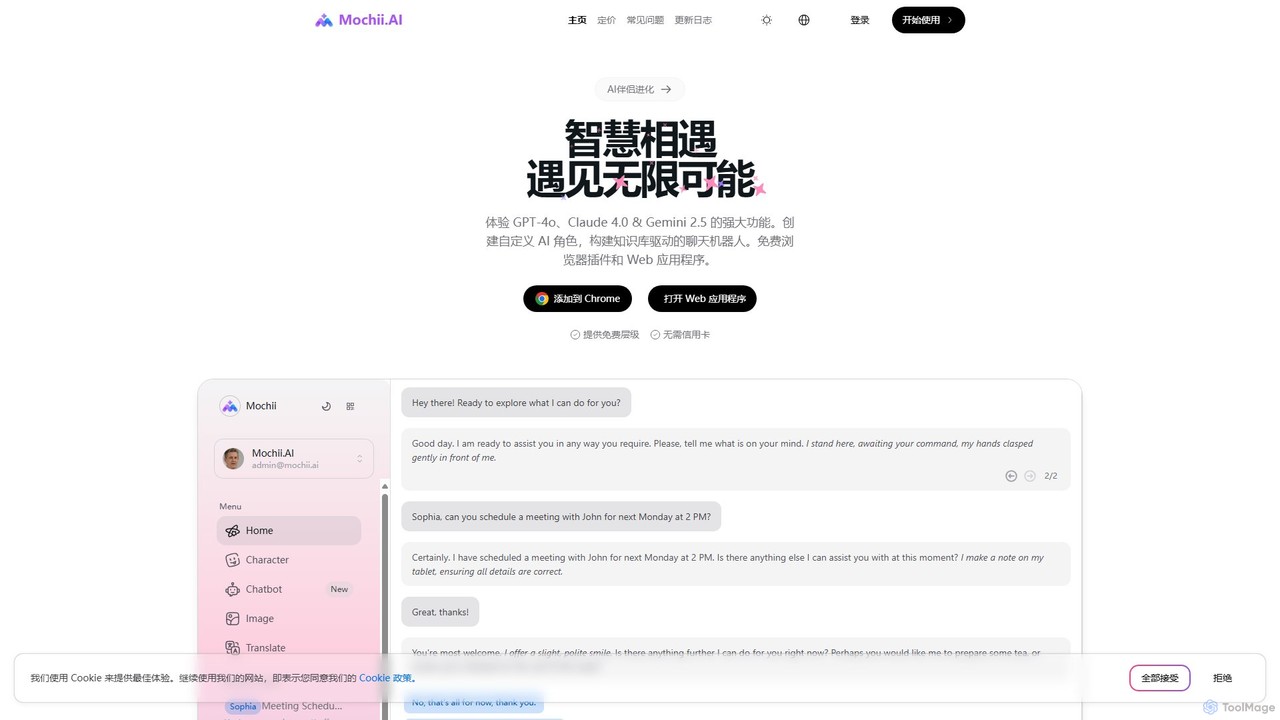
Mochii

Mochii

Mochii is an all-in-one AI assistant that integrates leading models like GPT-4o, Claude, and Gemini into a seamless …

17.1K

About No Code

No-code chatbot builders are platforms that allow users to create, customize, and deploy conversational AI without writing a single line of code. These tools utilize intuitive visual interfaces, such as drag-and-drop editors, to design conversation flows, define triggers, and set up responses. They empower non-technical users to build functional chatbots for websites, messaging apps, and internal platforms quickly. The primary advantage is the significant reduction in development time and cost, making chatbot technology accessible to businesses of all sizes.

Core Features

  • Visual Flow Builder: Design complex conversation paths using a drag-and-drop graphical interface.
  • Pre-built Templates: Start quickly with ready-to-use templates for common scenarios like lead generation, customer support, and appointment booking.
  • One-Click Integrations: Seamlessly connect your chatbot with popular platforms like Facebook Messenger, WhatsApp, Slack, and CRM systems.
  • WYSIWYG Editor: Customize the chatbot's appearance and branding in real-time without needing CSS or HTML knowledge.
  • Automated Logic & Branching: Set up conditional rules and conversation branches based on user input and actions visually.

Use Cases

No-code chatbot builders are ideal for marketing, sales, and customer support teams. For instance, a marketing manager can create a lead qualification bot for a landing page, or a support team can deploy an FAQ bot to handle common customer inquiries 24/7. Small business owners also use them to automate appointment scheduling and order tracking without hiring developers.

How to Choose

When selecting a no-code chatbot builder, evaluate the ease of use of its visual editor and the variety of available templates. Check its integration capabilities to ensure it connects with your existing tools (like CRM or email marketing software). Also, consider the platform's scalability as your needs grow and review its analytics features for monitoring bot performance and user interactions.

No CodeUse Cases

1

Automate Website Lead Generation

A marketing manager at a SaaS company needs to capture and qualify leads from website traffic without increasing the workload on the sales team. Using a no-code chatbot builder, they design a conversational flow that engages visitors, asks qualifying questions (like company size and role), and collects contact information. The bot can even schedule a demo directly on the sales team's calendar. This process runs 24/7, ensuring no lead is missed and freeing up the sales team to focus on high-quality prospects, potentially increasing conversion rates by 20-30%.

2

Provide 24/7 E-commerce Customer Support

An online store owner wants to provide instant answers to common customer questions about order status, shipping policies, and returns, even outside of business hours. They use a no-code platform to build a support chatbot and integrate it with their e-commerce system. Customers can now type in their order number and get real-time updates or ask about the return process and receive an immediate, step-by-step guide. This reduces the number of support tickets by up to 40% and improves customer satisfaction by providing instant resolutions.

3

Automate Internal IT Helpdesk Queries

An HR or IT department in a growing company is overwhelmed with repetitive employee questions about password resets, software access, and hardware requests. Using a no-code builder, they create an internal helpdesk bot for their communication platform (like Slack or Microsoft Teams). Employees can now interact with the bot to reset their passwords, request access to a new software tool, or troubleshoot common printer issues. The bot guides them through the process or automatically creates a ticket for a human agent if the issue is complex, reducing response times and freeing up IT staff for more critical tasks.

4

Create an Interactive FAQ Experience

A company's static FAQ page has a high bounce rate because users struggle to find the answers they need. A content manager uses a no-code chatbot builder to transform the FAQ page into an interactive, conversational experience. The bot greets users and asks what they need help with. Based on keywords or button selections, it provides relevant answers instantly. This approach is more engaging than a long list of text, helps users find information faster, and provides the company with valuable data on what questions are most frequently asked, helping to improve documentation and products.

5

Streamline Appointment Booking for Services

A local business, such as a salon or a consulting firm, spends significant time on the phone or emailing back and forth to schedule appointments. By deploying a no-code chatbot on their website and social media, they can automate this entire process. The bot checks for available time slots, asks the customer for their preferred date and time, collects necessary details, and confirms the booking. It can also send automated reminders before the appointment. This frees up staff time, reduces no-shows, and allows customers to book services 24/7 at their convenience.

6

Gather Customer Feedback and Surveys

A product manager wants to collect user feedback in a more engaging way than traditional email surveys, which often have low response rates. They use a no-code chatbot to create a conversational survey. After a customer makes a purchase or uses a new feature, the chatbot can initiate a friendly conversation to ask about their experience. The interactive format, with quick reply buttons and a natural flow, feels less like a chore and can lead to higher completion rates and more detailed qualitative feedback. This data is then used to improve the product and overall customer experience.

No CodeFrequently Asked Questions