
dystr Overview
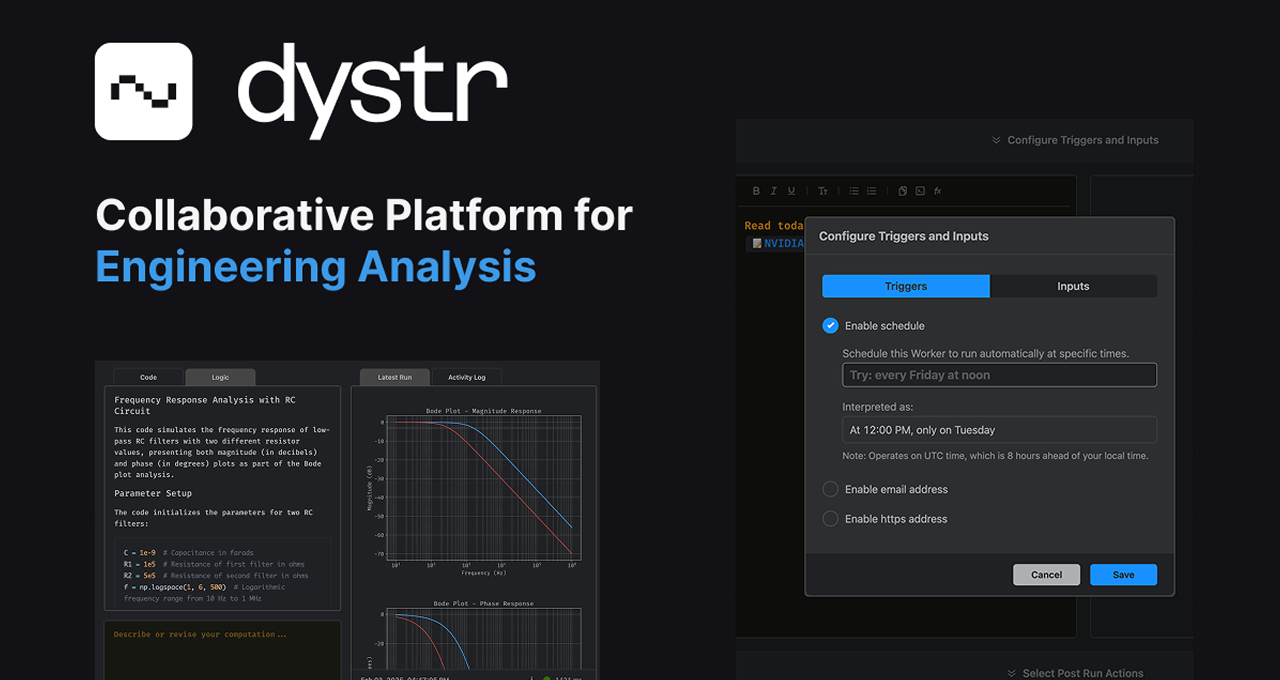
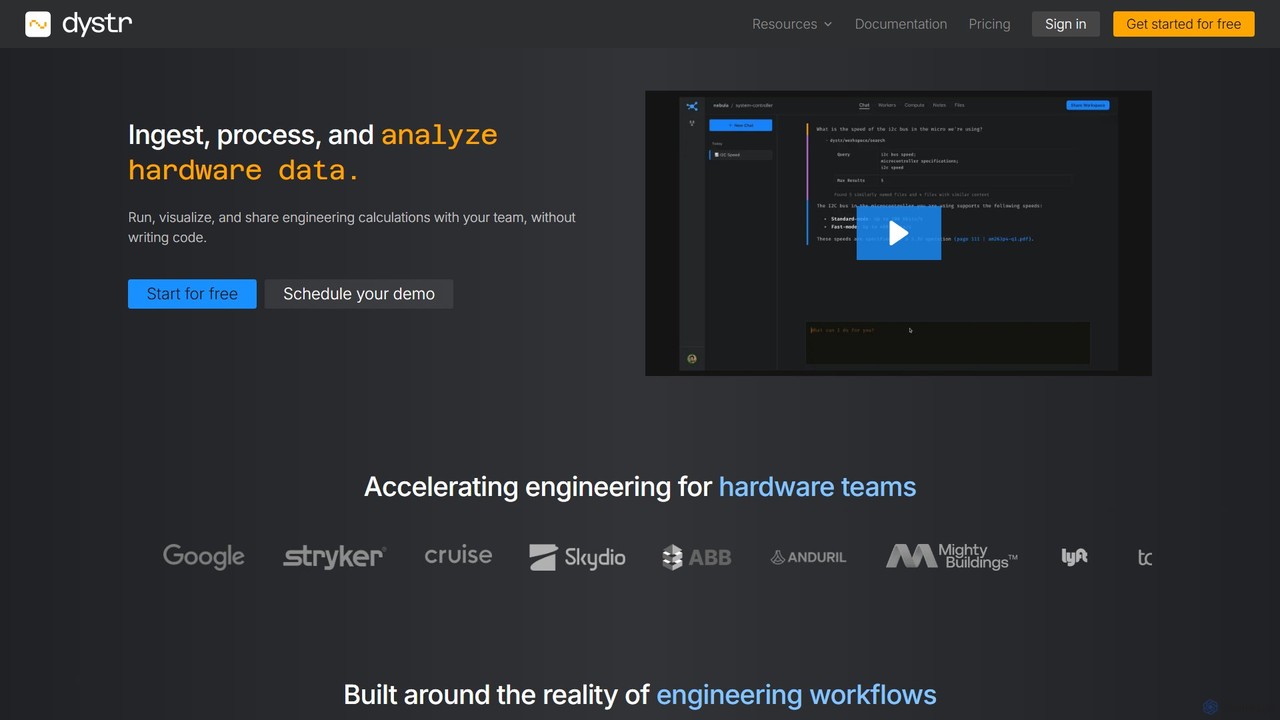
Dystr is a revolutionary engineering analysis platform designed specifically for technical and hardware teams. It serves as a collaborative cloud environment where teams can run, visualize, and share complex engineering calculations without needing to write a single line of code. By leveraging advanced AI, Dystr translates plain English descriptions into executable Python code, making sophisticated data analysis accessible to all team members, regardless of their programming expertise. The platform is built to handle the entire engineering workflow, from ingesting and parsing raw data from various sources to generating live, interactive reports that automatically update as new data becomes available.
The core philosophy behind Dystr is to empower engineers to focus on interpretation and decision-making rather than getting bogged down in data wrangling, script maintenance, and infrastructure management. It provides a unified workspace that eliminates the need to email scripts and datasets, ensuring that the entire team works from a single source of truth. With robust security features, including end-to-end encryption and SOC2 compliance in progress, Dystr is a trusted solution for handling sensitive technical data.
How to use dystr
Using Dystr is an intuitive process designed to accelerate engineering analysis. Here’s a typical workflow:
- Add Your Data: Start by adding your data source. Dystr can automatically handle and parse various engineering file types, such as CAN bus logs, HDF5 datasets, and CSV files, as well as data from email attachments, webhooks, or streaming sources. You can also input variables and parameters manually.
- Describe Your Analysis: In the compute input box, describe the calculation you want to perform in plain language. For example, you could type: "Create a bode plot for a passive low pass RC filter with R = 700 ohms and C = 1uF. Print the -3dB frequency." Dystr's AI will generate the necessary Python code.
- Run and Visualize: Click "Run Compute." The platform executes the code in a cloud environment and instantly generates visualizations, such as plots and graphs, along with the calculated results.
- Iterate and Refine: Easily modify your analysis by describing the changes. For instance, you could say, "Now overlay a comparison with a 900 ohm resistor." You can also click into the generated code to fine-tune parameters directly. Every run is tracked, creating a clear version history.
- Generate a Report: Transform your raw calculations and visualizations into a comprehensive, formatted report. These reports combine technical narratives, charts, and mathematical equations, and they stay automatically updated with the latest data.
- Collaborate and Automate: Share your live analysis and reports with team members using controlled access permissions. You can also automate recurring tasks, such as weekly manufacturing reports or daily test result summaries, to run continuously in the background.
Core Features of dystr
- Intelligent Calculation Creation: Describe analysis needs in plain English or modify the generated Python code directly. Build a reusable library of formulas and calculations for your team.
- Automated Data Ingestion: Automatically parse various engineering file formats (CAN, HDF5, CSV) without writing custom import scripts.
- Unified Collaborative Workspace: A single environment for the entire team to access, run, and build upon technical analysis, regardless of coding skill.
- Live Engineering Reports: Create dynamic documents that combine calculations, visualizations, and text, which update automatically as underlying data changes.
- Automated Analysis Workflows: Define analysis logic once and have it run continuously on a schedule or triggered by new data from emails, webhooks, or streams.
- Version Control and Reproducibility: Every calculation run is automatically tracked in an activity log, allowing team members to review, fork, and reproduce work.
- Math View: See clear, step-by-step explanations of the mathematical equations and logic behind the computations in standard notation.
- Enterprise-Grade Security: Features include data encryption at rest and in transit, role-based access controls, and options for private VPC deployments. Customer data is never used for model training.
Use Cases for dystr
Dystr is versatile and can be applied to numerous engineering scenarios:
- Hardware Performance Analysis: Analyze test data from sensors, logs, and datasets to evaluate hardware performance, such as creating Bode plots for filter circuits or analyzing CAN bus data from vehicles.
- Automated Manufacturing Reports: Set up workflows to automatically process weekly production data, calculate key performance indicators (KPIs), and generate summary reports for quality control and process optimization.
- Rapid Prototyping and Iteration: Quickly experiment with different design parameters and see the impact in minutes. Compare results from different simulations or tests side-by-side.
- Collaborative Research and Development: Teams can work together on complex R&D projects, sharing analysis and building upon each other's work in a transparent and reproducible manner.
- AI-Powered Task Automation: Build custom AI workers to handle repetitive tasks, such as monitoring email inboxes for test data, extracting relevant information, and triggering an analysis pipeline.
Advantages of dystr
Dystr offers significant advantages for engineering teams. It democratizes data analysis, allowing members without coding skills to contribute meaningfully. This accelerates the entire analysis cycle from hours to minutes. The unified platform enhances collaboration and knowledge sharing, creating a reusable asset base of calculations and workflows. Its focus on automation frees up valuable engineering time for higher-level thinking and decision-making. Finally, its commitment to security and data privacy makes it a reliable choice for professional organizations.
Pricing and Plans
Dystr offers a tiered pricing structure to suit different needs:
- Hobby (Free): Includes 1 project, 1 editor, 1 GB storage, 10 compute hours/month, and 20 inference runs/month. Ideal for individuals getting started.
- Team ($25/person/month): Designed for individuals and small teams. Includes up to 5 projects, 10 GB storage, 120 compute hours/month, and 400 inference runs/month.
- Professional ($50/person/month): For professional engineering teams. Offers unlimited projects, 100 GB storage, 400 compute hours/month, and 800 inference runs/month.
- Enterprise: Custom plans are available for organizations requiring private deployments, enhanced security, custom contracts, or specific compliance needs (e.g., GovCloud, ITAR).
dystr Alternatives
ReByte
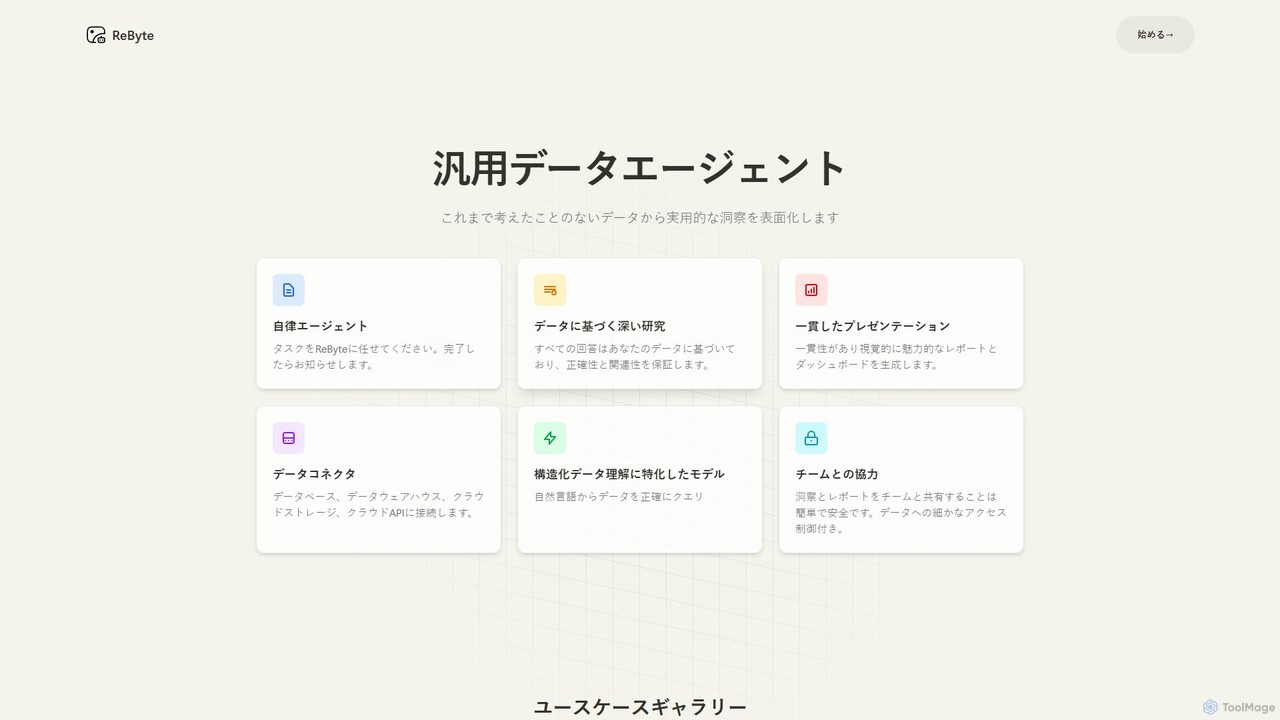
ReByte is an autonomous AI data agent that connects to your data sources, understands natural language queries, and performs complex research and analysis. It automates the entire data workflow, from collection to generating insightful reports and interactive dashboards, making data science accessible to everyone.
Business Intelligence
Sourcetable
Sourcetable is an AI-powered spreadsheet that combines the functionality of traditional spreadsheets with an AI data analyst. It allows users to connect to live data sources, ask questions in plain English, generate formulas, create charts, and automate reports. By integrating AI, Python, and SQL capabilities directly into the spreadsheet interface, Sourcetable empowers users of all skill levels to perform complex data analysis, cleaning, and visualization tasks effortlessly, turning raw data into actionable insights in seconds.
No Code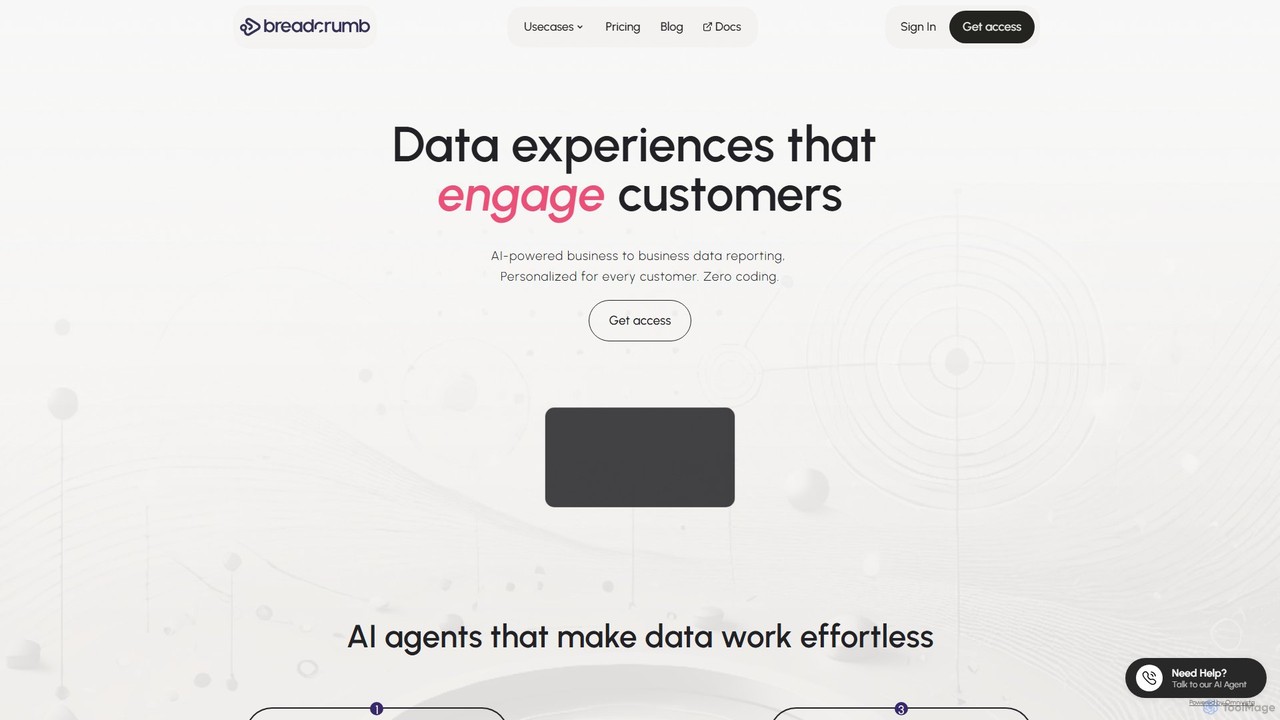
Breadcrumb.ai
Breadcrumb.ai is an AI-powered, no-code platform for scalable B2B data reporting. It automates the entire data workflow, from ingestion and cleaning to analysis and visualization. Users can ask questions in natural language to generate interactive, narrative-driven reports and embed them directly into websites or applications, empowering customers with self-serve insights.
Business Intelligence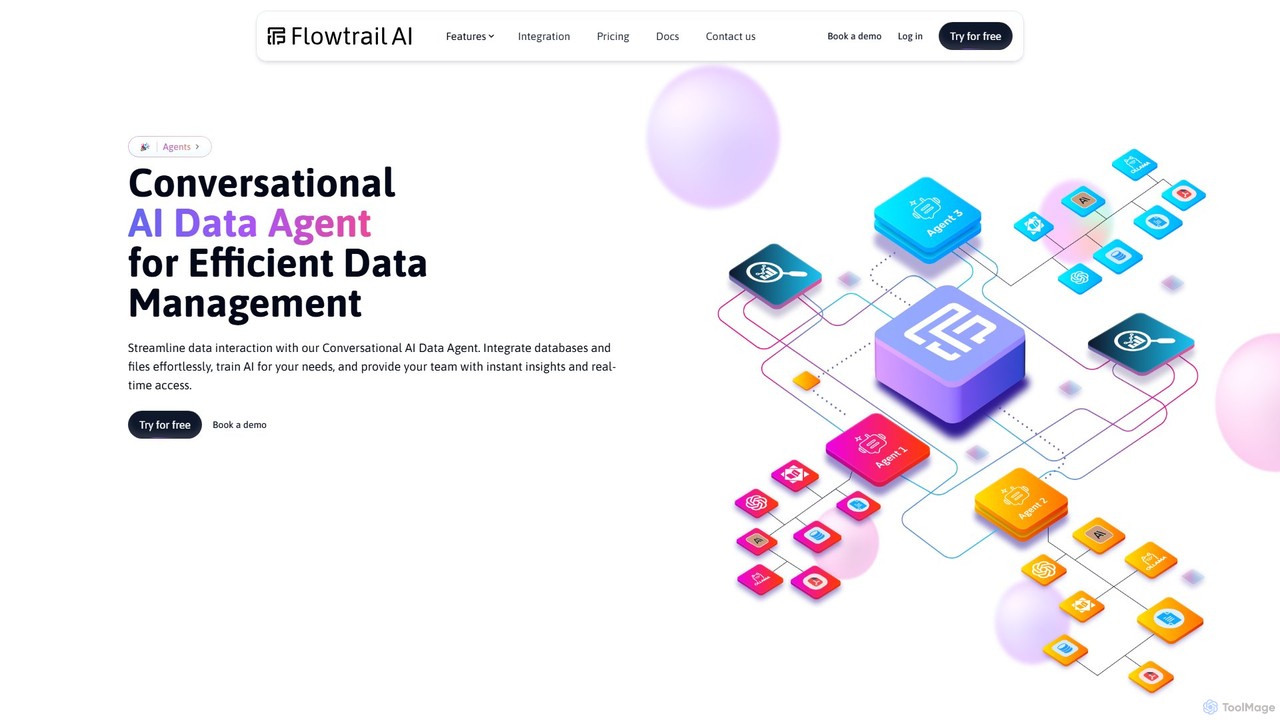
Flowtrail
Flowtrail is a conversational AI data agent that transforms how you interact with your data. Connect databases and files, ask questions in natural language, and receive instant insights, visualizations, and reports. It's a no-code platform designed to make data analysis accessible to everyone, from small businesses to large enterprises, fostering a data-driven culture.
Business Intelligence
vizbox
vizbox is an AI-powered data visualization platform that transforms raw data into insightful charts, graphs, and interactive dashboards. Users can simply upload data or use natural language prompts to generate compelling visuals, making data analysis accessible to everyone, regardless of technical skill.
No Codedystr Categories
dystr Embed Widget
Copy this embed code to place the badge on your blog, article, or product site and send readers directly to this ToolMage detail page.

Related AI tools
ReByte
ReByte is an autonomous AI data agent that connects to your data sources, understands natural language queries, and performs complex research and analysis. It automates the entire data workflow, from collection to generating insightful reports and interactive dashboards, making data science accessible to everyone.
Business Intelligence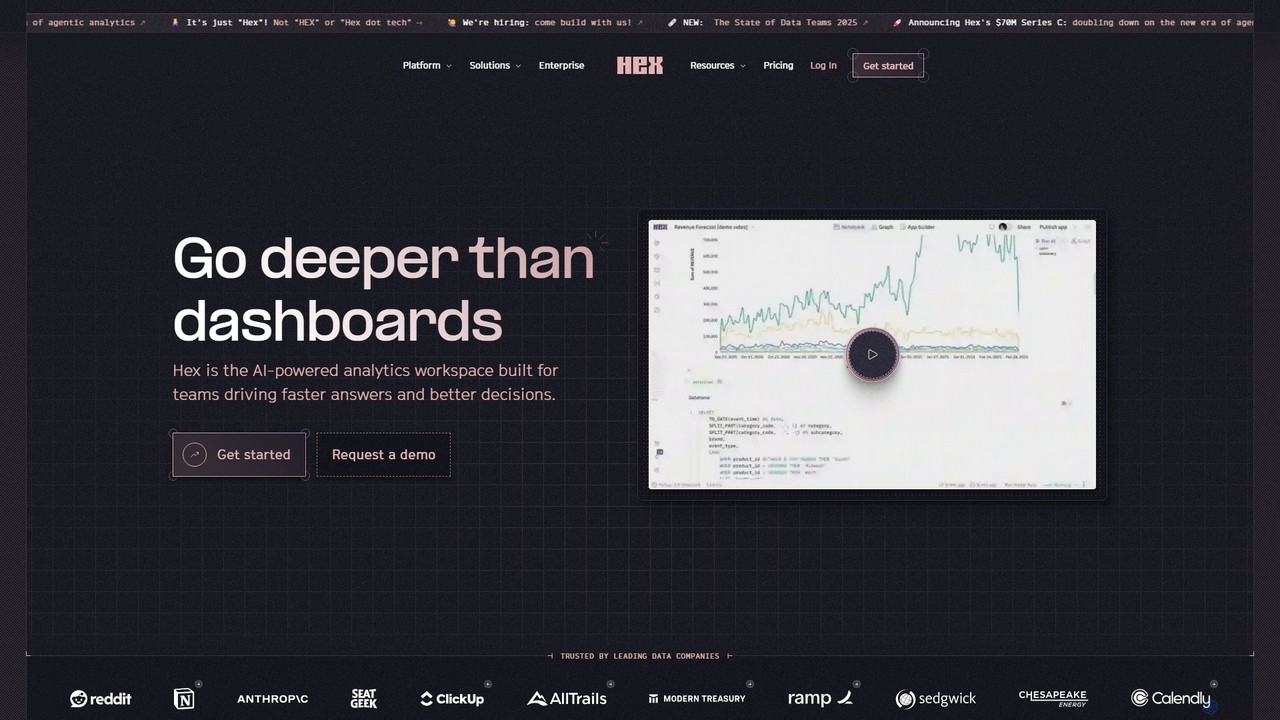
Hex
Hex is an AI-powered analytics workspace designed for teams. It integrates notebooks for Python and SQL, interactive data apps, and self-serve exploration into a single collaborative platform, enabling faster, data-driven decision-making.
Data Science
Ajelix
Ajelix is an AI-powered suite of tools designed to enhance productivity for Excel and Google Sheets users. It acts as an AI data analyst, automating tasks, generating formulas and VBA scripts, creating insightful reports, and providing advanced data analysis through a simple chat interface.
Business Intelligence
table.studio
table.studio is an AI-powered data workspace that combines the simplicity of a spreadsheet with the power of a database and AI. Use natural language to query, analyze, and visualize your data, automating tedious tasks and uncovering insights instantly. It's designed for teams to collaborate on data projects in real-time.
Database Management
pandalyst
Pandalyst is an AI-powered data analysis platform that transforms how you interact with data. Ask questions in natural language and receive instant visualizations, insights, and reports. It automates complex data tasks, making business intelligence accessible to everyone, from analysts to business leaders, without writing a single line of code.
Low Code No CodeSourcetable
Sourcetable is an AI-powered spreadsheet that combines the functionality of traditional spreadsheets with an AI data analyst. It allows users to connect to live data sources, ask questions in plain English, generate formulas, create charts, and automate reports. By integrating AI, Python, and SQL capabilities directly into the spreadsheet interface, Sourcetable empowers users of all skill levels to perform complex data analysis, cleaning, and visualization tasks effortlessly, turning raw data into actionable insights in seconds.
No CodeBreadcrumb.ai
Breadcrumb.ai is an AI-powered, no-code platform for scalable B2B data reporting. It automates the entire data workflow, from ingestion and cleaning to analysis and visualization. Users can ask questions in natural language to generate interactive, narrative-driven reports and embed them directly into websites or applications, empowering customers with self-serve insights.
Business IntelligenceFlowtrail
Flowtrail is a conversational AI data agent that transforms how you interact with your data. Connect databases and files, ask questions in natural language, and receive instant insights, visualizations, and reports. It's a no-code platform designed to make data analysis accessible to everyone, from small businesses to large enterprises, fostering a data-driven culture.
Business Intelligencevizbox
vizbox is an AI-powered data visualization platform that transforms raw data into insightful charts, graphs, and interactive dashboards. Users can simply upload data or use natural language prompts to generate compelling visuals, making data analysis accessible to everyone, regardless of technical skill.
No Code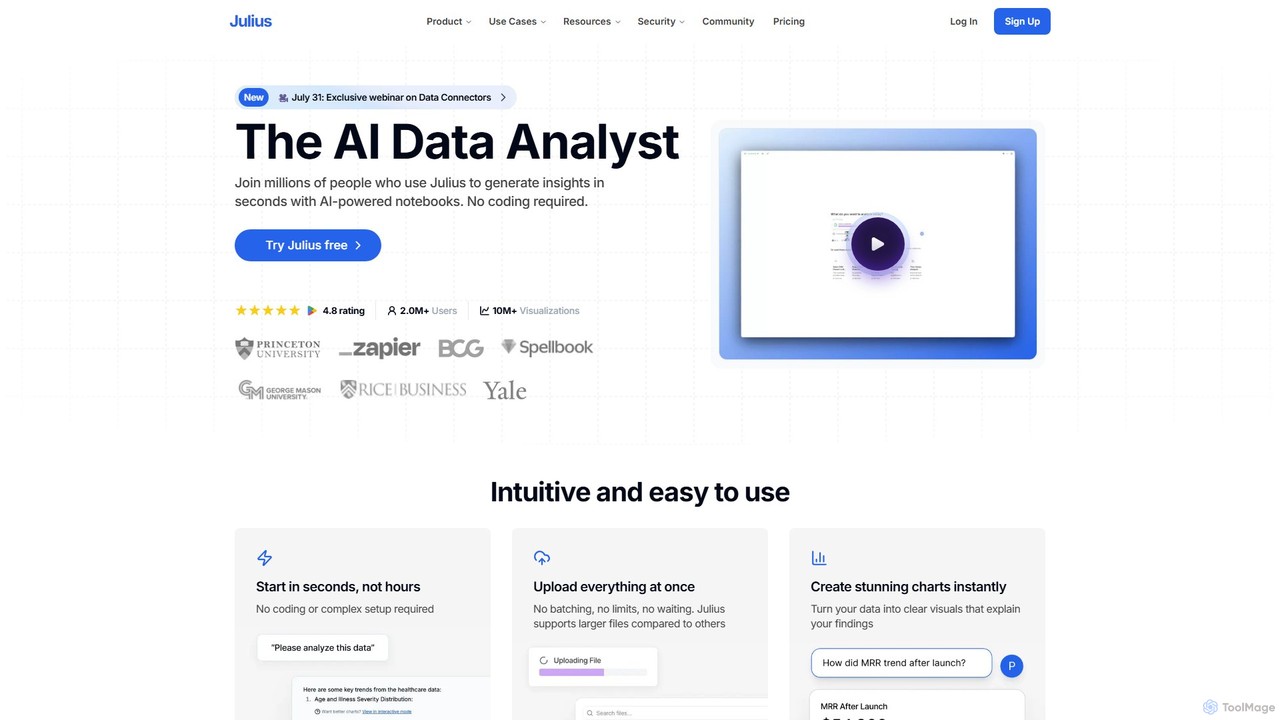
Julius AI
Julius AI is your AI Data Analyst, designed to interpret, analyze, and visualize complex data effortlessly. Connect your data from spreadsheets, databases, or PDFs, ask questions in natural language, and receive instant insights, charts, and reports. No coding is required, but it also supports Python, R, and SQL for advanced users, making data analysis accessible to everyone.
Developer Tools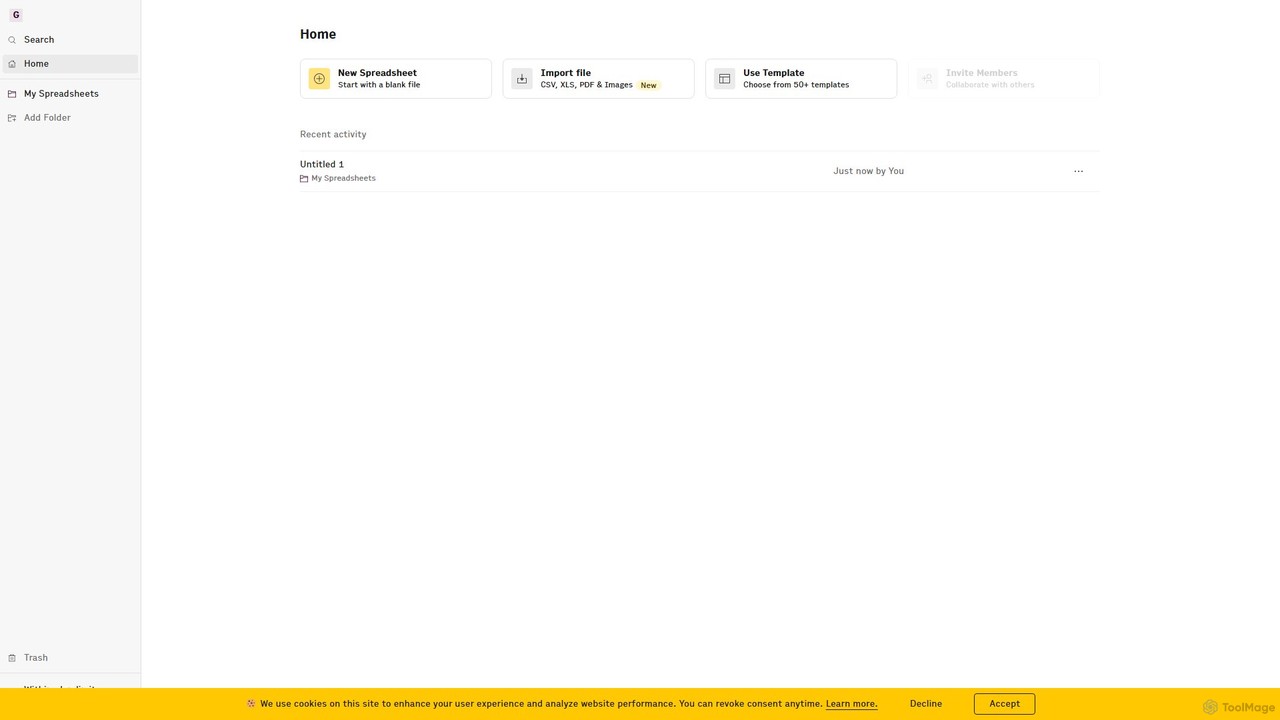
Rows
Rows is a next-generation spreadsheet that combines a familiar interface with powerful AI capabilities and seamless data integration. Connect to over 50 sources like Google Analytics, social media, and databases to automate data analysis, create live dashboards, and generate insights with an AI Analyst copilot.
Reporting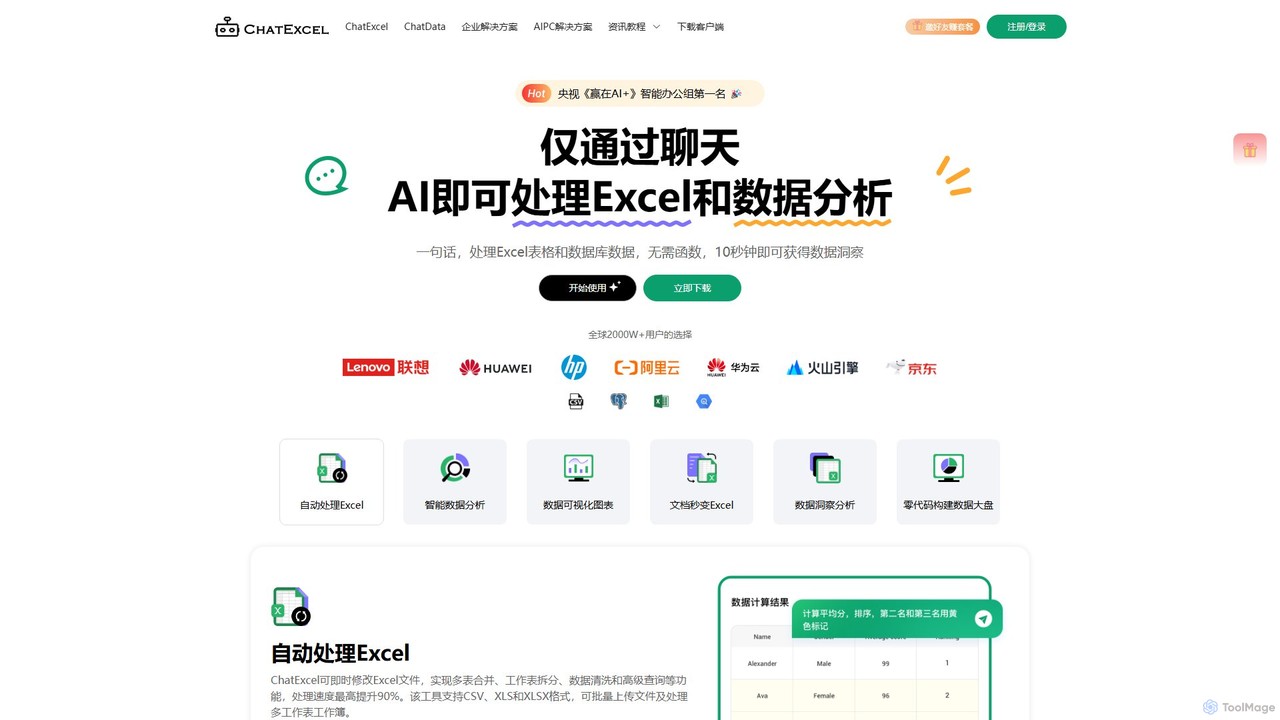
ChatExcel
ChatExcel is an AI-powered data analysis tool that allows users to process spreadsheets and analyze data through a simple chat interface. It automates tasks like data cleaning, merging, and analysis, and generates over 100 types of charts and visualizations from natural language commands. No coding or complex formulas required, boosting productivity by up to 90%.
Business Intelligence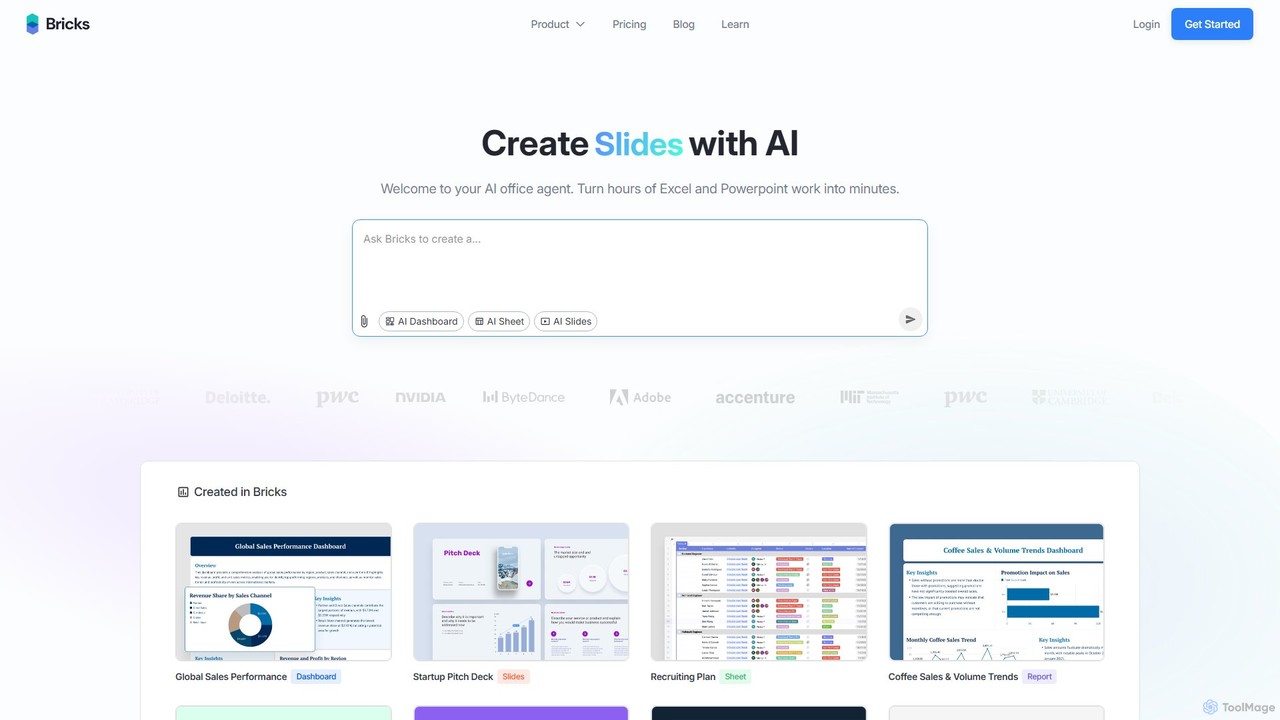
thebricks
thebricks is an AI-powered workspace that transforms data analysis and reporting. It allows users to create interactive dashboards, dynamic spreadsheets, and professional slides using simple natural language prompts. Turn hours of manual work in Excel and PowerPoint into minutes, streamlining your workflow and boosting productivity.
Business Intelligence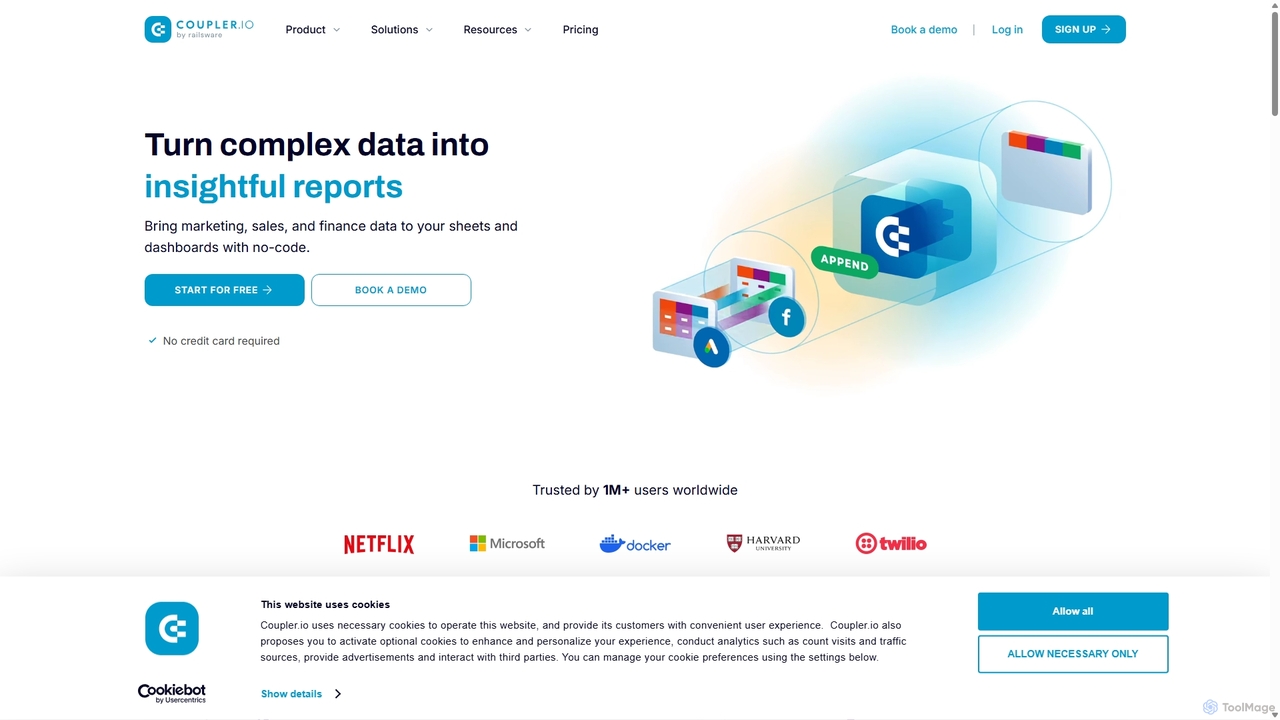
Coupler.io
Coupler.io is a no-code data analytics and automation platform that helps businesses connect disparate data sources from marketing, sales, and finance apps to spreadsheets, data warehouses, or BI tools. It automates data collection, transforms raw data into analysis-ready formats, and provides AI-powered insights and pre-built dashboard templates for faster, smarter decision-making.
Business Intelligence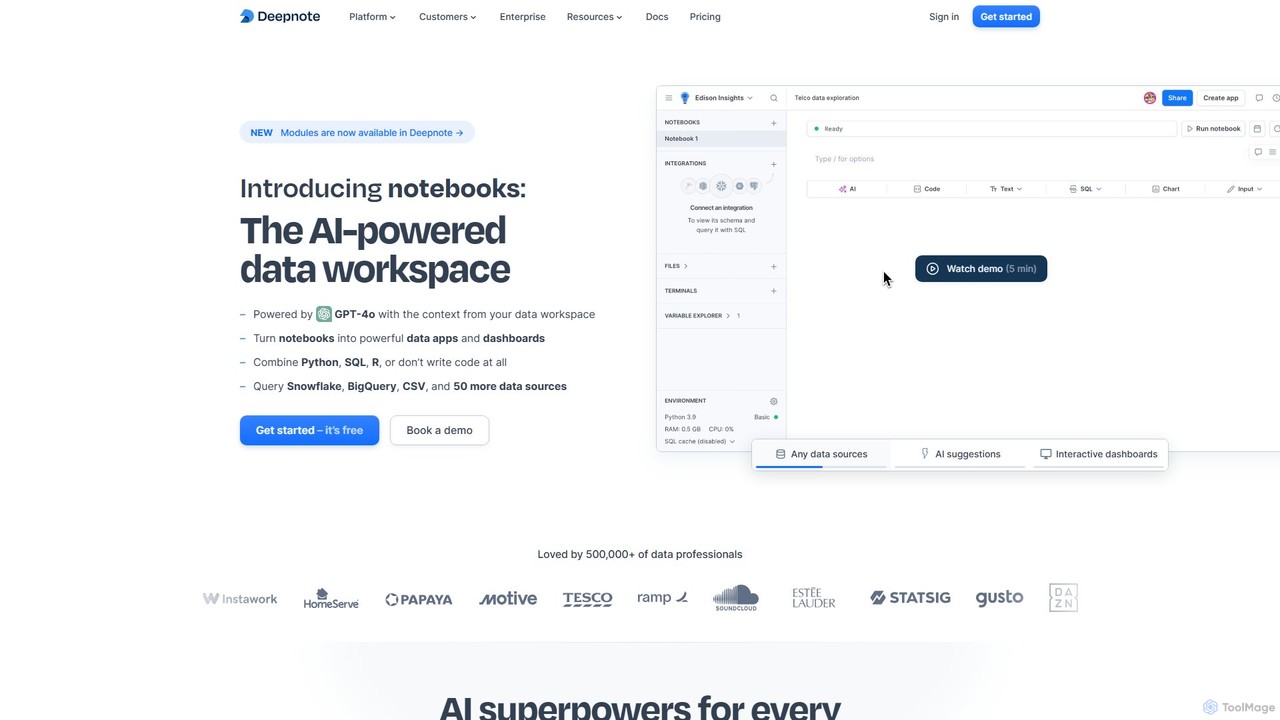
Deepnote
Deepnote is an AI-powered, collaborative data science notebook for teams. It unifies Python, SQL, and R in a single cloud-based workspace, enabling users to explore data, build machine learning models, and create interactive dashboards and apps with ease. Powered by GPT-4o, it automates analysis and code generation, making data science accessible to all skill levels.
Business Intelligence
dystr Comments (0)
Sign in to comment.
Sign inNo comments yet.