ToolMage
Sign in

Best 5 Response Management AI tools for Customer Support

Popular Response Management AI tools in Customer Support include Blaze, typedesk, Fixkey, MailBuddy, and ReplyMind, helping you work more efficiently.

Blaze
Freemium

Blaze

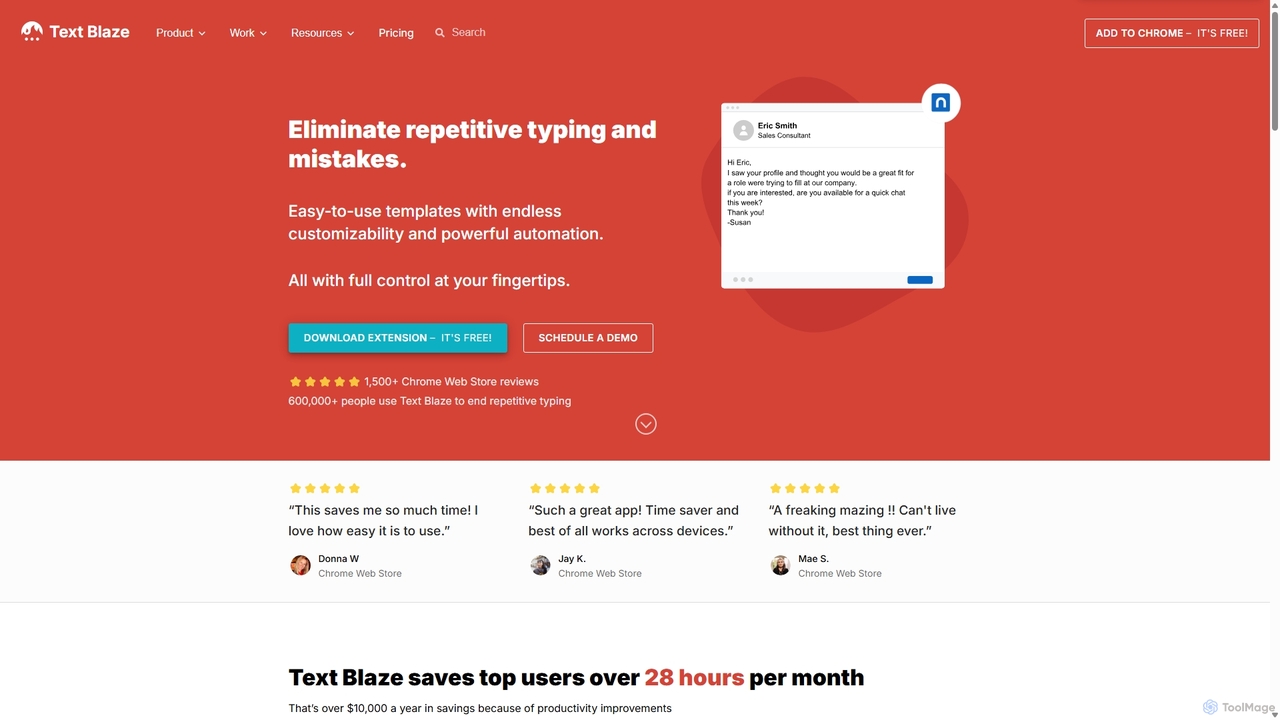
Blaze (formerly Text Blaze) is a powerful text expander and automation tool that eliminates repetitive typing. Create customizable snippets and templates with dynamic formulas, forms, and team collaboration features to boost productivity across any website or application.

Response Management
Visits 825.1KFavorites 121Likes 140
typedesk
Freemium

typedesk

typedesk is an AI-powered text expander and keyboard automation app designed to eliminate repetitive typing. Create customizable text shortcuts and canned responses that work across all your apps and websites. It enhances productivity with team collaboration, dynamic variables, and a powerful ChatGPT integration for consistent and efficient communication.

Response Management
Visits 25.1KFavorites 108Likes 102
Fixkey
Freemium

Fixkey

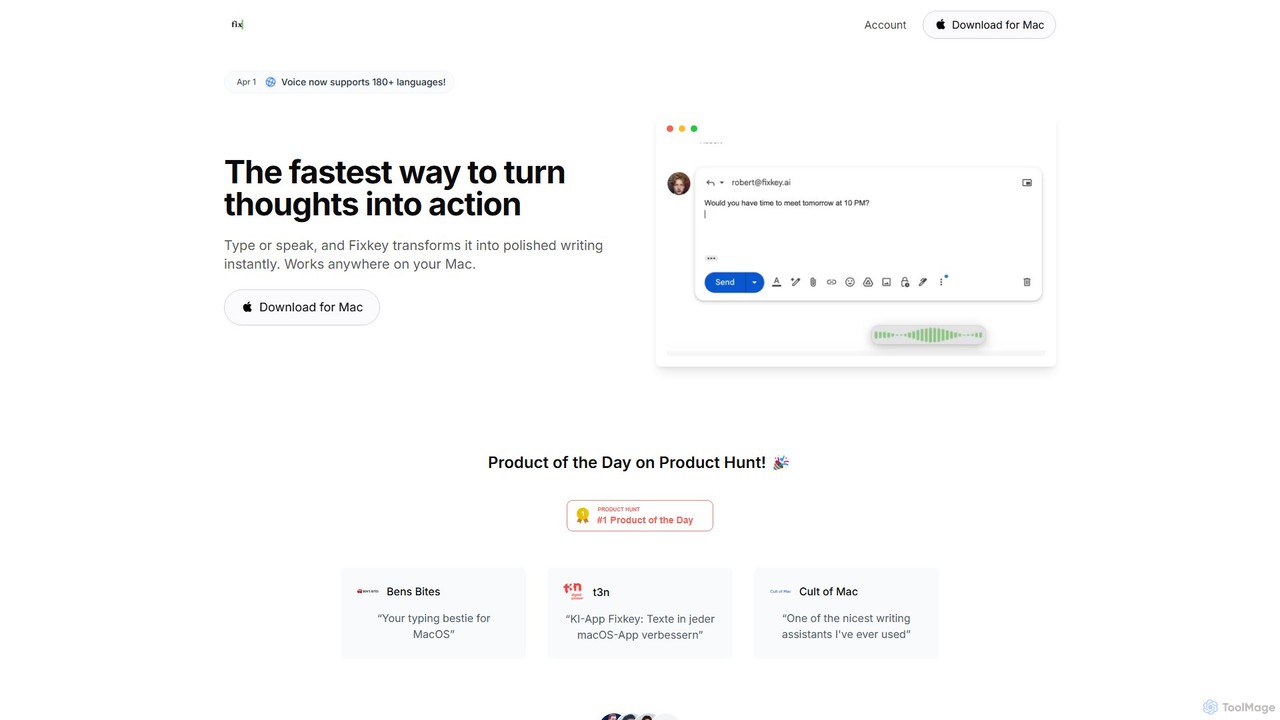
Fixkey is a native AI writing assistant for macOS that enhances your productivity. It transforms your voice or text into polished, professional writing instantly, working seamlessly across all Mac applications. Features include real-time speech-to-text, one-click text improvement, translation into over 180 languages, and customizable AI prompts.

Response Management
Visits 6.1KFavorites 143Likes 121
ReplyMind
Freemium

ReplyMind

ReplyMind is an AI-powered response assistant that helps you craft perfect replies for social media, emails, and customer support in seconds. It analyzes context and sentiment to generate personalized, on-brand responses, saving you time and boosting engagement.

Response Management
Visits 4.7KFavorites 91Likes 113
MailBuddy
Freemium

MailBuddy

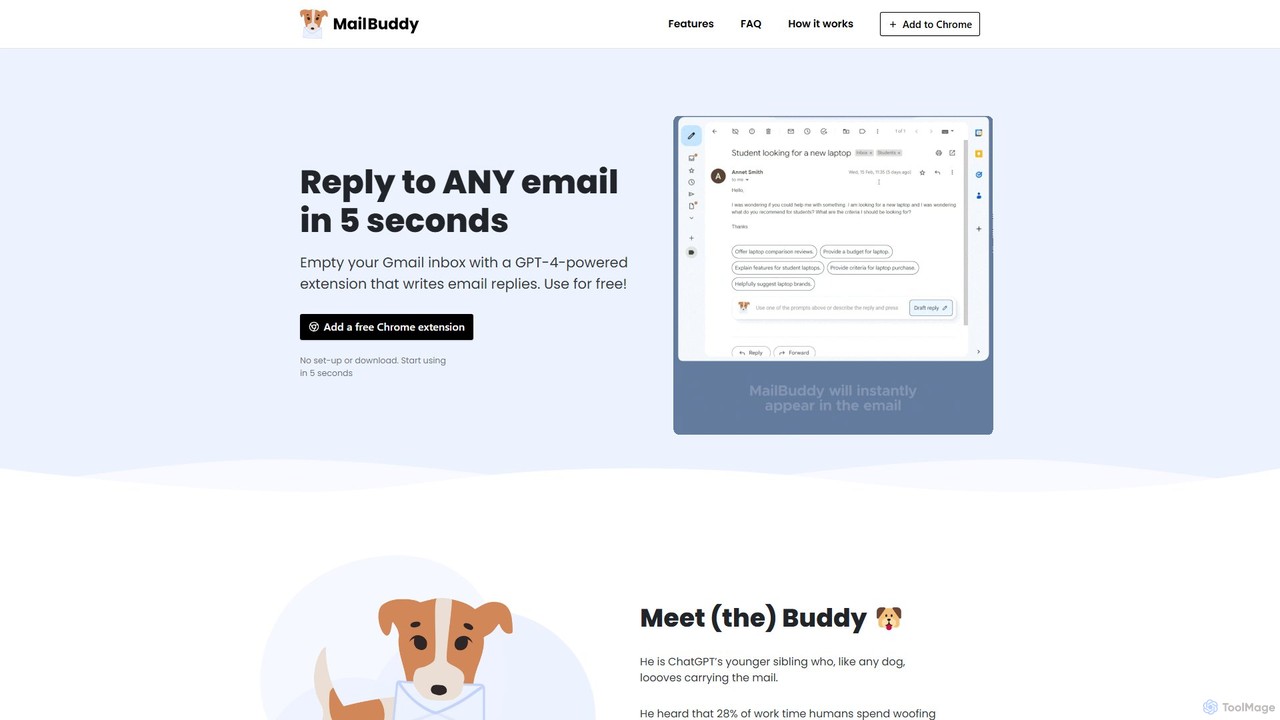
MailBuddy is a GPT-4 powered AI email assistant that integrates directly into your Gmail. It analyzes email context to draft high-quality replies in seconds. Customize the tone, provide specific instructions, and handle all your email correspondence without leaving your inbox, saving you time and boosting productivity.

Response Management
Visits 6KFavorites 137Likes 145

About Response Management

Response Management tools are specialized AI-powered platforms for streamlining and automating communication with customers across various channels. They use natural language processing (NLP) to analyze, categorize, and prioritize incoming messages like social media comments, online reviews, and emails. This enables teams to deliver faster, more consistent, and context-aware replies, directly improving brand reputation and customer satisfaction. As a key component of Customer Support, these tools focus specifically on the workflow of managing and replying to external communications.

Core Features

  • Unified Inbox: Consolidates messages from diverse channels (social media, review sites, email) into a single, manageable interface.
  • AI-Powered Triage & Routing: Automatically analyzes message content and sentiment to route inquiries to the correct agent or department.
  • Canned Response & Template Library: Provides quick access to pre-approved answers for common questions, ensuring response consistency and speed.
  • Sentiment Analysis: Identifies the emotional tone of messages to help teams prioritize urgent or negative feedback for immediate action.
  • Performance Analytics: Tracks key metrics like average response time, resolution rate, and agent productivity for data-driven optimization.

Use Cases

These tools are crucial for social media managers, brand reputation specialists, and customer service teams. They are widely adopted in industries like hospitality, retail, e-commerce, and SaaS to efficiently manage online reviews, handle high volumes of social media interactions, and maintain a consistent brand voice across all touchpoints.

How to Choose

When selecting a Response Management tool, evaluate the range of supported channels (e.g., Instagram, Google Reviews, Trustpilot). Assess the sophistication of its AI features, such as the accuracy of its sentiment analysis and automated tagging. Also, consider its integration capabilities with your existing CRM or helpdesk software and the depth of its analytics and reporting.

Response Management use cases

1

Manage High-Volume Social Media Engagement

A community manager for a global consumer brand is tasked with handling thousands of comments, mentions, and direct messages daily across platforms like Instagram, Twitter, and Facebook. Using an AI Response Management tool, they can automatically filter out spam, tag inquiries by topic (e.g., 'shipping issue', 'positive feedback'), and route urgent complaints to a dedicated support agent. The tool's sentiment analysis flags angry comments for immediate review, allowing the manager to de-escalate situations proactively. This system reduces manual sorting time by over 70% and ensures no critical customer interaction is missed.

2

Streamline Online Review Responses

A marketing team for a hotel chain needs to monitor and respond to reviews across dozens of platforms like Google, TripAdvisor, and Booking.com for hundreds of locations. A Response Management tool aggregates all reviews into one dashboard. The team uses pre-approved templates to quickly thank guests for positive 5-star reviews, personalizing them with the guest's name. For negative reviews, the tool automatically routes them to the specific hotel manager, who can then craft a detailed, personalized response to address the concerns, demonstrating excellent customer care and protecting the brand's online reputation.

3

Unify E-commerce Customer Inquiries

An online retail store receives customer questions via email, a website contact form, and Facebook Messenger. Without a central system, responses are slow and inconsistent. By implementing a Response Management tool with a unified inbox, the support team sees all incoming messages in one place. The tool automatically tags questions about 'returns' or 'shipping status'. Agents can then use canned responses to provide instant, accurate information, significantly reducing response times and improving the overall customer experience during the post-purchase phase.

4

Coordinate Crisis Communication Efforts

During a product recall, a public relations team needs to monitor brand mentions across news sites, forums, and social media in real-time. A Response Management platform allows them to set up keyword alerts for the product name and 'recall'. The unified dashboard shows a surge in negative sentiment, helping them gauge public reaction. The team can then use the platform to deploy pre-approved, consistent statements across all channels simultaneously, ensuring a coordinated and timely response to manage the crisis and mitigate reputational damage.

5

Engage with App Store Reviewers

A mobile app developer wants to improve their app's rating by actively engaging with user feedback on the Apple App Store and Google Play Store. A Response Management tool pulls all new reviews into a single feed. The developer can filter for 1-star and 2-star reviews to quickly identify bugs or feature requests. They can then respond directly within the tool, informing users that a bug has been fixed or a feature is on the roadmap. This proactive engagement shows users their feedback is valued, often leading them to update their negative reviews to positive ones.

6

Maintain Brand Consistency for Franchises

A national restaurant chain with hundreds of franchise locations struggles with inconsistent responses to local Google reviews. The corporate marketing team implements a Response Management tool that provides all franchise managers with a library of on-brand response templates. Corporate can set approval workflows, ensuring that responses to sensitive issues are reviewed before posting. The platform's analytics also allow the central team to track response rates and sentiment scores across all locations, identifying top-performing franchises and those needing additional training in customer engagement.

Response Management FAQ

What are AI Response Management tools?

AI Response Management tools are software platforms designed to help businesses manage and respond to customer communications from multiple channels in one place. They use artificial intelligence to automate tasks like sorting messages by urgency, analyzing customer sentiment, and suggesting appropriate replies. Their primary goal is to make customer communication faster, more consistent, and more efficient, especially for teams handling high volumes of interactions on social media, review sites, and email.

How do I choose the right Response Management tool?

To choose the right tool, consider these factors:

  • Channel Coverage: Ensure the tool supports all the channels you use, such as specific social media platforms, review sites (like Yelp or G2), and email.
  • AI Capabilities: Evaluate the accuracy of its sentiment analysis, automated tagging, and routing features. Does it effectively reduce manual work?
  • Integration: Check if it integrates smoothly with your existing software stack, like your CRM (e.g., Salesforce) or a broader helpdesk system (e.g., Zendesk).
  • Analytics & Reporting: Look for robust reporting features that track key metrics like response times, team performance, and trends in customer feedback.
What's the difference between Response Management and a general Helpdesk tool?

The main difference is focus. A general Helpdesk tool (like Zendesk or Freshdesk) is a broad customer service platform that often includes ticketing systems, knowledge bases, live chat, and phone support. Response Management is a more specialized tool that focuses specifically on managing public and direct communications from external channels like social media, app stores, and review sites. While a helpdesk manages internal support tickets, a response management tool excels at handling the brand's public-facing conversations and online reputation.

What key features should I look for in a Response Management platform?

Look for a platform that combines efficiency with insight. Key features include:

  • A Unified Inbox: To see all messages from all channels in one place.
  • Automated Routing: To send messages to the right person or team without manual intervention.
  • Sentiment Analysis: To quickly identify and prioritize unhappy customers.
  • Template Library: To ensure fast, consistent, and on-brand replies.
  • Collaboration Tools: Features like internal notes and message assignments for teamwork.
  • Robust Analytics: To measure performance and understand customer feedback trends.
Which teams benefit most from using Response Management software?

Response Management software is most beneficial for teams that are on the front lines of public customer communication. This includes:

  • Social Media & Community Managers: Who handle high volumes of comments, DMs, and mentions daily.
  • Brand & Reputation Management Teams: Who monitor and respond to online reviews and brand sentiment.
  • Public Relations (PR) Teams: Especially during campaigns or crisis management to ensure consistent messaging.
  • Customer Support Teams: For businesses where a significant portion of support queries come through public channels like social media or review sites.