


typedesk Overview
typedesk is a comprehensive productivity tool that functions as a text expander and keyboard automation application, designed to save you and your team countless hours by eliminating repetitive typing. It allows you to create, manage, and share pre-written text snippets, or 'canned responses', which can be inserted anywhere with a simple shortcut. Compatible with over 1,000 applications and websites out of the box, typedesk seamlessly integrates into your existing workflow on Windows, Mac, and all major browsers without needing complex setup.
At its core, typedesk is built for speed and efficiency. It empowers users to maintain a consistent and professional tone across all communications, from customer support emails to sales outreach and legal documents. The platform is not just for individuals; its powerful collaboration features enable teams to share response folders, manage permissions, and stay updated on any changes via an activity feed, ensuring everyone is on the same page. The integration with OpenAI's ChatGPT transforms it from a simple text expander into a dynamic content creation assistant, allowing you to generate AI-powered responses from custom prompts directly within any text field.
How to use typedesk
Using typedesk is straightforward and designed for immediate productivity gains. First, download the native application for your operating system (Windows or Mac) or the browser extension. Once installed, you can begin creating your canned responses. These can range from simple phrases, like a company address, to complex email templates. For each response, you assign a unique, easy-to-remember shortcut (e.g., '/hello' or ';sig'). When you type this shortcut in any application—be it Gmail, a CRM, a helpdesk, or a word processor—typedesk instantly replaces it with the full text. To make responses more personal and less robotic, you can incorporate powerful variables. These dynamic placeholders can prompt you for a customer's name, a product reference, or even perform calculations on the fly. For team use, simply create shared folders, invite your colleagues, and set permissions to control who can view or edit the templates.
Core Features of typedesk
- Cross-Platform Compatibility: Native apps for Windows and Mac, plus extensions for all major browsers, ensuring it works wherever you do.
- Powerful Variables & Conditionals: Add dynamic placeholders for text input, multi-select options, calculations, and even conditional logic based on gender or time of day to personalize messages.
- OpenAI/ChatGPT Integration: Create, share, and use custom ChatGPT prompts to generate, translate, or summarize text on the fly in any application.
- Team Collaboration: Share canned response folders with your team, manage granular user permissions, and track changes with an activity feed.
- Universal Application Support: Works out-of-the-box with thousands of apps and websites like Gmail, Outlook, Help Scout, and more, with no specific integration required.
- Keyboard-First Design: A blazing-fast, keyboard-friendly interface with quick access and powerful search to find and insert templates in seconds.
- Template Variations: Create multiple versions of the same response, for instance, with a different tone, in another language, or for a different context.
- Privacy-Focused: typedesk respects your privacy by not logging or sending your keystrokes to its servers.
Use Cases for typedesk
typedesk is versatile and benefits professionals across various industries:
- Customer Support & CSM: Deliver faster, more consistent, and personalized replies to customer inquiries, improving satisfaction and onboarding processes.
- Sales Teams: Accelerate outreach by using templates for cold emails, follow-ups, and sending booking links or quotes, allowing more time for selling.
- Marketing & Agencies: Maintain brand voice consistency across all channels, quickly send client briefs, and manage follow-up email sequences.
- Legal & Administration: Ensure accuracy and consistency in legal documents, contracts, and client communications by using pre-approved templates.
- Accountants & Bookkeepers: Speed up filing, customize payroll emails, and perform quick calculations within templates.
- Developers & Designers: Store and reuse code snippets, API keys, and dummy text for design mockups.
Advantages of typedesk
The primary advantage of typedesk is the massive amount of time it saves, with top users reclaiming up to 30 hours per month. It boosts not only individual productivity but also team-wide efficiency and communication consistency. Unlike basic text expanders, its use of dynamic variables and ChatGPT integration allows for highly personalized and intelligent responses that don't sound robotic. The platform is user-friendly, making it accessible to all team members regardless of technical skill. Its cross-platform nature and universal compatibility mean it integrates seamlessly into any workflow without disruption.
Pricing and Plans
typedesk offers a flexible pricing structure to suit different needs:
- Free Plan: A limited version to get started, offering up to 10 templates for a single user.
- Premium Plan: Priced at $5 per user/month. This plan includes unlimited templates, team sharing capabilities, OpenAI integration, image uploads, and full access to all apps and features. A 14-day free trial is available.
- Enterprise Plan: Custom pricing for teams of 11 or more. It includes all Premium features plus custom onboarding, SSO & auto-join, team metrics, webhooks, and dedicated chat & Zoom assistance.
Traffic
Latest traffic
Status
Monthly traffic trend
- 2025-9: 31.1K
- 2026-1: 20.1K
- 2026-2: 21.2K
- 2026-3: 19.5K
- 2026-4: 15.2K
- 2026-5: 19.8K
Geography
Top 5 countries / regions
- 🇺🇸United States34.2%
- 🇳🇬Nigeria31.6%
- 🇧🇷Brazil12.1%
- 🇮🇩Indonesia11.1%
- 🇩🇪Germany10.9%
Top keywords
| Keyword | Cost per click |
|---|---|
| text desk | $0.00 |
| typedesj | $0.00 |
| typedesk | $1.37 |
| typedesk android | $0.00 |
| windcow app untuk expand text form keyword | $0.00 |
typedesk Alternatives
Blaze
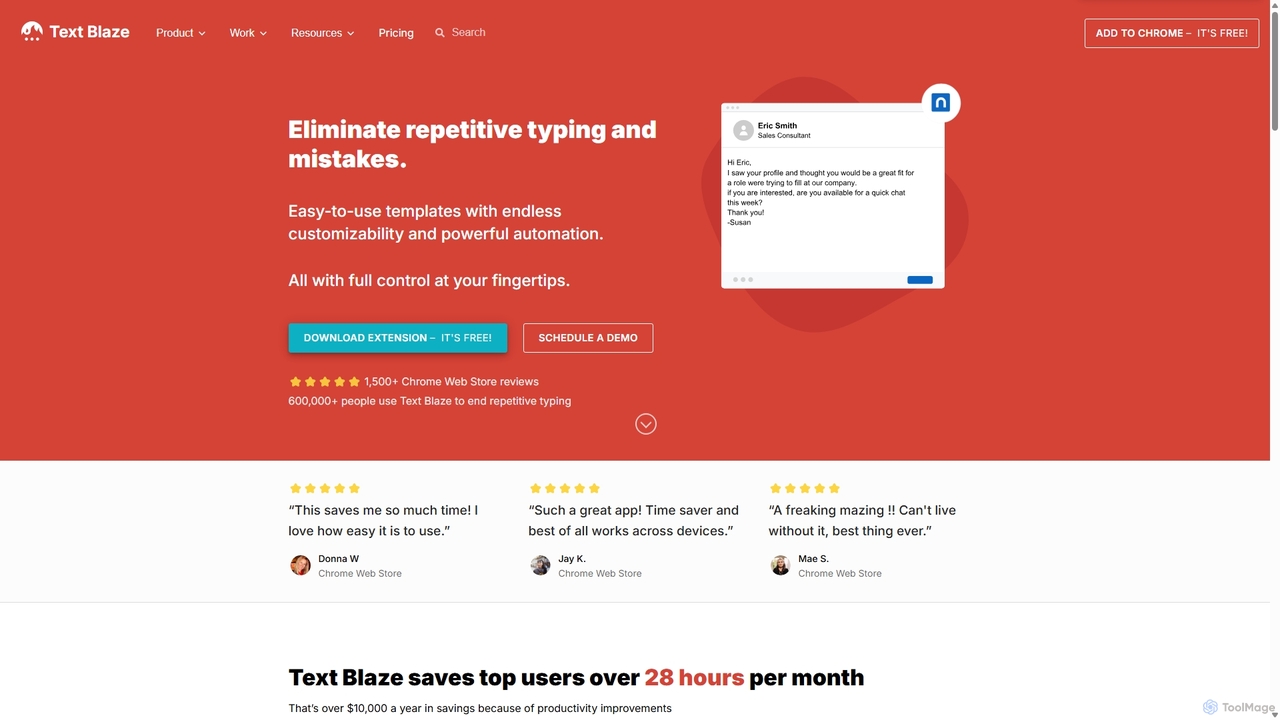
Blaze (formerly Text Blaze) is a powerful text expander and automation tool that eliminates repetitive typing. Create customizable snippets and templates with dynamic formulas, forms, and team collaboration features to boost productivity across any website or application.
Response Management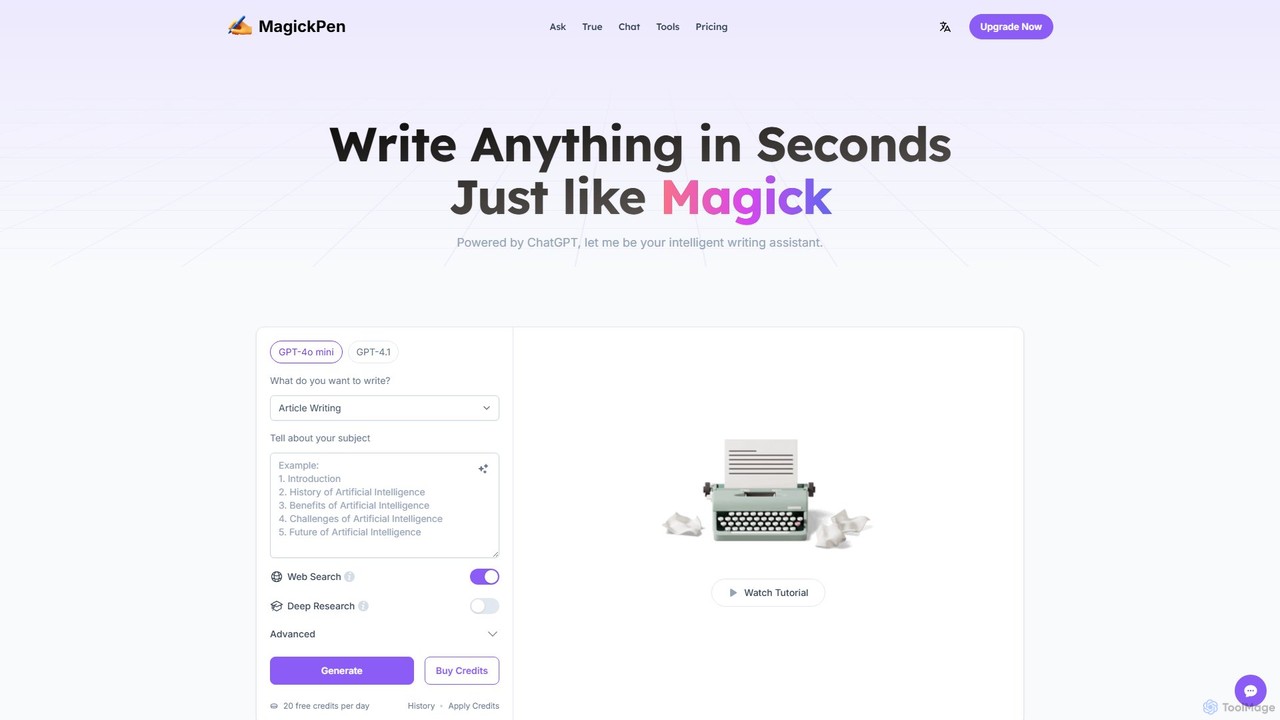
MagickPen
MagickPen is a versatile AI writing and code assistant powered by GPT-4o mini and GPT-4.1. It offers a vast library of templates for writing, marketing, coding, and personal planning. Generate articles, explain code, create mind maps, and much more in seconds. A free plan is available to get started.
Code Assistant
Writerly
Writerly is an AI software cloud designed for businesses and creators to enhance productivity and ensure brand consistency. It offers unlimited content generation, collaborative workspaces, smart brand personas, and over 50 specialized templates. With its Chrome extension and integrated suites for marketing, sales, and e-commerce, Writerly streamlines content creation from start to finish.
Collaboration
PromptBox
PromptBox is a cross-platform text snippet manager designed to boost productivity. It allows you to organize, sync, and instantly paste frequently used text, such as AI prompts, email templates, and code snippets, across all your devices and applications using custom shortcuts.
Code Snippets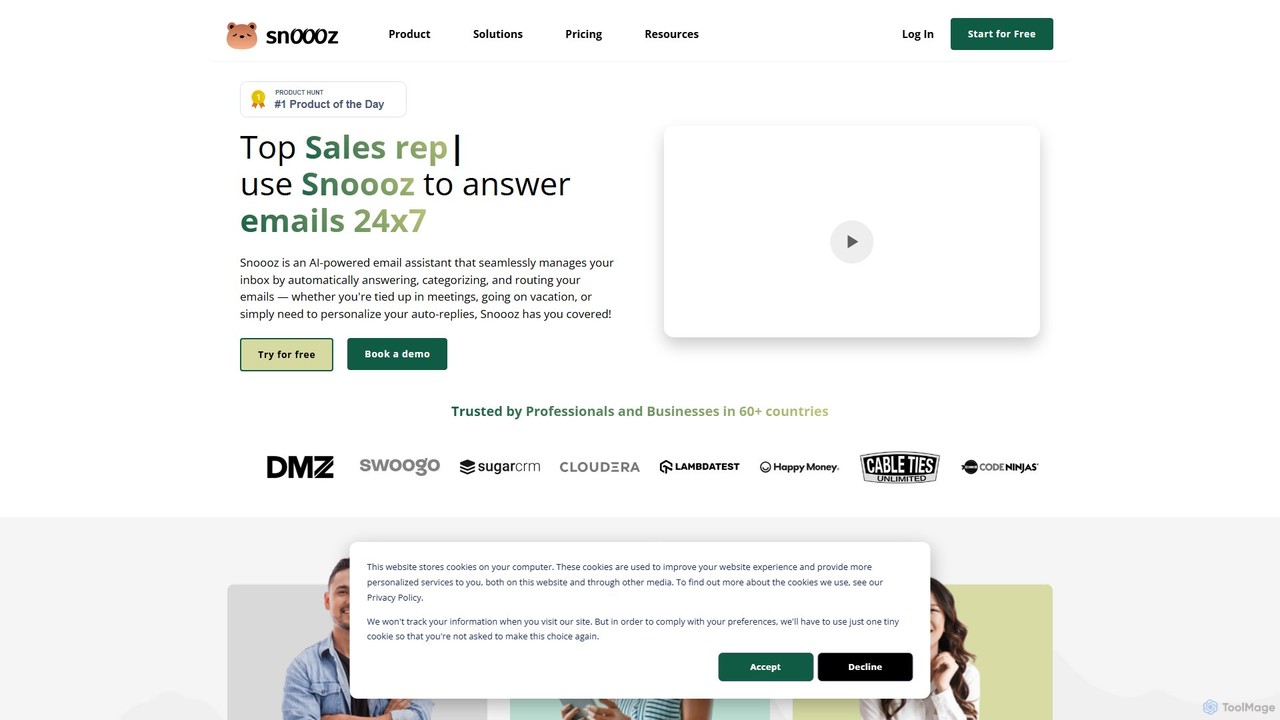
snoooz
snoooz is an AI-powered email assistant that automates your inbox 24/7. It goes beyond standard out-of-office replies by sending personalized, context-aware responses based on sender, sentiment, and language. snoooz automatically categorizes, routes, and triages emails, helping sales, customer success, and HR teams maintain business continuity and engage leads and customers even when they're away.
Help Desktypedesk Categories
typedesk Embed Widget
Copy this embed code to place the badge on your blog, article, or product site and send readers directly to this ToolMage detail page.

Related AI tools
Blaze
Blaze (formerly Text Blaze) is a powerful text expander and automation tool that eliminates repetitive typing. Create customizable snippets and templates with dynamic formulas, forms, and team collaboration features to boost productivity across any website or application.
Response Management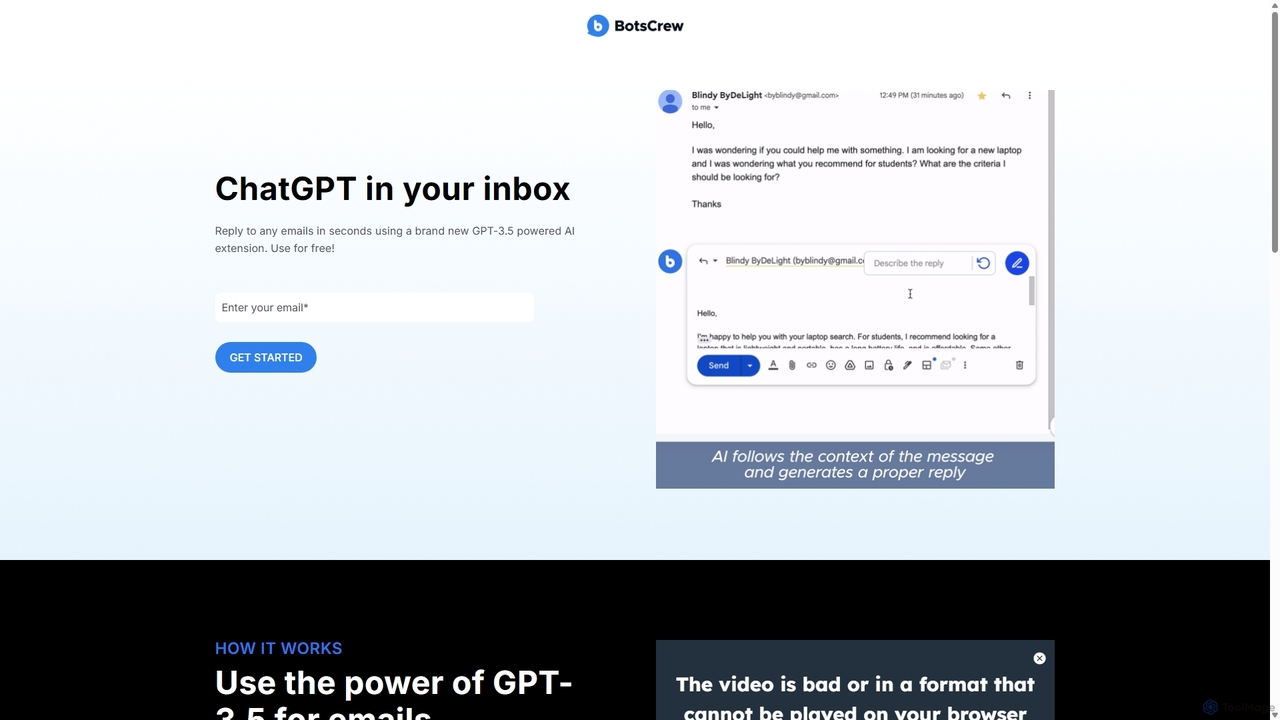
Legendary Email
Legendary Email is a free, GPT-3.5 powered browser extension that integrates directly into your inbox, CRM, or ticketing system. It analyzes email context to instantly draft professional, relevant replies. Ideal for sales, customer support, and anyone looking to enhance email productivity and communication quality.
Help DeskMagickPen
MagickPen is a versatile AI writing and code assistant powered by GPT-4o mini and GPT-4.1. It offers a vast library of templates for writing, marketing, coding, and personal planning. Generate articles, explain code, create mind maps, and much more in seconds. A free plan is available to get started.
Code AssistantWriterly
Writerly is an AI software cloud designed for businesses and creators to enhance productivity and ensure brand consistency. It offers unlimited content generation, collaborative workspaces, smart brand personas, and over 50 specialized templates. With its Chrome extension and integrated suites for marketing, sales, and e-commerce, Writerly streamlines content creation from start to finish.
CollaborationPromptBox
PromptBox is a cross-platform text snippet manager designed to boost productivity. It allows you to organize, sync, and instantly paste frequently used text, such as AI prompts, email templates, and code snippets, across all your devices and applications using custom shortcuts.
Code Snippetssnoooz
snoooz is an AI-powered email assistant that automates your inbox 24/7. It goes beyond standard out-of-office replies by sending personalized, context-aware responses based on sender, sentiment, and language. snoooz automatically categorizes, routes, and triages emails, helping sales, customer success, and HR teams maintain business continuity and engage leads and customers even when they're away.
Help Desk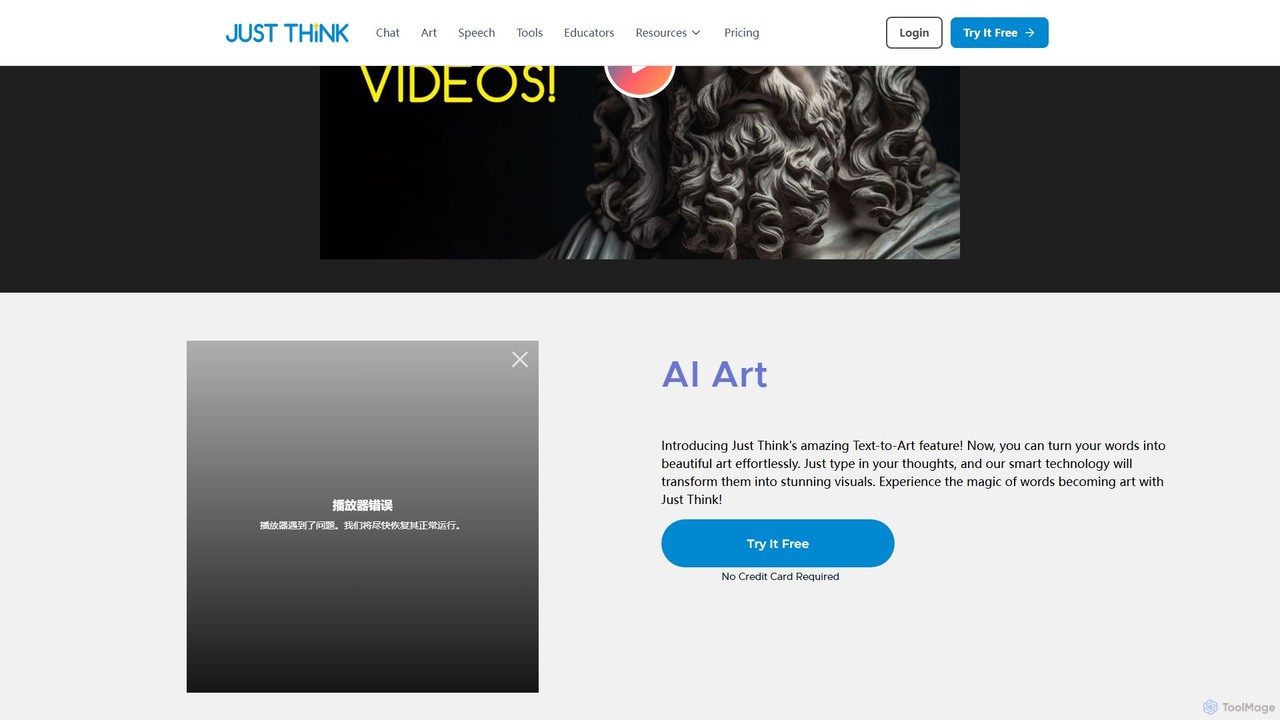
JustThink
JustThink is a comprehensive, all-in-one AI platform that integrates generative chat, content writing, text-to-speech, AI art, and video creation. It is designed for marketers, educators, content creators, and businesses to enhance productivity, streamline workflows, and foster creativity through a single, collaborative interface.
Image Generation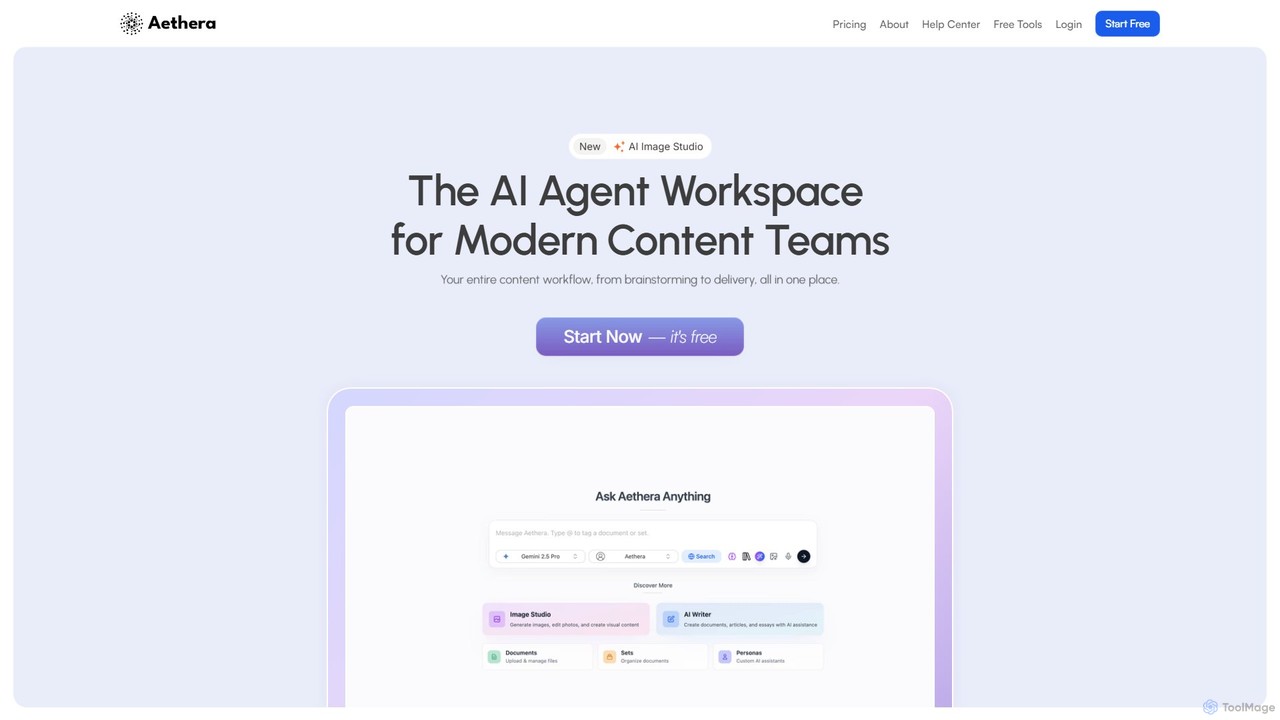
aethera
Aethera is an all-in-one AI agent workspace designed for modern content teams. It integrates AI-powered writing, image generation, document analysis, and research into a single, unified platform, eliminating the need to juggle multiple tools. It provides access to over 30 language models and 15 image models to streamline the entire content workflow from brainstorming to delivery.
Image Generation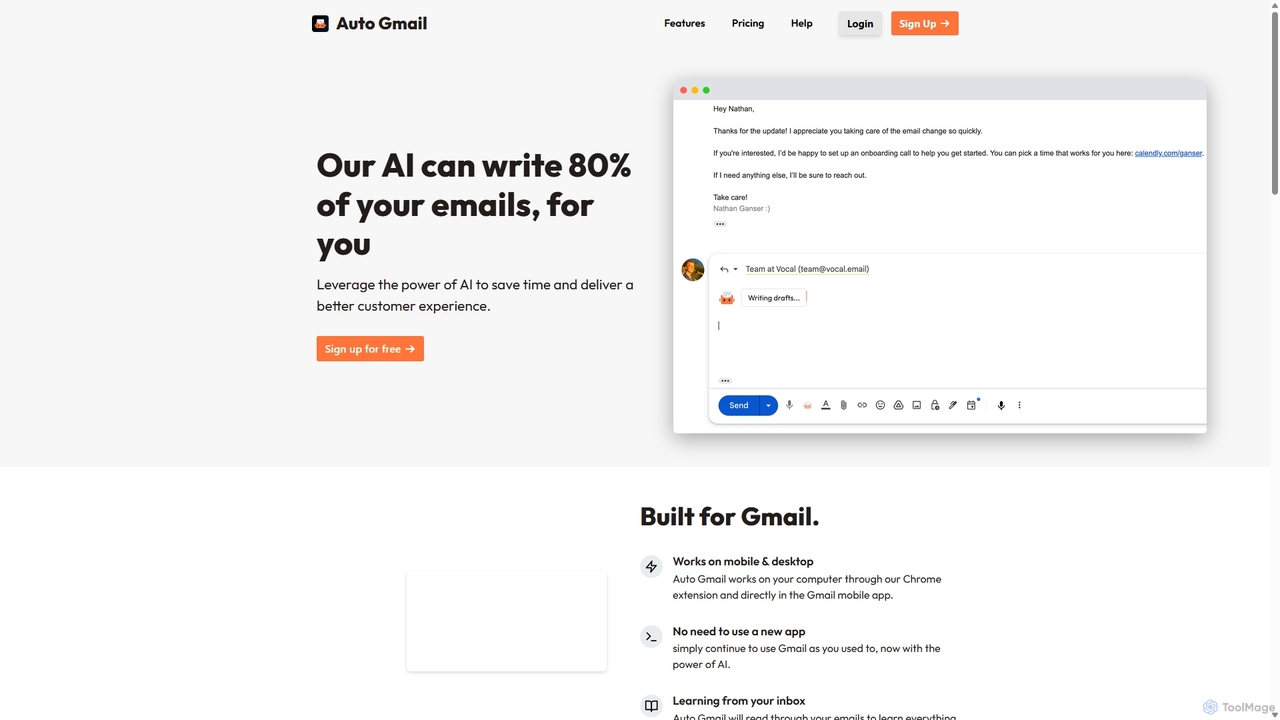
Auto Gmail
Auto Gmail is an AI-powered assistant for Gmail that learns your writing style to automatically draft email replies. It integrates seamlessly into your inbox via a Chrome extension, aiming to write 80% of your emails, saving you time and enhancing customer communication.
Email Management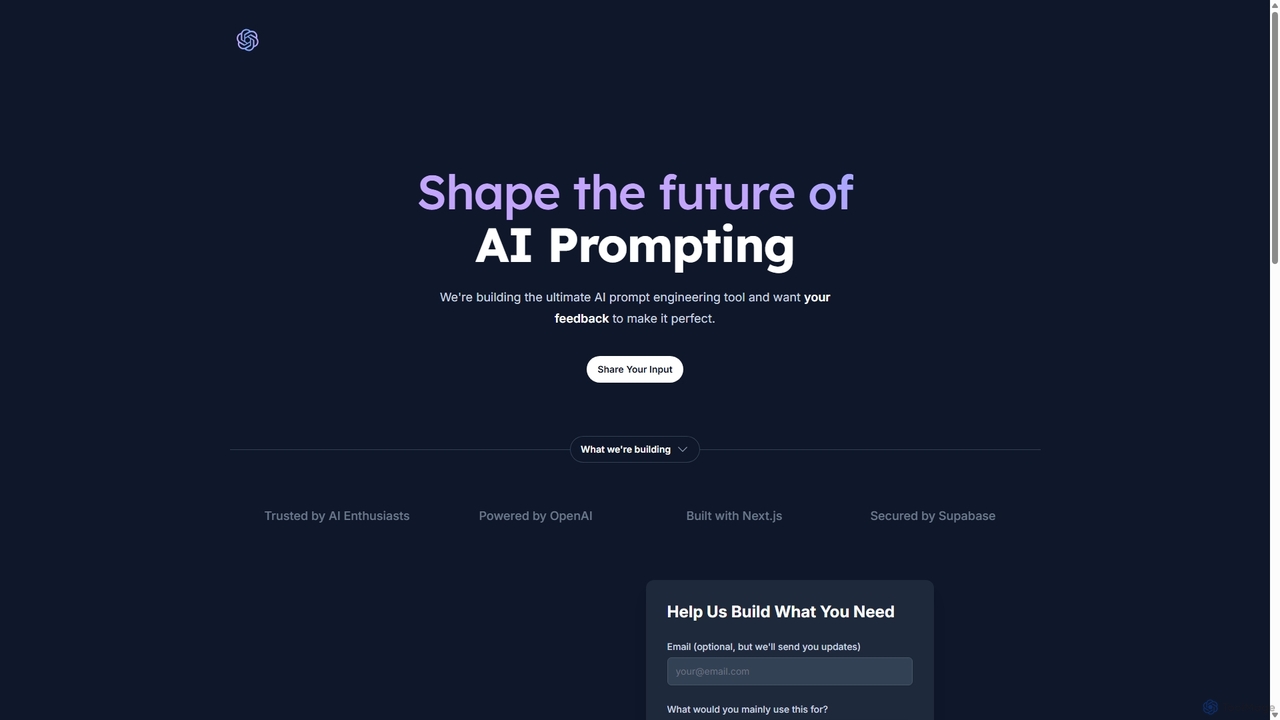
PromptifyPRO
PromptifyPRO is an advanced AI prompt engineering platform designed to help users create, test, and optimize prompts for various AI models like ChatGPT and Claude. It offers tools like pre-built templates, performance analytics, and collaboration features to unlock higher quality outputs, save time, and enhance creativity.
Code Generation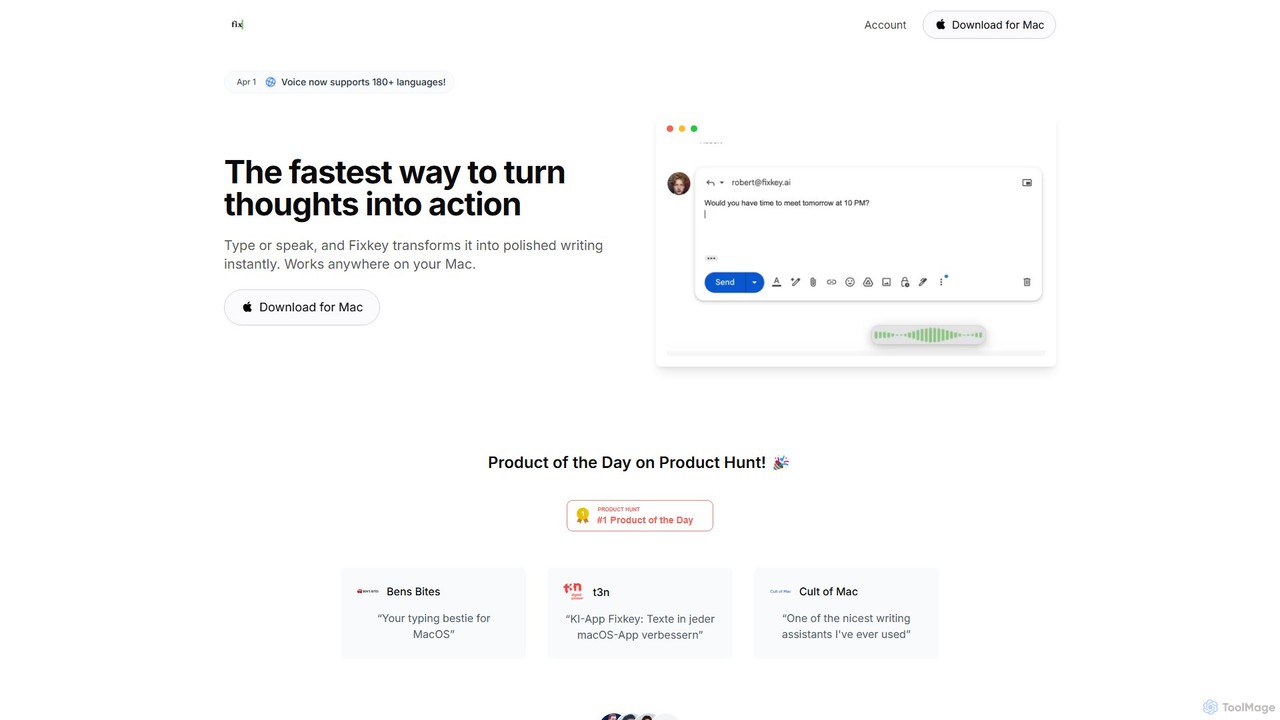
Fixkey
Fixkey is a native AI writing assistant for macOS that enhances your productivity. It transforms your voice or text into polished, professional writing instantly, working seamlessly across all Mac applications. Features include real-time speech-to-text, one-click text improvement, translation into over 180 languages, and customizable AI prompts.
Response Management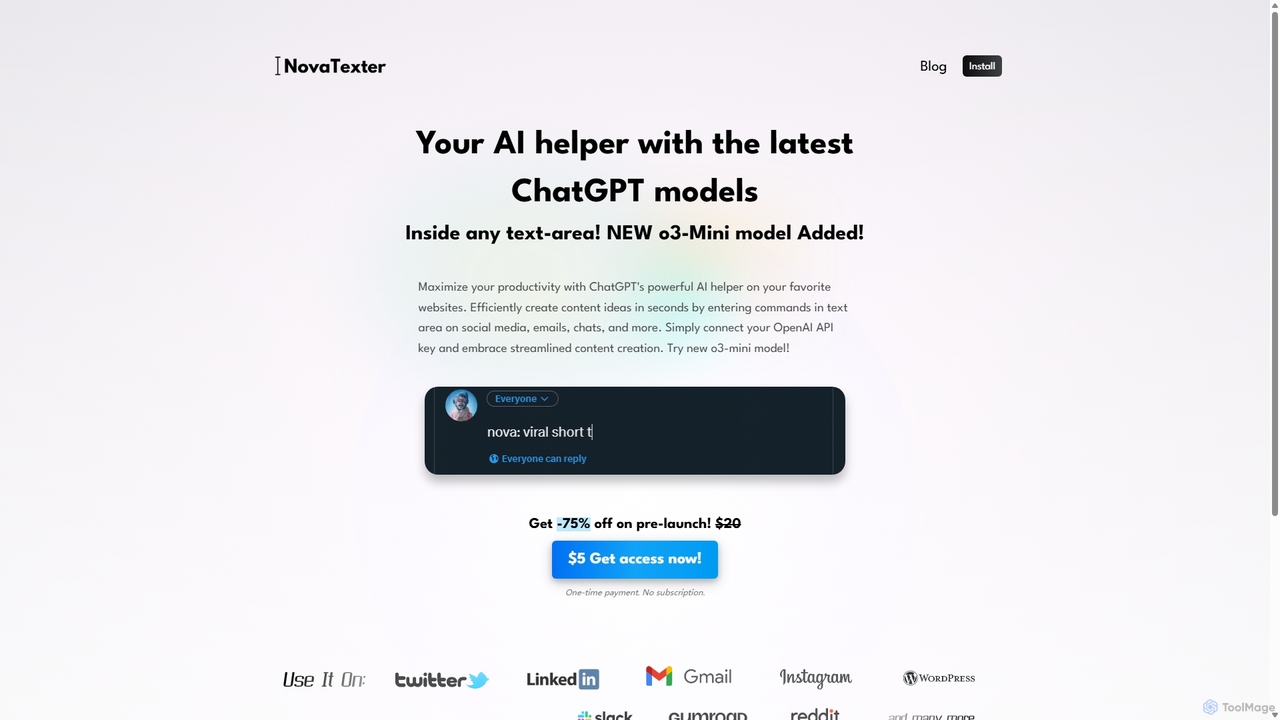
NovaTexter
NovaTexter is an AI-powered browser extension that integrates ChatGPT models directly into your workflow. It allows you to generate content, ideas, and responses on any website by simply typing commands in a text area. Connect your OpenAI API key for a seamless, productive content creation experience with a single one-time payment.
Chrome Extensions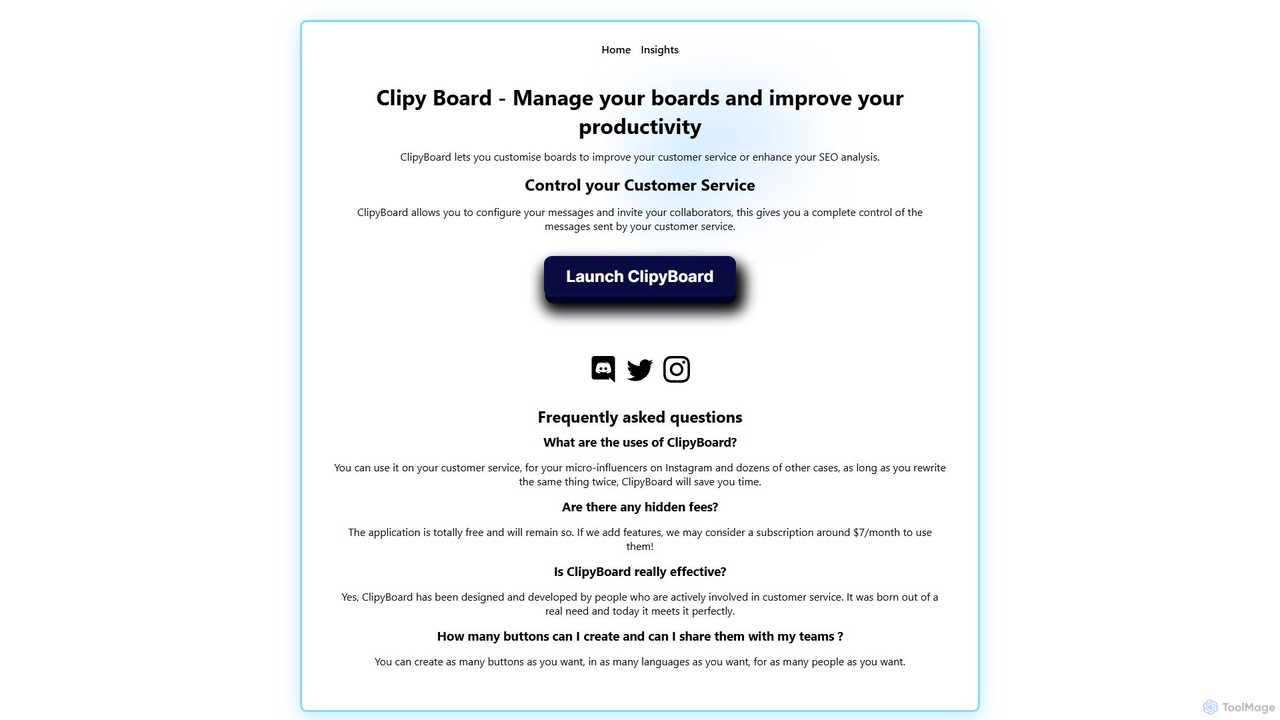
ClipyBoard
ClipyBoard is a collaborative clipboard manager that boosts productivity by allowing teams to create, manage, and share customizable boards of text snippets. Ideal for customer service, sales, and social media to ensure fast, consistent communication.
Help Desk
reply4me
reply4me is an AI-powered assistant that automates personalized replies for emails, social media, and messages. It analyzes incoming text to generate context-aware, tone-appropriate responses, saving you hours and boosting communication efficiency.
Automated Response
Fireflies.ai
Fireflies.ai is an AI meeting assistant that automatically transcribes, summarizes, searches, and analyzes voice conversations. It joins your meetings on platforms like Zoom, Google Meet, and Teams to take notes, identify action items, and provide detailed insights, freeing you to focus on the conversation.
Transcription
typedesk Comments (0)
Sign in to comment.
Sign inNo comments yet.