Productivity Best in category 3 results Text Expander AI Tool

Popular AI tools in the Text Expander field of Productivity include typedesk、Lightkey、PromptBox, etc., helping you quickly improve efficiency.

typedesk

typedesk

typedesk is an AI-powered text expander and keyboard automation app designed to eliminate repetitive typing. Create customizable text …

17.9K
PromptBox

PromptBox

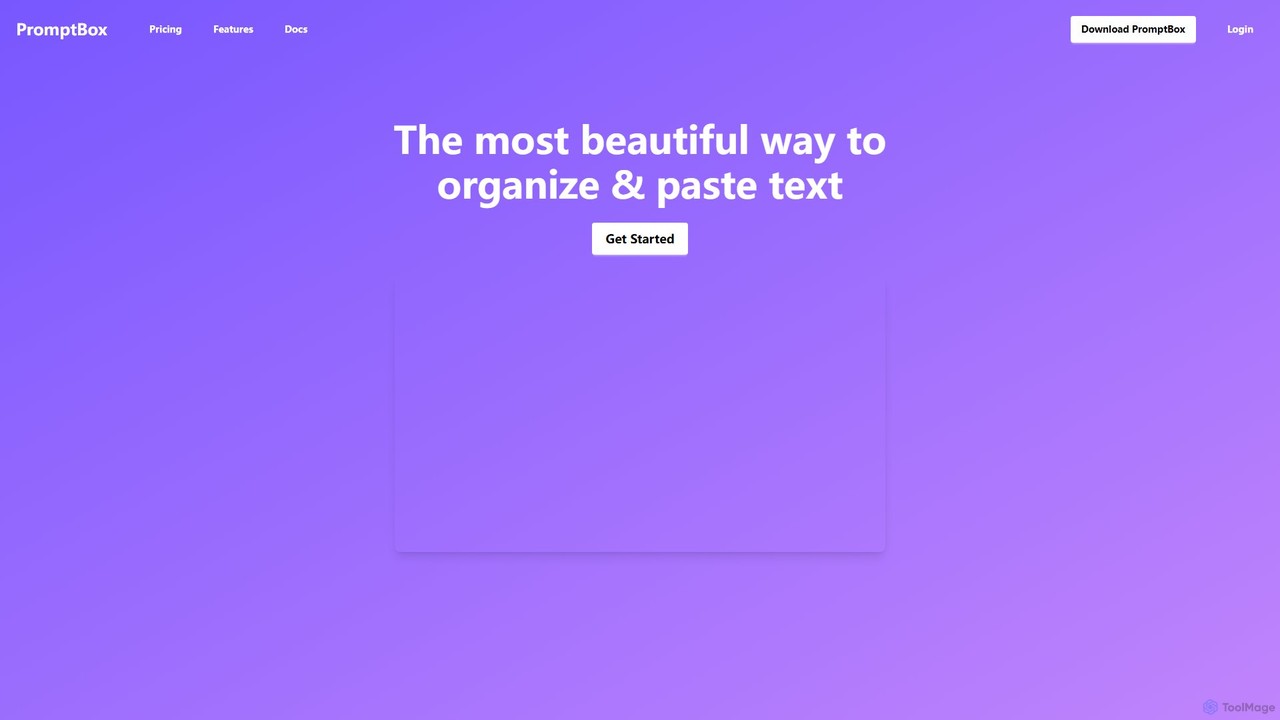
PromptBox is a cross-platform text snippet manager designed to boost productivity. It allows you to organize, sync, and …

14.9K
Lightkey

Lightkey

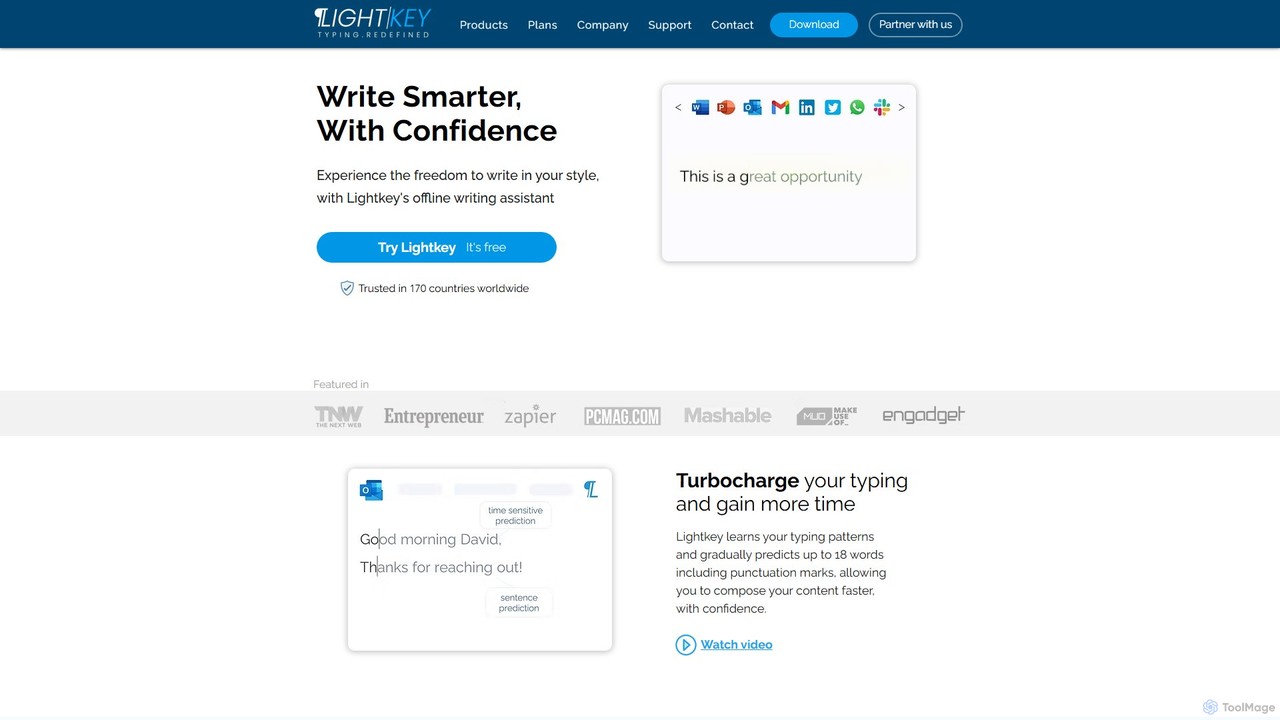
Lightkey is an AI-powered text prediction and real-time correction software for Windows. It learns your typing patterns to …

15.9K

About Text Expander

Text expanders are productivity tools designed to automate the typing of frequently used text by replacing short abbreviations with longer, predefined content. These tools operate by monitoring keyboard input for specific "snippets" and instantly expanding them into full sentences, paragraphs, or even complex forms. Their primary value lies in significantly reducing repetitive typing, enhancing accuracy, and ensuring consistency across various digital communications and documents. This automation frees up valuable time, allowing users to focus on more critical tasks.

Core Features

  • Snippet Management: Create, organize, and search for text snippets with custom abbreviations.
  • Rich Text Support: Expand text with formatting, links, and images, not just plain text.
  • Dynamic Variables: Include dynamic elements like current date, time, clipboard content, or user input fields.
  • Cross-Application Compatibility: Function seamlessly across different applications, browsers, and operating systems.
  • Cloud Synchronization: Sync snippets across multiple devices for consistent access and usage.

Use Cases

Text expanders are invaluable for professionals across various sectors who frequently type repetitive information. Customer support agents use them to quickly respond to common queries, while developers can insert code blocks or command-line arguments with ease. Content creators benefit from rapidly inserting boilerplate text, disclaimers, or frequently used phrases, streamlining their writing workflow.

How to Choose

When selecting a text expander, consider its compatibility with your operating system and frequently used applications. Evaluate the richness of its snippet management features, including support for dynamic variables and rich text. Look for cloud synchronization capabilities if you work across multiple devices. Finally, assess its ease of use, learning curve, and pricing model to ensure it aligns with your workflow and budget.

Text ExpanderUse Cases

1

Automating Customer Support Responses

Customer service representatives can define snippets for common questions, troubleshooting steps, or welcome messages. When a customer asks a frequent question, the agent types a short abbreviation, and the full, pre-approved response instantly appears, significantly reducing response times and ensuring consistent, accurate information.

2

Streamlining Code Snippet Insertion

Software developers often use repetitive code blocks, function headers, or common command-line arguments. With a text expander, they can create snippets for these elements, typing a few characters to insert complex code structures, saving time and minimizing syntax errors during development.

3

Expediting Email Compositions

Professionals frequently send emails with similar introductions, disclaimers, or call-to-actions. By setting up snippets, they can quickly insert these standard components, personalizing only the unique parts of the message. This accelerates email writing and maintains a professional tone across all communications.

4

Standardizing Medical Documentation

Healthcare professionals can use text expanders to quickly insert common diagnoses, treatment plans, patient instructions, or medical history templates into electronic health records (EHRs). This ensures accuracy, reduces typing fatigue, and standardizes documentation practices across the clinic or hospital.

5

Enhancing Content Creation Efficiency

Content creators, bloggers, and marketers can use text expanders to insert frequently used hashtags, social media post templates, article disclaimers, or brand-specific calls-to-action. This allows them to maintain brand voice consistency and speed up the drafting process for various content types.

6

Simplifying Form Filling and Data Entry

Anyone who regularly fills out online forms or enters repetitive data can benefit. Snippets can store personal details, addresses, company information, or common phrases, allowing users to fill out forms much faster and with fewer errors, especially for applications, registrations, or surveys.

Text ExpanderFrequently Asked Questions