

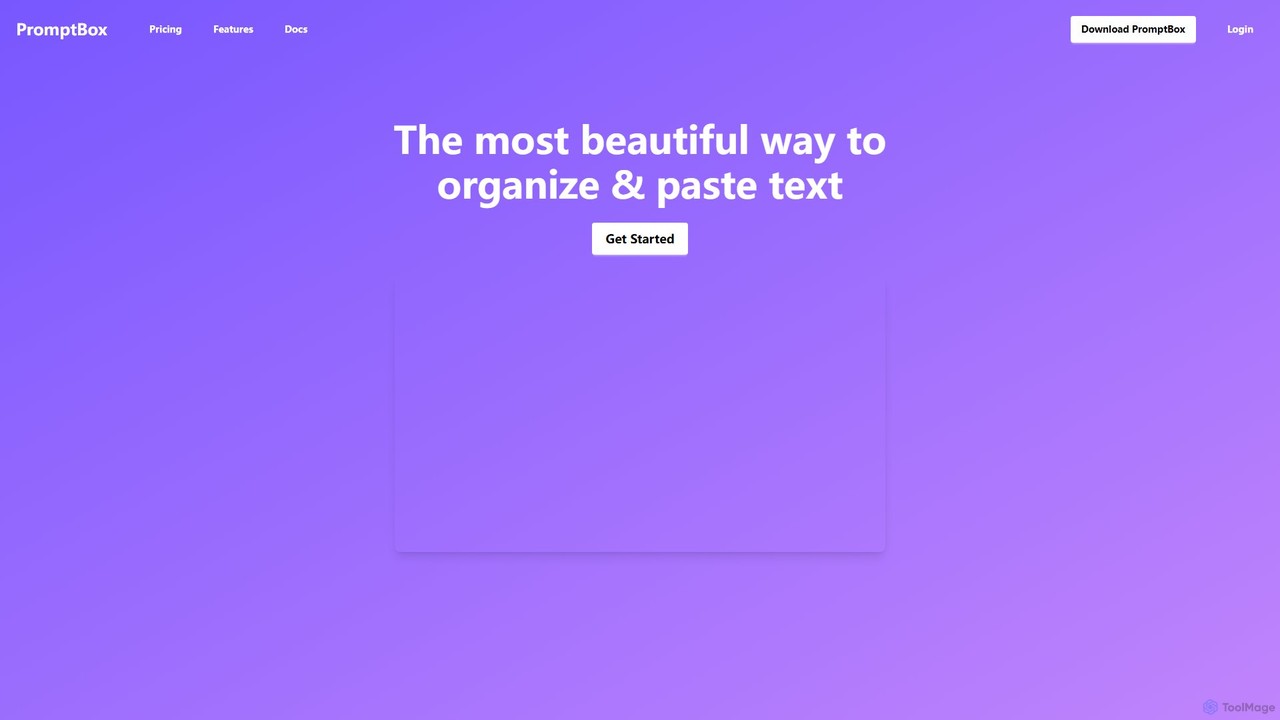
PromptBox Overview
PromptBox is a versatile and powerful productivity tool designed to eliminate repetitive typing and streamline your workflow. It acts as a central library for all your frequently used text snippets, from complex AI prompts and email templates to code blocks and standard replies. By organizing this text into a structured system and making it instantly accessible through custom shortcuts, PromptBox saves you significant time and effort, allowing you to focus on more important tasks.
The tool operates at the operating system level, which means its text expansion capabilities are not limited to a web browser. You can use your custom shortcuts in any application on your computer, whether it's a code editor, a word processor, a messaging app, or your email client. With seamless synchronization between your desktop and mobile devices, your essential text snippets are always with you, ensuring consistency and efficiency no matter where you work.
How to use PromptBox
Getting started with PromptBox is a straightforward process designed for maximum efficiency:
- Install the Application: Download and install the PromptBox desktop app on your computer (Windows/Mac) and the mobile app on your phone.
- Create and Organize Snippets: Open the app and start adding your text snippets. You can create snippets for anything you type repeatedly. Organize them using a system of nested folders and subfolders to keep everything tidy and easy to find. For example, you could have main folders for 'AI Prompts', 'Email Replies', and 'Code Snippets', with subfolders for specific projects or categories.
- Assign Shortcuts: For each snippet, create a unique and memorable shortcut. A shortcut is a short string of characters (e.g., `:reply1`, `!gpt4`, `#css-flex`) that you will type to trigger the expansion.
- Expand Text Anywhere: Go to any application where you need to insert your text. Simply type your assigned shortcut, and PromptBox will instantly replace it with the full text snippet. The expansion is lightning-fast, making the process feel like magic.
- Sync and Share: Your snippets are automatically synced across all your logged-in devices. For teamwork, you can use the collaboration feature to share specific folders of prompts or templates with your colleagues, ensuring everyone uses the same, up-to-date information.
Core Features of PromptBox
- Cross-Device Sync: Automatically syncs all your prompts and text snippets between your computer and mobile phone, providing access wherever you are.
- System-Wide Text Expansion: Works at the OS level, allowing you to expand text in any application, not just the browser. This includes code editors, email clients, documents, and more.
- Lightning-Fast Shortcuts: Instantly expand text with customizable shortcuts, eliminating the need for manual copy-pasting and reducing repetitive typing.
- Advanced Organization: Structure your snippets with nested folders and subfolders, making it easy to manage a large library of text and find what you need quickly.
- Team Collaboration: Share folders of prompts and snippets with your team to streamline workflows, maintain brand consistency, and improve collective efficiency.
- Secure and Private: All your data is encrypted and stored securely. PromptBox emphasizes user privacy and does not access or share your personal information.
Use Cases for PromptBox
PromptBox is a valuable tool for a wide range of professionals:
- AI Power Users: Organize and manage a vast library of prompts for different AI models like ChatGPT, Midjourney, or Claude. Quickly call up complex, fine-tuned prompts with a simple shortcut.
- Customer Support Agents: Standardize responses to frequently asked questions, support tickets, and chat inquiries, ensuring fast, accurate, and consistent communication.
- Sales and Marketing Professionals: Store and reuse email templates, outreach messages, social media posts, and product descriptions to accelerate campaigns and communication.
- Developers and Programmers: Keep a library of frequently used code snippets, terminal commands, SQL queries, and boilerplate code to speed up the development process.
- Writers and Content Creators: Manage outlines, research notes, frequently used phrases, and formatting templates to maintain a consistent and efficient writing workflow.
Advantages of PromptBox
The primary advantage of PromptBox is its ability to significantly boost productivity by automating text insertion. It ensures consistency in communication, which is crucial for teams. Its cross-platform and system-wide functionality make it a truly universal tool, unlike browser-only alternatives. The intuitive organization system prevents your snippet library from becoming chaotic. Furthermore, the availability of a lifetime deal is a major benefit for users who prefer a one-time purchase over recurring subscriptions.
Pricing and Plans
PromptBox offers two straightforward pricing options:
- Monthly Plan: $5.99 per month. This plan includes unlimited text prompts, access to both the mobile and desktop apps, and free technical support. A free trial is available.
- Lifetime Plan: $79 as a one-time payment. This plan includes all the features of the monthly plan, plus free updates for life. It comes with a 60-day money-back guarantee, offering a risk-free way to invest in your long-term productivity.
Traffic
Latest traffic
Status
Monthly traffic trend
- 2025-9: 26.0K
- 2026-1: 20.9K
- 2026-2: 22.4K
- 2026-3: 22.3K
- 2026-4: 12.1K
- 2026-5: 13.9K
Geography
Top 5 countries / regions
- 🇺🇸United States65.4%
- 🇯🇵Japan16.6%
- 🇻🇳Vietnam7.6%
- 🇮🇳India6.7%
- 🇵🇰Pakistan3.7%
Traffic sources
| Source type | Percentage |
|---|---|
Direct | 84.5% |
Referral | 15.5% |
Top keywords
| Keyword | Cost per click |
|---|---|
| promptblox | $0.00 |
| prompt box | $0.00 |
| promptbox | $0.00 |
| promptshopinabox | $0.00 |
| propts box | $0.00 |
PromptBox Alternatives

typedesk
typedesk is an AI-powered text expander and keyboard automation app designed to eliminate repetitive typing. Create customizable text shortcuts and canned responses that work across all your apps and websites. It enhances productivity with team collaboration, dynamic variables, and a powerful ChatGPT integration for consistent and efficient communication.
Response Management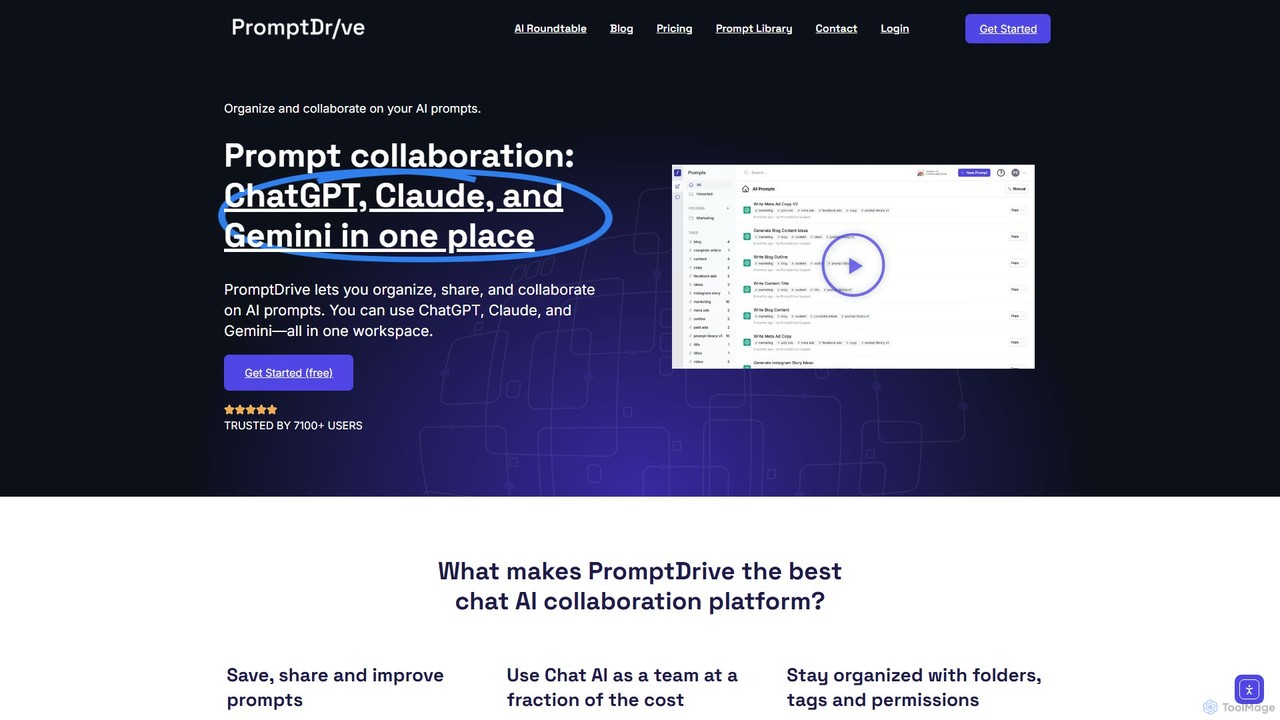
PromptDrive
PromptDrive is a collaborative AI platform that helps teams organize, share, and execute prompts for ChatGPT, Claude, and Gemini in a single workspace. It streamlines AI workflows, enhances team productivity, and ensures consistent quality in AI-generated content through features like shared folders, prompt variables, and a unified interface.
Api Management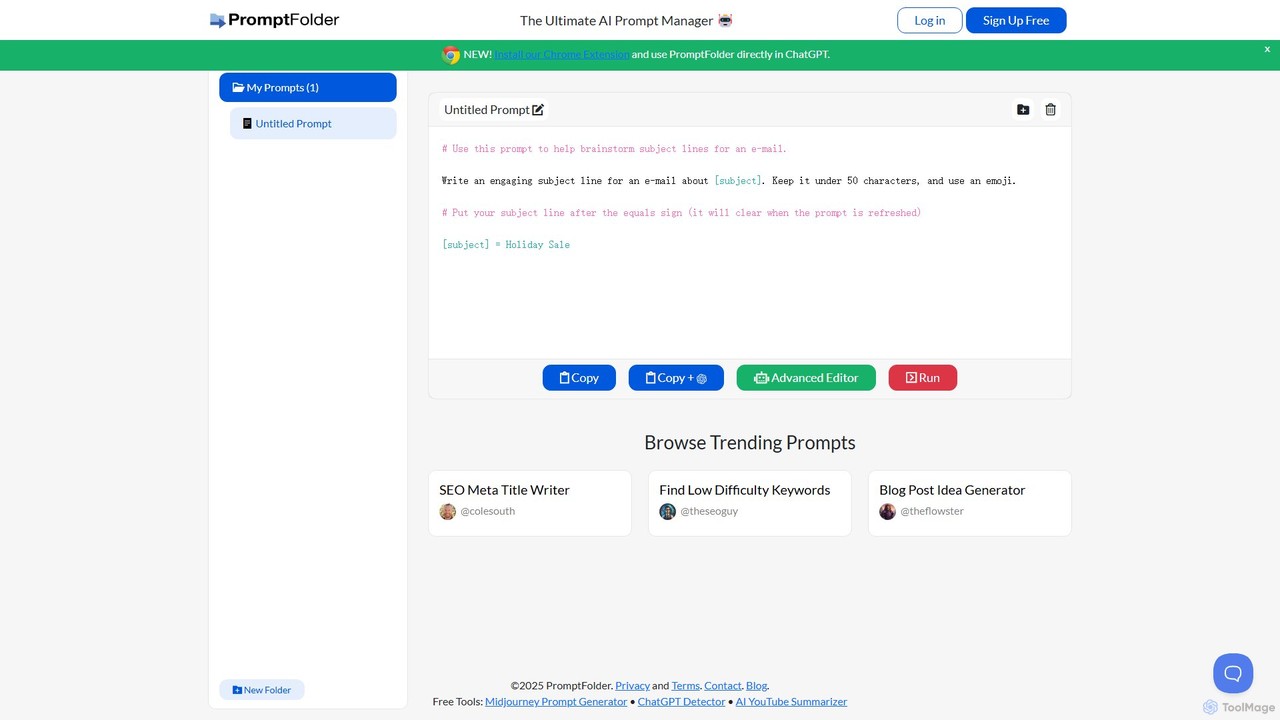
PromptFolder
PromptFolder is a powerful AI prompt manager for ChatGPT, Midjourney, and other AI tools. It allows you to save, organize, and reuse your best prompts with features like folders, variables, and a dedicated Midjourney prompt builder. With its Chrome extension, you can access your entire prompt library directly within the ChatGPT interface, streamlining your workflow and boosting productivity.
Image Generation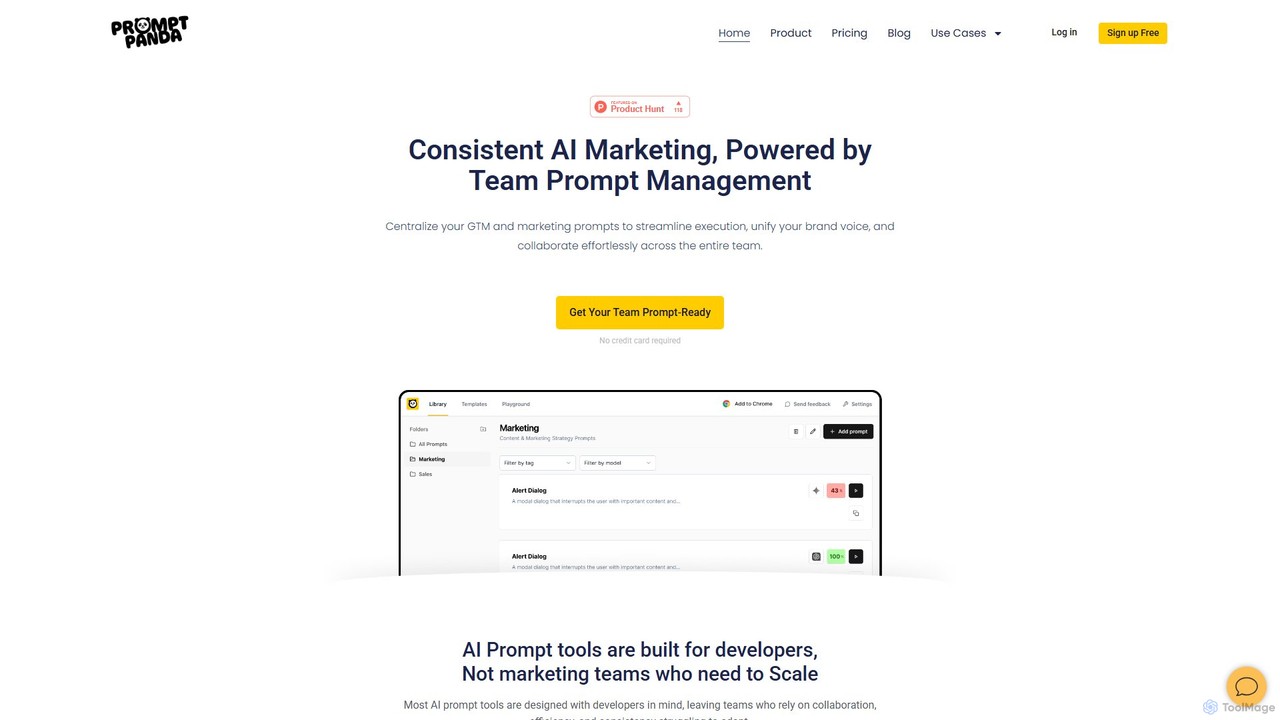
PromptPanda
PromptPanda is a collaborative AI prompt management system designed for marketing teams. It helps centralize, organize, and optimize prompts to ensure brand consistency, streamline workflows, and enhance content creation. With features like a shared library, prompt variables, and a quality improver, it eliminates chaos and scales your team's AI efforts.
Content Creation
Prompt Dress
Prompt Dress is a powerful browser extension designed to manage, organize, and quickly access all your AI prompts. It acts as a central library, eliminating scattered text files and streamlining your workflow with AI models. Ideal for marketers, developers, writers, and anyone who frequently uses AI.
Workflow AutomationPromptBox Categories
PromptBox Embed Widget
Copy this embed code to place the badge on your blog, article, or product site and send readers directly to this ToolMage detail page.

Related AI tools
Blaze
Blaze (formerly Text Blaze) is a powerful text expander and automation tool that eliminates repetitive typing. Create customizable snippets and templates with dynamic formulas, forms, and team collaboration features to boost productivity across any website or application.
Response Managementtypedesk
typedesk is an AI-powered text expander and keyboard automation app designed to eliminate repetitive typing. Create customizable text shortcuts and canned responses that work across all your apps and websites. It enhances productivity with team collaboration, dynamic variables, and a powerful ChatGPT integration for consistent and efficient communication.
Response ManagementPromptDrive
PromptDrive is a collaborative AI platform that helps teams organize, share, and execute prompts for ChatGPT, Claude, and Gemini in a single workspace. It streamlines AI workflows, enhances team productivity, and ensures consistent quality in AI-generated content through features like shared folders, prompt variables, and a unified interface.
Api Management
Superhuman
Superhuman is an AI-native email client designed for speed and productivity. It helps high-performing teams and individuals save over 4 hours a week by organizing the inbox, summarizing threads, and drafting emails with AI that matches your personal writing style. It supports Gmail and Outlook, offering a blazingly fast, focused, and collaborative email experience.
Team Collaboration
Sana
Sana is an all-in-one AI platform designed for the workplace. It combines a powerful knowledge assistant with an AI-native learning platform, enabling teams to find information, automate tasks, and accelerate learning. By connecting to all your company's apps, Sana acts as a central intelligence layer to unlock your organization's collective genius.
Ai Assistant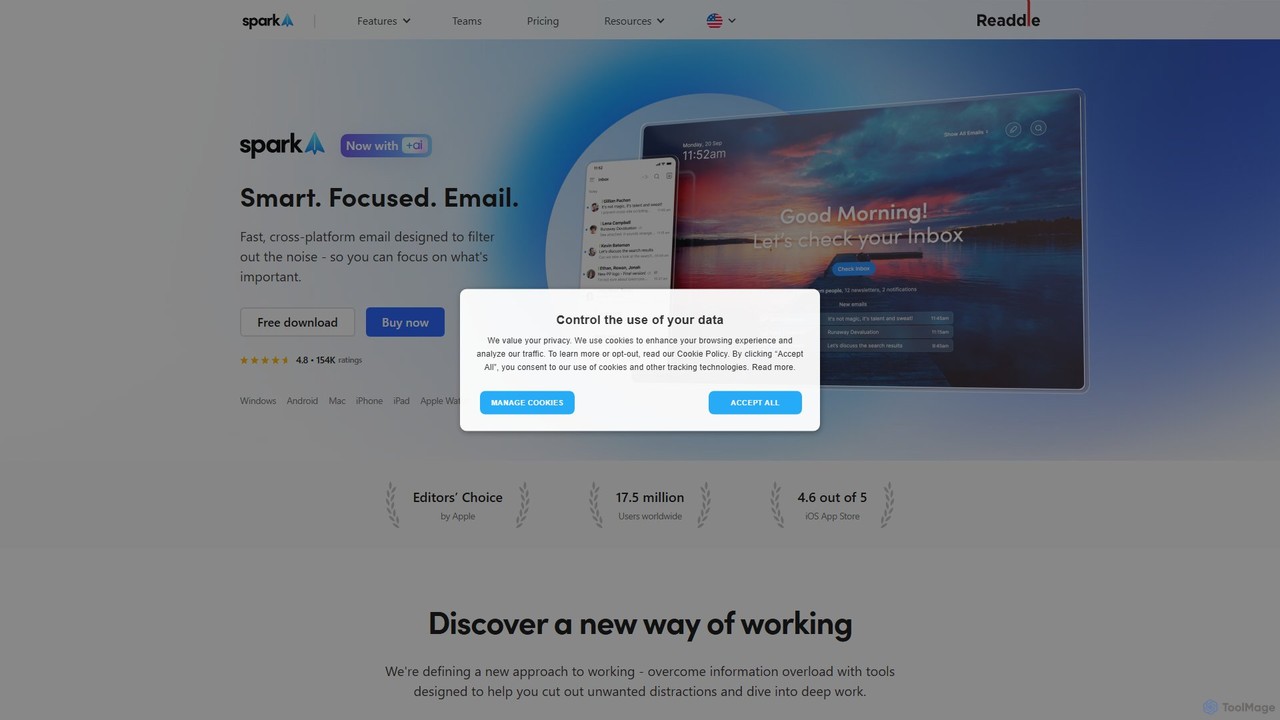
Spark Mail
Spark Mail is an intelligent, cross-platform email client designed to help you focus on what's important. It uses AI to draft emails, summarize threads, and translate messages, while its Smart Inbox filters out noise. With powerful team collaboration features, Spark streamlines your workflow and helps you achieve inbox zero.
Writing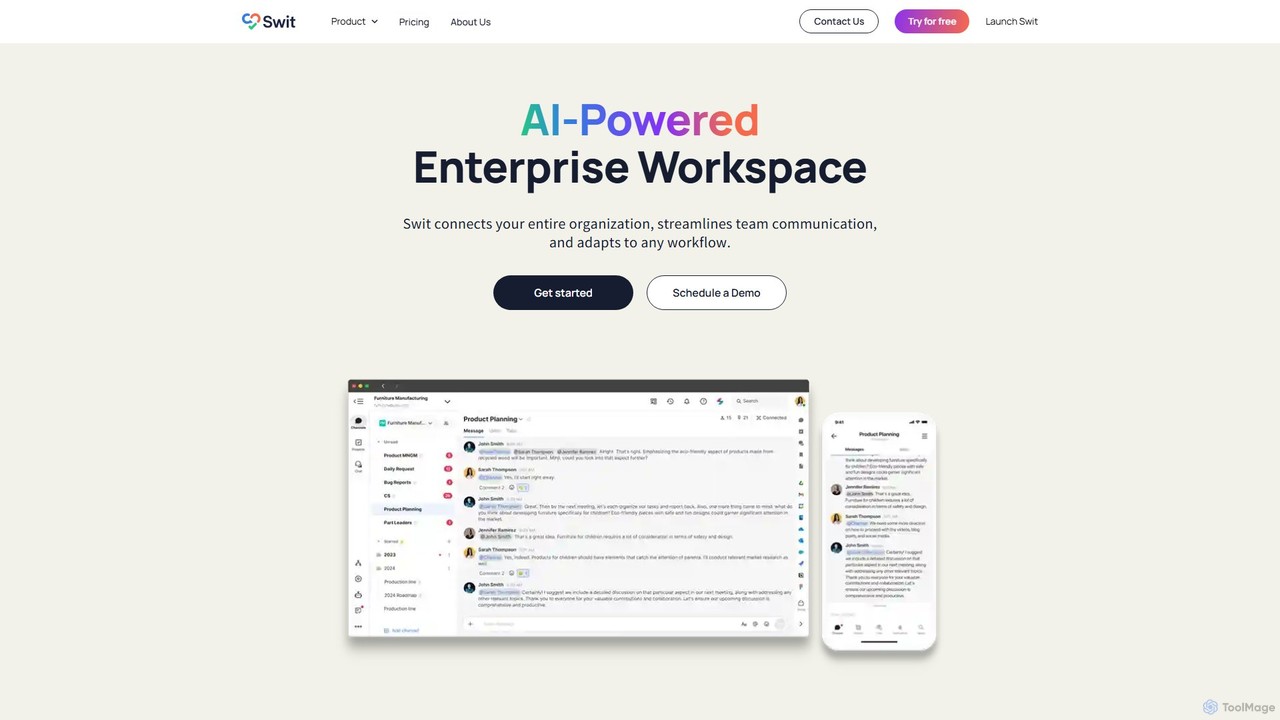
Swit
Swit is an AI-powered enterprise workspace that unifies team communication and task management into a single, integrated platform. It eliminates the need to switch between apps like Slack and Asana by combining chat, projects, automation, and powerful integrations. Designed for organizations of all sizes, Swit streamlines workflows, enhances cross-functional collaboration, and provides a central hub for all work-related activities, boosting productivity and transparency.
Team Management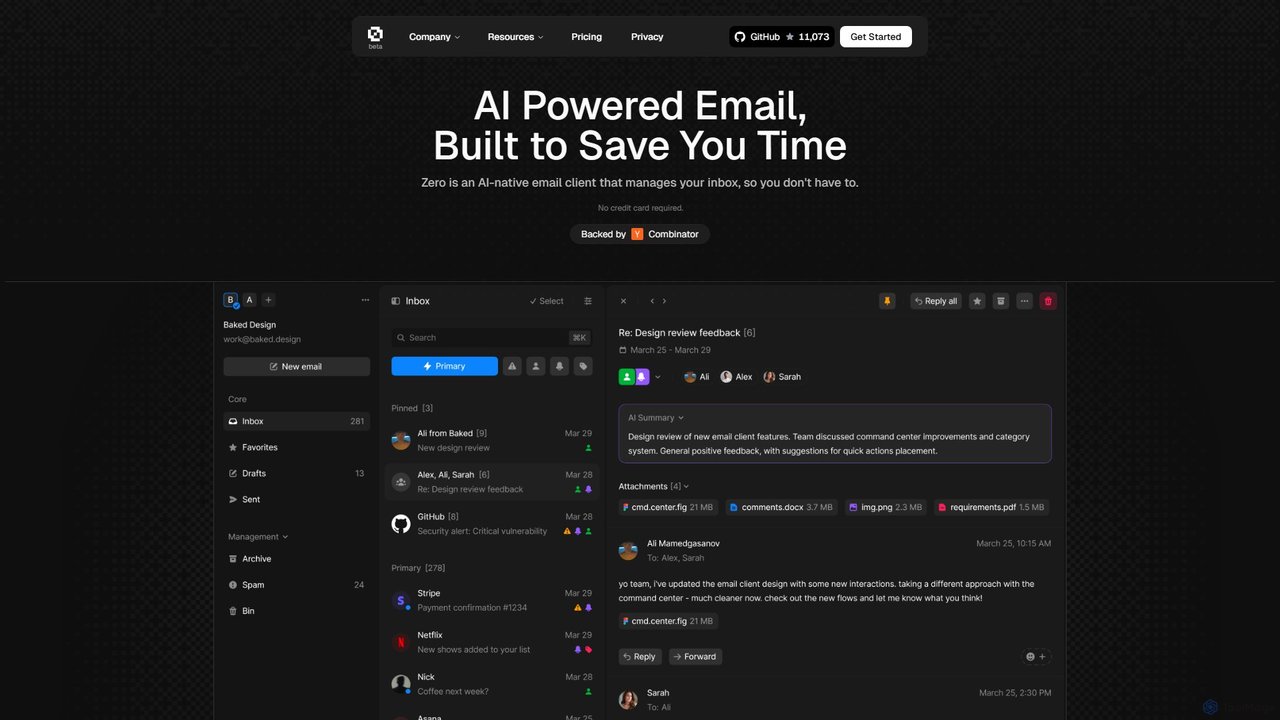
Zero
Zero is an AI-native email client designed to save you time. It automatically manages your inbox by summarizing threads, drafting replies, and extracting action items, allowing you to process emails at lightning speed with a keyboard-first interface.
Personal Assistant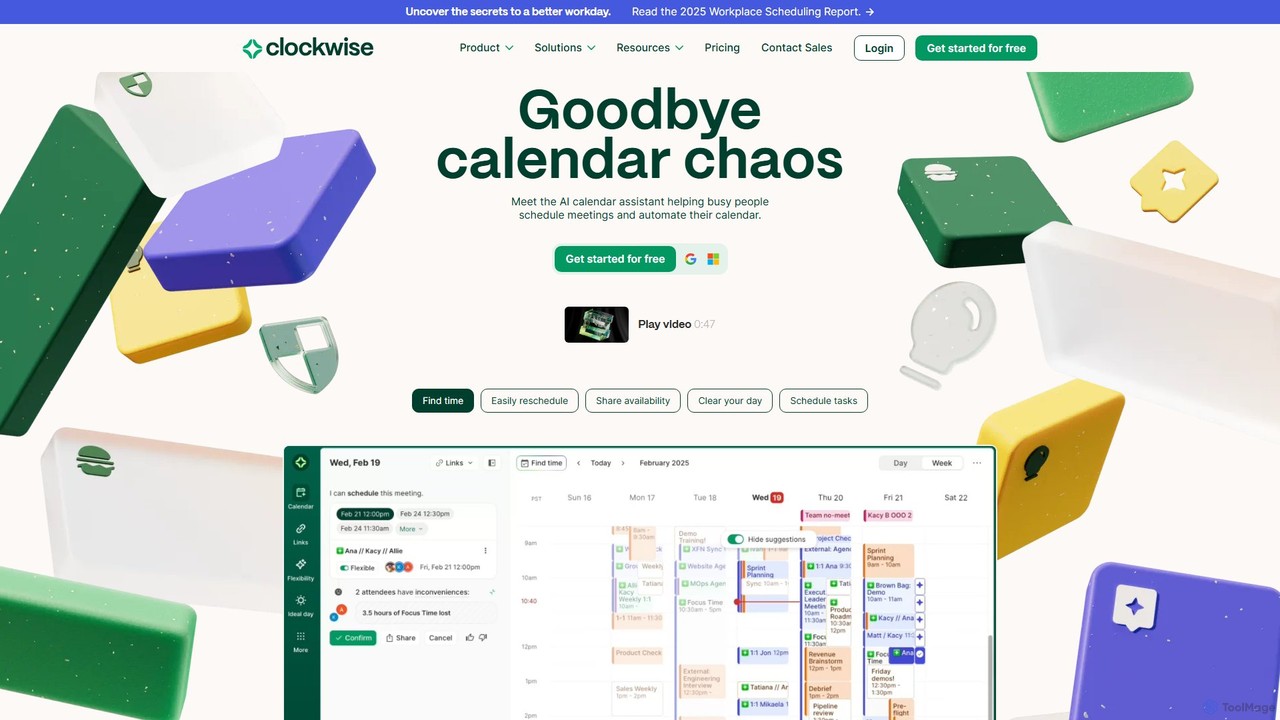
getclockwise
Clockwise is an AI-powered time management and calendar assistant that optimizes your schedule for maximum productivity. It intelligently rearranges meetings to create longer blocks of uninterrupted Focus Time, automates team scheduling, and acts as your personal assistant to manage your calendar effortlessly.
Calendar Management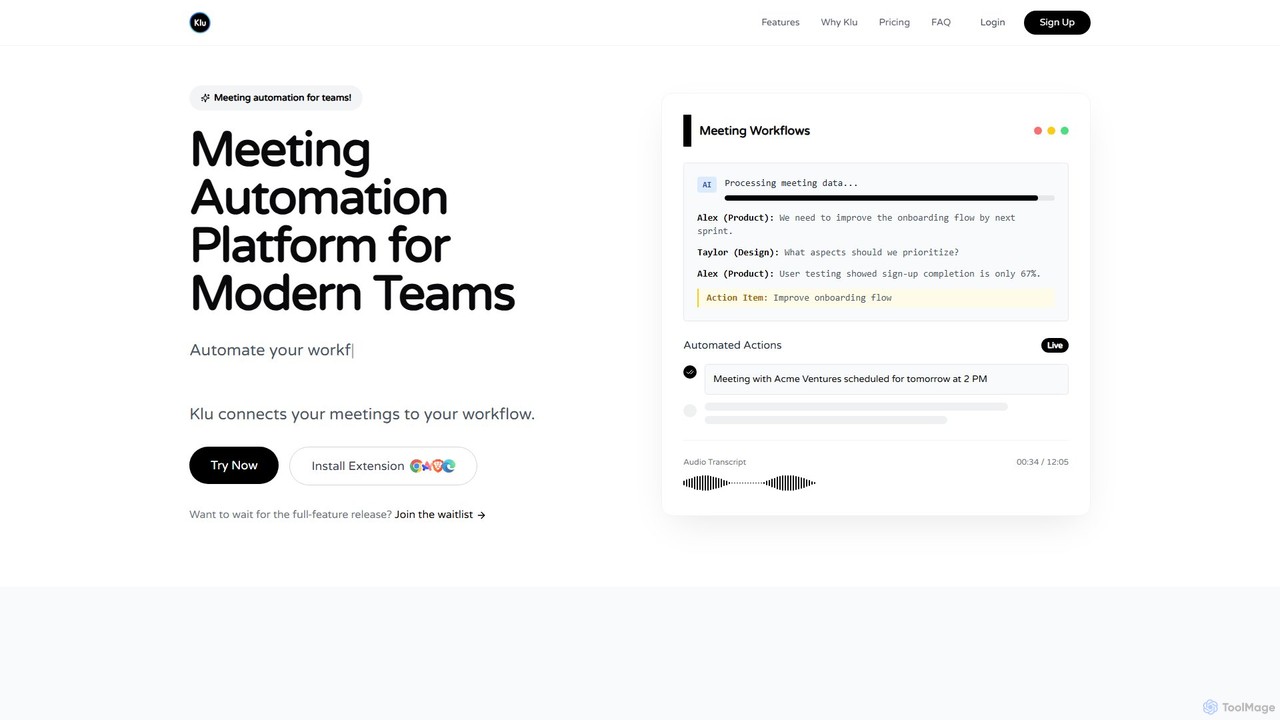
Klu
Klu is an AI-powered meeting automation platform designed for modern teams. It records, transcribes, and summarizes your meetings, automatically extracting action items and key insights. By integrating with your existing workflow tools like Notion, Slack, and Asana, Klu automates post-meeting tasks, saving time and boosting productivity.
Workflow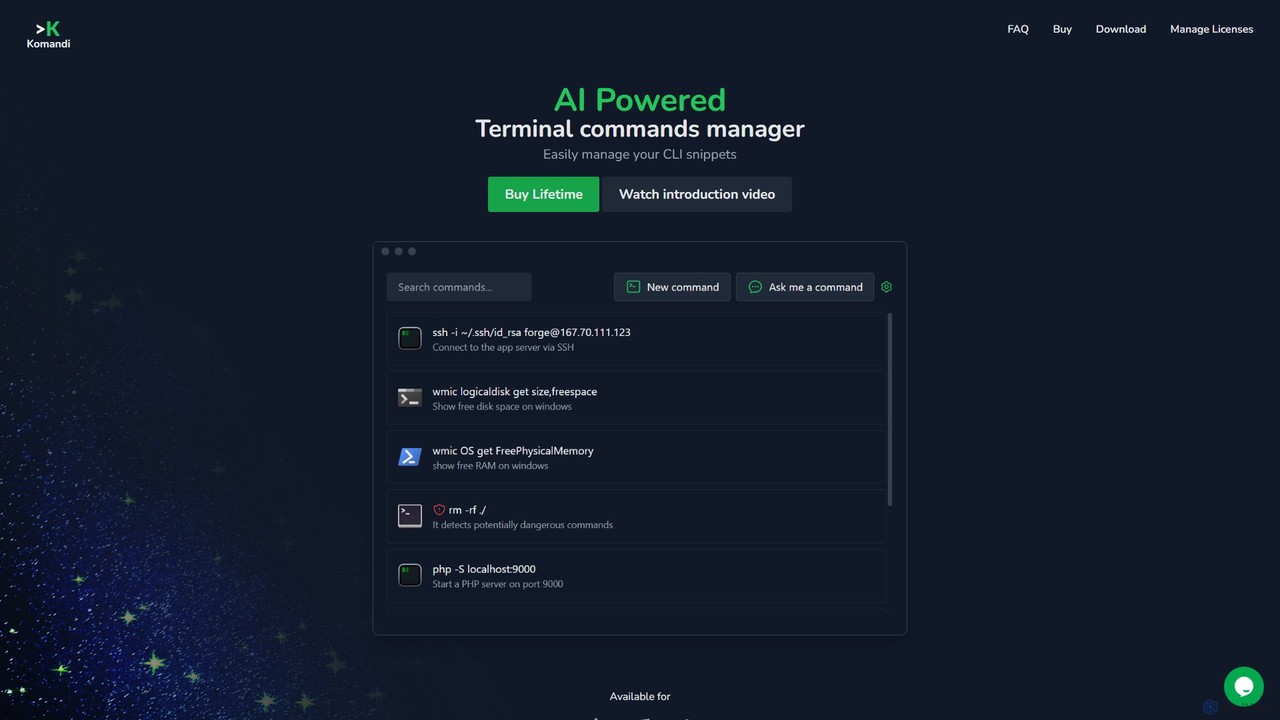
Komandi
Komandi is an AI-powered CLI/terminal command manager for developers and sysadmins. It simplifies command-line operations by allowing you to manage snippets, generate complex commands from natural language, and execute them safely. It supports macOS, Windows, and Linux, streamlining your workflow by organizing frequently used commands and detecting potentially dangerous ones before execution.
Code Assistant
Uxer
Uxer is a no-code AI automation agent that boosts productivity by automating repetitive tasks across Windows, Mac, browsers, iOS, and Android. Using advanced computer vision and natural language, it allows both non-technical and advanced users to create powerful workflows without complex code. It learns from your interactions to become a smarter, personalized assistant.
Task Automation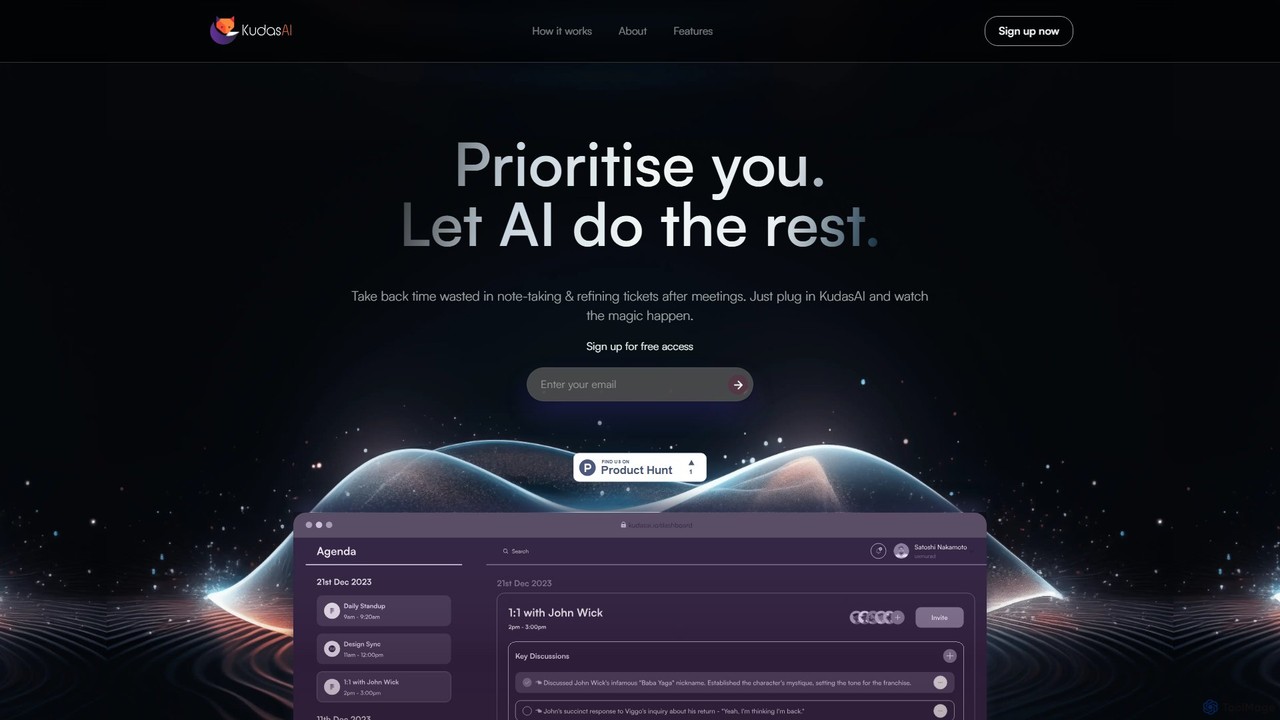
KudasAI
KudasAI is an AI-powered sidekick designed to supercharge your agile meetings. It joins your calls on platforms like Zoom, Google Meet, and Teams to automatically transcribe, summarize, and identify key takeaways and action items. This allows your team to focus on the discussion, not on note-taking, ensuring every important detail is captured accurately and objectively.
Transcription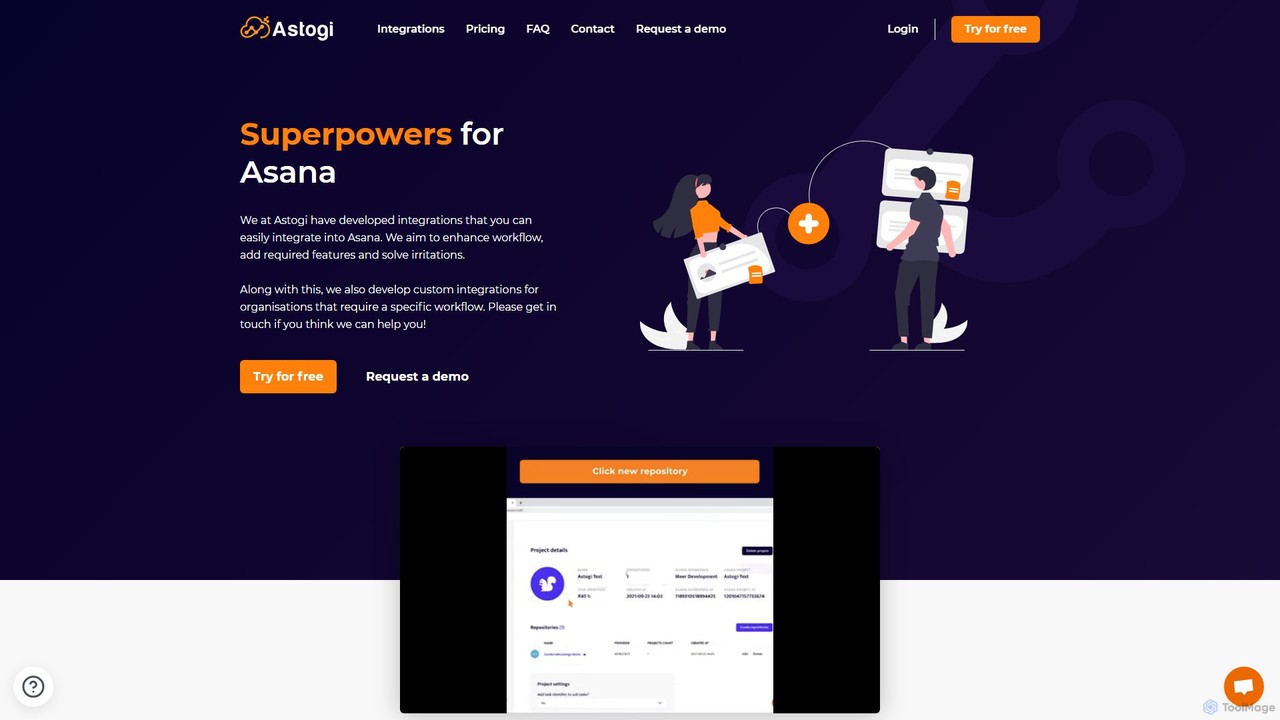
Astogi
Astogi supercharges Asana with powerful AI and automation integrations. It enhances team productivity by embedding tools like ChatGPT directly into tasks, automating task numbering, distributing assignments via round-robin, and simplifying team collaboration, all within the familiar Asana environment.
Collaboration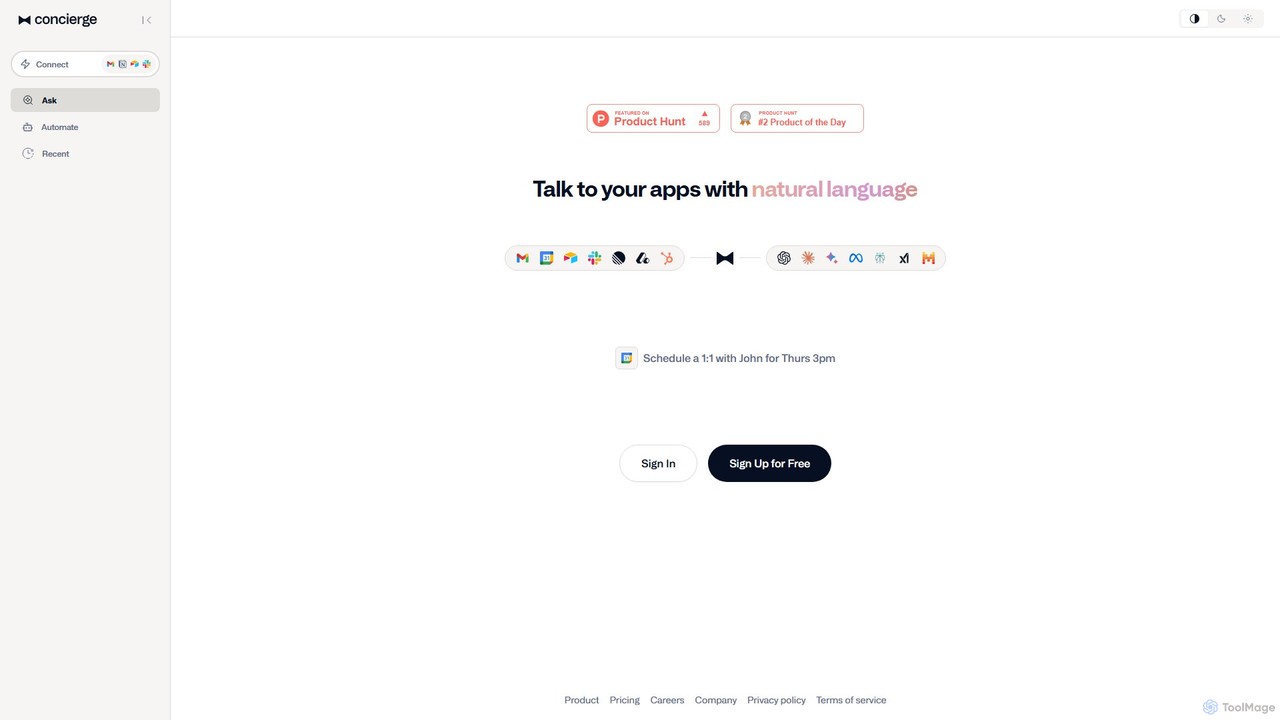
Concierge AI
Concierge AI is an intelligent assistant that connects to your applications, allowing you to manage tasks, schedule meetings, and automate workflows using simple natural language commands. It acts as a central hub for your digital tools, boosting productivity for individuals and teams.
Workflow Management
PromptBox Comments (0)
Sign in to comment.
Sign inNo comments yet.