ToolMage
Sign in

Best 8 Prompt Management AI tools for Productivity

Popular Prompt Management AI tools in Productivity include PromptFolder, PromptBox, PromptDrive, PromptPanda, Vidura, Prompt Dress, PromptSave, and QPNOTES, helping you work more efficiently.

PromptSave
Freemium

PromptSave

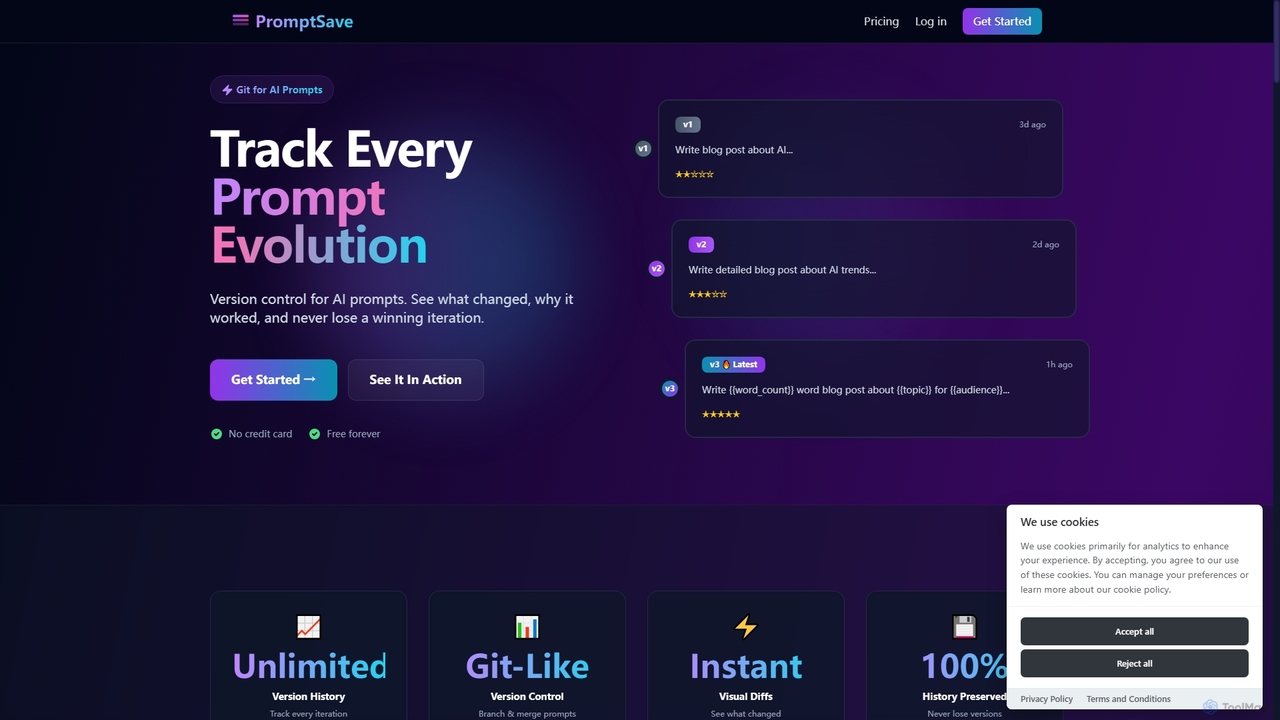
PromptSave is a version control system for AI prompts, designed like Git. It helps users track, manage, and optimize every iteration of their prompts for platforms like ChatGPT, Claude, and Gemini, ensuring no winning version is ever lost.

Version Control
Visits 5.6KFavorites 115Likes 104
QPNOTES
Freemium

QPNOTES

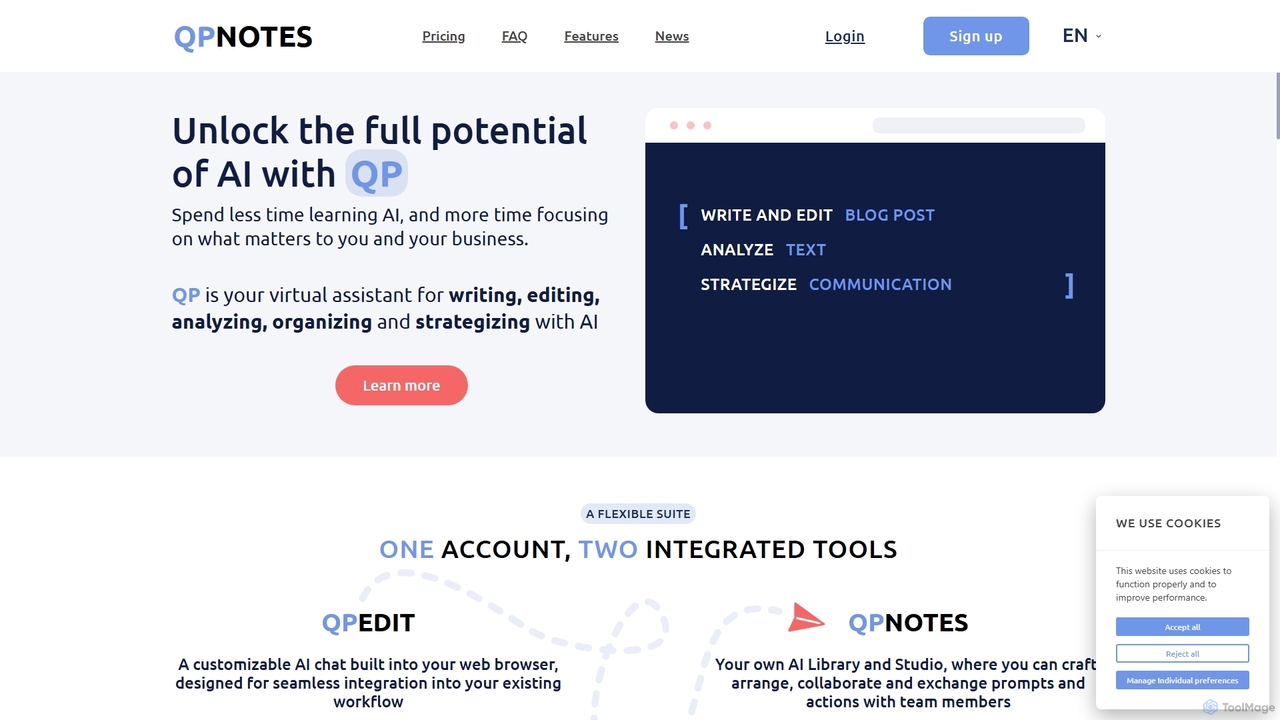
QPNOTES is an all-in-one AI prompt management platform designed to save, organize, and share your AI prompts. It features QPNOTES, a central library, and QPEDIT, a browser extension, allowing users to switch between top AI models like ChatGPT, Claude, and Bard, streamlining workflows and enhancing productivity for individuals and teams.

Api Management
Visits 5.6KFavorites 156Likes 159
Prompt Dress
Freemium

Prompt Dress

Prompt Dress is a powerful browser extension designed to manage, organize, and quickly access all your AI prompts. It acts as a central library, eliminating scattered text files and streamlining your workflow with AI models. Ideal for marketers, developers, writers, and anyone who frequently uses AI.

Workflow Automation
Visits 7.6KFavorites 140Likes 134
Vidura
Freemium

Vidura

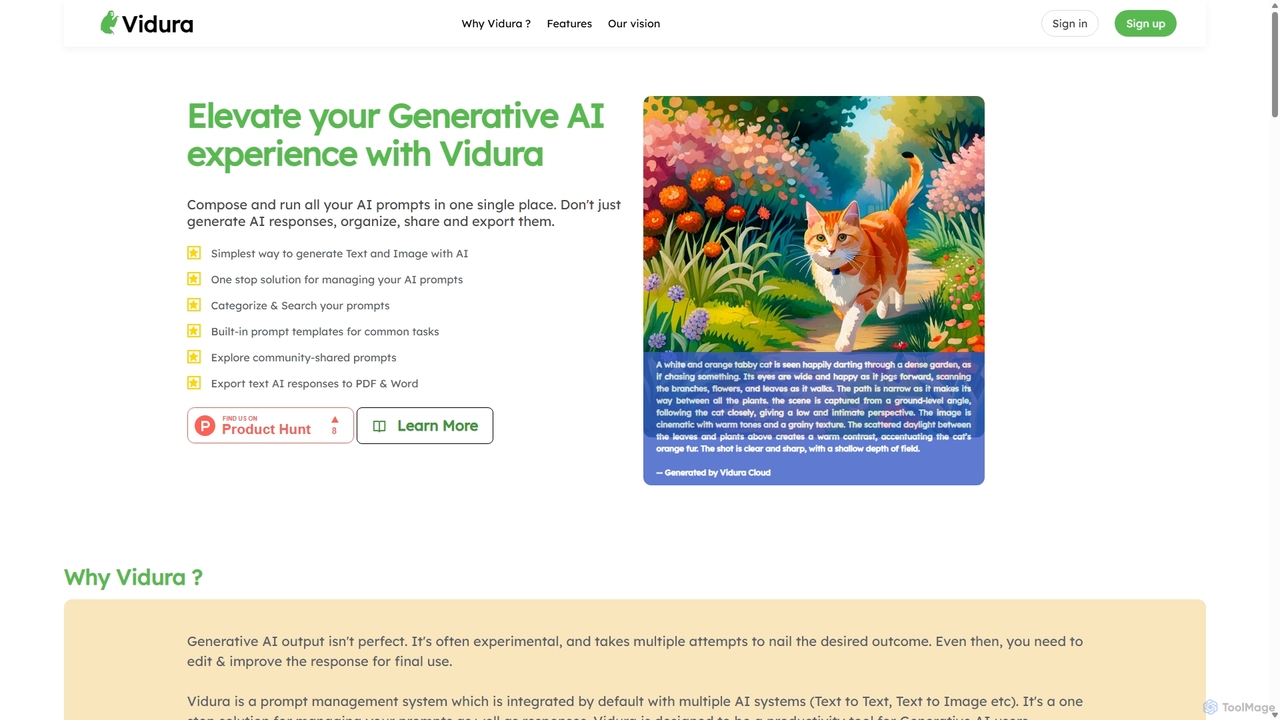
Vidura is a powerful prompt manager for generative AI, designed to help individuals and teams organize, create, test, and share AI prompts efficiently. It provides a centralized library for text and image prompts, featuring dynamic templates, version history, and secure team collaboration tools to streamline your AI workflow and enhance content generation.

Prompt Engineering
Visits 8.9KFavorites 155Likes 127
PromptDrive
Freemium

PromptDrive

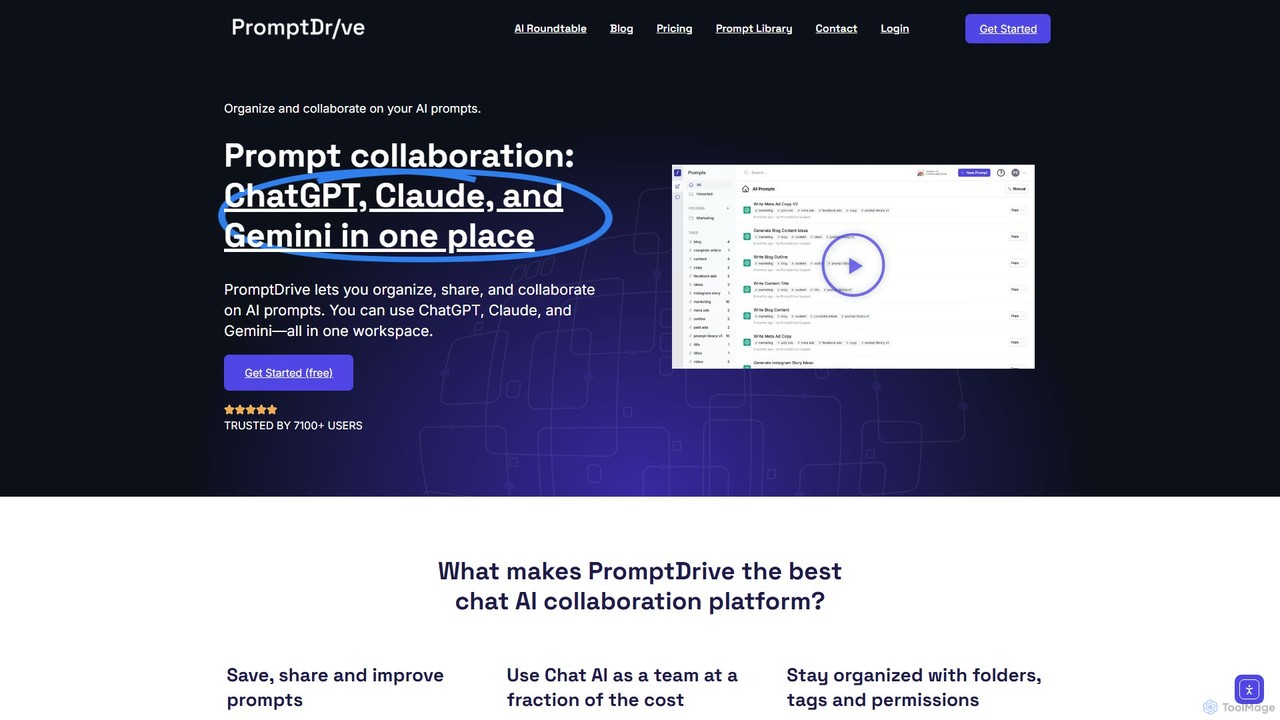
PromptDrive is a collaborative AI platform that helps teams organize, share, and execute prompts for ChatGPT, Claude, and Gemini in a single workspace. It streamlines AI workflows, enhances team productivity, and ensures consistent quality in AI-generated content through features like shared folders, prompt variables, and a unified interface.

Api Management
Visits 16.5KFavorites 116Likes 116
PromptFolder
Freemium

PromptFolder

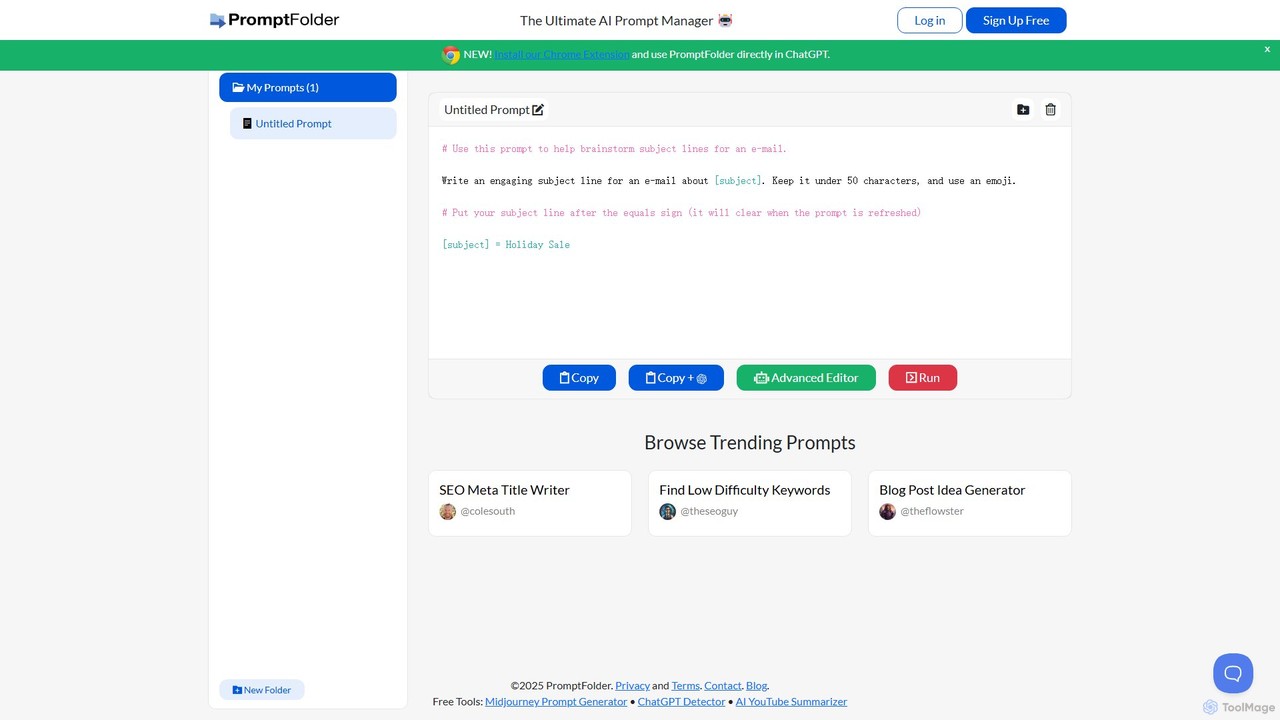
PromptFolder is a powerful AI prompt manager for ChatGPT, Midjourney, and other AI tools. It allows you to save, organize, and reuse your best prompts with features like folders, variables, and a dedicated Midjourney prompt builder. With its Chrome extension, you can access your entire prompt library directly within the ChatGPT interface, streamlining your workflow and boosting productivity.

Image Generation
Visits 34.4KFavorites 162Likes 164
PromptPanda
Freemium

PromptPanda

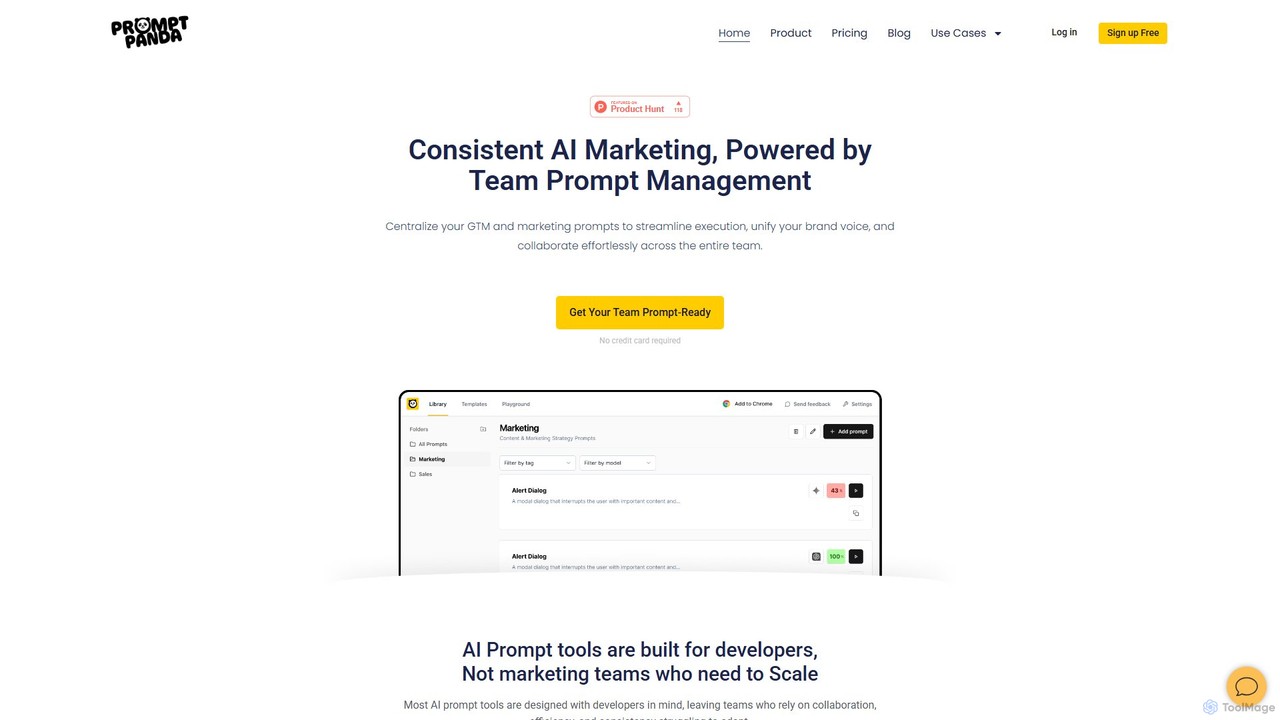
PromptPanda is a collaborative AI prompt management system designed for marketing teams. It helps centralize, organize, and optimize prompts to ensure brand consistency, streamline workflows, and enhance content creation. With features like a shared library, prompt variables, and a quality improver, it eliminates chaos and scales your team's AI efforts.

Content Creation
Visits 12.8KFavorites 113Likes 119
PromptBox
Freemium

PromptBox

PromptBox is a cross-platform text snippet manager designed to boost productivity. It allows you to organize, sync, and instantly paste frequently used text, such as AI prompts, email templates, and code snippets, across all your devices and applications using custom shortcuts.

Code Snippets
Visits 20KFavorites 130Likes 134

About Prompt Management

Prompt Management tools are a class of software designed to organize, version, test, and deploy prompts for large language models (LLMs). These platforms provide a centralized repository and structured workflow, moving beyond simple text files or spreadsheets. They enable teams to collaborate on prompt creation, track changes over time, and evaluate performance across different models or versions. This systematic approach is crucial for building reliable, scalable, and maintainable AI applications, significantly improving the productivity of developers and prompt engineers.

Core Features

  • Prompt Library: A centralized repository to store, categorize, and search for all prompts.
  • Version Control: Tracks changes to prompts, allowing users to revert to previous versions and compare iterations.
  • Collaborative Workspace: Enables team members to share, comment on, and co-edit prompts in a shared environment.
  • Testing & Evaluation: Provides frameworks for A/B testing prompts, comparing outputs, and scoring performance against defined metrics.
  • Templating & Variables: Allows the creation of dynamic prompts with placeholders that can be populated with data programmatically.

Use Cases

These tools are essential for teams developing AI-powered applications, such as customer service chatbots, content generation systems, or internal knowledge bases. Prompt engineers use them for systematic experimentation and optimization. Marketing and content teams leverage them to maintain brand voice consistency and share effective prompts for creative tasks.

How to Choose

When selecting a Prompt Management tool, consider its integration capabilities with your existing LLMs and development environments (e.g., via SDKs or APIs). Evaluate the robustness of its version control and collaboration features for your team's size. Also, assess the analytics and testing functionalities to ensure they meet your optimization needs, and consider the platform's security and data privacy policies.

Prompt Management use cases

1

Enterprise AI Application Development

An AI development team is building a sophisticated customer support chatbot. They manage hundreds of prompts for different user intents, error handling, and escalation paths. Using a Prompt Management tool, they create a centralized library, version each prompt as they refine it, and collaborate on improvements. The testing feature allows them to run automated evaluations to ensure that a change to one prompt doesn't negatively impact others, ensuring application stability and consistent performance before deploying updates.

2

Collaborative Content Creation for Marketing

A marketing team uses generative AI for creating ad copy, social media posts, and blog outlines. To maintain a consistent brand voice, they use a Prompt Management tool as a shared workspace. Senior marketers create and approve a set of 'golden' prompts. Junior members can then use these templates, filling in variables for specific campaigns. This ensures quality and consistency, reduces review time, and allows the team to quickly scale content production without diluting the brand's identity.

3

Systematic Prompt Engineering and Optimization

A dedicated prompt engineer is tasked with improving the accuracy of an LLM for a legal document analysis task. They use a Prompt Management tool to create dozens of prompt variations, experimenting with different phrasing, structures, and few-shot examples. The tool's A/B testing and evaluation features allow them to run these variations against a benchmark dataset and compare outputs side-by-side. The version control system meticulously tracks which changes led to performance gains, creating a documented, repeatable process for optimization.

4

Standardizing AI-Powered Customer Service Responses

A customer service department integrates an AI assistant to handle common queries. To ensure all responses are accurate, on-brand, and compliant, the support manager uses a Prompt Management platform. They create and lock approved prompts for various scenarios like 'password reset instructions' or 'shipping status query'. Support agents can then use these pre-approved prompts to get consistent AI-generated responses. This reduces agent error, speeds up response times, and ensures a uniform customer experience across the board.

5

Managing Prompts for Multilingual AI Systems

A global e-commerce company uses an LLM to generate product descriptions in ten languages. Managing prompt variations for each language in separate files would be chaotic. Instead, they use a Prompt Management tool to organize prompts by feature and then by language. This allows them to easily compare the structure of the English prompt with its German or Japanese counterparts. When they find an improvement to the base prompt structure, they can systematically apply and test that change across all languages, ensuring global consistency and quality.

6

Personal Knowledge Base and Prompt Toolkit

An individual researcher and writer uses various LLMs for brainstorming, summarizing articles, and drafting content. They have developed a personal collection of highly effective prompts for these tasks. Instead of keeping them in a messy text file, they use a Prompt Management tool to create a personal, searchable library. They tag prompts by task (e.g., 'summarization', 'idea-generation') and by model (e.g., 'GPT-4', 'Claude 3'). This organized toolkit allows them to quickly find and reuse their best prompts, dramatically speeding up their research and writing workflow.

Prompt Management FAQ

What is Prompt Management?

Prompt Management is the systematic process of creating, storing, testing, versioning, and deploying prompts used to interact with large language models (LLMs). Tools in this category provide a structured environment that goes beyond simple text editors, offering features like a central library, collaboration workspaces, version control, and performance analytics. The goal is to make the process of working with prompts more efficient, scalable, and reliable, especially for teams building AI applications.

How to choose a suitable Prompt Management tool?

When selecting a tool, consider these factors:

  • Integrations: Does it connect easily with the LLMs (e.g., OpenAI, Anthropic, Google) and platforms (e.g., GitHub, Slack) you already use?
  • Collaboration Features: Does it support team workspaces, user roles, and commenting features suitable for your team's workflow?
  • Testing and Analytics: What capabilities does it offer for A/B testing prompts, evaluating outputs, and tracking performance metrics over time?
  • Versioning and Deployment: How robust is its version control system? Does it provide SDKs or APIs for easy integration of prompts into your applications?
  • Security and Compliance: Does the platform meet your organization's security standards for data handling and privacy?
What's the difference between a text editor and a Prompt Management tool?

A text editor or spreadsheet is a simple, unstructured way to store prompts. A Prompt Management tool is a specialized platform built for the entire prompt lifecycle. Key differences include:

  • Structure: Management tools provide a centralized, searchable database, whereas text files are decentralized and hard to manage at scale.
  • Collaboration: They offer real-time collaboration, commenting, and access controls, which are absent in basic text editors.
  • Versioning: They automatically track every change, allowing you to compare versions and revert if needed. This must be done manually and is error-prone with text files.
  • Testing & Deployment: They integrate testing frameworks and deployment pipelines (via APIs/SDKs), connecting your prompts directly to your applications.
Who should use Prompt Management tools?

Prompt Management tools are valuable for a range of users, from individuals to large enterprises. Key user groups include:

  • AI/ML Engineers and Developers: Who need to integrate, test, and deploy prompts as part of larger software applications.
  • Prompt Engineers: Who specialize in systematically optimizing prompts for performance, accuracy, and efficiency.
  • Content and Marketing Teams: Who use generative AI for creative work and need to maintain brand consistency and collaborate on effective prompts.
  • Product Managers: Who oversee AI features and need visibility into the prompts that power them and their performance.
  • Individual Power Users: Who want to organize their personal library of effective prompts for research, writing, or other tasks.
Why is version control important for prompts?

Version control for prompts is crucial for several reasons. First, it provides a complete history of changes, allowing teams to understand how a prompt has evolved and revert to a previous, better-performing version if an update causes issues. Second, it enables systematic A/B testing and experimentation by making it easy to track and compare the performance of different prompt variations. Finally, for applications in production, version control is essential for stability and debugging. It allows developers to know exactly which version of a prompt is live and to trace issues back to specific changes.