

Blaze Overview
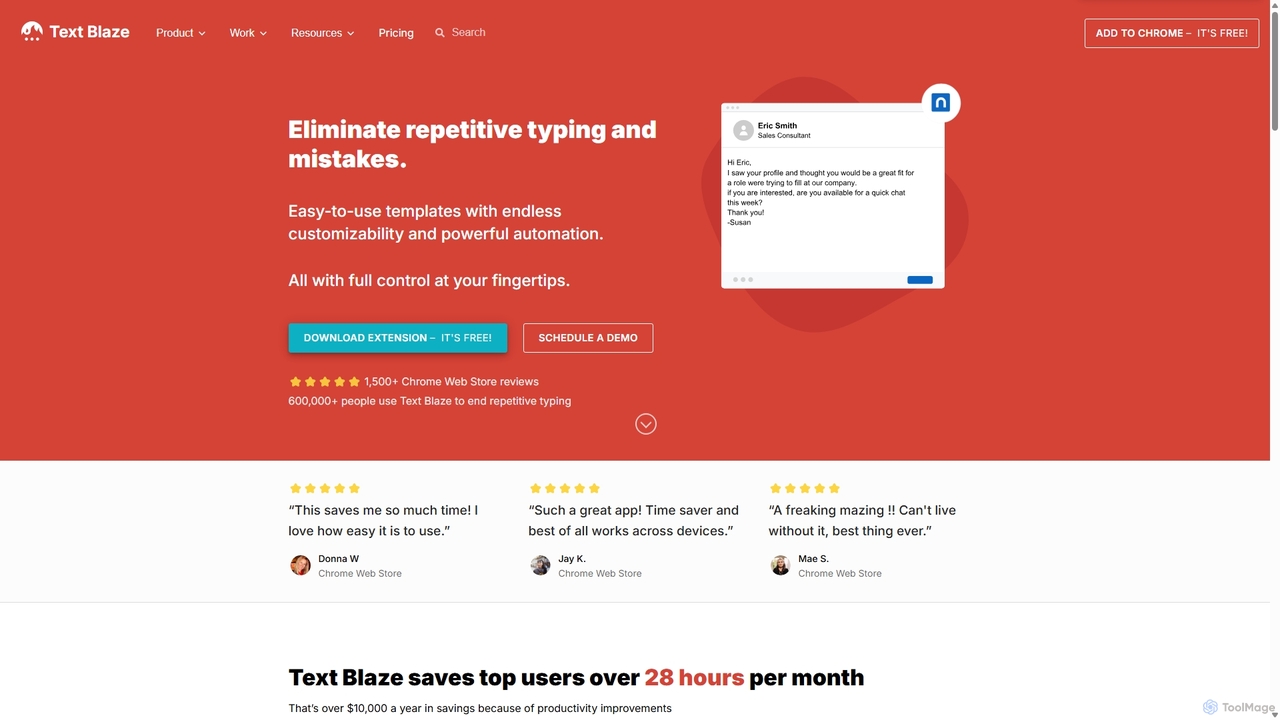
Blaze, widely known as Text Blaze, is an innovative productivity tool designed to eliminate repetitive typing and mistakes through the use of intelligent snippets and templates. It functions as a text expander on steroids, allowing individuals and teams to save vast amounts of time by automating frequently used text. Available as a Chrome Extension, a native macOS app, and a Windows app, Blaze integrates seamlessly into your workflow, working across virtually any site or application, including Gmail, Google Docs, Salesforce, LinkedIn, and more.
At its core, Blaze enables users to save any piece of text—from a simple greeting to a complex multi-paragraph email—as a 'snippet' and assign it a short, memorable keyboard shortcut. When the user types this shortcut, Blaze instantly replaces it with the full text, ensuring speed, accuracy, and consistency. This simple mechanism is the foundation for significant productivity gains, with top users saving over 28 hours per month.
How to use Blaze
Getting started with Blaze is straightforward and designed for immediate impact:
- Install the Tool: Add the Blaze extension to your Chrome browser or download the dedicated app for Windows or macOS. The setup process is quick and requires just a few clicks.
- Create Your First Snippet: Open the Blaze dashboard and create a new snippet. You can paste any text you frequently type. For example, a common thank-you message. Assign a simple shortcut to it, like '/ty'.
- Insert Anywhere: Go to any text field on the web or in your applications (like an email compose window). Type your shortcut ('/ty'), and Blaze will instantly insert the full 'Thank you' message.
- Explore Dynamic Features: For more advanced use, edit your snippet to include dynamic commands. Add a `{formtext}` field to insert a name, use `{time}` to add the current date, or create conditional logic with `{if}` to change the message based on specific criteria.
Core Features of Blaze
- Snippet & Template Management: Create, organize, and save unlimited text snippets with easy-to-remember keyboard shortcuts.
- Dynamic Content (Commands): Go beyond static text with powerful commands. Create interactive forms (`{formtext}`, `{formmenu}`), perform real-time calculations with formulas (`{=}`), insert dynamic dates and times, and use conditional logic (`{if/then}`) to adapt snippets to any situation.
- Autopilot Automation: Automate workflows within a webpage by simulating clicks, key presses (like Tab), and form submissions, turning complex multi-step processes into a single shortcut.
- Team Collaboration: Share snippet folders with your team to ensure everyone uses the most up-to-date, on-brand messaging. Features include centralized user management, roles (viewer, editor), change notifications, and usage analytics.
- Data Integration: Connect Blaze to other applications via API calls. Pull live data from external sources or read content directly from the current webpage (e.g., a customer's name from a support ticket) to personalize your snippets automatically.
- Data Blaze: An integrated spreadsheet/database feature that allows you to manage structured data and use it to dynamically populate your snippets, perfect for managing product info, price lists, or user data.
- Cross-Platform Support: Use Blaze seamlessly across Google Chrome, Windows, and macOS, ensuring your productivity is not tied to a single environment.
Use Cases for Blaze
Blaze is versatile and provides immense value across various roles and industries:
- Customer Support: Teams can share folders of canned responses for FAQs, troubleshooting steps, and closing messages. Dynamic forms allow agents to personalize responses with customer names and ticket numbers instantly, drastically reducing response times and improving satisfaction.
- Sales & Business Development: Sales representatives can create templates for outreach emails, follow-ups, and proposals. Using dynamic fields, they can personalize messages at scale, and with shared folders, the entire team can leverage the most effective messaging.
- HR & Recruiting: Recruiters can automate outreach messages to candidates, schedule interviews, and send rejection or offer letters. Snippets ensure consistency and save hours of manual typing each day.
- Healthcare Professionals: Clinicians can use Blaze for faster note-taking in electronic health records (EHRs) like Epic, ensuring notes are detailed, consistent, and completed efficiently.
- Individuals: Anyone can use Blaze to speed up daily tasks, from replying to common emails and filling out forms to coding and writing reports.
Advantages of Blaze
Blaze stands out from simple text expanders with its depth of functionality. Key advantages include:
- Massive Time Savings: Automates the most tedious part of many jobs—typing—freeing up time for more critical tasks.
- Enhanced Consistency and Accuracy: Eliminates typos and ensures that all communications, whether internal or external, adhere to company standards and brand voice.
- Powerful Workflow Automation: Autopilot and dynamic commands allow users to automate entire processes, not just text insertion.
- Seamless Collaboration: Shared folders and team management features make it the perfect tool for organizations looking to standardize communication and onboard new members quickly.
- Endless Customizability: The combination of forms, formulas, and conditional logic allows for the creation of highly intelligent and adaptable templates for any scenario.
Pricing and Plans
Blaze offers a freemium model to suit different needs:
- Free: Perfect for individuals getting started. Includes limited snippets and limited snippet sharing.
- Pro ($2.99/month, billed yearly): Ideal for power users. Offers more snippet sharing, full access to forms, support for images and tables, and dynamic rules.
- Business ($6.99/user/month, billed yearly): Designed for teams. Includes everything in Pro plus unlimited snippet sharing, centralized user management, collaboration features, and organization-wide usage reporting.
- Enterprise (Custom Pricing): For large organizations requiring advanced features like SAML SSO, dedicated support, implementation consulting, and event audit logs.
Traffic
Latest traffic
Status
Monthly traffic trend
- 2025-9: 1.0M
- 2026-1: 916.5K
- 2026-2: 838.4K
- 2026-3: 870.3K
- 2026-4: 796.3K
- 2026-5: 820.3K
Geography
Top 5 countries / regions
- 🇺🇸United States64.2%
- 🇮🇳India14.7%
- 🇧🇷Brazil9.5%
- 🇬🇧United Kingdom7.1%
- 🇩🇪Germany4.4%
Traffic sources
| Source type | Percentage |
|---|---|
Direct | 87.5% |
Referral | 6.5% |
Email | 6.0% |
Top keywords
| Keyword | Cost per click |
|---|---|
| ai blaze | $2.08 |
| blaze | $1.48 |
| text blaze | $1.81 |
| textblaze | $2.01 |
| text blaze extension | $0.74 |
Blaze Videos on YouTube

Easy Access Tech

Easy Access Tech

I’m here to help you!

Simplifi Digitals



BTECH N STUFF
Blaze Alternatives
Strawberry Browser
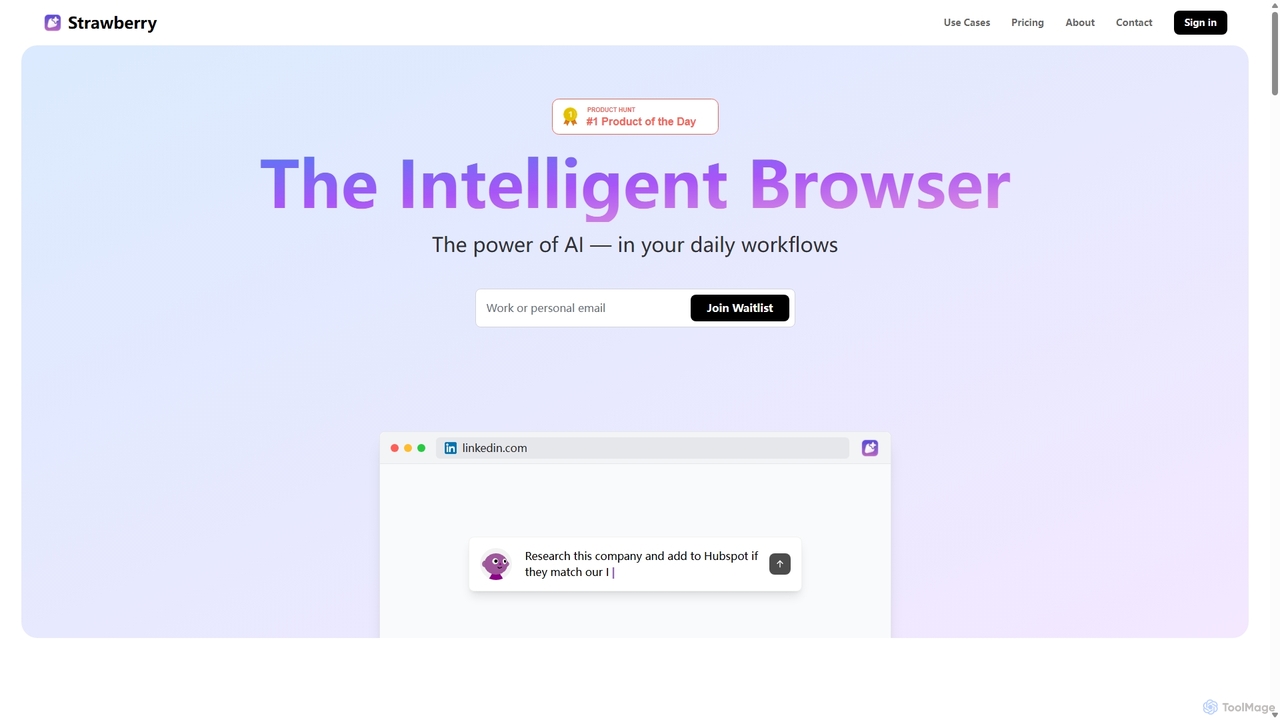
Strawberry Browser is an intelligent, AI-powered browser designed to automate your daily workflows. It allows you to build a team of customizable AI assistants that handle repetitive tasks like research, data extraction, and lead generation directly within your browser. Eliminate grunt work, stay focused, and enhance your productivity.
Ai Assistant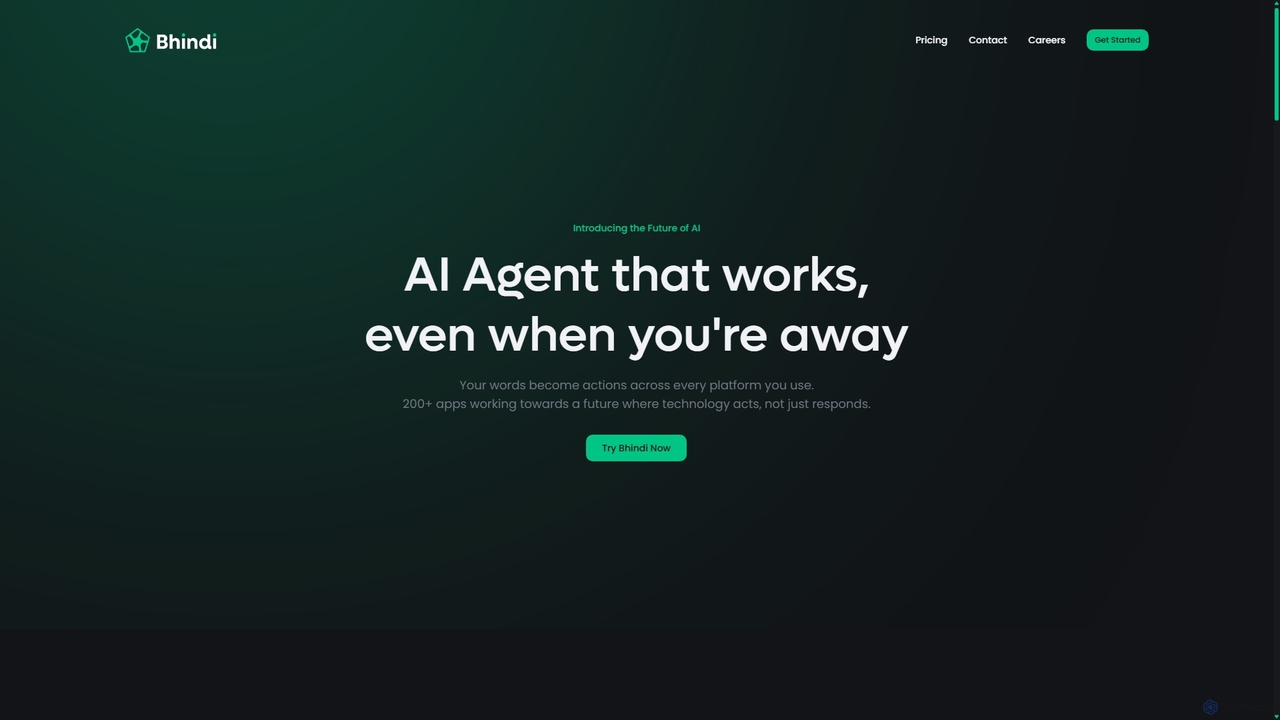
Bhindi
Bhindi is an AI agent platform that automates complex tasks and workflows across over 200 applications using simple natural language commands. It acts as an intelligent assistant that works in the background, connecting your favorite tools like Gmail, Slack, and Notion to execute multi-step actions, turning your words into a seamless, automated reality.
Personal Assistant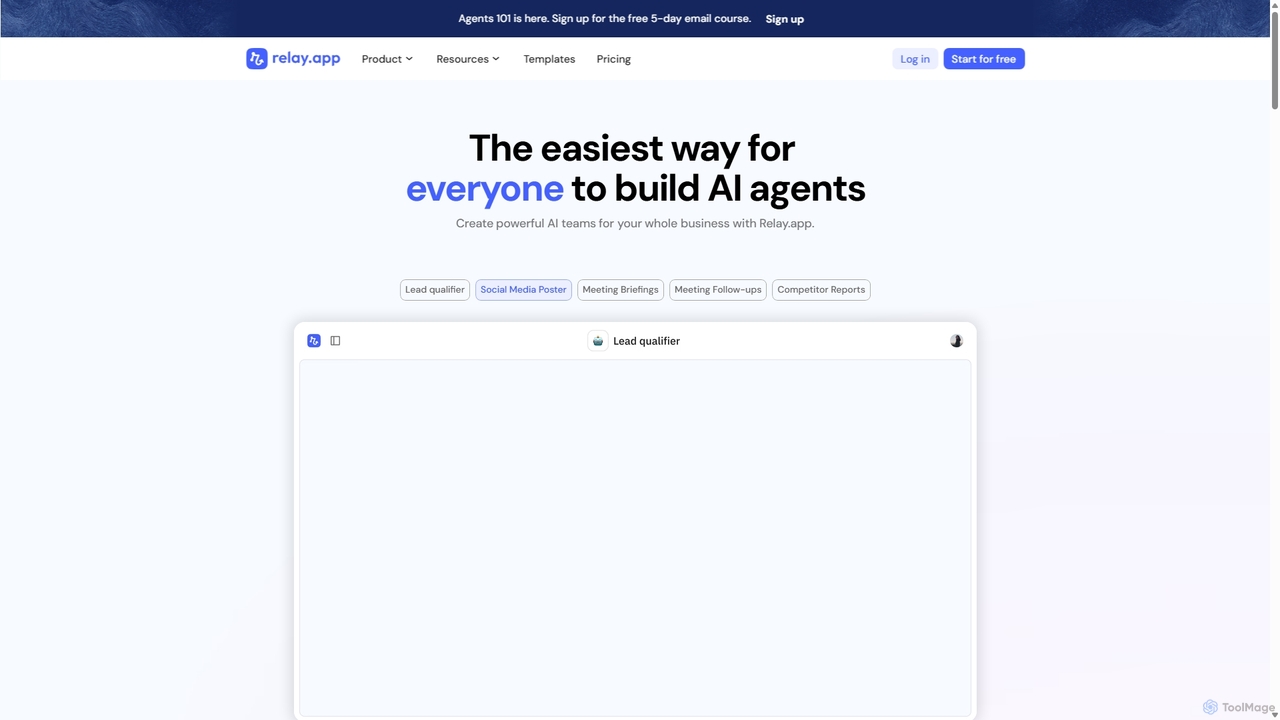
Relay.app
Relay.app is an intuitive no-code platform for building powerful AI agents and automating complex workflows. It uniquely combines AI-driven steps with 'human-in-the-loop' checkpoints for approvals and data entry. With over 100 integrations and a user-friendly interface, it simplifies processes for sales, marketing, and operations, making it a powerful alternative to tools like Zapier and Make.com.
Workflow Management
Aify
Aify is a no-code AI platform that empowers users to build custom AI-powered applications and automate complex workflows. Integrate top AI models through a visual drag-and-drop interface to create tools for content generation, data analysis, and process automation without writing any code.
Workflow Management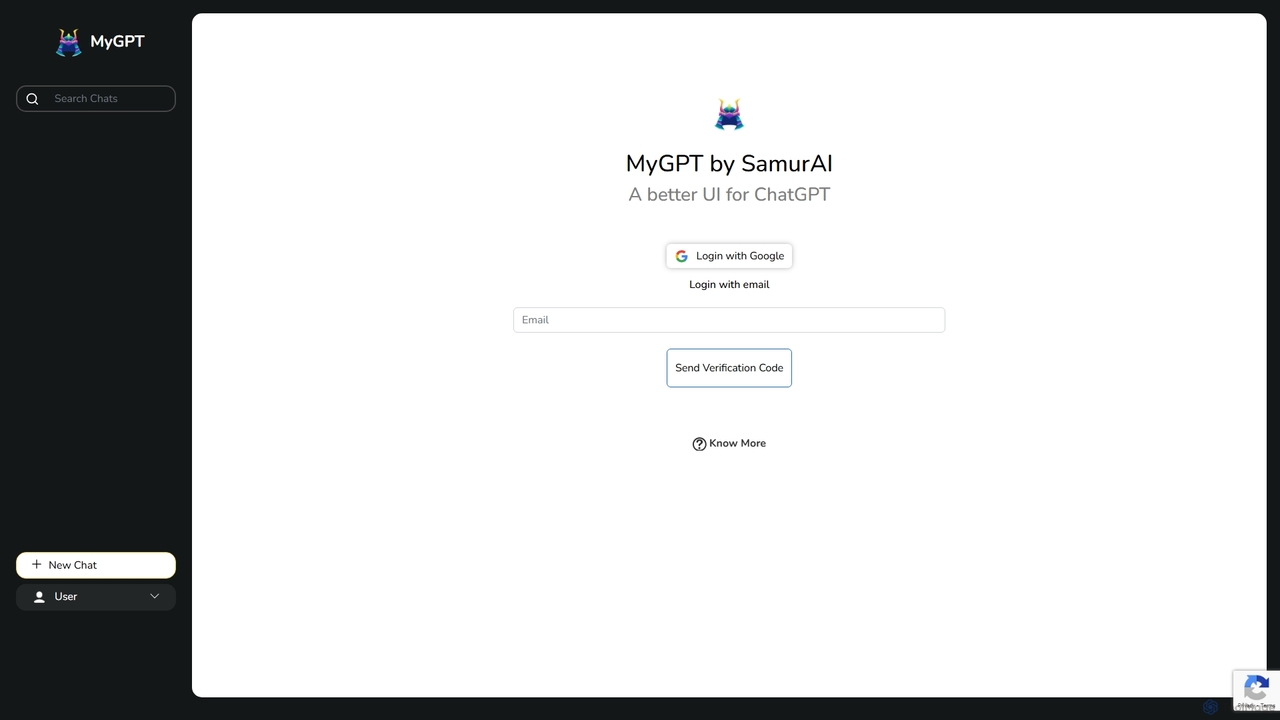
MyGPT
MyGPT is an advanced platform offering a superior UI for ChatGPT, enhanced with powerful features like AutoGPT for autonomous tasks, EmbedAI for custom website chatbots, and GPT Actions for real-world API integrations. Build, automate, and deploy AI with ease.
ChatbotsBlaze Categories
Blaze Jobs
Blaze Embed Widget
Copy this embed code to place the badge on your blog, article, or product site and send readers directly to this ToolMage detail page.

Related AI tools
Strawberry Browser
Strawberry Browser is an intelligent, AI-powered browser designed to automate your daily workflows. It allows you to build a team of customizable AI assistants that handle repetitive tasks like research, data extraction, and lead generation directly within your browser. Eliminate grunt work, stay focused, and enhance your productivity.
Ai Assistant
Jyek
Jyek is an AI agent platform that understands objectives, creates execution plans, uses tools, and delivers verifiable results for complex, multi-step tasks.
AutomationBhindi
Bhindi is an AI agent platform that automates complex tasks and workflows across over 200 applications using simple natural language commands. It acts as an intelligent assistant that works in the background, connecting your favorite tools like Gmail, Slack, and Notion to execute multi-step actions, turning your words into a seamless, automated reality.
Personal Assistant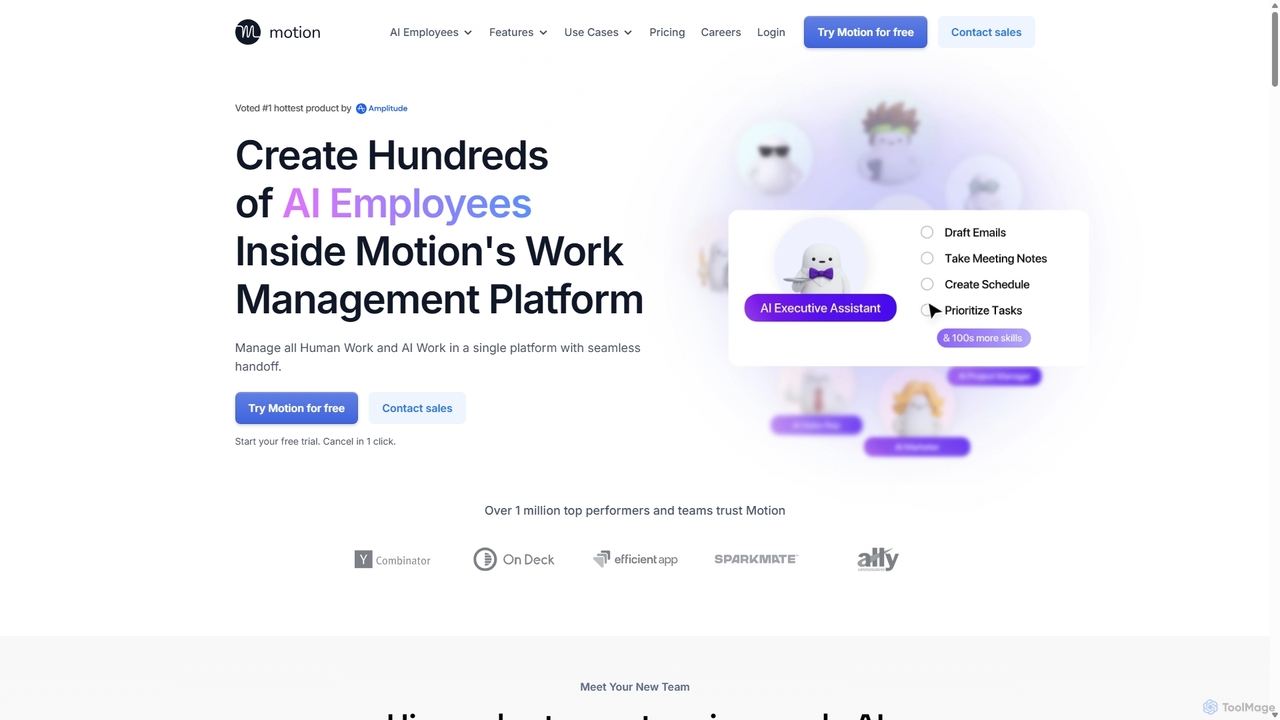
Motion
Motion is an AI-powered platform that provides a suite of AI Employees and productivity tools to automate tasks, manage projects, and organize schedules. It's designed to 10x your team's output by handling everything from calendar management and email replies to sales outreach and customer support, all within a single integrated workspace.
Virtual Assistant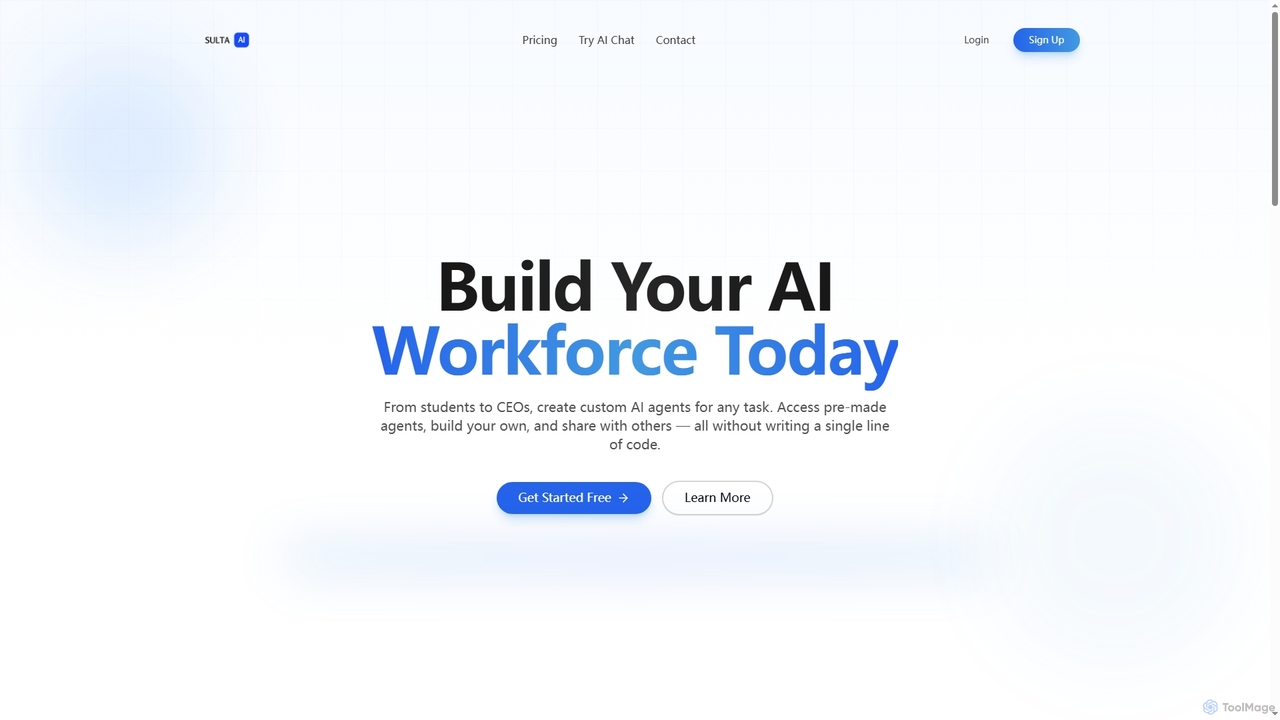
Sulta AI
Sulta AI is a no-code platform empowering users to build and deploy custom AI agents for any task, from student research to business operations. It offers a rich library of pre-built agents, community sharing, and data training capabilities to revolutionize individual and team workflows without writing a single line of code.
Content GenerationAify
Aify is a no-code AI platform that empowers users to build custom AI-powered applications and automate complex workflows. Integrate top AI models through a visual drag-and-drop interface to create tools for content generation, data analysis, and process automation without writing any code.
Workflow Management
carlos_app
carlos_app is an intelligent AI personal assistant designed to streamline your workflow, manage tasks, automate scheduling, and enhance communication. It acts as your proactive partner, helping you focus on what truly matters by handling the administrative details.
Task Management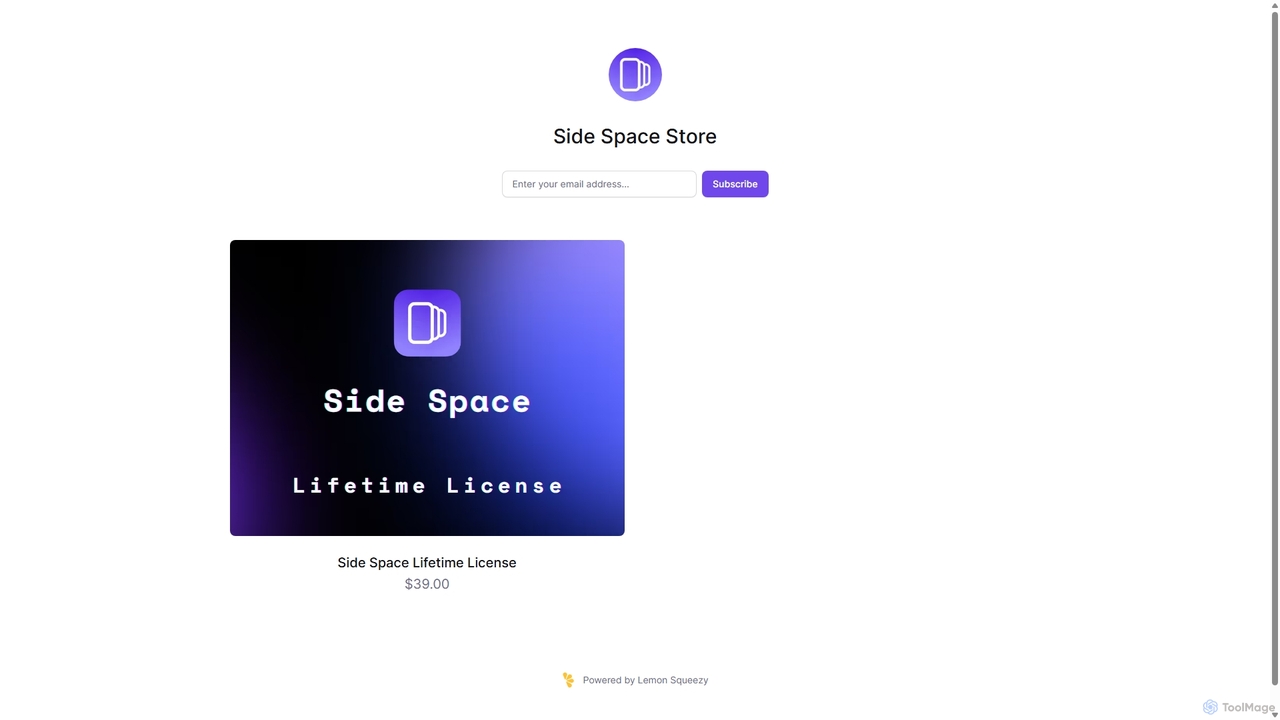
Side Space
Side Space is a powerful AI assistant that integrates seamlessly into your desktop workflow. It operates from a convenient sidebar, providing instant access to AI-powered tools for writing, coding, and general productivity without ever leaving your current application. Enhance your efficiency with contextual actions on selected text and customizable commands.
Code AssistantRelay.app
Relay.app is an intuitive no-code platform for building powerful AI agents and automating complex workflows. It uniquely combines AI-driven steps with 'human-in-the-loop' checkpoints for approvals and data entry. With over 100 integrations and a user-friendly interface, it simplifies processes for sales, marketing, and operations, making it a powerful alternative to tools like Zapier and Make.com.
Workflow ManagementMyGPT
MyGPT is an advanced platform offering a superior UI for ChatGPT, enhanced with powerful features like AutoGPT for autonomous tasks, EmbedAI for custom website chatbots, and GPT Actions for real-world API integrations. Build, automate, and deploy AI with ease.
Chatbots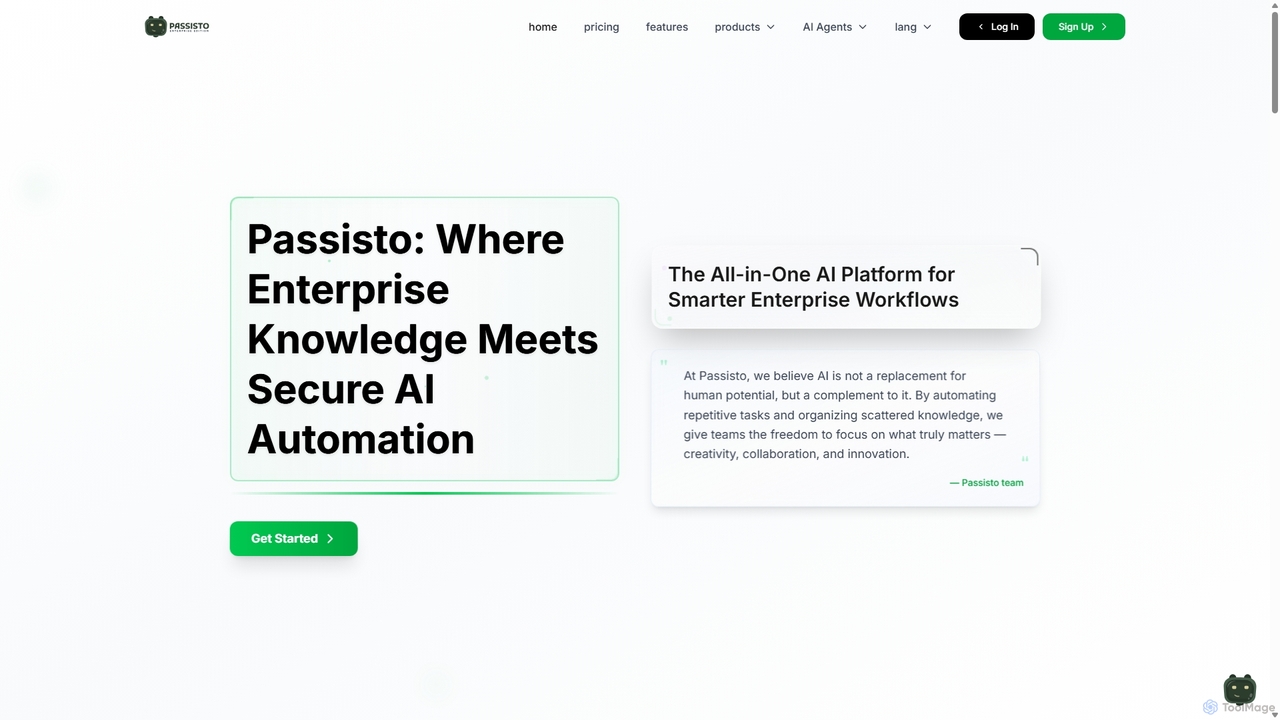
Passisto
Passisto is an enterprise-grade AI platform featuring built-in agents to enhance productivity. It includes an AI Email Builder for crafting context-aware communications, an AI Interviewer for streamlining recruitment, and an upcoming Form Builder. Passisto is designed to amplify human creativity, save time, and improve decision-making in business environments.
Operations
Orimon.ai
Orimon.ai is a no-code platform for building intelligent generative AI chatbots. It helps businesses automate 24/7 customer support, qualify leads conversationally, and streamline internal queries. Deploy smart AI agents across your website, WhatsApp, Instagram, and more, with support for over 150 languages and seamless integrations with your existing tools.
Chatbot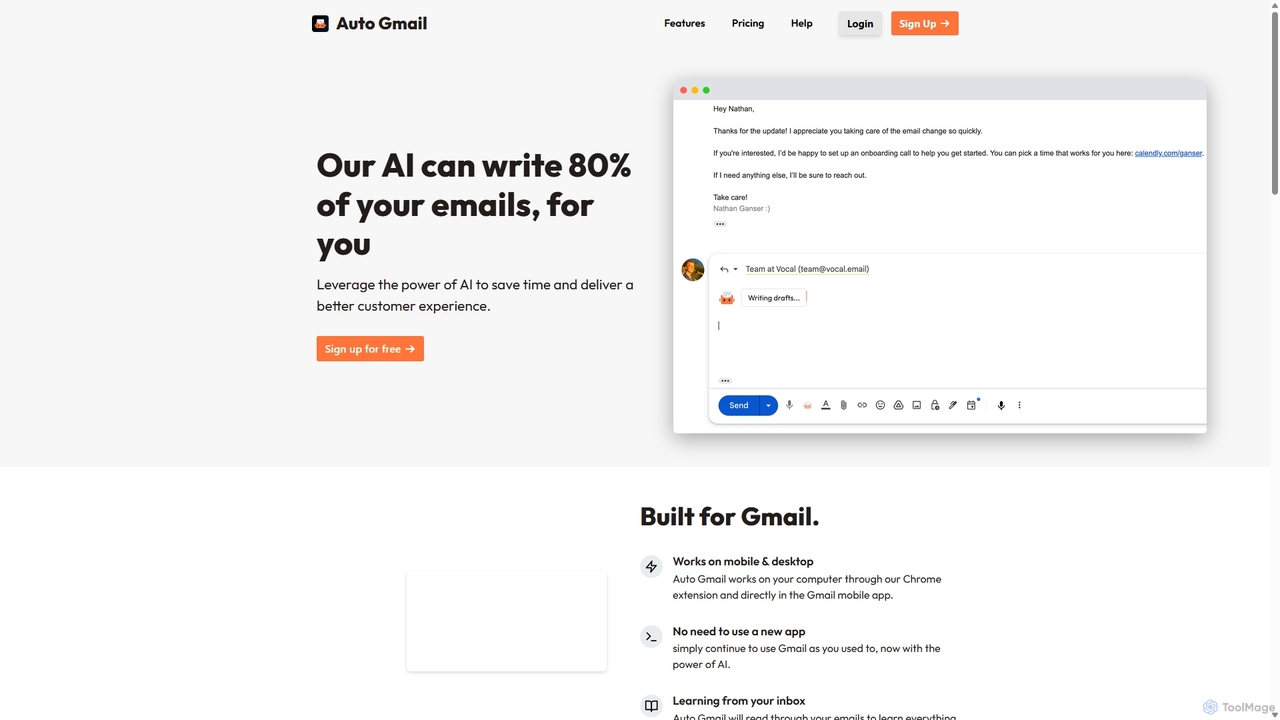
Auto Gmail
Auto Gmail is an AI-powered assistant for Gmail that learns your writing style to automatically draft email replies. It integrates seamlessly into your inbox via a Chrome extension, aiming to write 80% of your emails, saving you time and enhancing customer communication.
Email Management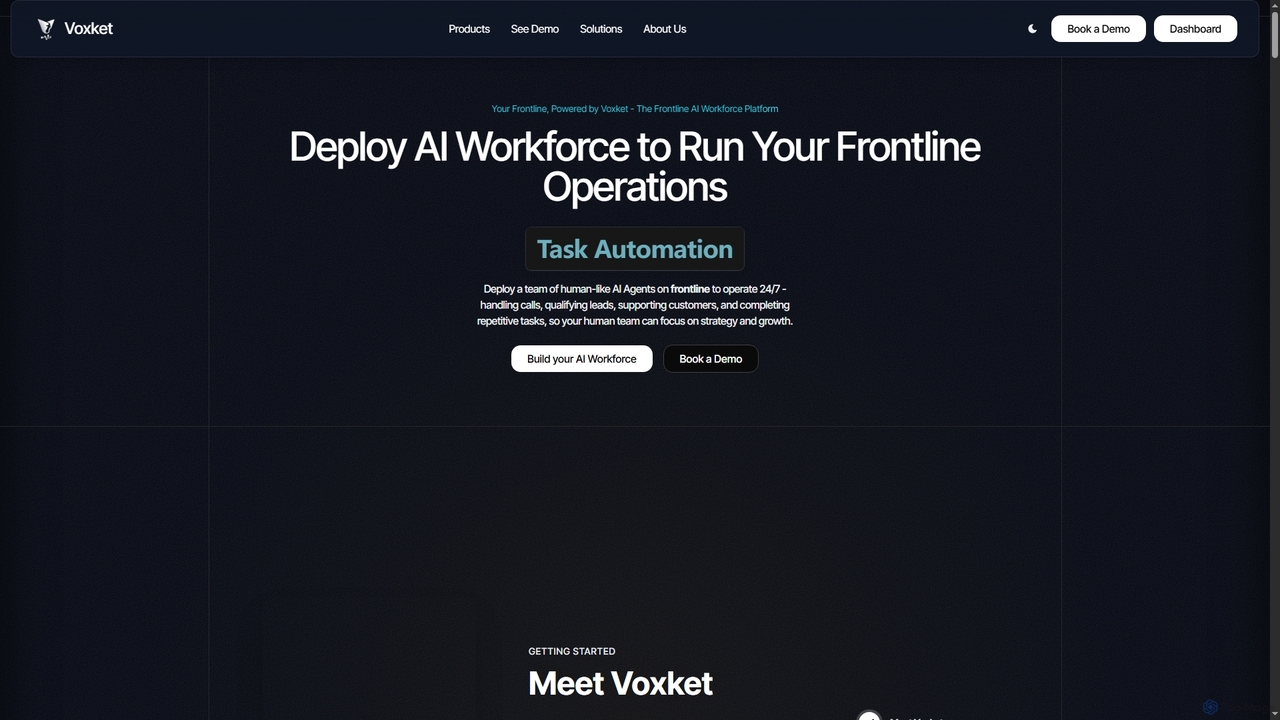
Voxket
Voxket is a frontline AI workforce platform that enables businesses to deploy human-like AI agents for 24/7 operations. It automates customer support, lead qualification, and repetitive tasks across voice, chat, IVR, and video, allowing human teams to focus on strategic growth.
Voice Assistants
Tingo.ai
Tingo.ai is an AI-powered productivity and workflow automation platform designed for modern teams. It integrates with your existing tools like Slack and Jira to automate meeting summaries, task management, and knowledge base creation, helping your team stay aligned and focus on what matters most.
Project Management
Blaze Comments (0)
Sign in to comment.
Sign inNo comments yet.