
Lightkey Overview
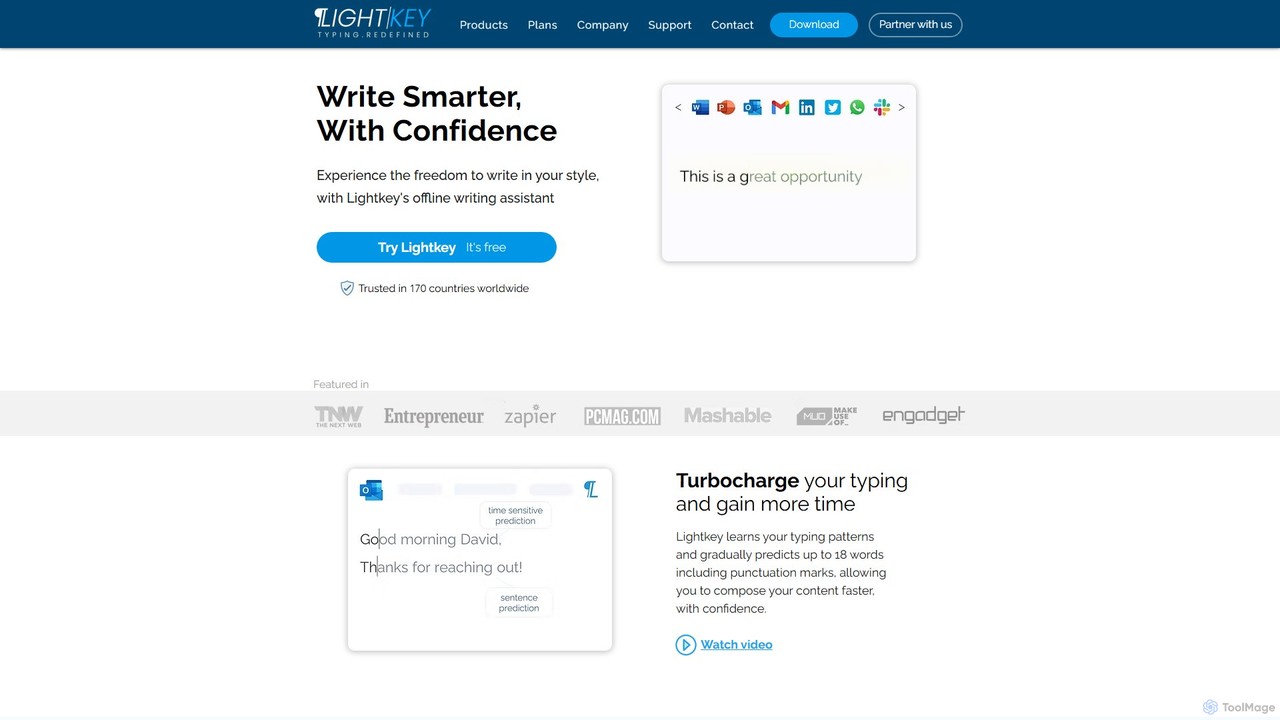
Lightkey is a sophisticated AI-powered writing assistant designed for the Windows operating system, engineered to dramatically enhance your typing productivity and confidence. It acts as an intelligent companion that learns your unique typing patterns and vocabulary over time. By analyzing your writing style, Lightkey provides highly relevant, real-time predictions of up to 18 words, including punctuation. This allows you to compose emails, documents, and messages significantly faster. Beyond simple prediction, the tool also offers inline spelling and grammar corrections, enabling you to fix mistakes without interrupting your workflow. A key differentiator is its commitment to privacy; Lightkey processes all data locally on your machine and never sends your content to the cloud, making it a secure choice for both individuals and corporations, including Fortune 500 companies.
How to use Lightkey
Getting started with Lightkey is a simple and straightforward process:
- Download and Install: Visit the official Lightkey website and download the installer. Run the installation file and follow the on-screen prompts. The setup is quick and requires minimal configuration.
- Initial Tutorial: Upon first launch, Lightkey presents a short, interactive tutorial. This guide effectively demonstrates how the prediction and correction features work, ensuring you can leverage its power from day one.
- Start Typing: Lightkey automatically integrates with your existing applications. Simply open Microsoft Word, Outlook, or a supported browser like Chrome or Edge and begin typing as you normally would.
- Accept Suggestions: As you type, Lightkey will display predictions in a light grey font ahead of your cursor. To accept a full-word or multi-word suggestion, simply press the 'Tab' key.
- Correct Mistakes: If you make a spelling or grammatical error, Lightkey's prediction will often be the corrected version. Pressing 'Tab' will accept the suggestion, fixing the mistake and continuing your sentence seamlessly.
- Personalization: Continue using Lightkey across your daily tasks. The AI engine will continuously learn from your input, making its predictions increasingly accurate and tailored to your personal or professional writing style.
Core Features of Lightkey
- AI-Powered Predictive Typing: Proactively suggests up to 18 words, including punctuation, based on the context of your writing, significantly accelerating your typing speed.
- Real-Time Spelling & Grammar Correction: Intelligently identifies and corrects errors as you type, allowing you to maintain focus and flow without needing to backtrack.
- Personalized Learning Engine: Adapts to your individual writing style, vocabulary, and tone. It learns the words and phrases you use most often to deliver a highly customized experience.
- Specialized Content Domains: Comes equipped with over 60 industry-specific content domains, including technology, academia, legal, and finance, providing accurate terminology for professionals.
- Offline & Secure: All data processing occurs locally on your device. Your content is never uploaded to the cloud, guaranteeing absolute privacy and confidentiality.
- Seamless Integration: Natively supports Microsoft Office 2010-2024 and Office 365 (Word, Outlook, PowerPoint) and provides browser extensions for Chrome and Edge, enabling it on millions of websites and web apps like Gmail, Slack, Trello, Notion, and more.
Use Cases for Lightkey
Lightkey is a versatile tool beneficial for a wide range of users:
- Business Professionals: Accelerate the drafting of emails, reports, presentations, and proposals. Maintain a professional tone with fewer errors.
- Students and Academics: Write essays, research papers, and dissertations more efficiently. Leverage academic-specific vocabularies for more precise writing.
- Customer Support Teams: Respond to customer inquiries faster in helpdesk software, ensuring quick and consistent communication.
- Writers and Bloggers: Overcome writer's block and maintain a steady writing pace. Focus on creativity while Lightkey handles the mechanics.
- Legal Professionals: Draft legal documents with speed and accuracy using the specialized legal content domain.
- Anyone Who Types on Windows: From social media posts to online chats, Lightkey helps everyone communicate faster and more effectively.
Advantages of Lightkey
The primary advantages of using Lightkey include:
- Massive Time Savings: By predicting text and reducing keystrokes, users can save hours of typing time each month.
- Improved Writing Quality: Real-time corrections minimize embarrassing typos and grammatical mistakes, resulting in more polished and professional communication.
- Uninterrupted Workflow: The non-intrusive nature of the suggestions and corrections helps users stay in a state of flow, enhancing focus and productivity.
- Uncompromised Privacy: The offline-first approach makes it one of the most secure writing assistants on the market, ideal for handling sensitive information.
- Deep Personalization: The tool becomes more valuable over time as it fine-tunes its suggestions to your unique voice.
Pricing and Plans
Lightkey operates on a freemium model, offering plans for different user needs:
- Lightkey Free: A completely free version that provides basic text prediction and correction features. It's an excellent starting point for individual users to experience the core benefits.
- Lightkey Pro: A premium subscription plan designed for professionals and power users. This plan unlocks unlimited predictions, access to all 60+ specialized content domains, and other advanced productivity features. For the most current pricing and plan details, please visit the official Lightkey website.
Traffic
Latest traffic
Status
Monthly traffic trend
- 2025-9: 26.3K
- 2026-1: 16.1K
- 2026-2: 12.2K
- 2026-3: 14.5K
- 2026-4: 13.2K
- 2026-5: 13.7K
Geography
Top 5 countries / regions
- 🇺🇸United States38.5%
- 🇻🇳Vietnam27.0%
- 🇮🇳India14.6%
- 🇩🇪Germany12.4%
- 🇨🇦Canada7.5%
Top keywords
| Keyword | Cost per click |
|---|---|
| any ai assistant help with typing, writing in any windows for windows 11 | $0.00 |
| cotypist аналог для windows | $0.00 |
| lightkey | $3.66 |
| predictive text app | $0.00 |
| word prediction completer online | $0.00 |
Lightkey Alternatives
kwirk
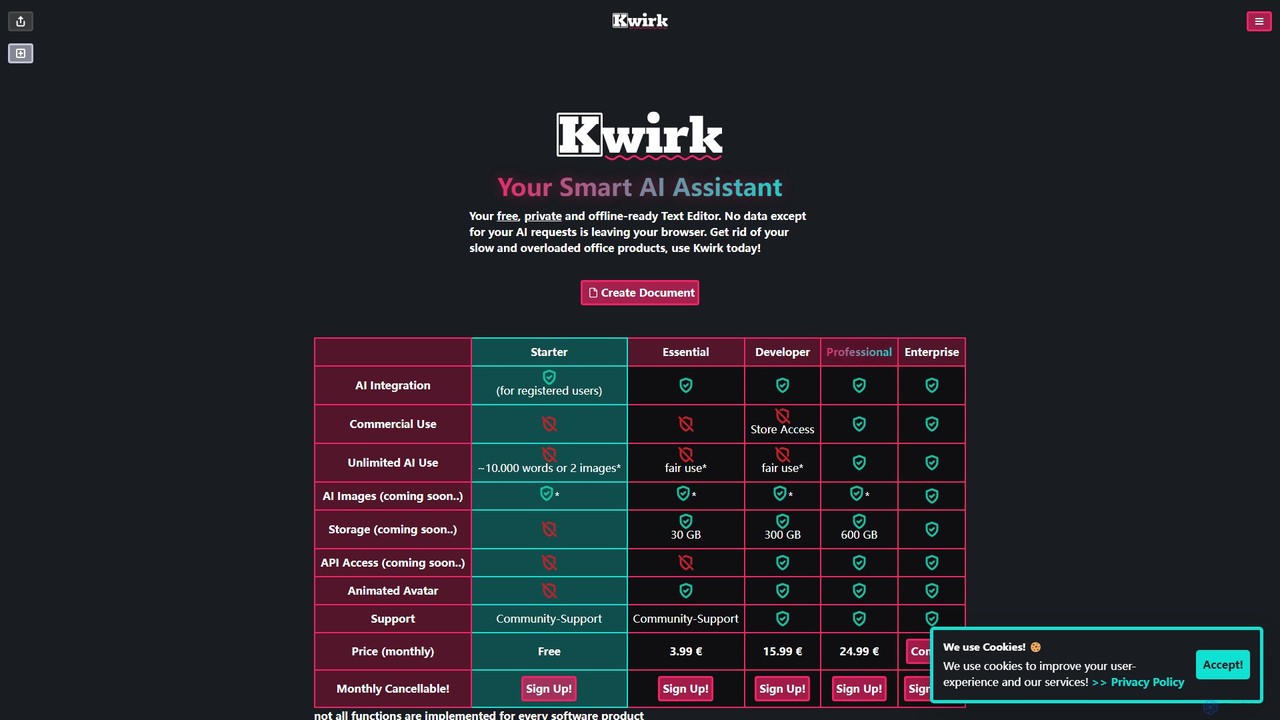
Kwirk is a privacy-focused, offline-ready text editor enhanced with a smart AI assistant. It offers a lightweight and fast alternative to traditional office suites, allowing users to write, edit, summarize, and generate content securely within their browser. It provides both free and paid plans for individuals, developers, and businesses.
Summarizer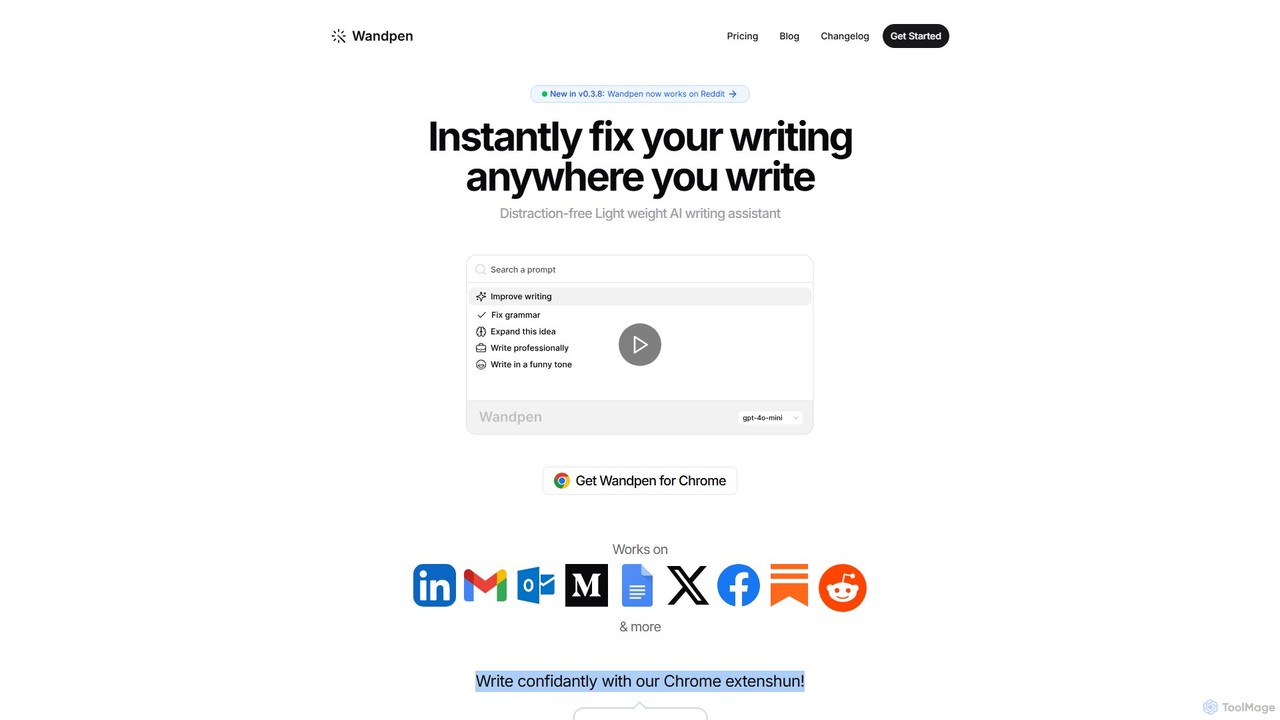
Wandpen
Wandpen is a lightweight AI writing assistant for Chrome that seamlessly integrates into your workflow. It allows you to instantly fix grammar, rewrite text, and brainstorm ideas directly on any website, including Google Docs, Reddit, and LinkedIn. By eliminating the need to switch tabs, Wandpen boosts your productivity and writing confidence using powerful AI models like GPT-4o, Claude 3.5, and Gemini.
Chrome Extensions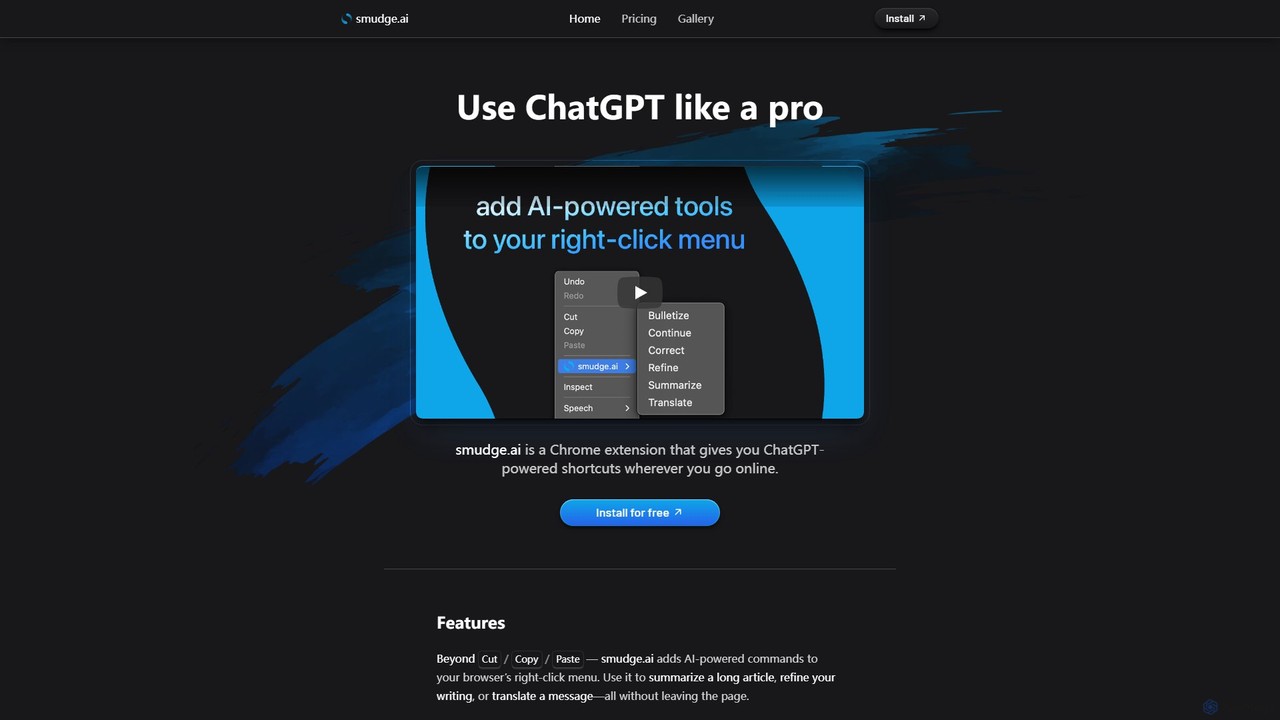
smudge.ai
smudge.ai is a powerful Chrome extension that integrates ChatGPT-powered shortcuts directly into your browser's right-click menu. Instantly summarize articles, refine your writing, translate text, and create custom commands without ever leaving your current page, streamlining your online workflow.
Chrome Extensions
Pointer AI
Pointer AI is a powerful Chrome extension that integrates ChatGPT-like capabilities directly into Google Docs. It streamlines your writing and editing process by allowing the AI to make changes directly in your document, eliminating the tedious copy-pasting and reformatting. Watch as it types out suggestions for you to approve, preserving your original document styling.
Chrome Extensions
Read Easy.ai
Read Easy.ai is an AI-powered tool designed to enhance text accessibility. It simplifies complex text for individuals with low literacy skills or dyslexia through Microsoft Office add-ins, a Chrome extension, and a developer API, supporting multiple languages and platforms.
ReadabilityLightkey Categories
Lightkey Embed Widget
Copy this embed code to place the badge on your blog, article, or product site and send readers directly to this ToolMage detail page.

Related AI tools
kwirk
Kwirk is a privacy-focused, offline-ready text editor enhanced with a smart AI assistant. It offers a lightweight and fast alternative to traditional office suites, allowing users to write, edit, summarize, and generate content securely within their browser. It provides both free and paid plans for individuals, developers, and businesses.
Summarizer
Pinbot
Pinbot is a privacy-focused, AI-powered bookmark manager that works as a Chrome extension. It automatically summarizes web pages, suggests relevant tags, and allows you to search your bookmarks using natural language. All data is stored and processed locally on your device, ensuring complete privacy.
ChromeWandpen
Wandpen is a lightweight AI writing assistant for Chrome that seamlessly integrates into your workflow. It allows you to instantly fix grammar, rewrite text, and brainstorm ideas directly on any website, including Google Docs, Reddit, and LinkedIn. By eliminating the need to switch tabs, Wandpen boosts your productivity and writing confidence using powerful AI models like GPT-4o, Claude 3.5, and Gemini.
Chrome Extensionssmudge.ai
smudge.ai is a powerful Chrome extension that integrates ChatGPT-powered shortcuts directly into your browser's right-click menu. Instantly summarize articles, refine your writing, translate text, and create custom commands without ever leaving your current page, streamlining your online workflow.
Chrome ExtensionsPointer AI
Pointer AI is a powerful Chrome extension that integrates ChatGPT-like capabilities directly into Google Docs. It streamlines your writing and editing process by allowing the AI to make changes directly in your document, eliminating the tedious copy-pasting and reformatting. Watch as it types out suggestions for you to approve, preserving your original document styling.
Chrome ExtensionsRead Easy.ai
Read Easy.ai is an AI-powered tool designed to enhance text accessibility. It simplifies complex text for individuals with low literacy skills or dyslexia through Microsoft Office add-ins, a Chrome extension, and a developer API, supporting multiple languages and platforms.
Readability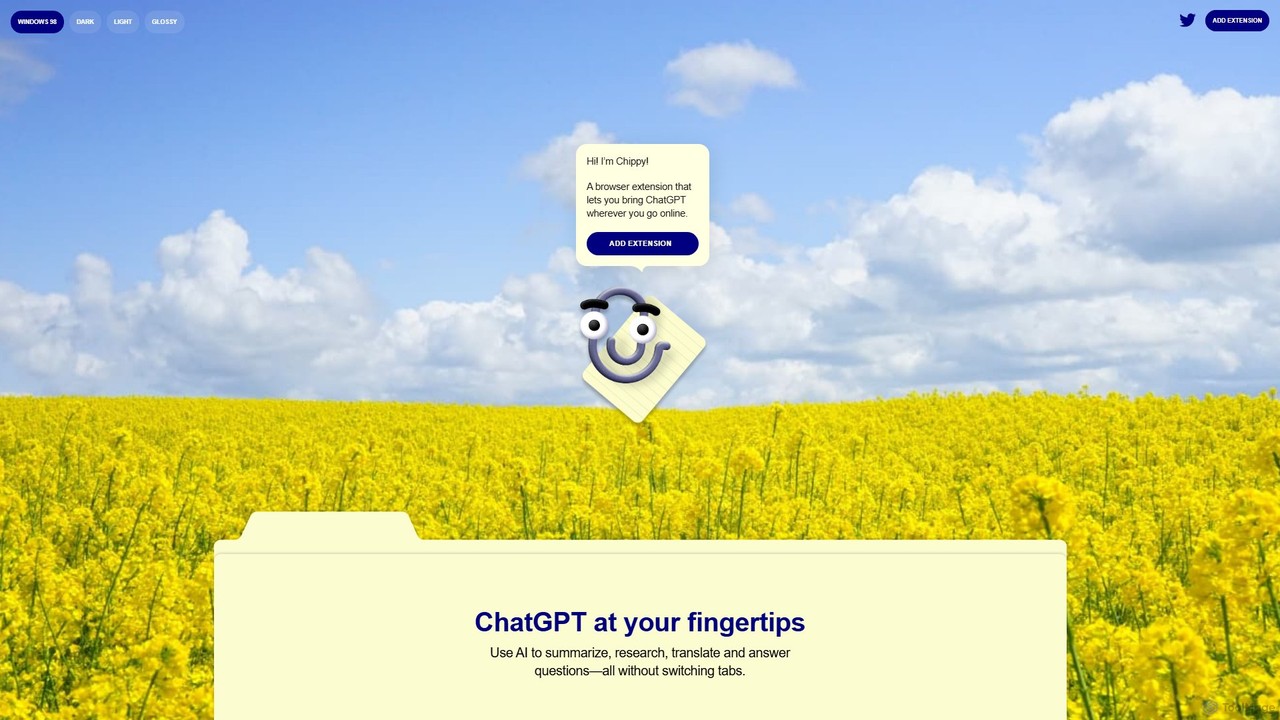
Chippy
Chippy is a smart ChatGPT-powered Chrome extension that acts as your AI assistant across the web. Seamlessly summarize articles, translate text, research topics, and draft emails without ever leaving your current tab. It offers context-aware answers by focusing on the page you're viewing, overcoming ChatGPT's knowledge limitations. With a generous free tier and a focus on user privacy, Chippy enhances your browsing productivity by putting the power of AI at your fingertips.
Search Assistant
Jyek
Jyek is an AI agent platform that understands objectives, creates execution plans, uses tools, and delivers verifiable results for complex, multi-step tasks.
Automation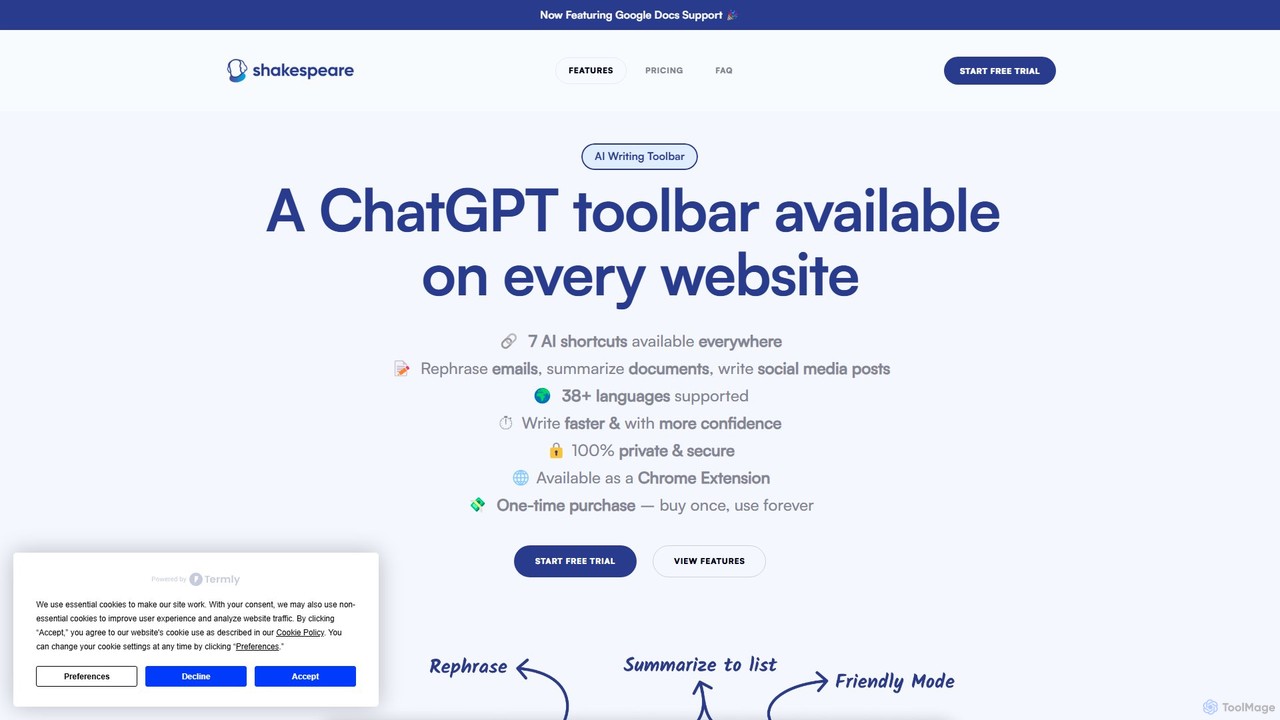
Shakespeare Toolbar
Shakespeare Toolbar is a ChatGPT-powered Chrome extension that integrates AI writing assistance directly into your browser. Work seamlessly on any website, including Google Docs, to rephrase, summarize, simplify text, and generate content without switching tabs. It's designed for writers, marketers, and professionals to enhance productivity and communication.
Chrome Extensions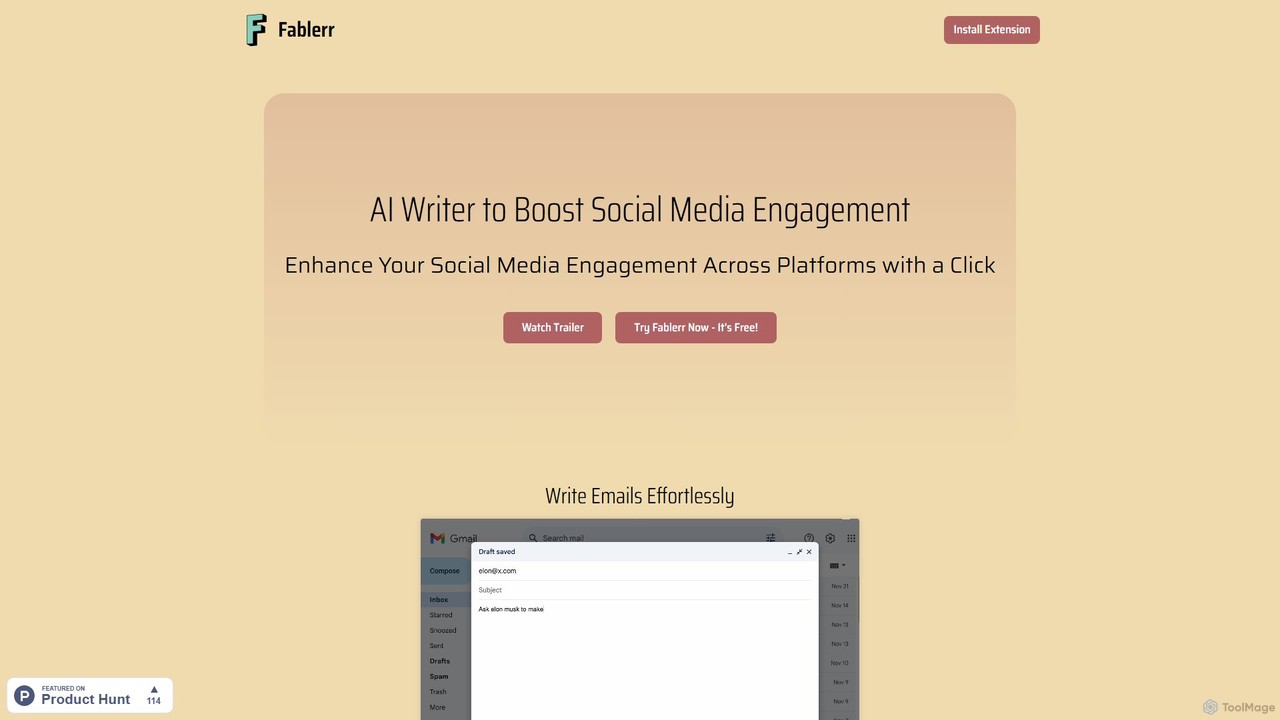
Fablerr
Fablerr is an AI-powered writing assistant and Chrome extension designed to boost social media engagement. It helps users craft context-aware, personalized responses, posts, and emails across platforms like Twitter, Reddit, and Gmail, saving time and amplifying their unique digital voice.
Social Media Management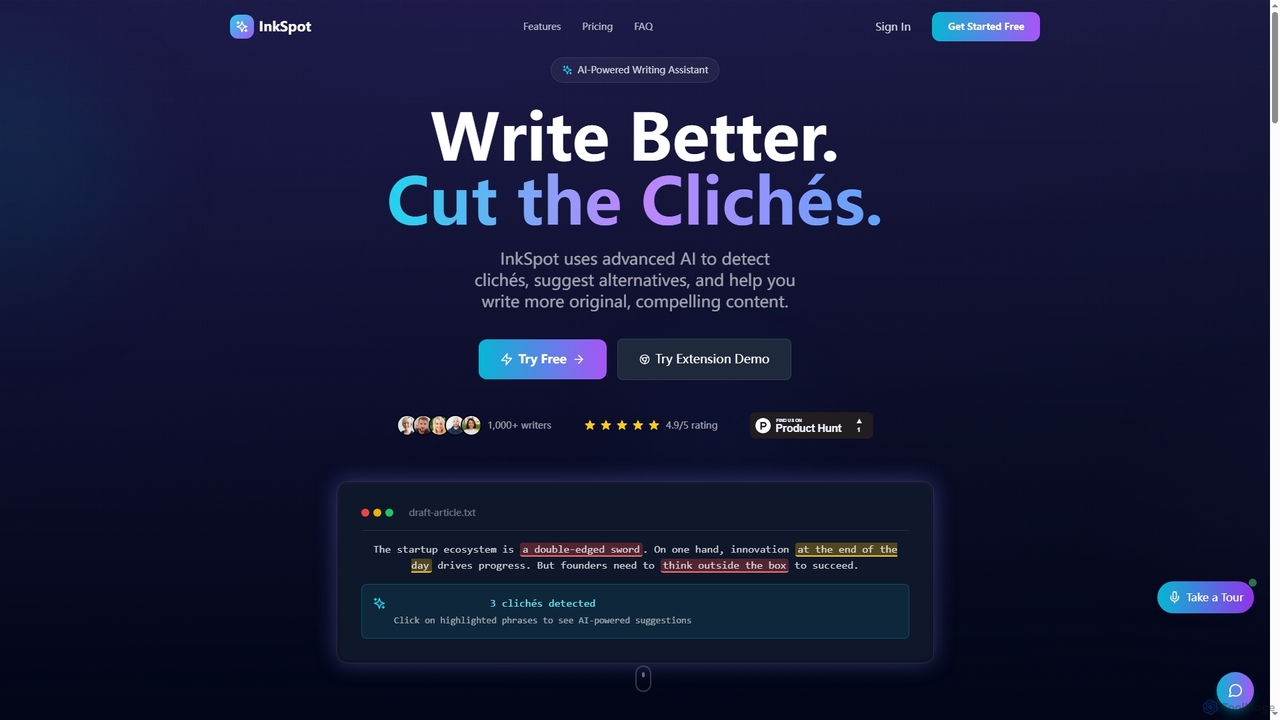
InkSpot
InkSpot is an AI-powered writing assistant that helps users eliminate clichés, improve clarity, and create more original, compelling content. It offers real-time detection, AI-powered suggestions, and multi-platform support to enhance writing efficiency and quality.
Editing
Wonder AI
Wonder AI is a powerful Chrome extension that enhances your writing, editing, and reading. It integrates directly into your browser, offering one-click tools to rewrite text, check grammar, summarize articles, explain complex concepts, and translate content, boosting your daily productivity and communication skills.
Chrome Extensions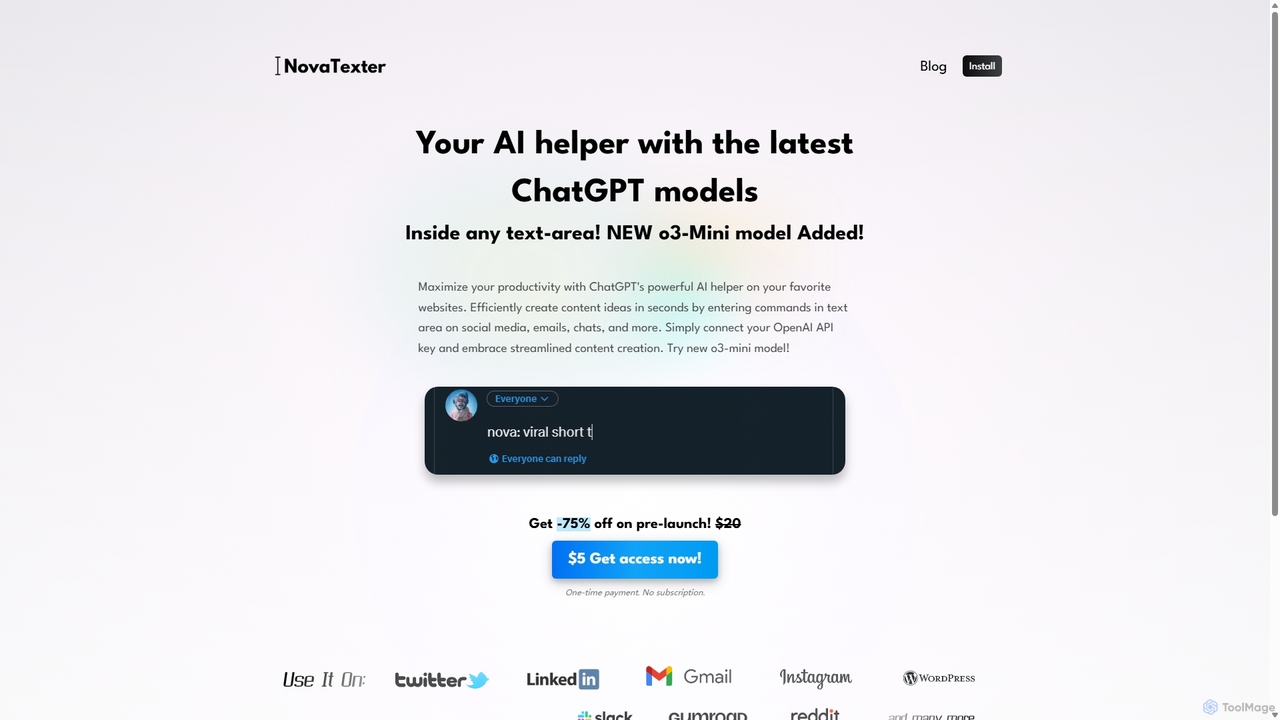
NovaTexter
NovaTexter is an AI-powered browser extension that integrates ChatGPT models directly into your workflow. It allows you to generate content, ideas, and responses on any website by simply typing commands in a text area. Connect your OpenAI API key for a seamless, productive content creation experience with a single one-time payment.
Chrome Extensions
SMARTBIRD
SMARTBIRD is an AI-powered Chrome extension designed to accelerate your writing tasks. It acts as a personal assistant, drafting high-quality emails, social media posts, and messages in seconds. By integrating directly with platforms like Gmail, LinkedIn, and WhatsApp, it helps you communicate more effectively and save significant time.
Email Assistant
Arc
Arc is a revolutionary browser by The Browser Company, designed to be a smart, organized, and private alternative to Chrome. It integrates AI features to enhance productivity, offers unique organization tools like Spaces and Split View, and provides a seamless, ad-free experience across desktop and mobile.
Search Assistant
Lightkey Comments (0)
Sign in to comment.
Sign inNo comments yet.