
Shakespeare Toolbar Overview
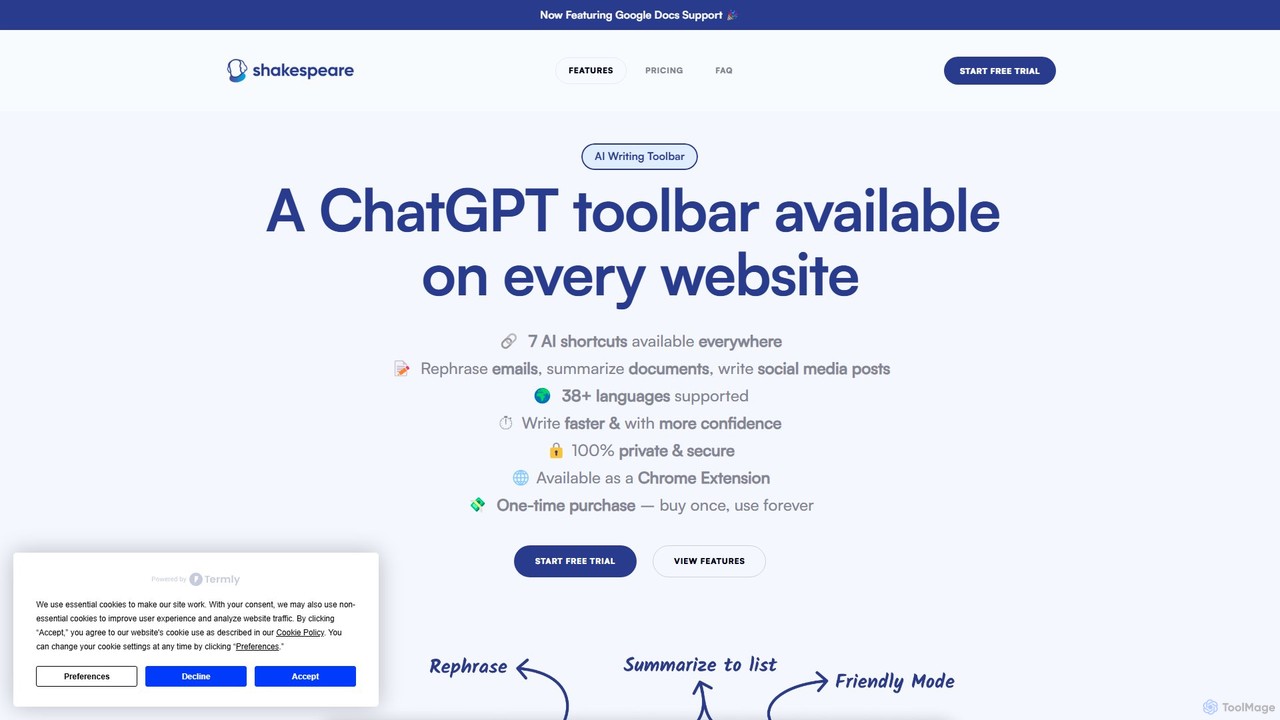
Shakespeare Toolbar is a powerful AI-driven Chrome extension designed to revolutionize the way you write and read online. By embedding a ChatGPT-powered toolbar directly into your browser, it eliminates the need to constantly switch between tabs, allowing you to leverage artificial intelligence wherever you are on the web. Whether you're drafting an email, writing a blog post in Google Docs, creating social media content, or replying to a customer, Shakespeare Toolbar provides a suite of tools to make your writing smarter, faster, and more efficient. It acts as your personal writing assistant, always available to help you articulate your thoughts with clarity and confidence.
The tool is built for a wide range of users, from content creators and marketers to students and customer support professionals. It helps non-native English speakers improve their writing, assists professionals in crafting polite and effective communications, and enables students to write better essays. By integrating seamlessly into your existing workflow, Shakespeare Toolbar streamlines tasks that would otherwise be time-consuming, such as summarizing long articles or rephrasing sentences for better impact.
How to use Shakespeare Toolbar
Getting started with Shakespeare Toolbar is incredibly simple and requires no technical expertise. Just follow these steps:
- Install the Shakespeare Toolbar extension from the Chrome Web Store.
- Once installed, the toolbar becomes available on any website you visit. Simply highlight the text you want to work with.
- A small toolbar will appear, or you can right-click to access its functions.
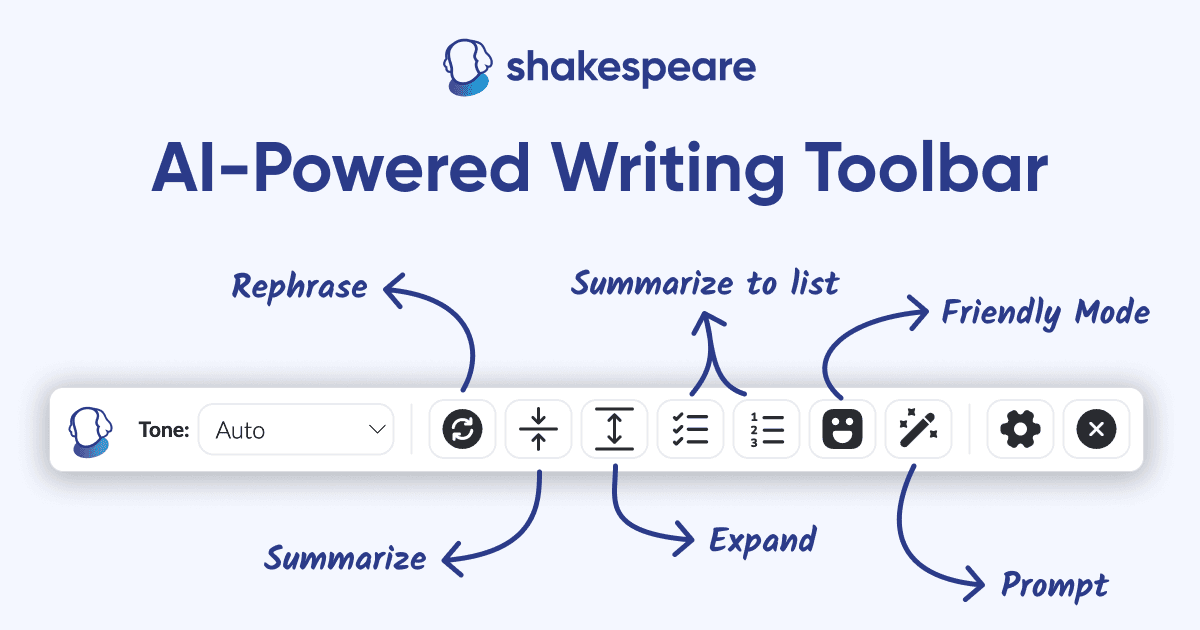
- Choose an action: Rephrase, Summarize, Simplify, or use the 'Friendly Mode' for replies.
- You can also use the AI-Prompts feature directly in any text field to generate new content, ideas, or headlines without leaving the page.
- No OpenAI API key is required; the tool works out of the box after installation.
Core Features of Shakespeare Toolbar
- Rephrase Text: Instantly rewrite sentences or paragraphs to improve clarity, variety, and readability. It also corrects grammar and spelling mistakes automatically.
- Summarize Content: Condense long articles, emails, or documents into a concise paragraph with a single click, saving you and your team valuable reading time.
- Simplify to a List: Transform complex text into a simple, easy-to-digest bulleted list (TL;DR), perfect for grasping the main points quickly.
- Friendly/Polite Mode: Generate friendly and polite responses from a short prompt. Ideal for customer support agents and professionals who need to maintain a positive tone under pressure.
- Integrated AI Prompts: Access the power of AI prompts directly within your writing environment (e.g., Google Docs, LinkedIn, Twitter). Stop switching to ChatGPT and streamline your content creation process.
- Full Google Docs Support: The toolbar is fully functional within Google Docs, making it an essential tool for writing and editing documents.
- Multi-Language Support: The tool supports over 30 languages, making it accessible and useful for a global audience.
Use Cases for Shakespeare Toolbar
Shakespeare Toolbar is a versatile tool with numerous applications:
- Content Creation: Write engaging blog posts, Twitter threads, and social media captions faster. Generate creative headlines and calls-to-action (CTAs).
- Professional Communication: Draft clear and concise emails, craft persuasive sales materials, and respond to inquiries quickly and politely.
- Customer Support: Provide fast, friendly, and accurate answers to customer questions, improving response times and satisfaction.
- Academic Writing: Write better and faster essays, organize thoughts, and fix grammar and spelling mistakes with ease.
- Information Consumption: Quickly summarize news articles, research papers, and long reports to stay informed without the information overload.
Advantages of Shakespeare Toolbar
The primary advantage of Shakespeare Toolbar is its seamless integration into your workflow. By bringing AI assistance to the point of writing, it saves significant time and reduces distractions. The one-time payment for a lifetime license offers exceptional value compared to subscription-based competitors or the cost of hiring copywriters and proofreaders. It's user-friendly, requires no setup, and is supported by a responsive developer. This empowers users to communicate more effectively and confidently across any platform.
Pricing and Plans
Shakespeare Toolbar offers a freemium model:
- Free Trial: You can install the extension and use it to write up to 2000 words for free to test its capabilities.
- Shakespeare Toolbar Pro: For a one-time payment of $49, you get a lifetime license. This plan includes:
- Unlimited use (a fair use policy applies for over 500,000 words/month).
- Summarize, rephrase, and simplify text on any website.
- Full Google Docs support.
- Quick actions via the right-click menu.
- Access to the Shakespeare AI-Text Editor.
- Use on up to 3 devices.
Traffic
Latest traffic
Status
Monthly traffic trend
- 2025-9: 894
- 2026-1: 549
- 2026-2: 206
- 2026-3: 324
- 2026-4: 1.3K
- 2026-5: 497
Geography
Top 5 countries / regions
- 🇺🇸United States100.0%
Top keywords
| Keyword | Cost per click |
|---|---|
| shakespeare ai | $1.11 |
| shakespeare ai toolbar | $0.00 |
| shakespeare toolbar | $0.00 |
Shakespeare Toolbar Alternatives

Pointer AI
Pointer AI is a powerful Chrome extension that integrates ChatGPT-like capabilities directly into Google Docs. It streamlines your writing and editing process by allowing the AI to make changes directly in your document, eliminating the tedious copy-pasting and reformatting. Watch as it types out suggestions for you to approve, preserving your original document styling.
Chrome Extensions
Wonder AI
Wonder AI is a powerful Chrome extension that enhances your writing, editing, and reading. It integrates directly into your browser, offering one-click tools to rewrite text, check grammar, summarize articles, explain complex concepts, and translate content, boosting your daily productivity and communication skills.
Chrome Extensions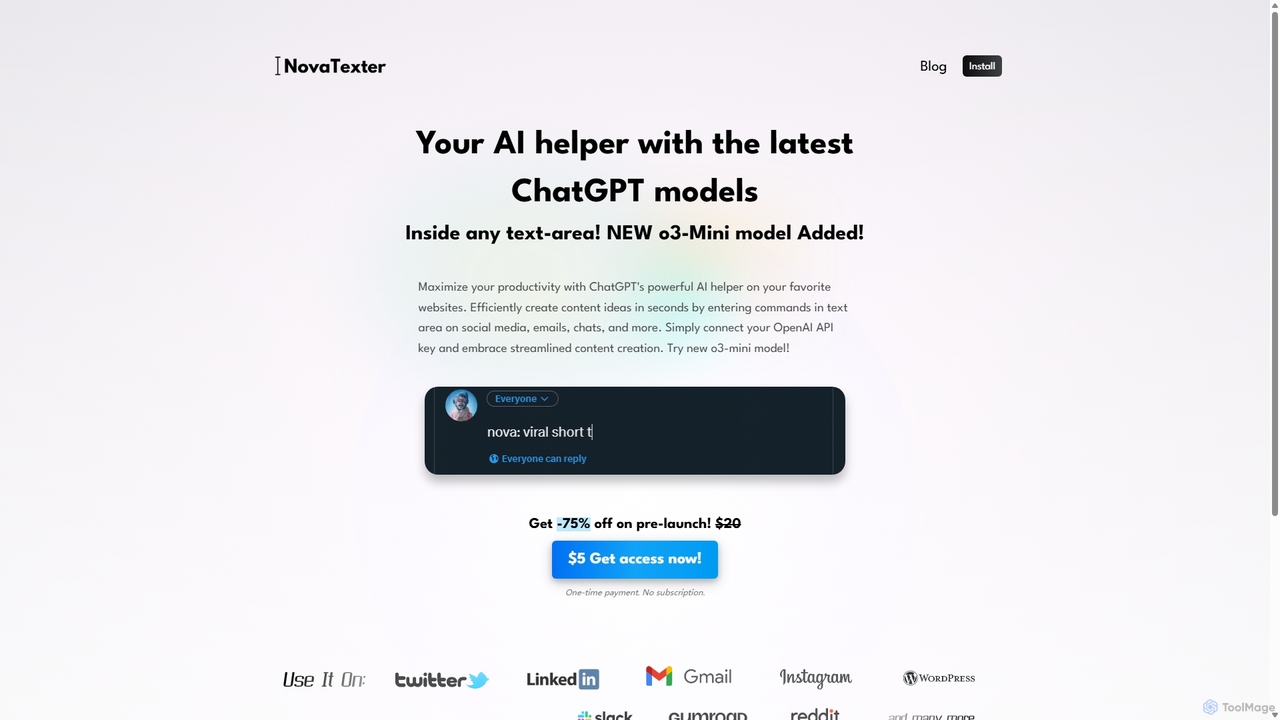
NovaTexter
NovaTexter is an AI-powered browser extension that integrates ChatGPT models directly into your workflow. It allows you to generate content, ideas, and responses on any website by simply typing commands in a text area. Connect your OpenAI API key for a seamless, productive content creation experience with a single one-time payment.
Chrome Extensions
InsertChatGPT
InsertChatGPT is a powerful browser extension that seamlessly integrates OpenAI's ChatGPT into your daily workflow. Get instant AI assistance for writing emails, summarizing text, and creating content directly on any website, boosting your productivity and creativity without switching tabs.
Chat
SMARTBIRD
SMARTBIRD is an AI-powered Chrome extension designed to accelerate your writing tasks. It acts as a personal assistant, drafting high-quality emails, social media posts, and messages in seconds. By integrating directly with platforms like Gmail, LinkedIn, and WhatsApp, it helps you communicate more effectively and save significant time.
Email AssistantShakespeare Toolbar Categories
Shakespeare Toolbar Embed Widget
Copy this embed code to place the badge on your blog, article, or product site and send readers directly to this ToolMage detail page.

Related AI tools
Pointer AI
Pointer AI is a powerful Chrome extension that integrates ChatGPT-like capabilities directly into Google Docs. It streamlines your writing and editing process by allowing the AI to make changes directly in your document, eliminating the tedious copy-pasting and reformatting. Watch as it types out suggestions for you to approve, preserving your original document styling.
Chrome ExtensionsWonder AI
Wonder AI is a powerful Chrome extension that enhances your writing, editing, and reading. It integrates directly into your browser, offering one-click tools to rewrite text, check grammar, summarize articles, explain complex concepts, and translate content, boosting your daily productivity and communication skills.
Chrome ExtensionsNovaTexter
NovaTexter is an AI-powered browser extension that integrates ChatGPT models directly into your workflow. It allows you to generate content, ideas, and responses on any website by simply typing commands in a text area. Connect your OpenAI API key for a seamless, productive content creation experience with a single one-time payment.
Chrome Extensions
Compose AI
Compose AI is an AI-powered writing assistant and Chrome extension that accelerates your writing process. It offers intelligent autocompletion, text generation, and rephrasing capabilities across all your favorite sites, from emails to documents. By learning your personal writing style, it helps you write faster and more effectively, saving up to 40% of your time.
Chrome Extensions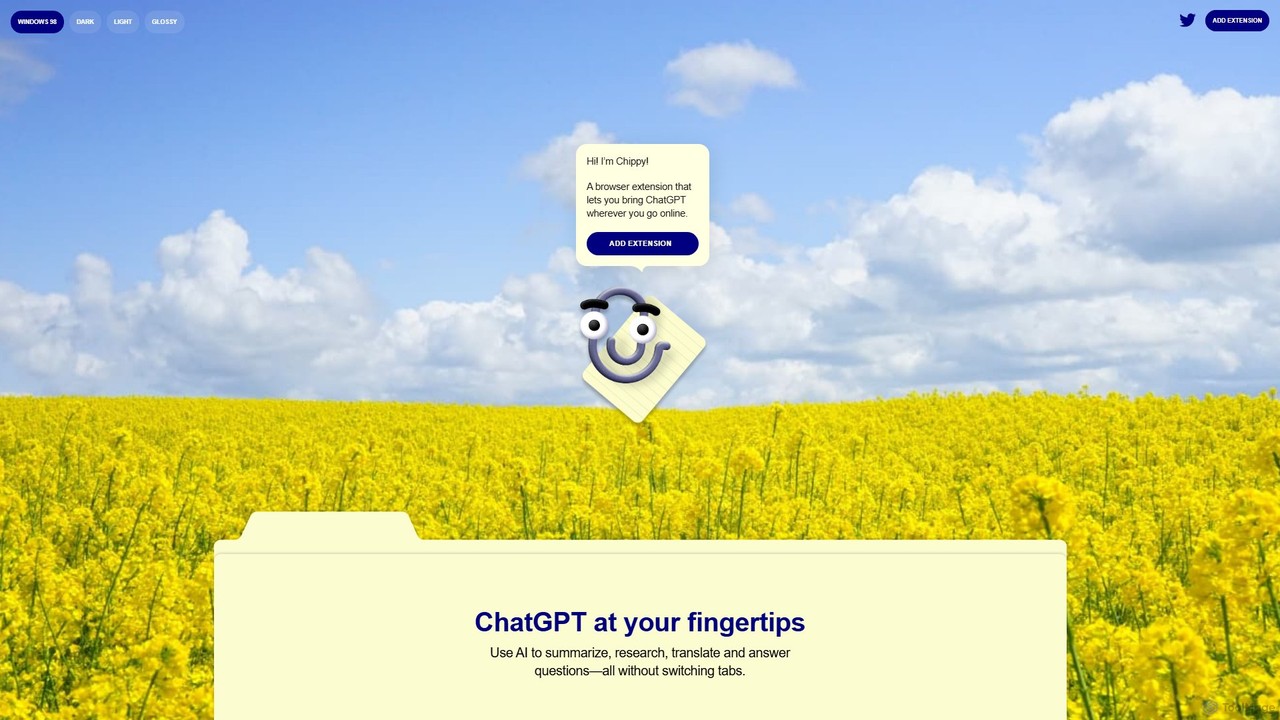
Chippy
Chippy is a smart ChatGPT-powered Chrome extension that acts as your AI assistant across the web. Seamlessly summarize articles, translate text, research topics, and draft emails without ever leaving your current tab. It offers context-aware answers by focusing on the page you're viewing, overcoming ChatGPT's knowledge limitations. With a generous free tier and a focus on user privacy, Chippy enhances your browsing productivity by putting the power of AI at your fingertips.
Search Assistant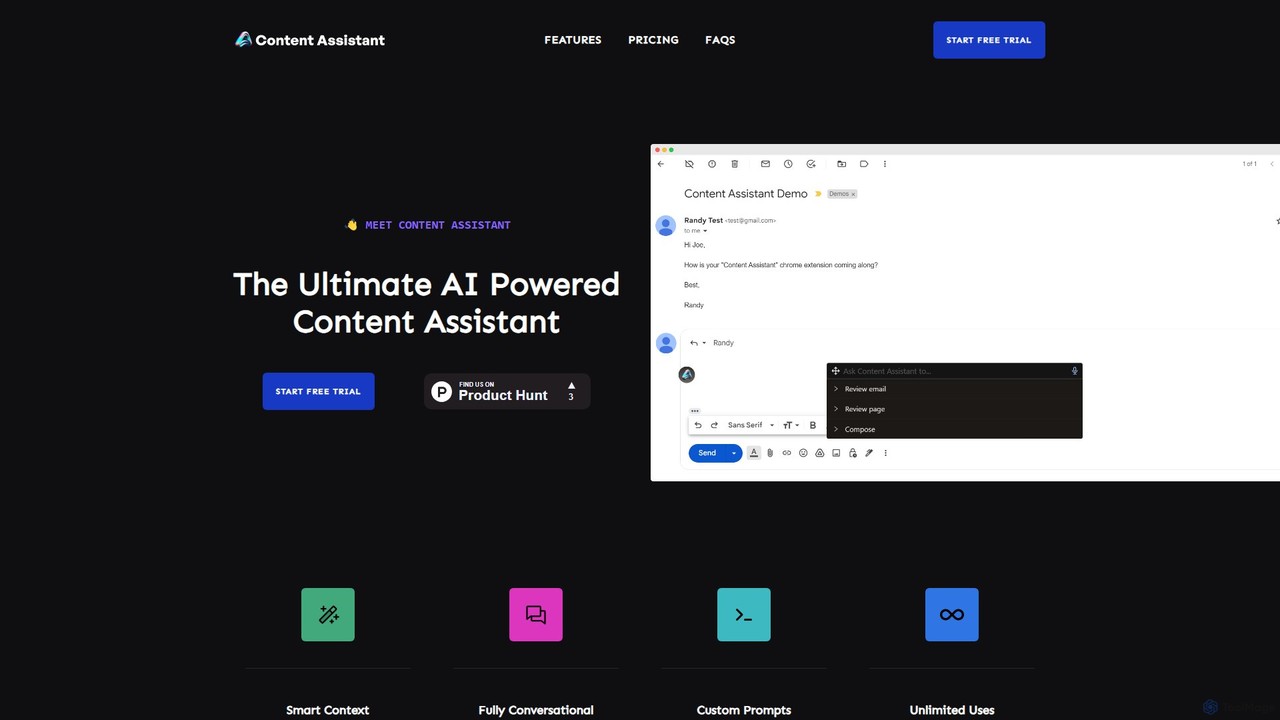
Content Assistant
A powerful AI browser extension that acts as your co-pilot for all content tasks. It intelligently uses page context to help you write, edit, summarize, translate, and reply to emails directly within your browser, boosting productivity and enhancing your workflow.
Chrome ExtensionsInsertChatGPT
InsertChatGPT is a powerful browser extension that seamlessly integrates OpenAI's ChatGPT into your daily workflow. Get instant AI assistance for writing emails, summarizing text, and creating content directly on any website, boosting your productivity and creativity without switching tabs.
ChatSMARTBIRD
SMARTBIRD is an AI-powered Chrome extension designed to accelerate your writing tasks. It acts as a personal assistant, drafting high-quality emails, social media posts, and messages in seconds. By integrating directly with platforms like Gmail, LinkedIn, and WhatsApp, it helps you communicate more effectively and save significant time.
Email Assistant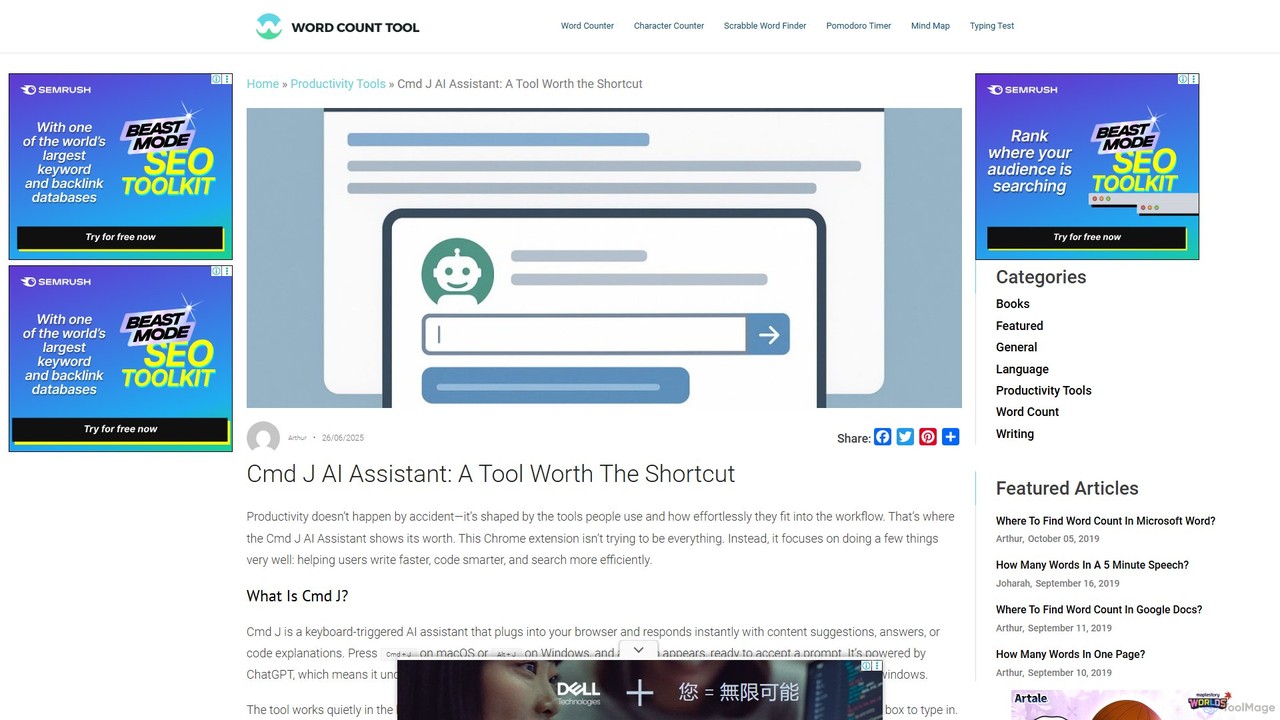
Cmd J AI Assistant
Cmd J is a keyboard-activated AI assistant, available as a Chrome extension, designed to boost productivity. Powered by ChatGPT, it provides instant help with writing, coding, and research directly in your browser. Simply press a shortcut (Cmd+J or Alt+J) to summon the AI, eliminating the need to switch tabs or open new applications, and seamlessly integrating into any workflow.
Chrome Extensions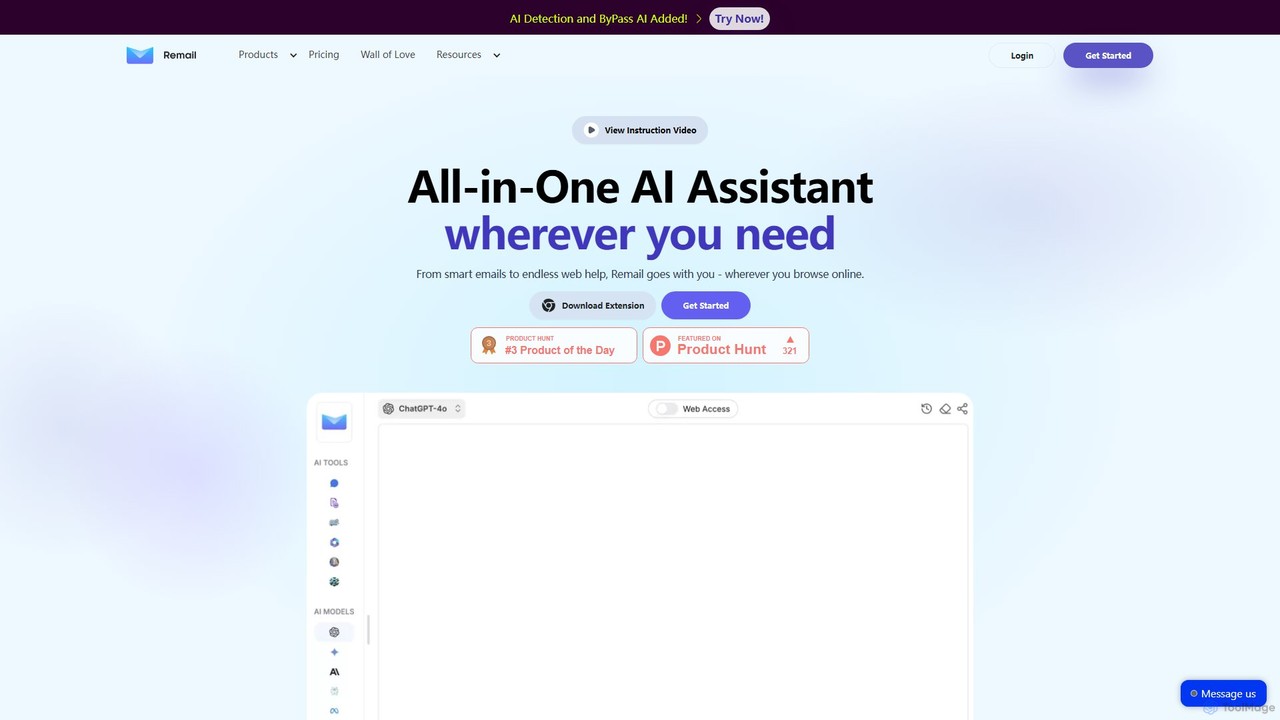
Remail
Remail is an all-in-one AI assistant and Chrome extension designed to boost productivity. It helps you write and reply to emails 10x faster, summarize web pages, chat with documents and YouTube videos, generate content, and much more, directly within your browser.
Chrome Extensions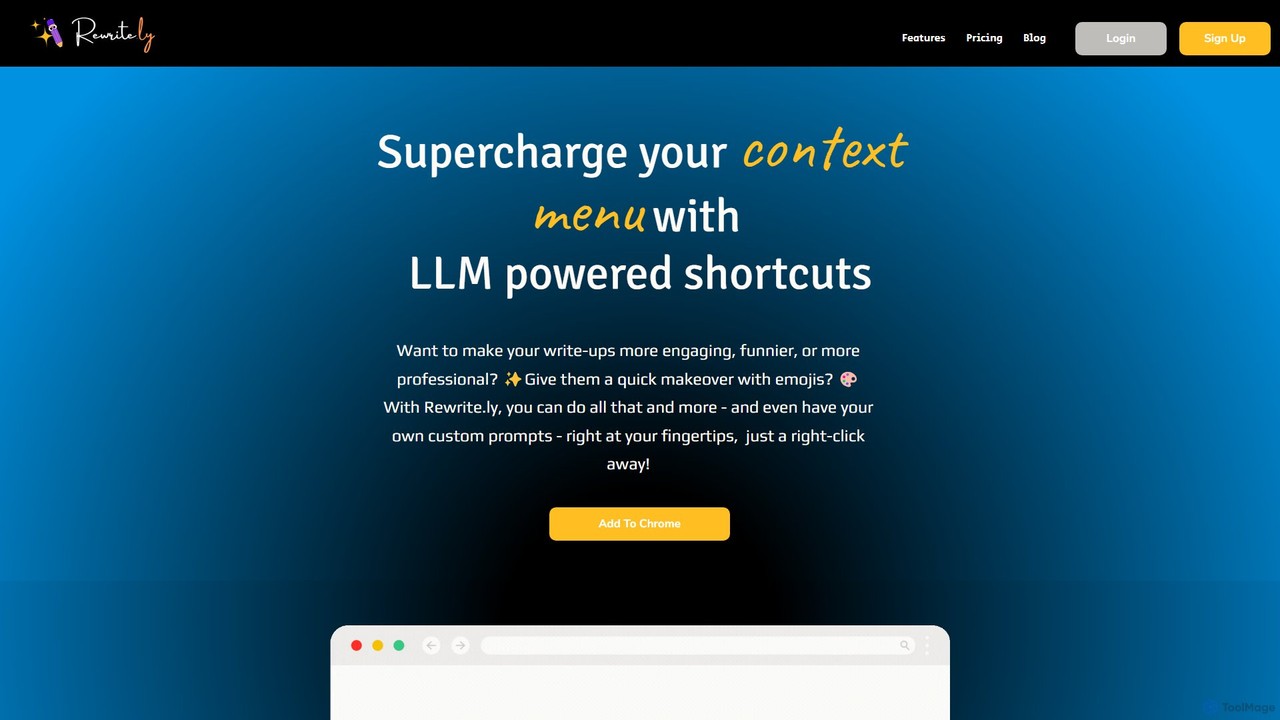
Rewrite.ly
Rewrite.ly is a powerful Chrome extension that supercharges your context menu with customizable, LLM-powered shortcuts. Instantly rewrite, summarize, change tone, or apply any custom text transformation with a simple right-click, dramatically boosting your writing productivity and creativity directly within your browser.
Chrome Extensions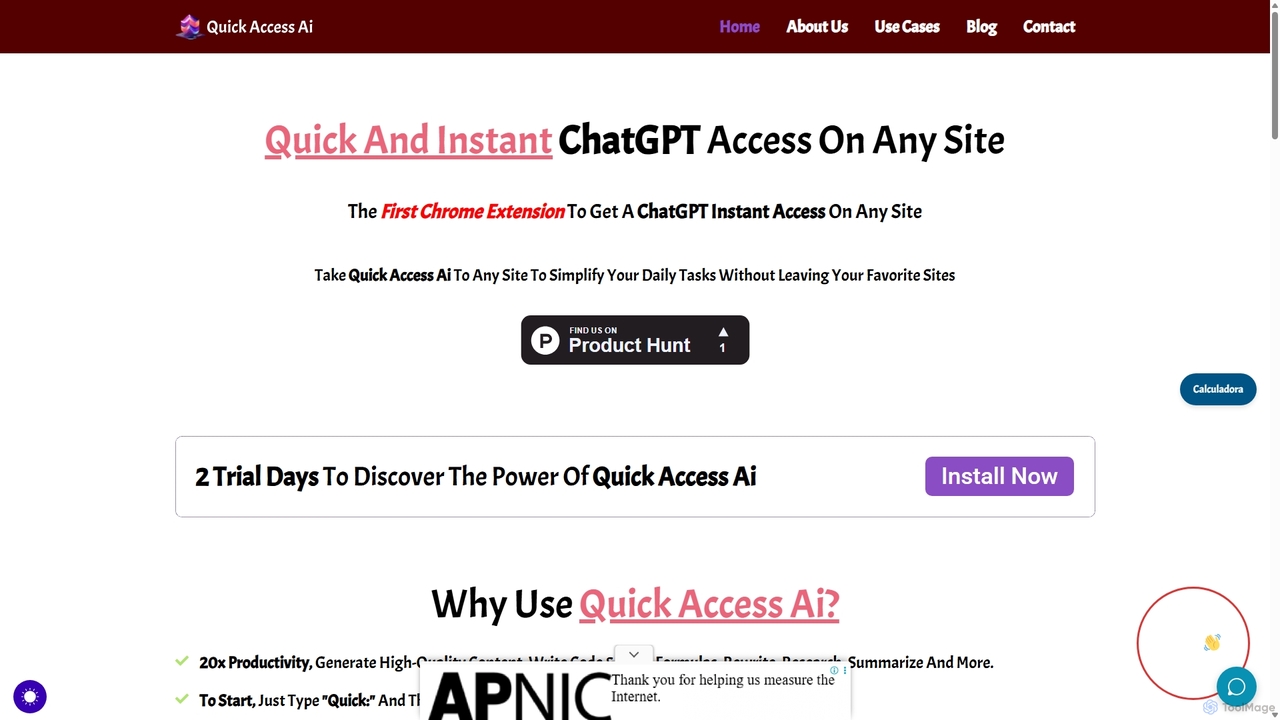
Quick Access Ai
Quick Access Ai is a Chrome extension that provides instant access to ChatGPT on any website. By simply typing a command, users can generate content, write code, summarize text, and perform research without switching tabs. It aims to boost productivity by integrating AI assistance directly into your existing workflow, making daily tasks faster and more efficient.
Code Assistant
Merlin AI
Merlin is an all-in-one AI assistant, available as a browser extension and app, that integrates top AI models like GPT-4, Claude 3, and Gemini. It allows you to research, write, summarize content, generate images, and code with a single click on any website, streamlining your workflow and boosting productivity without switching tabs.
Chrome Extensions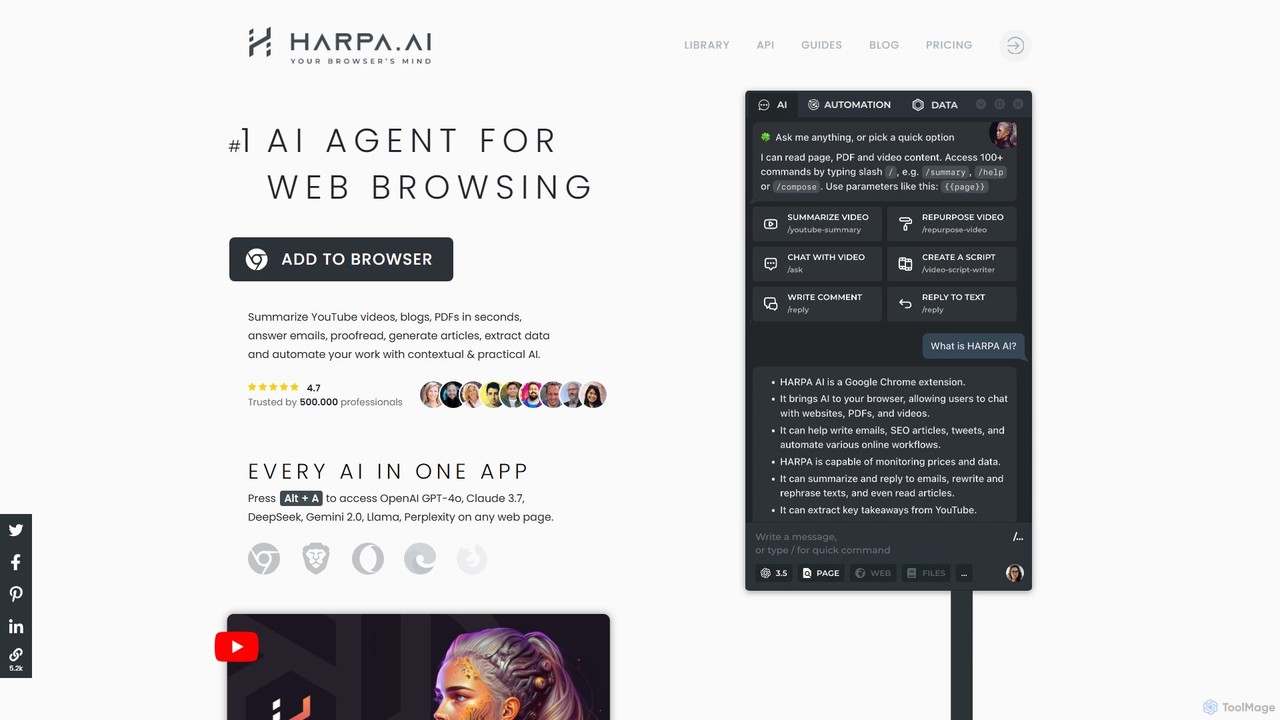
HARPA AI
HARPA AI is an all-in-one AI browser agent that integrates ChatGPT, Claude, Gemini, and more directly into your browser. It automates web tasks, summarizes content, drafts emails, extracts data, and enhances productivity with over 100 pre-built, page-aware commands. It functions as a versatile copilot for browsing, research, and automation.
Automation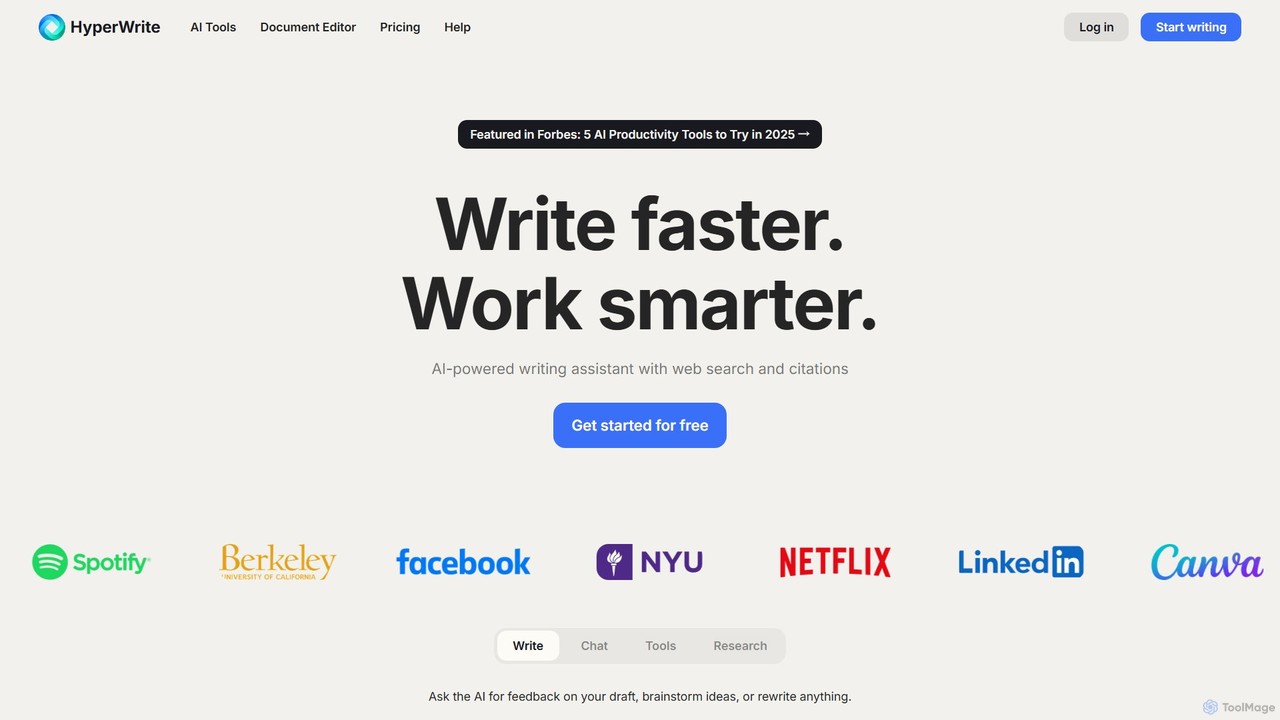
HyperWrite
HyperWrite is an advanced AI writing assistant designed to enhance productivity for students, marketers, and professionals. It offers hundreds of tools for writing, research, summarization, and content creation. Key features include real-time academic research with citations, customizable 'Personas' to match your writing style, and a seamless Chrome extension for workflow integration.
Research
Shakespeare Toolbar Comments (0)
Sign in to comment.
Sign inNo comments yet.