


Rewrite.ly Overview
Rewrite.ly is a revolutionary AI-powered Chrome extension designed to seamlessly integrate advanced text manipulation capabilities into your daily workflow. It enhances the standard right-click context menu with a suite of powerful and fully customizable shortcuts driven by Large Language Models (LLMs). This allows users to modify, improve, and transform any selected text on any webpage without ever leaving the page or copying and pasting into another application. Whether you want to make your writing more professional, funnier, or more engaging, add emojis, or even create your own unique text-based tools, Rewrite.ly puts the power of AI right at your fingertips.
The core philosophy behind Rewrite.ly is to make AI assistance feel like a natural extension of your own abilities. Instead of disrupting your flow, it works within it. This is particularly evident in its iterative editing process. After an AI-powered rewrite, you can edit the result directly on the page. The next prompt you apply will then act on your edited version, giving you granular control over the final output. You can even select a specific portion of the generated text to fine-tune, ensuring that the parts you've perfected remain untouched. This creates a fluid and efficient cycle of generation, editing, and refinement that is unmatched by traditional AI writing tools.
How to use Rewrite.ly
Using Rewrite.ly is designed to be intuitive and effortless, integrating directly into your existing browsing habits. Here’s a simple step-by-step guide:
- Installation: First, add the Rewrite.ly extension to your Google Chrome browser from the Chrome Web Store.
- Select Text: Navigate to any webpage and highlight the text you wish to modify. This could be a sentence in an email, a paragraph in an article, or a comment you're writing.
- Right-Click for Magic: Right-click on the selected text to open the context menu. You will now see a new 'Rewrite.ly' section with a list of available shortcuts.
- Choose a Shortcut: Select from powerful built-in shortcuts like 'Make Professional,' 'Summarize,' 'Convert to Bullet Points,' or 'Add Emojis.' You can also choose from any custom shortcuts you have created.
- Instant Transformation: The selected text is instantly replaced with the AI-generated output.
- Iterate and Refine: If the result isn't perfect, you can manually edit it. Then, you can select the new text (or a part of it) and apply another Rewrite.ly shortcut to refine it further. This iterative process allows for precise control over your content.
Core Features of Rewrite.ly
- Seamless Context Menu Integration: Access all AI features with a simple right-click, eliminating the need for context switching or using separate apps.
- Powerful Built-in Shortcuts: Comes pre-loaded with useful actions like expanding or shrinking text, converting text to bullet points, changing the writing tone (e.g., professional, casual, funny), and automatically adding relevant emojis.
- Unlimited Custom Prompts: Build your own dream productivity toolkit. Create unique shortcuts for any task imaginable, such as 'Translate to Japanese,' 'Explain this concept simply,' 'Generate a tweet from this paragraph,' or 'Transform into my personal writing style.'
- Iterative Editing Workflow: Edit AI-generated results directly in place. Subsequent prompts will work on your edited copy, allowing for a controlled and layered editing process.
- Fine-Tuning Selection: Apply AI transformations to only a small, selected portion of your text, keeping the rest of your content intact for precise adjustments.
- Prompt Library: Explore a library of pre-made prompts to discover new ways to enhance your productivity and get inspiration for your own custom shortcuts.
Use Cases for Rewrite.ly
Rewrite.ly is a versatile tool for a wide range of users:
- Content Creators & Marketers: Quickly rephrase content for different social media platforms, generate catchy headlines, brainstorm ad copy variations, and add emojis to increase engagement.
- Students & Academics: Summarize dense research papers, explain complex topics in simpler terms, rephrase sentences to improve clarity and avoid plagiarism, and quickly format notes.
- Professionals & Business Users: Draft professional emails with the right tone, make reports more concise, simplify technical jargon for presentations, and quickly generate meeting summaries from notes.
- Developers: Explain code snippets in plain English, generate documentation for functions, or even use custom prompts to refactor simple code blocks.
- Casual Users: Make online comments more witty, get help writing a birthday message, or simply have fun experimenting with text transformations.
Advantages of Rewrite.ly
The primary advantage of Rewrite.ly is its profound impact on productivity and workflow efficiency. By living inside the context menu, it removes the friction associated with using external AI tools. The high degree of customization through personal prompts means the tool adapts to you, not the other way around. This creates a personalized AI assistant tailored to your specific needs. Furthermore, the iterative editing feature provides a level of control that empowers users to collaborate with the AI, guiding it towards the perfect result rather than just accepting a one-shot generation.
Pricing and Plans
Rewrite.ly operates on a freemium model to make its core features accessible to everyone while offering advanced capabilities for power users.
- Free Plan: Ideal for casual users, this plan includes access to built-in shortcuts and a limited number of AI actions per month. It's a great way to experience the core functionality.
- Pro Plan: A subscription-based plan for individuals who rely on writing and editing. It offers unlimited AI actions, the ability to create and save unlimited custom prompts, access to more advanced LLMs for higher-quality results, and priority support.
- Team Plan: Designed for businesses and collaborative teams, this plan includes all Pro features plus centralized billing, shared prompt libraries for team consistency, and user management tools.
Rewrite.ly Alternatives
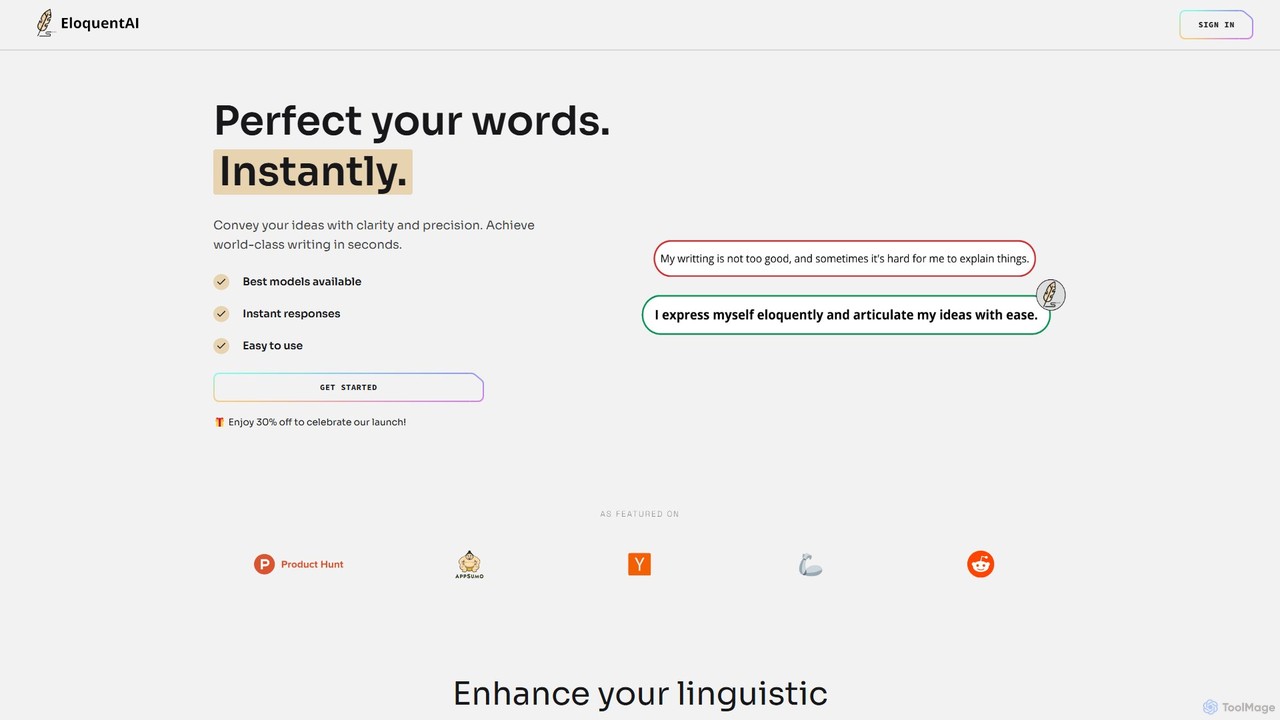
EloquentAI
EloquentAI is an AI-powered Chrome extension that instantly enhances your writing. It helps you convey ideas with clarity and precision by offering features like text enhancement, tone and length adjustment, summarization, translation, and custom prompts, all powered by leading models like GPT-4o and Llama 3.
Chrome Extensions
Compose AI
Compose AI is an AI-powered writing assistant and Chrome extension that accelerates your writing process. It offers intelligent autocompletion, text generation, and rephrasing capabilities across all your favorite sites, from emails to documents. By learning your personal writing style, it helps you write faster and more effectively, saving up to 40% of your time.
Chrome Extensions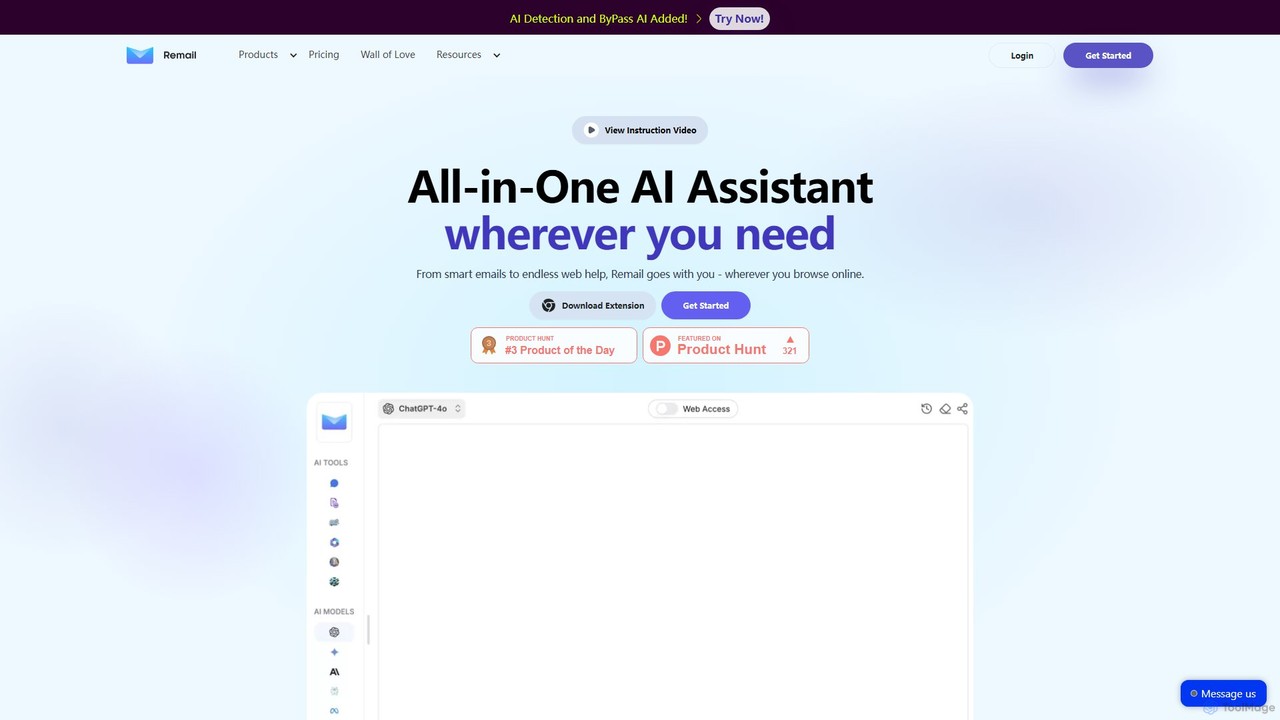
Remail
Remail is an all-in-one AI assistant and Chrome extension designed to boost productivity. It helps you write and reply to emails 10x faster, summarize web pages, chat with documents and YouTube videos, generate content, and much more, directly within your browser.
Chrome Extensions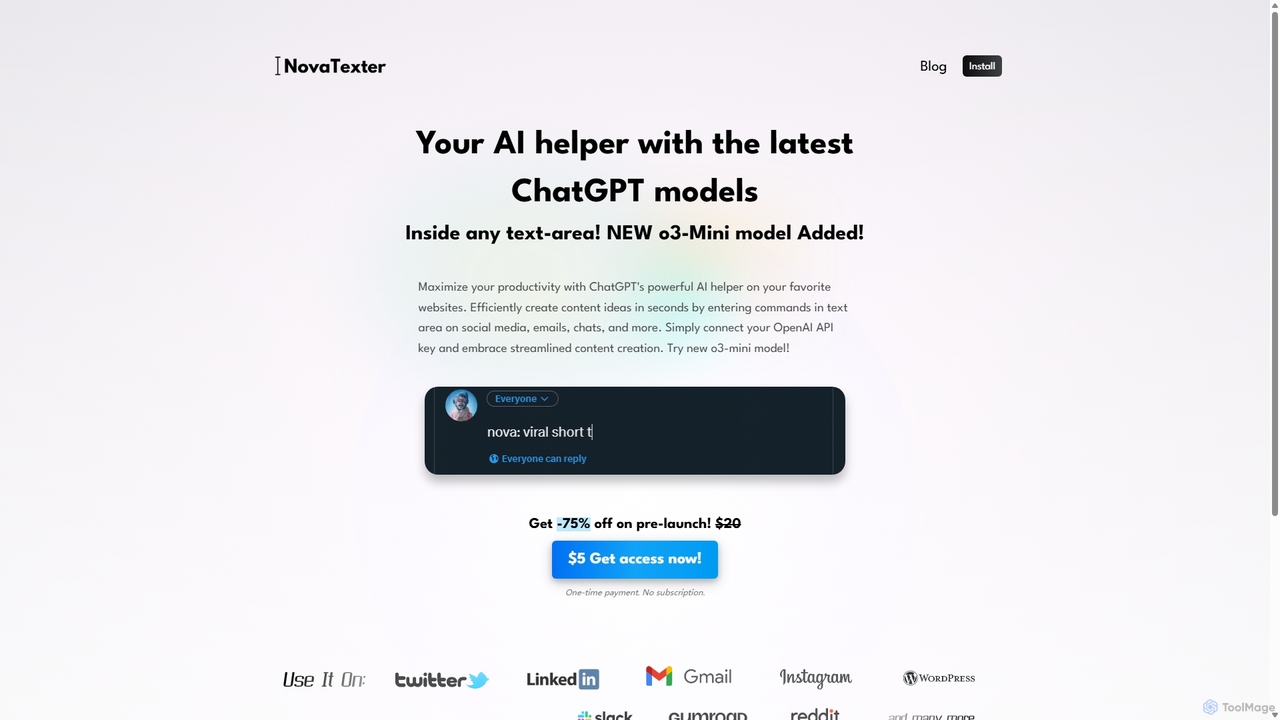
NovaTexter
NovaTexter is an AI-powered browser extension that integrates ChatGPT models directly into your workflow. It allows you to generate content, ideas, and responses on any website by simply typing commands in a text area. Connect your OpenAI API key for a seamless, productive content creation experience with a single one-time payment.
Chrome Extensions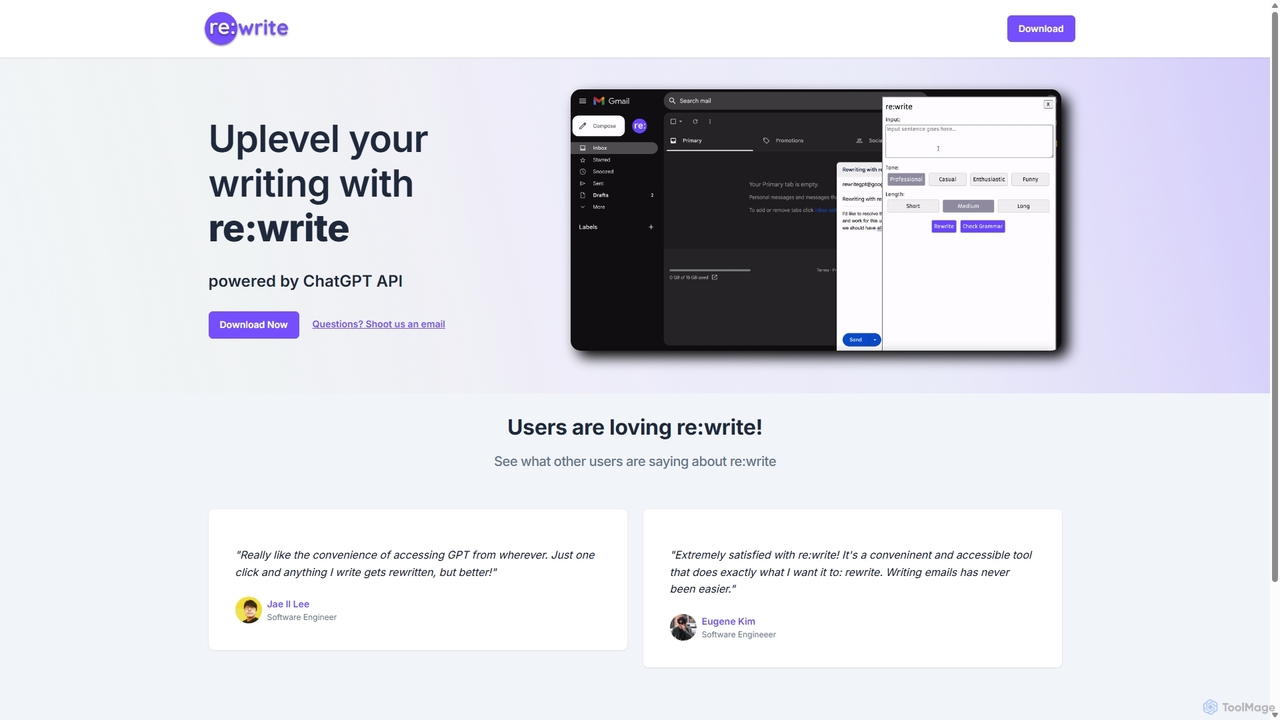
Rewritegpt
Rewritegpt is an AI-powered writing assistant and browser extension that helps you rewrite, paraphrase, and improve your text with a single click. It integrates seamlessly into your workflow, allowing you to enhance emails, reports, and social media posts directly on any website.
Study ToolsRewrite.ly Categories
Rewrite.ly Embed Widget
Copy this embed code to place the badge on your blog, article, or product site and send readers directly to this ToolMage detail page.

Related AI tools
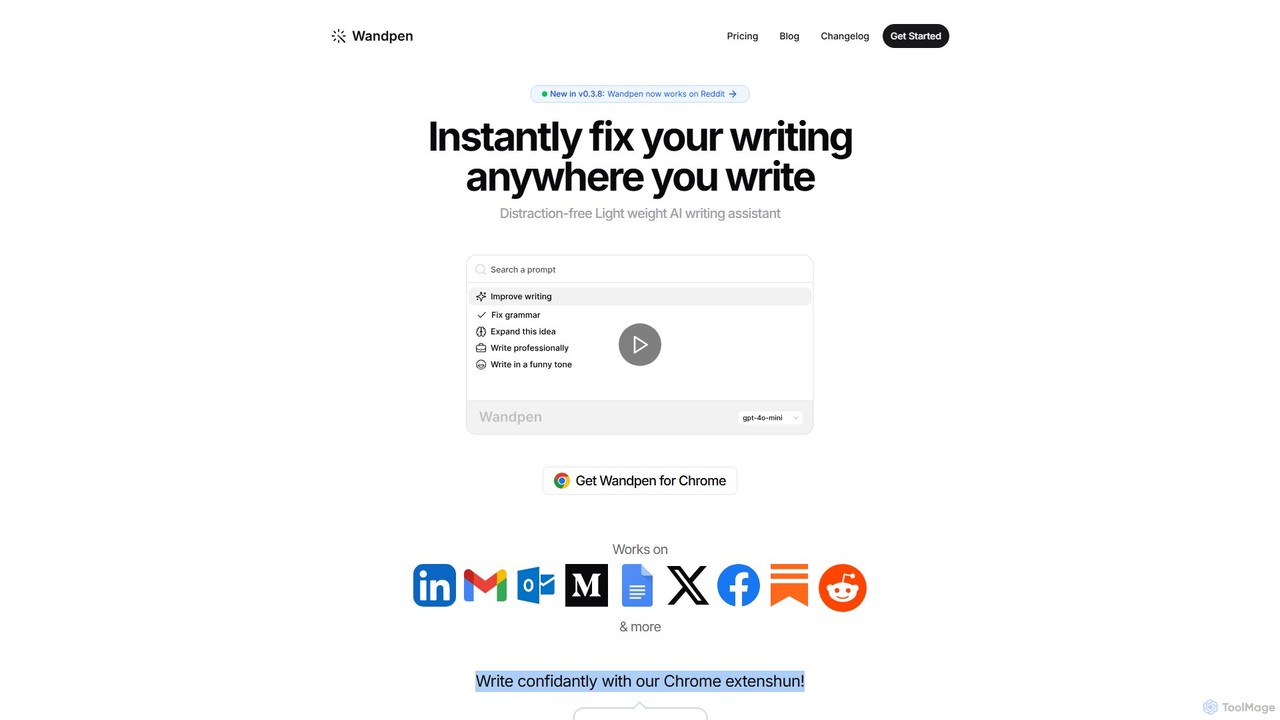
Wandpen
Wandpen is a lightweight AI writing assistant for Chrome that seamlessly integrates into your workflow. It allows you to instantly fix grammar, rewrite text, and brainstorm ideas directly on any website, including Google Docs, Reddit, and LinkedIn. By eliminating the need to switch tabs, Wandpen boosts your productivity and writing confidence using powerful AI models like GPT-4o, Claude 3.5, and Gemini.
Chrome Extensions
Wonder AI
Wonder AI is a powerful Chrome extension that enhances your writing, editing, and reading. It integrates directly into your browser, offering one-click tools to rewrite text, check grammar, summarize articles, explain complex concepts, and translate content, boosting your daily productivity and communication skills.
Chrome Extensions
Wordtune
Wordtune is an AI-powered writing companion and paraphrasing tool that helps you rewrite, rephrase, and improve your text. It offers features like tone adjustment, text shortening/expansion, summarization, and translation into English, ensuring your writing is clear, compelling, and authentic across various platforms.
Email Assistant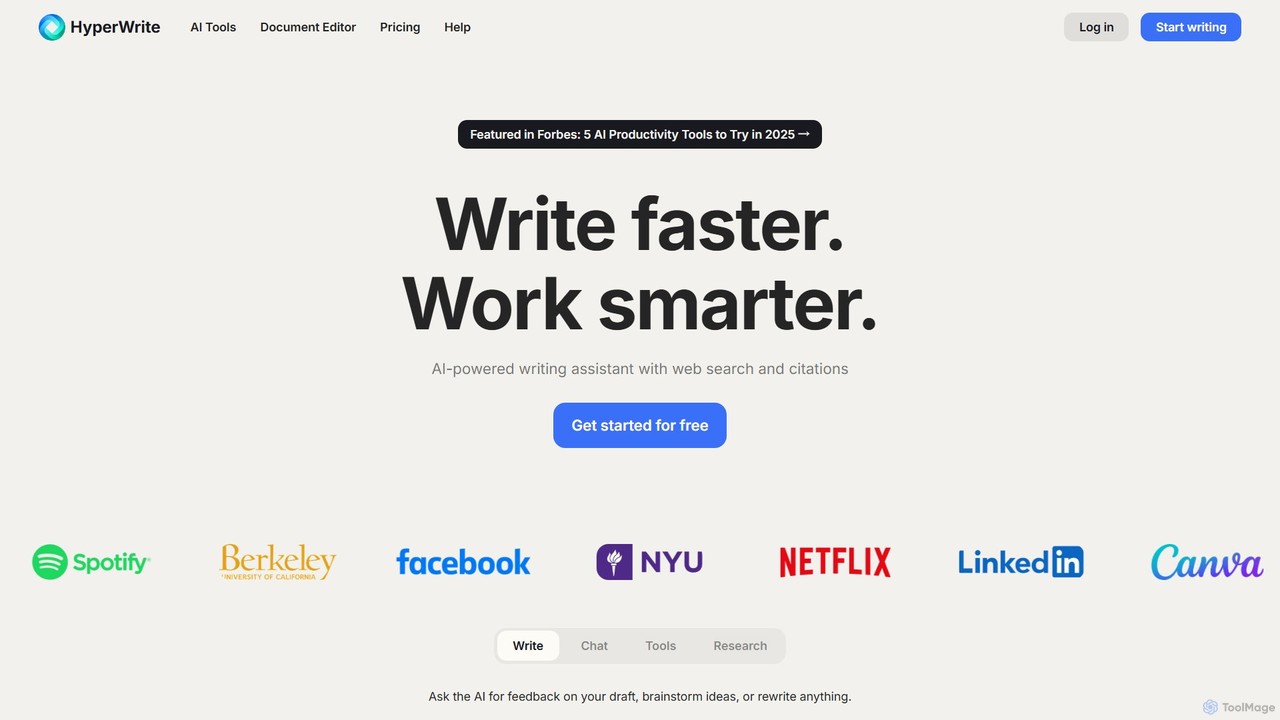
HyperWrite
HyperWrite is an advanced AI writing assistant designed to enhance productivity for students, marketers, and professionals. It offers hundreds of tools for writing, research, summarization, and content creation. Key features include real-time academic research with citations, customizable 'Personas' to match your writing style, and a seamless Chrome extension for workflow integration.
Research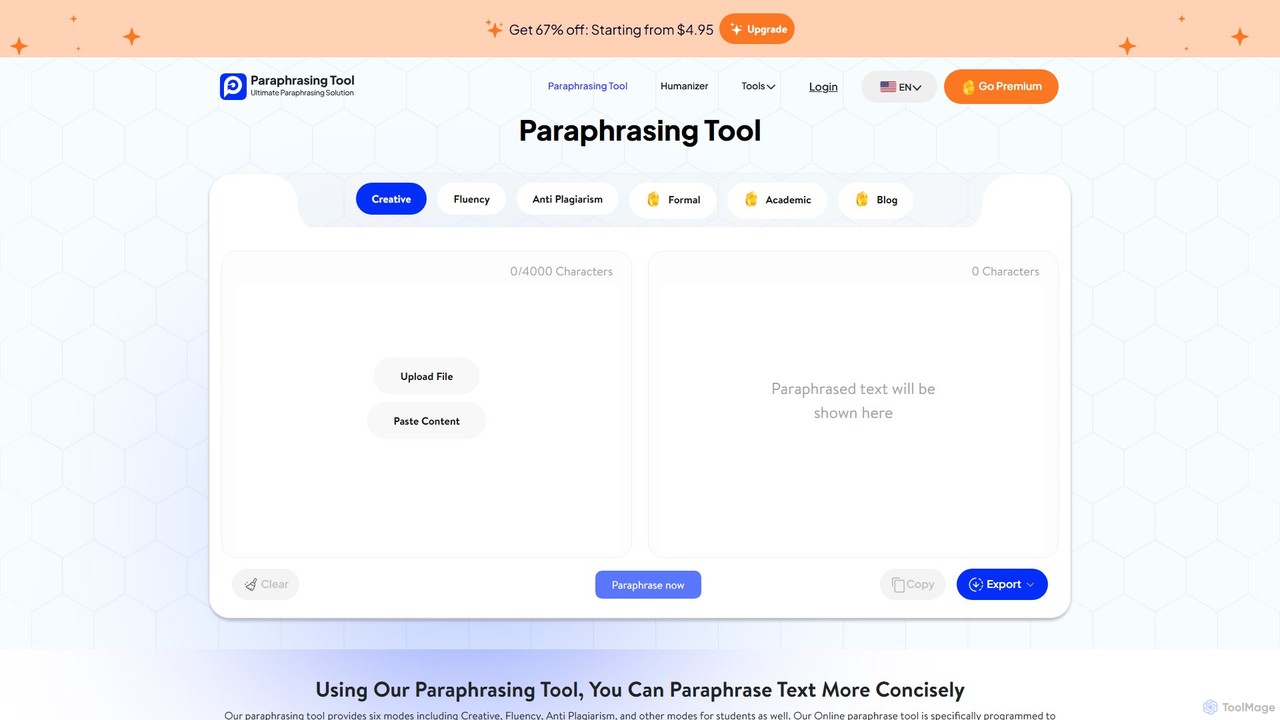
paraphrasing_tool.ai
paraphrasing_tool.ai is an advanced AI-powered paraphraser that rewrites text with high accuracy. It offers multiple modes, including Creative, Formal, Academic, and Blog, to tailor the output for various contexts. This tool goes beyond simple synonym replacement, restructuring sentences to improve clarity, style, and originality while helping users avoid plagiarism.
Research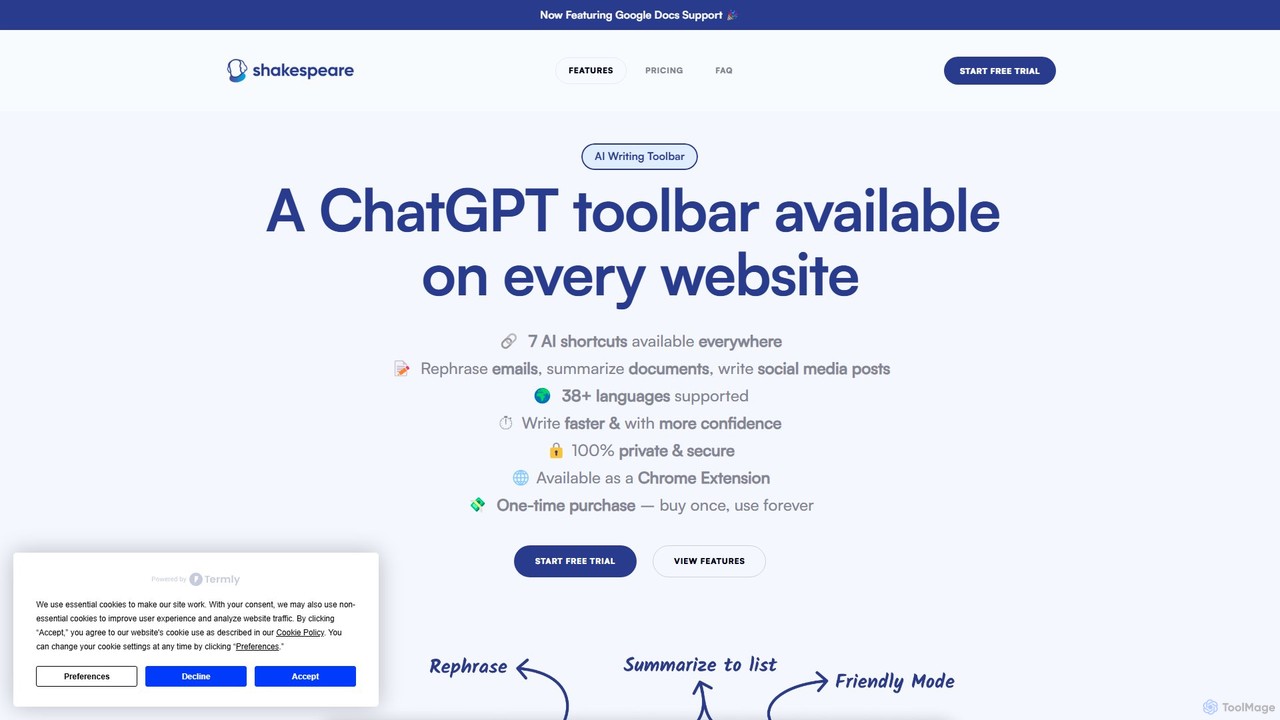
Shakespeare Toolbar
Shakespeare Toolbar is a ChatGPT-powered Chrome extension that integrates AI writing assistance directly into your browser. Work seamlessly on any website, including Google Docs, to rephrase, summarize, simplify text, and generate content without switching tabs. It's designed for writers, marketers, and professionals to enhance productivity and communication.
Chrome Extensions
ReWrite It.AI
ReWrite It.AI is an AI-powered writing assistant designed to enhance your text. It helps you rewrite, paraphrase, summarize, and proofread content effortlessly, ensuring clarity, confidence, and a unique style for emails, academic papers, and learning materials.
Language Learning
Merlin AI
Merlin is an all-in-one AI assistant, available as a browser extension and app, that integrates top AI models like GPT-4, Claude 3, and Gemini. It allows you to research, write, summarize content, generate images, and code with a single click on any website, streamlining your workflow and boosting productivity without switching tabs.
Chrome ExtensionsEloquentAI
EloquentAI is an AI-powered Chrome extension that instantly enhances your writing. It helps you convey ideas with clarity and precision by offering features like text enhancement, tone and length adjustment, summarization, translation, and custom prompts, all powered by leading models like GPT-4o and Llama 3.
Chrome Extensions
Viinyx
Viinyx is an all-in-one AI browser assistant designed to supercharge your productivity. Integrated directly into your browser, it helps you write faster, read smarter, and research more efficiently. Summarize articles and videos, compose emails, and get contextual AI help on any webpage.
Summarizer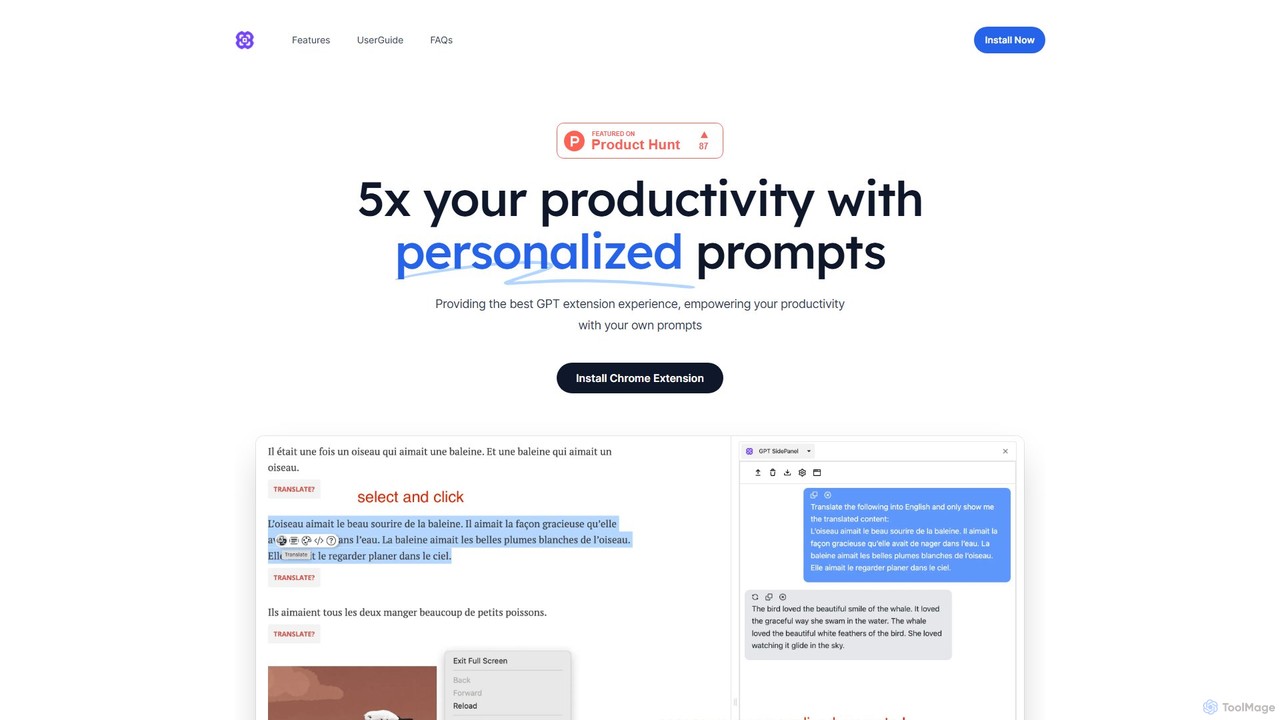
GPTSidePanel
GPTSidePanel is a powerful AI browser extension that integrates a GPT-powered sidebar into your browsing experience. Boost your productivity by summarizing articles, translating text, polishing writing, and using custom prompts directly on any webpage. Eliminate tab-switching and keep your workflow seamless with this intuitive AI assistant.
Browser Extension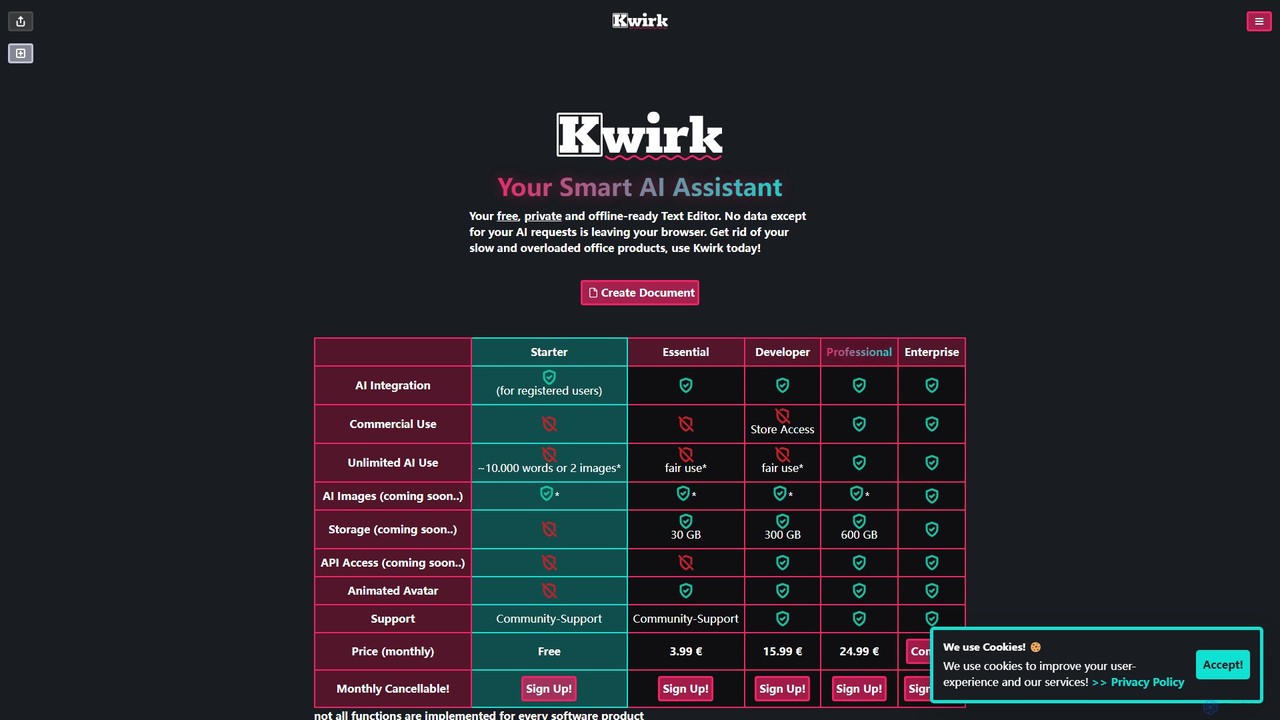
kwirk
Kwirk is a privacy-focused, offline-ready text editor enhanced with a smart AI assistant. It offers a lightweight and fast alternative to traditional office suites, allowing users to write, edit, summarize, and generate content securely within their browser. It provides both free and paid plans for individuals, developers, and businesses.
SummarizerCompose AI
Compose AI is an AI-powered writing assistant and Chrome extension that accelerates your writing process. It offers intelligent autocompletion, text generation, and rephrasing capabilities across all your favorite sites, from emails to documents. By learning your personal writing style, it helps you write faster and more effectively, saving up to 40% of your time.
Chrome ExtensionsRemail
Remail is an all-in-one AI assistant and Chrome extension designed to boost productivity. It helps you write and reply to emails 10x faster, summarize web pages, chat with documents and YouTube videos, generate content, and much more, directly within your browser.
Chrome ExtensionsNovaTexter
NovaTexter is an AI-powered browser extension that integrates ChatGPT models directly into your workflow. It allows you to generate content, ideas, and responses on any website by simply typing commands in a text area. Connect your OpenAI API key for a seamless, productive content creation experience with a single one-time payment.
Chrome Extensions
Rewrite.ly Comments (0)
Sign in to comment.
Sign inNo comments yet.