

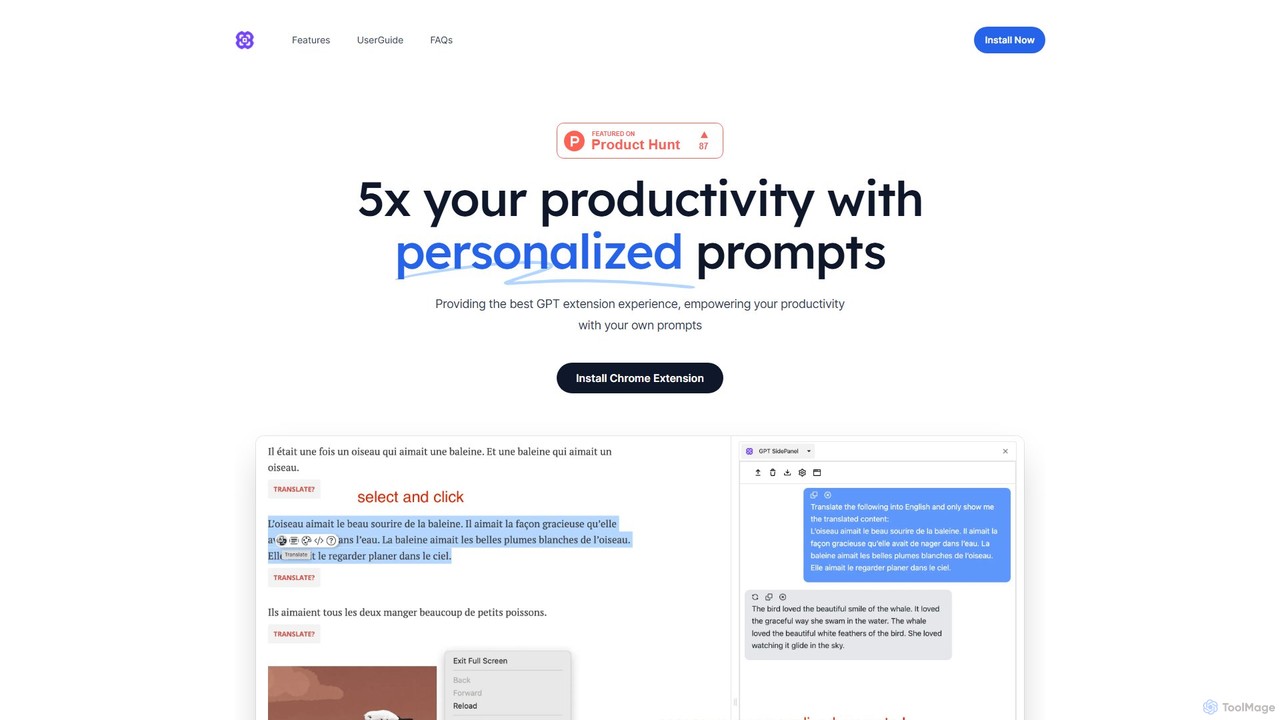
GPTSidePanel Overview
GPTSidePanel is a revolutionary browser extension designed to supercharge your productivity by seamlessly integrating the power of GPT into your daily web browsing. It acts as a persistent AI assistant in a convenient sidebar, accessible on any webpage with a simple click or keyboard shortcut. This eliminates the constant need to switch between tabs, allowing you to stay focused and in your workflow. Whether you're a student, a professional, a writer, or a developer, GPTSidePanel provides the tools you need to work smarter and faster, claiming to boost productivity by up to 5 times.
The core philosophy of GPTSidePanel is to make AI an intuitive and contextual part of your online experience. It can read and understand the content of the page you're on, enabling it to provide highly relevant summaries, explanations, translations, and more. The standout feature is its powerful prompt customization, which allows you to create and save a library of your most-used commands, turning complex, repetitive tasks into single-click actions.
How to use GPTSidePanel
Getting started with GPTSidePanel is straightforward and designed for immediate productivity gains:
- Installation: Navigate to the Chrome Web Store, search for GPTSidePanel, and add it to your browser. The team plans to support other browsers like Edge, Firefox, and Safari in the future.
- Activation: Once installed, you can open the sidebar in two ways: either by clicking the extension's icon in your browser toolbar or by using the quick keyboard shortcut Alt+G (or Option+G on Mac).
- Configuration: Open the settings menu within the sidebar to customize your experience. Here you can select your preferred AI model (which may require your own API key) and set your default language for responses.
- Interaction: To interact with webpage content, simply highlight a piece of text and use the quick action buttons that appear, or open the sidebar to type a custom query. The AI will use the context of the page to inform its response.
- Personalization: The true power comes from personalization. Go to the 'Prompts' section to add your own custom prompts. For example, you could create a prompt to "Explain this technical concept to a 5-year-old" or "Rewrite this paragraph in a more persuasive tone."
Core Features of GPTSidePanel
- Persistent AI Sidebar: Access a powerful AI chat interface on any webpage without leaving your current tab.
- Custom Prompt Library: Create, save, and manage an unlimited number of personalized prompts to automate your most common tasks with a single click.
- Context-Aware Interaction: The tool can analyze the content of the current webpage to provide accurate summaries, detailed explanations, and relevant answers.
- Built-in Quick Commands: Instantly perform common actions like Translate, Summarize, Explain, and Polish on selected text or the entire page.
- Page-Specific Chat History: Each webpage has its own dedicated chat thread, preserving the context of your conversations and making it easy to revisit past interactions.
- Easy Access & Control: Quickly toggle the sidebar with the Alt+G shortcut and manage all your conversations and prompts from one central place.
- No-Signup Required: During its Beta phase, the extension offers unlimited use without the need for an account, ensuring privacy and ease of access.
Use Cases for GPTSidePanel
GPTSidePanel is a versatile tool for a wide range of users:
- Students and Researchers: Instantly summarize dense academic papers, explain complex scientific theories, translate foreign language sources, and get help with research questions directly on the page.
- Writers and Content Creators: Overcome writer's block by brainstorming ideas, generate article outlines, rephrase sentences for clarity, polish drafts for grammar and style, and adapt content for different audiences.
- Developers and Programmers: Select a code snippet on a site like GitHub or Stack Overflow and ask the AI to explain its function, identify potential bugs, or suggest optimizations.
- Marketing and Sales Professionals: Quickly draft compelling emails, summarize competitor analysis from their websites, and refine marketing copy on the fly.
- Language Learners: Highlight unfamiliar words or phrases to get instant translations and explanations in context, accelerating the learning process.
Advantages of GPTSidePanel
The primary advantage of GPTSidePanel is its seamless integration into the user's workflow, which significantly enhances productivity. By eliminating context switching, users can maintain their focus and complete tasks more efficiently. The high degree of customization through the personal prompt library allows users to tailor the AI to their specific needs, making it a truly personal assistant. Furthermore, its ability to understand page context leads to more accurate and useful responses compared to generic chatbot interfaces. Being free during its beta phase makes it an accessible and risk-free tool for anyone looking to leverage AI in their daily tasks.
Pricing and Plans
GPTSidePanel is currently in its Beta testing phase, and all features are available completely free of charge. Users can enjoy unlimited chats and full access to all functionalities, including custom prompts and chat history, without needing to sign up or provide payment information. The developers have indicated that they will continue to iterate and add more features, but the current version is free for all users.
GPTSidePanel Alternatives
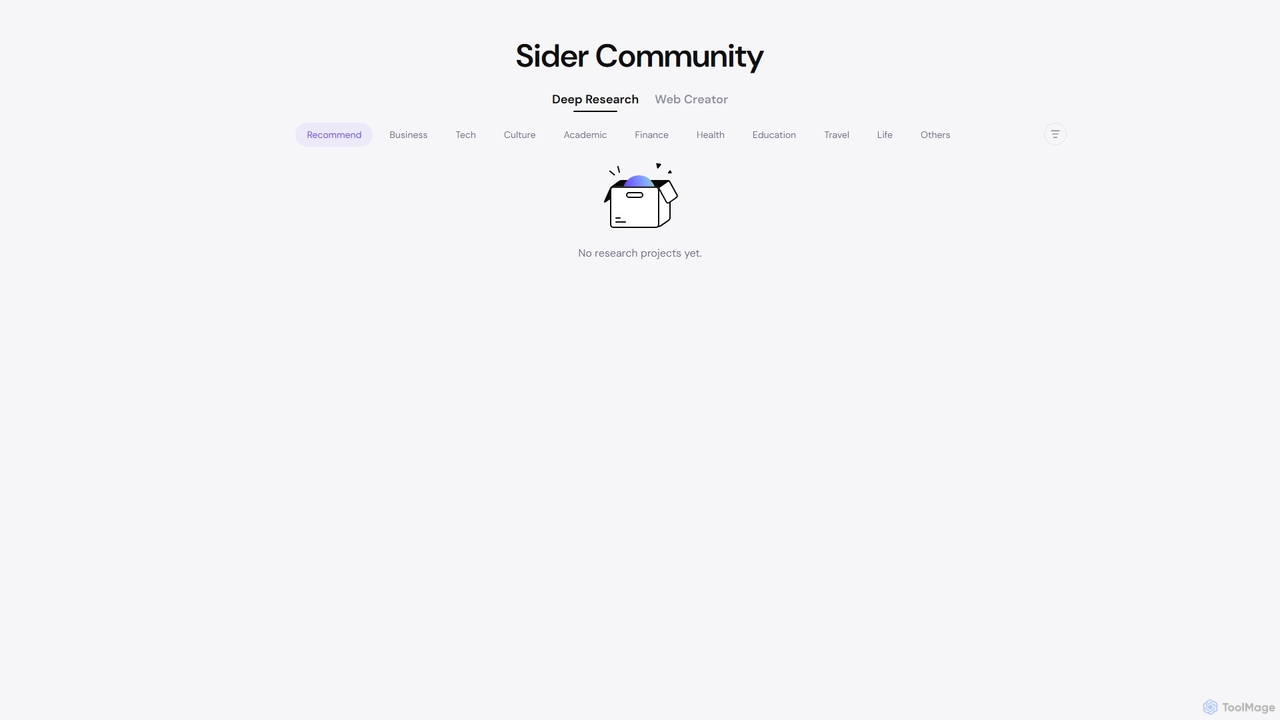
Sider
Sider is a powerful AI copilot integrated into your browser sidebar. It brings ChatGPT, GPT-4, Claude 3, and Gemini to any webpage, allowing you to seamlessly summarize content, enhance your writing, explain complex topics, and chat with documents or videos. It streamlines your workflow by eliminating the need to switch between tabs, boosting your overall productivity and creativity.
Learning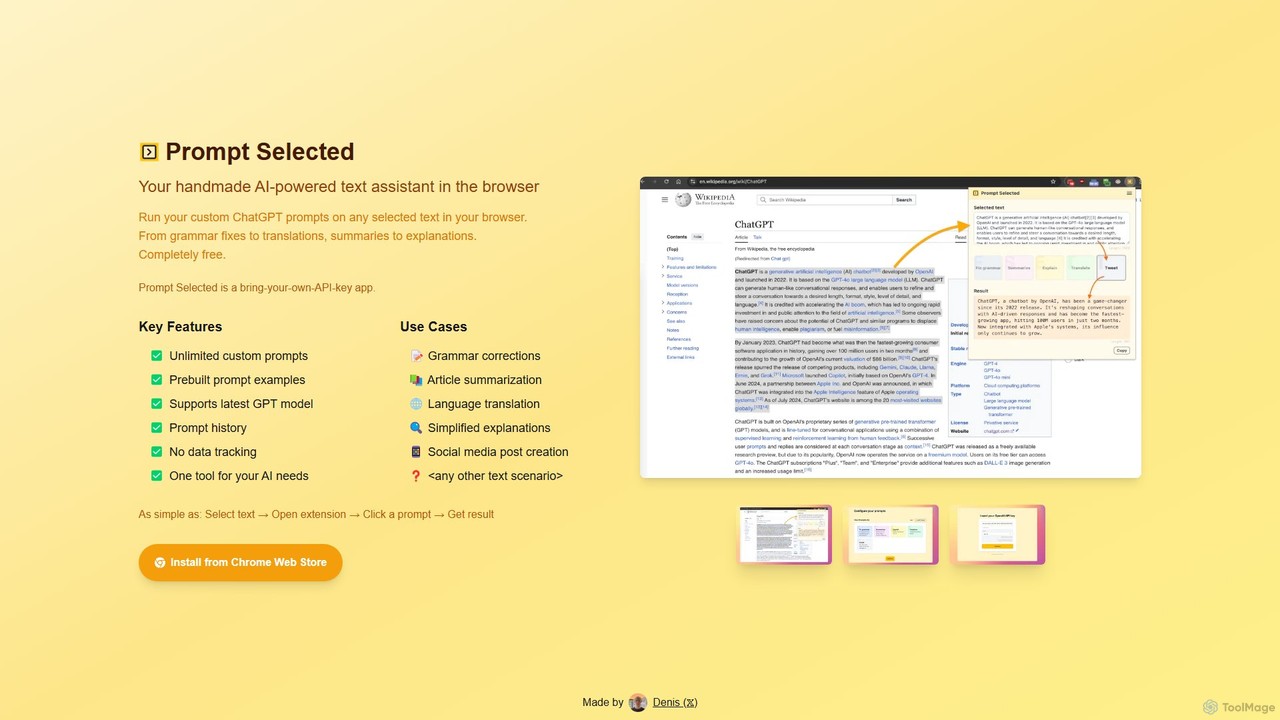
Prompt Selected
A free, privacy-focused Chrome extension that acts as your personal AI text assistant. Run unlimited custom ChatGPT prompts on any selected text directly in your browser for tasks like summarization, translation, and grammar correction using your own API key.
Prompt Engineering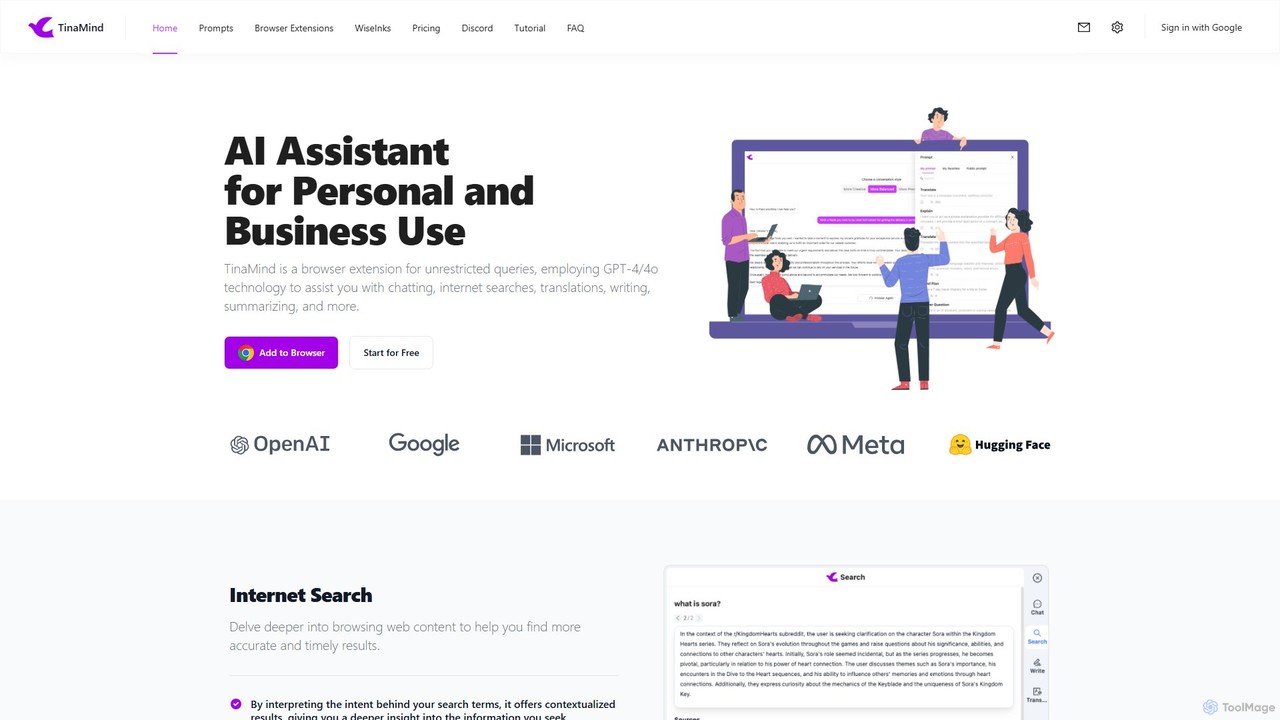
TinaMind
TinaMind is an AI-powered browser extension that enhances your productivity with GPT-4/4o. It acts as an all-in-one assistant for intelligent web search, document and YouTube summarization, content writing, high-quality translation, and efficient prompt management. Seamlessly integrated into your browser, it streamlines your workflow for both personal and business use.
Browser Extension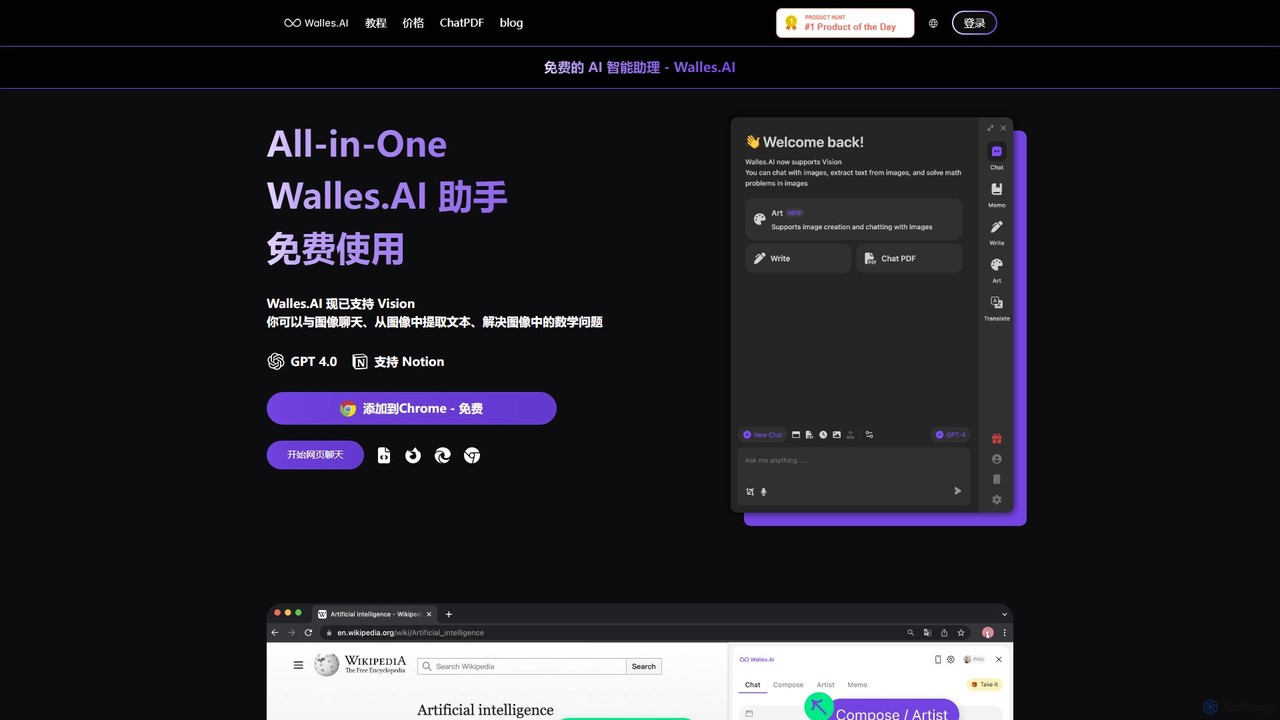
Walles.AI
Walles.AI is an all-in-one AI assistant integrated as a Chrome extension. Powered by GPT-4, it allows you to chat with webpages, PDFs, YouTube videos, and even images. Boost your productivity with instant summarization, translation, text analysis, and seamless integration with Notion.
Study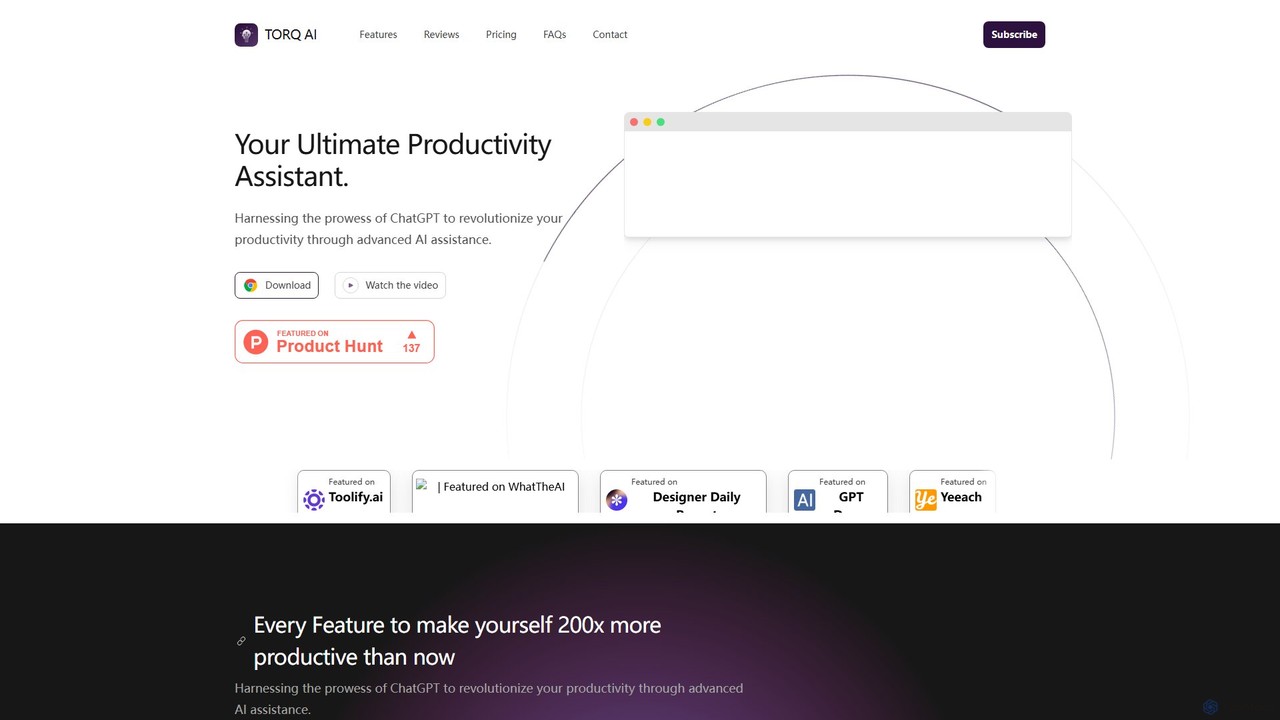
Torq
Torq is an AI-powered Chrome extension that supercharges your productivity. Leveraging ChatGPT, it offers one-click email generation, instant text summarization and translation, and integrates AI responses directly into your Google search results, streamlining your daily workflow.
Browser ExtensionGPTSidePanel Categories
GPTSidePanel Embed Widget
Copy this embed code to place the badge on your blog, article, or product site and send readers directly to this ToolMage detail page.

Related AI tools
Chippy
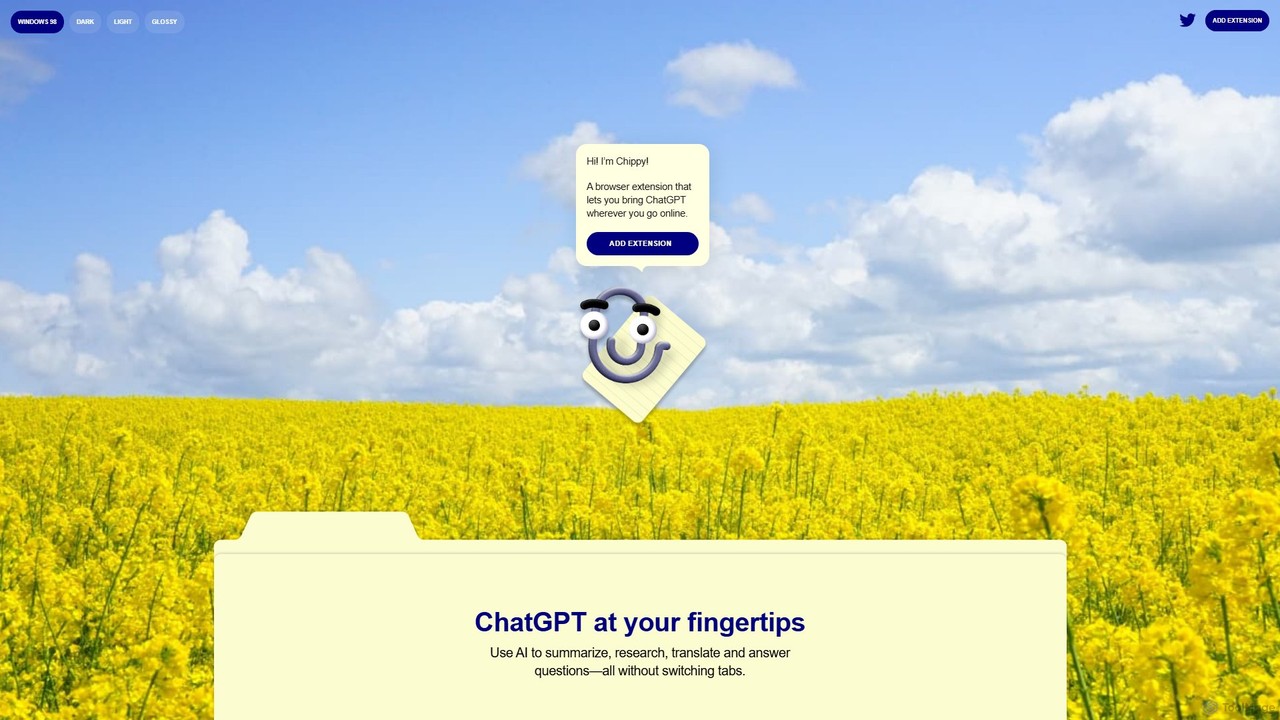
Chippy is a smart ChatGPT-powered Chrome extension that acts as your AI assistant across the web. Seamlessly summarize articles, translate text, research topics, and draft emails without ever leaving your current tab. It offers context-aware answers by focusing on the page you're viewing, overcoming ChatGPT's knowledge limitations. With a generous free tier and a focus on user privacy, Chippy enhances your browsing productivity by putting the power of AI at your fingertips.
Search AssistantSider
Sider is a powerful AI copilot integrated into your browser sidebar. It brings ChatGPT, GPT-4, Claude 3, and Gemini to any webpage, allowing you to seamlessly summarize content, enhance your writing, explain complex topics, and chat with documents or videos. It streamlines your workflow by eliminating the need to switch between tabs, boosting your overall productivity and creativity.
LearningPrompt Selected
A free, privacy-focused Chrome extension that acts as your personal AI text assistant. Run unlimited custom ChatGPT prompts on any selected text directly in your browser for tasks like summarization, translation, and grammar correction using your own API key.
Prompt Engineering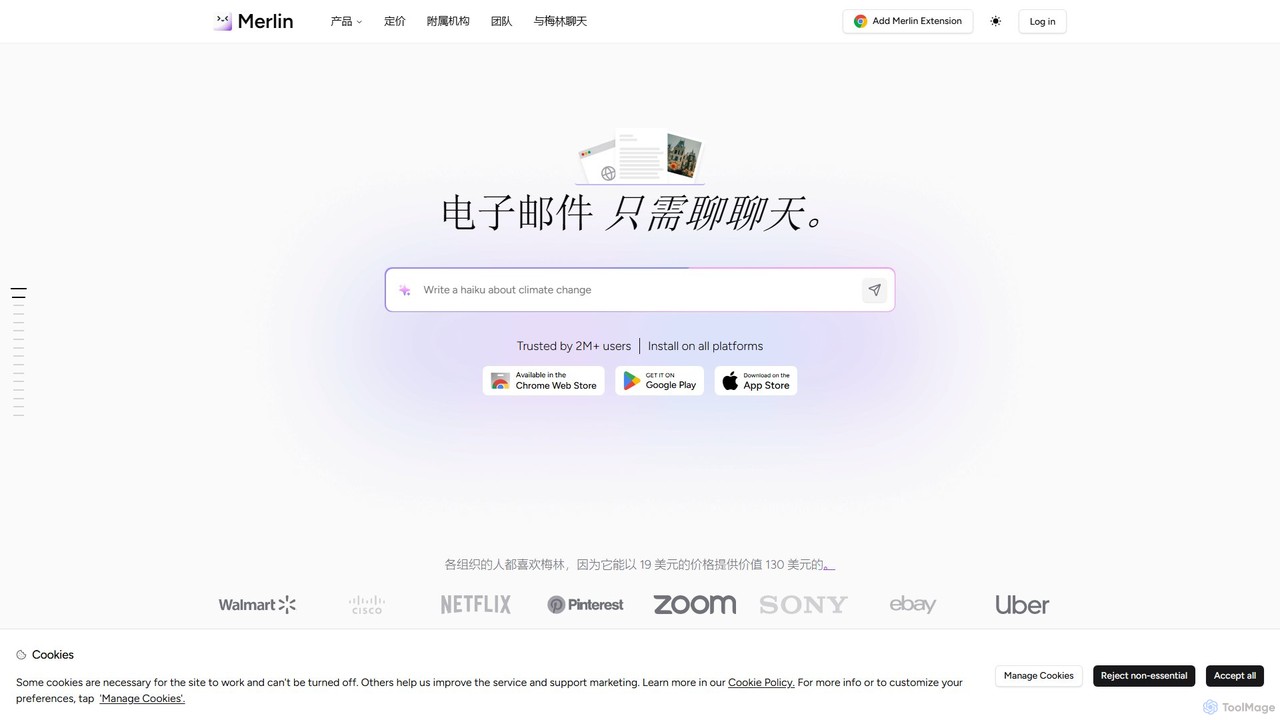
getmerlin
getmerlin is a versatile AI assistant powered by top models like GPT-4o and Claude 3.5. Available as a browser extension and app, it integrates seamlessly into your workflow to summarize content, draft emails, generate text and images, and enhance research on any website. It acts as an all-in-one productivity tool, saving time and money by consolidating multiple AI services into a single subscription.
Chrome Extensions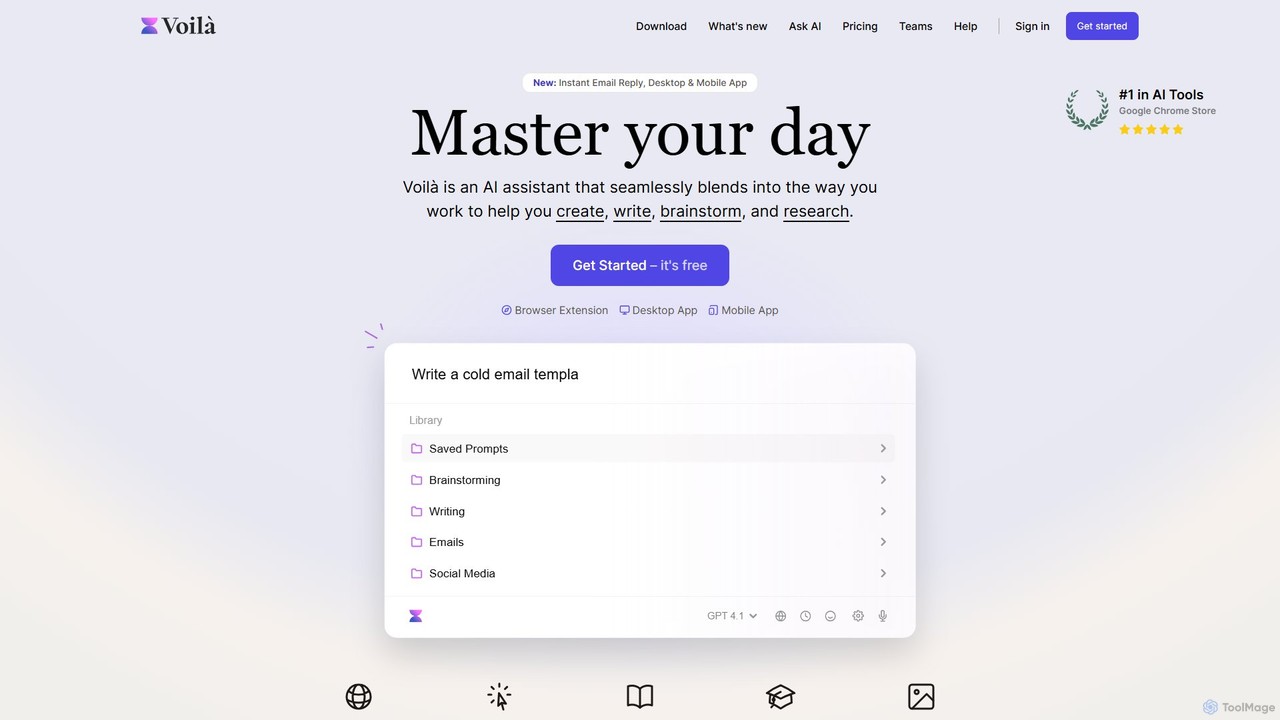
Voilà
Voilà is an all-in-one AI assistant designed to maximize productivity. It functions as a browser extension, desktop, and mobile app, seamlessly integrating into your workflow to help with writing, brainstorming, research, and content creation. It works on any website or app, understanding the context to provide relevant assistance.
Content Creation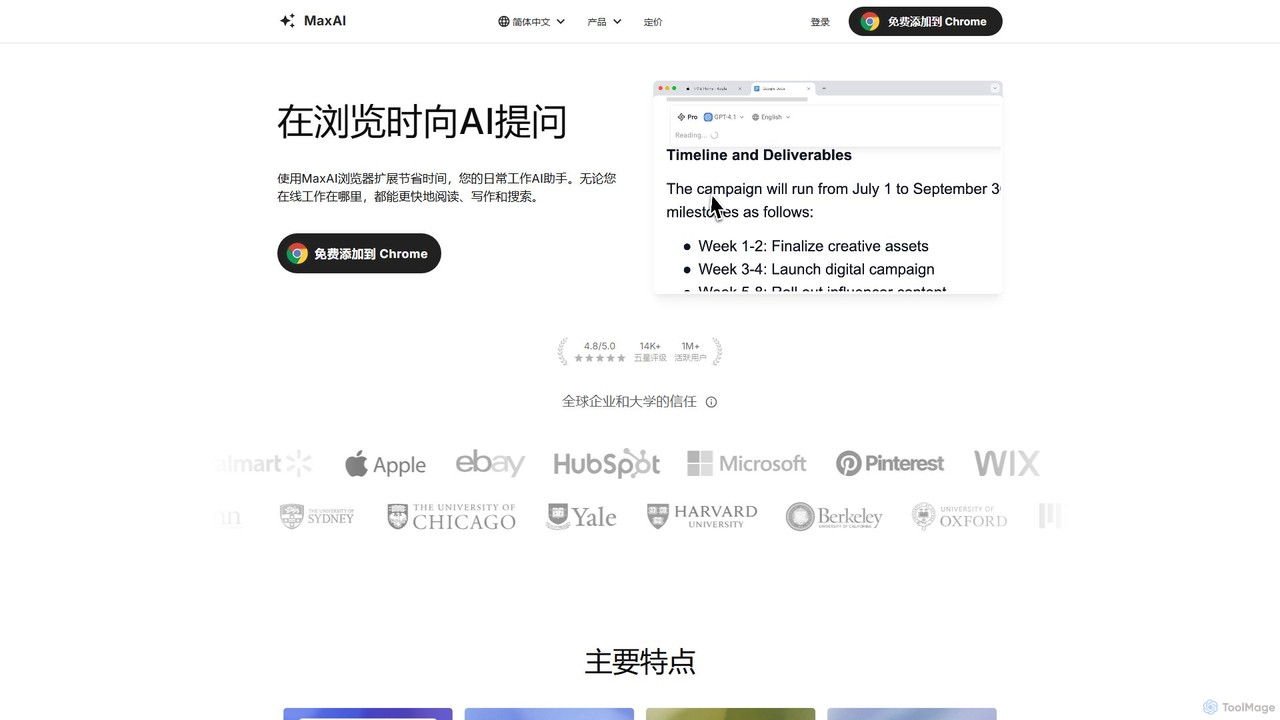
MaxAI
MaxAI is a powerful browser extension that acts as your all-in-one AI assistant. It integrates top AI models like GPT-4o and Claude 3.5 directly into your browser, allowing you to read, write, and research faster. Summarize web pages, improve your writing, translate text, and generate content with a single click, boosting your productivity across all your online activities.
Chrome Extensions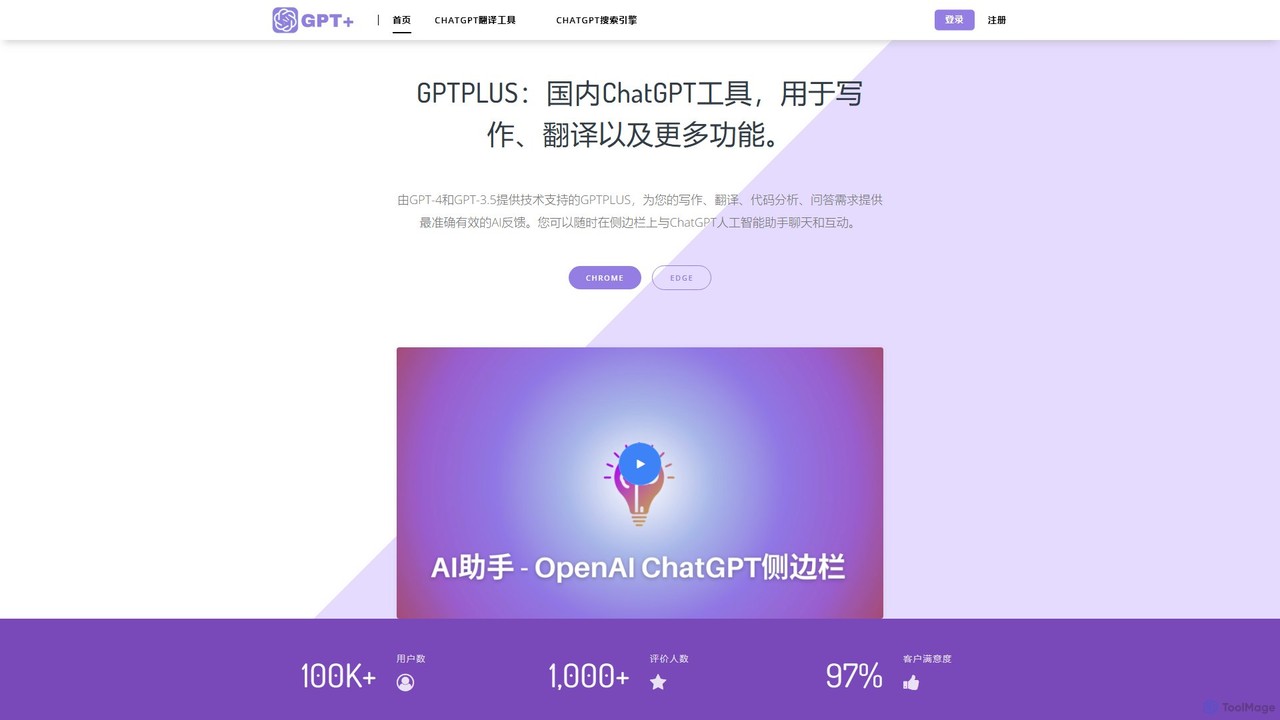
GPTPLUS
GPTPLUS is a powerful browser extension that integrates ChatGPT as a convenient sidebar. It offers one-click text processing, a rich library of prompt templates, and advanced AI assistance for writing, translation, and research directly within your browser, boosting productivity and streamlining your workflow.
Browser Extensions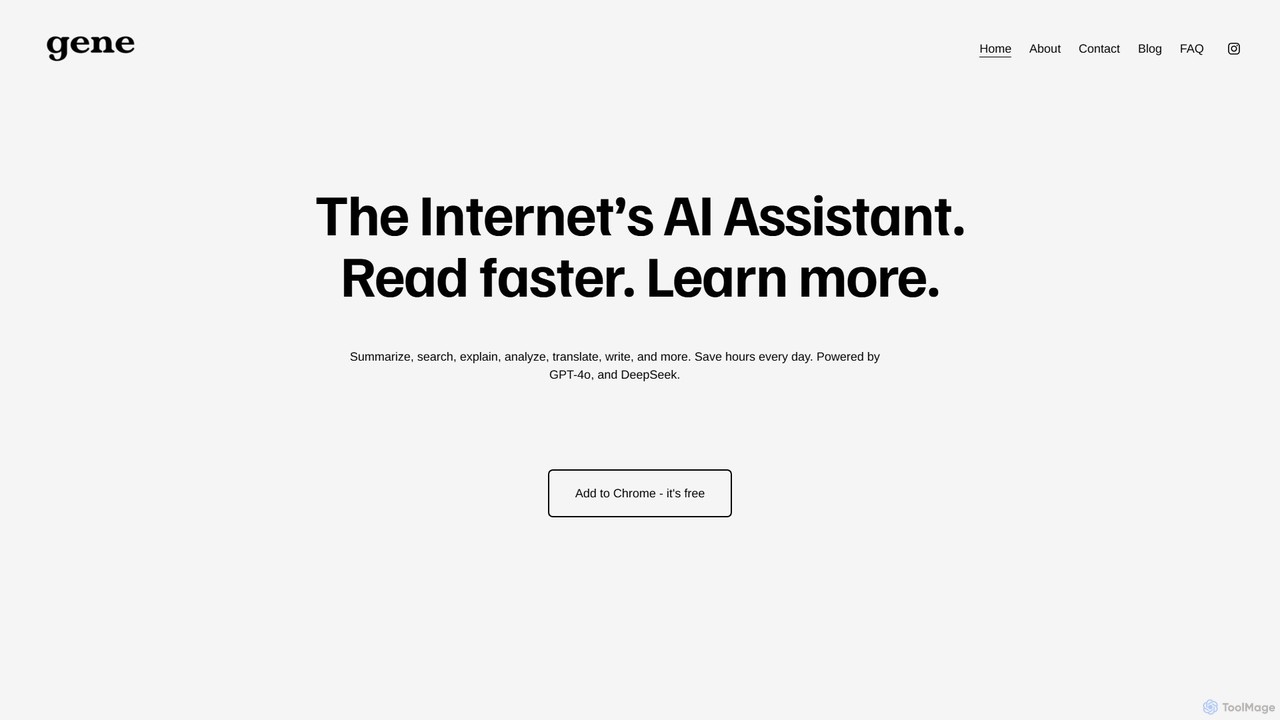
Ask Gene
Ask Gene is a free AI-powered Chrome extension that acts as your personal internet assistant. Powered by GPT-4o and DeepSeek, it allows you to summarize webpages and PDFs, chat with AI without leaving your tab, explain complex text, translate, and assist with writing, all seamlessly integrated into your browser.
Research
Viinyx
Viinyx is an all-in-one AI browser assistant designed to supercharge your productivity. Integrated directly into your browser, it helps you write faster, read smarter, and research more efficiently. Summarize articles and videos, compose emails, and get contextual AI help on any webpage.
Summarizer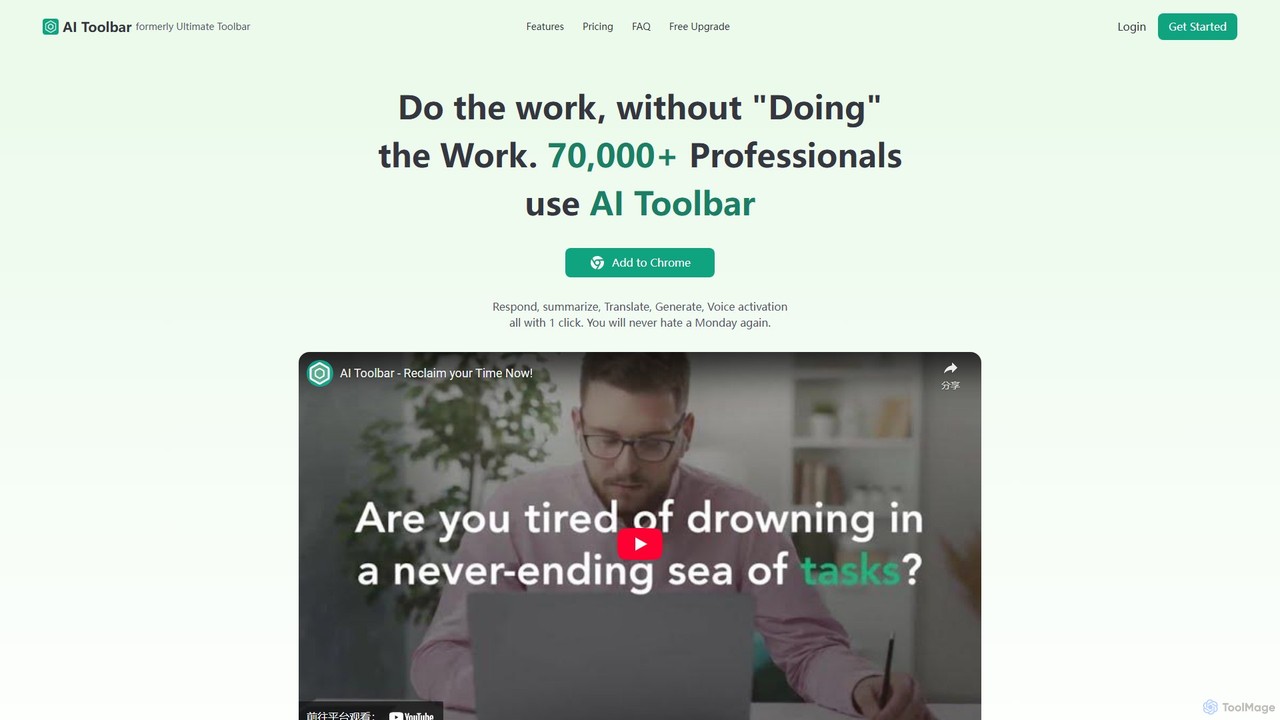
AI Toolbar
AI Toolbar is a powerful Chrome extension that acts as your personal virtual assistant. It integrates AI directly into your browser, allowing you to respond to emails, summarize and translate text, generate content, and use voice commands on any webpage with a single click. Trusted by over 70,000 professionals, it's designed to dramatically boost your productivity and streamline your workflow.
Paraphraser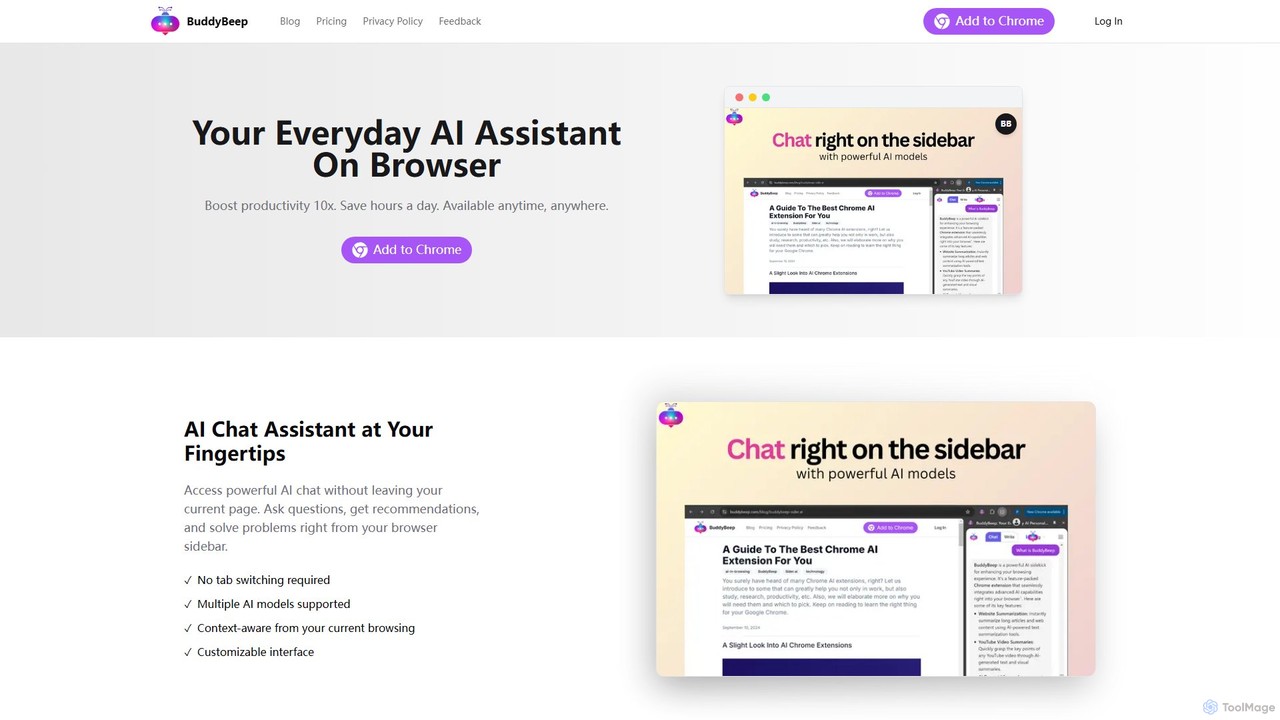
BuddyBeep
BuddyBeep is an AI-powered Chrome extension that acts as your personal browsing assistant. It boosts productivity by offering an in-page AI chat, one-click summarization for articles and YouTube videos, and a smart knowledge repository to build your "second brain". Capture, organize, and retrieve information effortlessly without switching tabs, transforming your browsing into a more efficient and insightful experience.
Browser Extension
chrome_ai
An all-in-one AI assistant integrated into your Chrome browser. Summarize web pages and YouTube videos, enhance your writing, explain complex topics, and chat with advanced AI models without leaving your current tab. Boost your productivity with seamless AI power.
Chrome Extensions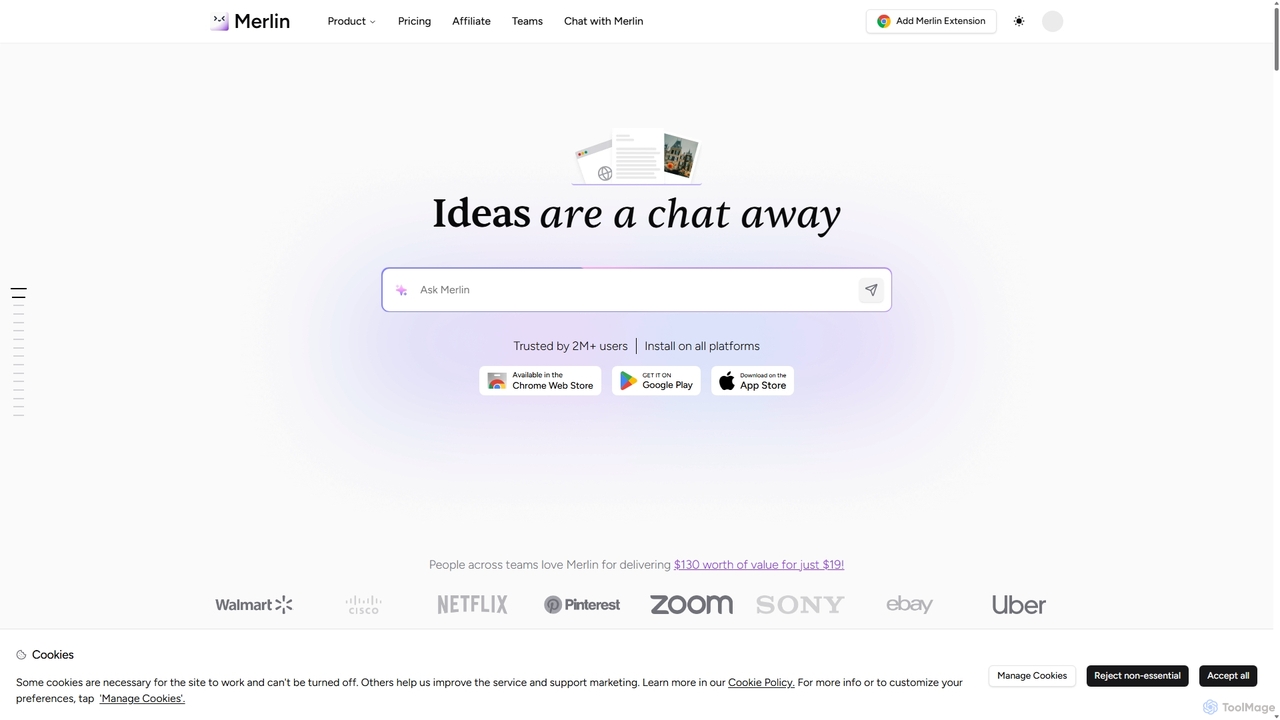
Merlin AI
Merlin is an all-in-one AI assistant, available as a browser extension and app, that integrates top AI models like GPT-4, Claude 3, and Gemini. It allows you to research, write, summarize content, generate images, and code with a single click on any website, streamlining your workflow and boosting productivity without switching tabs.
Chrome Extensions
askone.ai
askone.ai is an AI-powered browser extension that seamlessly integrates Large Language Models (LLMs) into your web browsing. It acts as a versatile assistant, allowing you to instantly summarize articles, extract keywords, translate text, generate questions, and engage in contextual chats directly on any webpage. With flexible options to use your own API keys or its unified service, askone.ai enhances productivity and comprehension by putting the power of AI at your fingertips.
Research
Sider
Sider is an all-in-one AI assistant integrated as a browser sidebar and cross-platform app. It combines chat with models like GPT-4 and Claude 3.5, a powerful "Deep Research" agent, a personal knowledge base called "Wisebase," and a suite of tools for summarizing, translating, writing, and image editing to enhance productivity and learning.
Assistant
GPTSidePanel Comments (0)
Sign in to comment.
Sign inNo comments yet.