

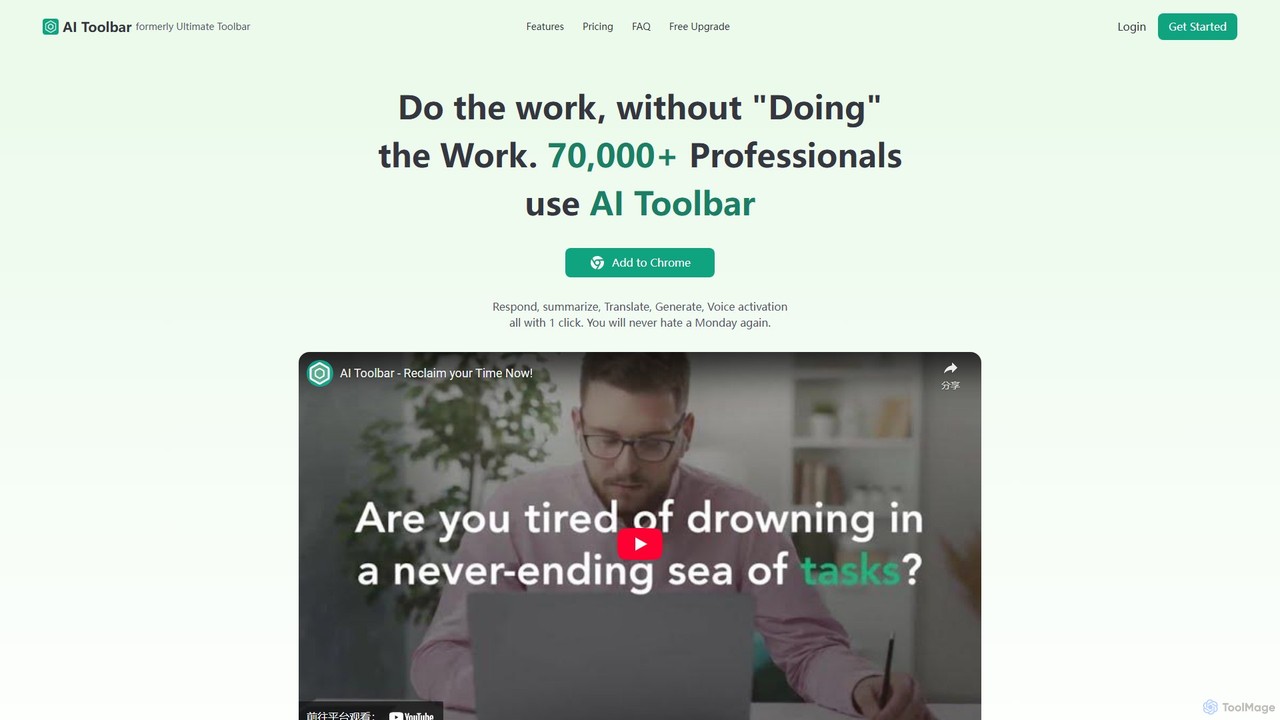
AI Toolbar Overview
AI Toolbar is a revolutionary Chrome extension designed to bring the power of artificial intelligence directly into your daily workflow, helping you "Do the work, without 'Doing' the Work." Trusted by a rapidly growing community of over 70,000 professionals, this tool acts as a free virtual assistant, seamlessly integrating into your browser to enhance your productivity. Whether you're drafting emails, conducting research, or communicating with a global audience, AI Toolbar provides a suite of powerful features accessible on any webpage, aiming to democratize AI and make advanced technology available to everyone.
The core philosophy of AI Toolbar is to eliminate the constant tab-switching and context loss that plagues modern work. By placing an AI-powered copilot, chatbot, and text manipulation tools right in your browser's toolbar, it streamlines tasks that would otherwise take significant time and effort. From generating millions of responses for its users, the tool has proven its capability to transform mundane tasks into one-click operations.
How to use AI Toolbar
Getting started with AI Toolbar is incredibly simple and designed for immediate productivity gains. Follow these steps to integrate it into your workflow:
- Installation: Add the AI Toolbar extension to your Google Chrome browser from the Chrome Web Store.
- Activation: Once installed, the AI Toolbar icon will appear in your browser. You can access its features from there.
- On-Page Actions: To use its core functions, simply select any text on any webpage. A context menu will appear, or you can use the toolbar icon.
- Choose a Task: From the menu, select what you want to do with the text, such as Summarize, Translate, Paraphrase, Analyze, or Extract Data. The AI will process your request instantly.
- Engage the Chatbot: Click on the toolbar icon to open the AI chatbot. You can ask it questions, brainstorm ideas, or request information. Your conversations can be downloaded as Word or PDF files.
- Use Voice Commands: Activate the voice feature to speak directly to your personal assistant, allowing for hands-free control and interaction.
- Draft Content: Use the Copilot feature to draft emails or other content with minimal input. The AI understands the context to generate relevant and well-written text.
Core Features of AI Toolbar
- AI Copilot: Acts as a smart writing assistant. Draft professional, context-aware emails and other text with just a few prompts, saving you valuable time.
- Integrated AI Chatbot: Communicate with a powerful AI chatbot directly in your browser. Get relevant answers, brainstorm ideas, and export the entire conversation to Word or PDF for your records.
- Voice Activation: A game-changer for multitasking and accessibility. Use your voice to command your personal assistant, making interactions faster and hands-free.
- Text Summarization and Translation: Instantly summarize long articles, reports, or webpages. Translate selected text into various languages with a single click, breaking down language barriers.
- Advanced Text Analysis: Go beyond simple tasks. Use the toolbar to paraphrase text for clarity, analyze its sentiment, or extract key data points from unstructured content.
- Seamless ChatGPT Integration: AI Toolbar enhances the standard ChatGPT experience by integrating its features directly at the top of the ChatGPT interface, creating the ultimate AI workflow.
- Custom Prompts: Tailor the AI's output to your specific needs by creating and saving your own custom prompts for recurring tasks.
Use Cases for AI Toolbar
AI Toolbar is a versatile tool that benefits a wide range of users:
- For Professionals and Corporate Teams: Drastically increase efficiency by cutting down email composition time from minutes to seconds. Quickly summarize meeting notes, client briefs, and industry reports. As one user noted, it boosted her productivity so much she earned a promotion.
- For Students and Researchers: A must-have for academic work. Summarize dense research papers, translate foreign-language sources for literature reviews, and paraphrase complex concepts to avoid plagiarism and improve understanding.
- For Marketers and Content Creators: Generate creative copy for social media, ads, and blog posts. Analyze competitor websites and extract key marketing messages. Use the chatbot to brainstorm campaign ideas.
- For Remote Workers: The voice control feature is particularly useful for those working from home, reducing the need for constant typing and allowing for a more ergonomic and efficient workflow.
Advantages of AI Toolbar
The primary advantage of AI Toolbar is its ability to embed powerful AI capabilities directly into your existing browsing habits. This leads to several key benefits:
- Massive Productivity Gains: Users report significant time savings on daily tasks, allowing them to focus on more strategic work.
- Unmatched Convenience: All tools are available on any webpage, eliminating the need to copy-paste text into a separate AI application.
- Democratized Access to AI: With a robust free plan and a generous referral program, AI Toolbar makes powerful technology accessible to everyone, not just those with large budgets.
- User-Friendly Design: The tool is intuitive and requires no technical expertise. Its one-click functionality makes it easy for anyone to adopt.
- High-Quality Output: Leveraging advanced language models, the tool produces human-like text that is accurate, natural, and contextually appropriate.
Pricing and Plans
AI Toolbar is committed to making AI accessible and offers a simple, transparent pricing structure with a freemium model.
- FREE Plan: This plan is incredibly generous and designed to get you started immediately. It includes access to all core features: AI on any page, ChatGPT integration, Voice Activation, Summarize/Translate, Chatbot, Export to PDF/Word, and Custom Prompts. Users start with free credits and can unlock unlimited premium features through a unique referral program—for every new user that signs up via your link, you receive a free week of the Premium upgrade.
- PREMIUM Plan: For users who want guaranteed, uninterrupted access without relying on referrals, the Premium plan is available for £4.20 GBP per month (billed annually, offering a 60% saving). This plan includes all features with unlimited usage. Please note that this plan does not include access to GPT-4.
Traffic
Latest traffic
Status
Monthly traffic trend
- 2025-7: 1.9K
- 2025-8: 1.0K
- 2025-9: 2.5K
- 2026-3: 0
- 2026-4: 0
- 2026-5: 745
Geography
Top 5 countries / regions
- 🇯🇵Japan100.0%
Top keywords
| Keyword | Cost per click |
|---|---|
| altoolbar | $0.00 |
| chatgpt toolbar | $0.00 |
| pes 2017 patch 2026 | $0.10 |
| shakespeare toolbar | $0.00 |
AI Toolbar Alternatives
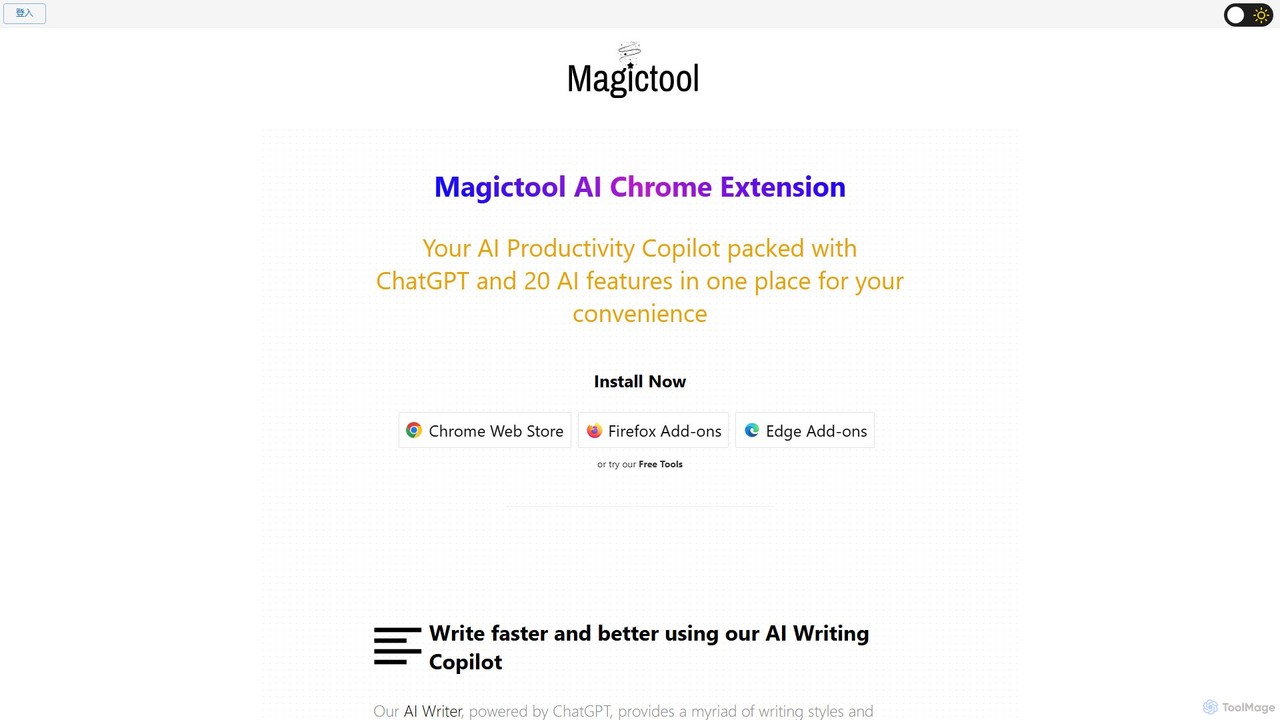
Magic Tool AI
Magic Tool AI is an all-in-one productivity browser extension that integrates ChatGPT and over 20 AI features. It acts as your personal copilot, helping you write better and faster, summarize YouTube videos and articles, chat with PDFs, scrape web data, generate images, and much more, all within your browser.
Browser Extension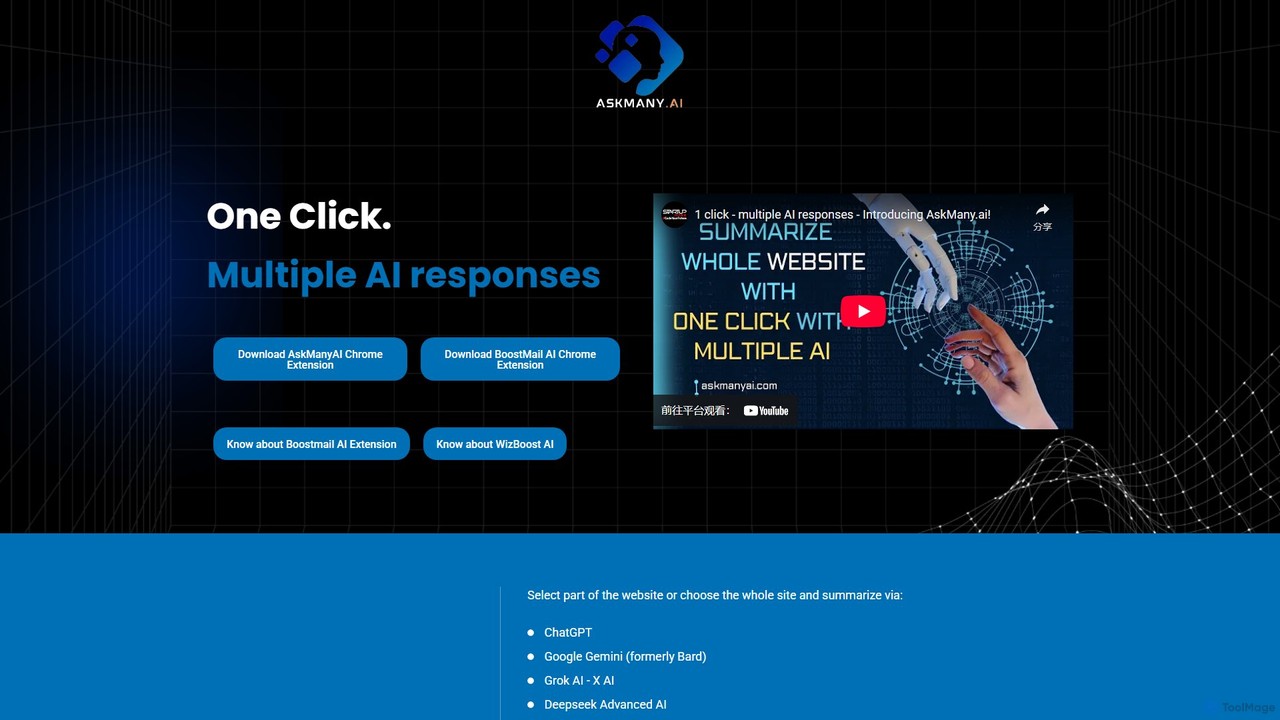
Askmany
Askmany is a powerful Chrome extension that allows you to query multiple AI models like ChatGPT, Gemini, and Grok with a single click. Instantly summarize web pages, compare AI responses for accuracy, and boost your productivity. It also offers specialized email AI assistants, BoostMailAI for Gmail and WizBoostAI for MailWizz, to enhance your email marketing campaigns.
Code Assistant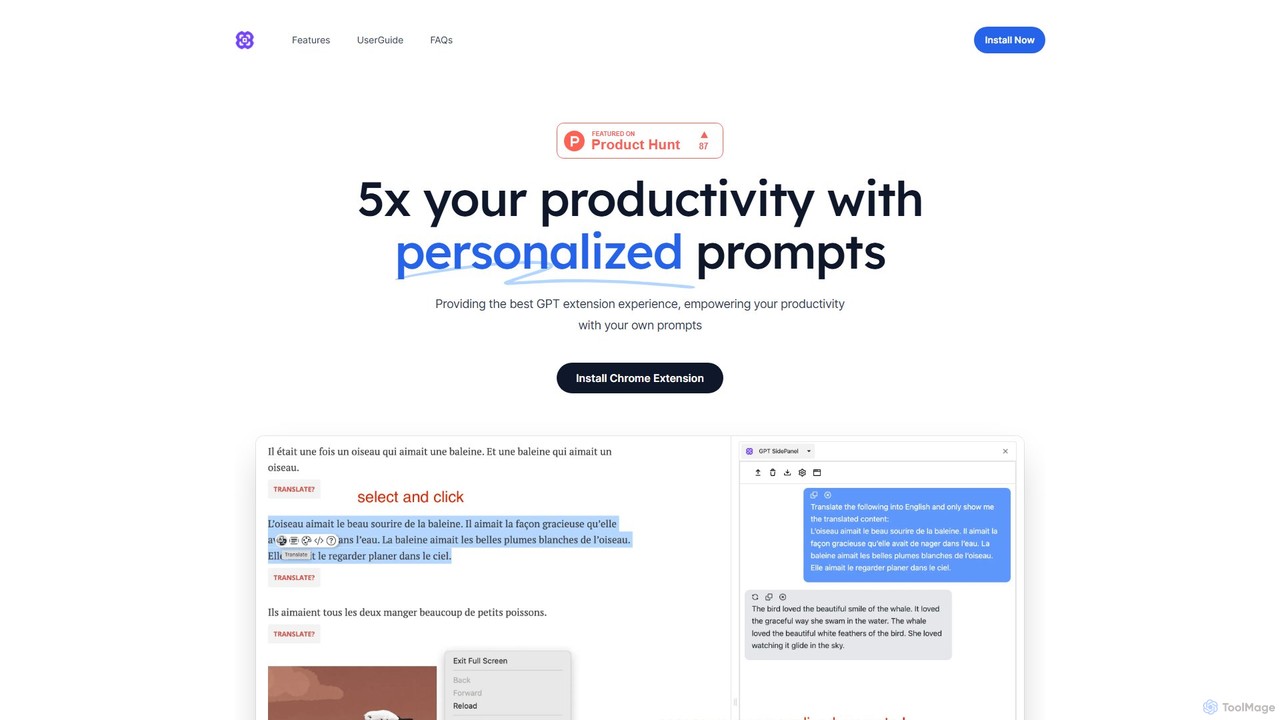
GPTSidePanel
GPTSidePanel is a powerful AI browser extension that integrates a GPT-powered sidebar into your browsing experience. Boost your productivity by summarizing articles, translating text, polishing writing, and using custom prompts directly on any webpage. Eliminate tab-switching and keep your workflow seamless with this intuitive AI assistant.
Browser Extension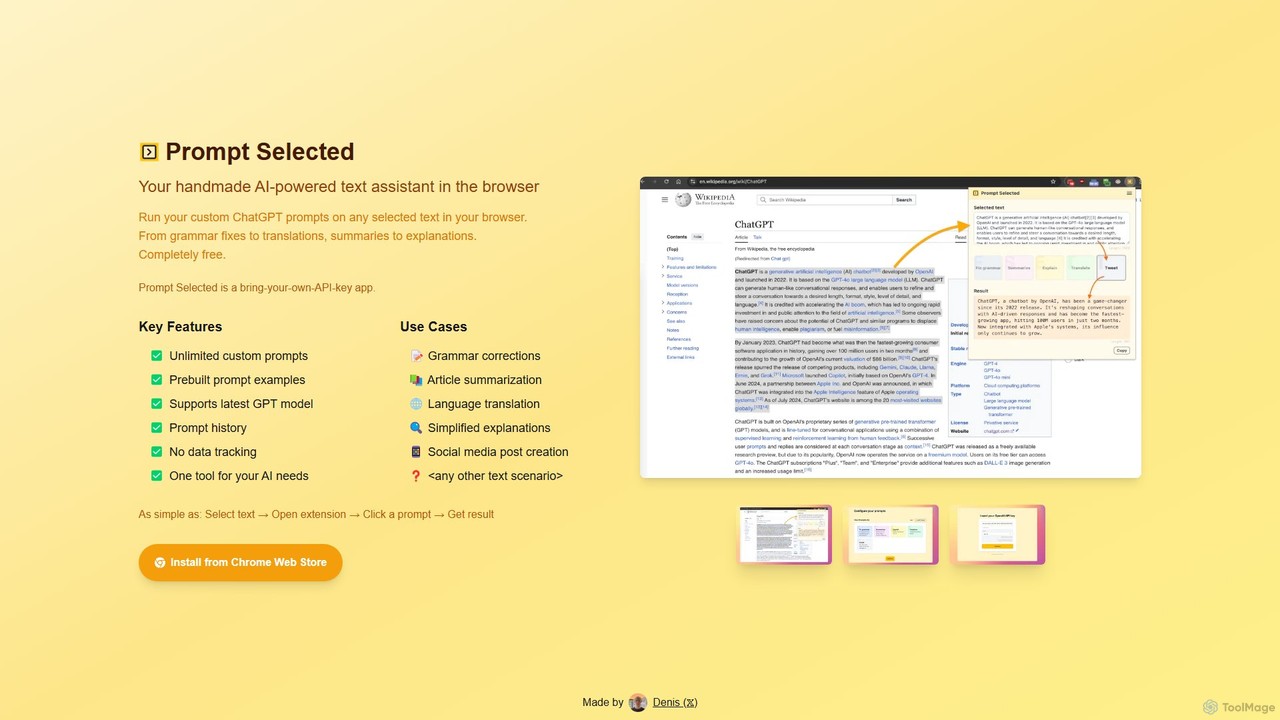
Prompt Selected
A free, privacy-focused Chrome extension that acts as your personal AI text assistant. Run unlimited custom ChatGPT prompts on any selected text directly in your browser for tasks like summarization, translation, and grammar correction using your own API key.
Prompt Engineering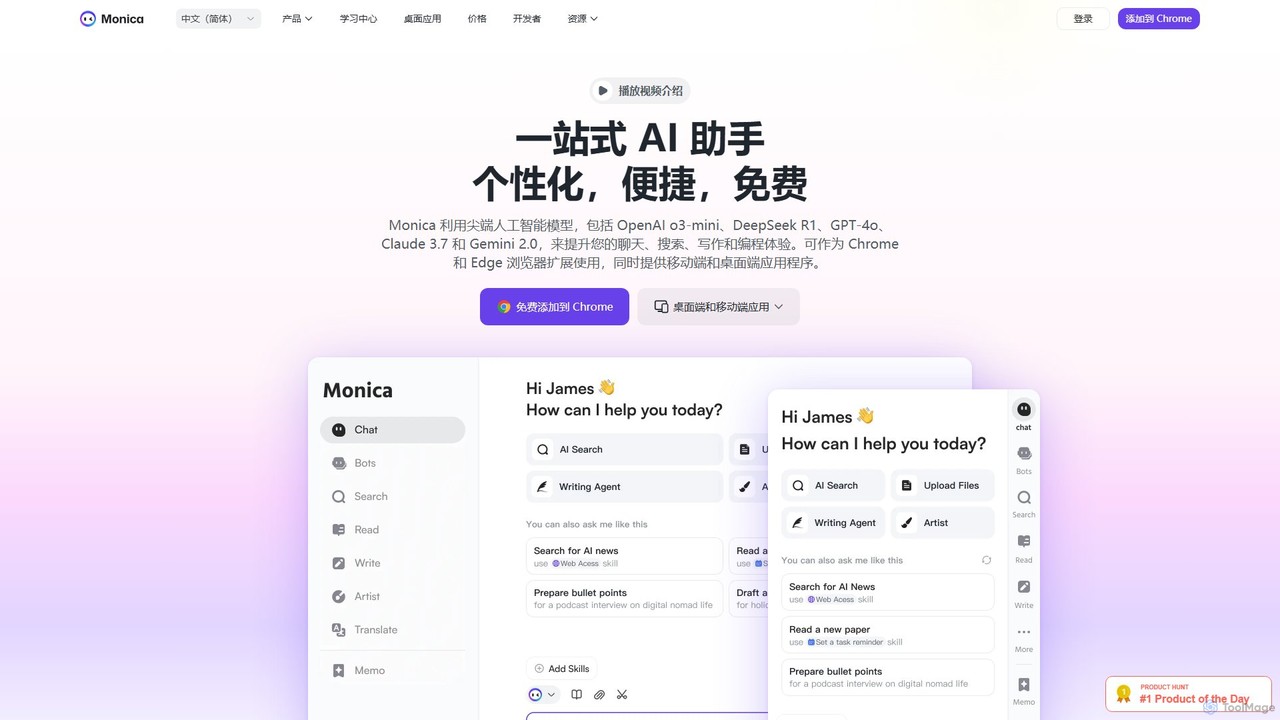
Monica
Monica is an all-in-one AI assistant powered by leading models like GPT-4o, Claude 3.7, and Gemini 1.5. It integrates seamlessly into your workflow as a browser extension, desktop, and mobile app, offering features for chat, search, writing, translation, and image creation to boost productivity.
Chrome ExtensionsAI Toolbar Categories
AI Toolbar Embed Widget
Copy this embed code to place the badge on your blog, article, or product site and send readers directly to this ToolMage detail page.

Related AI tools
GPTSidePanel
GPTSidePanel is a powerful AI browser extension that integrates a GPT-powered sidebar into your browsing experience. Boost your productivity by summarizing articles, translating text, polishing writing, and using custom prompts directly on any webpage. Eliminate tab-switching and keep your workflow seamless with this intuitive AI assistant.
Browser ExtensionPrompt Selected
A free, privacy-focused Chrome extension that acts as your personal AI text assistant. Run unlimited custom ChatGPT prompts on any selected text directly in your browser for tasks like summarization, translation, and grammar correction using your own API key.
Prompt Engineering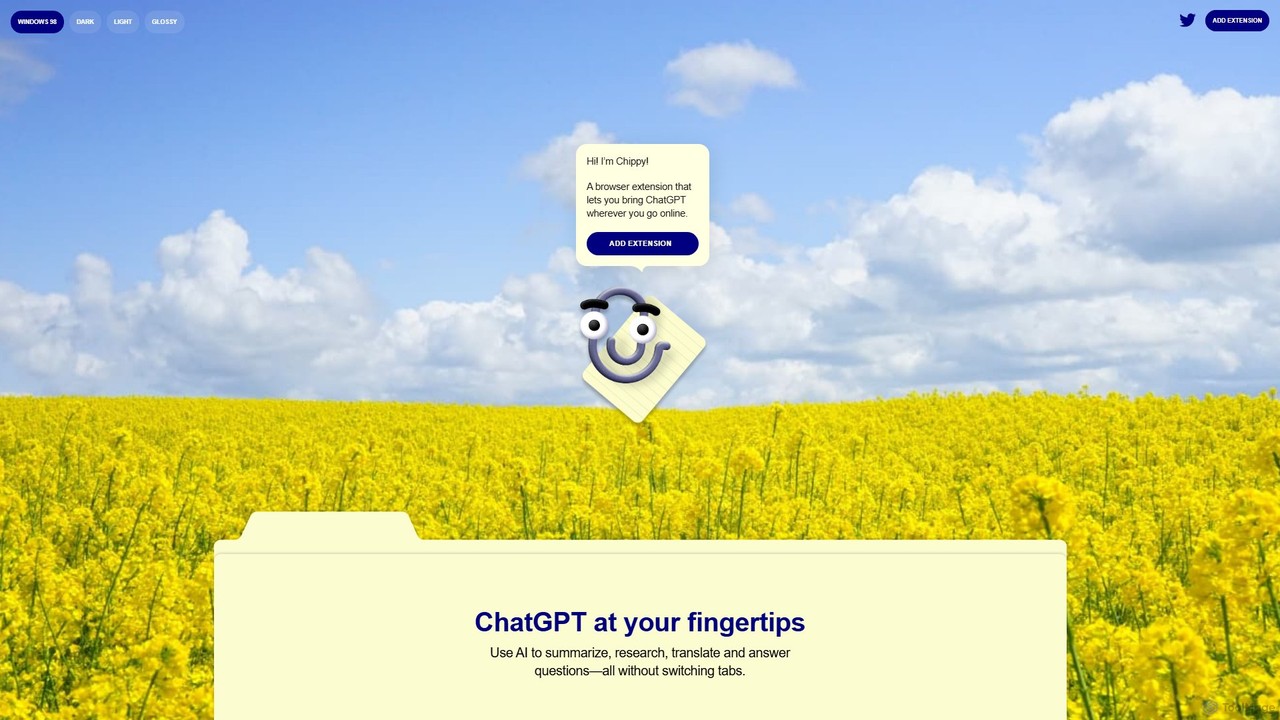
Chippy
Chippy is a smart ChatGPT-powered Chrome extension that acts as your AI assistant across the web. Seamlessly summarize articles, translate text, research topics, and draft emails without ever leaving your current tab. It offers context-aware answers by focusing on the page you're viewing, overcoming ChatGPT's knowledge limitations. With a generous free tier and a focus on user privacy, Chippy enhances your browsing productivity by putting the power of AI at your fingertips.
Search AssistantMagic Tool AI
Magic Tool AI is an all-in-one productivity browser extension that integrates ChatGPT and over 20 AI features. It acts as your personal copilot, helping you write better and faster, summarize YouTube videos and articles, chat with PDFs, scrape web data, generate images, and much more, all within your browser.
Browser ExtensionMonica
Monica is an all-in-one AI assistant powered by leading models like GPT-4o, Claude 3.7, and Gemini 1.5. It integrates seamlessly into your workflow as a browser extension, desktop, and mobile app, offering features for chat, search, writing, translation, and image creation to boost productivity.
Chrome Extensions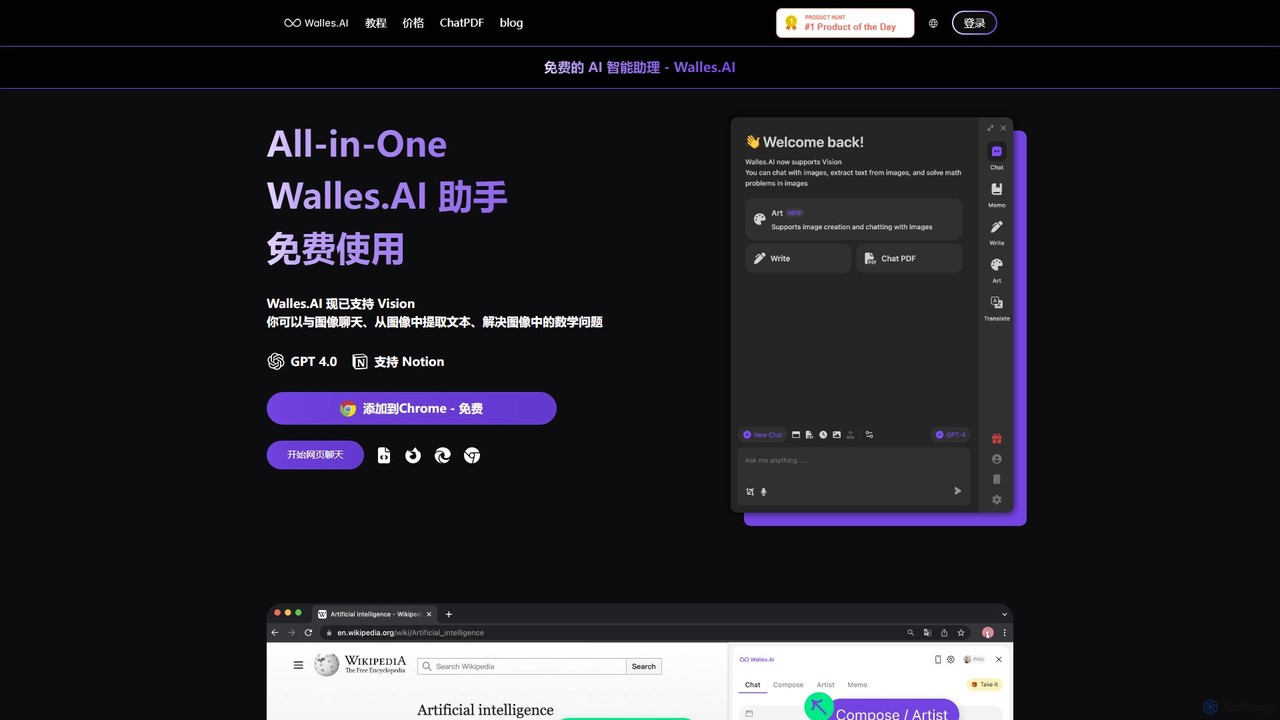
Walles.AI
Walles.AI is an all-in-one AI assistant integrated as a Chrome extension. Powered by GPT-4, it allows you to chat with webpages, PDFs, YouTube videos, and even images. Boost your productivity with instant summarization, translation, text analysis, and seamless integration with Notion.
Study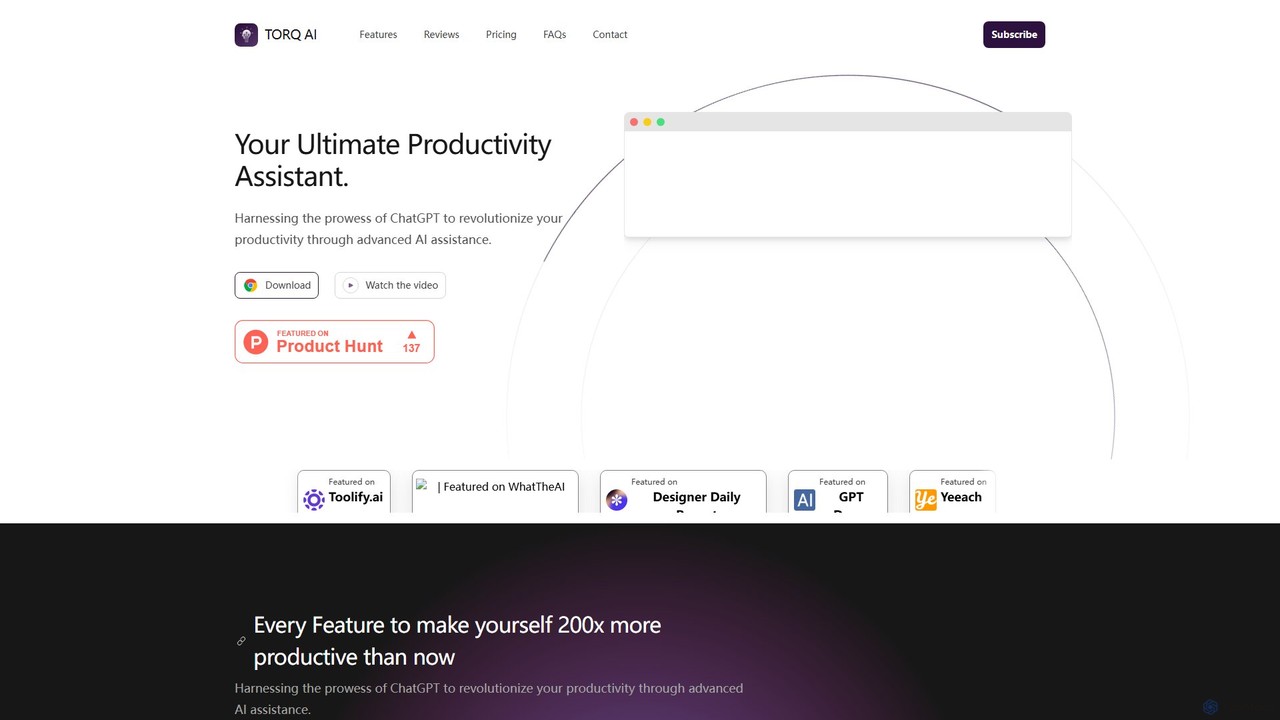
Torq
Torq is an AI-powered Chrome extension that supercharges your productivity. Leveraging ChatGPT, it offers one-click email generation, instant text summarization and translation, and integrates AI responses directly into your Google search results, streamlining your daily workflow.
Browser Extension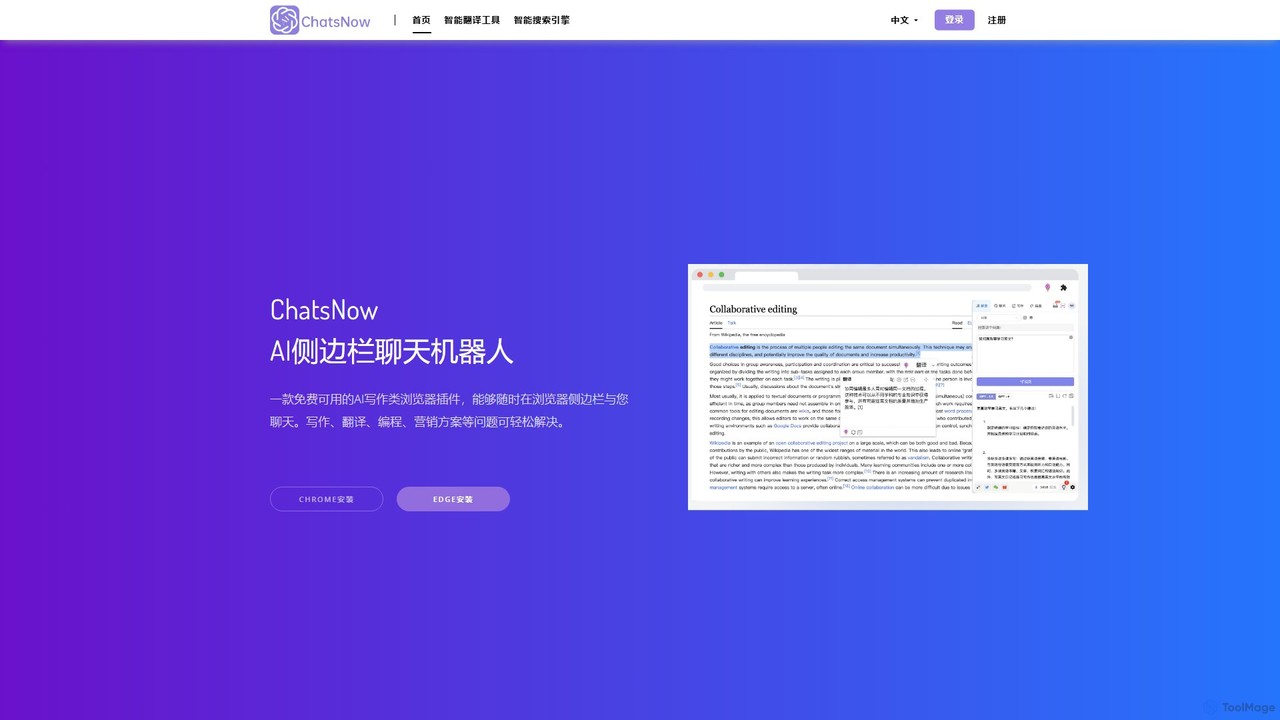
ChatsNow
ChatsNow is a versatile AI sidebar assistant for Chrome and Edge. It integrates a powerful chatbot, writer, and image generator directly into your browser. Instantly get answers, summarize web pages, draft emails, create marketing copy, or generate images from text prompts. With a library of prompt templates and the ability to work with selected text, ChatsNow streamlines your workflow for studying, working, and creative tasks, boosting your productivity across the web.
Ai Assistant
Recap
Recap is a free, open-source Chrome extension that uses ChatGPT to intelligently summarize web content. Its unique "Smart Split" feature breaks down long articles into manageable passages, allowing users to summarize entire pages, specific sections, or selected text with high precision.
Chrome Extensions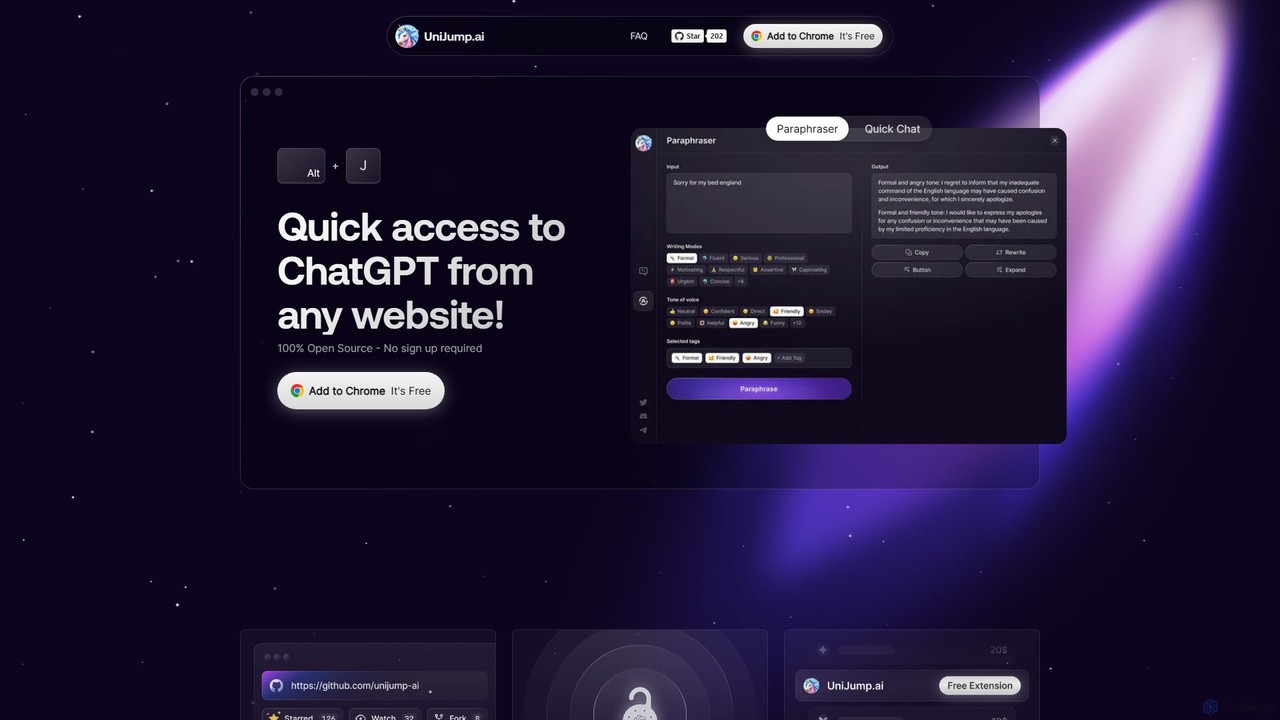
unijump
UniJump is a free, open-source browser extension that provides quick access to ChatGPT on any website. Improve your writing, get instant answers, and boost productivity without switching tabs. No sign-up required, ensuring a secure and seamless AI experience.
Research Assistant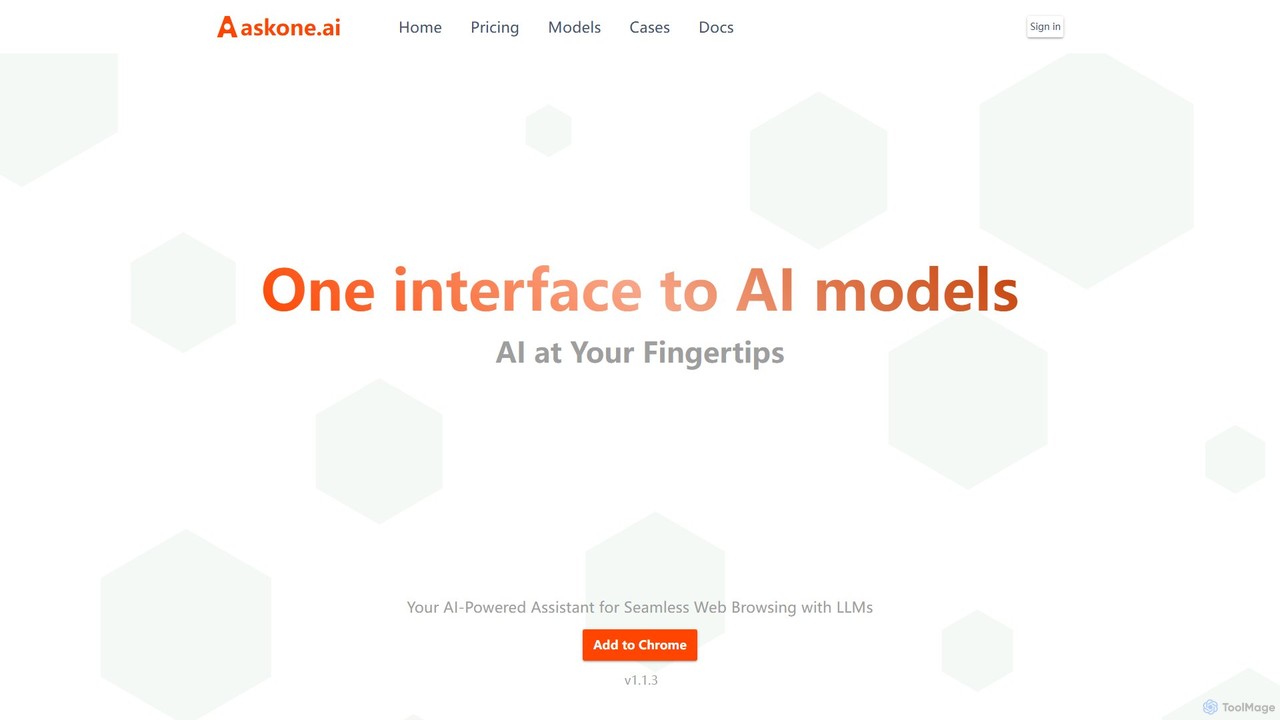
askone.ai
askone.ai is an AI-powered browser extension that seamlessly integrates Large Language Models (LLMs) into your web browsing. It acts as a versatile assistant, allowing you to instantly summarize articles, extract keywords, translate text, generate questions, and engage in contextual chats directly on any webpage. With flexible options to use your own API keys or its unified service, askone.ai enhances productivity and comprehension by putting the power of AI at your fingertips.
Research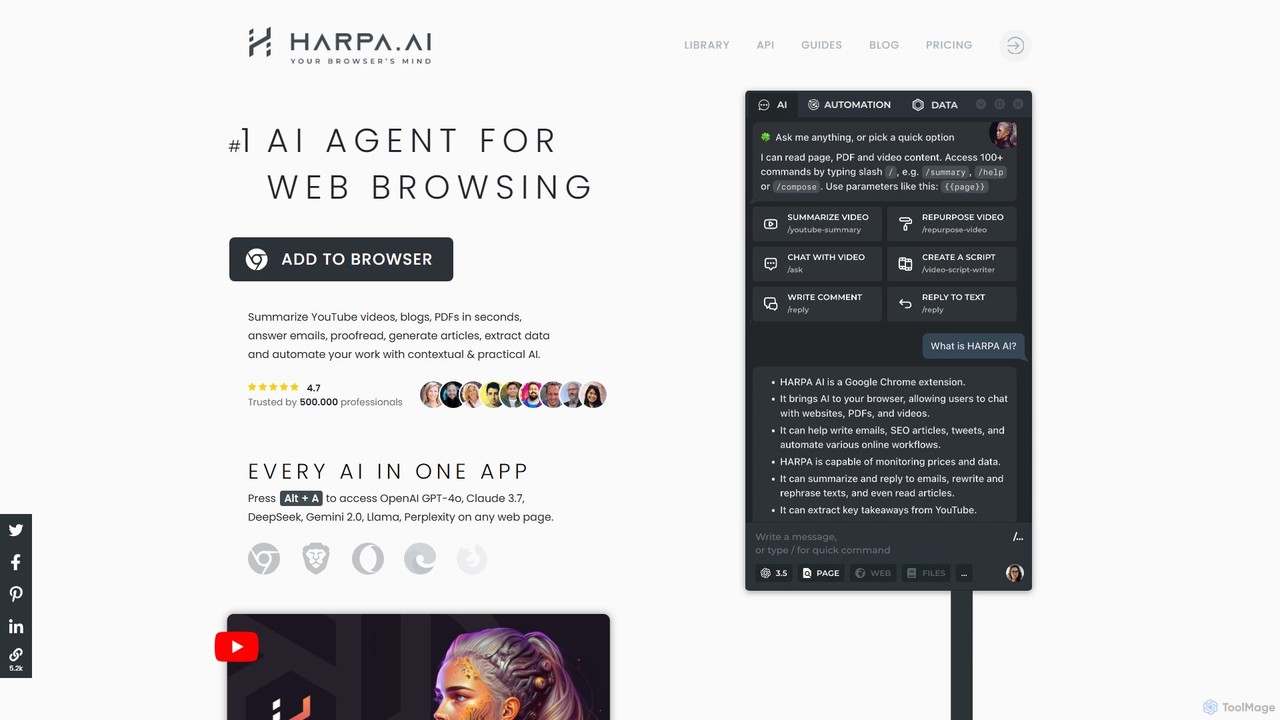
HARPA AI
HARPA AI is an all-in-one AI browser agent that integrates ChatGPT, Claude, Gemini, and more directly into your browser. It automates web tasks, summarizes content, drafts emails, extracts data, and enhances productivity with over 100 pre-built, page-aware commands. It functions as a versatile copilot for browsing, research, and automation.
Automation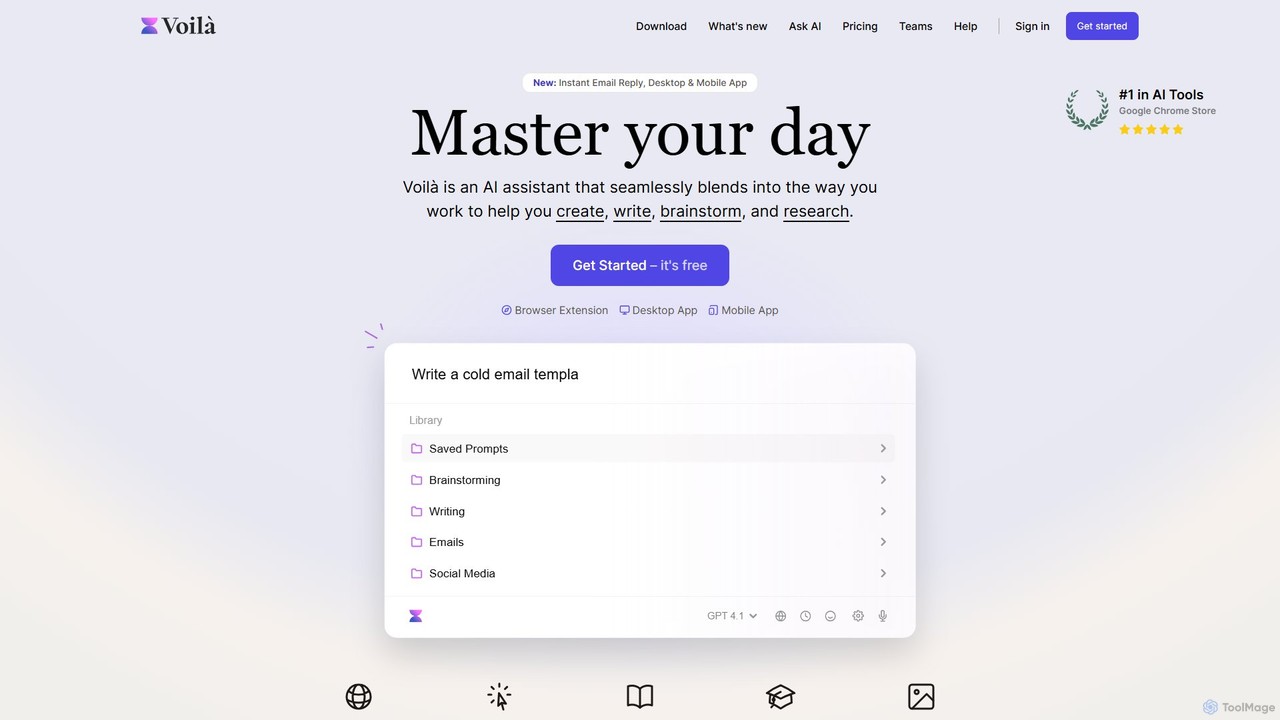
Voilà
Voilà is an all-in-one AI assistant designed to maximize productivity. It functions as a browser extension, desktop, and mobile app, seamlessly integrating into your workflow to help with writing, brainstorming, research, and content creation. It works on any website or app, understanding the context to provide relevant assistance.
Content Creation
AI Chat
AI Chat is an all-in-one AI assistant that integrates leading models like ChatGPT, Claude, Gemini, and Grok into a single, cost-effective platform. It's a multi-modal tool for creating text, images, audio, and video, designed to boost productivity, streamline workflows, and enhance creativity for daily use.
Multi Model Chat
Remail
Remail is an all-in-one AI assistant and Chrome extension designed to boost productivity. It helps you write and reply to emails 10x faster, summarize web pages, chat with documents and YouTube videos, generate content, and much more, directly within your browser.
Chrome Extensions
AI Toolbar Comments (0)
Sign in to comment.
Sign inNo comments yet.