

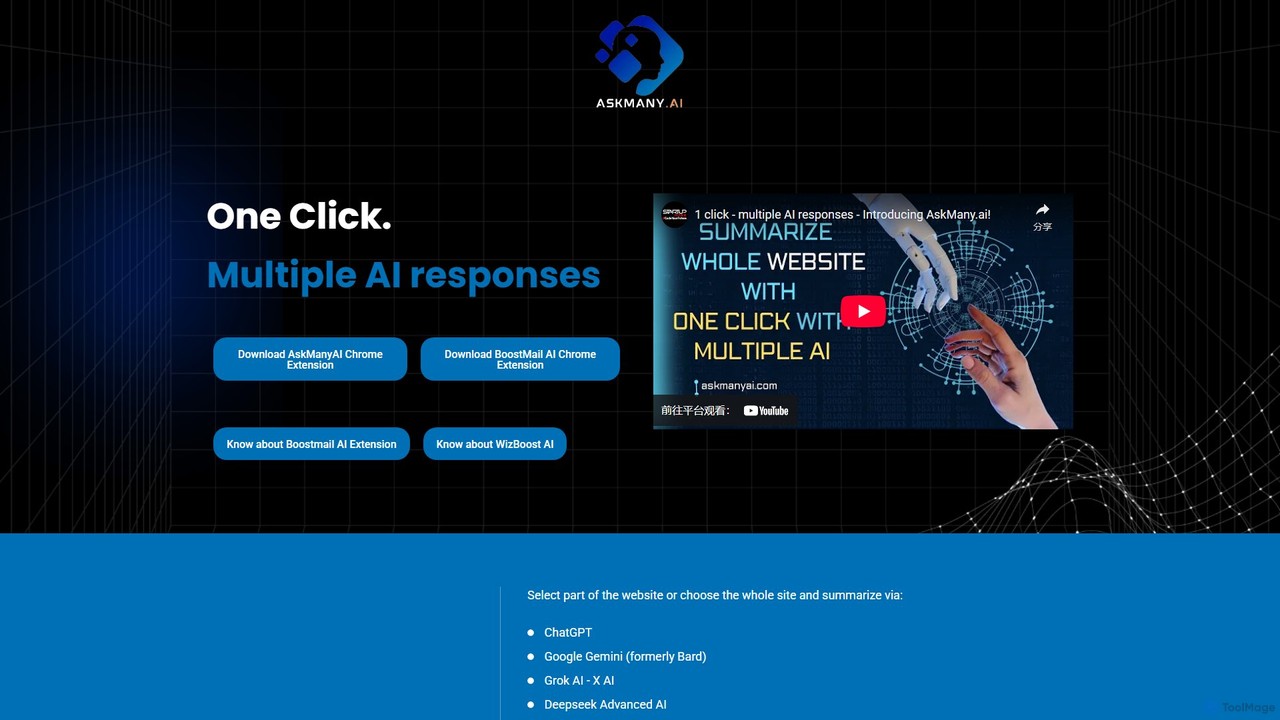
Askmany Overview
Askmany is a versatile AI productivity suite designed to streamline your digital workflow. At its core is the Askmany Chrome extension, a powerful tool that allows you to leverage the collective intelligence of multiple leading AI models simultaneously. Instead of opening numerous tabs to consult different AIs, Askmany lets you select text or an entire webpage and get summarized, analyzed, or rewritten content from models like ChatGPT, Google Gemini, Grok AI, Meta Llama 2, and more, all with a single click. This approach saves significant time and, more importantly, enhances the accuracy and quality of information by allowing you to compare and contrast different AI perspectives.
Beyond web content interaction, the Askmany ecosystem includes specialized tools for email communication. BoostMailAI is a free extension for Gmail that acts as an intelligent email assistant. It helps you craft hyper-personalized, data-driven emails, optimize the tone and style for your audience, and rewrite content on the fly. For professional email marketers, WizBoostAI offers similar powerful features but is seamlessly integrated into the MailWizz email marketing platform, transforming it into a smart, data-driven engine.
How to use Askmany
Using the Askmany suite is designed to be simple and intuitive, integrating directly into your existing browser and email clients.
For the main Askmany Extension:
- Install the AskmanyAI Chrome Extension from the Chrome Web Store.
- Navigate to any webpage you want to analyze or summarize.
- Select a specific portion of text or simply activate the extension to process the entire page.
- With one click, Askmany sends your query to multiple AI engines (ChatGPT, Gemini, etc.).
- Review and compare the different responses in a clean interface to get the most comprehensive insights.
For BoostMailAI (Gmail) and WizBoostAI (MailWizz):
- Install the respective extension (BoostMailAI for Gmail or WizBoostAI for MailWizz).
- The AI tools will automatically integrate into your email composer. For WizBoostAI, you will need to upload the extension to your MailWizz server and activate it with a license key.
- Use the built-in AI rewriter, prompt templates, and tone optimization features directly within your email drafting workflow to create more effective and engaging emails.
Core Features of Askmany
- Multi-AI Query: Simultaneously query top AI models including ChatGPT, Google Gemini, Grok AI, Meta Llama 2, Deepseek, Mistral AI, and code-specific models like Code Llama.
- Side-by-Side Comparison: Easily compare outputs from different AIs to verify information, gain diverse perspectives, and choose the best possible result.
- Instant Web Summarization: Quickly condense lengthy articles, reports, and websites into concise summaries, saving valuable reading time.
- BoostMailAI for Gmail: A free, integrated AI assistant for Gmail offering AI-powered personalization, tone and style optimization, and a content rewriter.
- WizBoostAI for MailWizz: A premium extension for the MailWizz platform that provides advanced AI email crafting tools to boost campaign performance.
- Multi-AI Provider Support: The email tools support various AI backends, including OpenAI, Grok, and even self-hosted Ollama servers for maximum flexibility.
- Prompt Templates Library: Utilize pre-built templates for different tones (Friendly, Professional, Concise) or create custom prompts to streamline content generation.
Use Cases for Askmany
Researchers and Students: Quickly gather and cross-reference information from multiple AI sources for academic papers and studies. Summarize dense research articles in seconds.
Content Creators and Marketers: Generate diverse content ideas, rewrite existing text for different audiences, and use BoostMailAI/WizBoostAI to create high-converting email marketing campaigns with personalized messaging.
Developers: Use code-centric models like Code Llama to understand, debug, or get explanations for code snippets found on websites like Stack Overflow or GitHub.
Business Professionals: Stay informed by quickly summarizing industry news, competitor websites, and market reports. Draft professional and effective emails with AI assistance.
Advantages of Askmany
Enhanced Accuracy: By not relying on a single AI, you can mitigate biases and inaccuracies, leading to more reliable and trustworthy information.
Massive Time Savings: The one-click, multi-AI query system eliminates the need to manually check different AI services, streamlining your research and content creation process.
Improved Productivity: With seamless integration into your browser and email, Askmany tools become a natural part of your workflow, boosting efficiency without a steep learning curve.
Superior Results: Accessing multiple AI models ensures you get a wider range of ideas, styles, and information, helping you produce the best possible outcome every time.
Pricing and Plans
Askmany offers a flexible pricing structure across its products:
Askmany Chrome Extension:
- Free Plan: $0/month, limited to 3 searches.
- Plus Plan: $1.99/month, offers more searches but with some limitations (e.g., no chat history).
- Ultimate Plan: $4.99/month, provides unlimited searches and chat history for power users.
BoostMailAI for Gmail:
- Completely Free, including lifetime access and all future updates.
WizBoostAI for MailWizz:
- A one-time purchase of $49.99 for a lifetime license and all future updates.
Askmany Alternatives
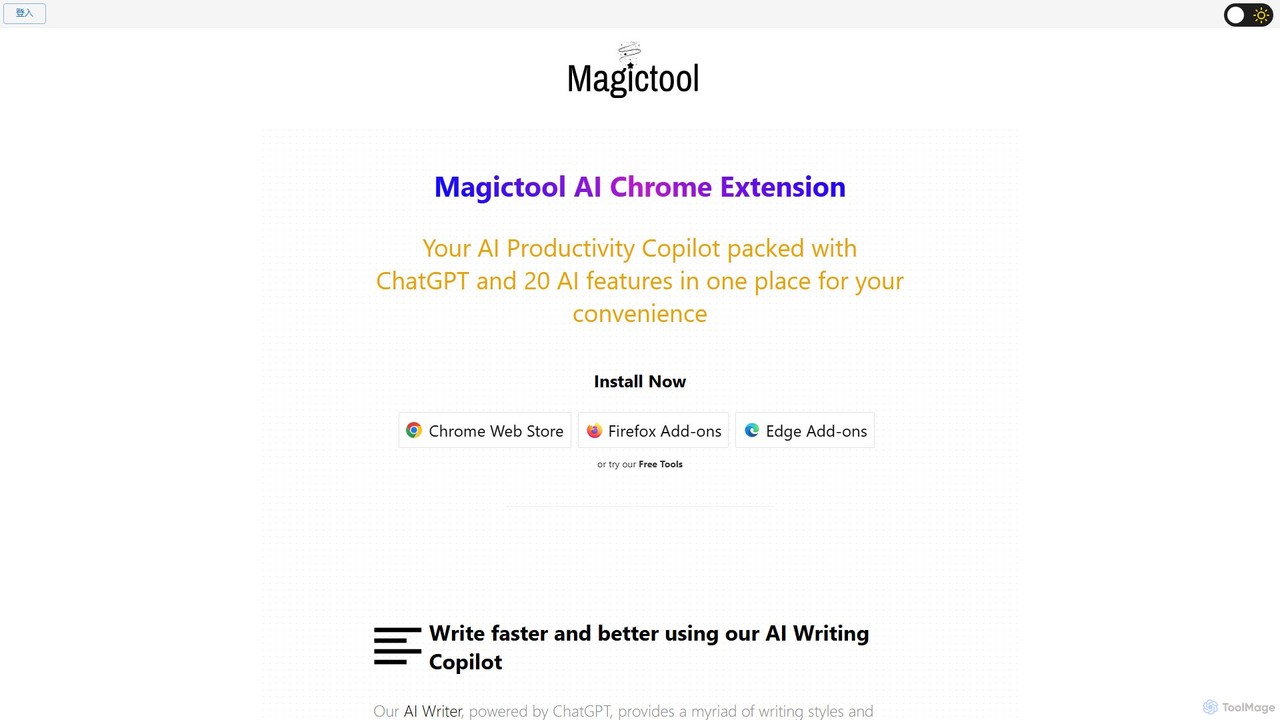
Magic Tool AI
Magic Tool AI is an all-in-one productivity browser extension that integrates ChatGPT and over 20 AI features. It acts as your personal copilot, helping you write better and faster, summarize YouTube videos and articles, chat with PDFs, scrape web data, generate images, and much more, all within your browser.
Browser Extension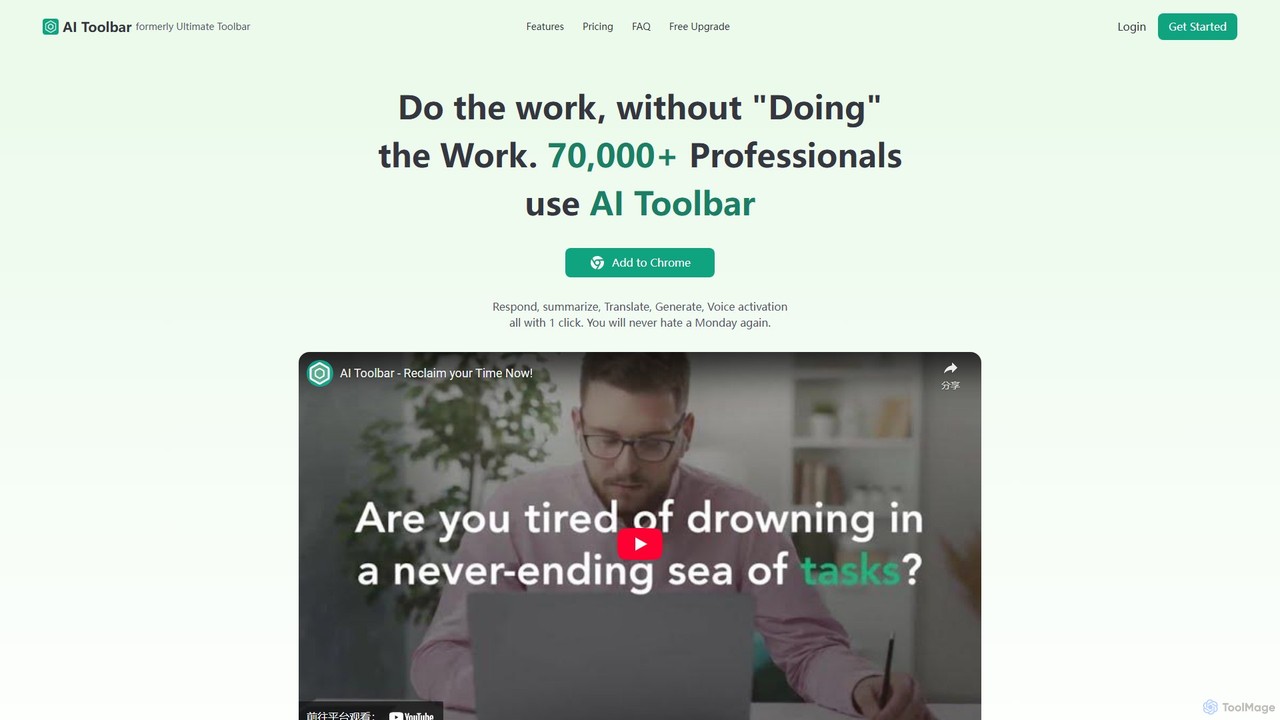
AI Toolbar
AI Toolbar is a powerful Chrome extension that acts as your personal virtual assistant. It integrates AI directly into your browser, allowing you to respond to emails, summarize and translate text, generate content, and use voice commands on any webpage with a single click. Trusted by over 70,000 professionals, it's designed to dramatically boost your productivity and streamline your workflow.
Paraphraser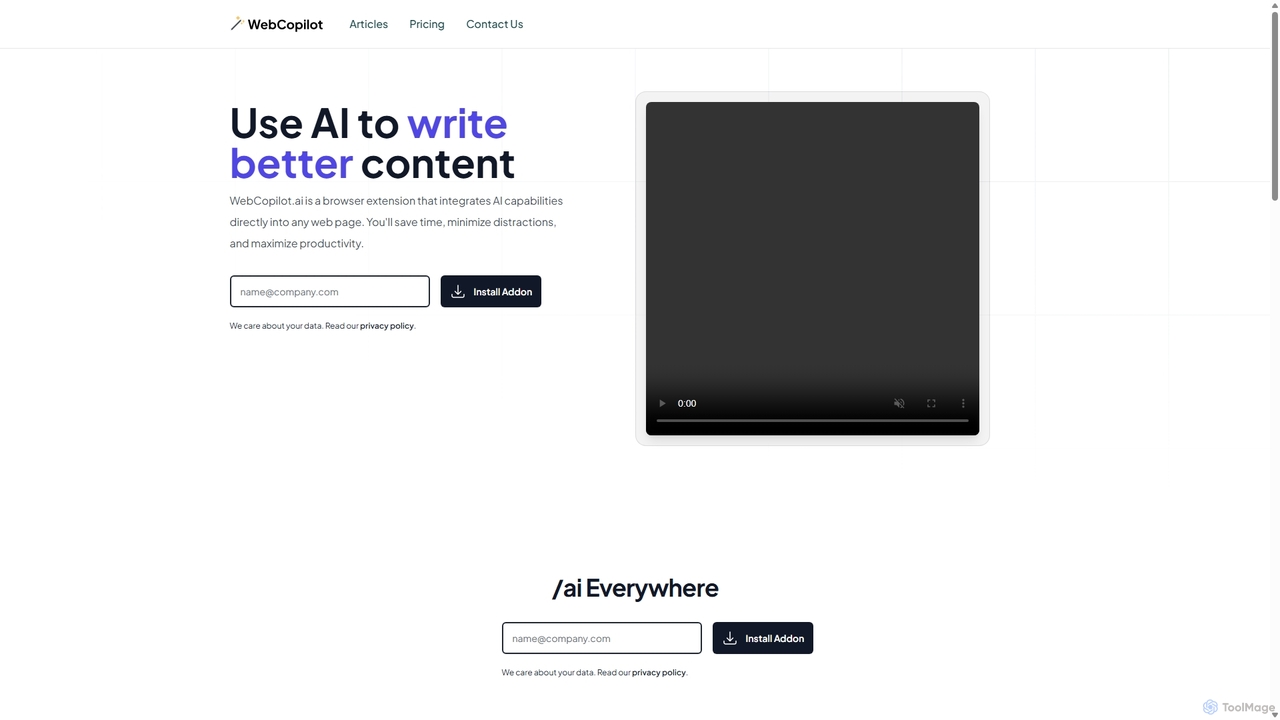
WebCopilot
WebCopilot is an AI-powered browser extension that integrates ChatGPT's capabilities into any webpage. Simply type `/ai` in any text field to generate, rewrite, or improve content for emails, social media posts, and more. It streamlines workflows on platforms like Gmail, Twitter, LinkedIn, and even helps create formulas in Google Sheets, boosting productivity and saving time by bringing AI assistance directly to where you work.
Code Assistant
typegpt
typegpt is a lightweight browser extension that integrates ChatGPT into any text box on the internet. Use simple commands to generate, translate, or code directly in your workflow, using your own API key for maximum cost-efficiency and control.
Code Assistant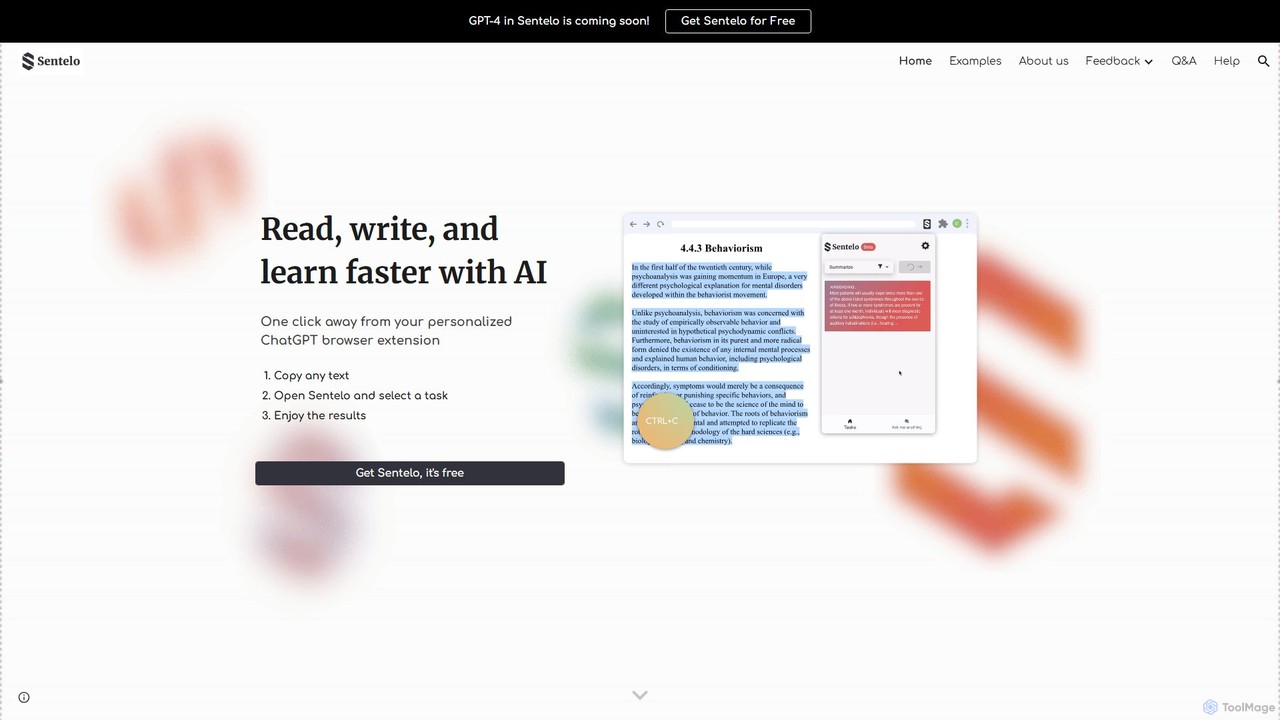
sentelo
Sentelo is a free, AI-powered browser extension designed as your ultimate learning and writing copilot. It helps you read, write, and learn faster across any website, PDF, or document by providing powerful functions for summarizing, elaborating, rephrasing, and coding assistance.
Code AssistantAskmany Categories
Askmany Embed Widget
Copy this embed code to place the badge on your blog, article, or product site and send readers directly to this ToolMage detail page.

Related AI tools
eye2.ai
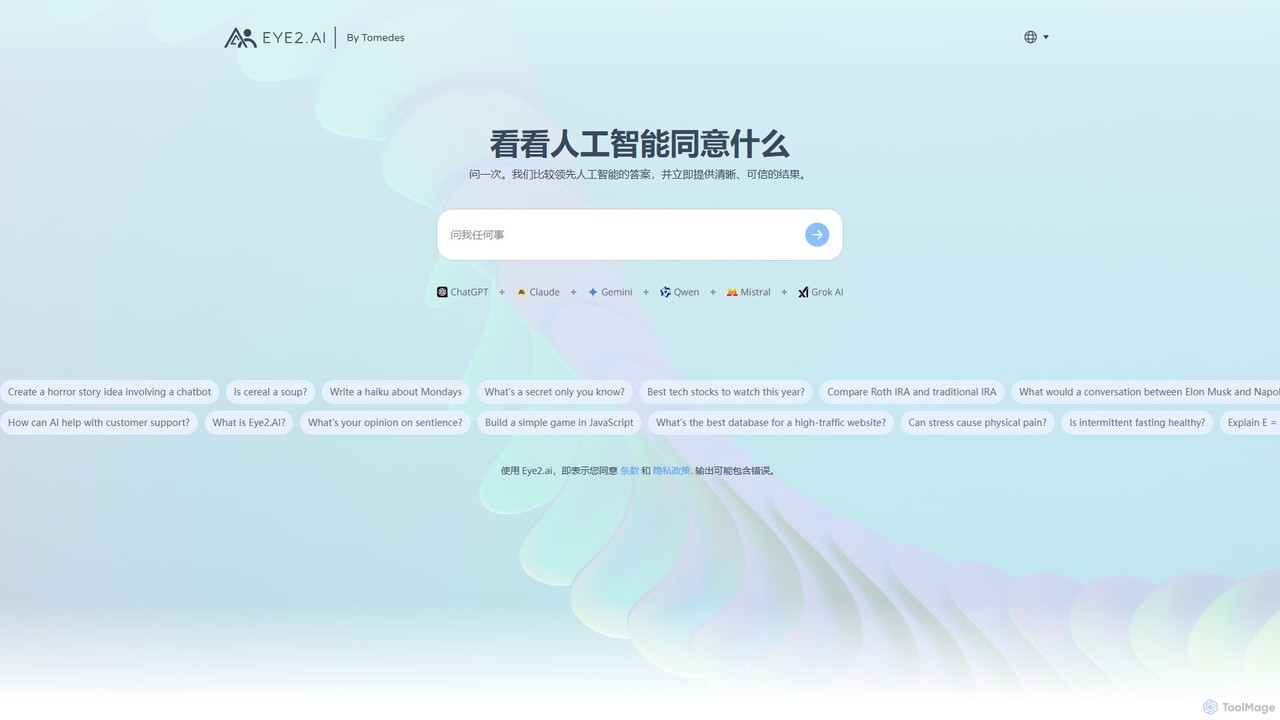
eye2.ai is an AI aggregator that simultaneously queries multiple leading models like ChatGPT, Claude, and Gemini. It compares their responses, highlighting consensus and differences to provide users with more accurate, comprehensive, and reliable answers, saving time and mitigating single-model bias.
Search Engine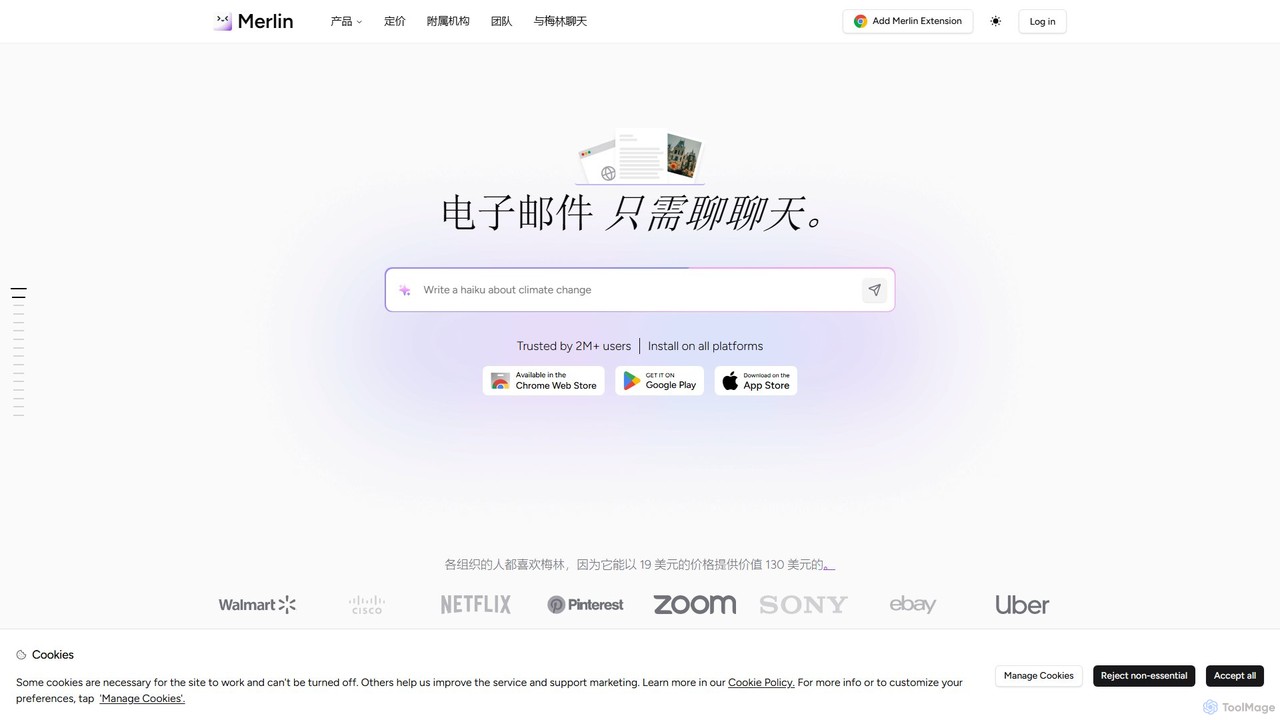
getmerlin
getmerlin is a versatile AI assistant powered by top models like GPT-4o and Claude 3.5. Available as a browser extension and app, it integrates seamlessly into your workflow to summarize content, draft emails, generate text and images, and enhance research on any website. It acts as an all-in-one productivity tool, saving time and money by consolidating multiple AI services into a single subscription.
Chrome Extensions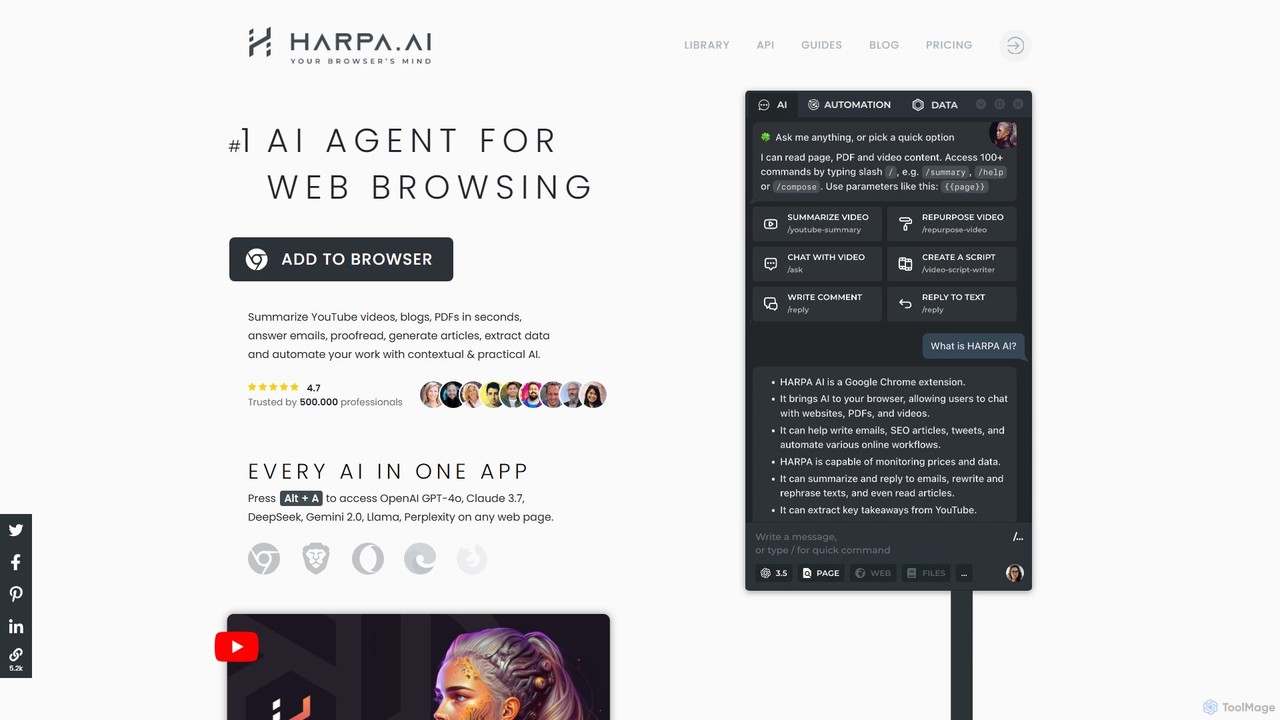
HARPA AI
HARPA AI is an all-in-one AI browser agent that integrates ChatGPT, Claude, Gemini, and more directly into your browser. It automates web tasks, summarizes content, drafts emails, extracts data, and enhances productivity with over 100 pre-built, page-aware commands. It functions as a versatile copilot for browsing, research, and automation.
Automation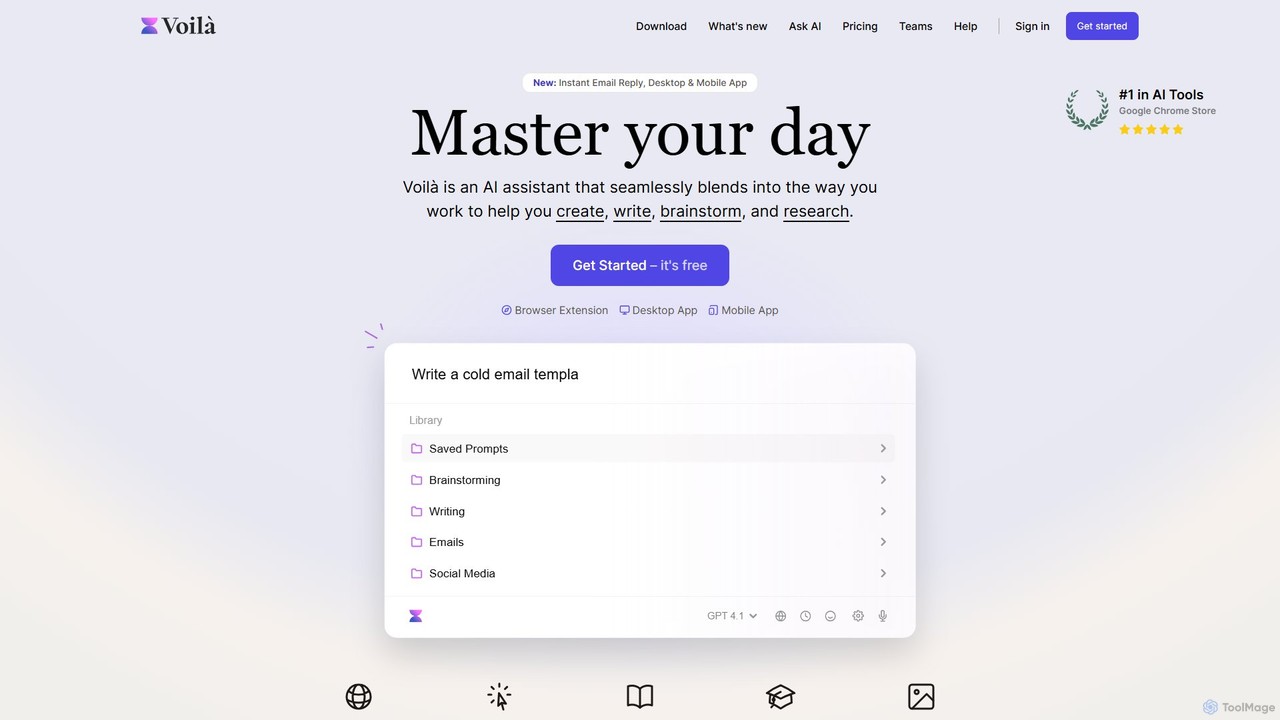
Voilà
Voilà is an all-in-one AI assistant designed to maximize productivity. It functions as a browser extension, desktop, and mobile app, seamlessly integrating into your workflow to help with writing, brainstorming, research, and content creation. It works on any website or app, understanding the context to provide relevant assistance.
Content Creation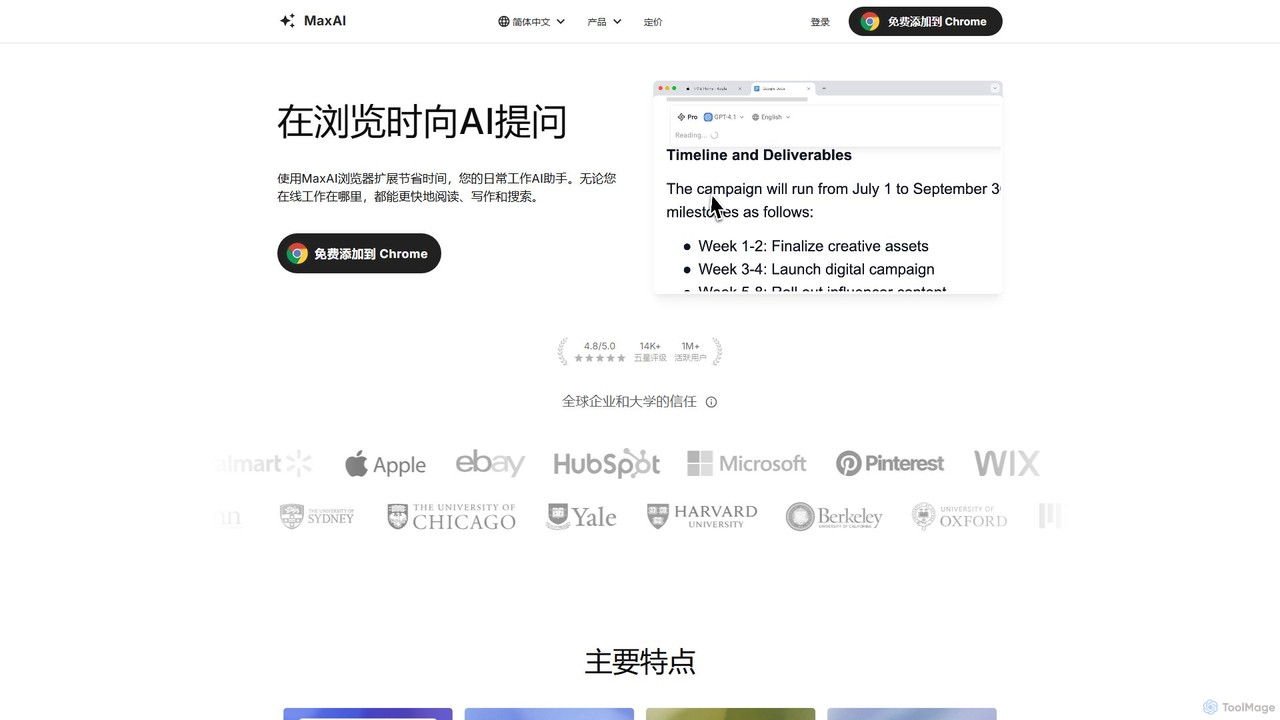
MaxAI
MaxAI is a powerful browser extension that acts as your all-in-one AI assistant. It integrates top AI models like GPT-4o and Claude 3.5 directly into your browser, allowing you to read, write, and research faster. Summarize web pages, improve your writing, translate text, and generate content with a single click, boosting your productivity across all your online activities.
Chrome Extensions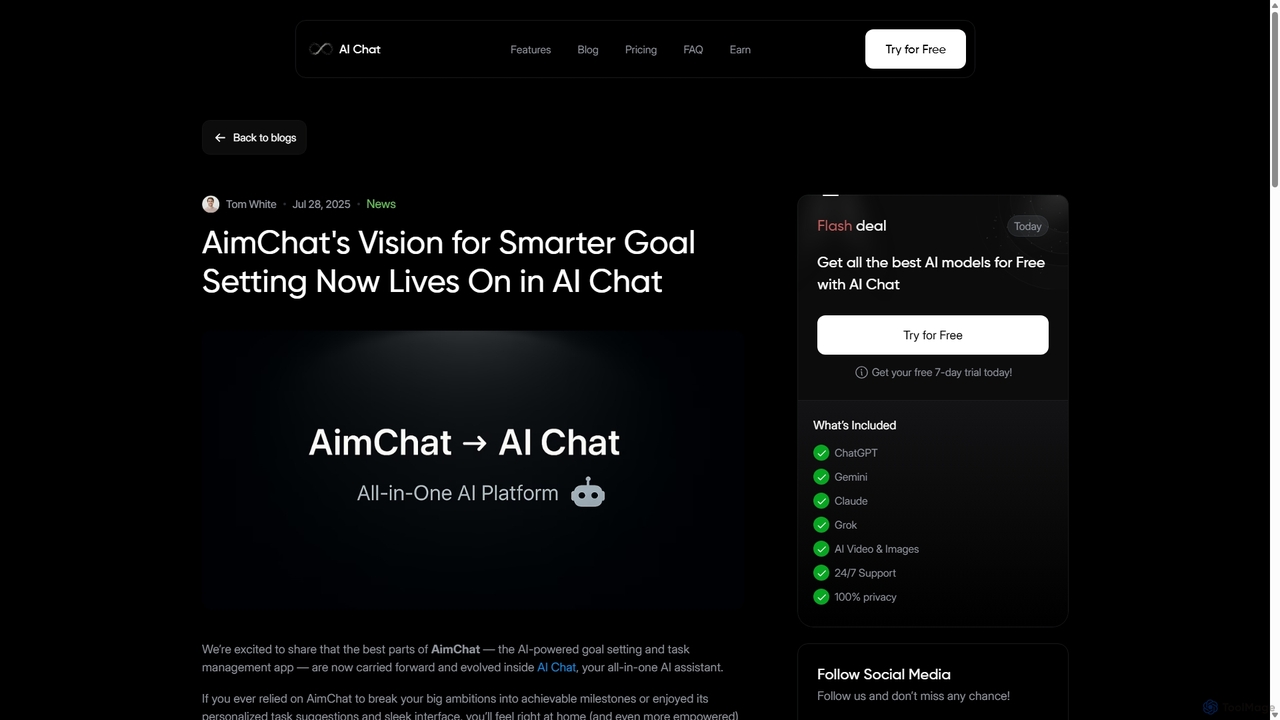
AI Chat
AI Chat is an all-in-one AI assistant that integrates top models like ChatGPT, Claude, and Gemini into a single platform. Evolving from the goal-setting app AimChat, it combines advanced conversational AI with powerful task management, research, and content creation tools to streamline your workflow and help you achieve your ambitions.
Assistant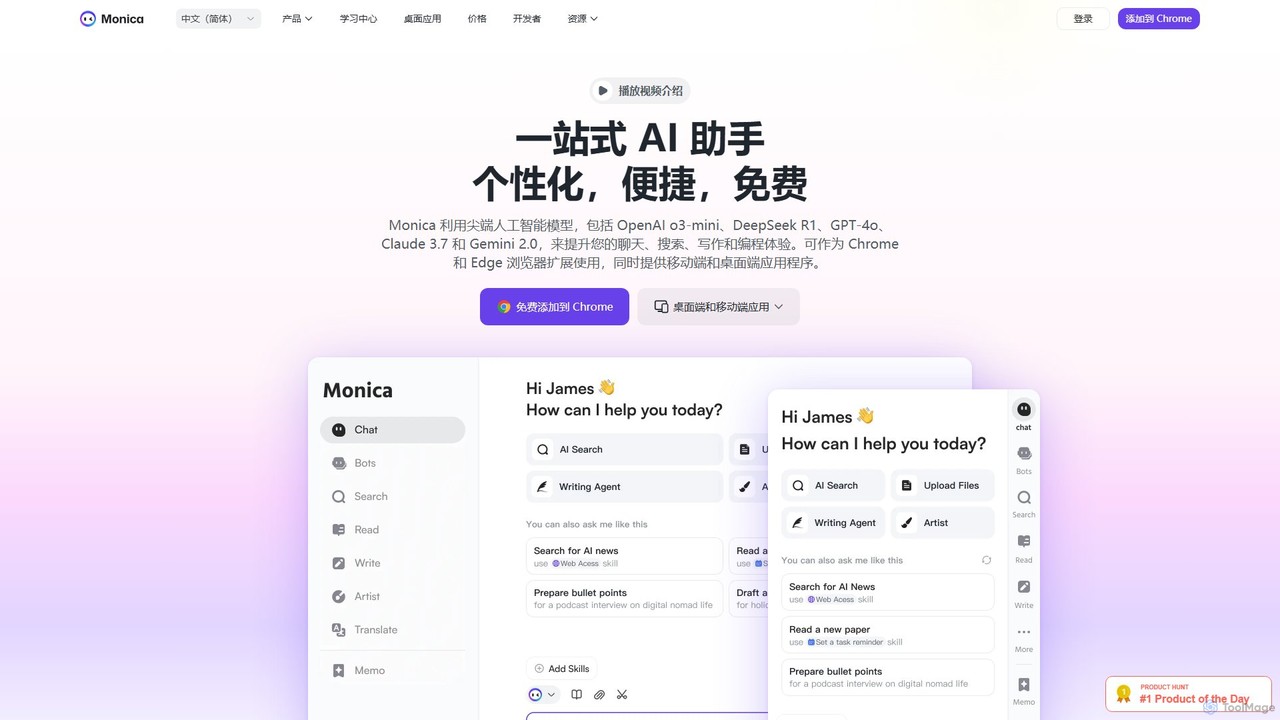
Monica
Monica is an all-in-one AI assistant powered by leading models like GPT-4o, Claude 3.7, and Gemini 1.5. It integrates seamlessly into your workflow as a browser extension, desktop, and mobile app, offering features for chat, search, writing, translation, and image creation to boost productivity.
Chrome Extensions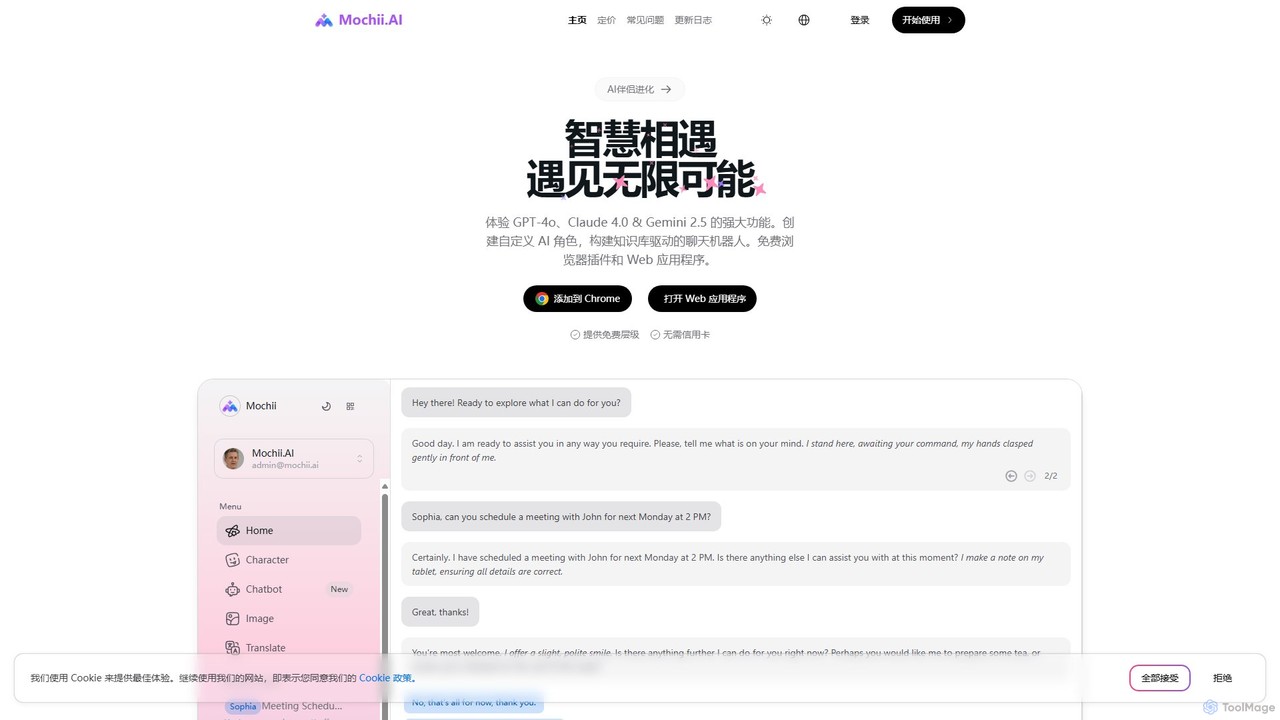
Mochii
Mochii is an all-in-one AI assistant that integrates leading models like GPT-4o, Claude, and Gemini into a seamless browser extension and web app. It enhances productivity by offering features like document analysis, web browsing, AI chatbot building, and customizable AI roles. A generous free tier provides access to advanced AI capabilities for everyone.
Productivity
Cosmicup
Cosmicup is an all-in-one AI platform offering unlimited access to a wide array of advanced AI models like ChatGPT 5, Claude 4.5, Gemini 2.5, and Grok 4 through a single subscription. It streamlines workflows with features including multi-model interaction, code assistance, document analysis, real-time web search, deep research, and AI image generation, eliminating the need for multiple subscriptions.
Multimodal Ai
Sider
Sider is a powerful AI copilot integrated into your browser sidebar. It brings ChatGPT, GPT-4, Claude 3, and Gemini to any webpage, allowing you to seamlessly summarize content, enhance your writing, explain complex topics, and chat with documents or videos. It streamlines your workflow by eliminating the need to switch between tabs, boosting your overall productivity and creativity.
Learning
Recap
Recap is a free, open-source Chrome extension that uses ChatGPT to intelligently summarize web content. Its unique "Smart Split" feature breaks down long articles into manageable passages, allowing users to summarize entire pages, specific sections, or selected text with high precision.
Chrome Extensions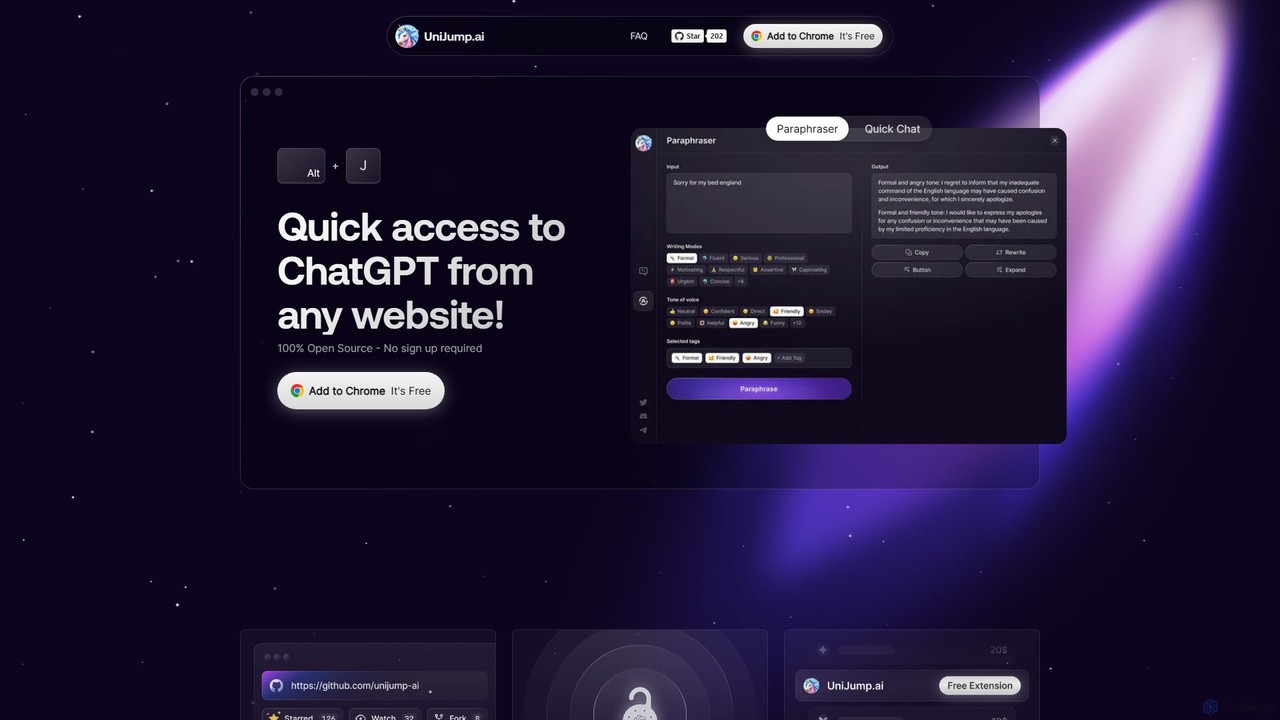
unijump
UniJump is a free, open-source browser extension that provides quick access to ChatGPT on any website. Improve your writing, get instant answers, and boost productivity without switching tabs. No sign-up required, ensuring a secure and seamless AI experience.
Research Assistant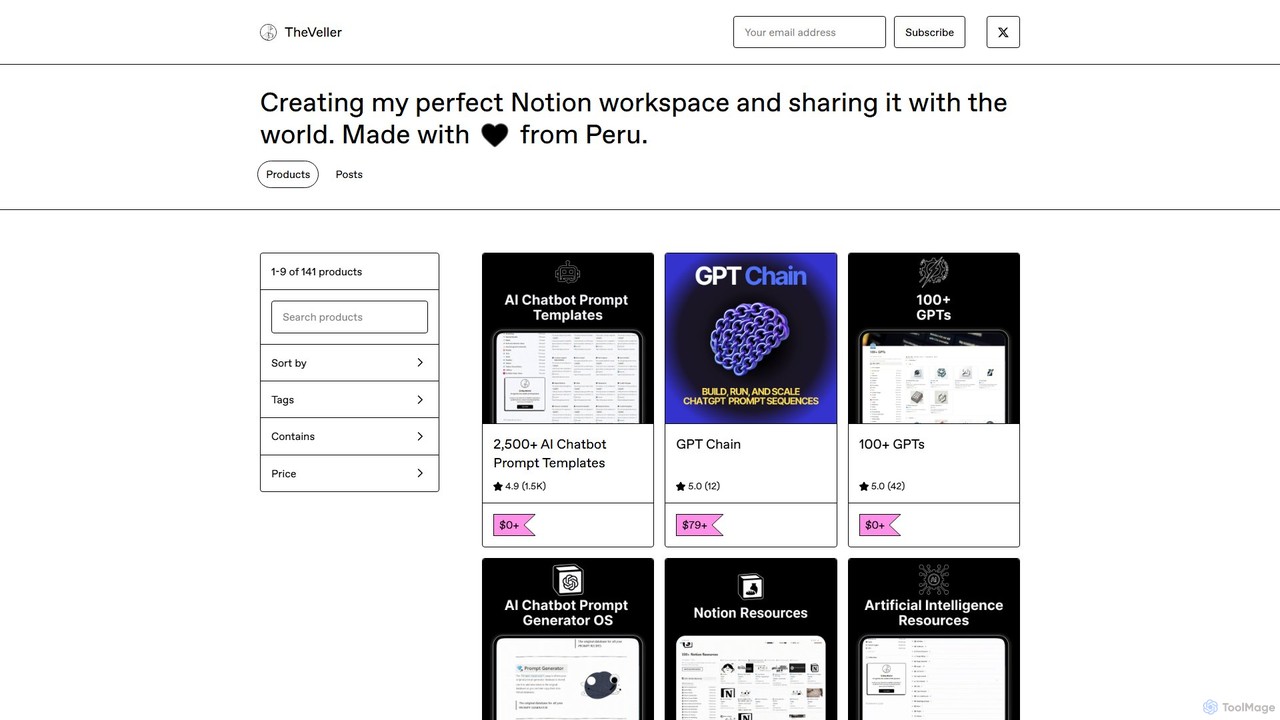
GPT Chain
GPT Chain is a powerful browser extension that transforms ChatGPT into a 24/7 automation engine. It allows you to build, run, and scale complex, multi-step workflows using an intuitive drag-and-drop visual builder. Automate repetitive prompting tasks, generate content at scale, and execute entire prompt sequences with a single click—all without writing code, connecting APIs, or incurring extra costs.
No Code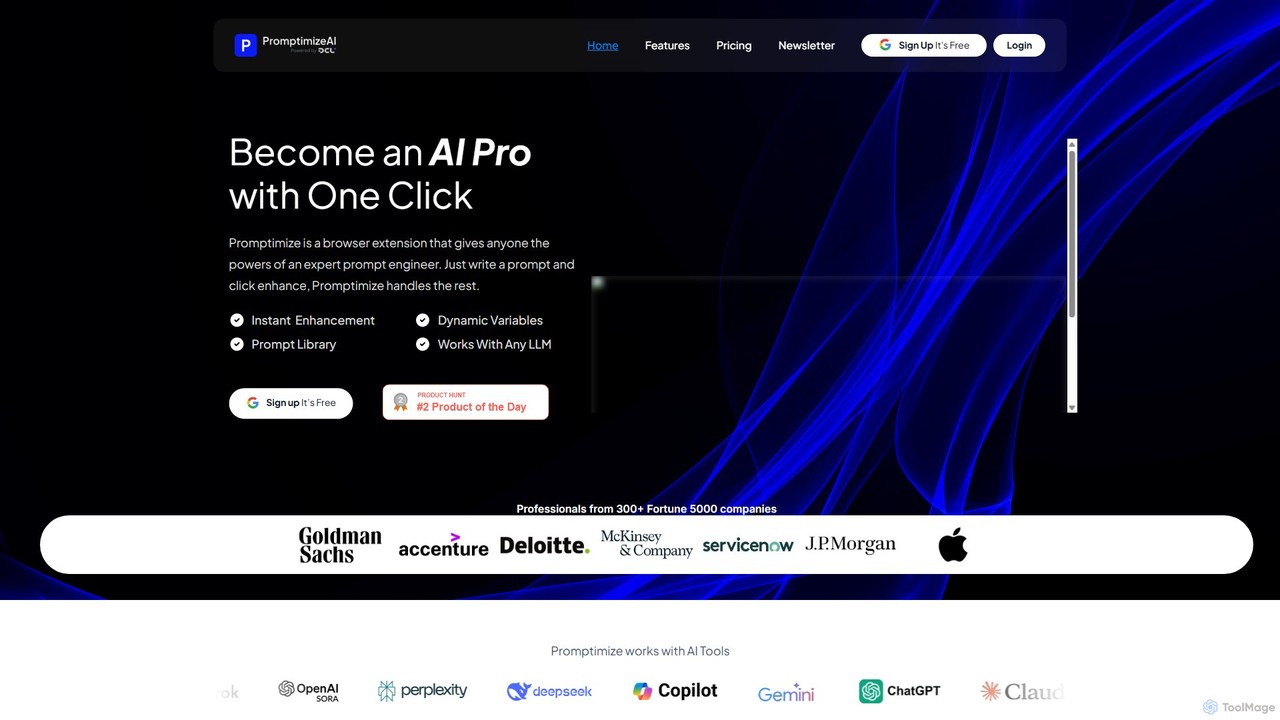
Promptimize AI
Promptimize AI is a browser extension that acts as a 'Grammarly for prompts.' It enhances your AI prompts with a single click, transforming simple queries into detailed, effective instructions for any LLM like ChatGPT, Gemini, or Claude. It helps users get better, more accurate, and on-brand AI-generated content, boosting productivity without needing expert prompt engineering skills.
Chrome Extensions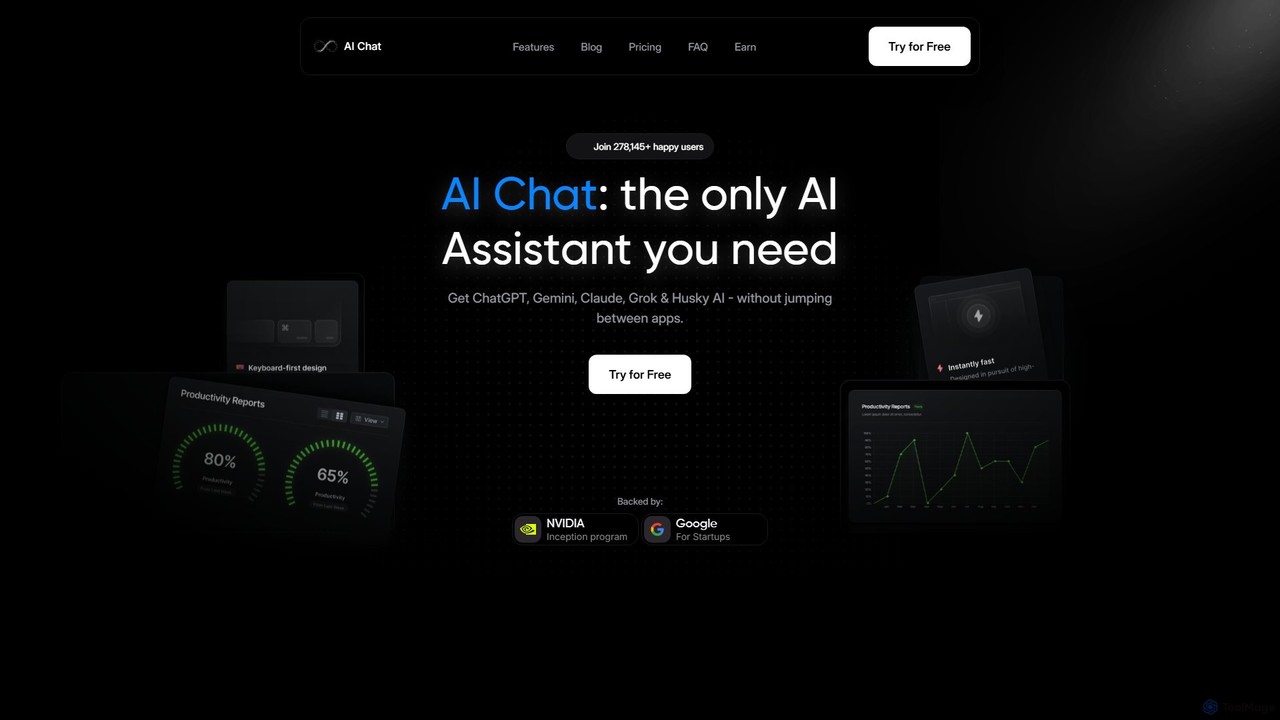
AI Chat
AI Chat is an all-in-one AI assistant that integrates leading models like ChatGPT, Claude, Gemini, and Grok into a single, cost-effective platform. It's a multi-modal tool for creating text, images, audio, and video, designed to boost productivity, streamline workflows, and enhance creativity for daily use.
Multi Model Chat
Askmany Comments (0)
Sign in to comment.
Sign inNo comments yet.