
Magic Tool AI Overview
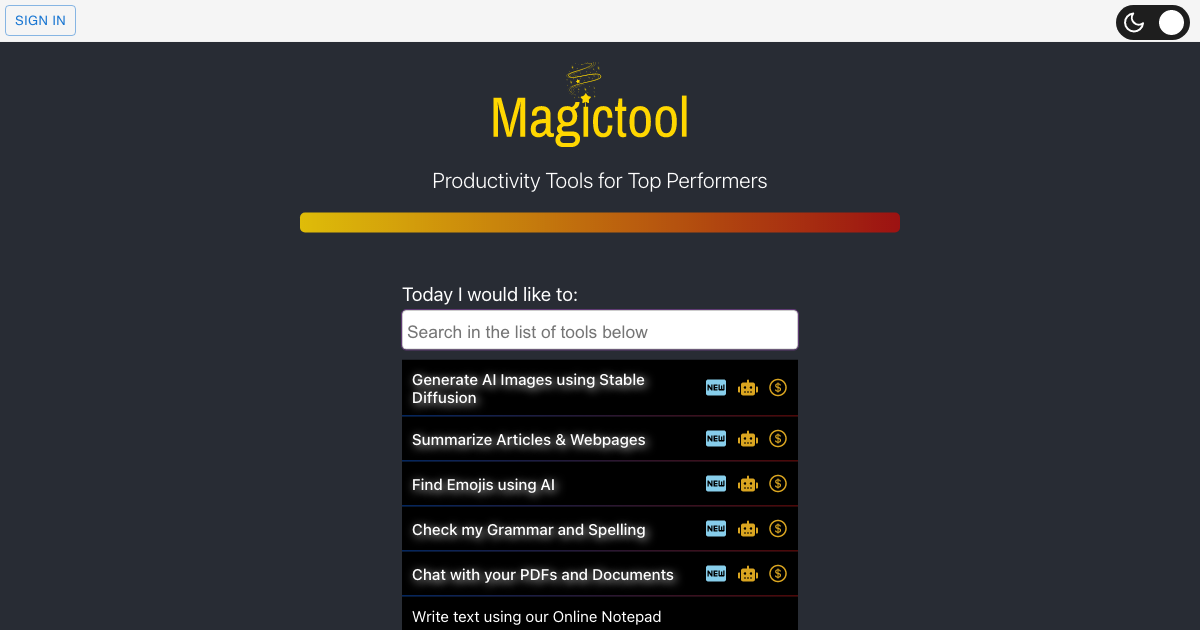
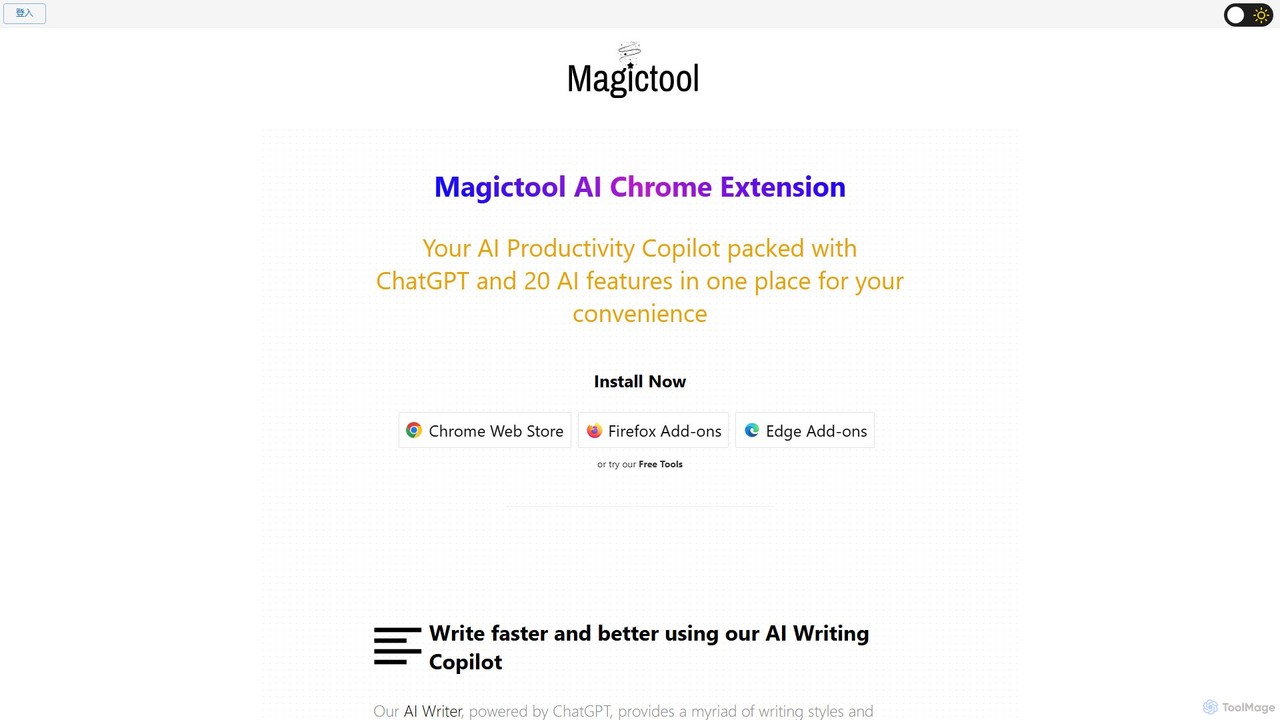
Magic Tool AI is a powerful and versatile AI productivity hub designed as a browser extension for Chrome, Firefox, and Edge. It consolidates over 20 advanced AI features, powered by ChatGPT and GPT-4, into a single, convenient toolkit. This extension acts as your ultimate AI copilot, seamlessly integrating into your workflow to enhance writing, accelerate research, and automate data-related tasks. Whether you're a student, a professional, a content creator, or a researcher, Magic Tool AI provides the necessary tools to boost your efficiency and creativity directly within your browser.
How to use Magic Tool AI
Getting started with Magic Tool AI is simple and intuitive. First, install the browser extension from the official web store for your browser (Chrome, Firefox, or Edge). Once installed, the Magic Tool AI icon will appear in your browser's toolbar. You can access its wide range of features in several ways: by clicking the extension icon to open the main hub, by right-clicking on any selected text on a webpage to bring up a context menu with AI actions (like summarize, explain, or improve), or by using the "Magic Shortcut" to instantly invoke ChatGPT from any text field or the built-in Magic Editor. For specific features like the YouTube summarizer, the tool will automatically appear on the YouTube page, ready for use.
Core Features of Magic Tool AI
- AI Writing Copilot: Enhance your writing with a suite of tools powered by ChatGPT. It can help you draft content, check grammar, improve phrasing, simplify complex language, paraphrase, summarize, expand text, and even add emojis.
- YouTube Summarizer & AI Dubbing: Instantly get summaries of YouTube video transcripts and comments. It also offers a premium AI video dubbing feature, allowing you to watch videos in over 50 different languages.
- Article & Webpage Summarizer: Effortlessly summarize any article or webpage with a single click, saving you valuable reading time.
- ChatGPT and GPT-4 Access: Directly ask questions and get accurate answers from ChatGPT and the more advanced GPT-4 model (a premium feature).
- AI Image Generator: Create unique images from text descriptions using the latest Stable Diffusion models.
- PDF Chat and Summarizer: Upload or link to a PDF and interact with it. Ask questions about the content, find specific information, and get quick summaries, making it perfect for research and study.
- Data Scraping and Extraction: A powerful tool to extract data from any webpage. You can manually select elements to scrape or use AI for automatic data extraction.
- Magic Editor & Shortcut: A built-in notepad with full AI capabilities. The Magic Shortcut allows you to use AI commands in any text field across the web.
- Reader Mode: Enjoy a clean, clutter-free reading experience by removing ads, sidebars, and pop-ups from web pages.
- Additional Utilities: Includes a dark mode for any site, a CSV/Excel file analyzer, a timer, a to-do list, and the ability to create custom AI commands.
Use Cases for Magic Tool AI
For Students and Researchers: Quickly summarize long academic papers and articles. Use the PDF Chat feature to find key information for homework and research projects. Improve essays and reports with the AI Writing Copilot.
For Content Creators and Marketers: Generate blog post ideas, draft social media content, and create engaging copy. Paraphrase existing content to avoid plagiarism and create unique versions. Use the AI Image Generator for blog visuals.
For Professionals: Summarize business reports, emails, and news articles to stay informed. Use the Data Scraper to gather market research or competitor information. Draft professional communications quickly and efficiently.
For General Users: Summarize long YouTube tutorials, translate foreign web pages, and use the Reader Mode for a better browsing experience. Manage daily tasks with the built-in to-do list and timer.
Advantages of Magic Tool AI
The primary advantage of Magic Tool AI is its all-in-one convenience. Instead of juggling multiple tabs and tools, you get a comprehensive suite of AI features in one browser extension. This saves significant time and streamlines your workflow. The deep integration of ChatGPT ensures high-quality outputs for writing and analysis. Its versatility makes it useful for a wide range of tasks, from creative writing to technical data extraction. The freemium model allows users to access core features for free, making powerful AI accessible to everyone.
Pricing and Plans
Magic Tool AI operates on a freemium model. It offers a robust Free Plan that includes many of its core features, such as the AI Writing Copilot with standard models, the article summarizer, and other utility tools. For users who require more advanced capabilities, there are premium plans available (e.g., Pro+). These paid plans unlock features like access to the more powerful GPT-4 model, the AI Video Dubbing service for YouTube, and likely higher usage limits and priority support. This tiered structure allows users to choose the plan that best fits their needs and budget.
Traffic
Latest traffic
Status
Monthly traffic trend
- 2025-9: 216.4K
- 2026-1: 179.4K
- 2026-2: 99.7K
- 2026-3: 119.9K
- 2026-4: 125.3K
- 2026-5: 112.9K
Geography
Top 5 countries / regions
- 🇲🇽Mexico31.5%
- 🇰🇷South Korea18.8%
- 🇪🇸Spain17.6%
- 🇵🇪Peru16.1%
- 🇨🇳China15.9%
Traffic sources
| Source type | Percentage |
|---|---|
Direct | 81.6% |
Referral | 16.6% |
Email | 1.8% |
Top keywords
| Keyword | Cost per click |
|---|---|
| hex string to binary | $0.00 |
| portapapeles online | $0.00 |
| буфер обмена онлайн | $0.00 |
| перевод кода в текст | $0.00 |
| 有什么插件可以网页当作记事本保存ai提示词 | $0.00 |
Magic Tool AI Alternatives
Monica
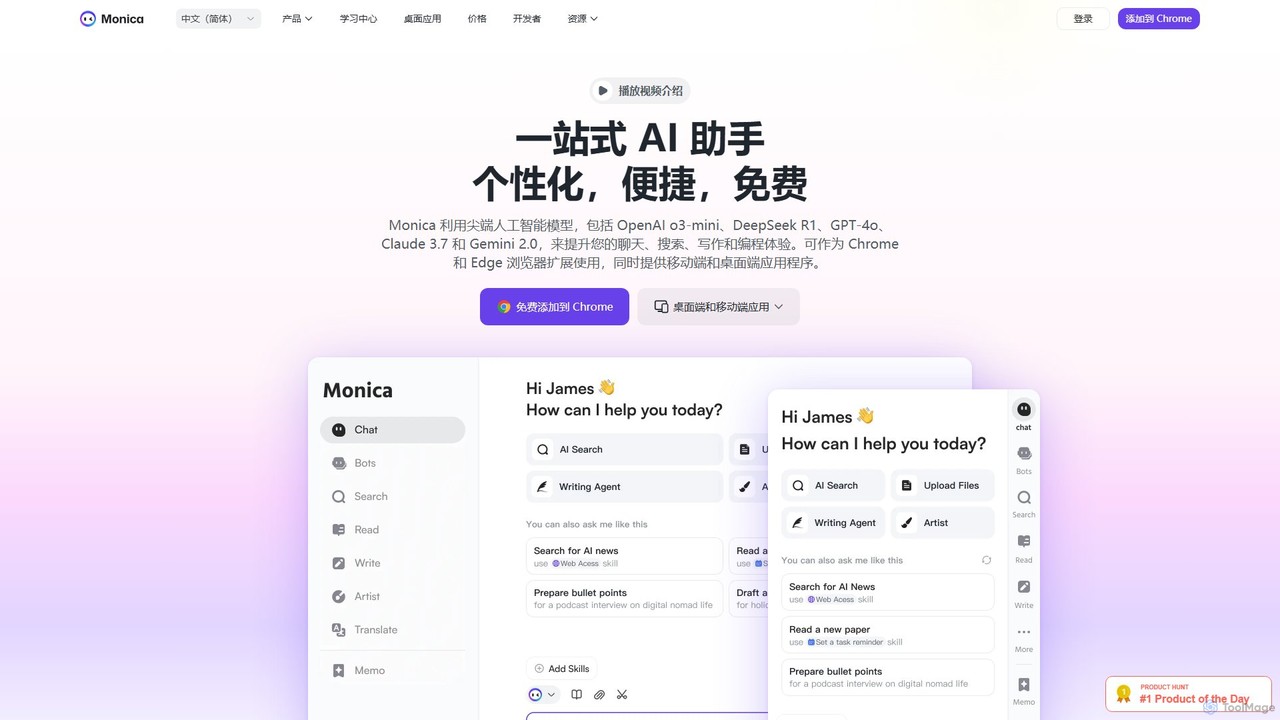
Monica is an all-in-one AI assistant powered by leading models like GPT-4o, Claude 3.7, and Gemini 1.5. It integrates seamlessly into your workflow as a browser extension, desktop, and mobile app, offering features for chat, search, writing, translation, and image creation to boost productivity.
Chrome Extensions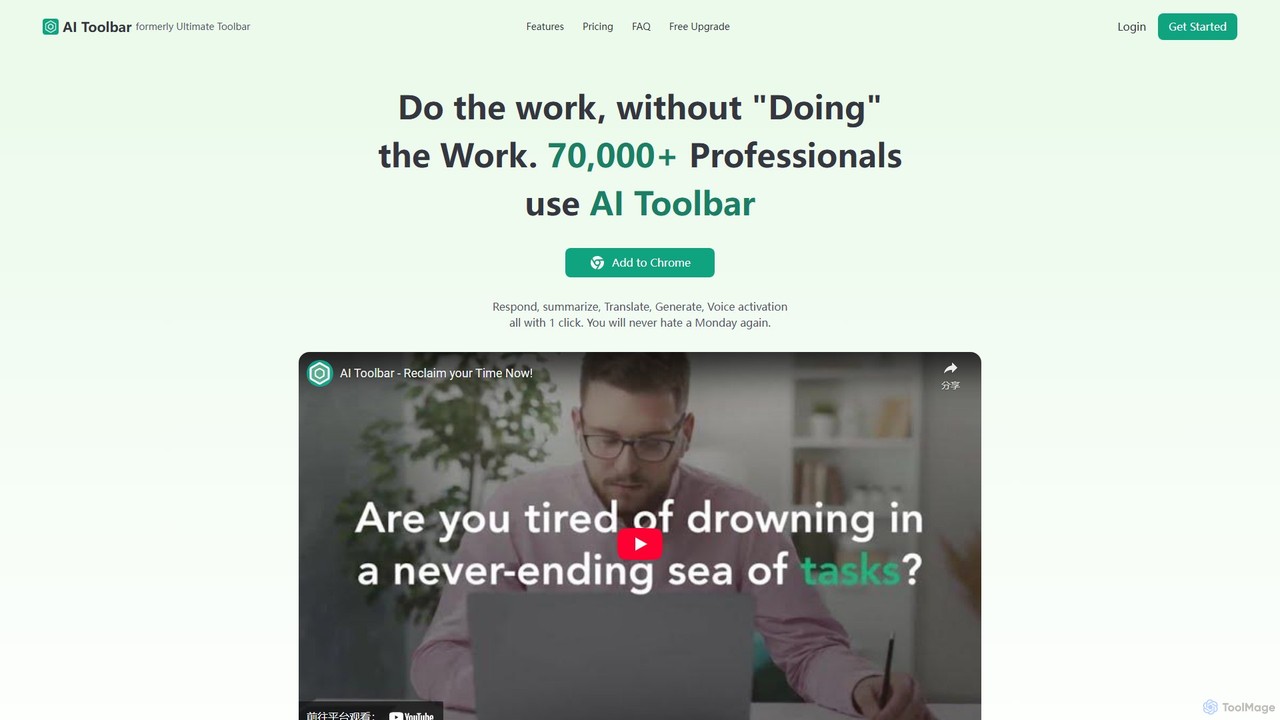
AI Toolbar
AI Toolbar is a powerful Chrome extension that acts as your personal virtual assistant. It integrates AI directly into your browser, allowing you to respond to emails, summarize and translate text, generate content, and use voice commands on any webpage with a single click. Trusted by over 70,000 professionals, it's designed to dramatically boost your productivity and streamline your workflow.
Paraphraser
typegpt
typegpt is a lightweight browser extension that integrates ChatGPT into any text box on the internet. Use simple commands to generate, translate, or code directly in your workflow, using your own API key for maximum cost-efficiency and control.
Code Assistant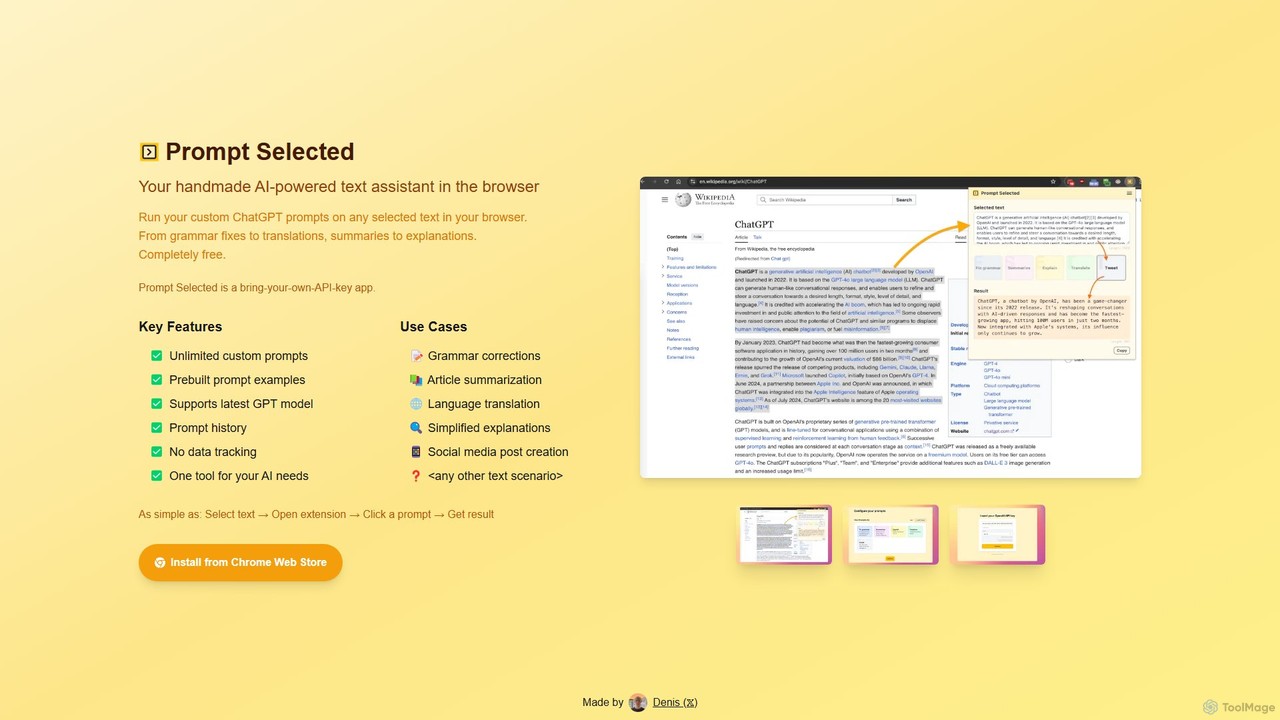
Prompt Selected
A free, privacy-focused Chrome extension that acts as your personal AI text assistant. Run unlimited custom ChatGPT prompts on any selected text directly in your browser for tasks like summarization, translation, and grammar correction using your own API key.
Prompt Engineering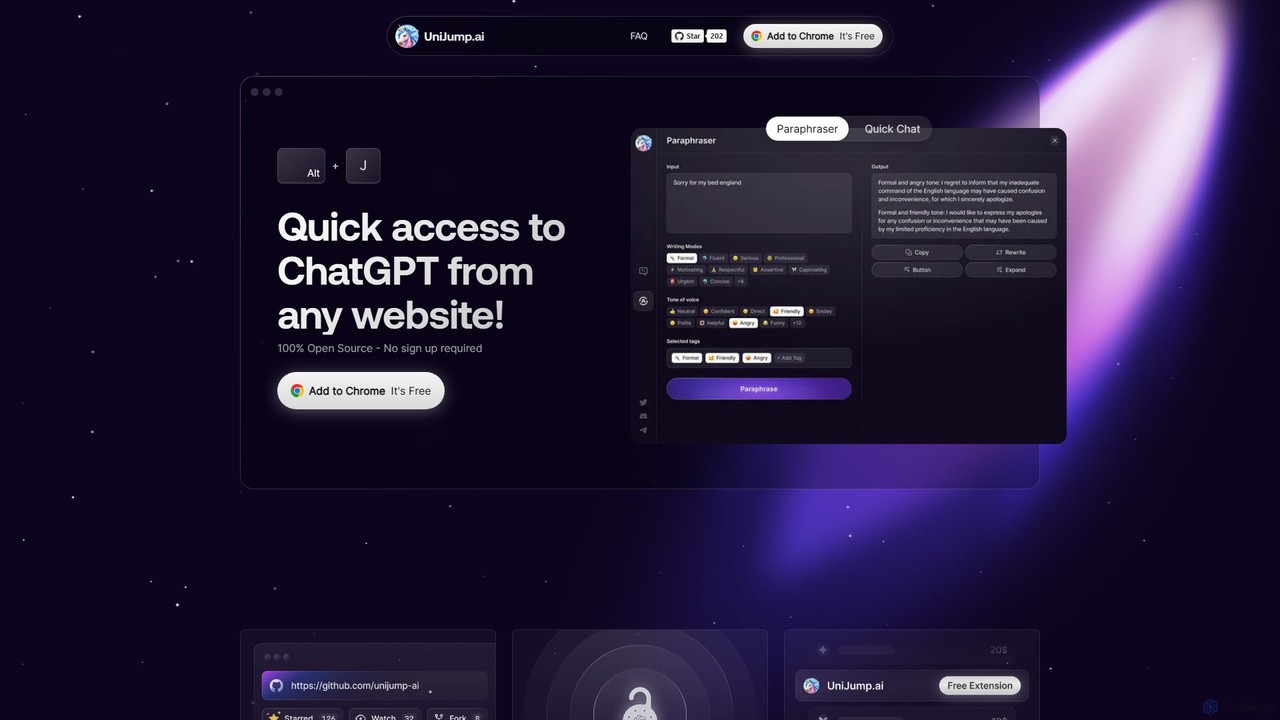
unijump
UniJump is a free, open-source browser extension that provides quick access to ChatGPT on any website. Improve your writing, get instant answers, and boost productivity without switching tabs. No sign-up required, ensuring a secure and seamless AI experience.
Research AssistantMagic Tool AI Categories
Magic Tool AI Embed Widget
Copy this embed code to place the badge on your blog, article, or product site and send readers directly to this ToolMage detail page.

Related AI tools
Summary Box
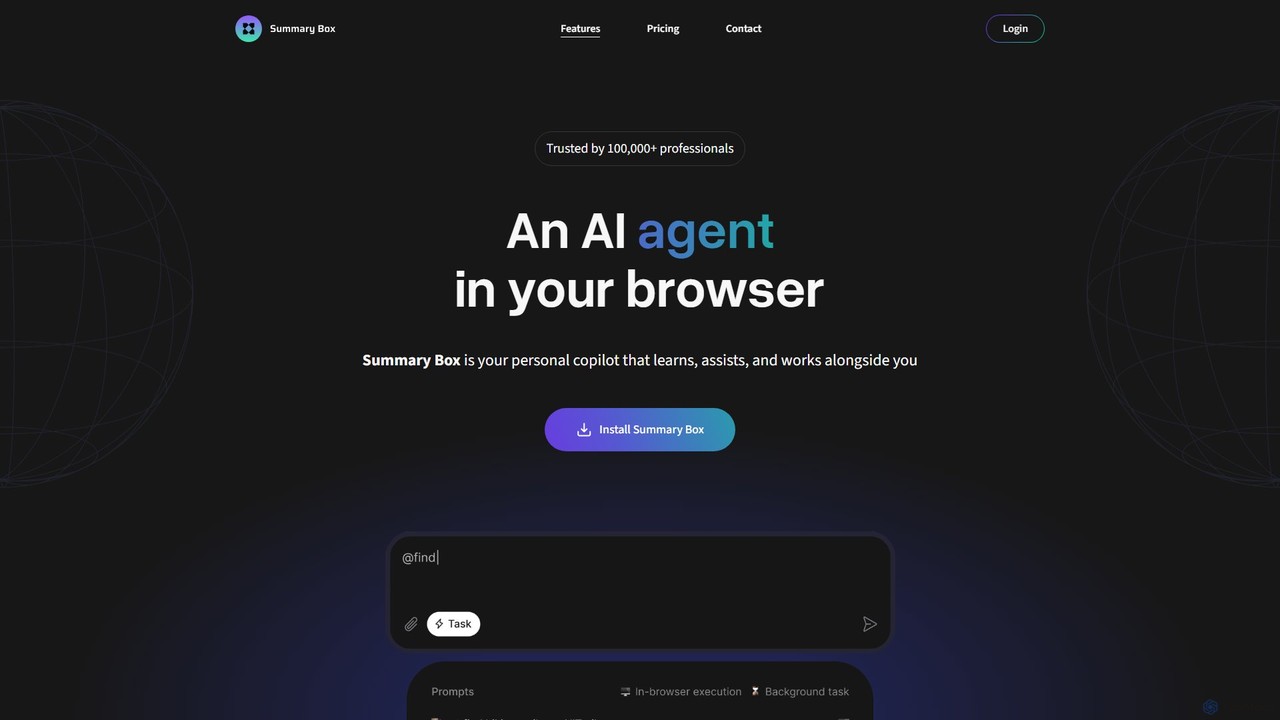
Summary Box is an AI-powered browser extension that acts as your personal copilot for the web. It generates high-quality, abstractive summaries of articles, PDFs, Google Docs, YouTube videos, and even audio. It's designed to save you time, enhance comprehension, and boost productivity by distilling long content into concise, key points.
Chrome ExtensionsMonica
Monica is an all-in-one AI assistant powered by leading models like GPT-4o, Claude 3.7, and Gemini 1.5. It integrates seamlessly into your workflow as a browser extension, desktop, and mobile app, offering features for chat, search, writing, translation, and image creation to boost productivity.
Chrome ExtensionsAI Toolbar
AI Toolbar is a powerful Chrome extension that acts as your personal virtual assistant. It integrates AI directly into your browser, allowing you to respond to emails, summarize and translate text, generate content, and use voice commands on any webpage with a single click. Trusted by over 70,000 professionals, it's designed to dramatically boost your productivity and streamline your workflow.
Paraphrasertypegpt
typegpt is a lightweight browser extension that integrates ChatGPT into any text box on the internet. Use simple commands to generate, translate, or code directly in your workflow, using your own API key for maximum cost-efficiency and control.
Code AssistantPrompt Selected
A free, privacy-focused Chrome extension that acts as your personal AI text assistant. Run unlimited custom ChatGPT prompts on any selected text directly in your browser for tasks like summarization, translation, and grammar correction using your own API key.
Prompt Engineeringunijump
UniJump is a free, open-source browser extension that provides quick access to ChatGPT on any website. Improve your writing, get instant answers, and boost productivity without switching tabs. No sign-up required, ensuring a secure and seamless AI experience.
Research Assistant
getmax.ai
getmax.ai is an AI-powered browser extension that acts as your copilot for the web. It seamlessly integrates into your workflow, allowing you to summarize content, write emails, generate articles, and get instant answers from advanced AI models like GPT-4 and Claude, all without leaving your current tab.
Research
getmerlin
getmerlin is a versatile AI assistant powered by top models like GPT-4o and Claude 3.5. Available as a browser extension and app, it integrates seamlessly into your workflow to summarize content, draft emails, generate text and images, and enhance research on any website. It acts as an all-in-one productivity tool, saving time and money by consolidating multiple AI services into a single subscription.
Chrome Extensions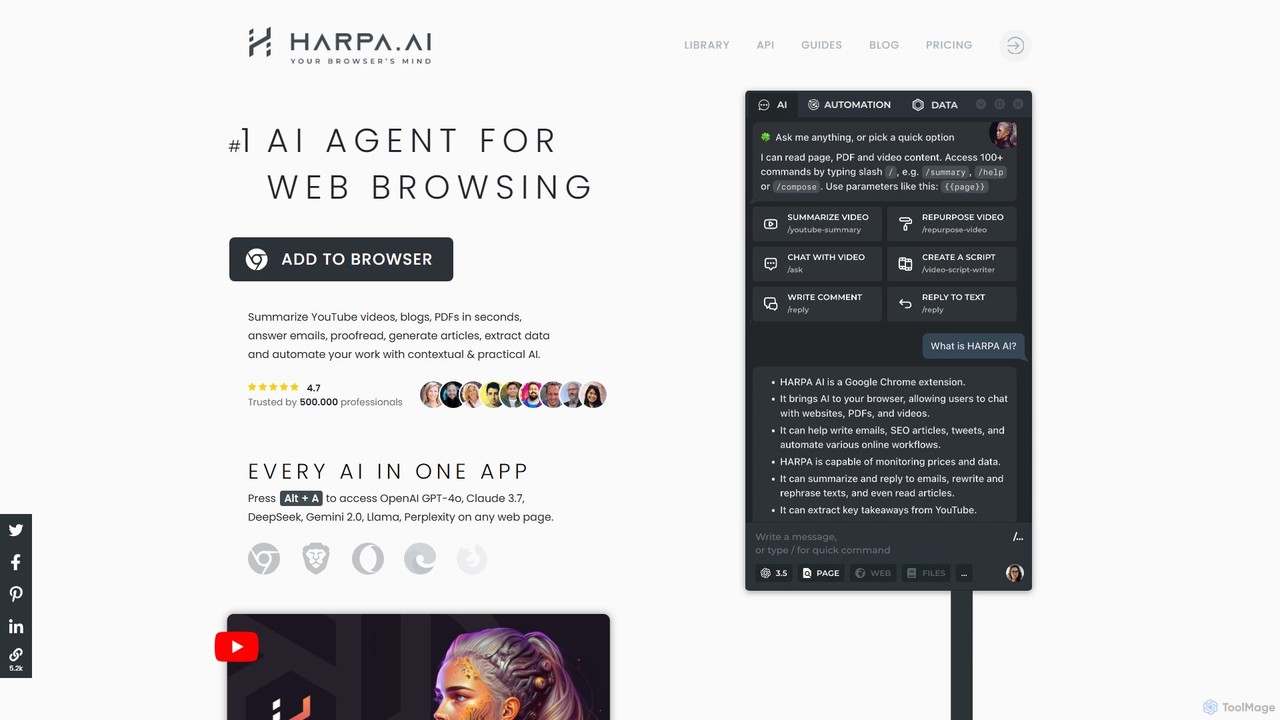
HARPA AI
HARPA AI is an all-in-one AI browser agent that integrates ChatGPT, Claude, Gemini, and more directly into your browser. It automates web tasks, summarizes content, drafts emails, extracts data, and enhances productivity with over 100 pre-built, page-aware commands. It functions as a versatile copilot for browsing, research, and automation.
Automation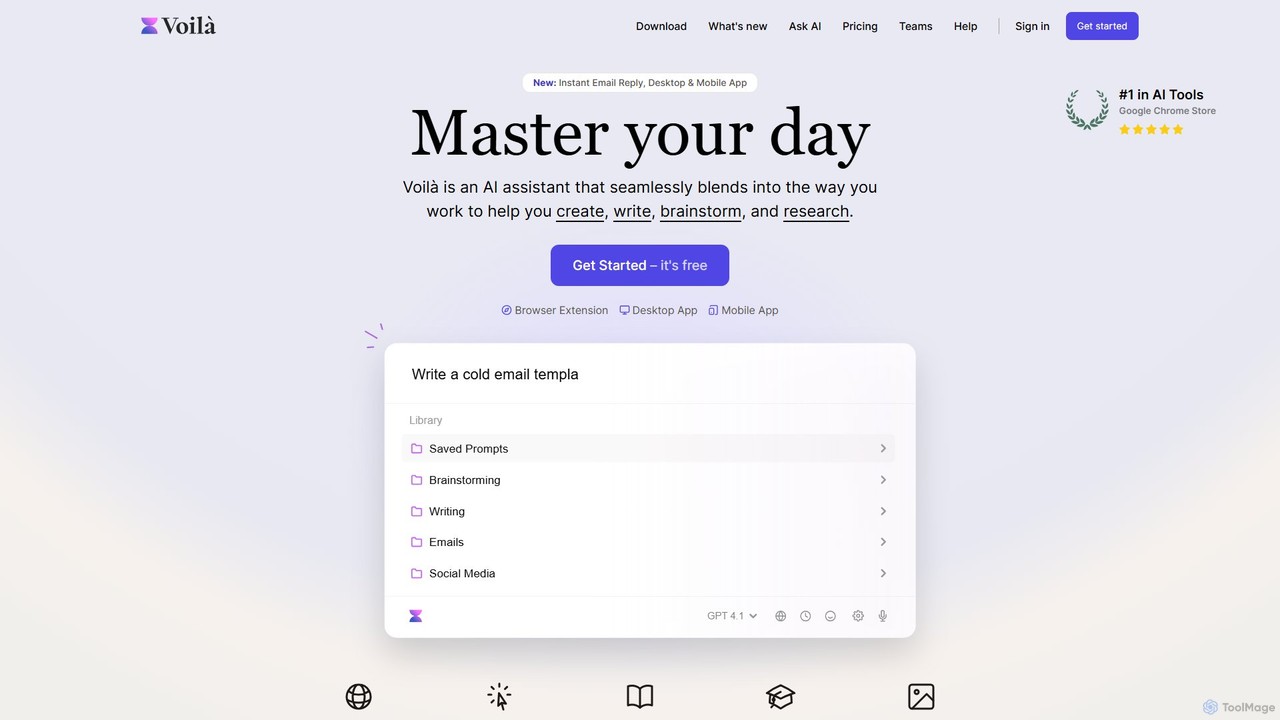
Voilà
Voilà is an all-in-one AI assistant designed to maximize productivity. It functions as a browser extension, desktop, and mobile app, seamlessly integrating into your workflow to help with writing, brainstorming, research, and content creation. It works on any website or app, understanding the context to provide relevant assistance.
Content Creation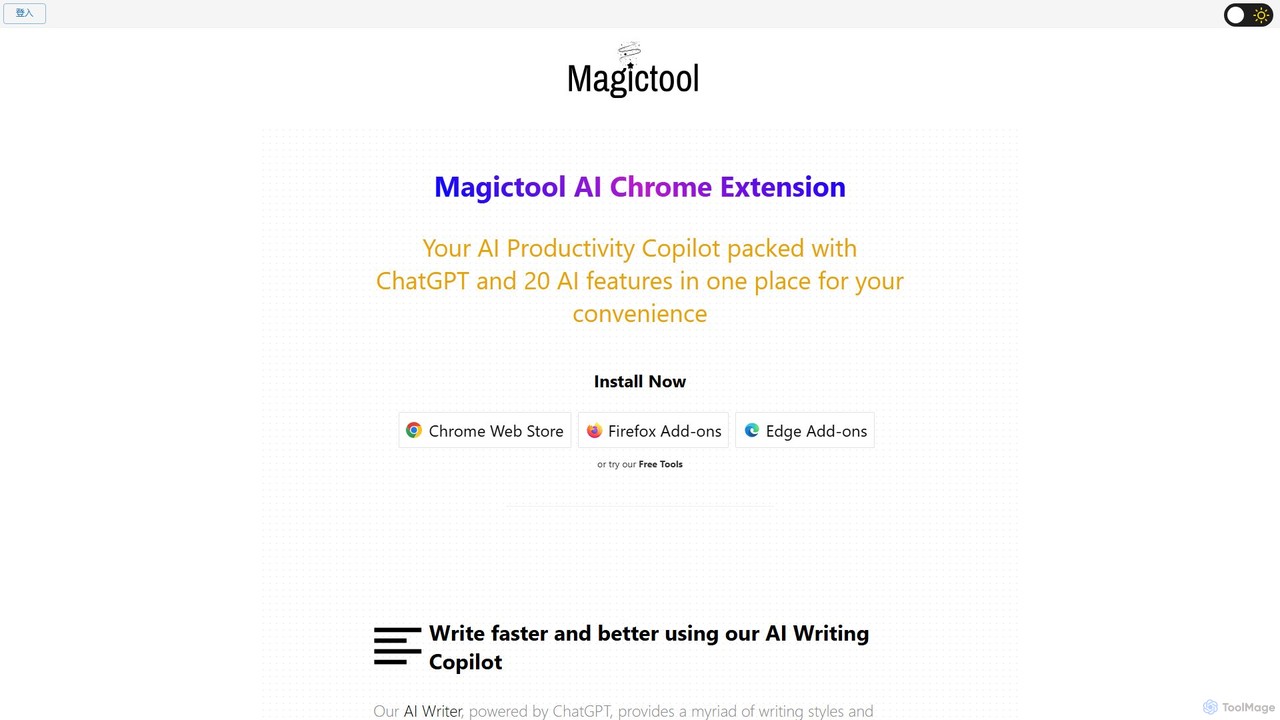
Magictool AI
Magictool AI is an all-in-one productivity hub integrated into a browser extension. It packs over 20 AI features, including a ChatGPT-powered writer, YouTube video summarizer, PDF chat, data scraper, and AI image generator. It's designed to streamline your workflow, enhance your writing, and boost your research capabilities directly within your browser.
Chrome Extensions
Viinyx
Viinyx is an all-in-one AI browser assistant designed to supercharge your productivity. Integrated directly into your browser, it helps you write faster, read smarter, and research more efficiently. Summarize articles and videos, compose emails, and get contextual AI help on any webpage.
Summarizer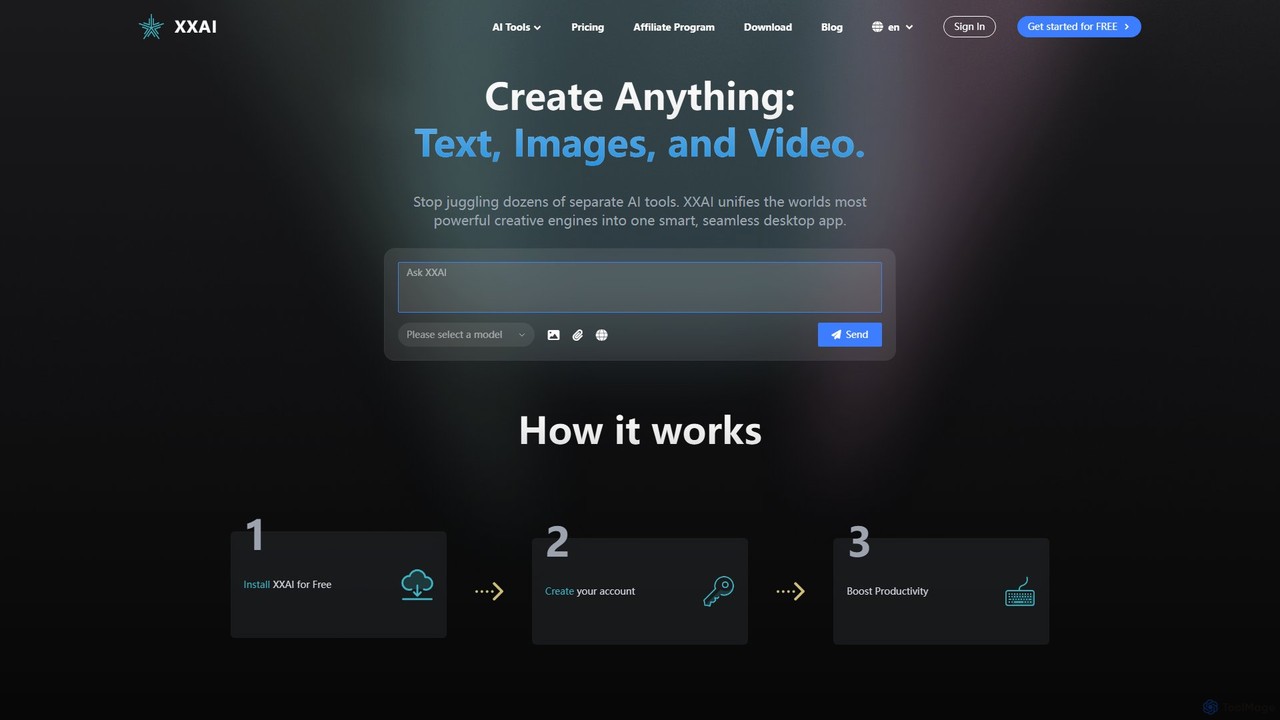
Hixx.ai
Hixx.ai is an all-in-one AI desktop application that unifies text, image, and video creation into a single, seamless platform. It acts as an AI copilot across all your apps and websites, providing access to top models like ChatGPT, DALL-E 3, and Runway to streamline your workflow, boost productivity, and eliminate the need for multiple separate AI tool subscriptions.
Image Generation
ChatGPT Phantom
ChatGPT Phantom is a free, all-in-one browser extension that enhances your productivity by integrating ChatGPT, Google Bard, and Bing Chat. It provides real-time web access for up-to-date information, helping you generate high-quality content like articles, YouTube scripts, code, and summaries effortlessly. It's designed for copywriters, creators, and developers who need a powerful and private AI copilot.
Search Assistant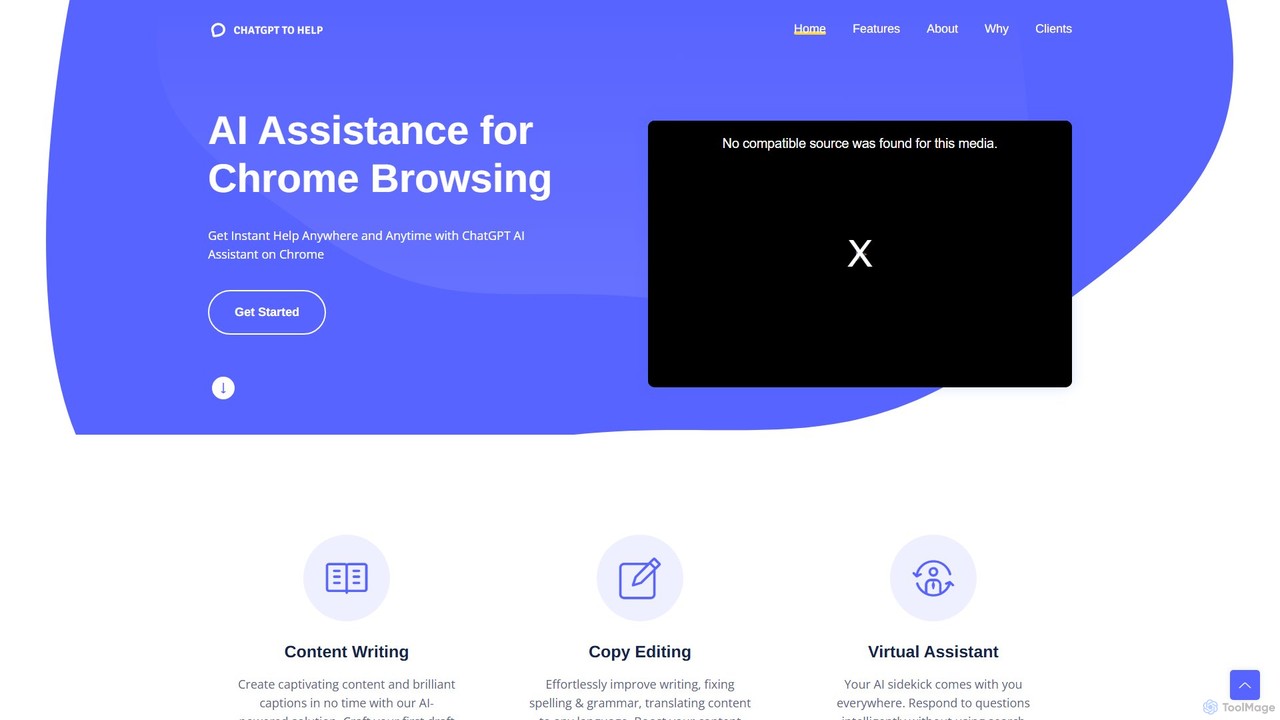
ChatGPT To Help
ChatGPT To Help is a powerful browser extension that integrates AI writing assistance directly into your workflow. Generate, rewrite, and summarize content on any website, saving time and boosting productivity for marketers, writers, and professionals.
Chrome Extensions
Magic Tool AI Comments (0)
Sign in to comment.
Sign inNo comments yet.