

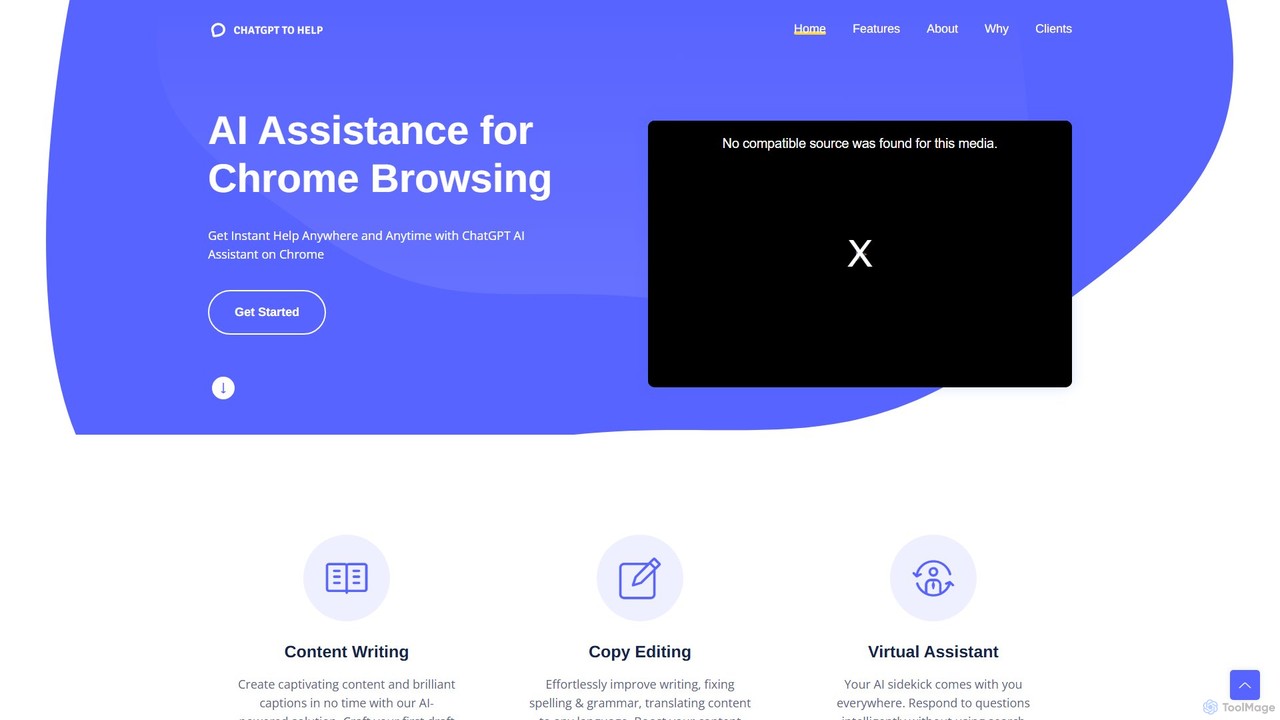
ChatGPT To Help Overview
ChatGPT To Help is a revolutionary browser extension designed to seamlessly integrate the advanced capabilities of AI into your daily online activities. It acts as your personal writing assistant, available on any website or text field you use. Whether you're drafting emails, writing blog posts, creating social media updates, or filling out forms, this tool is designed to eliminate writer's block and significantly speed up your content creation process. Praised by professionals across various industries, from e-commerce store owners to real estate agents, ChatGPT To Help transforms the arduous task of writing into an efficient and even enjoyable experience. It empowers you to move from a blank page to a polished draft in a fraction of the time, allowing you to focus on strategy and creativity rather than the mechanics of writing.
How to use ChatGPT To Help
Getting started with ChatGPT To Help is simple and intuitive. Follow these steps to supercharge your writing:
1. Installation: First, install the ChatGPT To Help extension from your browser's official web store (e.g., Chrome Web Store). The installation process is quick and requires just a few clicks.
2. Activation: Once installed, the extension's icon will appear in your browser's toolbar. You can start using it immediately on any webpage.
3. Content Generation & Rewriting: To use the tool, simply highlight a piece of text on any website. A context menu will appear with options like 'Rewrite', 'Summarize', 'Expand', or 'Change Tone'. Select the desired action, and the AI will provide suggestions instantly.
4. Generating New Content: If you're starting from scratch, click the extension's icon or use a keyboard shortcut to open its interface. Type a prompt describing what you need—for example, 'Write a marketing email for a new product launch' or 'Generate five blog post ideas about sustainable fashion'—and the tool will generate high-quality content for you.
5. Selection and Insertion: The tool often provides multiple variations of the generated content. You can review these options, choose the one that best fits your needs, and with a single click, insert it directly into the text field you're working in, whether it's Gmail, WordPress, Twitter, or Google Docs.
Core Features of ChatGPT To Help
- Contextual Writing Assistance: Works directly within any text field on any website, providing AI help without needing to switch tabs or applications.
- Advanced Content Generation: Create diverse types of content, including articles, emails, social media posts, ad copy, and product descriptions from simple prompts.
- Text Rewriting and Paraphrasing: Instantly rephrase sentences or entire paragraphs to improve clarity, change the tone, or avoid plagiarism.
- Summarization Tool: Quickly condense long articles, reports, or emails into concise summaries, saving you valuable reading time.
- Multiple Content Variations: Generates several alternative versions for each request, giving you the flexibility to choose the most suitable output.
- Tone Adjustment: Effortlessly switch the tone of your text to be more professional, casual, persuasive, friendly, or any other style you require.
Use Cases for ChatGPT To Help
The versatility of ChatGPT To Help makes it invaluable for a wide range of users:
- Marketers and Copywriters: Rapidly draft compelling ad copy, SEO-optimized blog posts, engaging social media updates, and persuasive email marketing campaigns.
- E-commerce Store Owners: As highlighted by users, it's perfect for creating unique and appealing product descriptions for platforms like Shopify, helping to drive sales.
- Real Estate Agents: Generate captivating property listings in seconds, saving hours of work and attracting more potential buyers.
- Business Professionals: Compose professional emails, create detailed reports, and prepare presentation scripts with speed and accuracy.
- Students and Academics: Paraphrase research material, summarize lengthy papers, and overcome writer's block when working on essays and assignments.
Advantages of ChatGPT To Help
Users consistently praise the tool for its significant benefits:
- Massive Time Savings: It automates the most time-consuming aspects of writing, reducing content creation time from hours to minutes.
- Enhanced Productivity: By integrating seamlessly into your browser, it streamlines your workflow and allows you to accomplish more.
- Overcomes Writer's Block: Provides instant inspiration and multiple starting points, making it easier to start and finish any writing task.
- Improved Content Quality: Helps refine your writing for better clarity, engagement, and impact, with options to adjust tone and style.
- Cost-Effective: Acts as a powerful writing assistant at a fraction of the cost of hiring a human writer or editor.
Pricing and Plans
ChatGPT To Help typically operates on a freemium model. This means there is likely a free version available with basic features and certain usage limits, which is great for casual users. For professionals and heavy users who require more advanced capabilities, unlimited generations, and priority support, there are premium paid plans. For the most accurate and up-to-date pricing information, it is recommended to visit the official website or its page on the browser's web store.
Traffic
Latest traffic
Status
Monthly traffic trend
- 2025-9: 240
- 2026-1: 0
- 2026-2: 0
- 2026-3: 69
- 2026-4: 241
- 2026-5: 34
Geography
Top 5 countries / regions
- 🇿🇦South Africa100.0%
Top keywords
| Keyword | Cost per click |
|---|---|
| help chatgpt | $1.06 |
ChatGPT To Help Alternatives
NovaTexter
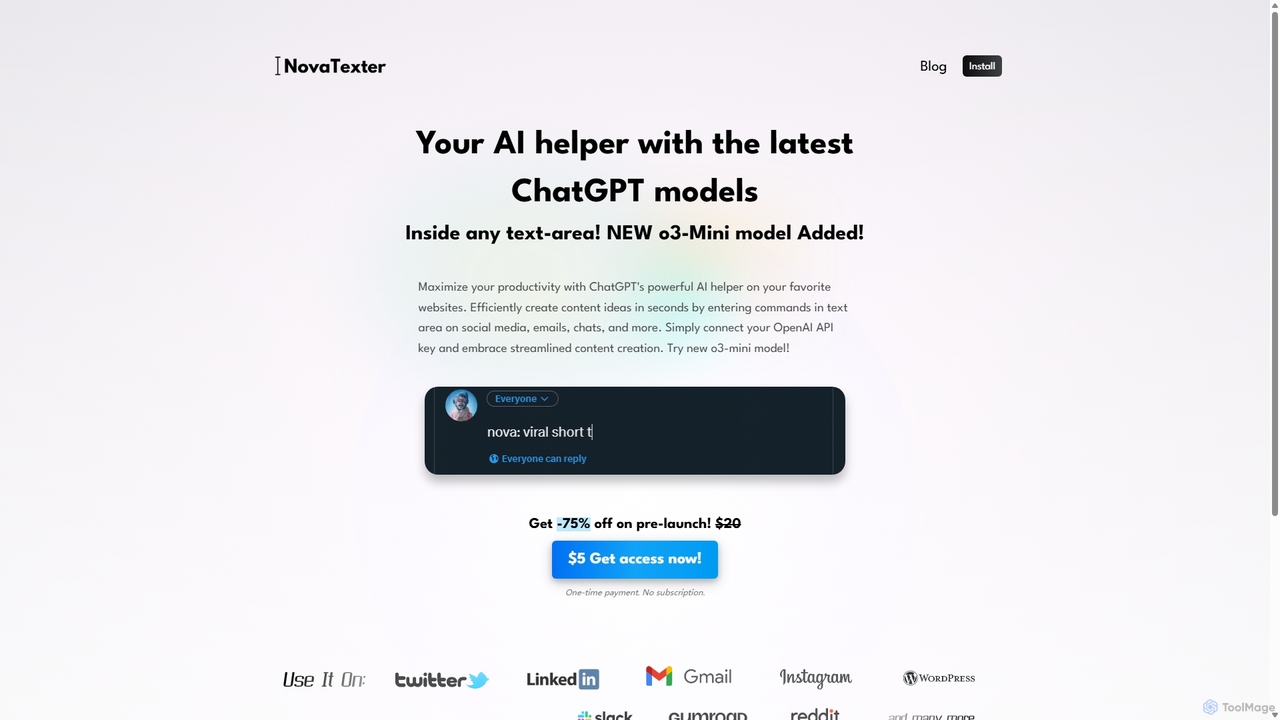
NovaTexter is an AI-powered browser extension that integrates ChatGPT models directly into your workflow. It allows you to generate content, ideas, and responses on any website by simply typing commands in a text area. Connect your OpenAI API key for a seamless, productive content creation experience with a single one-time payment.
Chrome Extensions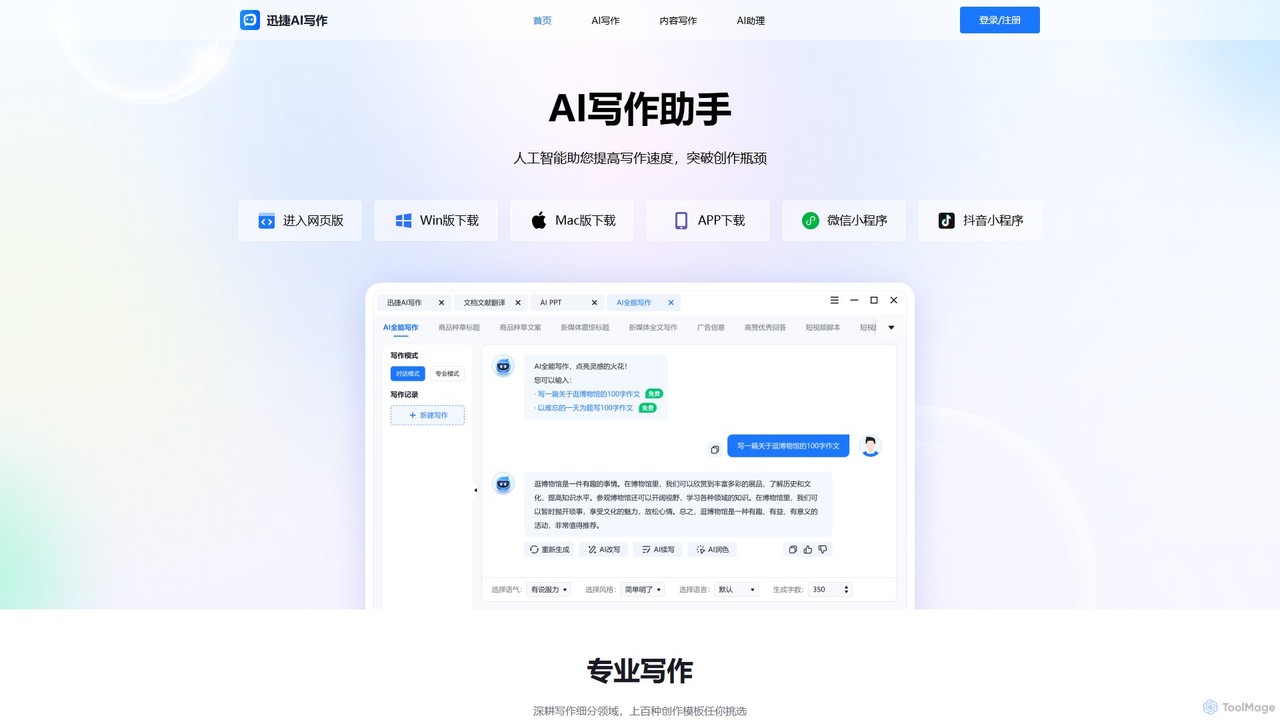
aichat1234
aichat1234 is a versatile AI-powered writing and chat assistant designed to enhance productivity and creativity. It offers hundreds of specialized writing templates for various needs, from academic papers and novels to social media content and business reports. Its conversational AI can act as a personal assistant, translator, or expert consultant, providing instant answers and solutions across multiple platforms.
Chatbot
InsertChatGPT
InsertChatGPT is a powerful browser extension that seamlessly integrates OpenAI's ChatGPT into your daily workflow. Get instant AI assistance for writing emails, summarizing text, and creating content directly on any website, boosting your productivity and creativity without switching tabs.
Chat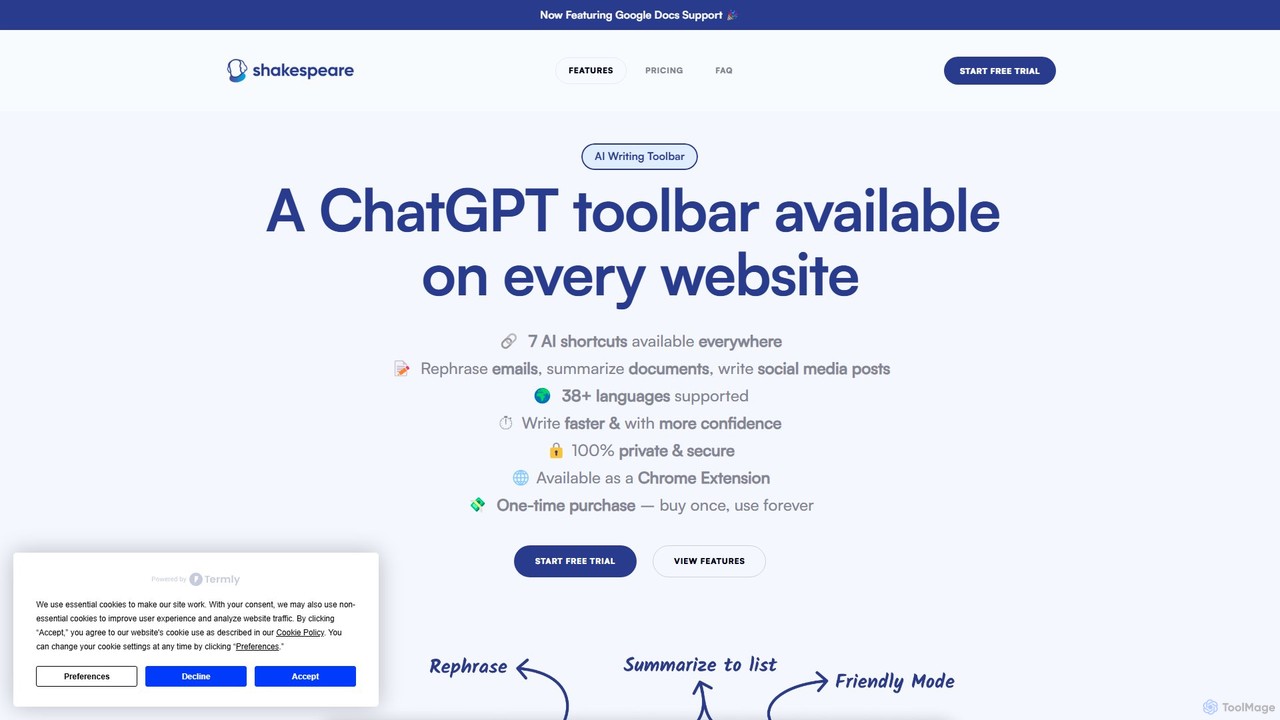
Shakespeare Toolbar
Shakespeare Toolbar is a ChatGPT-powered Chrome extension that integrates AI writing assistance directly into your browser. Work seamlessly on any website, including Google Docs, to rephrase, summarize, simplify text, and generate content without switching tabs. It's designed for writers, marketers, and professionals to enhance productivity and communication.
Chrome Extensions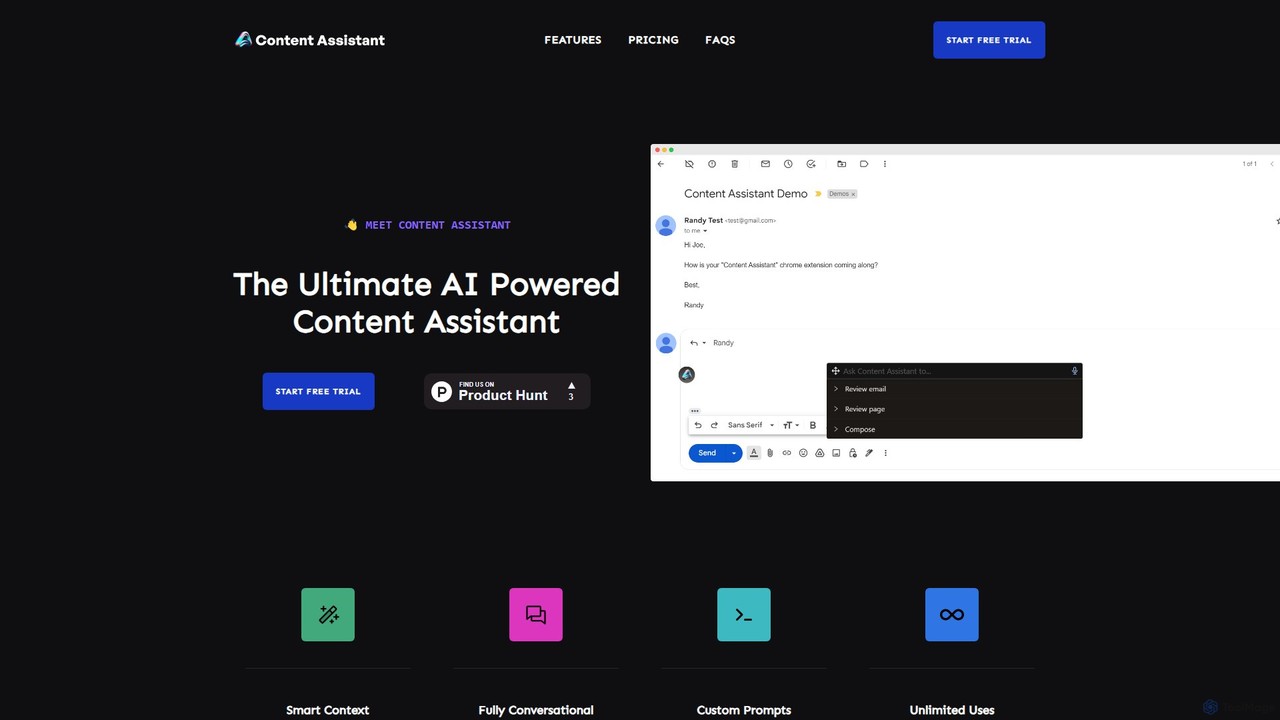
Content Assistant
A powerful AI browser extension that acts as your co-pilot for all content tasks. It intelligently uses page context to help you write, edit, summarize, translate, and reply to emails directly within your browser, boosting productivity and enhancing your workflow.
Chrome ExtensionsChatGPT To Help Categories
ChatGPT To Help Embed Widget
Copy this embed code to place the badge on your blog, article, or product site and send readers directly to this ToolMage detail page.

Related AI tools
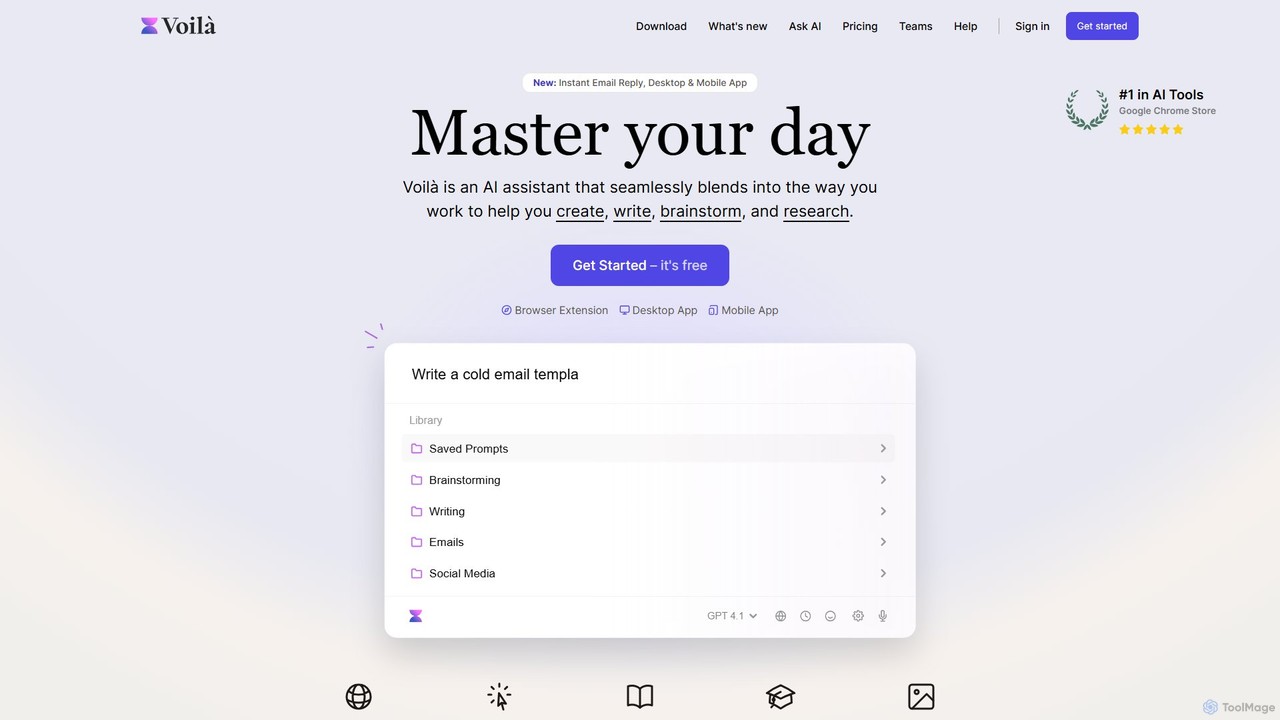
Voilà
Voilà is an all-in-one AI assistant designed to maximize productivity. It functions as a browser extension, desktop, and mobile app, seamlessly integrating into your workflow to help with writing, brainstorming, research, and content creation. It works on any website or app, understanding the context to provide relevant assistance.
Content CreationNovaTexter
NovaTexter is an AI-powered browser extension that integrates ChatGPT models directly into your workflow. It allows you to generate content, ideas, and responses on any website by simply typing commands in a text area. Connect your OpenAI API key for a seamless, productive content creation experience with a single one-time payment.
Chrome Extensions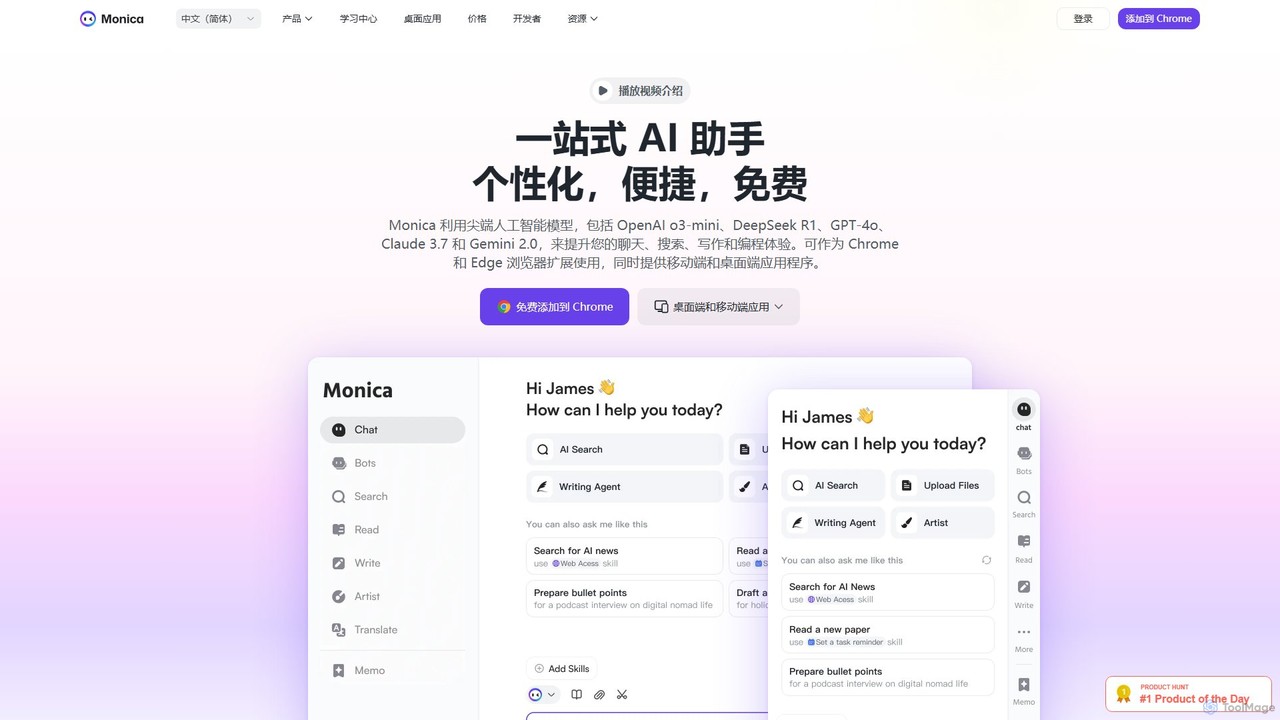
Monica
Monica is an all-in-one AI assistant powered by leading models like GPT-4o, Claude 3.7, and Gemini 1.5. It integrates seamlessly into your workflow as a browser extension, desktop, and mobile app, offering features for chat, search, writing, translation, and image creation to boost productivity.
Chrome Extensions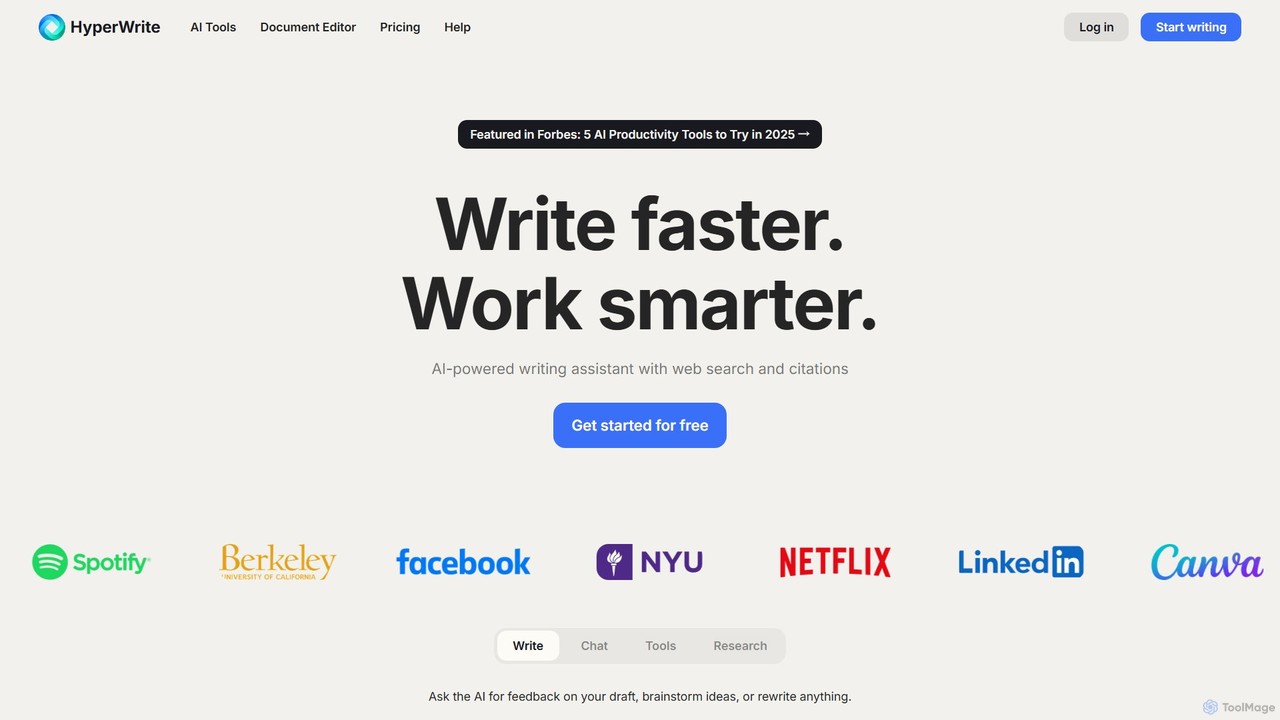
HyperWrite
HyperWrite is an advanced AI writing assistant designed to enhance productivity for students, marketers, and professionals. It offers hundreds of tools for writing, research, summarization, and content creation. Key features include real-time academic research with citations, customizable 'Personas' to match your writing style, and a seamless Chrome extension for workflow integration.
Research
Write.bot
Write.bot is an advanced AI-powered writing assistant designed to help users generate high-quality, original content effortlessly. From blog posts and marketing copy to emails and social media updates, it streamlines the entire content creation process, saving time and boosting creativity.
Content Creation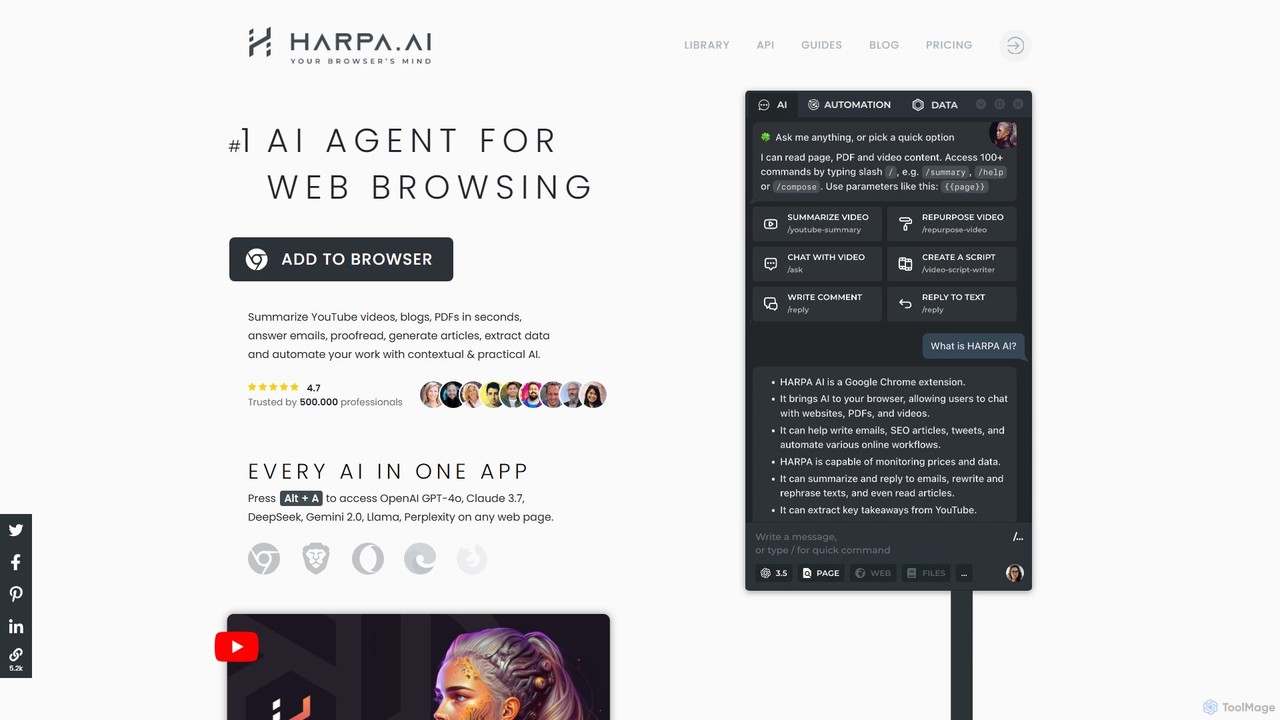
HARPA AI
HARPA AI is an all-in-one AI browser agent that integrates ChatGPT, Claude, Gemini, and more directly into your browser. It automates web tasks, summarizes content, drafts emails, extracts data, and enhances productivity with over 100 pre-built, page-aware commands. It functions as a versatile copilot for browsing, research, and automation.
Automation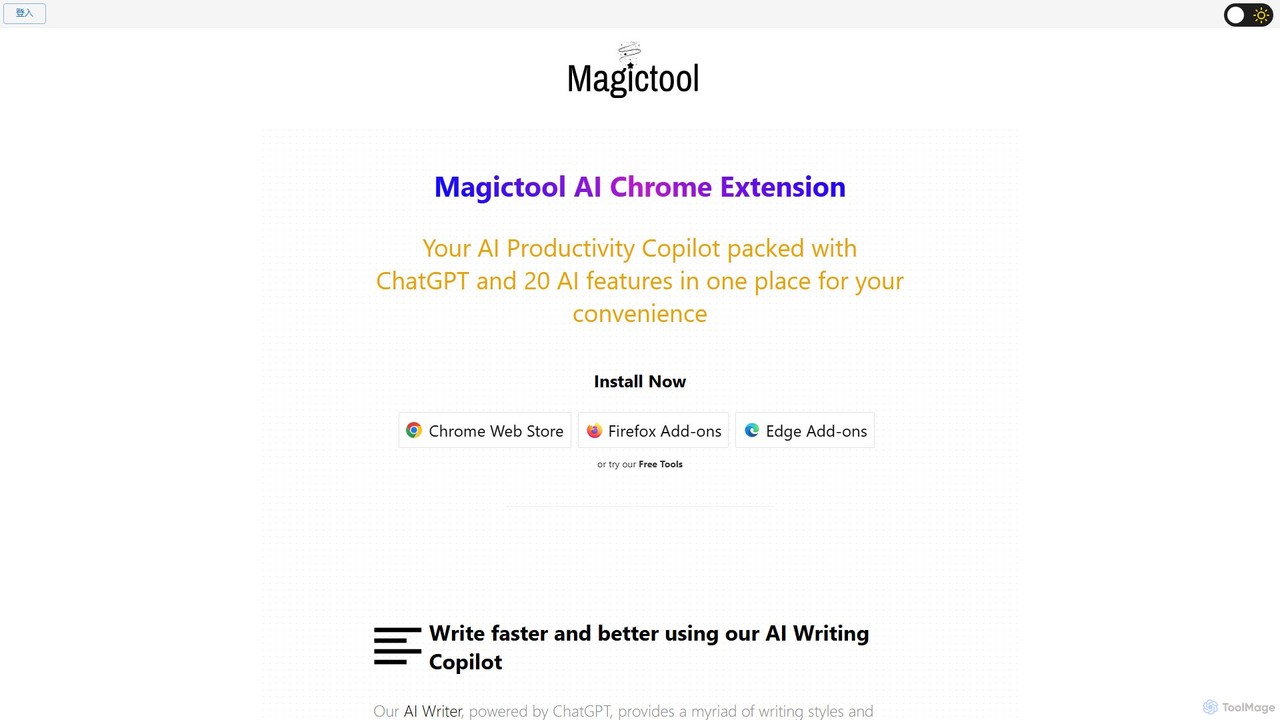
Magic Tool AI
Magic Tool AI is an all-in-one productivity browser extension that integrates ChatGPT and over 20 AI features. It acts as your personal copilot, helping you write better and faster, summarize YouTube videos and articles, chat with PDFs, scrape web data, generate images, and much more, all within your browser.
Browser Extension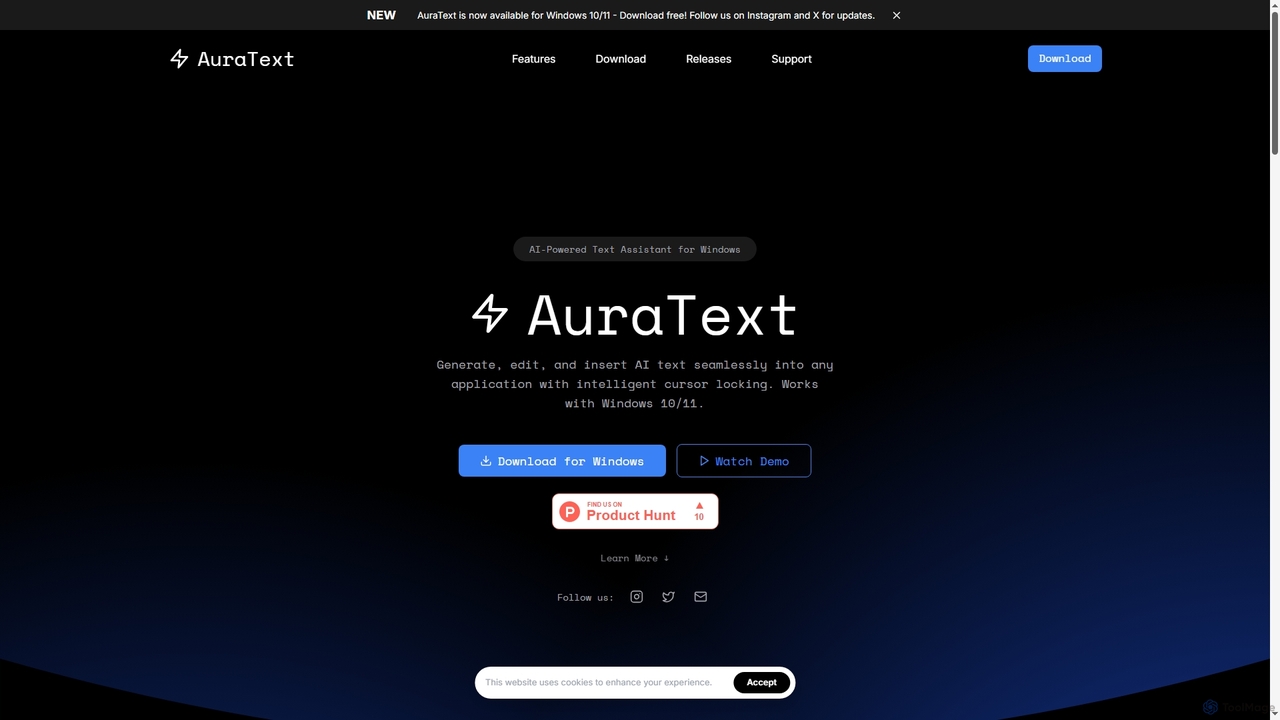
AuraText
AuraText is an AI-powered text assistant for Windows and browsers, enabling seamless generation, editing, and insertion of AI-generated text into any application. It features intelligent cursor locking, multi-AI provider support (Gemini, Perplexity, OpenAI), real-time text analysis, and a secure, private environment for enhanced productivity.
Text Editing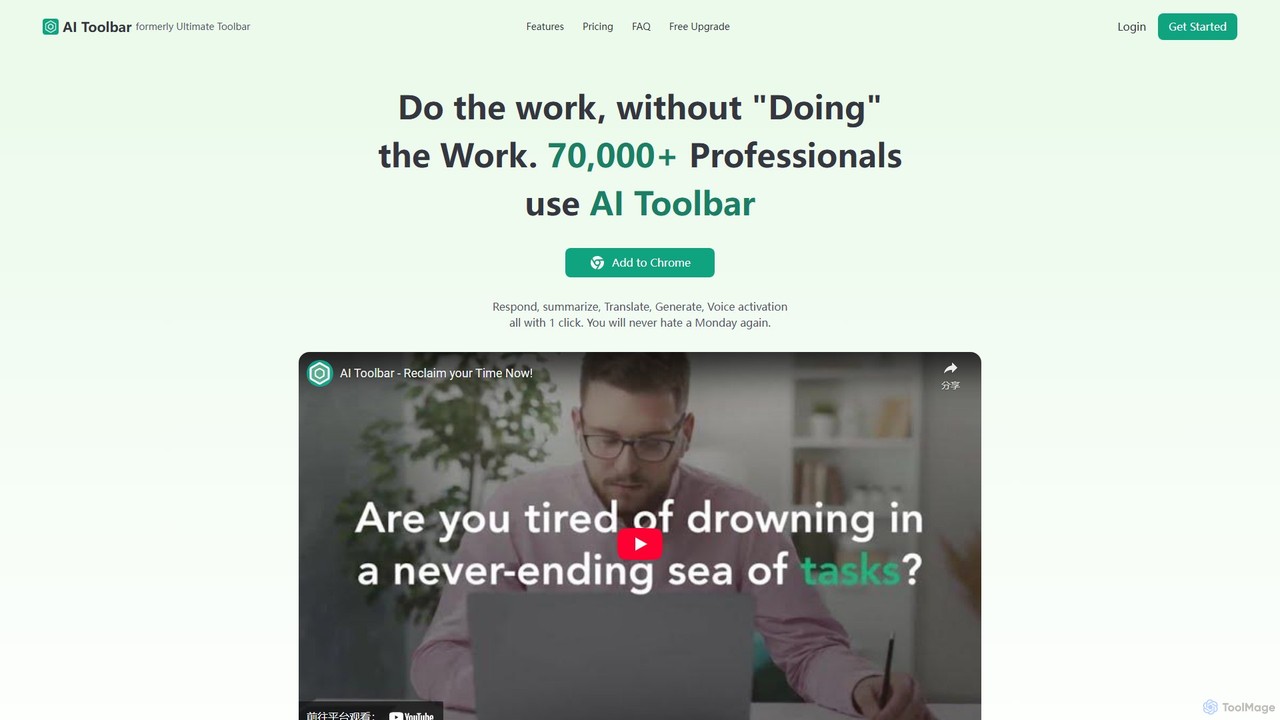
AI Toolbar
AI Toolbar is a powerful Chrome extension that acts as your personal virtual assistant. It integrates AI directly into your browser, allowing you to respond to emails, summarize and translate text, generate content, and use voice commands on any webpage with a single click. Trusted by over 70,000 professionals, it's designed to dramatically boost your productivity and streamline your workflow.
Paraphraser
Aleah AI
Aleah AI is a comprehensive, all-in-one AI content generation platform. It offers a vast library of templates for writing, marketing, social media, business, SEO, and more. Instantly create everything from blog posts and ad copy to resumes and code explanations, streamlining your workflow and boosting productivity for any creative or professional task.
Human Resources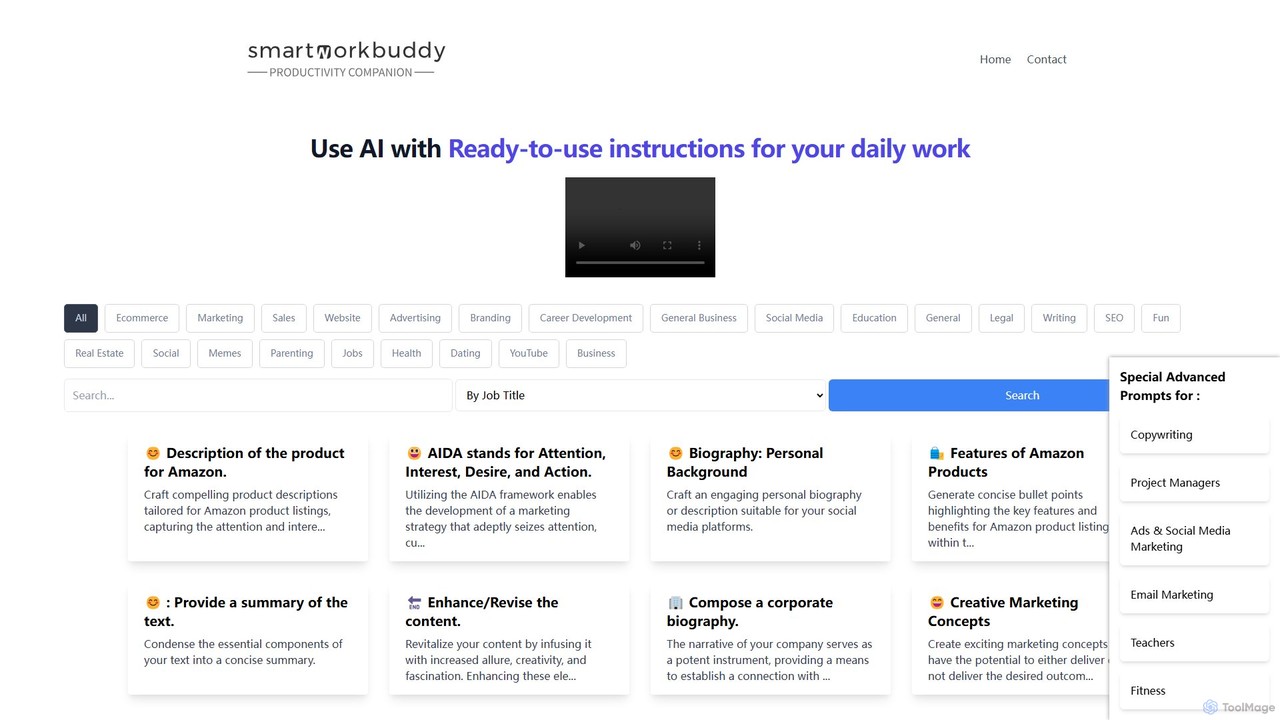
SmartWorkBuddy
SmartWorkBuddy is a comprehensive AI-powered writing assistant designed to boost productivity across various professions. It offers a vast library of over 250 templates for marketing, business, legal, real estate, HR, and creative writing. Instantly generate high-quality content, from ad copy and product descriptions to legal agreements and project plans, saving time and enhancing creativity.
Document Management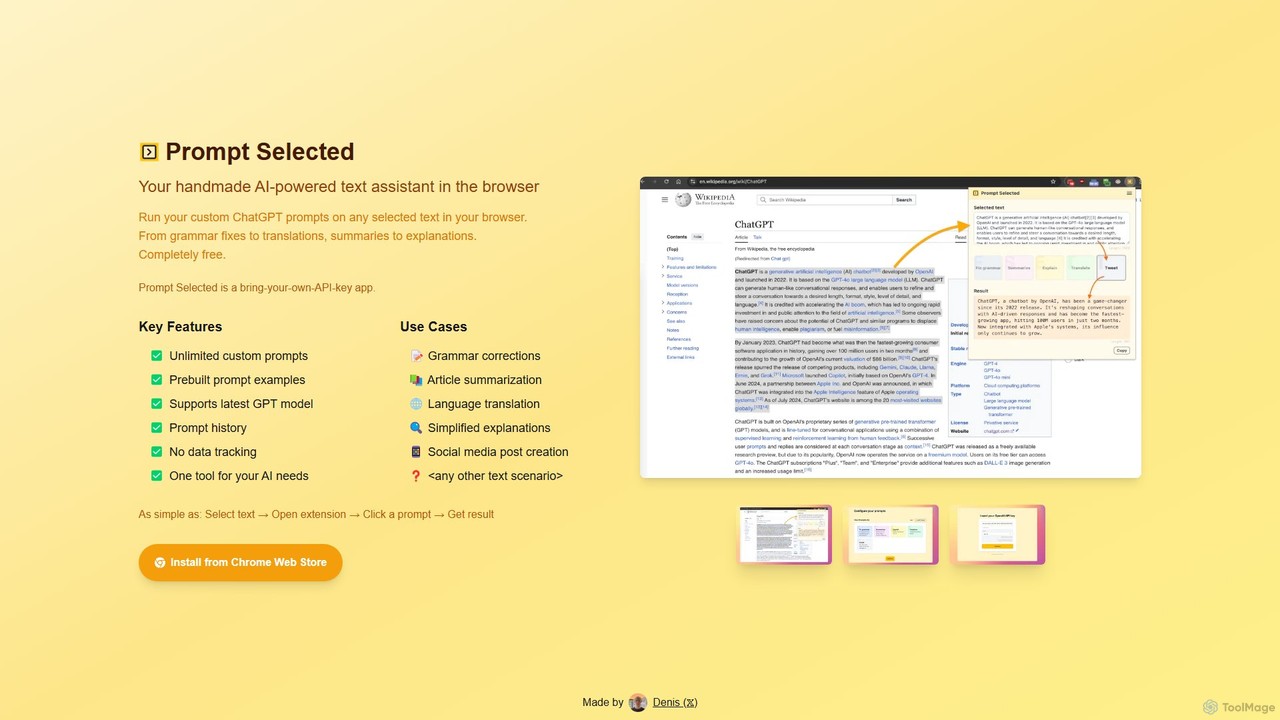
Prompt Selected
A free, privacy-focused Chrome extension that acts as your personal AI text assistant. Run unlimited custom ChatGPT prompts on any selected text directly in your browser for tasks like summarization, translation, and grammar correction using your own API key.
Prompt Engineering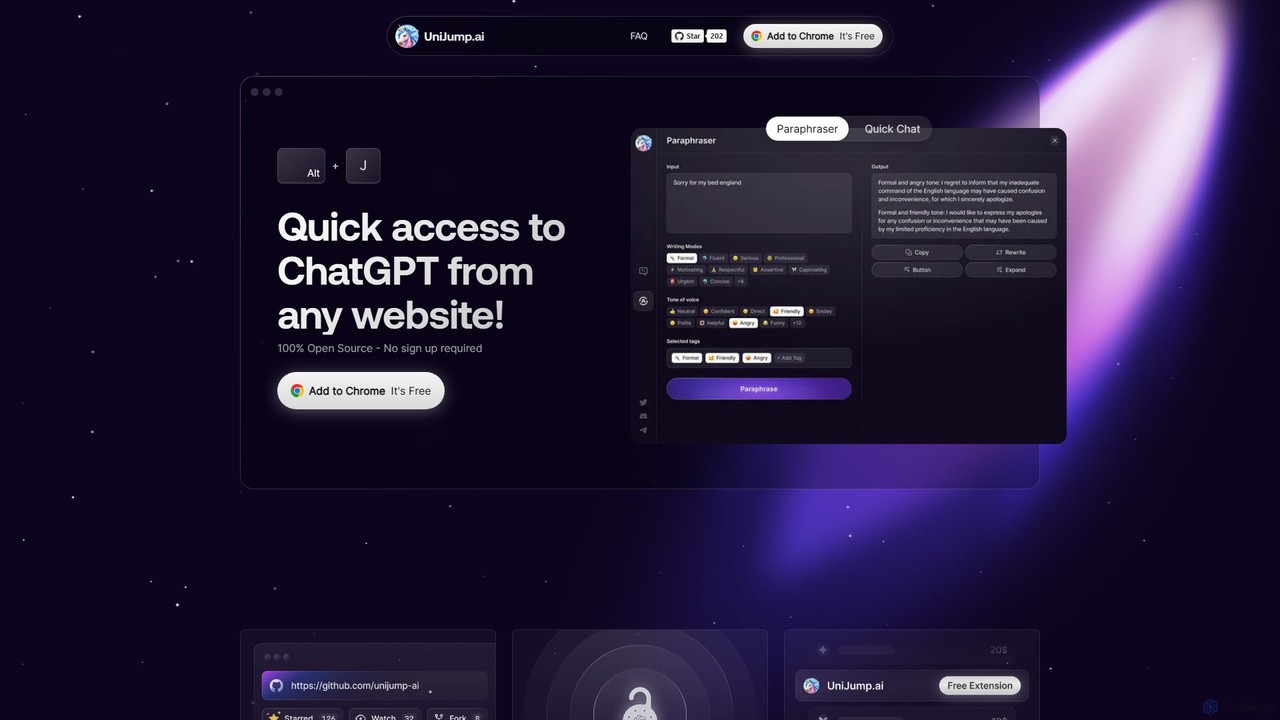
unijump
UniJump is a free, open-source browser extension that provides quick access to ChatGPT on any website. Improve your writing, get instant answers, and boost productivity without switching tabs. No sign-up required, ensuring a secure and seamless AI experience.
Research Assistantaichat1234
aichat1234 is a versatile AI-powered writing and chat assistant designed to enhance productivity and creativity. It offers hundreds of specialized writing templates for various needs, from academic papers and novels to social media content and business reports. Its conversational AI can act as a personal assistant, translator, or expert consultant, providing instant answers and solutions across multiple platforms.
ChatbotInsertChatGPT
InsertChatGPT is a powerful browser extension that seamlessly integrates OpenAI's ChatGPT into your daily workflow. Get instant AI assistance for writing emails, summarizing text, and creating content directly on any website, boosting your productivity and creativity without switching tabs.
Chat
ChatGPT To Help Comments (0)
Sign in to comment.
Sign inNo comments yet.