

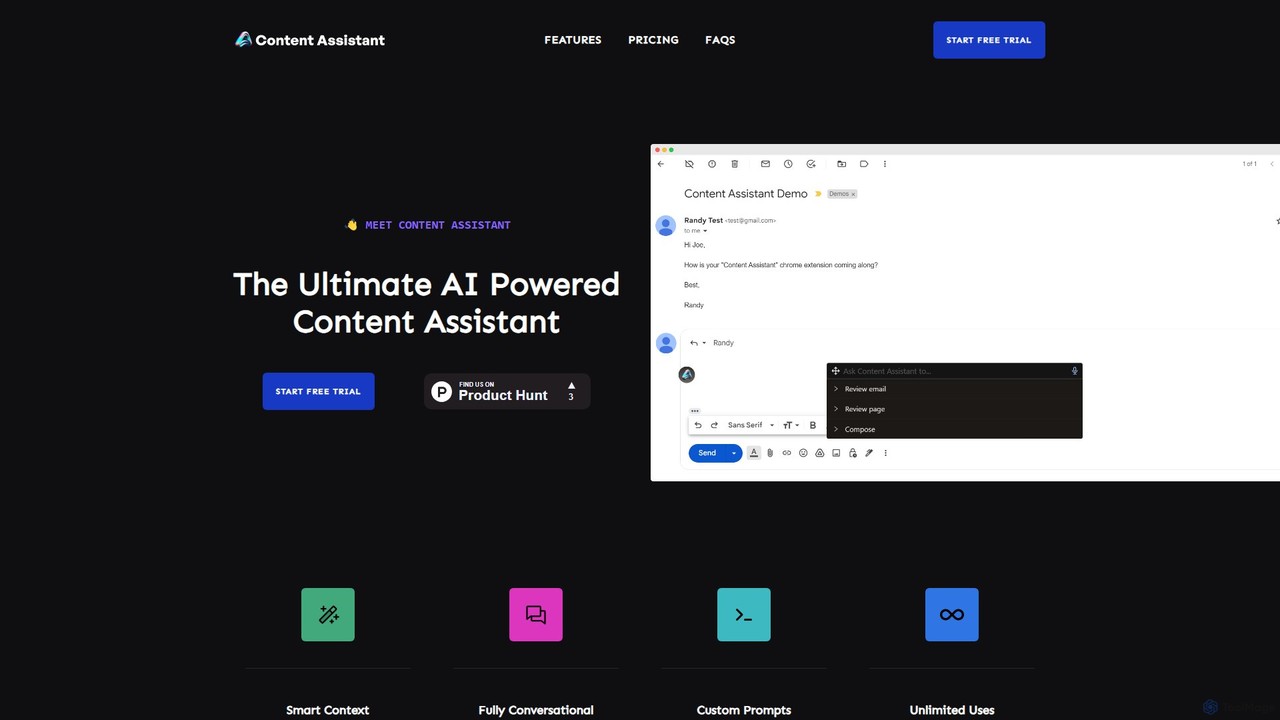
Content Assistant Overview
Content Assistant is a sophisticated AI-powered browser extension designed to revolutionize how you interact with content online. It seamlessly integrates into your browser, acting as an intelligent co-pilot that understands the context of the page you're on. Whether you're a student, a marketer, a writer, or a professional, Content Assistant streamlines your workflow by providing instant help with writing, editing, research, and communication, all without leaving your current tab.
The core strength of Content Assistant lies in its 'Smart Context' feature. Unlike generic AI chatbots, it automatically retrieves relevant information from the webpage you are viewing. This allows you to ask highly specific questions, generate context-aware content, or summarize complex articles with incredible accuracy. The tool is fully conversational, enabling you to engage in a continuous back-and-forth dialogue to refine ideas, iterate on drafts, and explore topics in depth.
How to use Content Assistant
Getting started with Content Assistant is a simple, three-step process designed for maximum efficiency:
- Install and Activate: Add the Content Assistant extension to your Chrome browser from the store. Once installed, click the extension's icon in your browser toolbar to activate it on any webpage.
- Select or Prompt: You can interact with the AI in multiple ways. Highlight text on the page to edit, summarize, or translate it. Alternatively, click the icon to open the chat interface. Here, you can choose from a list of predefined prompts (like 'Summarize this page' or 'Fix grammar') or type your own custom request. You can even use the Speech-to-Text feature to dictate your prompts.
- Receive Assistance: The AI will instantly process your request, using the smart context of the page or your selected text, and provide a high-quality response. You can then copy the response, ask follow-up questions, or give further instructions to refine the output.
Core Features of Content Assistant
- Smart Context: Automatically understands the content of the current webpage to provide highly relevant and accurate AI responses.
- Conversational Chat: Engage in dynamic, back-and-forth conversations with the AI to brainstorm, ideate, and refine content.
- Compose and Generate: Create new content from scratch, from emails and social media posts to articles and reports, using custom or predefined prompts.
- Edit and Refine: Select any text on a webpage to instantly fix grammar, adjust the tone (e.g., professional, casual), change the length, or translate it into different languages.
- Review and Summarize: Quickly get the gist of long articles, reports, or email threads. The tool can provide concise summaries, explain complex concepts, or extract key action items and to-do lists.
- Email Assistant: Draft new emails or generate context-aware replies to existing threads, significantly speeding up your email management.
- Custom Prompts: Save your most-used prompts for quick access, tailoring the assistant to your specific needs and workflow.
- Speech-to-Text: Use your voice to interact with the AI, making the prompting process faster and more accessible.
Use Cases for Content Assistant
Content Assistant is a versatile tool for a wide range of users:
- For Marketers & Content Creators: Brainstorm blog ideas, draft ad copy, write social media updates, and rephrase content for different platforms, all while researching competitors or industry news.
- For Students & Researchers: Summarize academic papers, explain difficult concepts, gather key points for essays, and check grammar on assignments.
- For Professionals: Quickly draft professional emails, summarize long business reports, prepare for meetings by extracting key takeaways from documents, and communicate more effectively with international colleagues through translation.
- For Everyday Users: Translate foreign websites, improve the clarity of personal writing, get quick explanations of news articles, and interact with online content more efficiently.
Advantages of Content Assistant
The primary advantage of Content Assistant is its deep integration and contextual awareness. By operating directly within your browser and understanding the page you're on, it eliminates the friction of switching between tabs and copying/pasting text into a separate AI tool. This leads to a significant boost in productivity and a more fluid, uninterrupted workflow. Its versatility, combining a chatbot, writer, editor, and summarizer into one, makes it an all-in-one solution for digital content interaction.
Pricing and Plans
Content Assistant offers a straightforward pricing model with a free trial to get you started.
- Free Trial: All new users receive a 7-day free trial to experience the full capabilities of the tool.
- Monthly Plan: $10 per month for unlimited access to all features.
- Annual Plan: $100 per year, which includes a discount equivalent to two months free.
You can subscribe by adding the extension to Chrome and choosing a plan after the trial period.
Content Assistant Alternatives
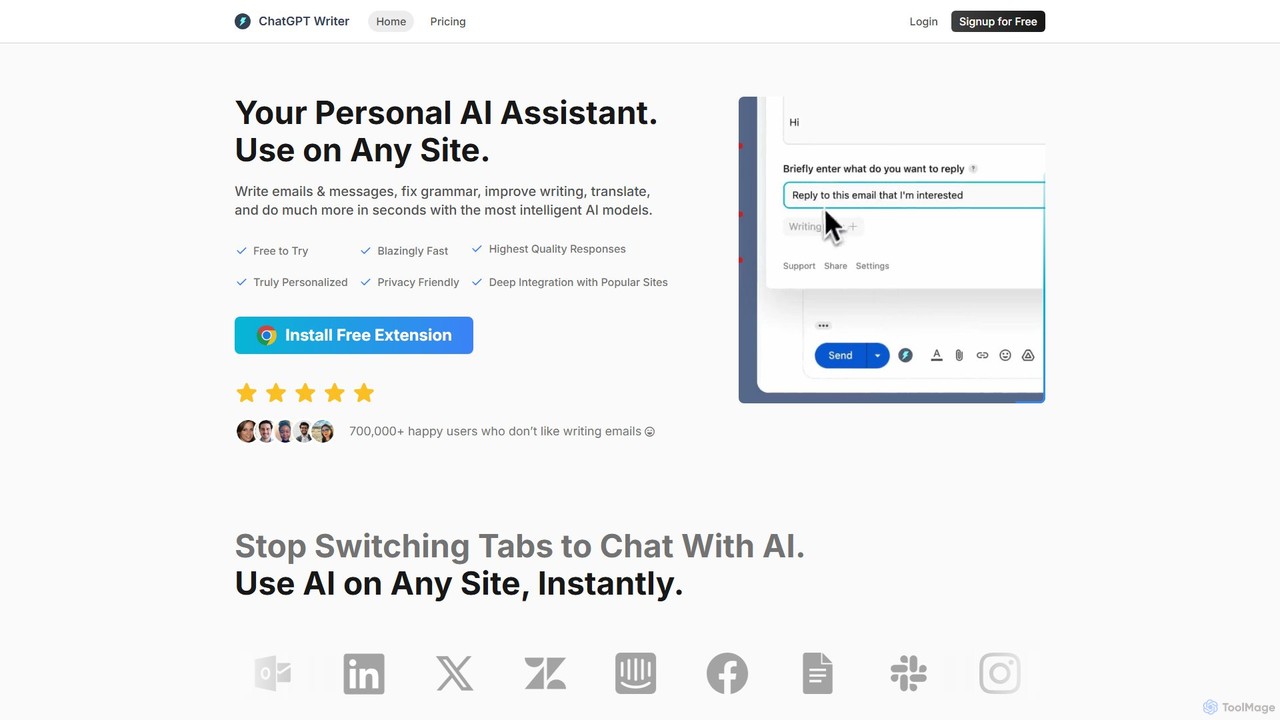
ChatGPT Writer
ChatGPT Writer is a powerful AI browser extension that integrates seamlessly into any website. Powered by models like GPT-4.1, Claude, and Gemini, it helps you write emails, fix grammar, translate text, summarize content, and more, directly within your workflow, eliminating the need to switch tabs.
Chrome Extensions
Compose AI
Compose AI is an AI-powered writing assistant and Chrome extension that accelerates your writing process. It offers intelligent autocompletion, text generation, and rephrasing capabilities across all your favorite sites, from emails to documents. By learning your personal writing style, it helps you write faster and more effectively, saving up to 40% of your time.
Chrome Extensions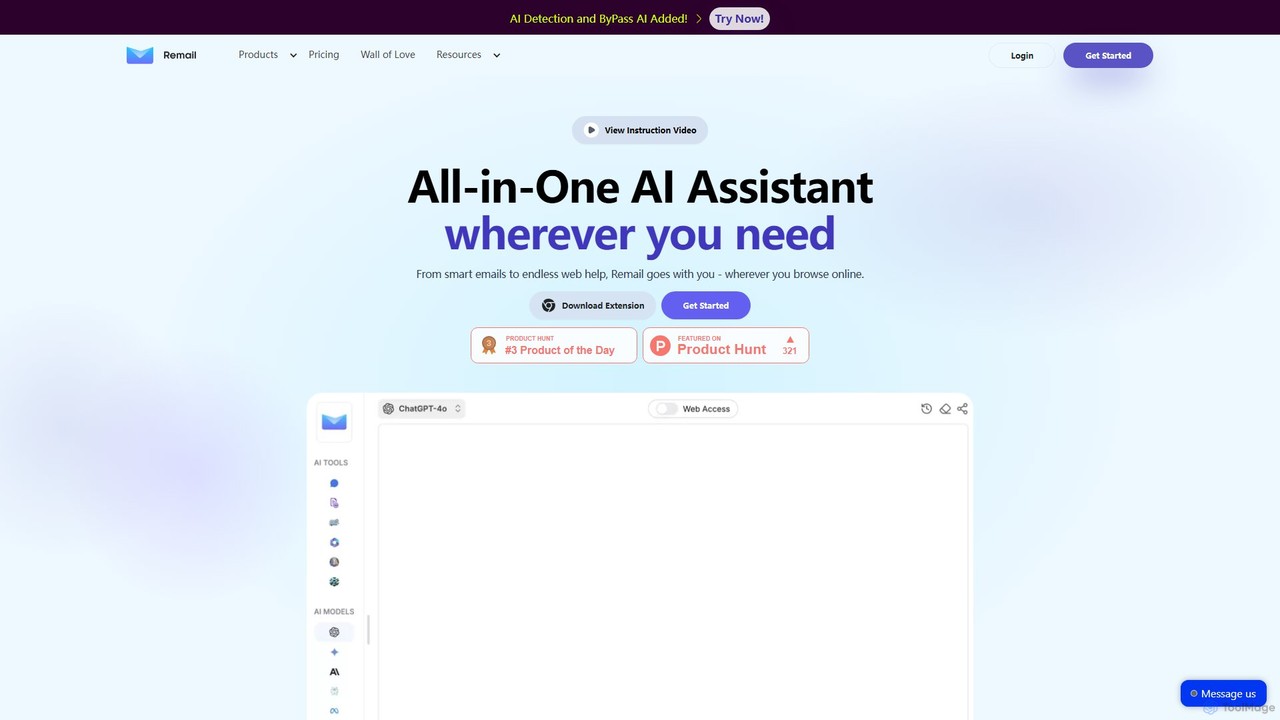
Remail
Remail is an all-in-one AI assistant and Chrome extension designed to boost productivity. It helps you write and reply to emails 10x faster, summarize web pages, chat with documents and YouTube videos, generate content, and much more, directly within your browser.
Chrome Extensions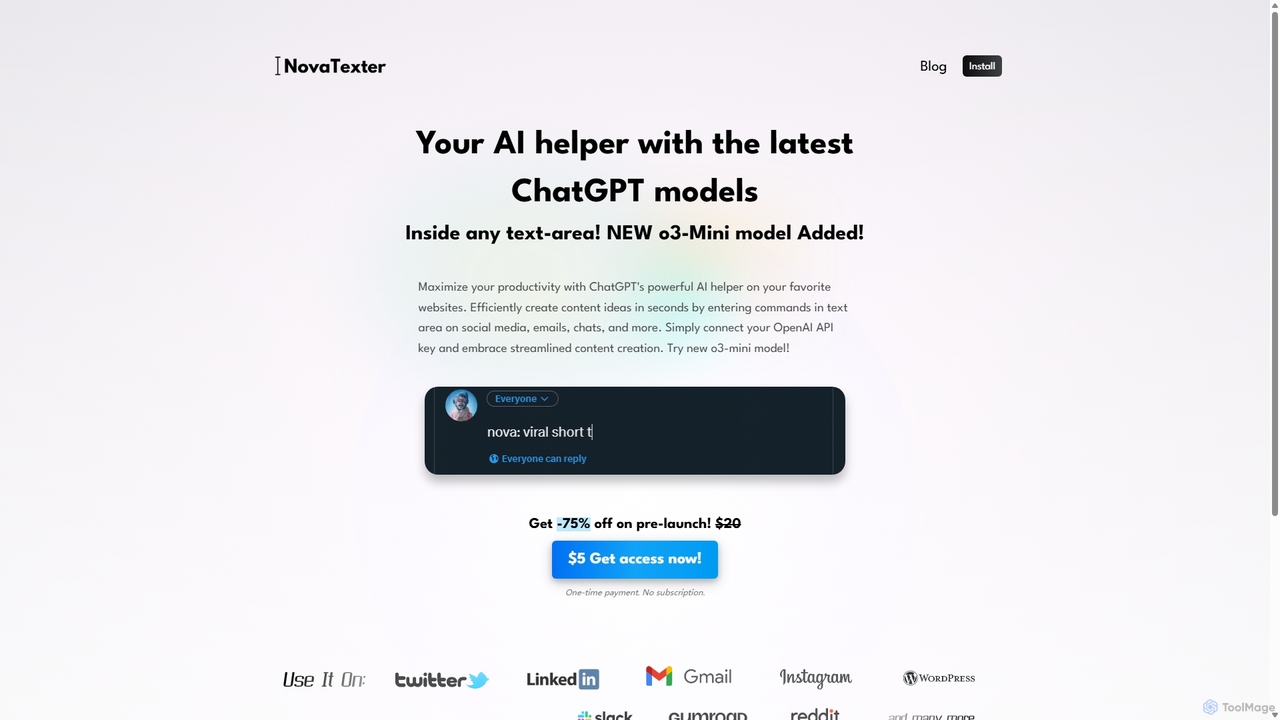
NovaTexter
NovaTexter is an AI-powered browser extension that integrates ChatGPT models directly into your workflow. It allows you to generate content, ideas, and responses on any website by simply typing commands in a text area. Connect your OpenAI API key for a seamless, productive content creation experience with a single one-time payment.
Chrome Extensions
Grammarly
Grammarly is an AI-powered writing assistant that helps you communicate more effectively. It goes beyond basic grammar and spelling checks to offer suggestions on style, tone, and clarity. Trusted by millions, Grammarly integrates seamlessly into your workflow across various platforms, providing real-time feedback to enhance your emails, documents, and social media posts. Its generative AI features can also help you brainstorm, compose, and rewrite text instantly.
CommunicationContent Assistant Categories
Content Assistant Embed Widget
Copy this embed code to place the badge on your blog, article, or product site and send readers directly to this ToolMage detail page.

Related AI tools
ChatGPT Writer
ChatGPT Writer is a powerful AI browser extension that integrates seamlessly into any website. Powered by models like GPT-4.1, Claude, and Gemini, it helps you write emails, fix grammar, translate text, summarize content, and more, directly within your workflow, eliminating the need to switch tabs.
Chrome Extensions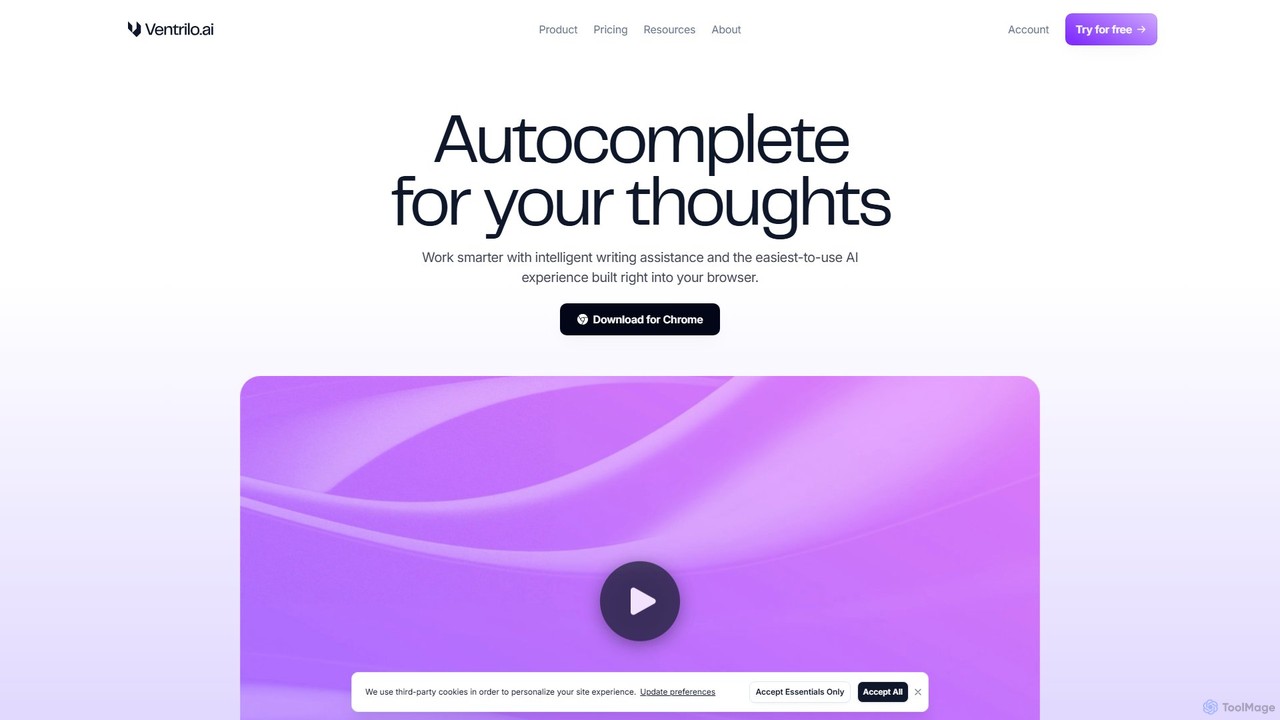
Ventrilo
Ventrilo is a context-aware AI writing assistant that integrates directly into your browser. It provides intelligent autocomplete, sentence rewriting, and a chat sidebar that understands your open tabs and documents. Access top AI models like GPT-4, Claude, and Gemini to enhance your writing, research, and overall productivity across any website or web app.
Chrome Extensions
InsertChatGPT
InsertChatGPT is a powerful browser extension that seamlessly integrates OpenAI's ChatGPT into your daily workflow. Get instant AI assistance for writing emails, summarizing text, and creating content directly on any website, boosting your productivity and creativity without switching tabs.
Chat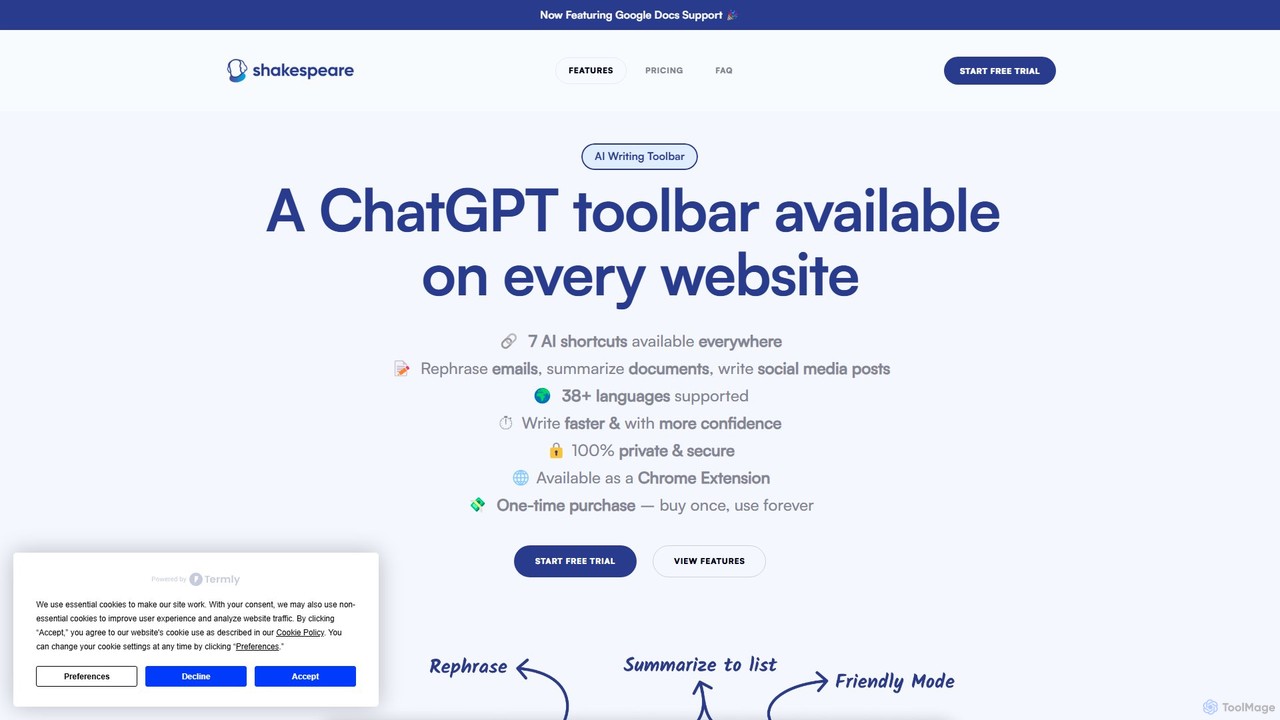
Shakespeare Toolbar
Shakespeare Toolbar is a ChatGPT-powered Chrome extension that integrates AI writing assistance directly into your browser. Work seamlessly on any website, including Google Docs, to rephrase, summarize, simplify text, and generate content without switching tabs. It's designed for writers, marketers, and professionals to enhance productivity and communication.
Chrome Extensions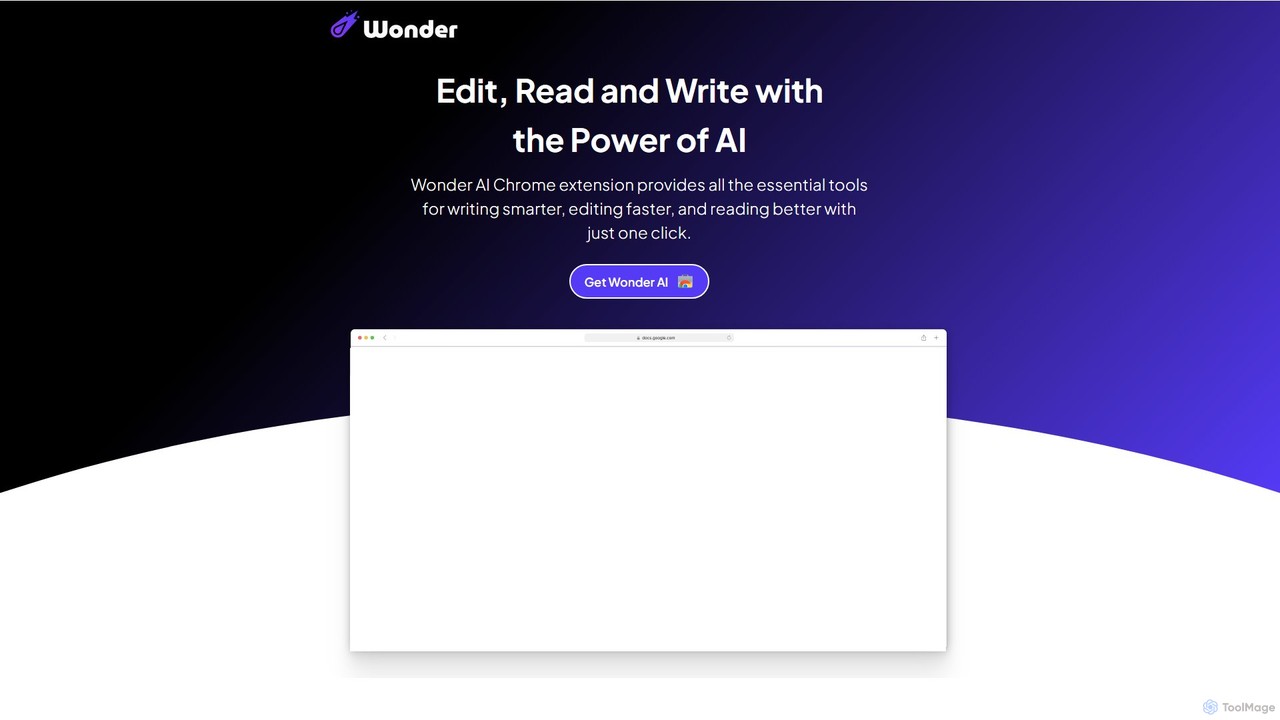
Wonder AI
Wonder AI is a powerful Chrome extension that enhances your writing, editing, and reading. It integrates directly into your browser, offering one-click tools to rewrite text, check grammar, summarize articles, explain complex concepts, and translate content, boosting your daily productivity and communication skills.
Chrome Extensions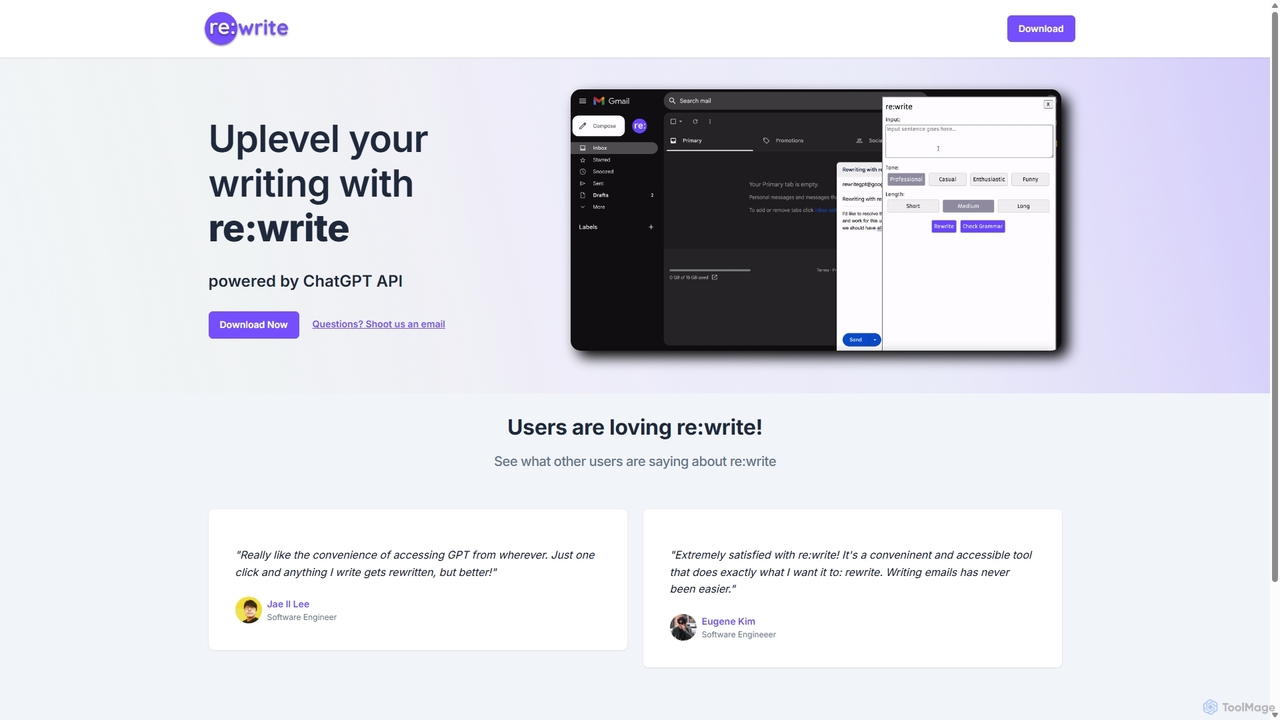
Rewritegpt
Rewritegpt is an AI-powered writing assistant and browser extension that helps you rewrite, paraphrase, and improve your text with a single click. It integrates seamlessly into your workflow, allowing you to enhance emails, reports, and social media posts directly on any website.
Study Tools
Chippy
Chippy is a smart ChatGPT-powered Chrome extension that acts as your AI assistant across the web. Seamlessly summarize articles, translate text, research topics, and draft emails without ever leaving your current tab. It offers context-aware answers by focusing on the page you're viewing, overcoming ChatGPT's knowledge limitations. With a generous free tier and a focus on user privacy, Chippy enhances your browsing productivity by putting the power of AI at your fingertips.
Search Assistant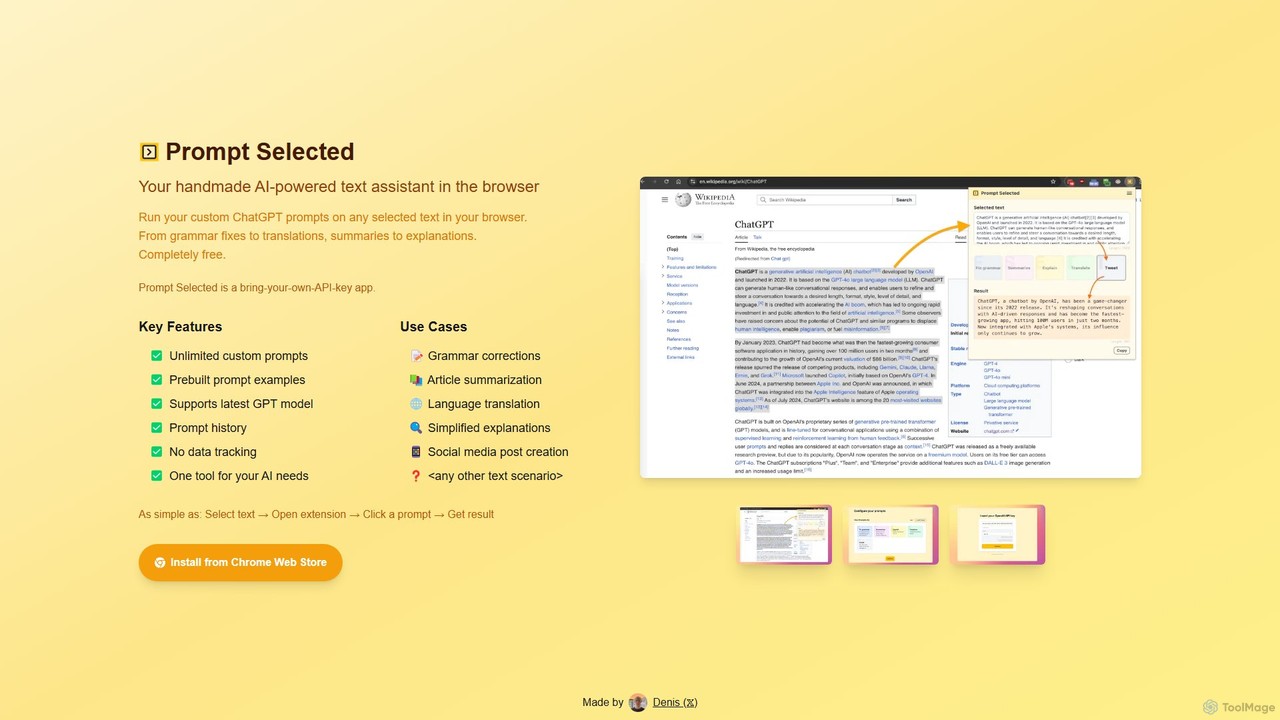
Prompt Selected
A free, privacy-focused Chrome extension that acts as your personal AI text assistant. Run unlimited custom ChatGPT prompts on any selected text directly in your browser for tasks like summarization, translation, and grammar correction using your own API key.
Prompt EngineeringCompose AI
Compose AI is an AI-powered writing assistant and Chrome extension that accelerates your writing process. It offers intelligent autocompletion, text generation, and rephrasing capabilities across all your favorite sites, from emails to documents. By learning your personal writing style, it helps you write faster and more effectively, saving up to 40% of your time.
Chrome ExtensionsRemail
Remail is an all-in-one AI assistant and Chrome extension designed to boost productivity. It helps you write and reply to emails 10x faster, summarize web pages, chat with documents and YouTube videos, generate content, and much more, directly within your browser.
Chrome ExtensionsNovaTexter
NovaTexter is an AI-powered browser extension that integrates ChatGPT models directly into your workflow. It allows you to generate content, ideas, and responses on any website by simply typing commands in a text area. Connect your OpenAI API key for a seamless, productive content creation experience with a single one-time payment.
Chrome Extensions
getmerlin
getmerlin is a versatile AI assistant powered by top models like GPT-4o and Claude 3.5. Available as a browser extension and app, it integrates seamlessly into your workflow to summarize content, draft emails, generate text and images, and enhance research on any website. It acts as an all-in-one productivity tool, saving time and money by consolidating multiple AI services into a single subscription.
Chrome Extensions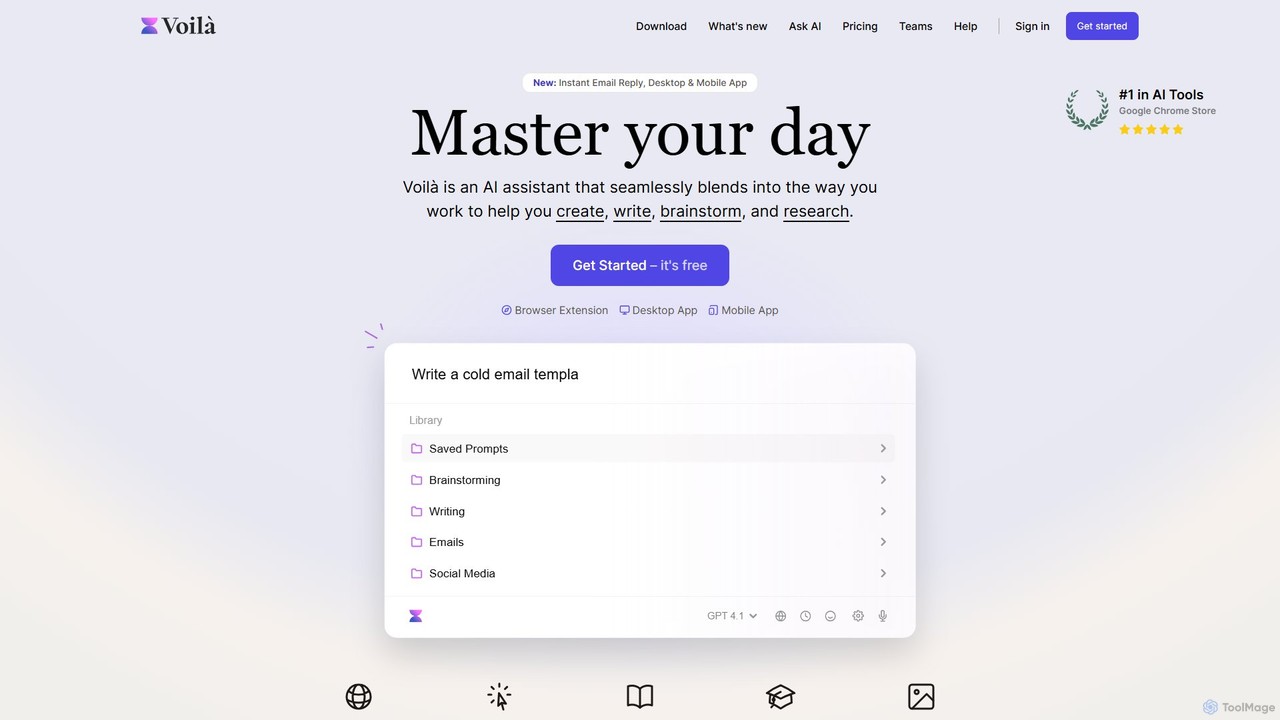
Voilà
Voilà is an all-in-one AI assistant designed to maximize productivity. It functions as a browser extension, desktop, and mobile app, seamlessly integrating into your workflow to help with writing, brainstorming, research, and content creation. It works on any website or app, understanding the context to provide relevant assistance.
Content Creation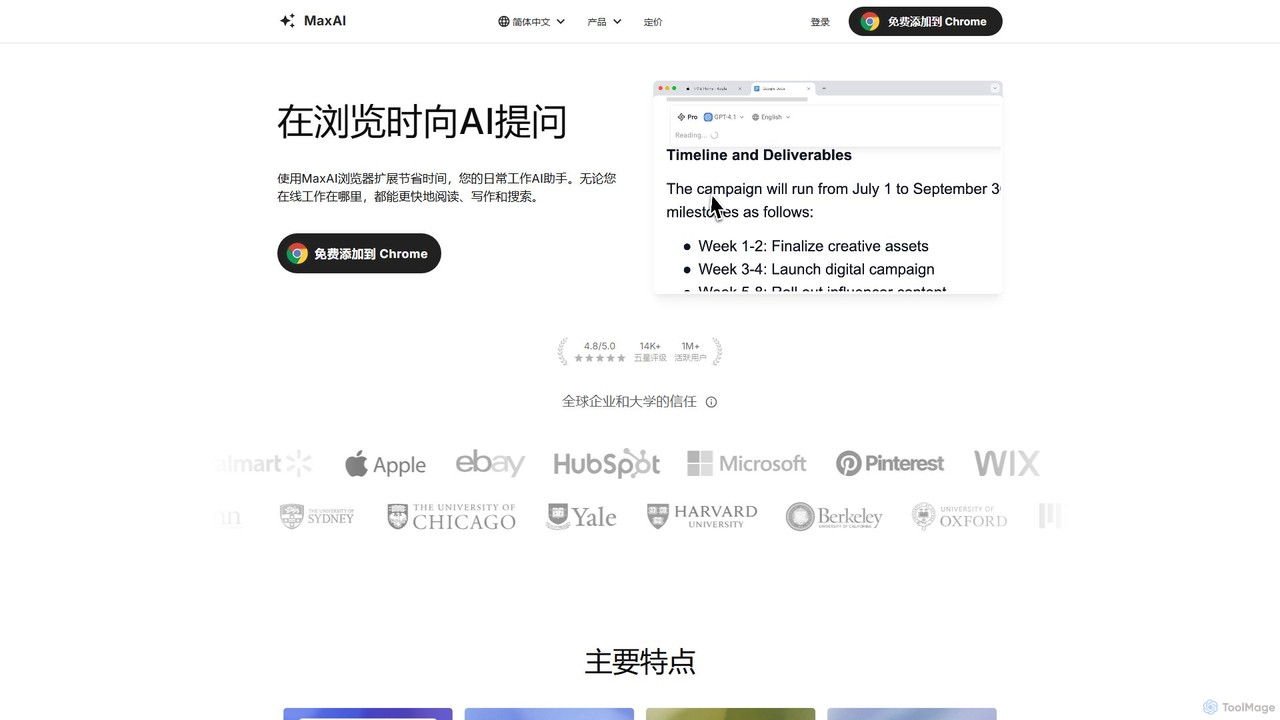
MaxAI
MaxAI is a powerful browser extension that acts as your all-in-one AI assistant. It integrates top AI models like GPT-4o and Claude 3.5 directly into your browser, allowing you to read, write, and research faster. Summarize web pages, improve your writing, translate text, and generate content with a single click, boosting your productivity across all your online activities.
Chrome Extensions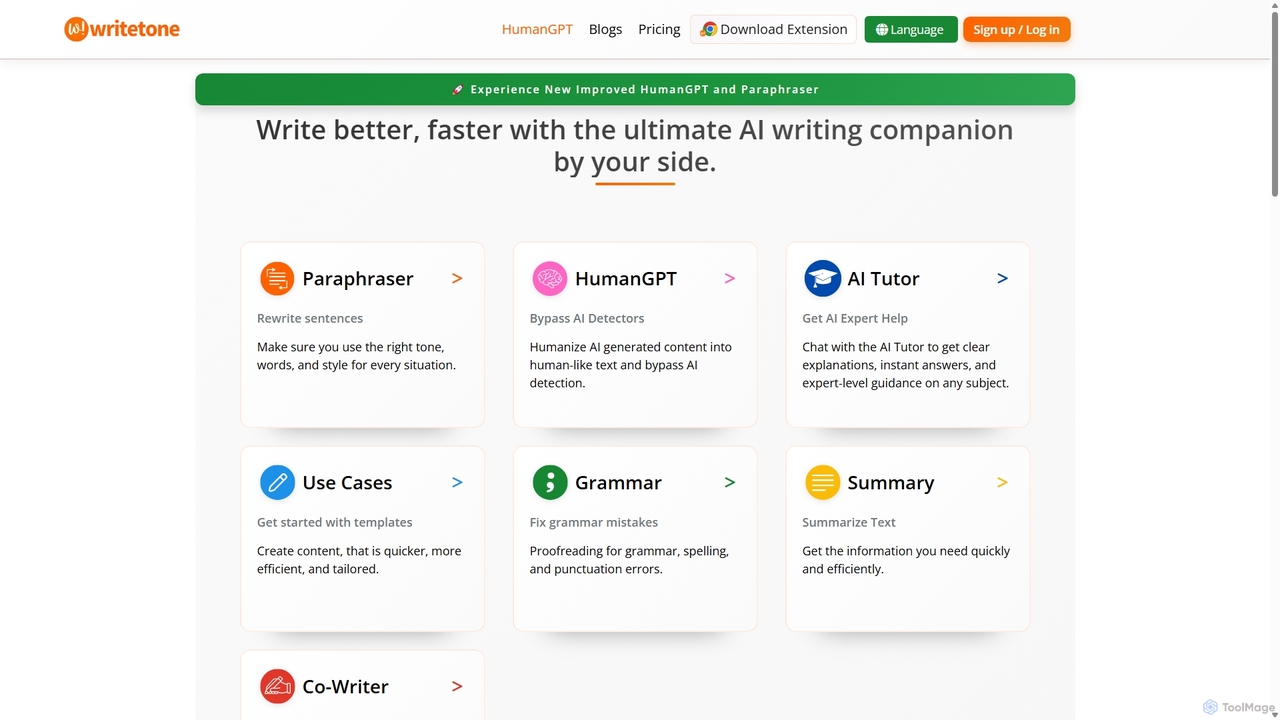
Writetone
Writetone is an AI-powered writing companion designed to help users write better and faster. It offers a comprehensive suite of tools including a paraphraser, grammar checker, summarizer, and a unique HumanGPT feature to bypass AI detection. With over 90 writing tones and support for 50+ languages, it adapts to any writing style for emails, academic papers, marketing copy, and more. It's an all-in-one platform for students, marketers, and writers.
Academic Writing
Content Assistant Comments (0)
Sign in to comment.
Sign inNo comments yet.