

unijump Overview
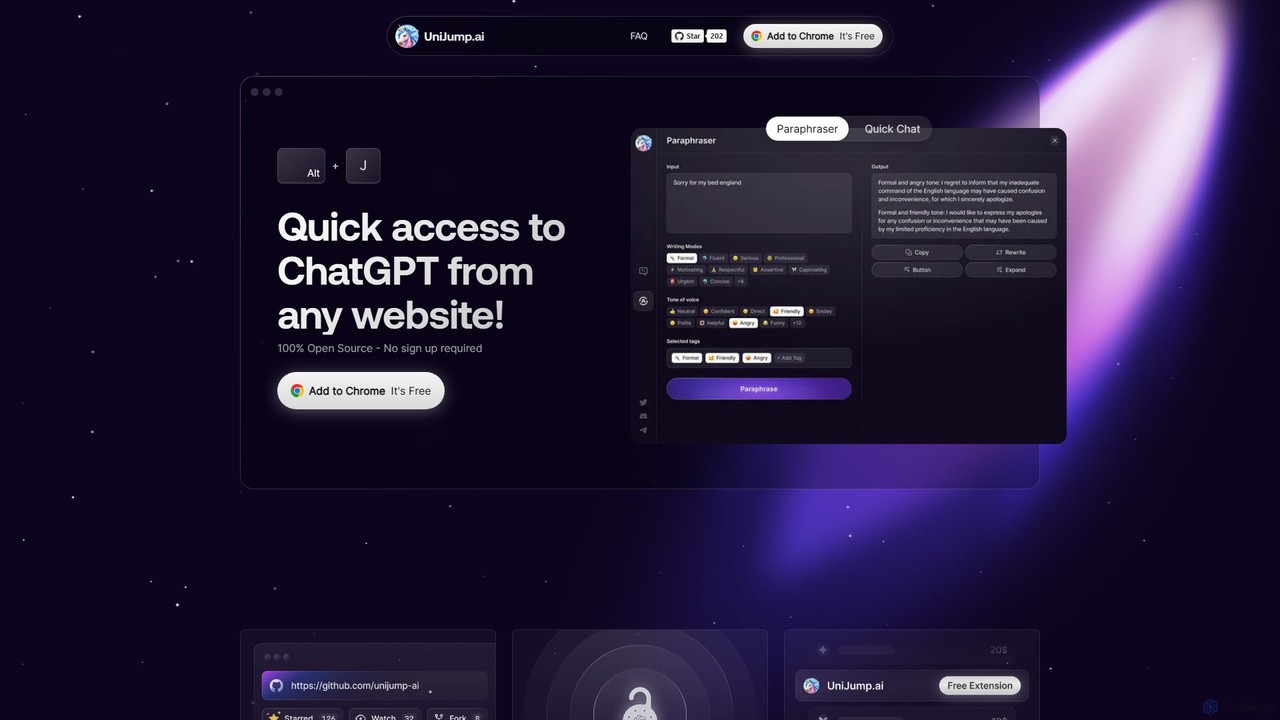
UniJump is a powerful and user-friendly browser extension designed to seamlessly integrate the capabilities of ChatGPT into your daily browsing experience. As a completely free and open-source tool, it allows you to access AI assistance from any website without the need to switch tabs or disrupt your workflow. Whether you're writing an email, researching a topic, or debugging code, UniJump puts the power of ChatGPT right at your fingertips, enhancing your productivity and creativity. The core philosophy behind UniJump is transparency and security; its open-source code is publicly available for anyone to review, ensuring your data remains safe.
How to use unijump
Getting started with UniJump is incredibly simple and designed for immediate use. First, add the UniJump extension to your Chrome browser from the official web store. Once installed, you can instantly activate it on any webpage using the keyboard shortcut ⌘ Cmd + J (on Mac) or Ctrl + J (on Windows). Alternatively, a discreet widget is available on the page for easy access. To make your queries more relevant, you can highlight any text on the page before activating UniJump; the selected text will automatically be used as context for your prompt. The interface provides a 'Quick Chat' for general questions and a dedicated 'Paraphraser' tool for writing assistance. Please note that while UniJump itself is free and requires no registration, it connects to your personal OpenAI account (free or paid) to function.
Core Features of unijump
- Instant ChatGPT Access: Summon the AI assistant with a simple keyboard shortcut on any webpage, eliminating the need to open a new tab.
- Contextual Interaction: Automatically use selected text from the page as context for your prompts, making it perfect for summarizing articles, explaining concepts, or defining terms.
- Quick Chat: A streamlined chat interface for asking questions, brainstorming ideas, or getting quick answers without leaving your current task.
- Built-in Paraphraser: Instantly rephrase, improve, or change the tone of your writing. This is ideal for crafting emails, social media posts, and refining documents.
- 100% Free & Open Source: The extension is completely free to use, with no hidden costs. Its open-source nature guarantees transparency and allows for community-driven development and security audits.
- Privacy-Focused & No Sign-up: UniJump does not store your data or conversations. Your interactions are directly between you and OpenAI. No registration is required to use the extension, ensuring a low-friction start.
Use Cases for unijump
UniJump is a versatile tool that benefits a wide range of users. Students and researchers can use it to quickly summarize academic papers, define complex terms, and get help with homework questions directly on educational platforms. Writers and content creators can overcome writer's block, generate content ideas, rephrase sentences for clarity, and check grammar while working in platforms like Google Docs or WordPress. Developers find it invaluable for getting coding explanations, debugging code snippets, and translating code between languages without leaving GitHub or Stack Overflow. Professionals can draft professional emails, prepare meeting notes, and get quick business insights while browsing industry news or working in a CRM.
Advantages of unijump
The primary advantage of UniJump is the massive productivity boost it offers. By eliminating constant context switching, it saves significant time and helps you stay focused. Its seamless workflow integration makes the AI feel like a native part of your browser. Being completely free, it provides powerful functionality without any subscription fees. Furthermore, its commitment to being open-source builds trust and ensures a high level of security, as users can verify the code themselves. The accessibility, thanks to a simple installation and no-signup policy, makes it easy for anyone to get started immediately.
Pricing and Plans
UniJump is completely free to install and use. There are no subscription plans, premium features, or hidden charges associated with the extension itself. The tool operates by connecting to your own OpenAI account. Therefore, your usage is subject to the limits and pricing of your personal OpenAI plan (which can be a free or a paid ChatGPT Plus account).
unijump Alternatives
Magic Tool AI
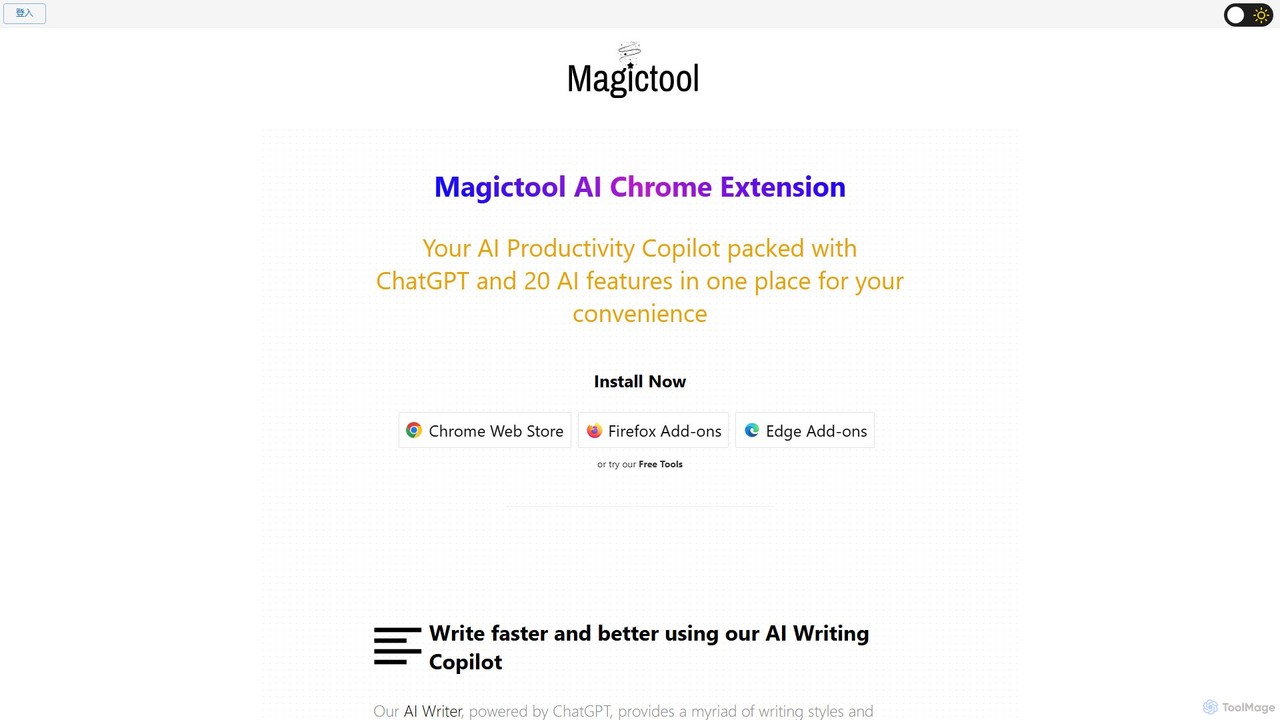
Magic Tool AI is an all-in-one productivity browser extension that integrates ChatGPT and over 20 AI features. It acts as your personal copilot, helping you write better and faster, summarize YouTube videos and articles, chat with PDFs, scrape web data, generate images, and much more, all within your browser.
Browser Extension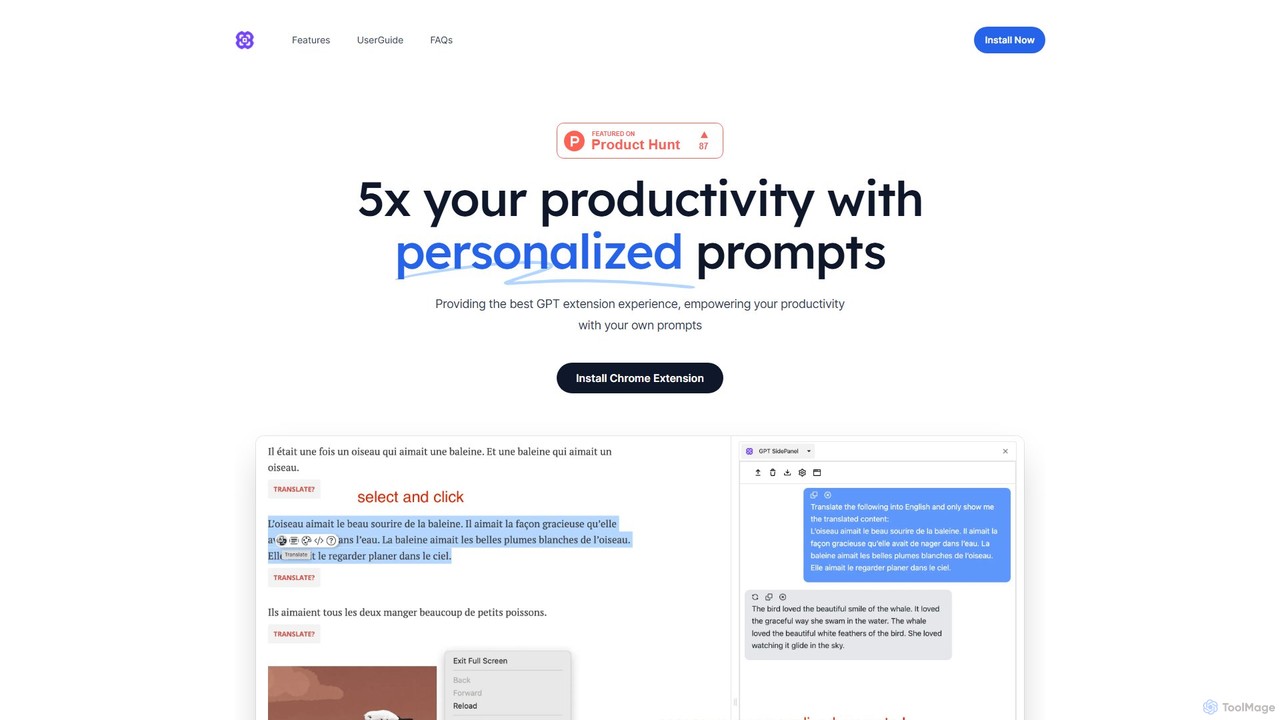
GPTSidePanel
GPTSidePanel is a powerful AI browser extension that integrates a GPT-powered sidebar into your browsing experience. Boost your productivity by summarizing articles, translating text, polishing writing, and using custom prompts directly on any webpage. Eliminate tab-switching and keep your workflow seamless with this intuitive AI assistant.
Browser Extension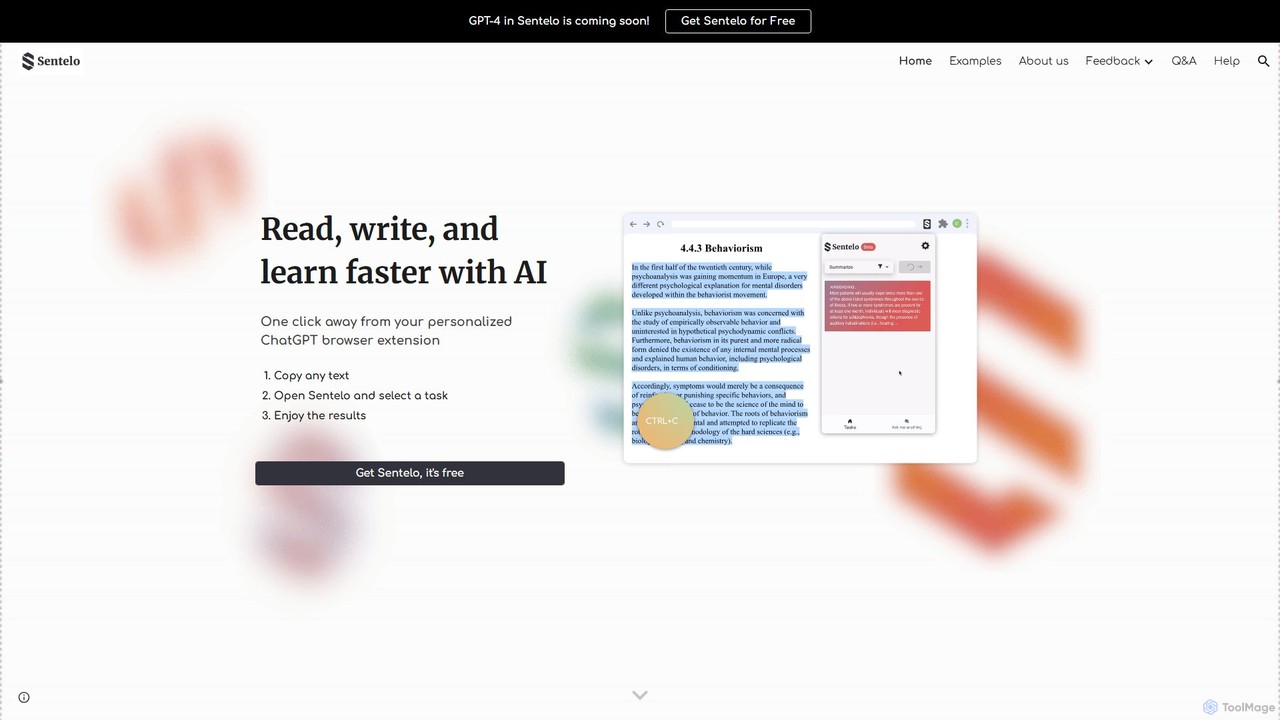
sentelo
Sentelo is a free, AI-powered browser extension designed as your ultimate learning and writing copilot. It helps you read, write, and learn faster across any website, PDF, or document by providing powerful functions for summarizing, elaborating, rephrasing, and coding assistance.
Code Assistant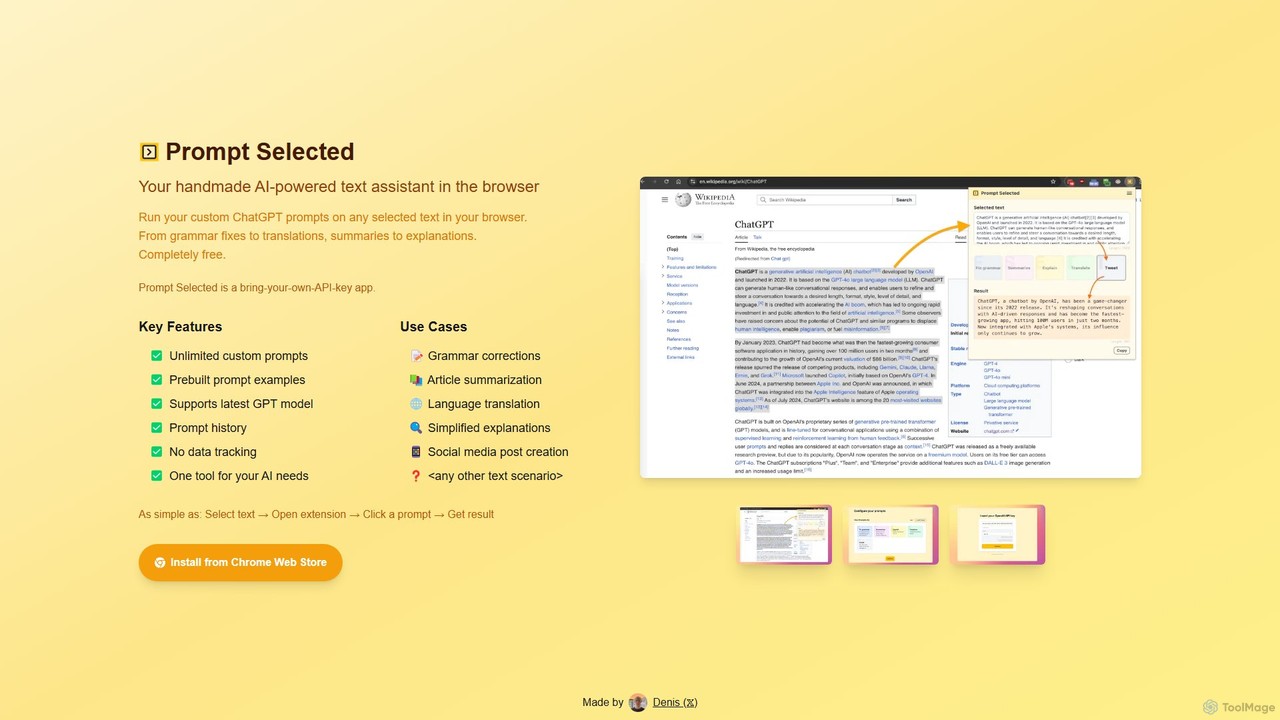
Prompt Selected
A free, privacy-focused Chrome extension that acts as your personal AI text assistant. Run unlimited custom ChatGPT prompts on any selected text directly in your browser for tasks like summarization, translation, and grammar correction using your own API key.
Prompt Engineering
SnapGPT AI
SnapGPT AI is a powerful browser extension that integrates GPT's capabilities directly into your workflow. Instantly summarize articles, rewrite sentences, compose emails, or get explanations for complex topics on any webpage with a simple right-click or keyboard shortcut. Boost your productivity and streamline your online tasks.
Researchunijump Categories
unijump Embed Widget
Copy this embed code to place the badge on your blog, article, or product site and send readers directly to this ToolMage detail page.

Related AI tools
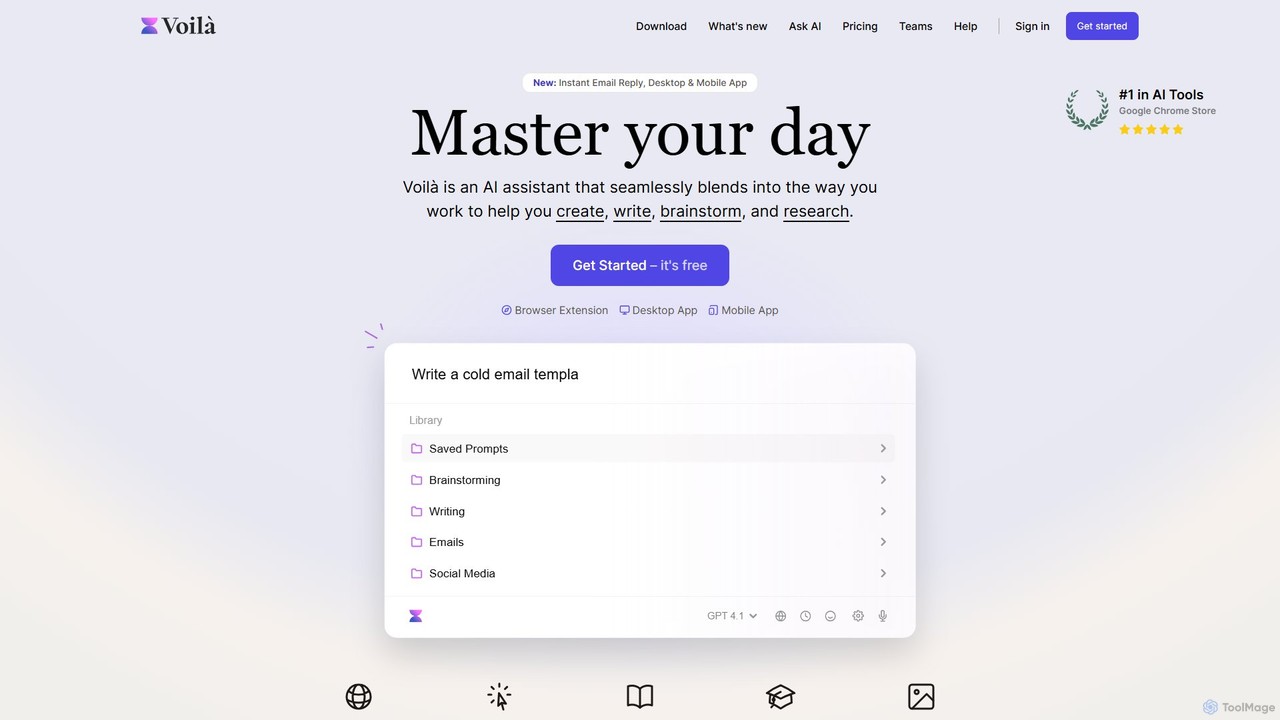
Voilà
Voilà is an all-in-one AI assistant designed to maximize productivity. It functions as a browser extension, desktop, and mobile app, seamlessly integrating into your workflow to help with writing, brainstorming, research, and content creation. It works on any website or app, understanding the context to provide relevant assistance.
Content Creation
Recap
Recap is a free, open-source Chrome extension that uses ChatGPT to intelligently summarize web content. Its unique "Smart Split" feature breaks down long articles into manageable passages, allowing users to summarize entire pages, specific sections, or selected text with high precision.
Chrome ExtensionsMagic Tool AI
Magic Tool AI is an all-in-one productivity browser extension that integrates ChatGPT and over 20 AI features. It acts as your personal copilot, helping you write better and faster, summarize YouTube videos and articles, chat with PDFs, scrape web data, generate images, and much more, all within your browser.
Browser ExtensionGPTSidePanel
GPTSidePanel is a powerful AI browser extension that integrates a GPT-powered sidebar into your browsing experience. Boost your productivity by summarizing articles, translating text, polishing writing, and using custom prompts directly on any webpage. Eliminate tab-switching and keep your workflow seamless with this intuitive AI assistant.
Browser Extensionsentelo
Sentelo is a free, AI-powered browser extension designed as your ultimate learning and writing copilot. It helps you read, write, and learn faster across any website, PDF, or document by providing powerful functions for summarizing, elaborating, rephrasing, and coding assistance.
Code AssistantPrompt Selected
A free, privacy-focused Chrome extension that acts as your personal AI text assistant. Run unlimited custom ChatGPT prompts on any selected text directly in your browser for tasks like summarization, translation, and grammar correction using your own API key.
Prompt EngineeringSnapGPT AI
SnapGPT AI is a powerful browser extension that integrates GPT's capabilities directly into your workflow. Instantly summarize articles, rewrite sentences, compose emails, or get explanations for complex topics on any webpage with a simple right-click or keyboard shortcut. Boost your productivity and streamline your online tasks.
Research
getmax.ai
getmax.ai is an AI-powered browser extension that acts as your copilot for the web. It seamlessly integrates into your workflow, allowing you to summarize content, write emails, generate articles, and get instant answers from advanced AI models like GPT-4 and Claude, all without leaving your current tab.
Research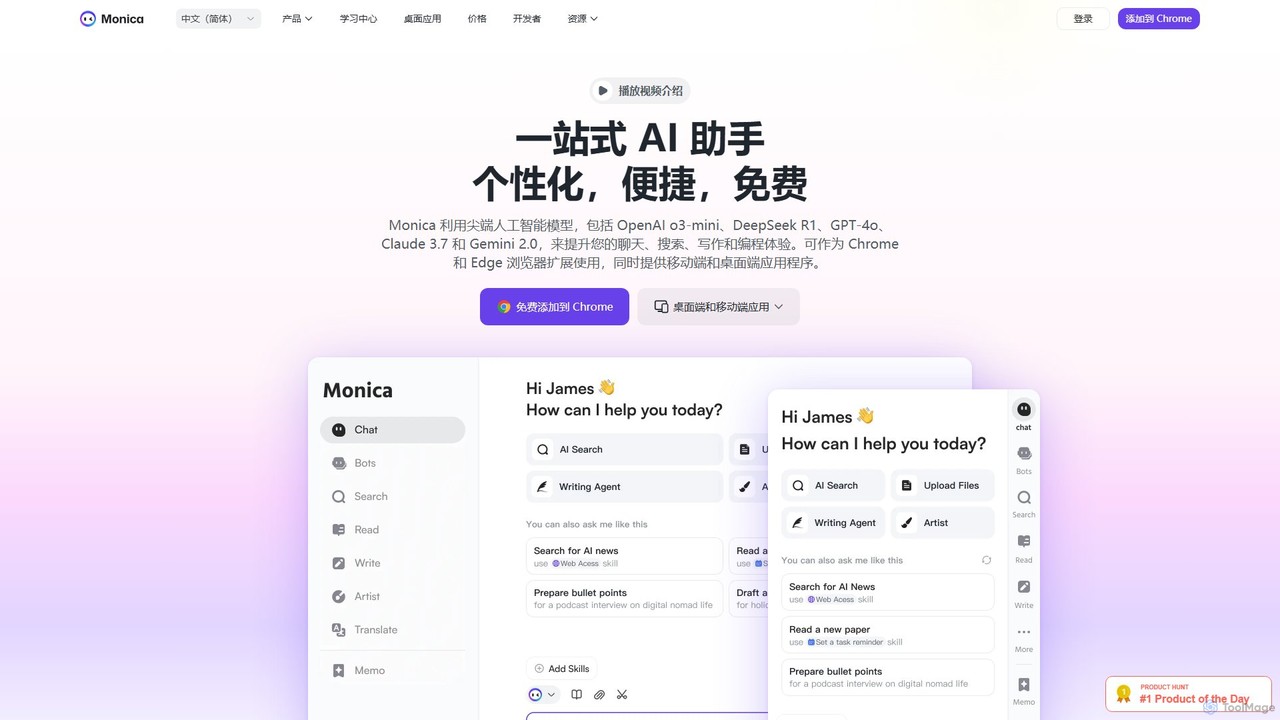
Monica
Monica is an all-in-one AI assistant powered by leading models like GPT-4o, Claude 3.7, and Gemini 1.5. It integrates seamlessly into your workflow as a browser extension, desktop, and mobile app, offering features for chat, search, writing, translation, and image creation to boost productivity.
Chrome Extensions
getmerlin
getmerlin is a versatile AI assistant powered by top models like GPT-4o and Claude 3.5. Available as a browser extension and app, it integrates seamlessly into your workflow to summarize content, draft emails, generate text and images, and enhance research on any website. It acts as an all-in-one productivity tool, saving time and money by consolidating multiple AI services into a single subscription.
Chrome Extensions
HARPA AI
HARPA AI is an all-in-one AI browser agent that integrates ChatGPT, Claude, Gemini, and more directly into your browser. It automates web tasks, summarizes content, drafts emails, extracts data, and enhances productivity with over 100 pre-built, page-aware commands. It functions as a versatile copilot for browsing, research, and automation.
Automation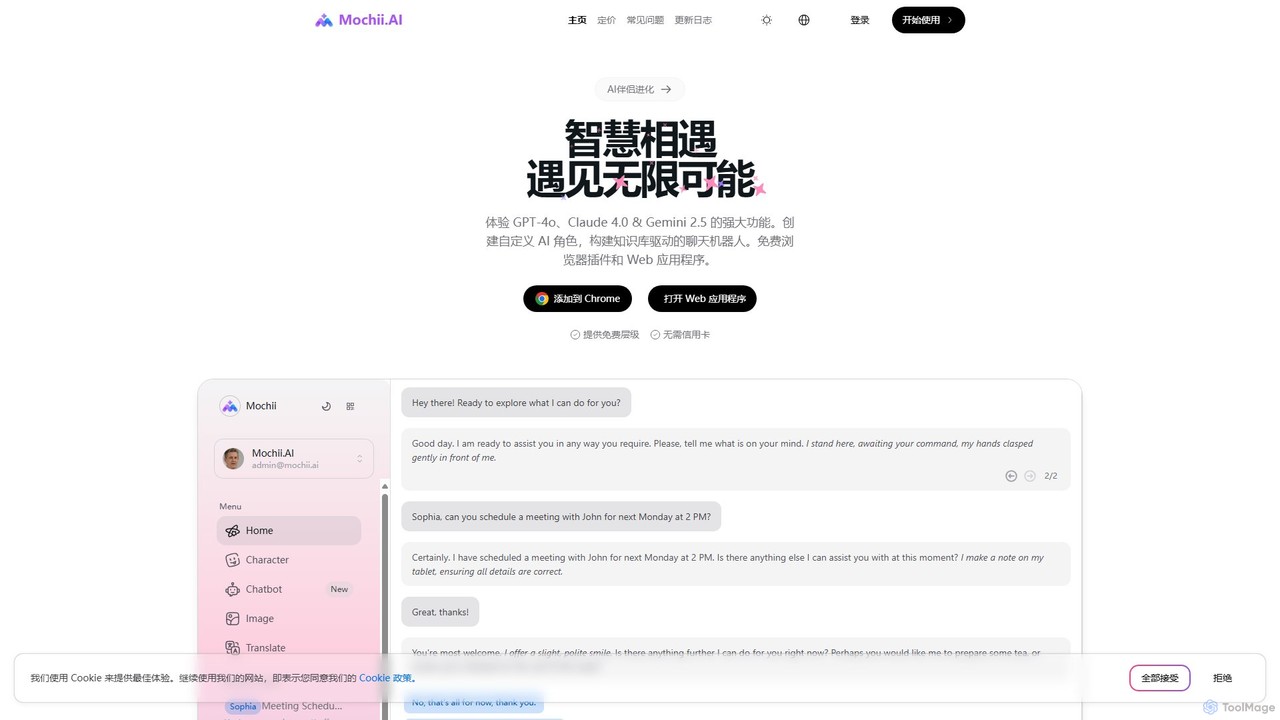
Mochii
Mochii is an all-in-one AI assistant that integrates leading models like GPT-4o, Claude, and Gemini into a seamless browser extension and web app. It enhances productivity by offering features like document analysis, web browsing, AI chatbot building, and customizable AI roles. A generous free tier provides access to advanced AI capabilities for everyone.
Productivity
Viinyx
Viinyx is an all-in-one AI browser assistant designed to supercharge your productivity. Integrated directly into your browser, it helps you write faster, read smarter, and research more efficiently. Summarize articles and videos, compose emails, and get contextual AI help on any webpage.
Summarizer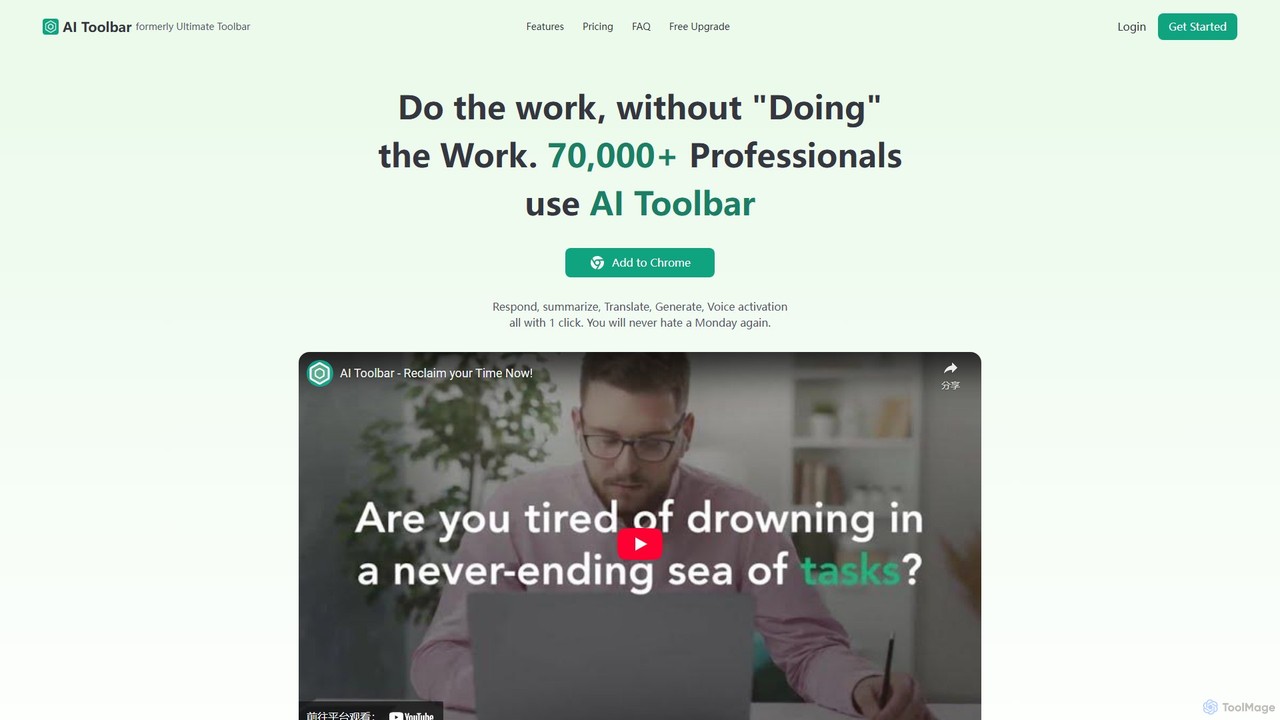
AI Toolbar
AI Toolbar is a powerful Chrome extension that acts as your personal virtual assistant. It integrates AI directly into your browser, allowing you to respond to emails, summarize and translate text, generate content, and use voice commands on any webpage with a single click. Trusted by over 70,000 professionals, it's designed to dramatically boost your productivity and streamline your workflow.
Paraphraser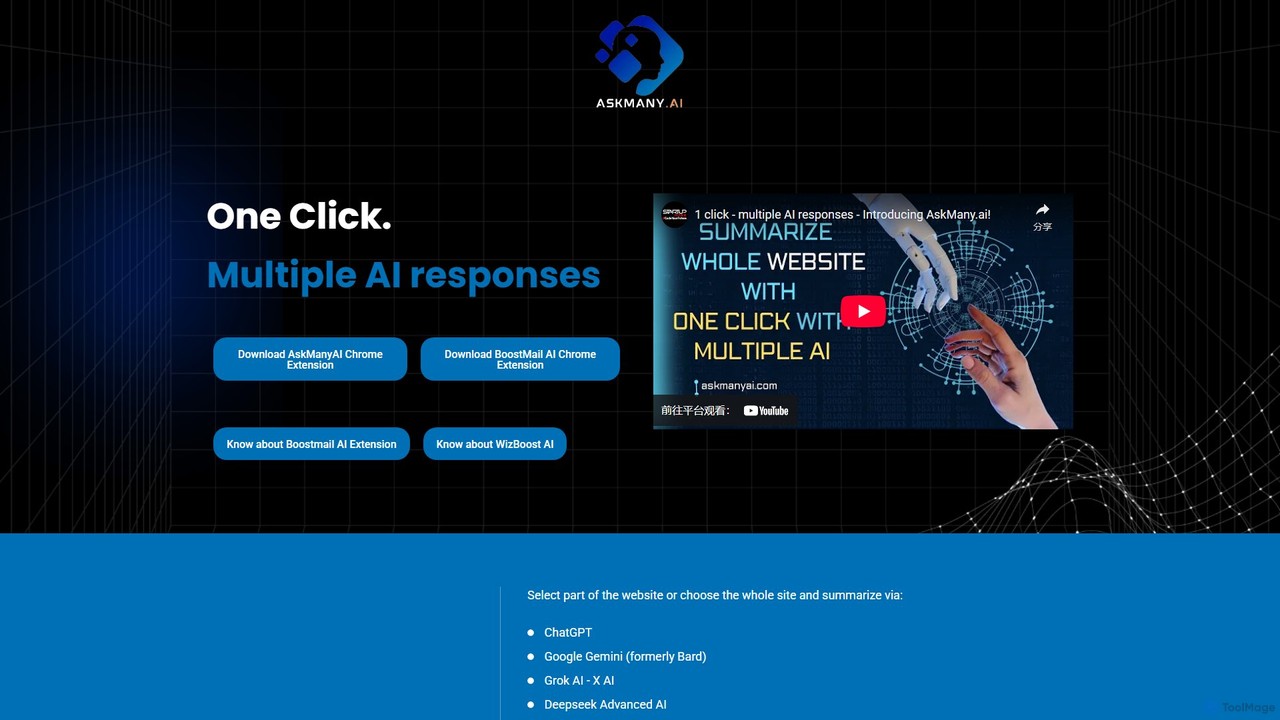
Askmany
Askmany is a powerful Chrome extension that allows you to query multiple AI models like ChatGPT, Gemini, and Grok with a single click. Instantly summarize web pages, compare AI responses for accuracy, and boost your productivity. It also offers specialized email AI assistants, BoostMailAI for Gmail and WizBoostAI for MailWizz, to enhance your email marketing campaigns.
Code Assistant
unijump Comments (0)
Sign in to comment.
Sign inNo comments yet.