

smudge.ai Overview
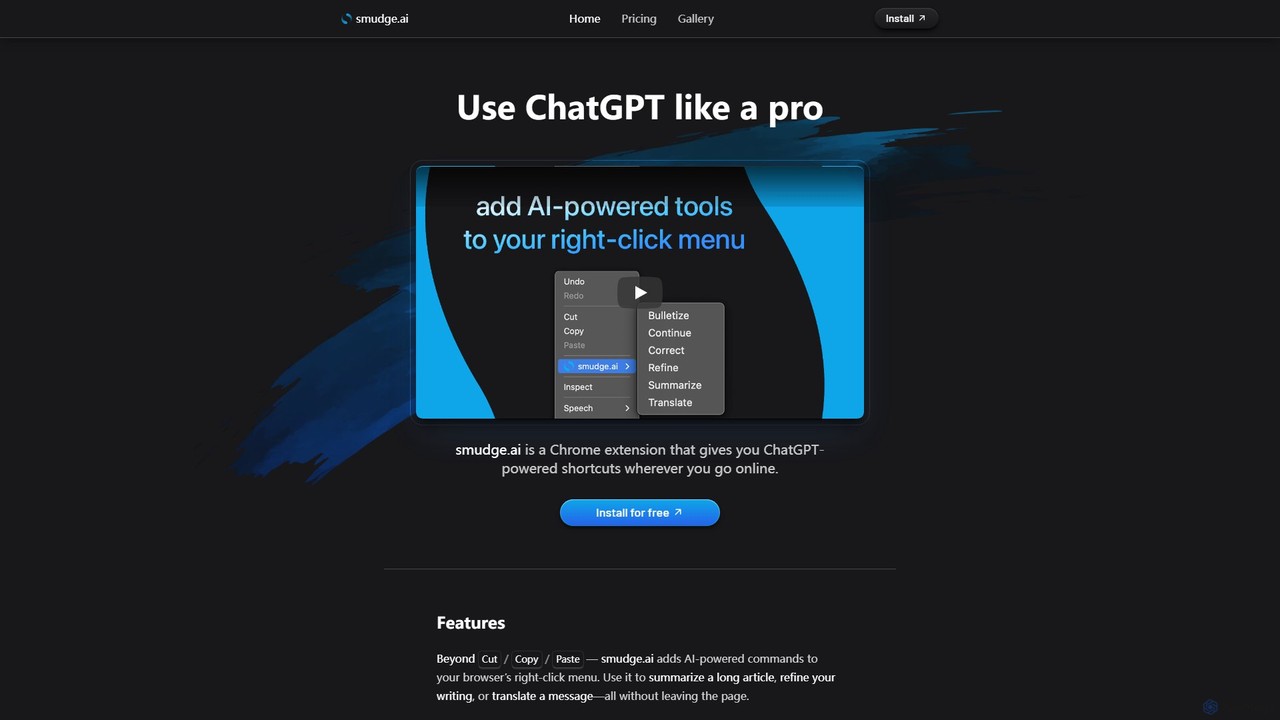
smudge.ai is a revolutionary Chrome extension designed to enhance your online productivity by embedding AI-powered tools directly into your browser's native workflow. It eliminates the need to constantly switch between tabs or copy-paste text into a separate chatbot window. By adding a suite of intelligent commands to your right-click menu, smudge.ai allows you to interact with AI contextually, right where you need it. Whether you're a professional, a student, or a casual internet user, this tool transforms your browser into a powerful, always-available assistant.
The core philosophy of smudge.ai is to stay out of your way while being incredibly accessible. The commands appear in the context menu only when you've highlighted text, ensuring a clean and unobtrusive experience. The extension is built with privacy in mind, not logging or saving any of your input or output text, and using a secure connection to process requests via OpenAI's models.
How to use smudge.ai
Getting started with smudge.ai is a simple, one-click process. First, install the extension from the Chrome Web Store. Once installed, its functionality is seamlessly integrated. To use it, simply highlight any text on any website, right-click on the selected text, and choose a desired command from the 'smudge.ai' submenu. The results are instantly displayed in your browser's sidebar, which opens automatically. You can even run commands on the AI-generated output itself, allowing for iterative refinement. For subscribers, you can customize your toolset by enabling or disabling built-in commands and even creating your own powerful, custom prompts to automate repetitive tasks or tailor the AI's behavior to your specific needs.
Core Features of smudge.ai
- Contextual Right-Click Menu: Access AI commands directly from the right-click menu on any highlighted text.
- Extensive Built-in Commands: Includes Summarize, Correct, Bulletize, Refine, Translate, Paraphrase, Professionalize, Simplify, and more.
- Custom Command Creation: Subscribers can create their own commands with custom prompts to automate any text-based task.
- Command Gallery: Browse and import useful commands submitted by the smudge.ai community.
- Interactive AI Replies: Engage in a conversation with the AI by sending follow-up questions or requesting iterations on the initial output.
- High-Performance AI Models: Utilizes powerful models like GPT-4.1 for high-quality responses, with options to manage usage.
- Privacy-Focused: No logging or storage of user input/output data. No tracking cookies or scripts.
- Multi-Device Sync: Your settings and custom commands are synced across all your devices via your Chrome profile.
Use Cases for smudge.ai
For Professionals: Quickly draft professional email responses, refine marketing copy for better readability, summarize lengthy reports to grasp key points, and translate communications to bridge language barriers effortlessly.
For Students: Generate concise study notes from long textbook chapters, correct grammar and formatting in essays, break down complex word problems step-by-step, or paraphrase information for better understanding.
For Everyday Browsing: Summarize news articles to stay informed quickly, fix typos in your social media posts, translate foreign-language comments, or even inject some fun by turning any text into a limerick or a haiku.
Advantages of smudge.ai
The primary advantage of smudge.ai is its seamless integration into the user's workflow, which significantly boosts productivity by reducing context switching. Its unobtrusive design means it's there when you need it and invisible when you don't. The high degree of customization allows users to build a personal AI toolset perfectly suited to their tasks. Furthermore, its commitment to privacy provides peace of mind, and the simple, account-free license key system makes getting started and managing subscriptions straightforward.
Pricing and Plans
smudge.ai offers a flexible pricing structure to suit different needs:
Free Plan: Includes 10 commands or messages every 8 hours, access to the GPT-4.1 Nano AI model, and a 150,000-word input limit. No custom commands are available.
Starter Plan ($5/month): Includes 2,000 monthly credits, the ability to create custom commands, access to the more powerful GPT-4.1 model, and use on unlimited devices.
Pro Plan ($20/month): Includes everything in the Starter plan, with an increased limit of 10,000 monthly credits for heavy users.
Traffic
Latest traffic
Status
Monthly traffic trend
- 2025-9: 3.7K
- 2026-1: 2.6K
- 2026-2: 5.1K
- 2026-3: 4.5K
- 2026-4: 2.7K
- 2026-5: 3.3K
Geography
Top 5 countries / regions
- 🇺🇸United States73.2%
- 🇵🇱Poland22.2%
- 🇮🇳India4.6%
Top keywords
| Keyword | Cost per click |
|---|---|
| rate limiting | $4.74 |
| smudge | $0.49 |
| smudge ai | $0.00 |
| smudge tool online | $0.00 |
| token bucket rate limiting | $0.00 |
smudge.ai Alternatives
Wonder AI
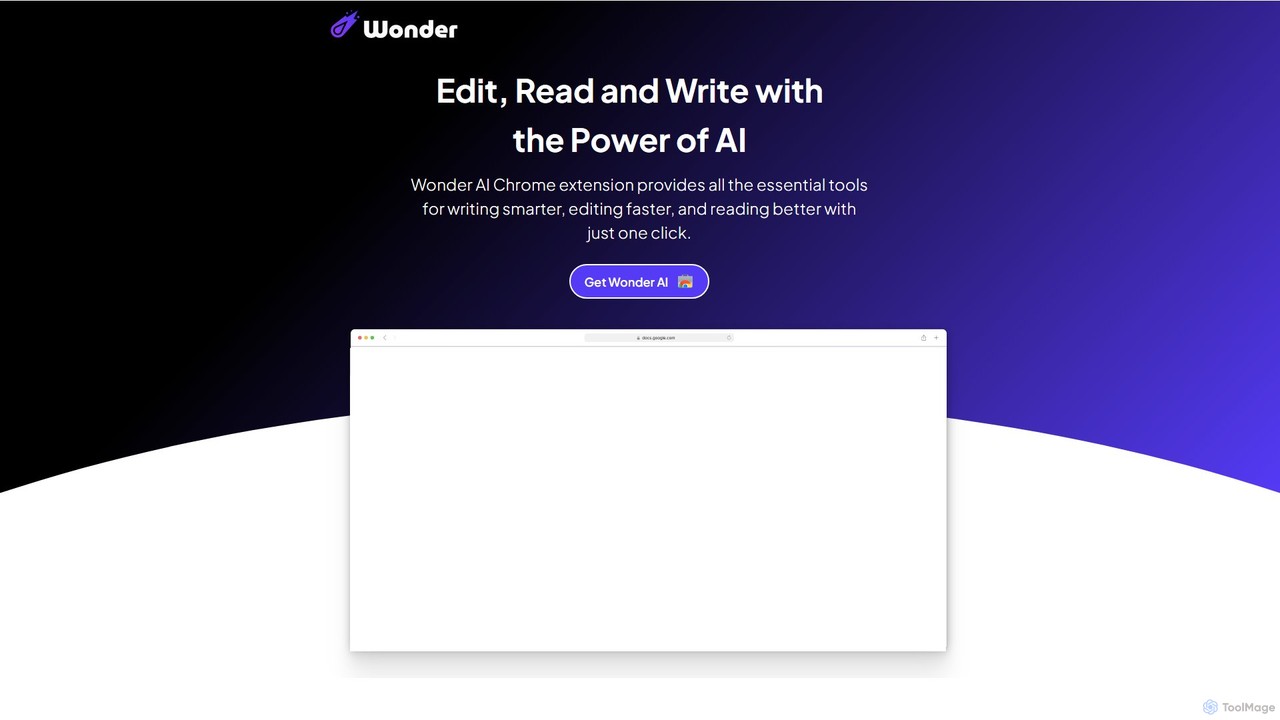
Wonder AI is a powerful Chrome extension that enhances your writing, editing, and reading. It integrates directly into your browser, offering one-click tools to rewrite text, check grammar, summarize articles, explain complex concepts, and translate content, boosting your daily productivity and communication skills.
Chrome Extensions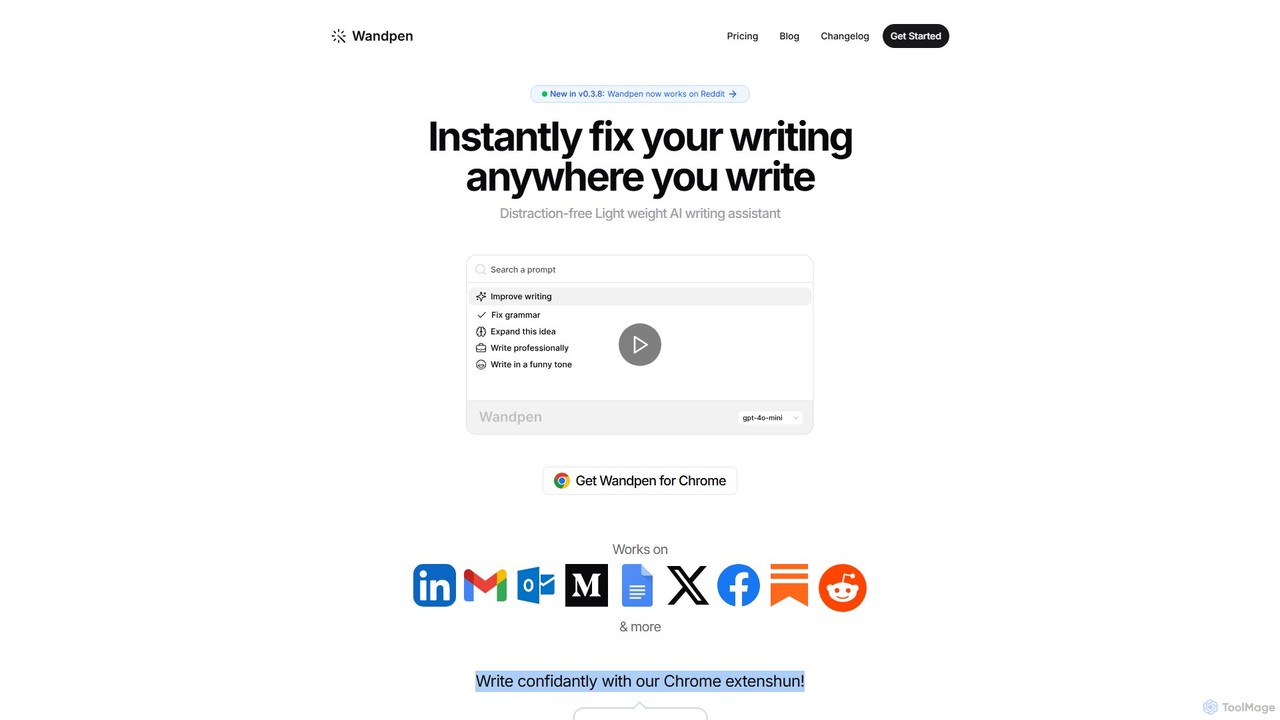
Wandpen
Wandpen is a lightweight AI writing assistant for Chrome that seamlessly integrates into your workflow. It allows you to instantly fix grammar, rewrite text, and brainstorm ideas directly on any website, including Google Docs, Reddit, and LinkedIn. By eliminating the need to switch tabs, Wandpen boosts your productivity and writing confidence using powerful AI models like GPT-4o, Claude 3.5, and Gemini.
Chrome Extensions
Pointer AI
Pointer AI is a powerful Chrome extension that integrates ChatGPT-like capabilities directly into Google Docs. It streamlines your writing and editing process by allowing the AI to make changes directly in your document, eliminating the tedious copy-pasting and reformatting. Watch as it types out suggestions for you to approve, preserving your original document styling.
Chrome Extensions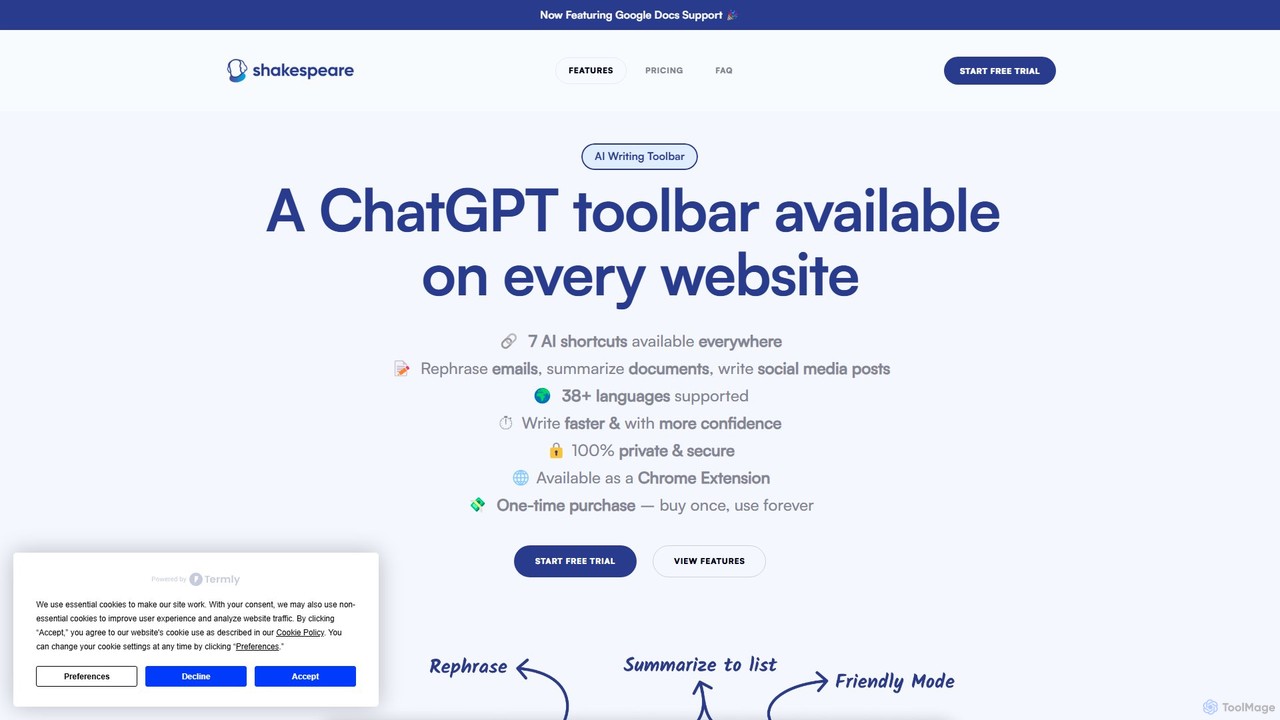
Shakespeare Toolbar
Shakespeare Toolbar is a ChatGPT-powered Chrome extension that integrates AI writing assistance directly into your browser. Work seamlessly on any website, including Google Docs, to rephrase, summarize, simplify text, and generate content without switching tabs. It's designed for writers, marketers, and professionals to enhance productivity and communication.
Chrome Extensions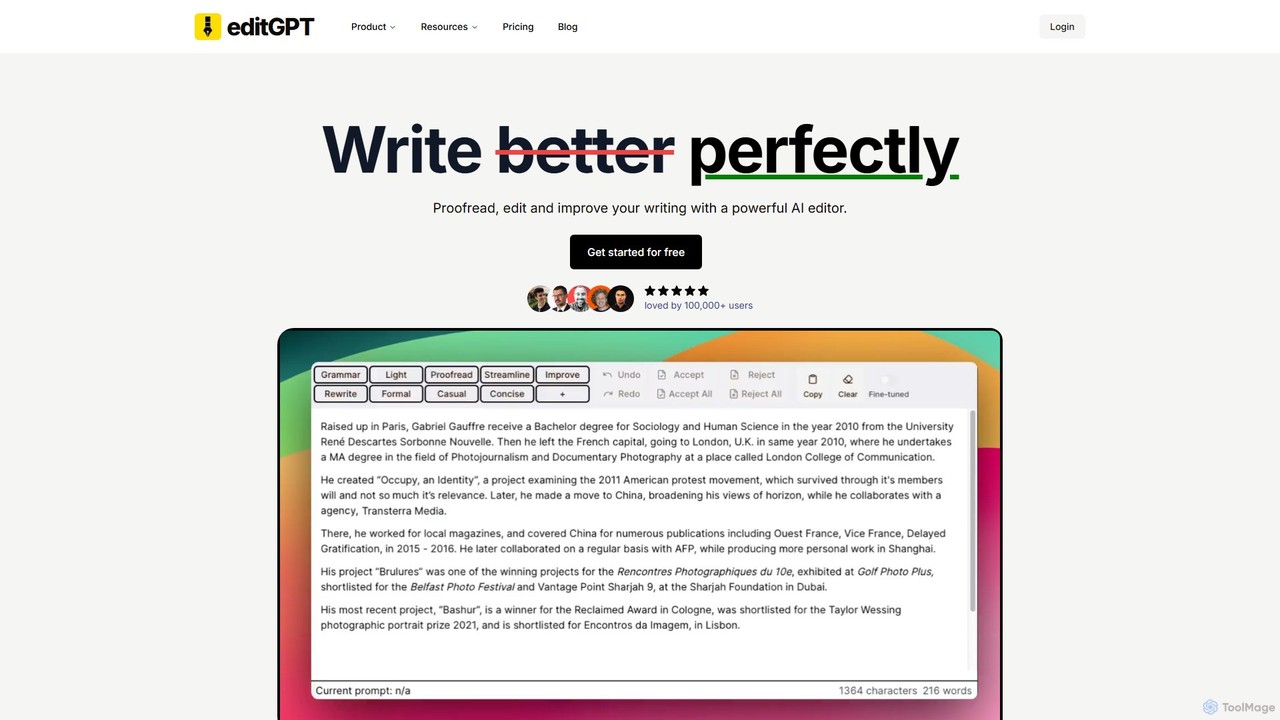
editGPT
editGPT is a powerful AI writing assistant and Chrome extension that integrates with ChatGPT to proofread, edit, and track changes in your text. It functions like a supercharged Grammarly, offering grammar correction, style improvements, custom prompts, and multi-language support to enhance your writing for any purpose.
Chrome Extensionssmudge.ai Categories
smudge.ai Embed Widget
Copy this embed code to place the badge on your blog, article, or product site and send readers directly to this ToolMage detail page.

Related AI tools
Wonder AI
Wonder AI is a powerful Chrome extension that enhances your writing, editing, and reading. It integrates directly into your browser, offering one-click tools to rewrite text, check grammar, summarize articles, explain complex concepts, and translate content, boosting your daily productivity and communication skills.
Chrome Extensions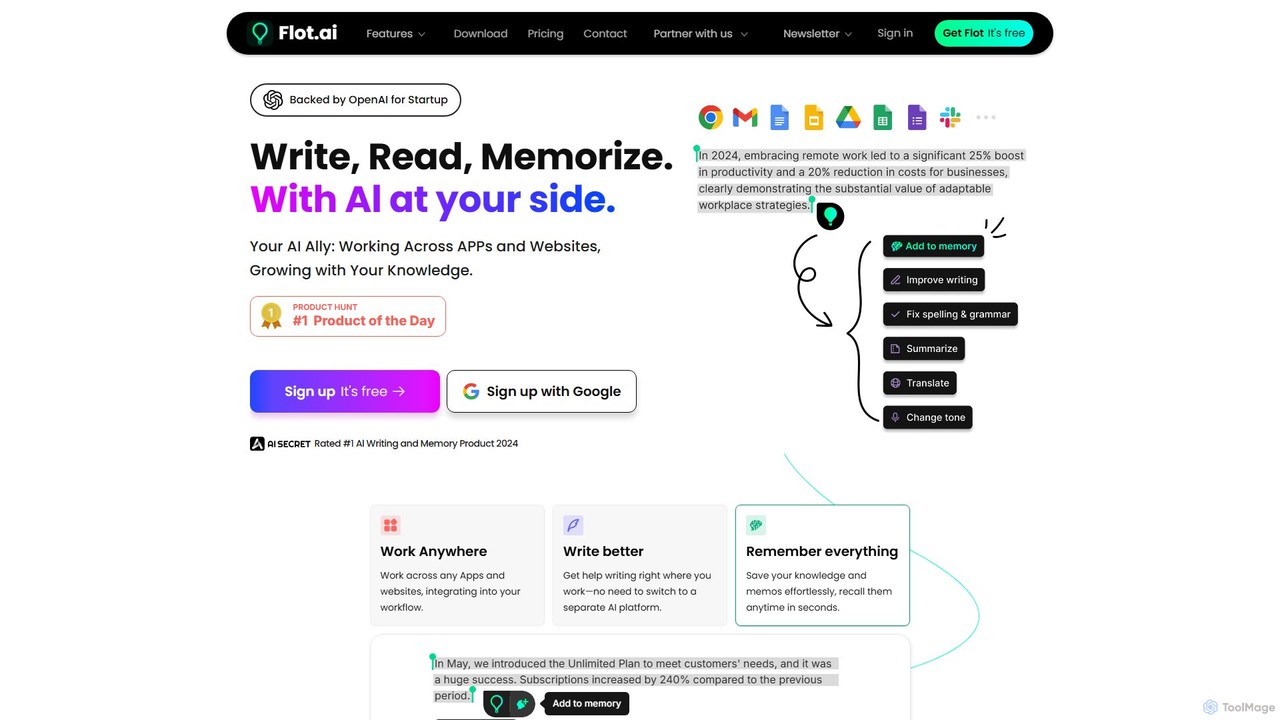
Flot.ai
Flot.ai is a versatile AI copilot designed to enhance your productivity across all applications and websites. It acts as your personal assistant for writing, reading, and memorization. Improve your text, get summaries, translate languages, and build a searchable personal knowledge base ("AI Memory") without ever leaving your current workflow.
Text Editor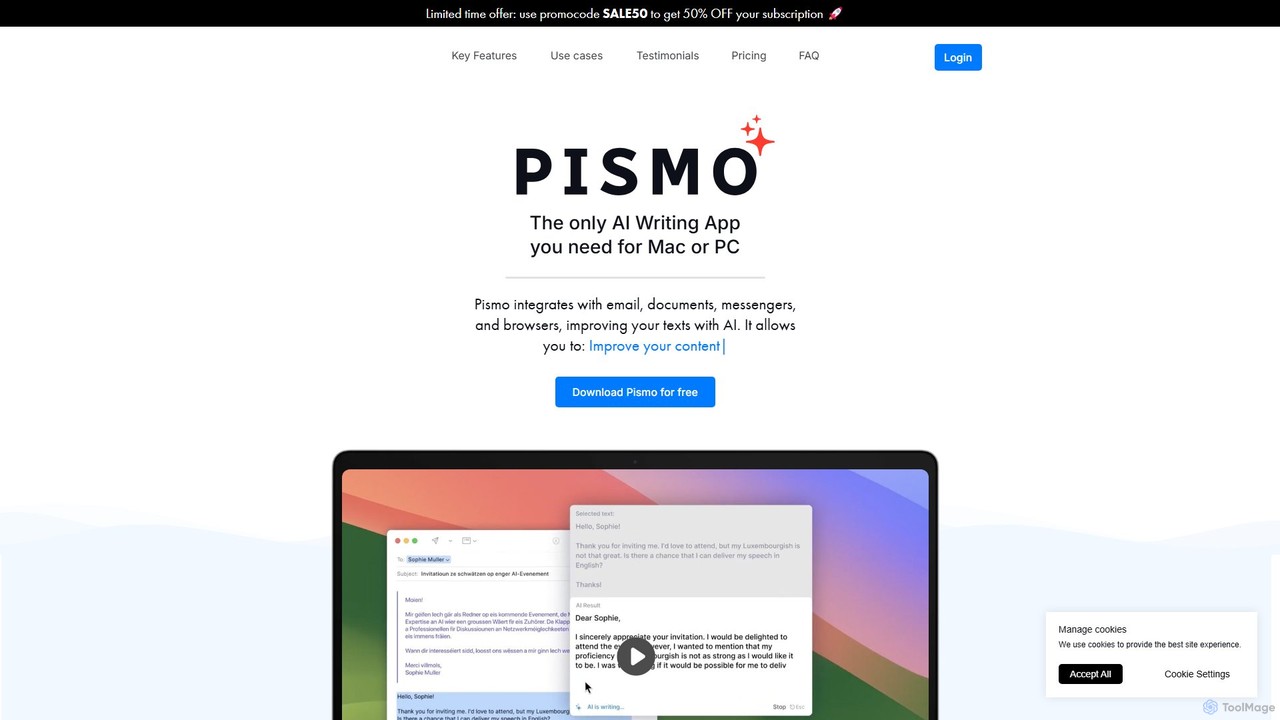
Pismo
Pismo is a native AI writing assistant for Mac and Windows. It integrates seamlessly into any application, allowing you to improve writing, fix grammar, translate text, change tone, and use custom prompts with hotkeys to boost your productivity.
Paraphraser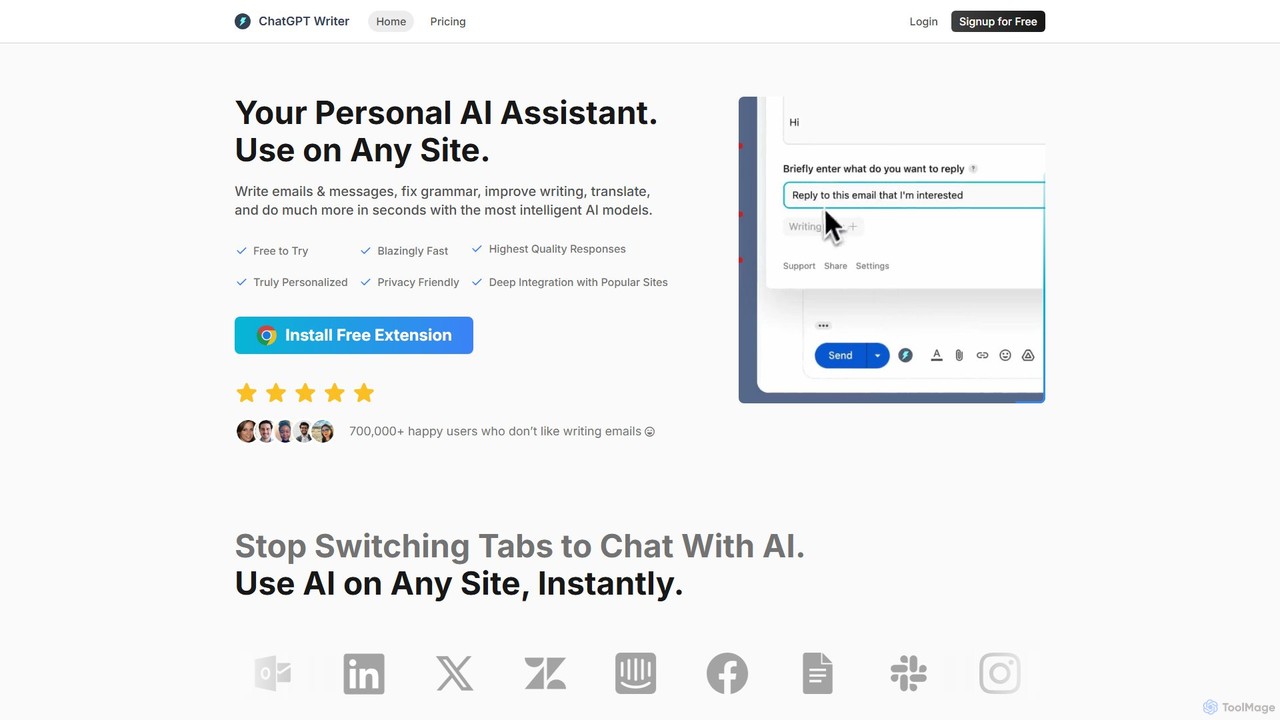
ChatGPT Writer
ChatGPT Writer is a powerful AI browser extension that integrates seamlessly into any website. Powered by models like GPT-4.1, Claude, and Gemini, it helps you write emails, fix grammar, translate text, summarize content, and more, directly within your workflow, eliminating the need to switch tabs.
Chrome Extensions
chrome_ai
An all-in-one AI assistant integrated into your Chrome browser. Summarize web pages and YouTube videos, enhance your writing, explain complex topics, and chat with advanced AI models without leaving your current tab. Boost your productivity with seamless AI power.
Chrome Extensions
SMARTBIRD
SMARTBIRD is an AI-powered Chrome extension designed to accelerate your writing tasks. It acts as a personal assistant, drafting high-quality emails, social media posts, and messages in seconds. By integrating directly with platforms like Gmail, LinkedIn, and WhatsApp, it helps you communicate more effectively and save significant time.
Email Assistant
GPTPLUS
GPTPLUS is a powerful browser extension that integrates ChatGPT as a convenient sidebar. It offers one-click text processing, a rich library of prompt templates, and advanced AI assistance for writing, translation, and research directly within your browser, boosting productivity and streamlining your workflow.
Browser Extensions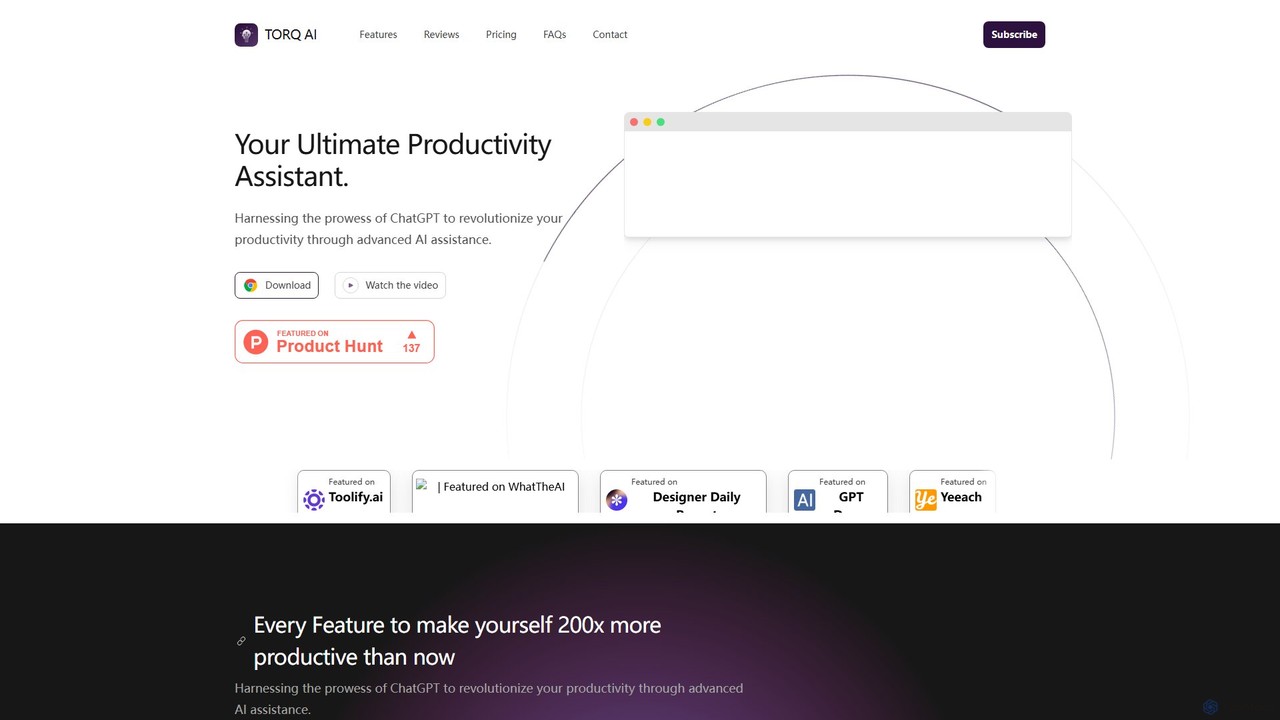
Torq
Torq is an AI-powered Chrome extension that supercharges your productivity. Leveraging ChatGPT, it offers one-click email generation, instant text summarization and translation, and integrates AI responses directly into your Google search results, streamlining your daily workflow.
Browser Extension
MultiAI
MultiAI is a comprehensive AI platform that unifies access to leading AI models like GPT-4, Claude, and Gemini, alongside 12+ specialized tools for image creation, medical advice, content writing, and code generation. It helps professionals save money and time by consolidating multiple AI subscriptions into one powerful, secure, and unlimited dashboard, enhancing productivity and creativity across various domains.
Writing Assistant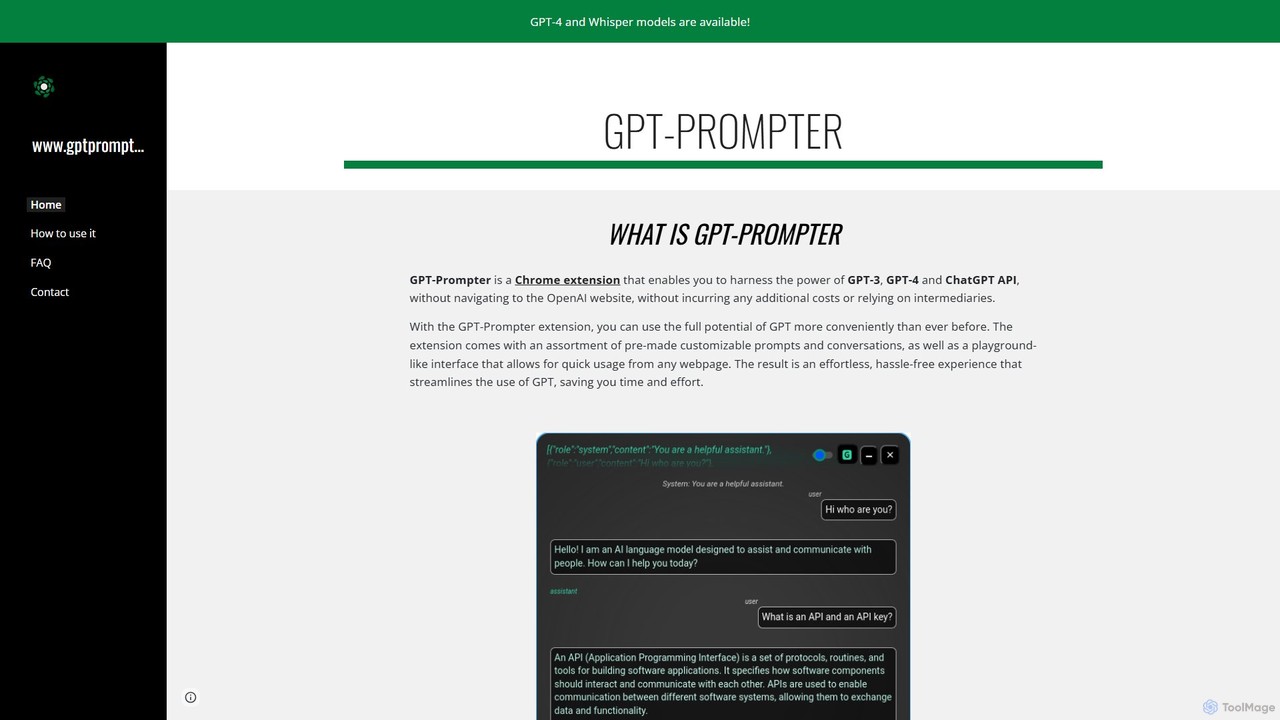
GPT-Prompter
GPT-Prompter is a powerful Chrome extension that integrates GPT-3, GPT-4, and ChatGPT directly into your browser. It allows you to use OpenAI's models on any webpage without visiting the OpenAI site. Create, manage, and execute custom prompts via a right-click context menu or a playground-style interface. It streamlines your workflow by bringing AI assistance to your fingertips, complete with features like Whisper API transcription and detailed usage history.
Api ManagementWandpen
Wandpen is a lightweight AI writing assistant for Chrome that seamlessly integrates into your workflow. It allows you to instantly fix grammar, rewrite text, and brainstorm ideas directly on any website, including Google Docs, Reddit, and LinkedIn. By eliminating the need to switch tabs, Wandpen boosts your productivity and writing confidence using powerful AI models like GPT-4o, Claude 3.5, and Gemini.
Chrome ExtensionsPointer AI
Pointer AI is a powerful Chrome extension that integrates ChatGPT-like capabilities directly into Google Docs. It streamlines your writing and editing process by allowing the AI to make changes directly in your document, eliminating the tedious copy-pasting and reformatting. Watch as it types out suggestions for you to approve, preserving your original document styling.
Chrome ExtensionsShakespeare Toolbar
Shakespeare Toolbar is a ChatGPT-powered Chrome extension that integrates AI writing assistance directly into your browser. Work seamlessly on any website, including Google Docs, to rephrase, summarize, simplify text, and generate content without switching tabs. It's designed for writers, marketers, and professionals to enhance productivity and communication.
Chrome Extensions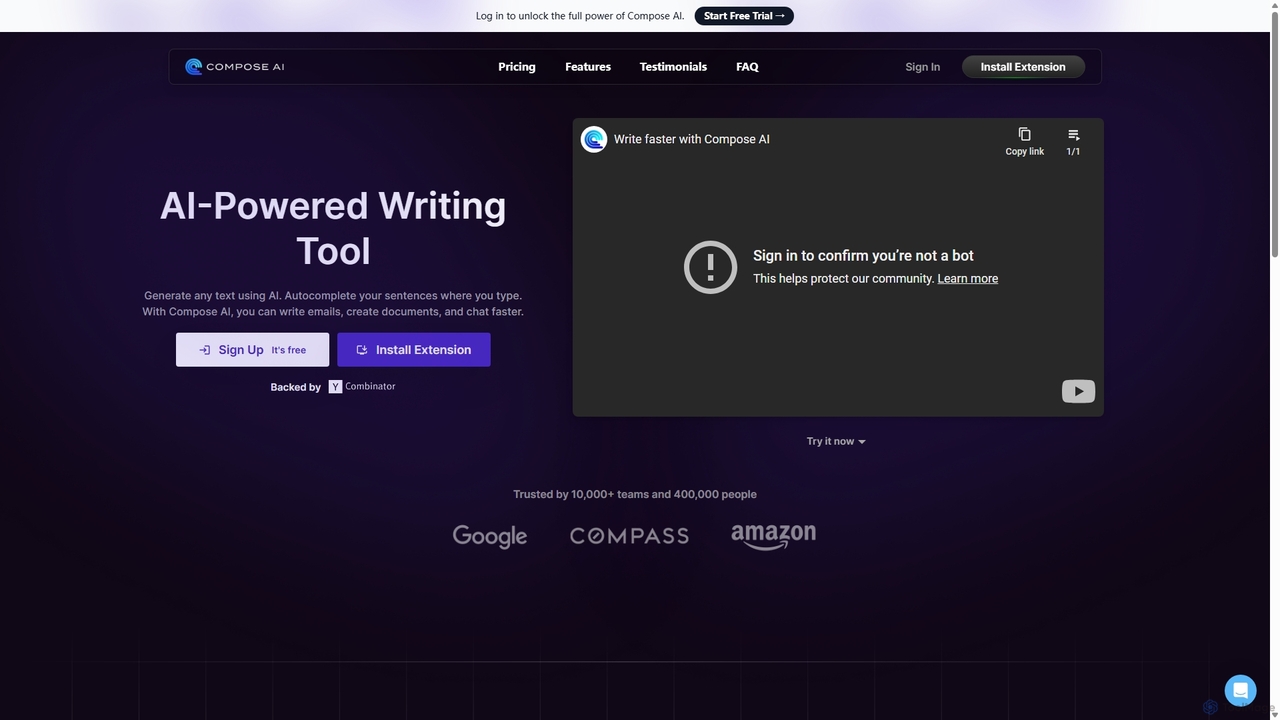
Compose AI
Compose AI is an AI-powered writing assistant and Chrome extension that accelerates your writing process. It offers intelligent autocompletion, text generation, and rephrasing capabilities across all your favorite sites, from emails to documents. By learning your personal writing style, it helps you write faster and more effectively, saving up to 40% of your time.
Chrome Extensions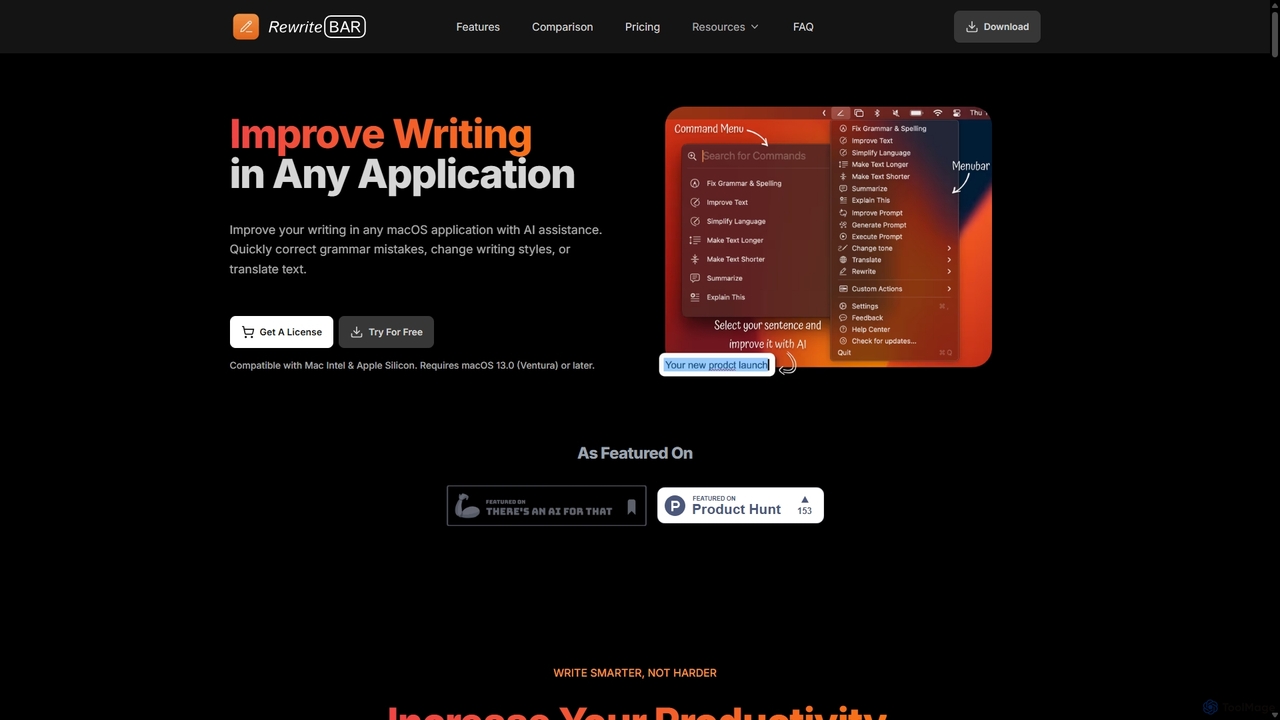
RewriteBar
RewriteBar is a native macOS menu bar app that acts as your personal AI writing assistant. It works seamlessly across all applications, allowing you to instantly correct grammar, change tone, translate text, summarize content, and more with a simple keyboard shortcut. It supports over 12 AI providers, including local models for ultimate privacy, offering a powerful and flexible writing enhancement experience.
Code Assistant
smudge.ai Comments (0)
Sign in to comment.
Sign inNo comments yet.