
editGPT Overview
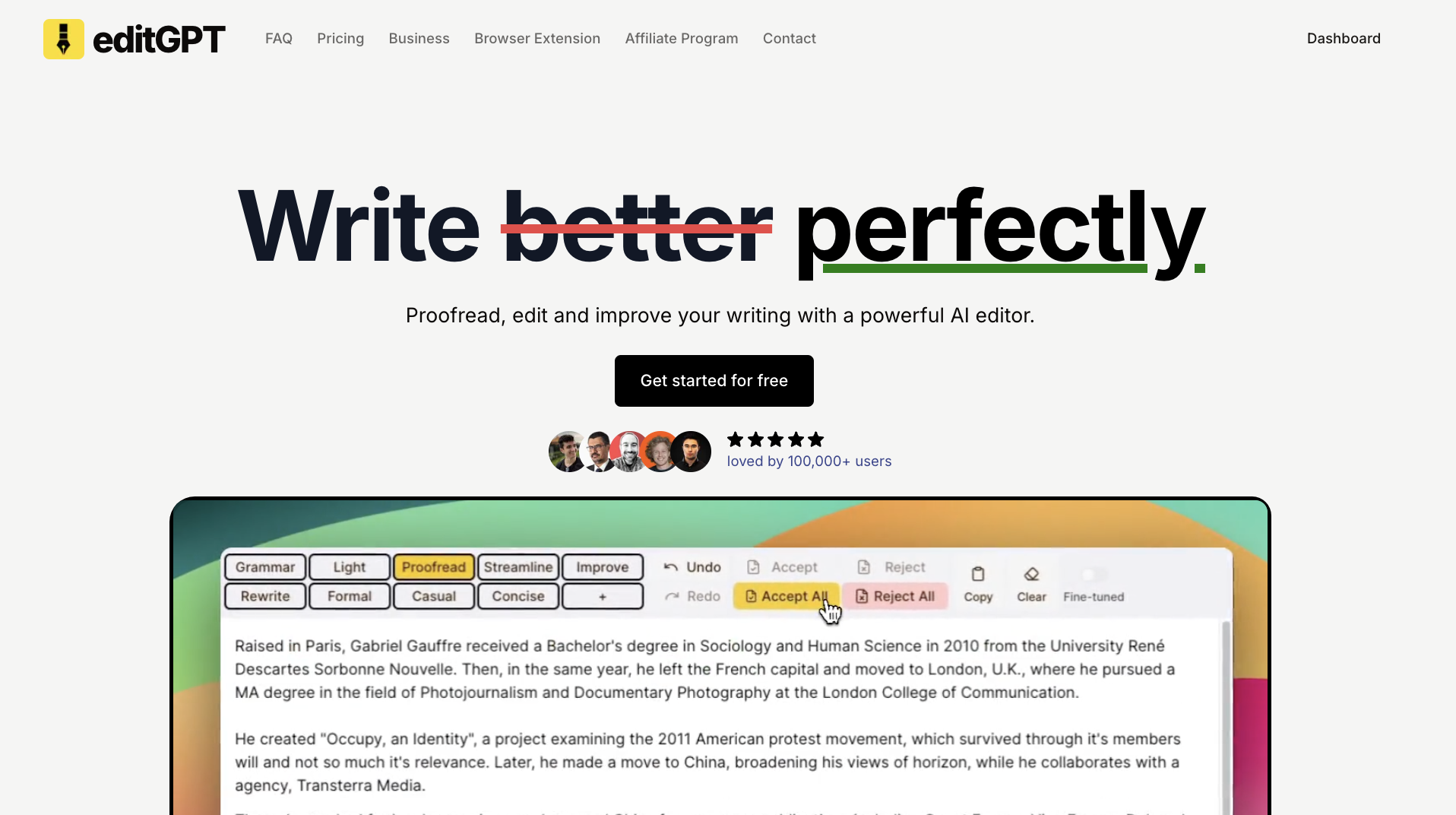
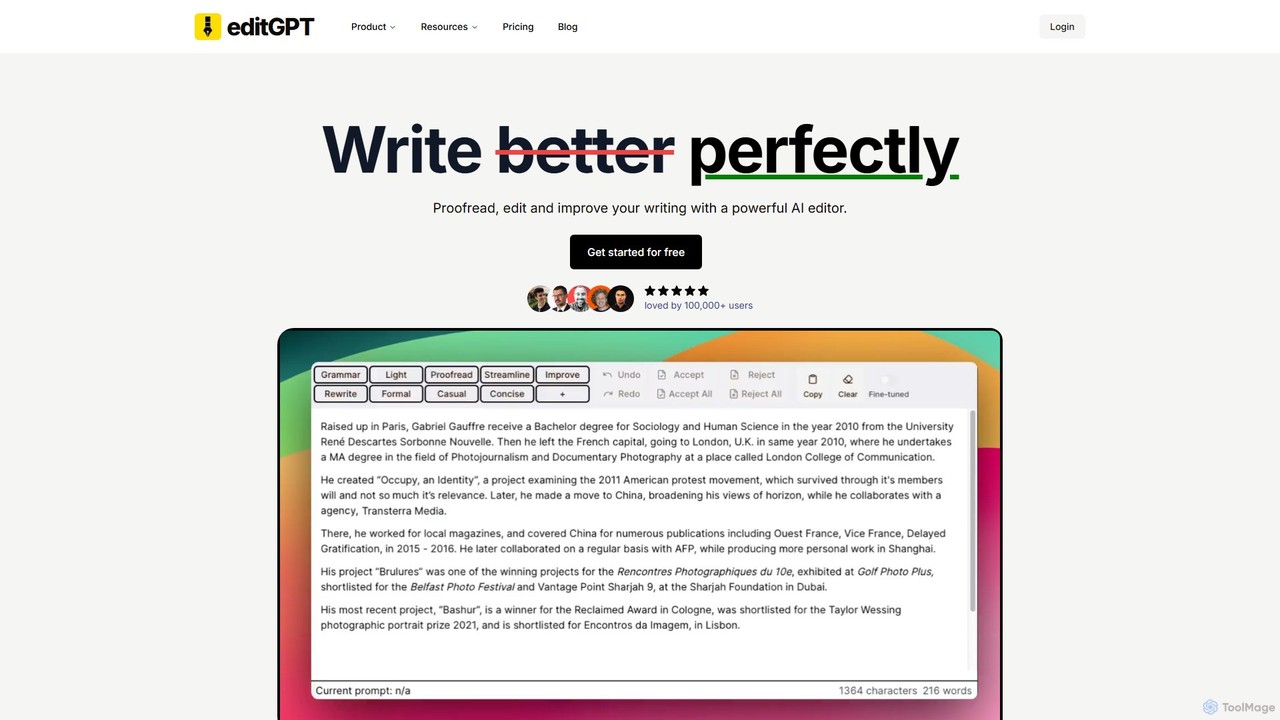
editGPT is a sophisticated AI-powered editor designed to elevate your writing by integrating directly with ChatGPT. As a Chrome extension, it transforms the standard ChatGPT interface into a powerful proofreading and editing environment, often compared to an enhanced version of Grammarly. With over 100,000 users, editGPT is celebrated for its speed, precision, and the unique ability to track changes, similar to the feature in Microsoft Word. This allows users to see exactly what has been altered, providing a clear and transparent editing process.
The tool is built for a wide range of users, from students and academics to professionals and content creators. It helps fix grammatical errors, improve clarity and flow, and adapt the tone of the text to be more academic, formal, or casual as needed. Its versatility makes it an indispensable asset for anyone looking to produce polished, error-free, and impactful writing.
How to use editGPT
Using editGPT is a straightforward process designed for efficiency. First, you need to install the editGPT Chrome extension from the Chrome Web Store. Once installed, it automatically integrates with the ChatGPT website. When you input text into ChatGPT, you will see new editing options provided by editGPT. You can select from pre-defined editing levels like 'Fix Grammar' or 'Improve', or you can create your own custom prompts for specific needs (e.g., 'Make more concise', 'Rewrite for a younger audience'). The AI will then process your text, and the results will be displayed with all changes clearly marked, allowing you to accept or reject them individually. For longer documents, the 'Project Mode' offers a dedicated editor to manage multiple revisions with ease.
Core Features of editGPT
- Track Changes: See all edits (additions and deletions) clearly marked, giving you full control over the final text.
- Custom Prompts: Go beyond standard corrections by creating your own prompts to tailor the editing process to your specific requirements, such as changing tone, style, or formatting.
- Multi-language Support: Edit and proofread content in over 80 languages, with an automatic language detection system.
- Project Mode: A dedicated editor for managing and editing long-form content like theses, reports, or book chapters.
- Microsoft Word Integration: Seamlessly import and export Microsoft Word documents while preserving the 'Track Changes' data.
- Rich Text Formatting: Retains your document's original formatting, including bold, italics, and lists, during the editing process.
- Privacy First: Your data is kept private and secure. editGPT does not share your data or use it for model training.
- Batch Editing: The suggestions panel in Pro and Elite plans allows for efficient batch editing, saving significant time.
Use Cases for editGPT
editGPT is versatile and can be applied in numerous scenarios:
- Academic Writing: Proofread and format essays, research papers, and theses according to styles like APA, MLA, or Chicago. Enhance clarity and maintain a formal, academic tone.
- Professional Communication: Improve business proposals, reports, emails, and presentations. Tailor cover letters and CVs for specific job roles.
- Content Creation: Edit blog posts, articles, and marketing copy to be more engaging and error-free.
- ESL/ESOL Writers: Help non-native English speakers refine their writing to sound more natural and fluent.
- Creative Writing: Polish manuscripts, short stories, and other creative works by improving flow and removing repetition.
Advantages of editGPT
editGPT stands out from other writing tools with several key advantages. Its core strength is the 'Track Changes' feature, which provides a level of transparency and control that is often missing in other AI editors. Unlike plugins, the extension is known for its speed and seamless integration with ChatGPT. The ability to use custom prompts offers limitless flexibility, allowing users to move beyond simple grammar checks to fundamentally reshape their content. Furthermore, its robust multi-language support and Word integration make it a comprehensive solution for a global user base. Many users consider it a superior and more cost-effective alternative to tools like Grammarly and Wordtune.
Pricing and Plans
editGPT offers a freemium model with plans to suit different user needs:
- Free Plan: $0/month. Ideal for casual users, it includes 10,000 words/month with a 600-word limit per request, change tracking, and iterative editing.
- Pro Plan: $12/month. Designed for regular users, this plan offers 300,000 words/month, a 10,000-word limit per request, Project mode for long-form content, batch editing, custom prompts, and Word document integration.
- Elite Plan: $25/month. For power users with high-volume needs, this plan increases the limit to 2,000,000 words/month while including all the features of the Pro plan.
Existing customers benefit from a locked-in rate, and all paid plans can be canceled at any time.
Traffic
Latest traffic
Status
Monthly traffic trend
- 2025-9: 209.4K
- 2026-1: 192.3K
- 2026-2: 198.0K
- 2026-3: 233.8K
- 2026-4: 232.7K
- 2026-5: 319.1K
Geography
Top 5 countries / regions
- 🇺🇸United States61.9%
- 🇲🇾Malaysia13.0%
- 🇦🇺Australia10.4%
- 🇬🇧United Kingdom7.8%
- 🇨🇦Canada6.9%
Traffic sources
| Source type | Percentage |
|---|---|
Direct | 78.7% |
Referral | 18.7% |
Email | 2.6% |
Top keywords
| Keyword | Cost per click |
|---|---|
| editchatgpt | $0.00 |
| edit gpt | $2.91 |
| editgpt | $3.28 |
| grammarly | $1.21 |
| grammarly alternative | $2.12 |
editGPT Videos on YouTube


editGPT Alternatives
Wandpen
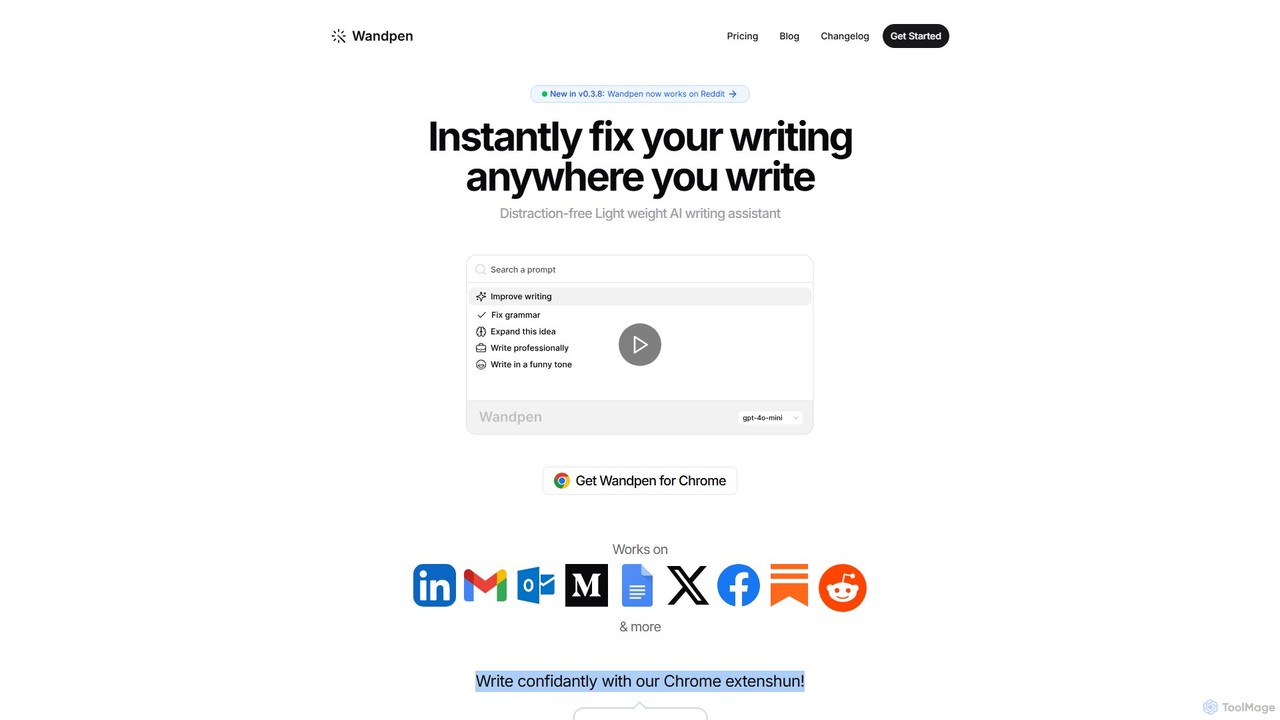
Wandpen is a lightweight AI writing assistant for Chrome that seamlessly integrates into your workflow. It allows you to instantly fix grammar, rewrite text, and brainstorm ideas directly on any website, including Google Docs, Reddit, and LinkedIn. By eliminating the need to switch tabs, Wandpen boosts your productivity and writing confidence using powerful AI models like GPT-4o, Claude 3.5, and Gemini.
Chrome Extensions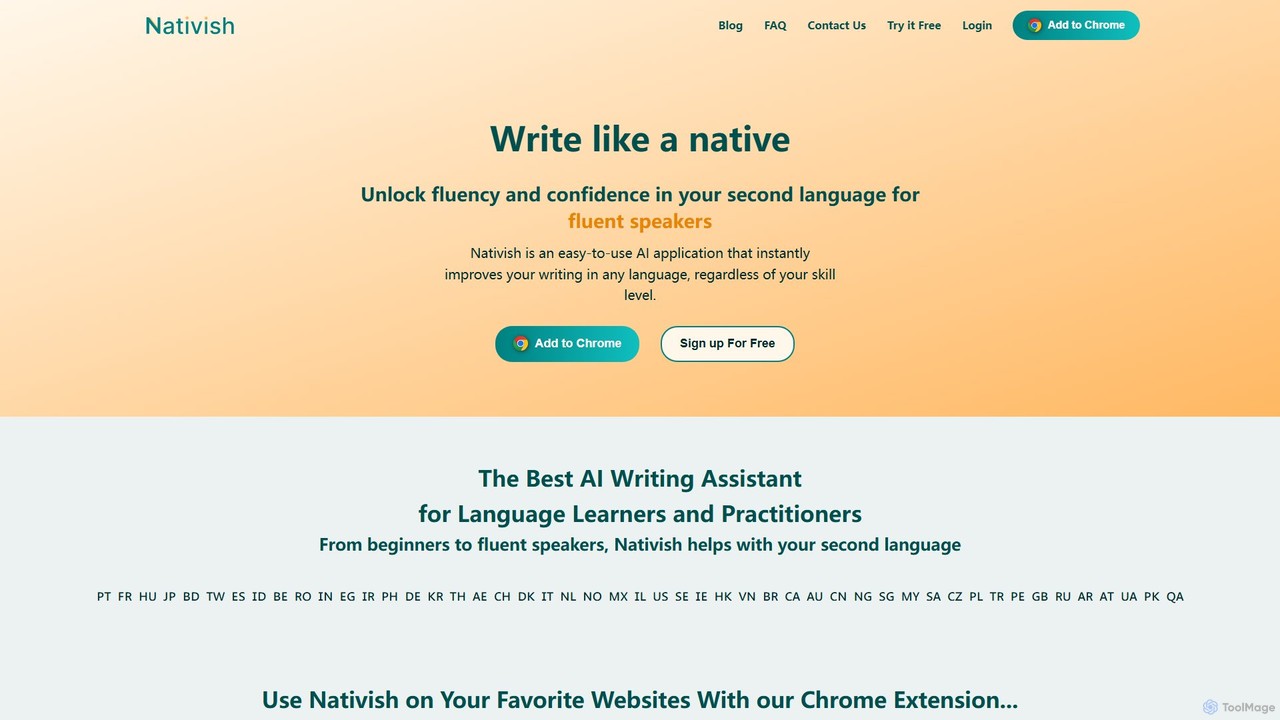
Nativish
Nativish is an AI-powered writing assistant designed to help users write like a native in any language. It's perfect for language learners, expats, and professionals who need to communicate fluently and confidently. Through its Chrome extension and web app, Nativish offers instant, context-aware corrections for grammar, spelling, and word choice, along with clear explanations to help users improve their skills. It adapts to various writing styles, from formal reports to casual social media posts, ensuring your text is always polished, clear, and professional.
Chrome Extensions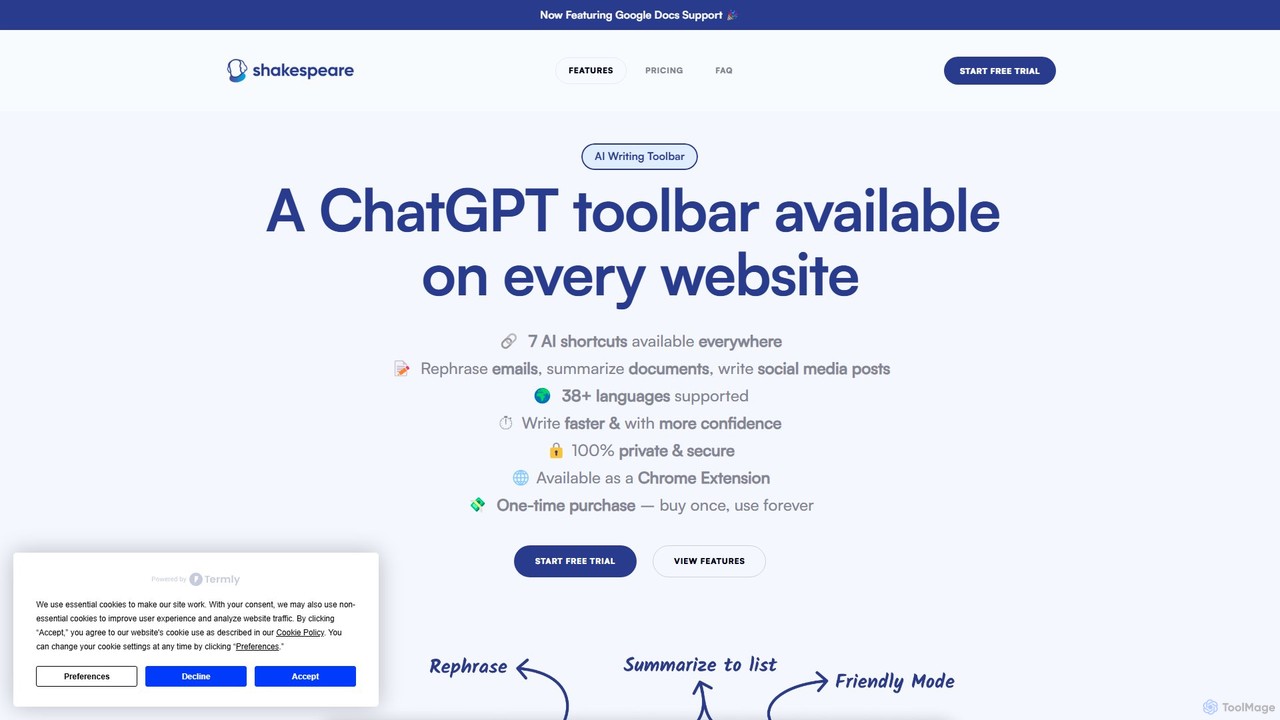
Shakespeare Toolbar
Shakespeare Toolbar is a ChatGPT-powered Chrome extension that integrates AI writing assistance directly into your browser. Work seamlessly on any website, including Google Docs, to rephrase, summarize, simplify text, and generate content without switching tabs. It's designed for writers, marketers, and professionals to enhance productivity and communication.
Chrome Extensions
Wonder AI
Wonder AI is a powerful Chrome extension that enhances your writing, editing, and reading. It integrates directly into your browser, offering one-click tools to rewrite text, check grammar, summarize articles, explain complex concepts, and translate content, boosting your daily productivity and communication skills.
Chrome Extensions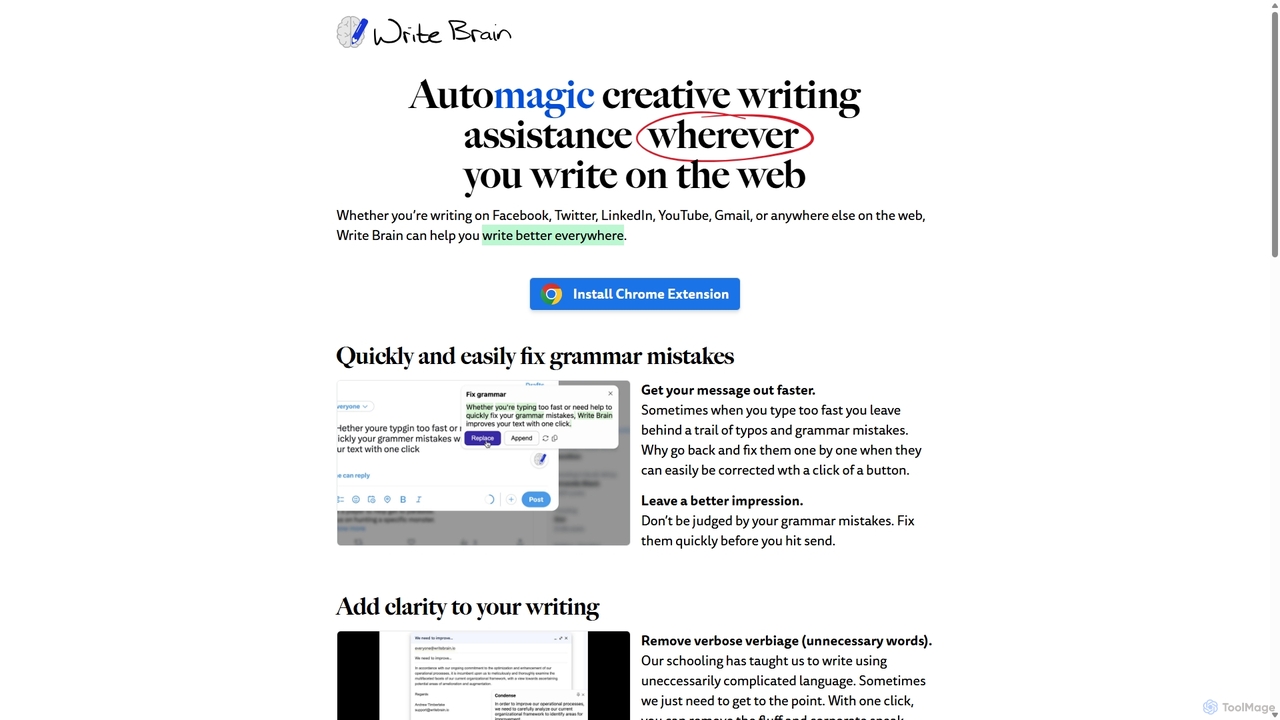
Write Brain
Write Brain is an AI-powered Chrome extension that serves as a comprehensive writing assistant. It helps users fix grammar, improve clarity, enhance writing style with descriptive language, translate text instantly, and add relevant emojis, working seamlessly across websites like Gmail, Facebook, and Twitter.
Chrome ExtensionseditGPT Categories
editGPT Embed Widget
Copy this embed code to place the badge on your blog, article, or product site and send readers directly to this ToolMage detail page.

Related AI tools
Wandpen
Wandpen is a lightweight AI writing assistant for Chrome that seamlessly integrates into your workflow. It allows you to instantly fix grammar, rewrite text, and brainstorm ideas directly on any website, including Google Docs, Reddit, and LinkedIn. By eliminating the need to switch tabs, Wandpen boosts your productivity and writing confidence using powerful AI models like GPT-4o, Claude 3.5, and Gemini.
Chrome ExtensionsNativish
Nativish is an AI-powered writing assistant designed to help users write like a native in any language. It's perfect for language learners, expats, and professionals who need to communicate fluently and confidently. Through its Chrome extension and web app, Nativish offers instant, context-aware corrections for grammar, spelling, and word choice, along with clear explanations to help users improve their skills. It adapts to various writing styles, from formal reports to casual social media posts, ensuring your text is always polished, clear, and professional.
Chrome ExtensionsShakespeare Toolbar
Shakespeare Toolbar is a ChatGPT-powered Chrome extension that integrates AI writing assistance directly into your browser. Work seamlessly on any website, including Google Docs, to rephrase, summarize, simplify text, and generate content without switching tabs. It's designed for writers, marketers, and professionals to enhance productivity and communication.
Chrome ExtensionsWonder AI
Wonder AI is a powerful Chrome extension that enhances your writing, editing, and reading. It integrates directly into your browser, offering one-click tools to rewrite text, check grammar, summarize articles, explain complex concepts, and translate content, boosting your daily productivity and communication skills.
Chrome ExtensionsWrite Brain
Write Brain is an AI-powered Chrome extension that serves as a comprehensive writing assistant. It helps users fix grammar, improve clarity, enhance writing style with descriptive language, translate text instantly, and add relevant emojis, working seamlessly across websites like Gmail, Facebook, and Twitter.
Chrome Extensions
Effidit
Effidit is an AI-powered writing assistant from Tencent AI Lab, designed to enhance writing efficiency in both Chinese and English. It offers intelligent proofreading, text completion, rewriting, expansion, and specialized modes for general and academic writing, helping users create high-quality, error-free content.
Text Editor
Copyific
Copyific is an AI-enhanced writing platform offering professional editing, proofreading, and fact-checking services. It combines the speed of AI with the expertise of world-class human editors to help individuals, businesses, and agencies produce flawless, impactful, and trustworthy content.
Content Creation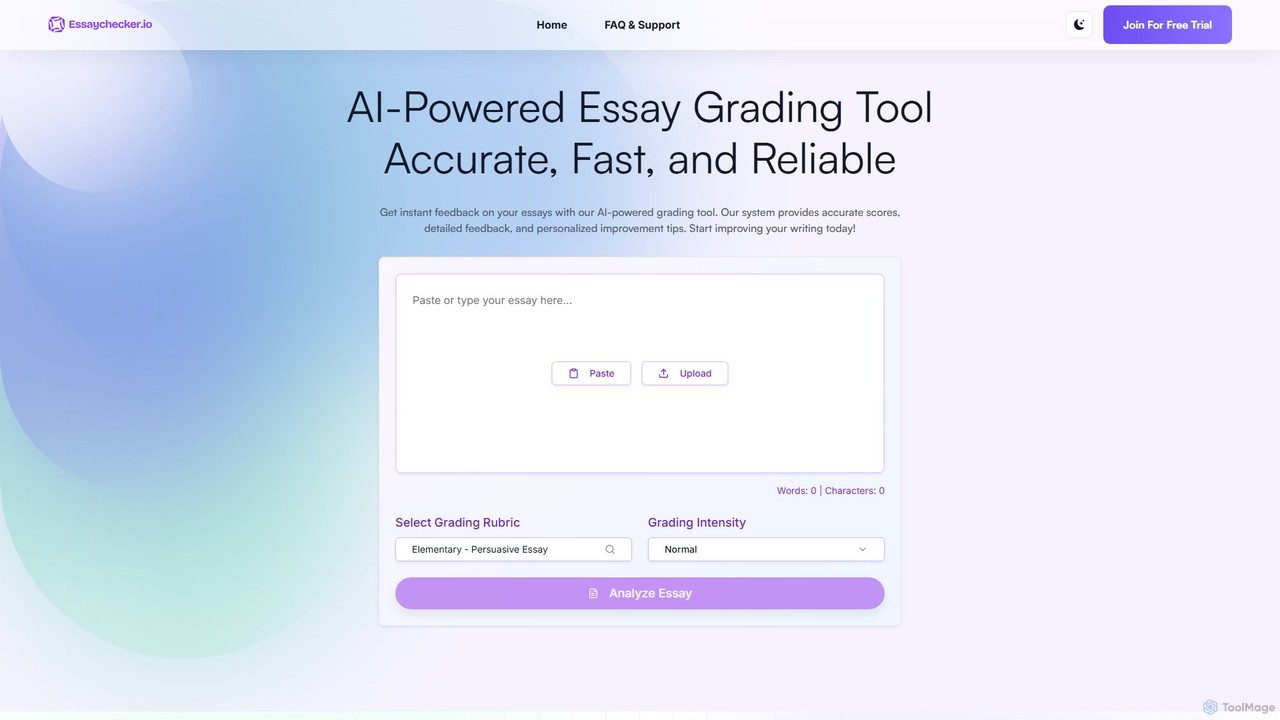
EssayChecker
EssayChecker is an AI-powered tool designed to provide instant, accurate, and reliable grading for essays. It offers detailed feedback on grammar, style, structure, and coherence, along with personalized improvement tips. With customizable rubrics for various educational levels, it's an essential tool for students, educators, and writers aiming to enhance their writing quality.
Tutoring
myEssai
myEssai is an AI-powered essay tutor designed to help students improve their writing and achieve better grades. It provides instant, detailed, and actionable feedback on various types of texts, going beyond simple grammar checks to analyze structure, organization, and clarity. It's a cost-effective alternative to private tutors, available 24/7.
Text Analysis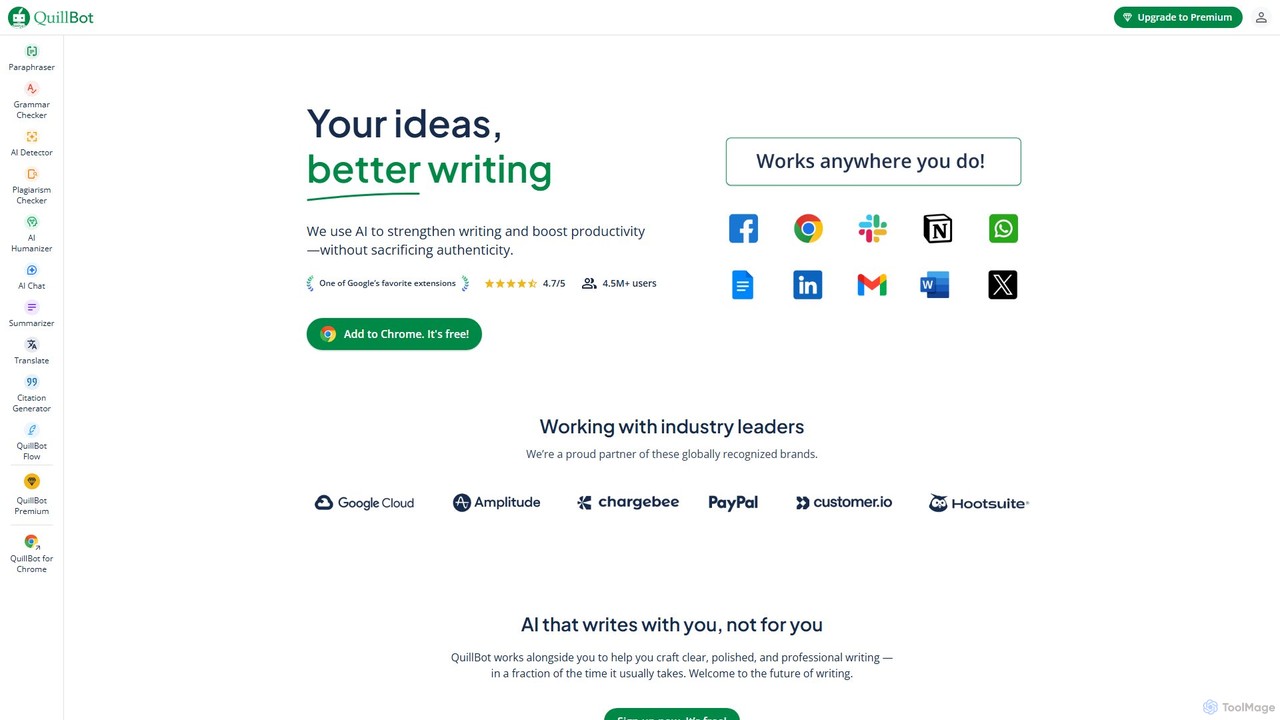
QuillBot
QuillBot is a comprehensive AI-powered writing platform designed to enhance writing quality and productivity. It offers a suite of tools including a state-of-the-art paraphraser, grammar checker, summarizer, plagiarism checker, and citation generator. Ideal for students, professionals, and content creators, QuillBot helps users articulate their ideas clearly, confidently, and efficiently, ensuring every piece of writing is polished and professional.
Academic
Wordtune
Wordtune is an AI-powered writing companion and paraphrasing tool that helps you rewrite, rephrase, and improve your text. It offers features like tone adjustment, text shortening/expansion, summarization, and translation into English, ensuring your writing is clear, compelling, and authentic across various platforms.
Email Assistant
Wordvice AI
Wordvice AI is a comprehensive AI-powered writing assistant designed for academics, students, and professionals. It offers a suite of tools including a proofreader, paraphraser, summarizer, translator, and plagiarism checker to enhance writing clarity, accuracy, and style. Backed by a team with expertise in professional editing, Wordvice AI helps users produce polished, publication-ready documents.
Academic Research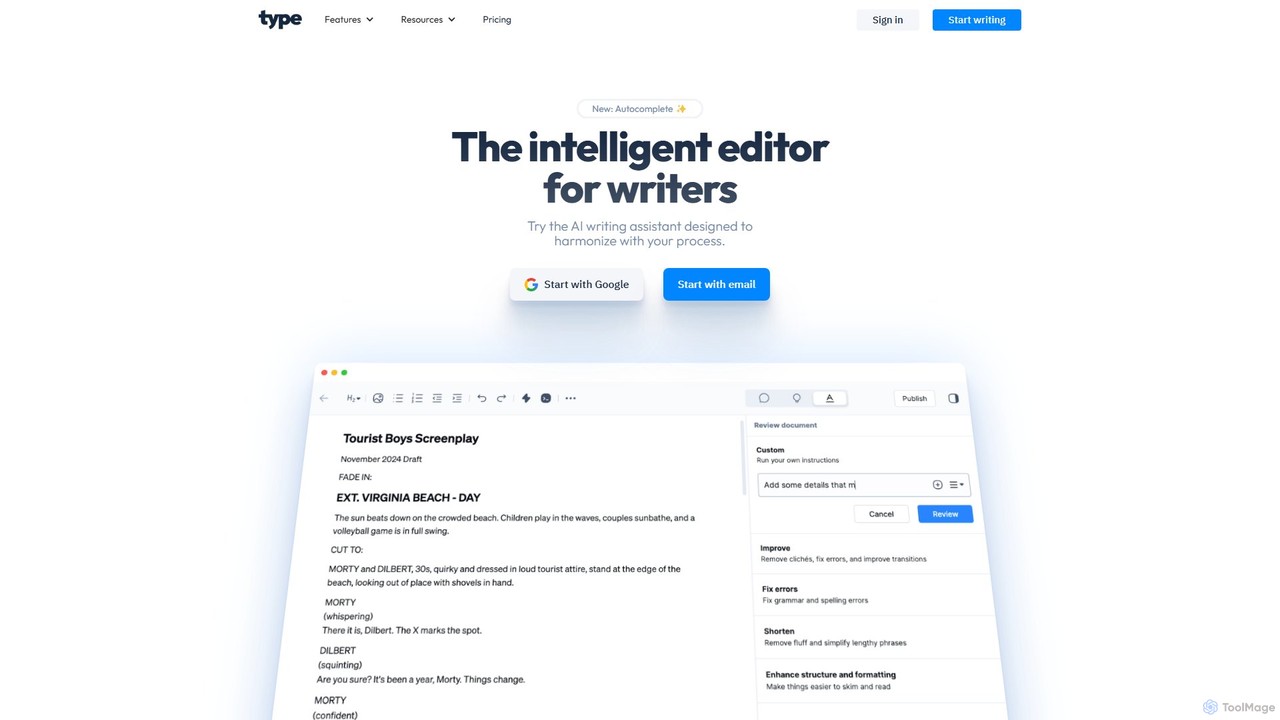
Type.ai
Type.ai is an all-in-one AI writing assistant powered by GPT-4o and Claude 3.7. It's designed to help marketers, writers, and professionals brainstorm, draft, edit, and format documents more efficiently. From generating ideas on a blank page to final proofreading, Type.ai streamlines the entire writing workflow, serving as a powerful alternative to tools like Grammarly.
Communication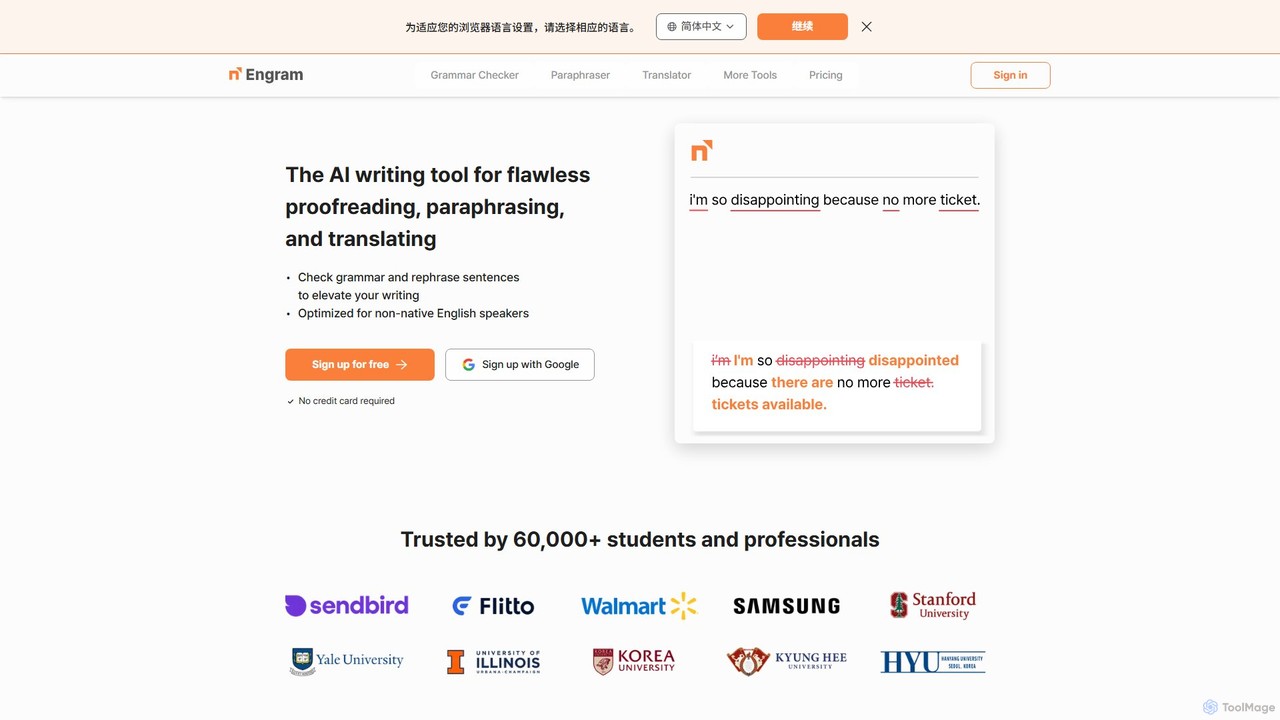
Engram
Engram is an AI-powered writing tool specifically designed for non-native English speakers. It offers flawless proofreading, contextual paraphrasing, and accurate translation to help users elevate their writing. Trusted by students and professionals, Engram corrects complex grammar errors and rephrases sentences to sound more natural, making English writing faster and stress-free.
Language Learning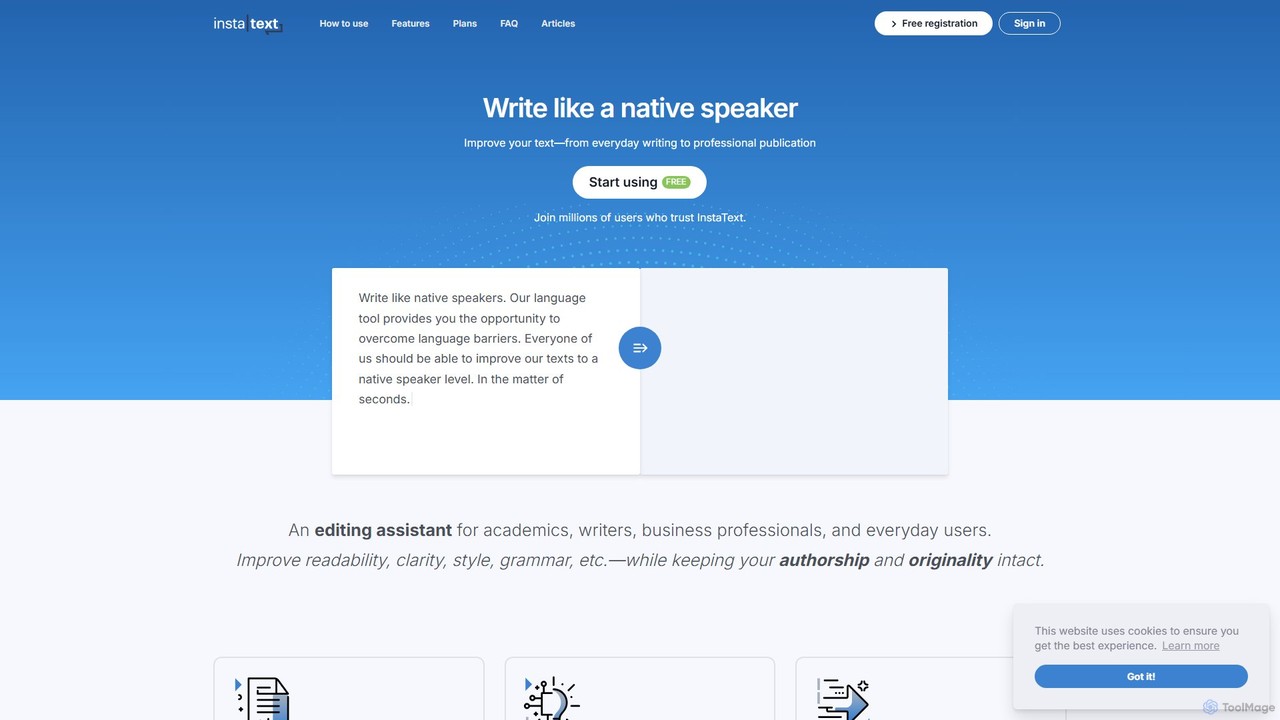
InstaText
InstaText is an AI-powered writing assistant that helps non-native and native speakers improve their English texts. It goes beyond basic grammar and spelling corrections by rewriting sentences for better clarity, style, and readability, ensuring your writing sounds natural and professional while preserving your unique voice.
Communication
editGPT Comments (0)
Sign in to comment.
Sign inNo comments yet.