
Pismo Overview
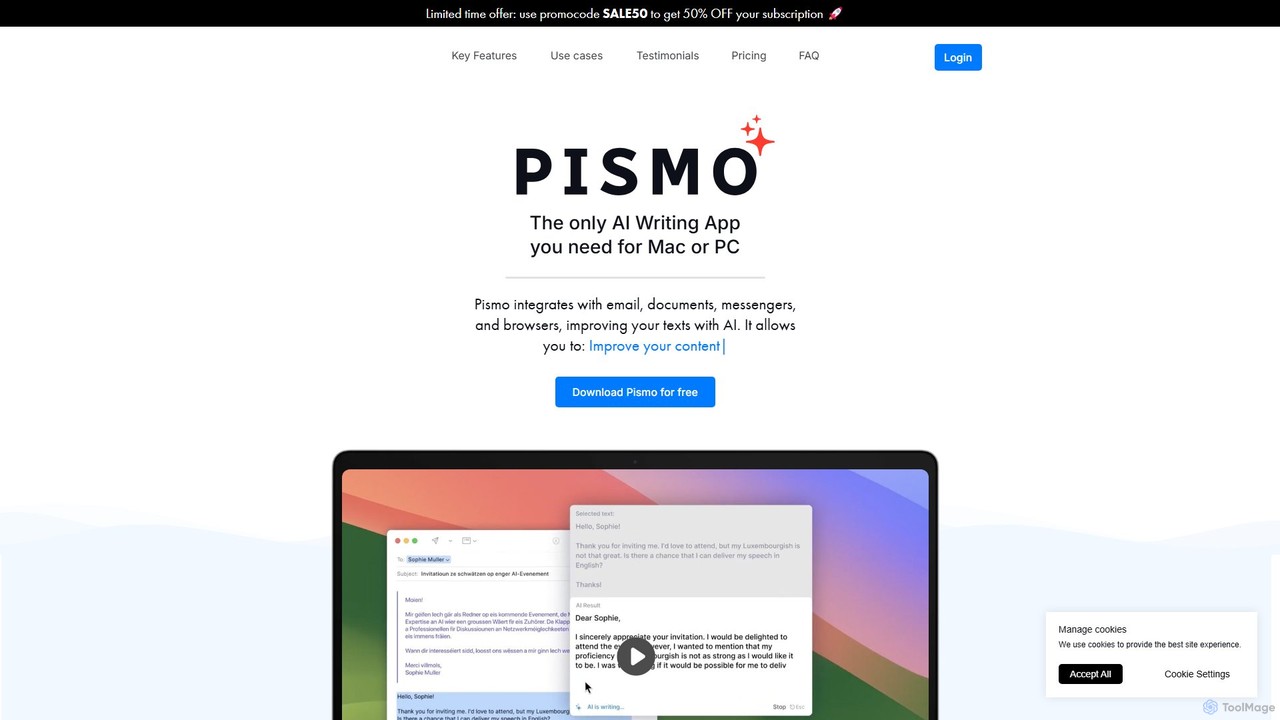
Pismo is a powerful and versatile AI writing assistant designed as a native application for both Mac and Windows operating systems. Unlike browser extensions, Pismo integrates directly into your entire workflow, functioning across all your applications, including email clients, document editors, messaging apps, and web browsers. Powered by the advanced GPT-4o Mini LLM, Pismo is engineered to help you write faster and smarter, significantly enhancing your productivity and communication quality.
The core philosophy of Pismo is to make AI assistance universally accessible and instantaneous. Through a floating widget or a simple menu bar icon, you can invoke its power without disrupting your current task. This seamless integration, combined with extensive customization options, makes Pismo an indispensable tool for professionals, students, writers, and anyone who communicates digitally.
How to use Pismo
Using Pismo is designed to be intuitive and efficient. The process is straightforward and can be adapted to your personal workflow:
- Select Text: Highlight any text you want to work on in any application on your Mac or PC.
- Activate Pismo: Use a customizable keyboard shortcut (e.g., the default 'Open with Selected Text' hotkey) or click the Pismo widget to activate the tool.
- Choose a Prompt: Pismo will appear with the selected text. You can then choose from a variety of pre-made prompts like 'Improve Writing', 'Translate', 'Make Shorter', or 'Change Tone'.
- Use Custom Prompts: For more specific tasks, you can create your own custom prompts in the settings. Assign unique hotkeys to your custom prompts for even faster access. For example, you could create a prompt to 'Rephrase as a professional email' and trigger it with a single key combination.
- Apply the Result: Pismo generates the improved text, which you can then easily copy and paste back into your application. The interface is clean and allows for quick edits and adjustments.
Core Features of Pismo
- Improve Writing: Enhance the clarity, style, and overall quality of your text with AI-powered suggestions.
- Fix Spelling and Grammar: Instantly correct spelling mistakes and grammatical errors to ensure your writing is polished and professional.
- Translate to Any Language: Break down language barriers with high-quality, context-aware translations powered by advanced AI models.
- Adjust Text Length: Effortlessly summarize long documents into concise bullet points or expand on short ideas to create more detailed content.
- Change Tone of Voice: Modify the tone of your writing to suit different audiences and contexts, from formal and professional to casual and friendly.
- Custom Prompts & Hotkeys: Create an unlimited number of personalized prompts for your specific needs and assign keyboard shortcuts for instant execution in any app.
- System-Wide Integration: As a native desktop app, Pismo works seamlessly across your entire operating system, not just within a browser.
- Privacy-Focused: Pismo values user privacy. It does not store or process the texts you work with, and your data is not used to train AI models.
Use Cases for Pismo
Pismo is a versatile tool that benefits a wide range of users:
- Professionals: Compose persuasive work emails, draft polished reports, create compelling product descriptions, and refine cover letters and resumes.
- Students: Improve essays and academic papers, summarize research articles, and get help with complex subjects by simplifying technical text.
- Marketers & Content Creators: Generate creative social media posts, brainstorm blog post ideas, and enhance marketing copy for better engagement.
- Multilingual Users: Communicate effortlessly with international colleagues, translate client emails, and understand foreign news and articles with a single hotkey.
- Everyday Users: Write clearer messages to friends and family, craft thoughtful greeting notes, or simply improve day-to-day digital communication.
Advantages of Pismo
Pismo stands out from other AI writing tools due to several key advantages:
- Enhanced Productivity: By integrating into every app and using hotkeys, Pismo dramatically reduces the time spent on editing, translating, and refining text.
- Seamless Workflow: The native application experience means no more copying and pasting between your work and a separate browser tab. AI help is always just a shortcut away.
- Deep Customization: The ability to create and save custom prompts with dedicated hotkeys allows you to tailor Pismo perfectly to your recurring tasks.
- Cross-Platform Availability: A single subscription works on all your Mac and Windows devices.
- Security and Privacy: With a strong commitment to data privacy, you can use Pismo with confidence, knowing your sensitive information is not being logged or used for training.
Pricing and Plans
Pismo operates on a freemium model. You can download the application for free to get started. For full access to all features and higher usage limits, Pismo offers a subscription plan.
- Free Version: Allows users to download and try the basic functionalities of the application.
- Paid Subscription: Priced at €6.25 per month (billed annually), this plan includes unlimited custom prompts, fast and high-quality replies, hotkeys for quick use anywhere, and access from any Mac or PC app. A 30-day money-back guarantee is also offered.
Traffic
Latest traffic
Status
Monthly traffic trend
- 2025-9: 4.0K
- 2026-1: 5.4K
- 2026-2: 5.7K
- 2026-3: 7.5K
- 2026-4: 5.6K
- 2026-5: 7.4K
Geography
Top 5 countries / regions
- 🇺🇸United States58.5%
- 🇮🇳India18.1%
- 🇬🇧United Kingdom16.2%
- 🇳🇱Netherlands7.2%
Top keywords
| Keyword | Cost per click |
|---|---|
| cherry studio | $2.26 |
| deepl english to chinese | $1.86 |
| english to mandarin | $1.07 |
| pismo | $1.29 |
| tailride | $0.00 |
Pismo Alternatives
RewriteBar
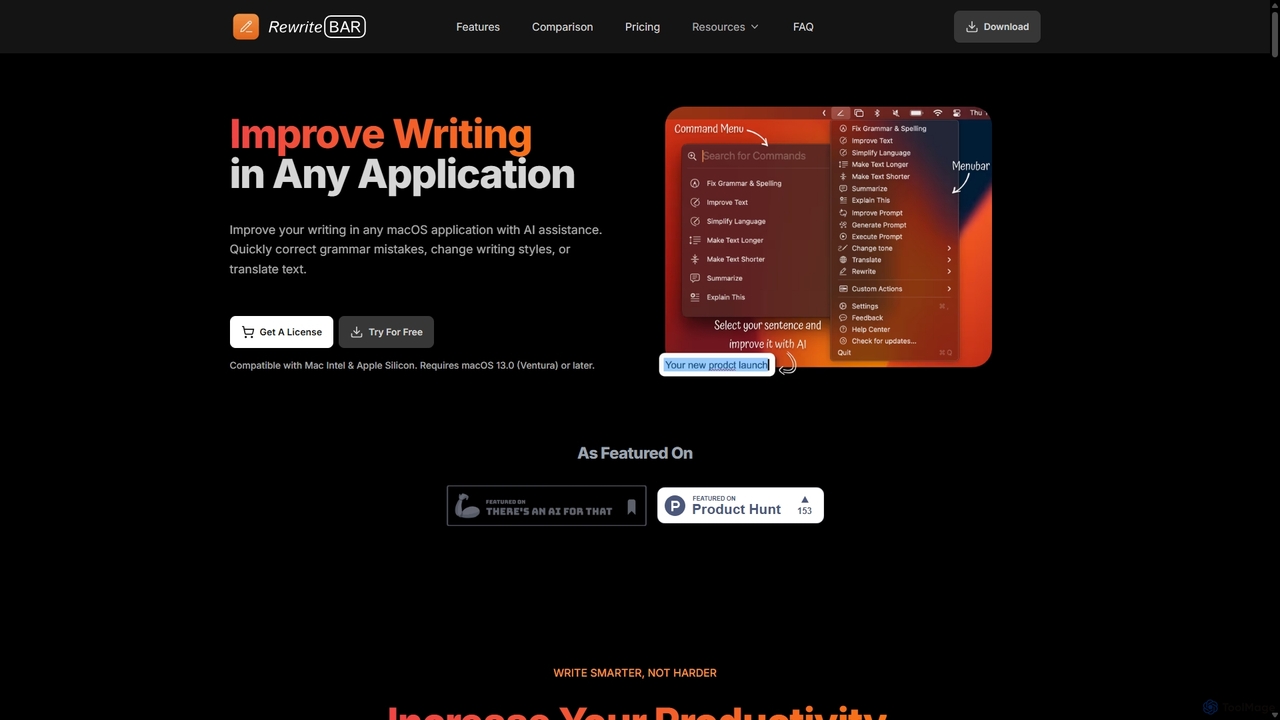
RewriteBar is a native macOS menu bar app that acts as your personal AI writing assistant. It works seamlessly across all applications, allowing you to instantly correct grammar, change tone, translate text, summarize content, and more with a simple keyboard shortcut. It supports over 12 AI providers, including local models for ultimate privacy, offering a powerful and flexible writing enhancement experience.
Code Assistant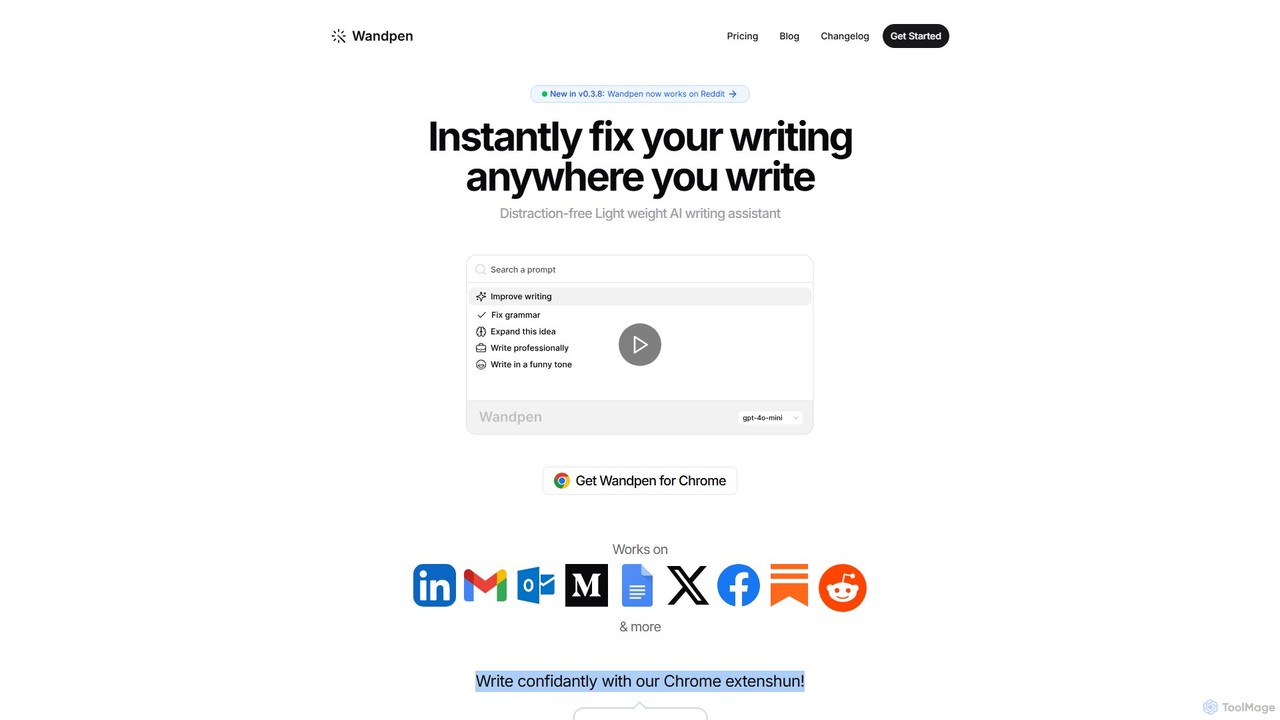
Wandpen
Wandpen is a lightweight AI writing assistant for Chrome that seamlessly integrates into your workflow. It allows you to instantly fix grammar, rewrite text, and brainstorm ideas directly on any website, including Google Docs, Reddit, and LinkedIn. By eliminating the need to switch tabs, Wandpen boosts your productivity and writing confidence using powerful AI models like GPT-4o, Claude 3.5, and Gemini.
Chrome Extensions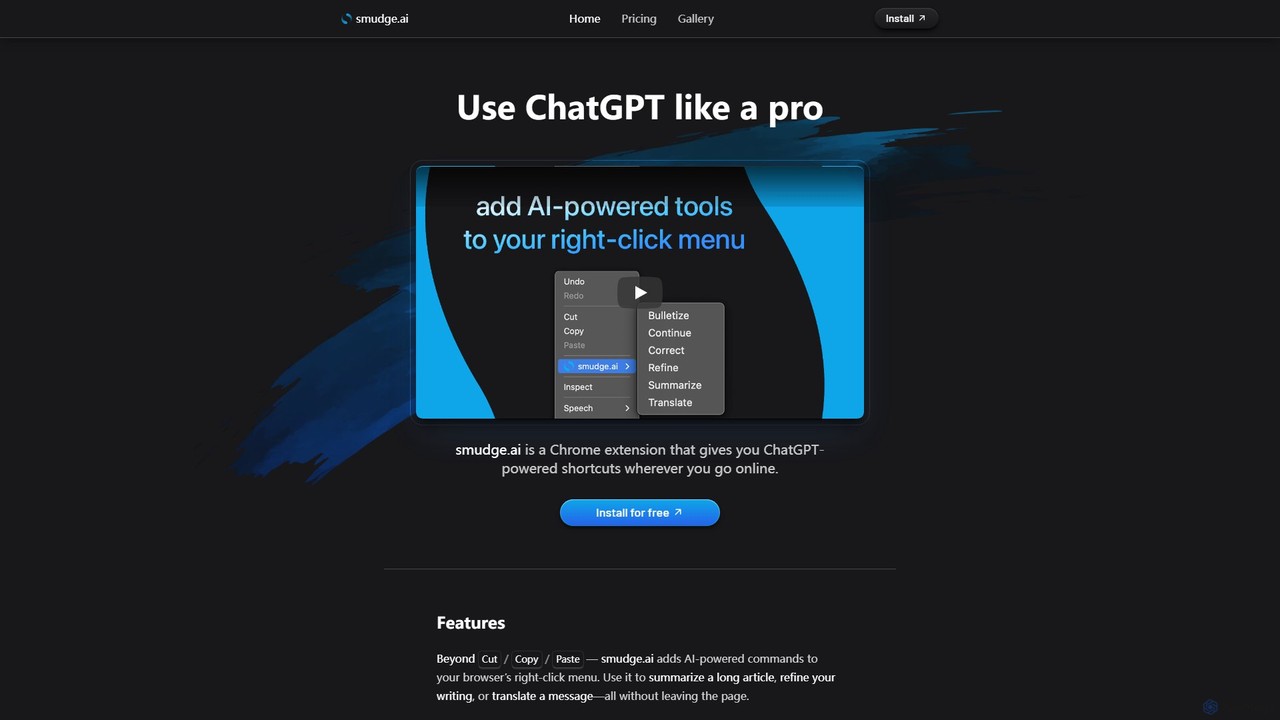
smudge.ai
smudge.ai is a powerful Chrome extension that integrates ChatGPT-powered shortcuts directly into your browser's right-click menu. Instantly summarize articles, refine your writing, translate text, and create custom commands without ever leaving your current page, streamlining your online workflow.
Chrome Extensions
KAI
KAI is an AI-powered keyboard for iPhone that integrates ChatGPT-like capabilities directly into any app. It helps you upgrade your writing, brainstorm ideas, translate text, and get instant answers, boosting your productivity and creativity on the go.
Email Assistant
Wonder AI
Wonder AI is a powerful Chrome extension that enhances your writing, editing, and reading. It integrates directly into your browser, offering one-click tools to rewrite text, check grammar, summarize articles, explain complex concepts, and translate content, boosting your daily productivity and communication skills.
Chrome ExtensionsPismo Categories
Pismo Embed Widget
Copy this embed code to place the badge on your blog, article, or product site and send readers directly to this ToolMage detail page.

Related AI tools
RewriteBar
RewriteBar is a native macOS menu bar app that acts as your personal AI writing assistant. It works seamlessly across all applications, allowing you to instantly correct grammar, change tone, translate text, summarize content, and more with a simple keyboard shortcut. It supports over 12 AI providers, including local models for ultimate privacy, offering a powerful and flexible writing enhancement experience.
Code AssistantWandpen
Wandpen is a lightweight AI writing assistant for Chrome that seamlessly integrates into your workflow. It allows you to instantly fix grammar, rewrite text, and brainstorm ideas directly on any website, including Google Docs, Reddit, and LinkedIn. By eliminating the need to switch tabs, Wandpen boosts your productivity and writing confidence using powerful AI models like GPT-4o, Claude 3.5, and Gemini.
Chrome Extensionssmudge.ai
smudge.ai is a powerful Chrome extension that integrates ChatGPT-powered shortcuts directly into your browser's right-click menu. Instantly summarize articles, refine your writing, translate text, and create custom commands without ever leaving your current page, streamlining your online workflow.
Chrome ExtensionsKAI
KAI is an AI-powered keyboard for iPhone that integrates ChatGPT-like capabilities directly into any app. It helps you upgrade your writing, brainstorm ideas, translate text, and get instant answers, boosting your productivity and creativity on the go.
Email AssistantWonder AI
Wonder AI is a powerful Chrome extension that enhances your writing, editing, and reading. It integrates directly into your browser, offering one-click tools to rewrite text, check grammar, summarize articles, explain complex concepts, and translate content, boosting your daily productivity and communication skills.
Chrome Extensions
SMARTBIRD
SMARTBIRD is an AI-powered Chrome extension designed to accelerate your writing tasks. It acts as a personal assistant, drafting high-quality emails, social media posts, and messages in seconds. By integrating directly with platforms like Gmail, LinkedIn, and WhatsApp, it helps you communicate more effectively and save significant time.
Email Assistant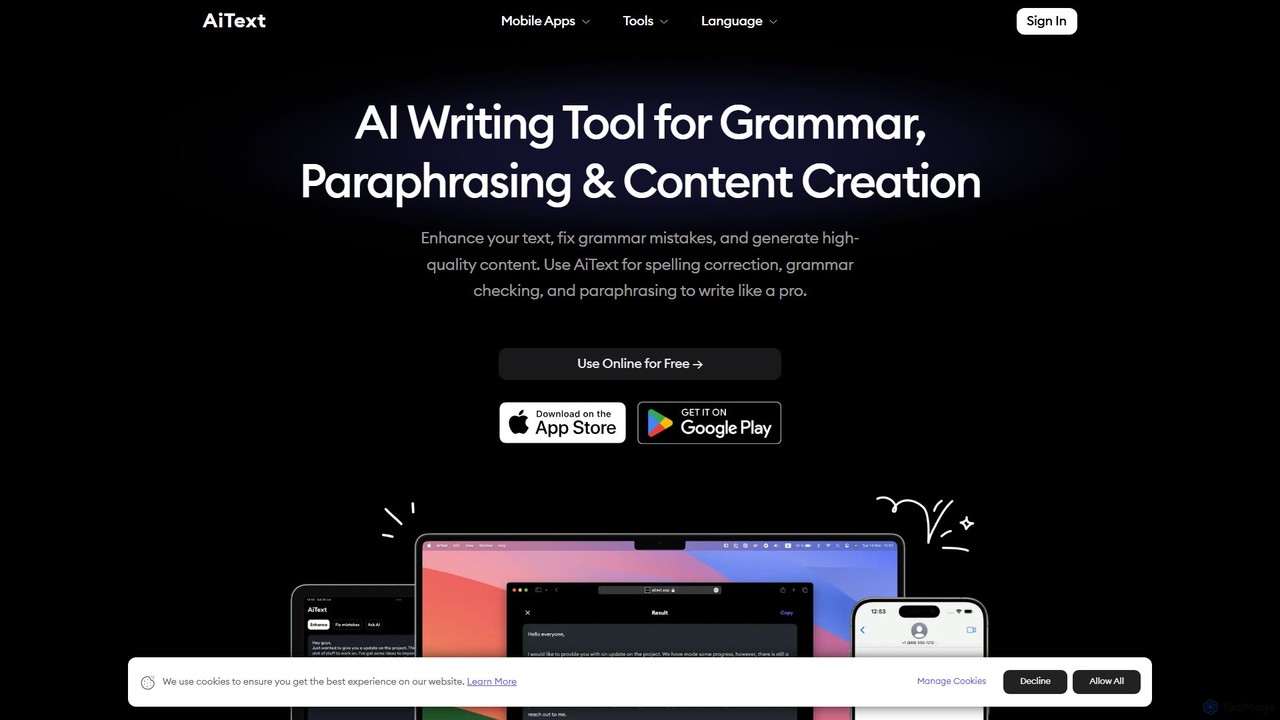
AiText
AiText is an advanced AI writing assistant designed to enhance your text, correct grammar and spelling, paraphrase sentences, and generate high-quality content. Supporting over 20 languages, it helps users write like a native, making it ideal for students, professionals, and content creators for tasks ranging from social media posts to professional documents.
Assistant
Checkget
Checkget is a smart assistant browser extension for ChatGPT, enabling users to access AI capabilities on any website with a simple keyboard shortcut (Cmd/Alt+K). It streamlines workflows by eliminating the need to switch tabs, offering context-aware assistance for tasks like writing, summarizing, translating, and code explanation.
Code Assistant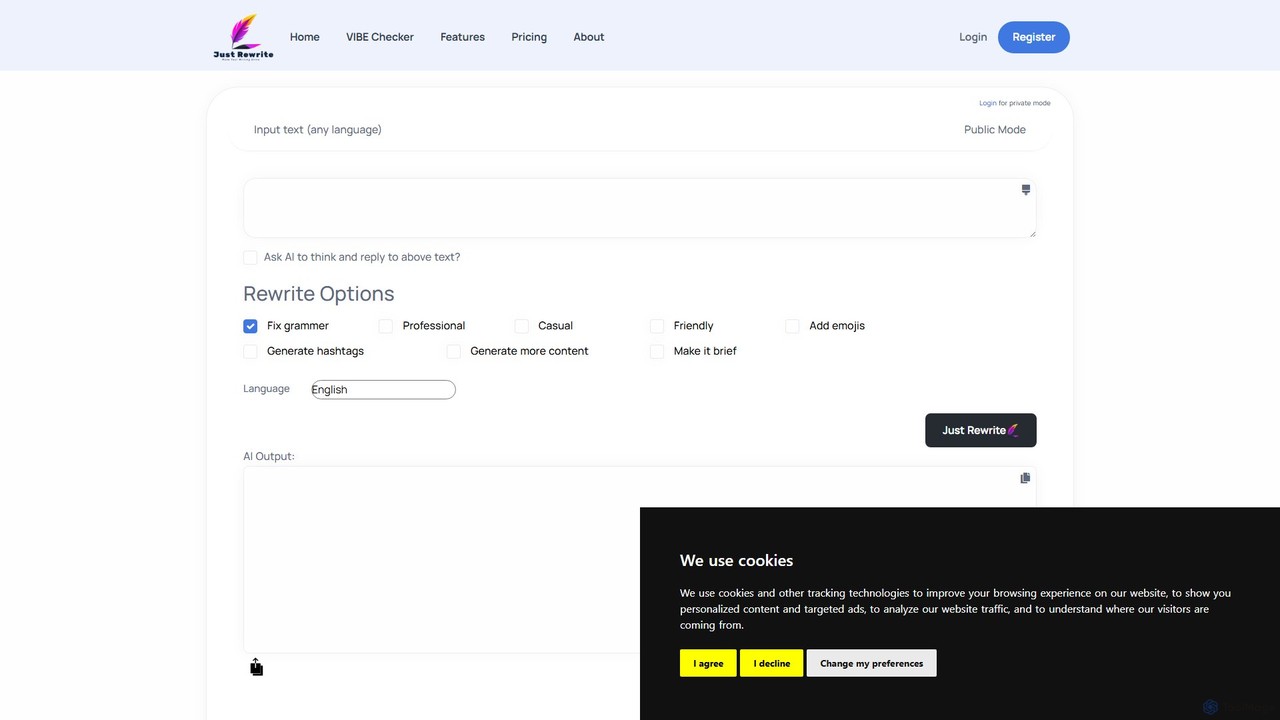
justrewrite
justrewrite is an AI-powered writing assistant designed to enhance, rephrase, and generate text. It offers grammar correction, tone adjustment, content expansion, and multilingual support to help users create polished and effective content for any purpose.
Social Media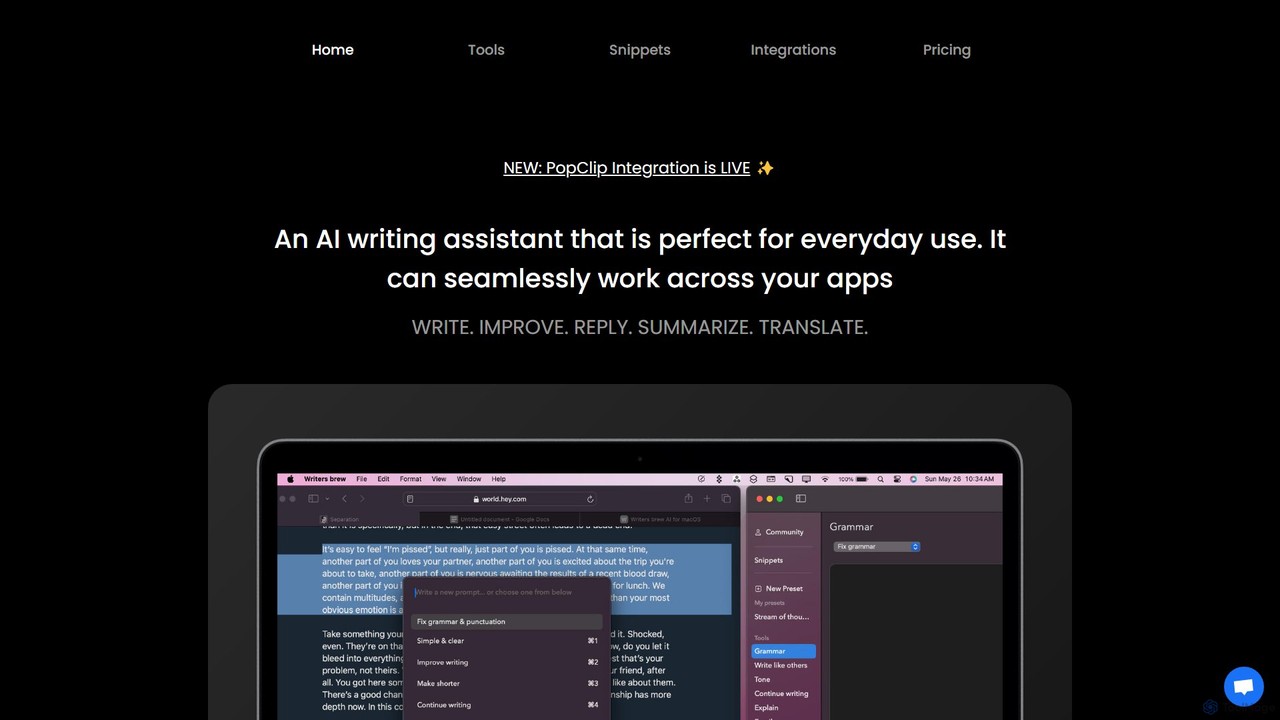
Writers brew
Writers brew is a native AI writing assistant for macOS that integrates seamlessly across all applications. It helps you write, improve, summarize, translate, and reply to text anywhere with a simple keyboard shortcut, also featuring text snippets, OCR, and other productivity utilities.
Macos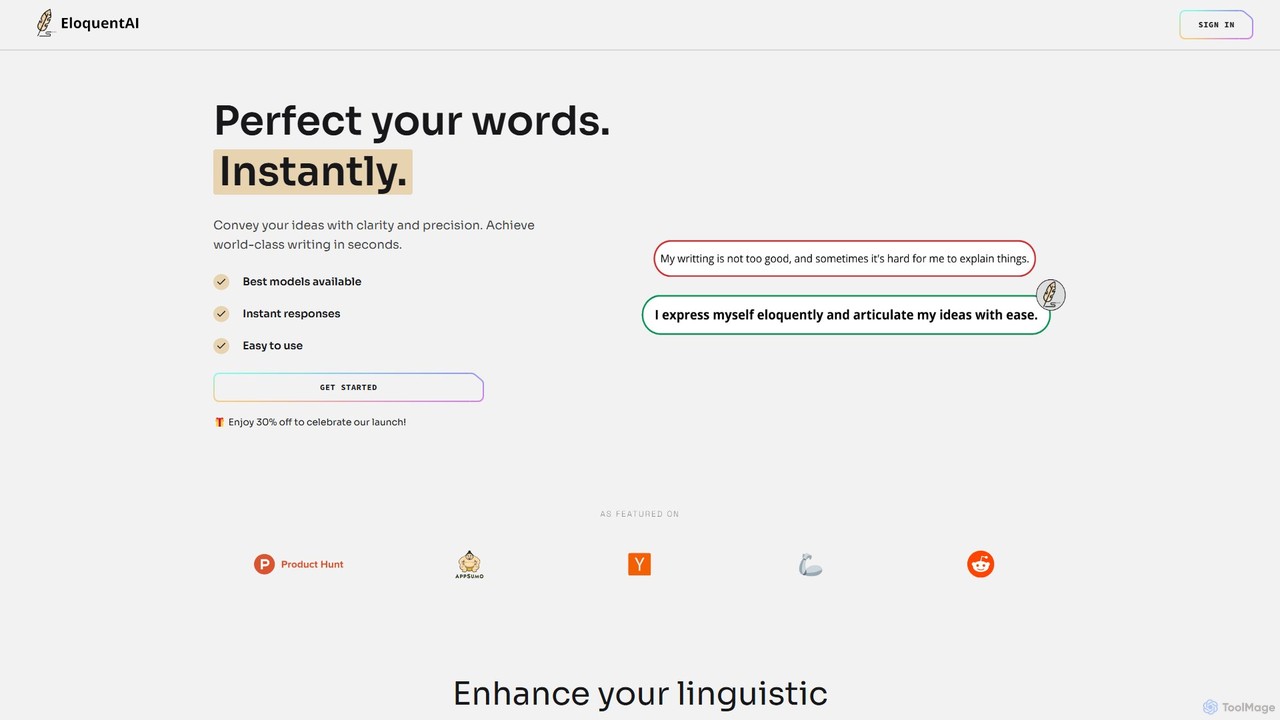
EloquentAI
EloquentAI is an AI-powered Chrome extension that instantly enhances your writing. It helps you convey ideas with clarity and precision by offering features like text enhancement, tone and length adjustment, summarization, translation, and custom prompts, all powered by leading models like GPT-4o and Llama 3.
Chrome Extensions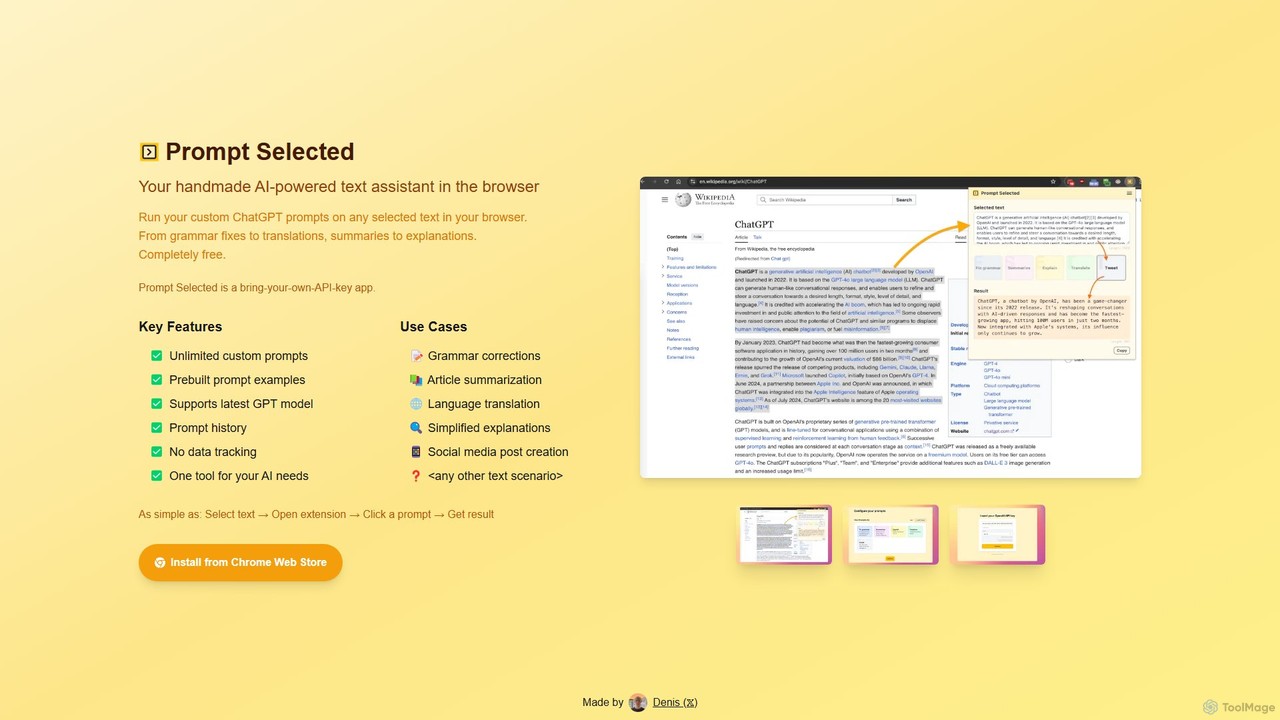
Prompt Selected
A free, privacy-focused Chrome extension that acts as your personal AI text assistant. Run unlimited custom ChatGPT prompts on any selected text directly in your browser for tasks like summarization, translation, and grammar correction using your own API key.
Prompt Engineering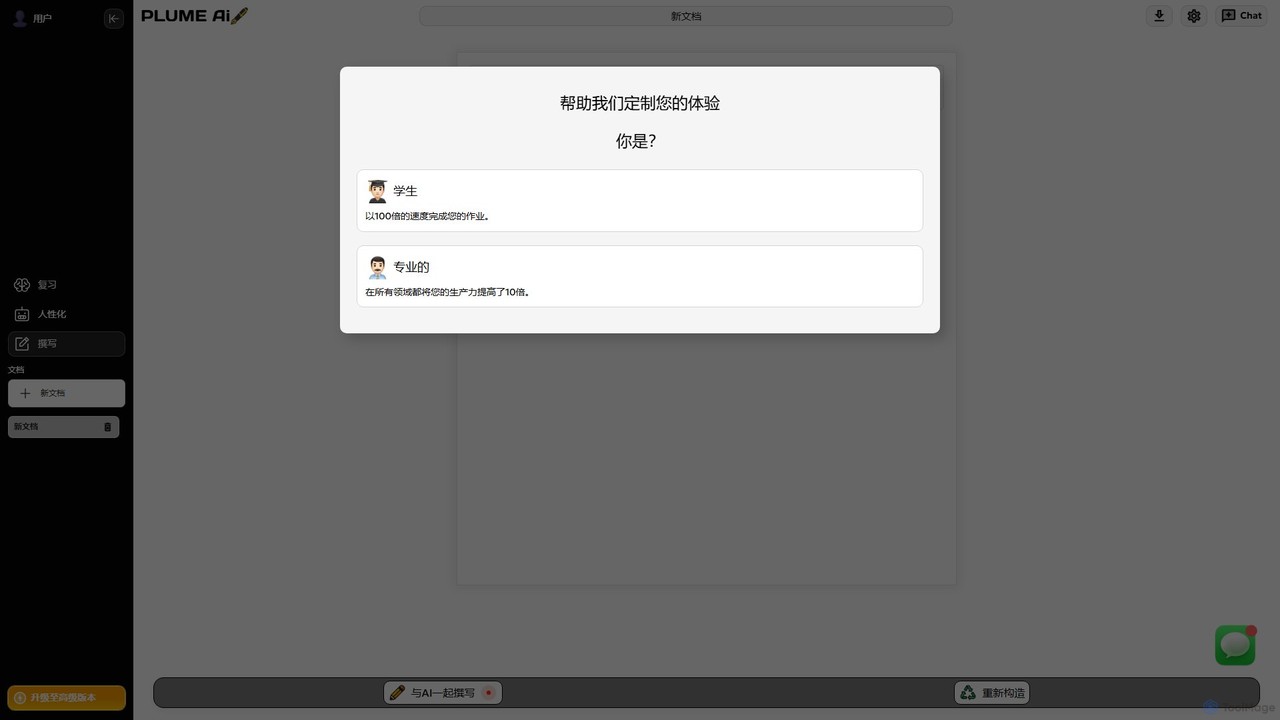
Plume AI
Plume AI is an advanced AI writing assistant designed for students and professionals. It helps you write, rephrase, review, and humanize text to enhance productivity and improve content quality. Create high-quality, natural-sounding documents 10x faster.
Academic Writing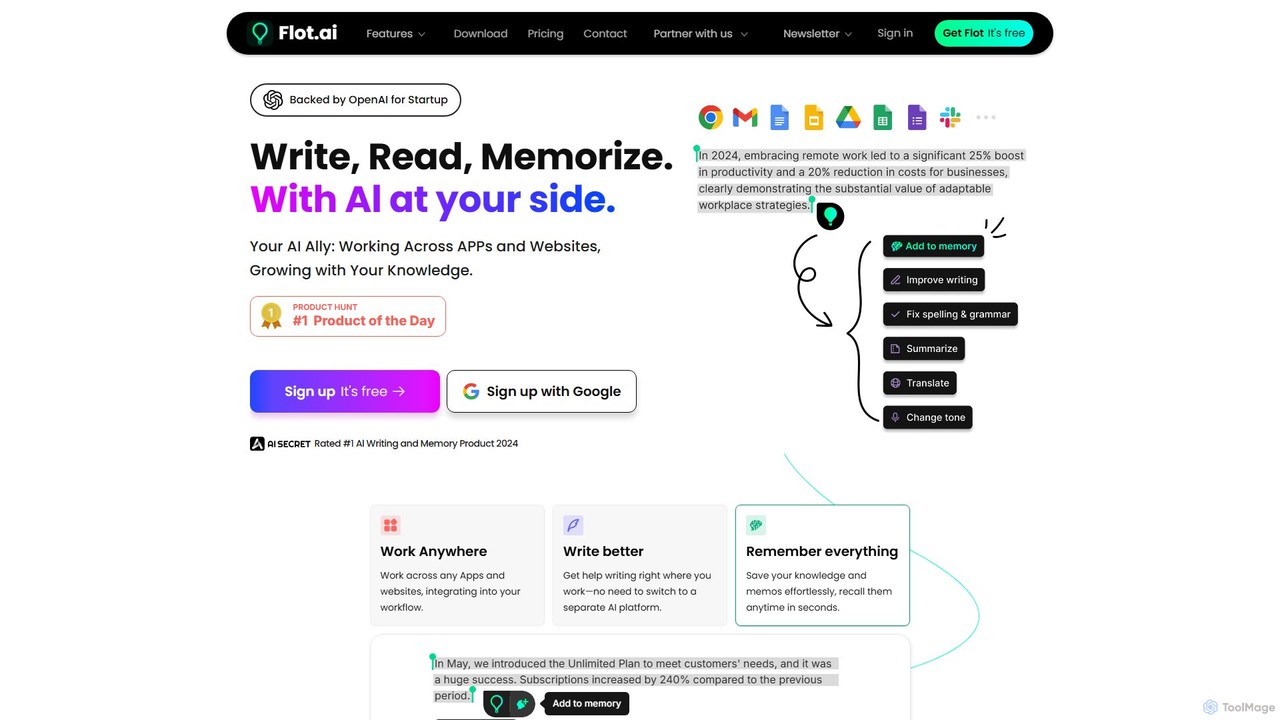
Flot.ai
Flot.ai is a versatile AI copilot designed to enhance your productivity across all applications and websites. It acts as your personal assistant for writing, reading, and memorization. Improve your text, get summaries, translate languages, and build a searchable personal knowledge base ("AI Memory") without ever leaving your current workflow.
Text Editor
Pointer AI
Pointer AI is a powerful Chrome extension that integrates ChatGPT-like capabilities directly into Google Docs. It streamlines your writing and editing process by allowing the AI to make changes directly in your document, eliminating the tedious copy-pasting and reformatting. Watch as it types out suggestions for you to approve, preserving your original document styling.
Chrome Extensions
Pismo Comments (0)
Sign in to comment.
Sign inNo comments yet.