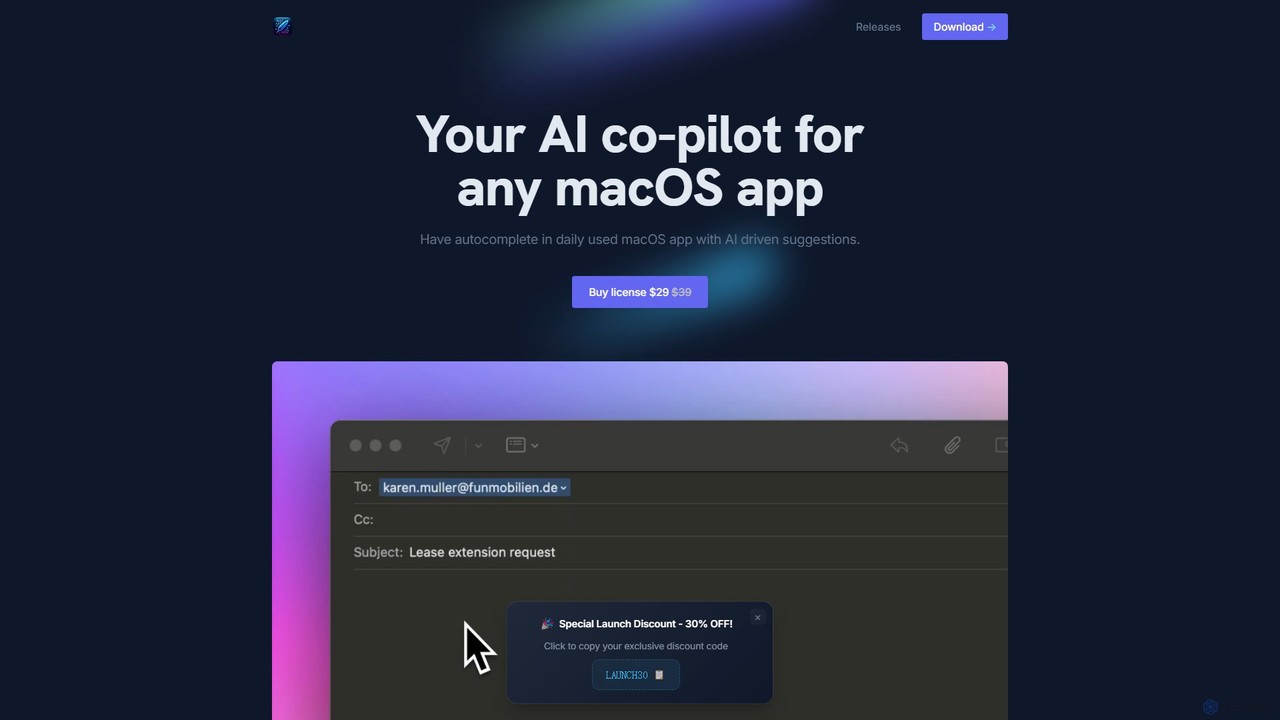
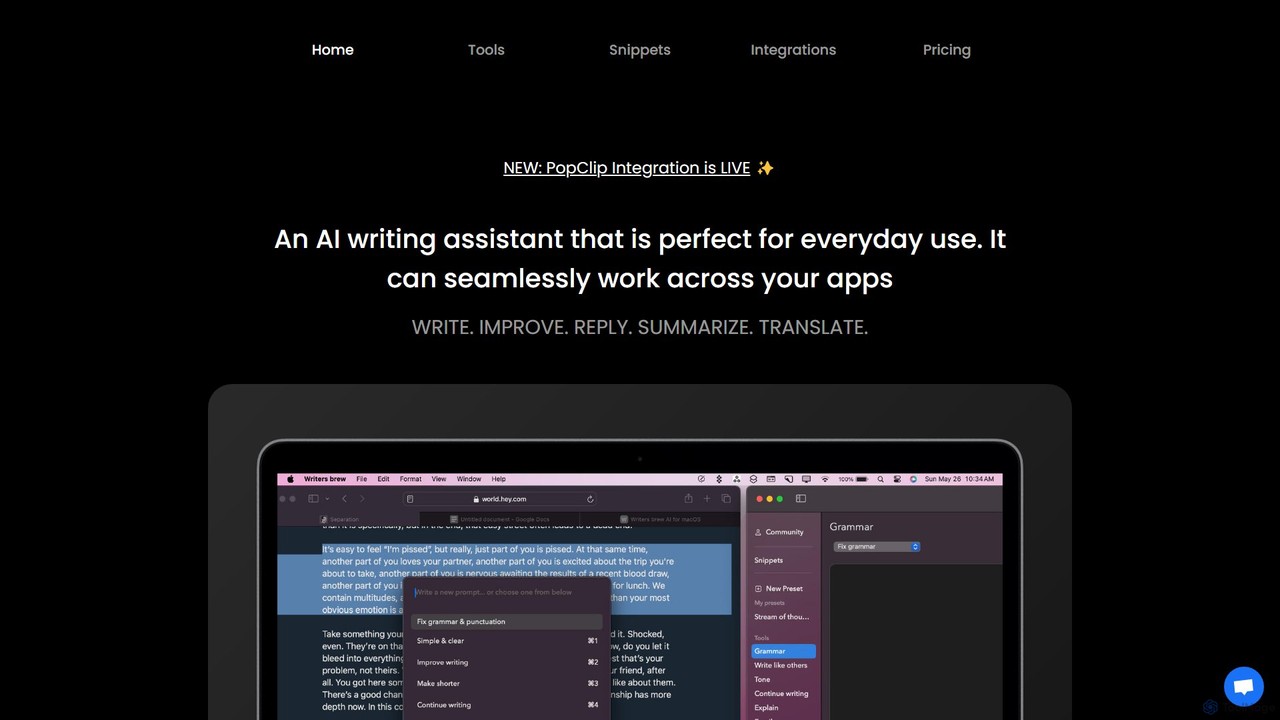
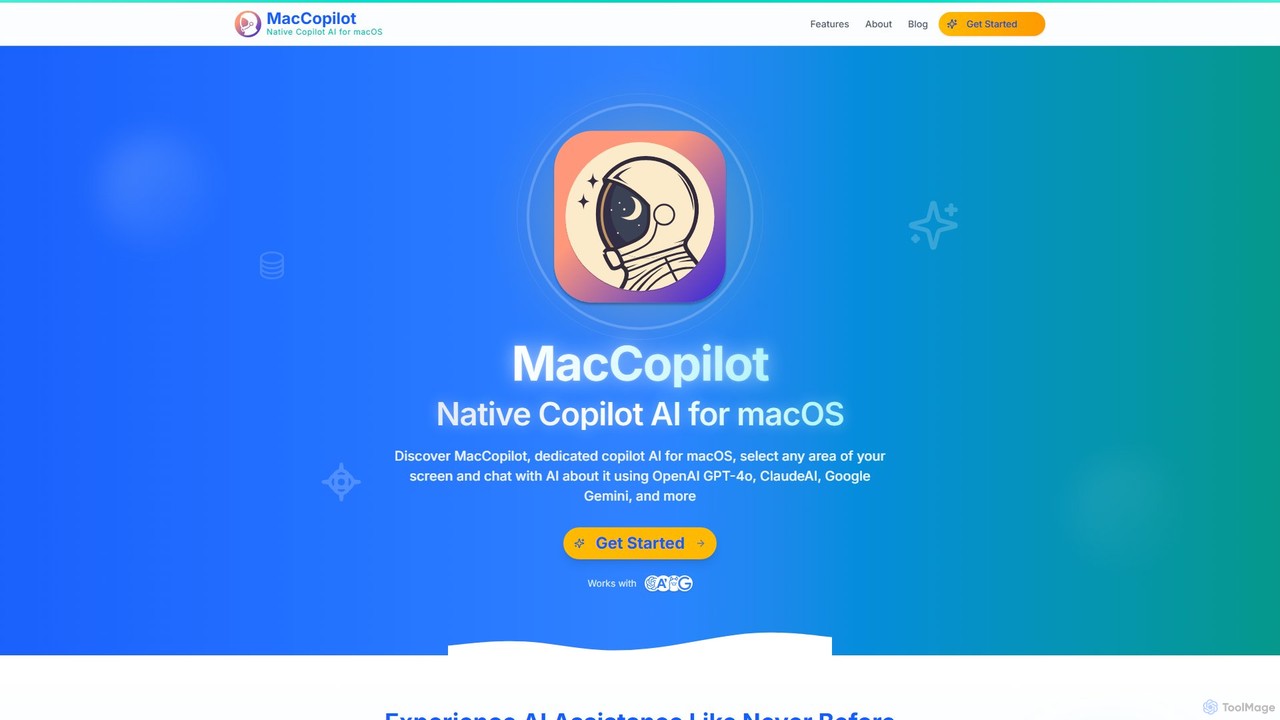
Macos AI tools are applications specifically designed and optimized to run natively on Apple's macOS operating system, leveraging its unique hardware and software capabilities. These tools integrate artificial intelligence to enhance productivity, creativity, and system performance, offering a seamless user experience consistent with the macOS ecosystem. They often utilize Apple Silicon's neural engine and Core ML for efficient on-device AI processing, providing powerful functionalities directly on your Mac, from intelligent content creation to advanced system utilities. This category distinguishes itself by prioritizing native performance and deep system integration over generic cross-platform solutions.
Core Features
- Native macOS Integration: Deeply integrates with macOS features such as Menubar apps, system Shortcuts, and interactive Widgets, enabling intuitive and efficient workflows directly within the operating system.
- Apple Silicon Optimization: Engineered to fully utilize the performance, energy efficiency, and dedicated Neural Engine of Apple's M-series chips, ensuring faster AI computations and smoother operation.
- On-Device AI Processing: Many tools leverage Core ML for local AI computations, enhancing user privacy and providing faster response times by reducing reliance on constant cloud data transfers.
- Consistent UI/UX: Adheres strictly to Apple's Human Interface Guidelines, offering a familiar, aesthetically pleasing, and highly responsive user experience that feels integral to macOS.
- Enhanced Productivity & Creativity: Provides AI-driven functionalities for a wide range of tasks, including intelligent writing assistance, advanced image and video editing, smart code completion, and automated file organization, all tailored for the Mac environment.
Applicable Scenarios
Professionals in creative fields like graphic design, video editing, and music production, as well as developers, writers, and general users, significantly benefit from macOS AI tools. They are ideal for tasks requiring high performance and deep system integration, such as generating high-quality content, automating repetitive workflows, and enhancing multimedia projects directly on their Mac. These tools excel in environments where native performance, system-level automation, and a consistent user experience are paramount.
How to Choose
When selecting macOS AI tools, prioritize their level of native integration with the operating system and specific macOS features like Shortcuts or Menubar. Evaluate their optimization for Apple Silicon, which directly impacts performance and efficiency. Consider the specific AI capabilities offered, ensuring they align with your workflow needs, and look for privacy features such as on-device processing. Finally, assess the user interface's adherence to macOS design principles for a truly seamless experience.