
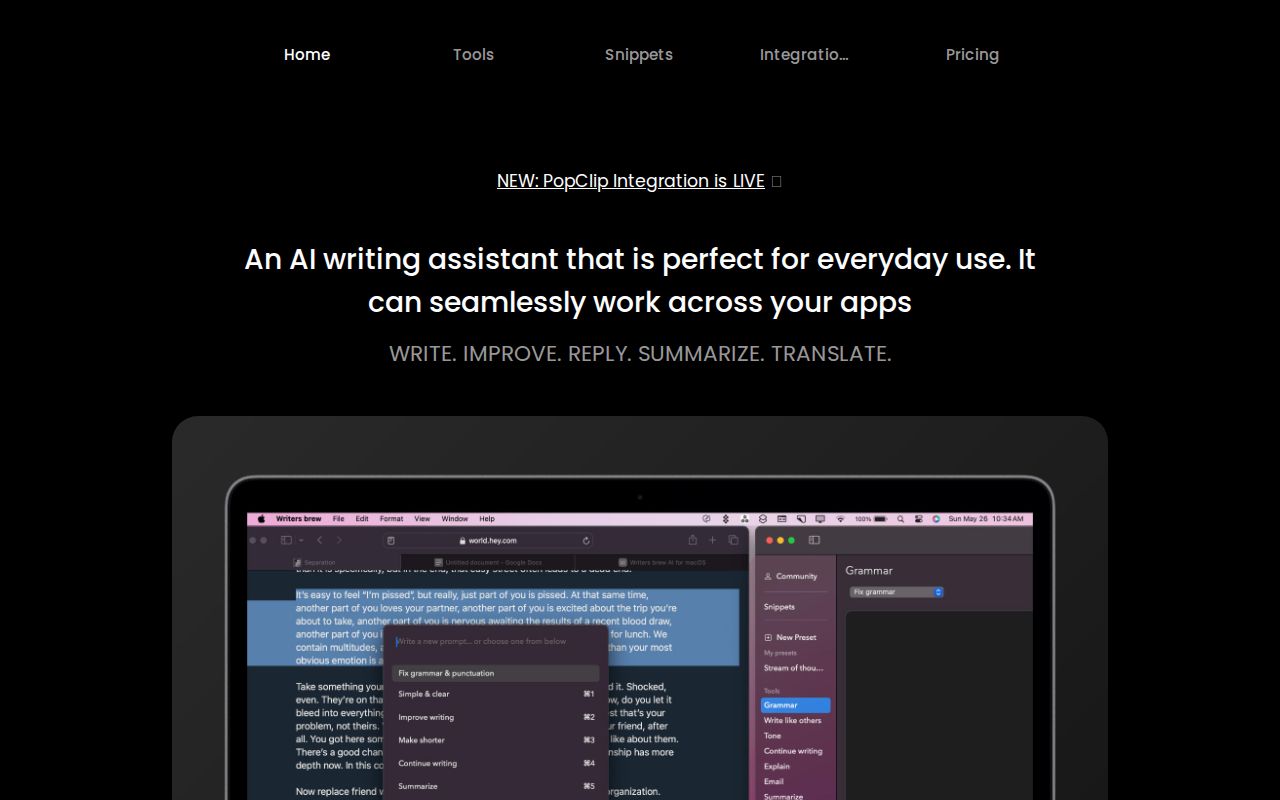
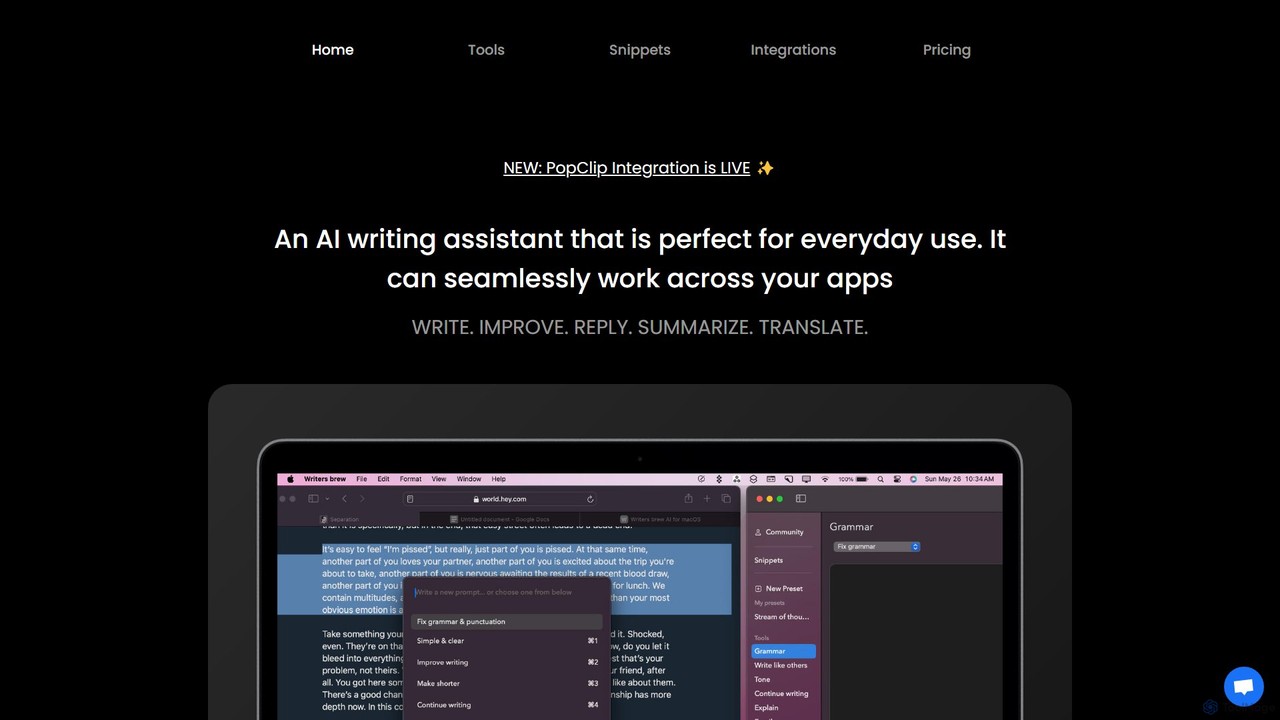
Writers brew Overview
Writers brew is a powerful, native AI writing assistant designed exclusively for macOS. It's not just another web-based tool; it's deeply integrated into the operating system, allowing users to access its features from any application. Whether you're a student, a professional, or anyone who writes on a Mac, Writers brew aims to streamline your workflow and enhance your productivity. It combines AI-powered writing assistance with practical non-AI utilities like text expansion (snippets) and Optical Character Recognition (OCR), making it a versatile all-in-one solution.
How to use Writers brew
Writers brew is designed for flexibility and can be adapted to any workflow. Here are the primary ways to use it:
- Highlight and Trigger: Simply select any text in any application (e.g., browser, email client, text editor) and press a customizable keyboard shortcut to bring up the Writers brew menu.
- Spotlight-like Search: Use a dedicated shortcut to open a search bar, similar to macOS Spotlight, where you can type your requests or access tools directly.
- Menu Bar Access: The tool is always accessible from the macOS menu bar for quick access to its features without interrupting your flow.
- Full Application Interface: For more complex tasks, you can open the full Writers brew application to manage your snippets, custom prompts, and settings.
- PopClip Integration: Writers brew integrates with PopClip, allowing you to access its AI functions directly from the PopClip menu that appears when you select text.
Core Features of Writers brew
- Contextual AI Prompts: Comes with over 30 predefined AI tools for common tasks like rewriting, summarizing, explaining complex topics, improving grammar, and changing tone.
- Build Your Own Presets (BYOP): Go beyond the built-in prompts by creating and saving your own custom AI prompts to tailor the tool to your specific needs.
- Advanced Snippets: A powerful text expansion feature, similar to TextExpander. Save hours by using short abbreviations that expand into long-form text, code, or templates. It supports smart placeholders like {date}, {time}, and {clipboard}, as well as custom form fields for dynamic content.
- AI-Powered OCR: Instantly extract text from any image, screenshot, or non-selectable text on your screen. Just select an area, and the tool will convert the image to editable text.
- Productivity Utilities: A suite of non-AI text manipulation tools to handle mundane tasks efficiently, such as Find & Replace across multiple lines, adding prefixes/suffixes, and changing text case.
- Instant Translation: Translate text into more than 15 languages on the fly, directly within the app you're using.
- System-Wide Integration: As a native macOS app, it works seamlessly across your entire system, including browsers, word processors, messaging apps, and development environments.
Use Cases for Writers brew
- Students: Summarize long research papers, explain difficult concepts, translate academic articles, and proofread essays for clarity and grammar.
- Professionals & Marketers: Draft and reply to emails in seconds, refine reports and presentations, generate creative marketing copy, and brainstorm ideas.
- Developers: Explain code snippets, write clear documentation, and use the snippets feature for boilerplate code to speed up development.
- Everyday Users: Quickly compose social media replies, translate foreign language text, and correct spelling and grammar mistakes in any application.
Advantages of Writers brew
- Native macOS Experience: Being a native app, it's faster, more responsive, and more deeply integrated than web-based alternatives.
- All-in-One Productivity Hub: It replaces multiple separate tools (AI writer, text expander, OCR app, translator) with one cohesive and cost-effective application.
- Workflow Flexibility: Multiple activation methods (keyboard shortcuts, menu bar, PopClip) allow users to choose the most efficient way to work.
- Cost-Effective Model: Writers brew is offered as a one-time purchase, providing a lifetime license without recurring subscription fees, which is a significant advantage over many competing services.
Pricing and Plans
Writers brew follows a simple and transparent pricing model. It is available as a one-time purchase for a lifetime license. This single payment grants you access to all current and future features of the application. While the price may vary due to promotions, it offers a highly cost-effective solution compared to subscription-based AI writing tools. Please check the official website for the most current pricing and any available discounts.
Traffic
Latest traffic
Status
Monthly traffic trend
- 2025-9: 833
- 2026-1: 305
- 2026-2: 1.1K
- 2026-3: 1.4K
- 2026-4: 1.0K
- 2026-5: 133
Geography
Top 5 countries / regions
- 🇺🇸United States100.0%
Top keywords
| Keyword | Cost per click |
|---|---|
| brew ai | $0.00 |
| brew app | $0.00 |
| brew mc text editor | $0.00 |
| is there an ai which can do script editor writes and reads in mac | $0.00 |
Writers brew Alternatives
Remail
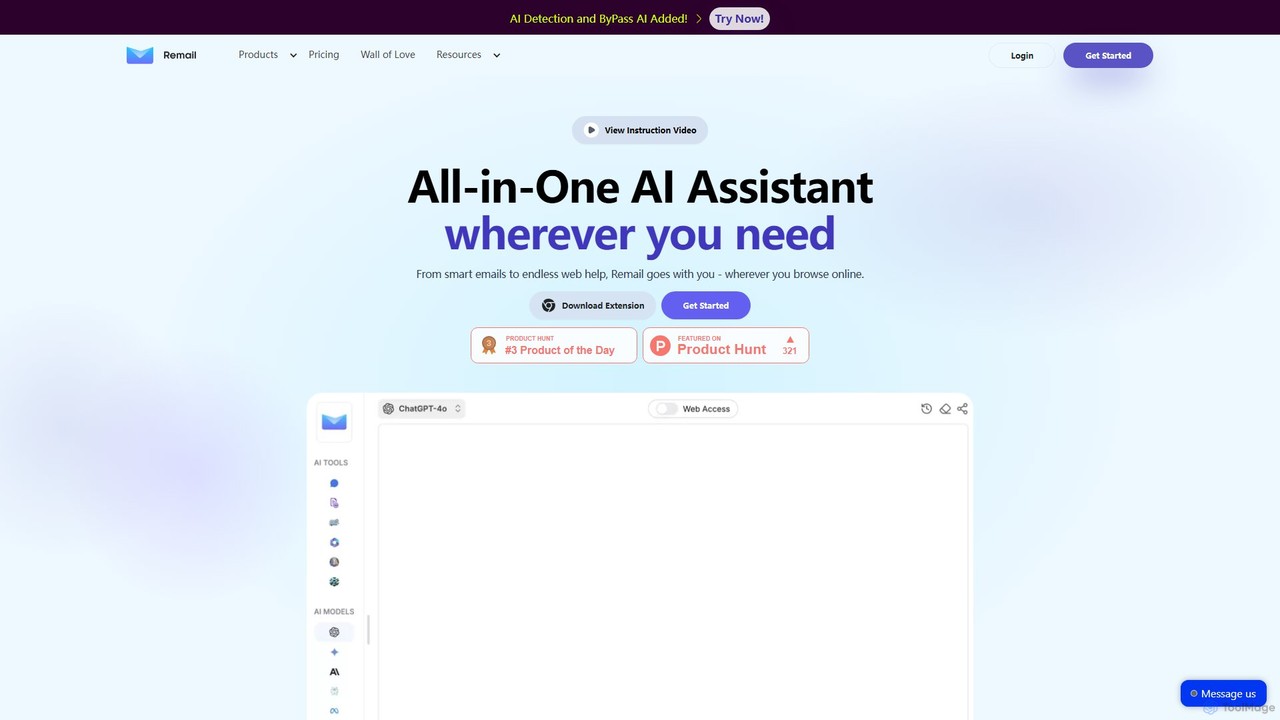
Remail is an all-in-one AI assistant and Chrome extension designed to boost productivity. It helps you write and reply to emails 10x faster, summarize web pages, chat with documents and YouTube videos, generate content, and much more, directly within your browser.
Chrome Extensions
ChatGPT Writer
ChatGPT Writer is a powerful AI browser extension that integrates seamlessly into any website. Powered by models like GPT-4.1, Claude, and Gemini, it helps you write emails, fix grammar, translate text, summarize content, and more, directly within your workflow, eliminating the need to switch tabs.
Chrome Extensions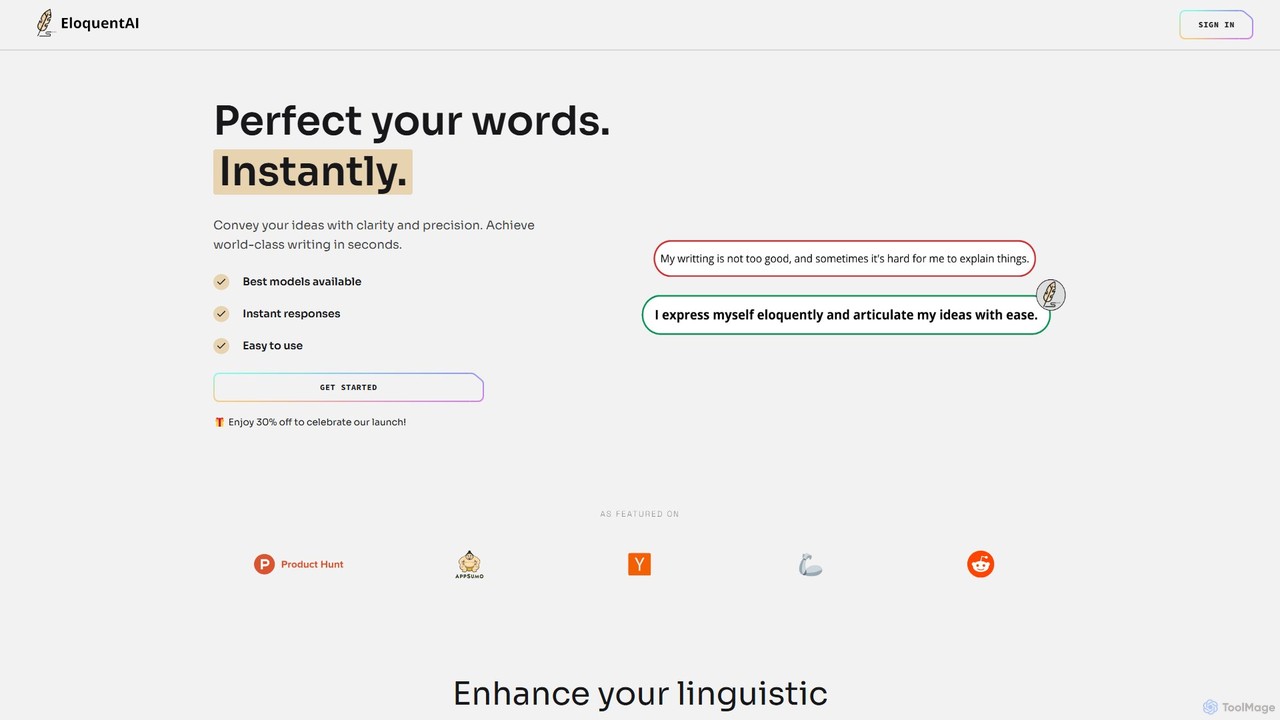
EloquentAI
EloquentAI is an AI-powered Chrome extension that instantly enhances your writing. It helps you convey ideas with clarity and precision by offering features like text enhancement, tone and length adjustment, summarization, translation, and custom prompts, all powered by leading models like GPT-4o and Llama 3.
Chrome Extensions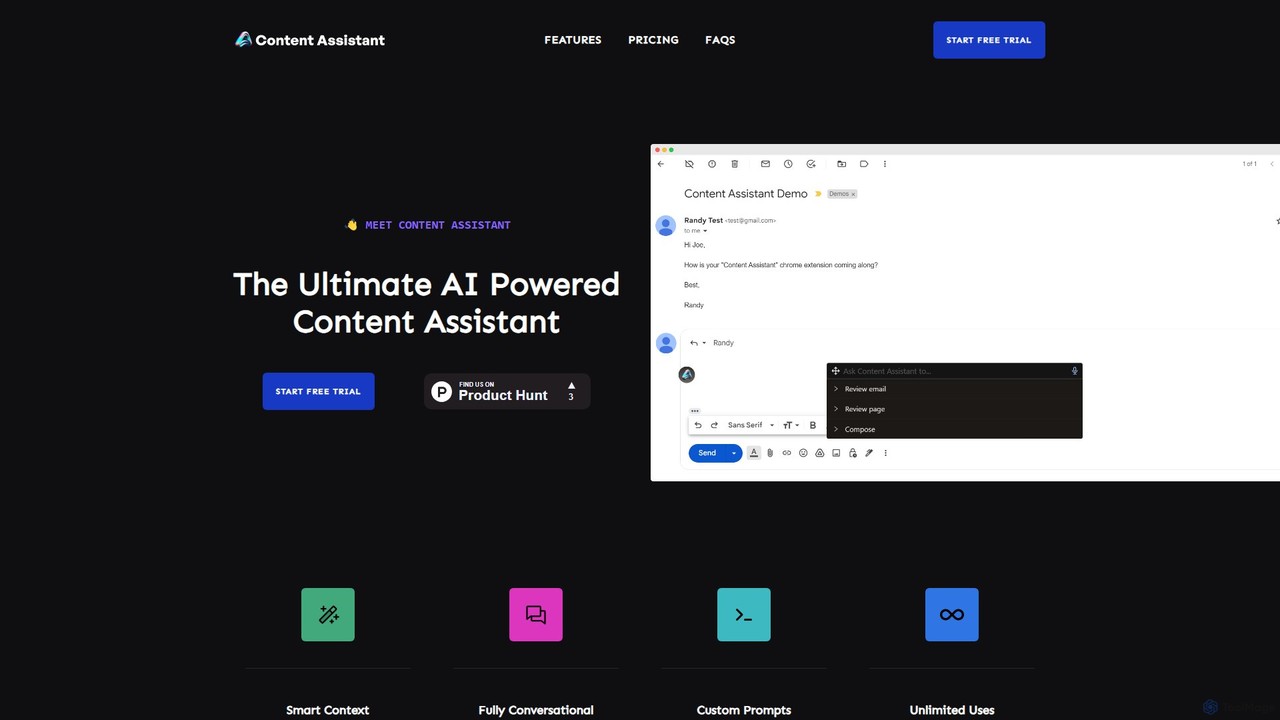
Content Assistant
A powerful AI browser extension that acts as your co-pilot for all content tasks. It intelligently uses page context to help you write, edit, summarize, translate, and reply to emails directly within your browser, boosting productivity and enhancing your workflow.
Chrome Extensions
Grammarly
Grammarly is an AI-powered writing assistant that helps you communicate more effectively. It goes beyond basic grammar and spelling checks to offer suggestions on style, tone, and clarity. Trusted by millions, Grammarly integrates seamlessly into your workflow across various platforms, providing real-time feedback to enhance your emails, documents, and social media posts. Its generative AI features can also help you brainstorm, compose, and rewrite text instantly.
CommunicationWriters brew Categories
Writers brew Embed Widget
Copy this embed code to place the badge on your blog, article, or product site and send readers directly to this ToolMage detail page.

Related AI tools
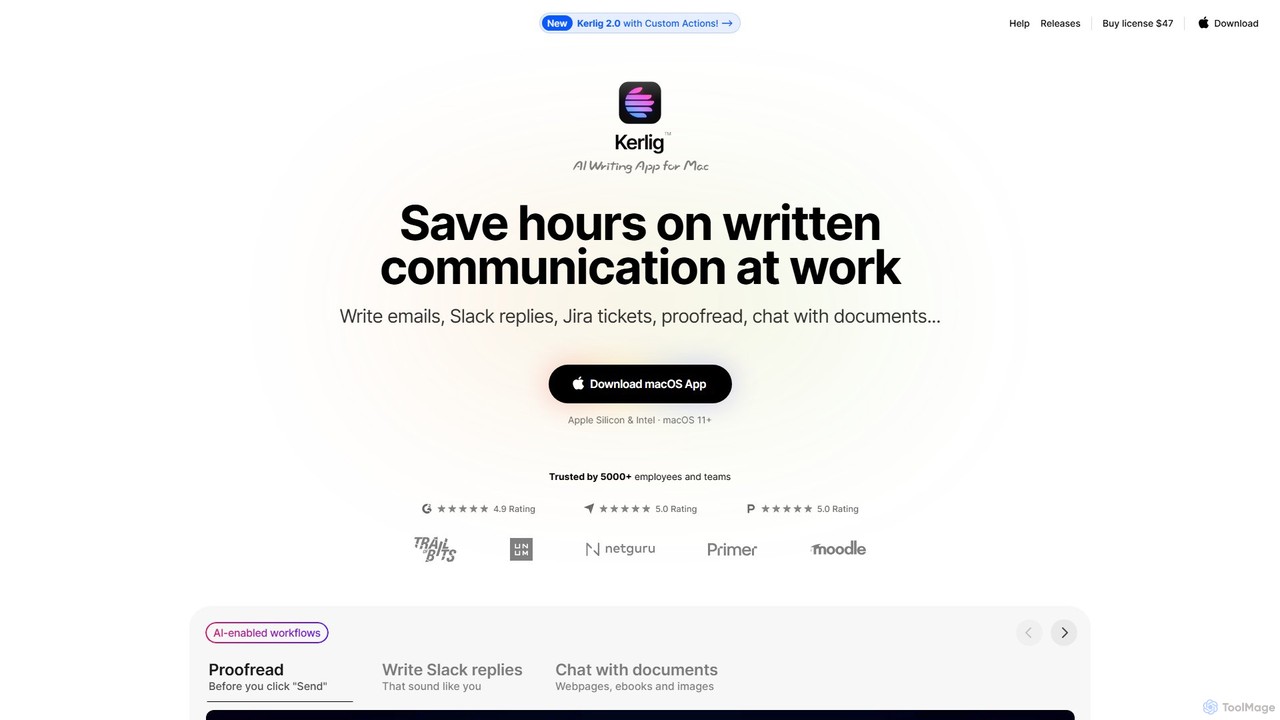
Kerlig
Kerlig is a native AI writing assistant for macOS designed to streamline your communication. It integrates seamlessly into your workflow, allowing you to write emails, proofread text, chat with documents, and generate content using over 350 AI models. With custom actions and a focus on privacy, Kerlig saves you hours by bringing powerful AI to your fingertips, without ever leaving your current application.
Mac Apps
RewriteBar
RewriteBar is a native macOS menu bar app that acts as your personal AI writing assistant. It works seamlessly across all applications, allowing you to instantly correct grammar, change tone, translate text, summarize content, and more with a simple keyboard shortcut. It supports over 12 AI providers, including local models for ultimate privacy, offering a powerful and flexible writing enhancement experience.
Code Assistant
Wonder AI
Wonder AI is a powerful Chrome extension that enhances your writing, editing, and reading. It integrates directly into your browser, offering one-click tools to rewrite text, check grammar, summarize articles, explain complex concepts, and translate content, boosting your daily productivity and communication skills.
Chrome ExtensionsRemail
Remail is an all-in-one AI assistant and Chrome extension designed to boost productivity. It helps you write and reply to emails 10x faster, summarize web pages, chat with documents and YouTube videos, generate content, and much more, directly within your browser.
Chrome ExtensionsChatGPT Writer
ChatGPT Writer is a powerful AI browser extension that integrates seamlessly into any website. Powered by models like GPT-4.1, Claude, and Gemini, it helps you write emails, fix grammar, translate text, summarize content, and more, directly within your workflow, eliminating the need to switch tabs.
Chrome ExtensionsEloquentAI
EloquentAI is an AI-powered Chrome extension that instantly enhances your writing. It helps you convey ideas with clarity and precision by offering features like text enhancement, tone and length adjustment, summarization, translation, and custom prompts, all powered by leading models like GPT-4o and Llama 3.
Chrome ExtensionsContent Assistant
A powerful AI browser extension that acts as your co-pilot for all content tasks. It intelligently uses page context to help you write, edit, summarize, translate, and reply to emails directly within your browser, boosting productivity and enhancing your workflow.
Chrome Extensions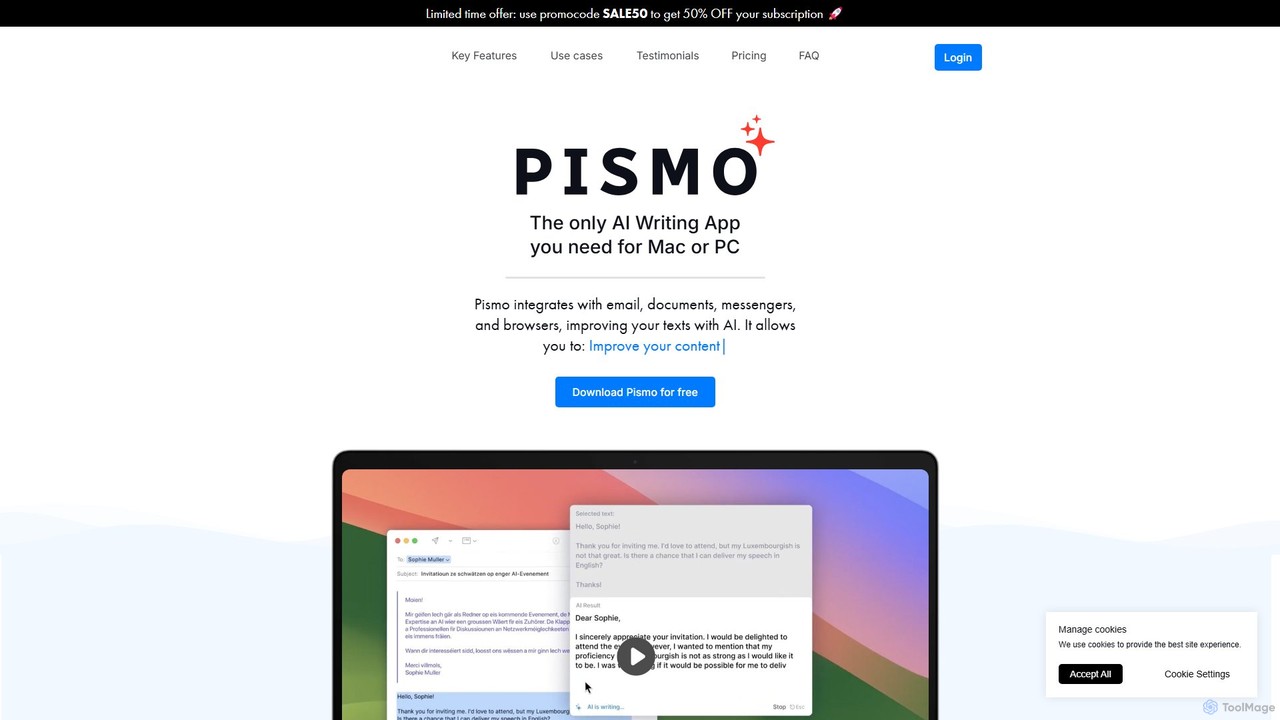
Pismo
Pismo is a native AI writing assistant for Mac and Windows. It integrates seamlessly into any application, allowing you to improve writing, fix grammar, translate text, change tone, and use custom prompts with hotkeys to boost your productivity.
Paraphraser
Pointer AI
Pointer AI is a powerful Chrome extension that integrates ChatGPT-like capabilities directly into Google Docs. It streamlines your writing and editing process by allowing the AI to make changes directly in your document, eliminating the tedious copy-pasting and reformatting. Watch as it types out suggestions for you to approve, preserving your original document styling.
Chrome Extensions
KAI
KAI is an AI-powered keyboard for iPhone that integrates ChatGPT-like capabilities directly into any app. It helps you upgrade your writing, brainstorm ideas, translate text, and get instant answers, boosting your productivity and creativity on the go.
Email Assistant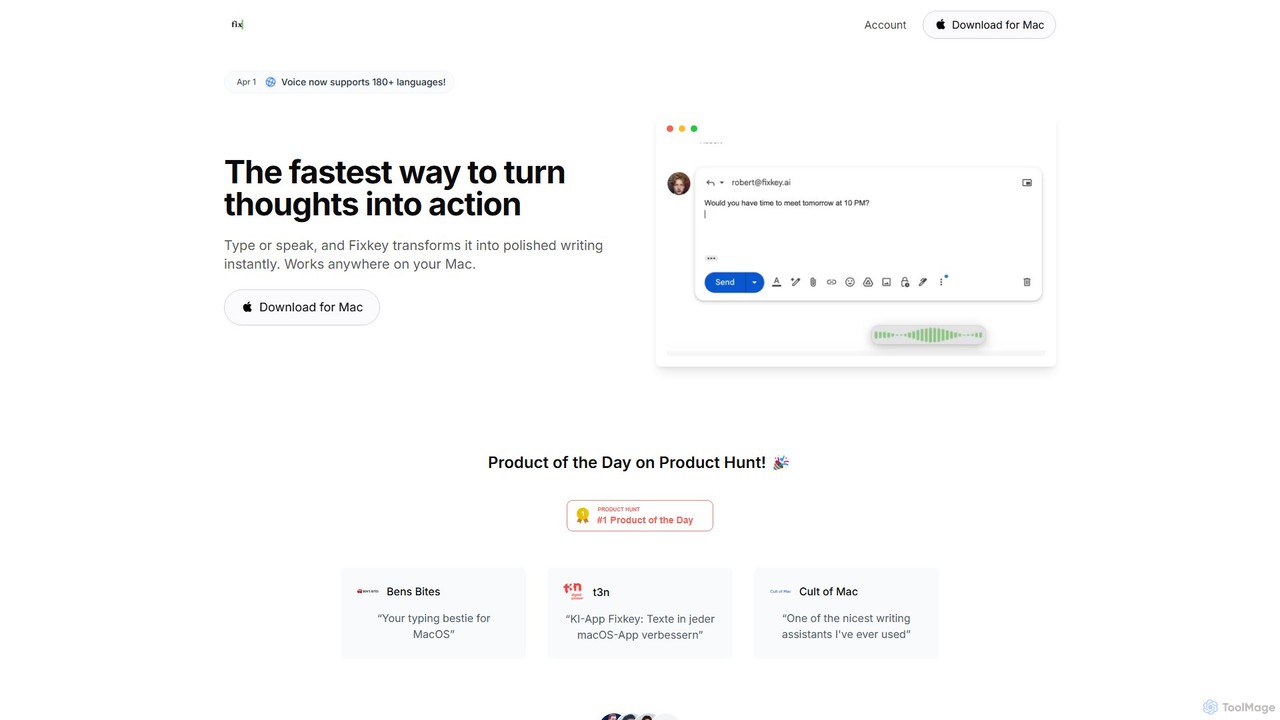
Fixkey
Fixkey is a native AI writing assistant for macOS that enhances your productivity. It transforms your voice or text into polished, professional writing instantly, working seamlessly across all Mac applications. Features include real-time speech-to-text, one-click text improvement, translation into over 180 languages, and customizable AI prompts.
Response Management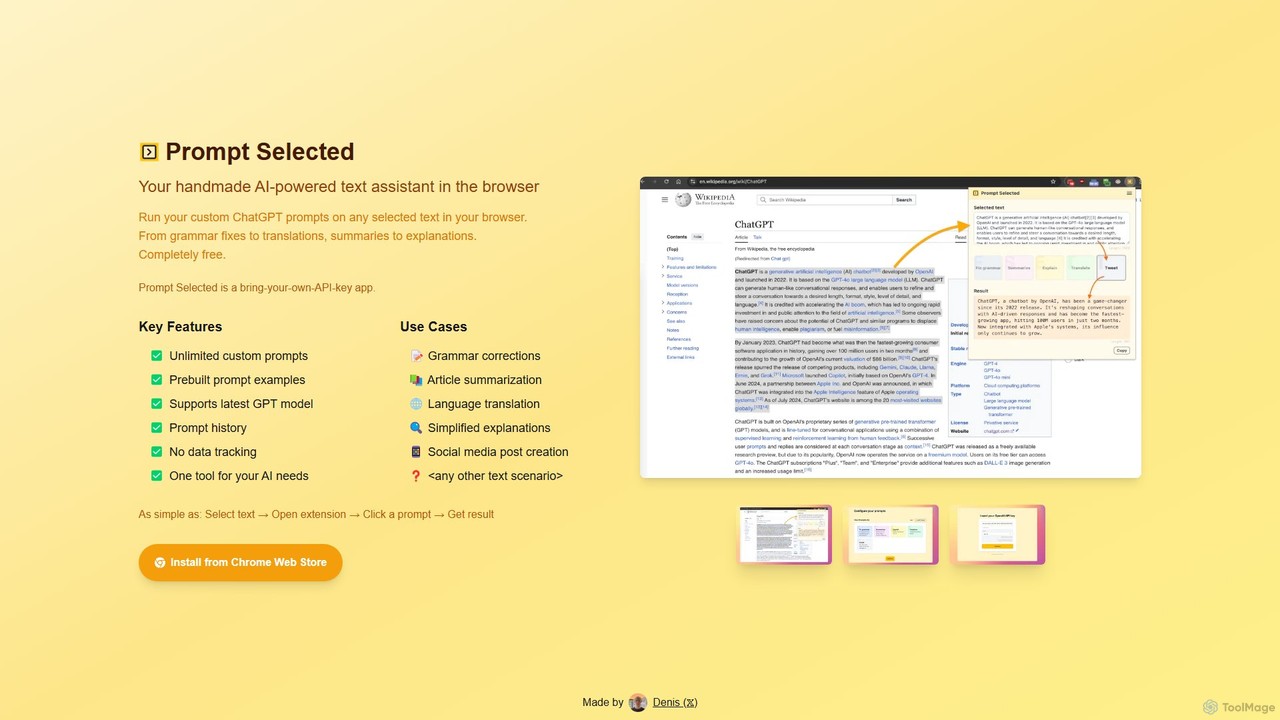
Prompt Selected
A free, privacy-focused Chrome extension that acts as your personal AI text assistant. Run unlimited custom ChatGPT prompts on any selected text directly in your browser for tasks like summarization, translation, and grammar correction using your own API key.
Prompt EngineeringGrammarly
Grammarly is an AI-powered writing assistant that helps you communicate more effectively. It goes beyond basic grammar and spelling checks to offer suggestions on style, tone, and clarity. Trusted by millions, Grammarly integrates seamlessly into your workflow across various platforms, providing real-time feedback to enhance your emails, documents, and social media posts. Its generative AI features can also help you brainstorm, compose, and rewrite text instantly.
Communication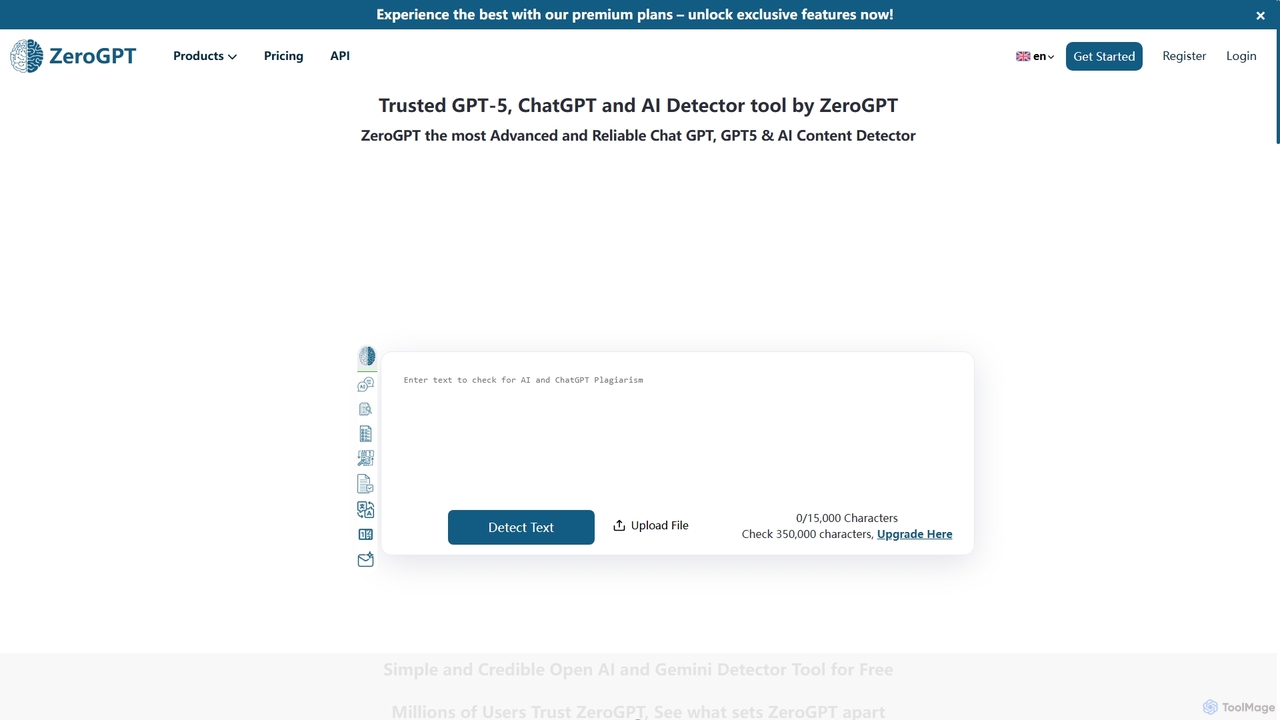
ZeroGPT
ZeroGPT is an advanced AI content detector and a comprehensive writing toolkit. It accurately identifies text generated by models like ChatGPT, GPT-5, and Gemini. The platform also offers a suite of tools including a plagiarism checker, paraphraser, summarizer, grammar check, and more to enhance writing quality and ensure originality.
Academic Integrity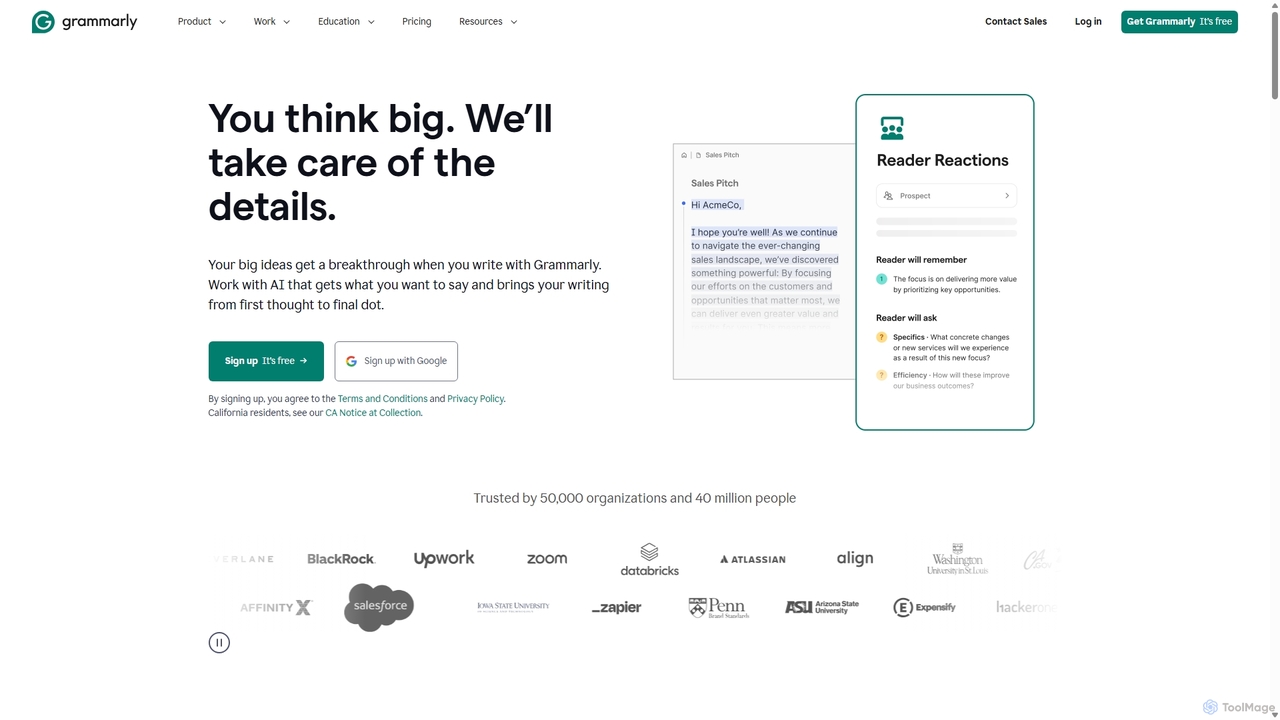
Grammarly
Grammarly is an AI-powered writing assistant that helps you communicate more effectively. It goes beyond basic grammar and spelling checks to offer real-time suggestions on clarity, conciseness, tone, and style. Trusted by millions, Grammarly integrates seamlessly across desktops, web browsers, and mobile devices to ensure your writing is always clear, confident, and mistake-free.
Learning
Writers brew Comments (0)
Sign in to comment.
Sign inNo comments yet.