ToolMage
Sign in

Best 8 Text Editing AI tools for Productivity

Popular Text Editing AI tools in Productivity include Humanize AI Text, PaperTyper, GPTBypass, unicodetokruti, HumanizarTextoIA, Boost Editor, Writers brew, and AI Humaniser, helping you work more efficiently.

AI Humaniser
Free

AI Humaniser

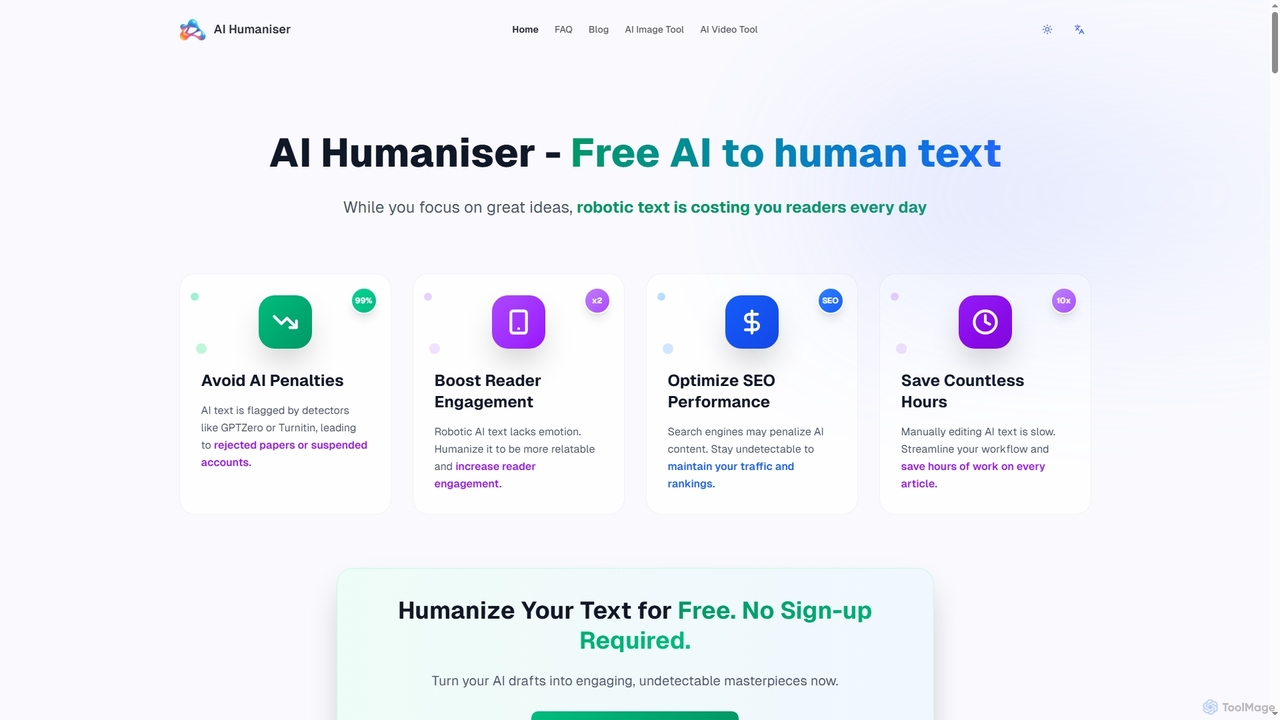
AI Humaniser is a free online tool that transforms robotic, AI-generated text into natural, engaging, and human-quality content. It helps users bypass AI detection, boost reader engagement, and improve SEO performance without requiring any login or subscription.

Text Editing
Visits 4.2KFavorites 126Likes 111
unicodetokruti
Free

unicodetokruti

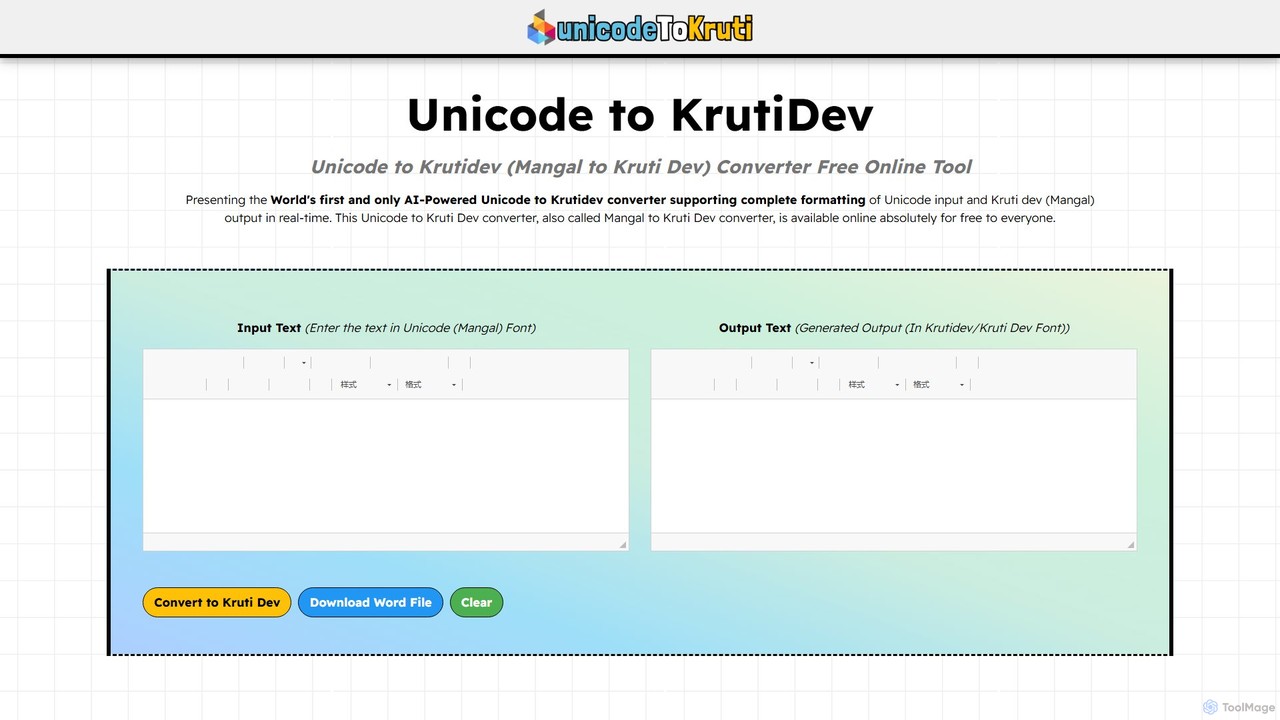
A free, AI-powered online tool for converting Devanagari text from Unicode (Mangal font) to the legacy Kruti Dev font. It offers real-time conversion with no word limits or login requirements. Ideal for government officials, content creators, and designers, it features a rich text editor, allows downloading as a Word file, and ensures data privacy.

Text Editing
Visits 7.3KFavorites 111Likes 108
HumanizarTextoIA
Free

HumanizarTextoIA

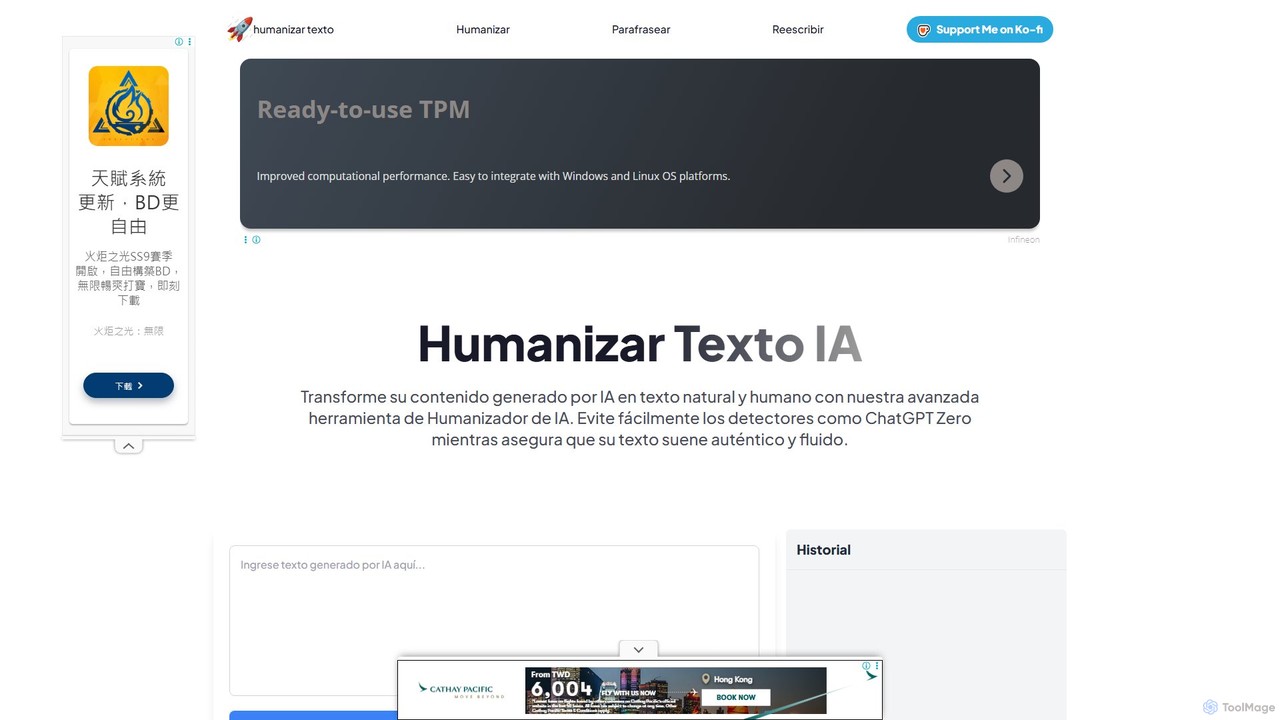
A free, no-registration AI tool that transforms AI-generated text into natural, human-like content. It functions as an AI humanizer, paraphraser, and rewriter to bypass AI detectors, enhance quality, and ensure authenticity. Ideal for writers, students, and marketers.

Text Editing
Visits 5KFavorites 77Likes 89
Boost Editor
Freemium

Boost Editor

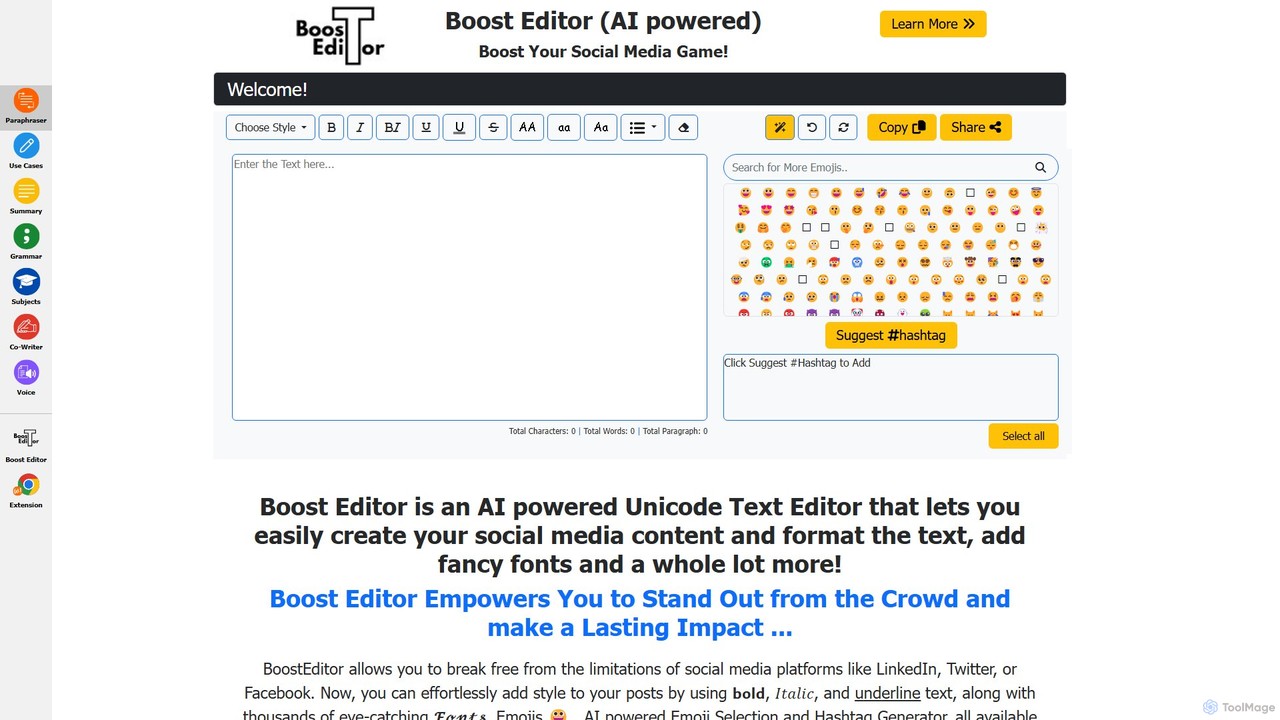
Boost Editor is an AI-powered Unicode text editor and formatter designed to make your social media content stand out. Instantly convert plain text into a variety of stylish fonts, including bold, italics, and script styles. Perfect for creating eye-catching posts, bios, and headlines for LinkedIn, Facebook, Twitter, and more, helping to increase engagement and brand visibility.

Social Media Marketing
Visits 4.8KFavorites 102Likes 118
GPTBypass
Free

GPTBypass

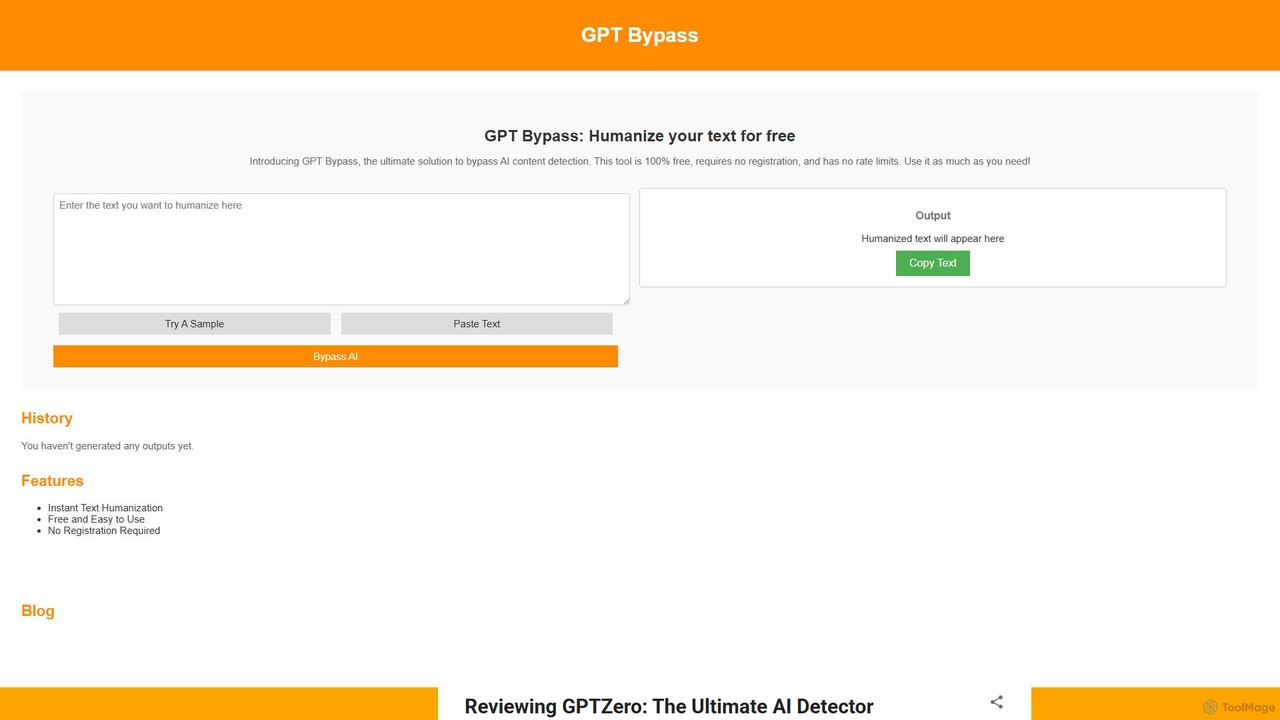
GPTBypass is a 100% free AI tool designed to humanize AI-generated text. It rewrites content from models like ChatGPT to make it completely undetectable by leading AI detectors such as GPTZero, Turnitin, and QuillBot. This ensures your content appears original, authentic, and human-written, helping you bypass detection systems effortlessly.

Text Editing
Visits 7.8KFavorites 101Likes 109
Writers brew
Paid

Writers brew

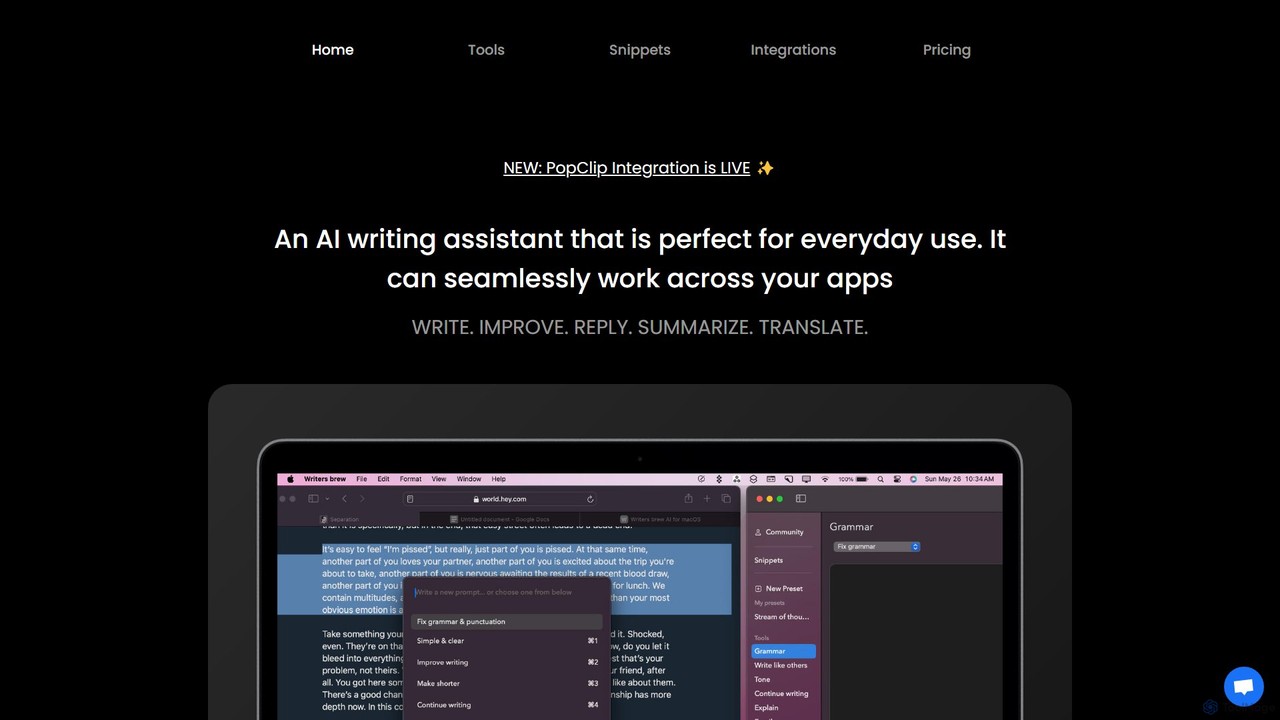
Writers brew is a native AI writing assistant for macOS that integrates seamlessly across all applications. It helps you write, improve, summarize, translate, and reply to text anywhere with a simple keyboard shortcut, also featuring text snippets, OCR, and other productivity utilities.

Macos
Visits 4.3KFavorites 103Likes 111
PaperTyper
Free

PaperTyper

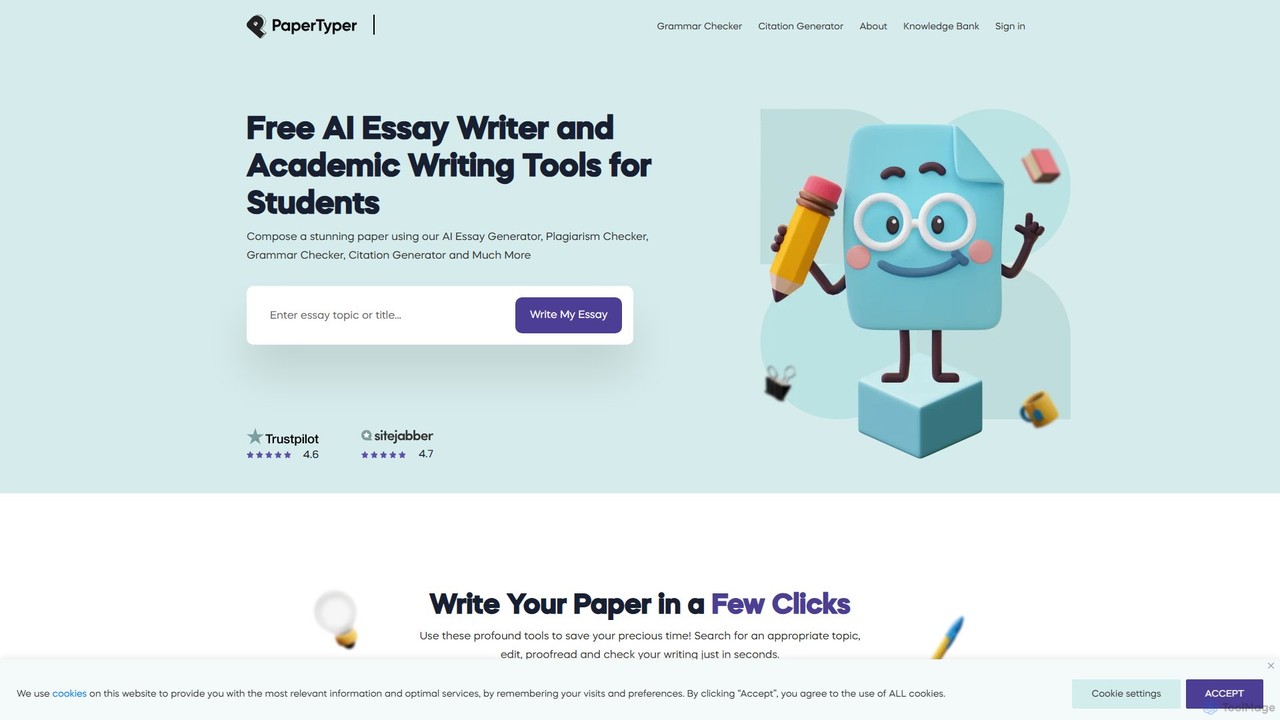
PaperTyper is a free, all-in-one AI writing assistant for students. It offers an essay generator, plagiarism checker, multi-language grammar checker, and citation generator to help overcome writer's block and streamline the academic writing process from start to finish.

Writing
Visits 17KFavorites 141Likes 137
Humanize AI Text
Freemium

Humanize AI Text

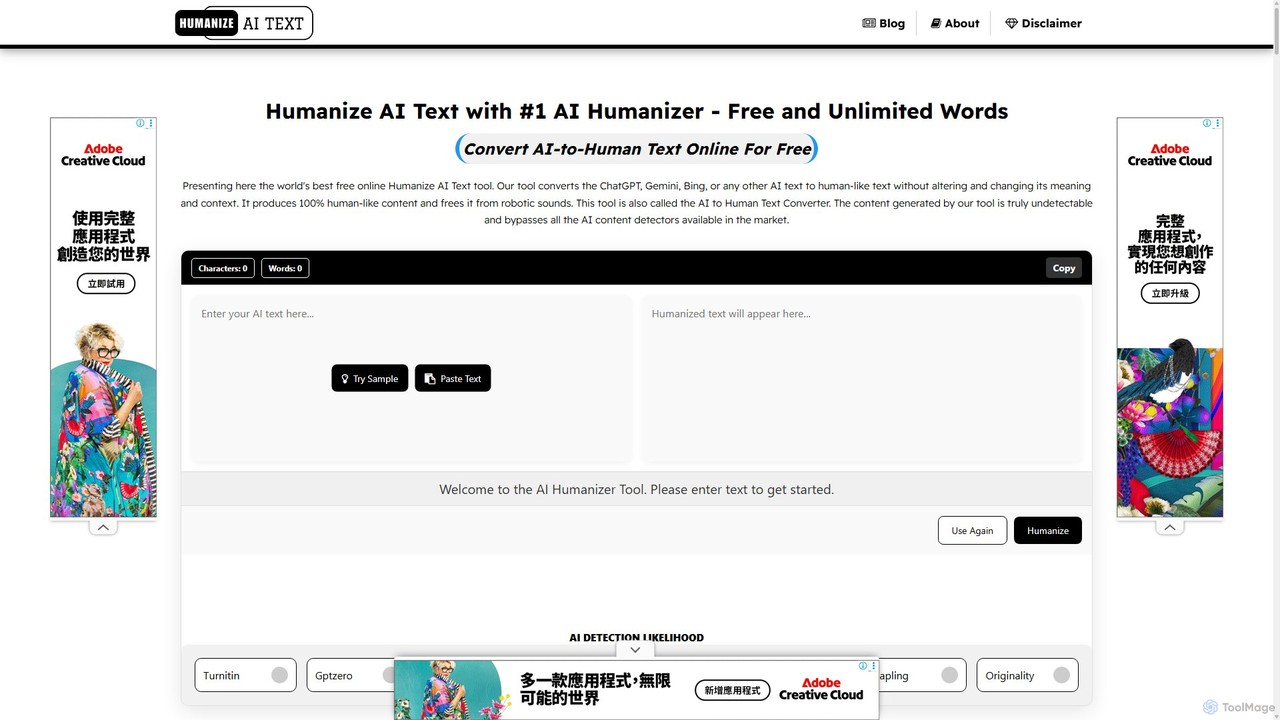
Humanize AI Text is a leading AI humanizer that transforms robotic AI-generated content into natural, engaging, and undetectable human writing. It helps users bypass all major AI detectors, improve SEO rankings, and ensure 100% plagiarism-free content. With multiple writing modes, multi-language support, and a built-in plagiarism checker, it's the ultimate tool for content creators, marketers, and students.

Text Editing
Visits 295.5KFavorites 132Likes 127

About Text Editing

AI Text Editing tools are applications that use artificial intelligence to analyze, refine, and improve existing written content. They leverage advanced natural language processing (NLP) models to go beyond basic spell-checking, offering suggestions for grammar, style, tone, and clarity. This helps users enhance readability, ensure consistency, and adapt their writing for different audiences, significantly speeding up the revision process within the broader productivity workflow.

Core Features

  • Advanced Correction: Identifies complex grammatical errors, punctuation mistakes, and stylistic inconsistencies.
  • Paraphrasing & Rewording: Offers alternative phrasing to improve clarity, avoid repetition, or change sentence structure.
  • Tone & Style Adjustment: Modifies the text's tone to be more professional, casual, confident, or persuasive.
  • Clarity Enhancement: Simplifies complex sentences, replaces jargon, and improves overall readability.
  • Summarization: Condenses long articles, reports, or documents into concise summaries highlighting key points.

Use Cases

These tools are widely used by professionals for polishing business reports and emails, by students for refining academic papers, and by content creators for optimizing marketing copy and blog posts. They are also invaluable for non-native speakers seeking to improve the fluency and accuracy of their writing.

How to Choose

When selecting a tool, consider the depth of its suggestions (basic grammar vs. deep stylistic analysis), its integration with your writing platforms (e.g., browser extensions, MS Word add-ins), multi-language support, and whether it offers specialized features like plagiarism detection or team-based style guides.

Featured tool rankings

Text Editing use cases

1

Refining a Business Proposal for Clarity

A sales manager uses an AI text editor to review a critical proposal before sending it to a potential client. The tool identifies overly complex sentences and suggests simpler alternatives. It also adjusts the tone from neutral to more persuasive and confident. By accepting these suggestions, the manager ensures the proposal is not only grammatically perfect but also clear, impactful, and professionally polished, increasing the chances of closing the deal.

2

Polishing an Academic Research Paper

A university student runs their thesis draft through an AI text editor. The tool checks for adherence to a specific academic style (e.g., APA, MLA), corrects complex sentence structures, and suggests more formal vocabulary. It also helps rephrase sections to improve the logical flow between arguments. This process helps elevate the paper's quality, making it ready for submission to a professor or academic journal, saving hours of manual proofreading.

3

Optimizing Marketing Copy for Engagement

A digital marketer inputs ad copy and blog post drafts into an AI editor. The tool suggests using more active voice, shortening sentences for better online readability, and adjusting the tone to match the brand's energetic voice. It might also rephrase a headline to be more compelling. This optimization process aims to increase user engagement, improve click-through rates, and ensure all content is consistent with the brand's communication strategy.

4

Assisting Non-Native Speakers in Professional Communication

An international professional, for whom English is a second language, uses an AI text editor for daily emails and reports. The tool corrects subtle grammatical errors that they might miss and suggests more natural, idiomatic phrasing. This helps them communicate with confidence and clarity, ensuring their message is understood correctly by colleagues and clients, and helps them learn and improve their professional writing skills over time.

5

Summarizing Long Reports for Executive Briefings

A business analyst needs to create a concise summary of a 50-page market analysis report for a senior management meeting. Instead of spending hours manually extracting key points, they use the summarization feature of an AI text editor. The tool generates a well-structured summary with the most critical findings, statistics, and conclusions. The analyst can then quickly refine this summary into a presentation, saving significant time and ensuring executives receive the essential information efficiently.

6

Ensuring Brand Voice Consistency in Team Content

A content team lead sets up a custom style guide within their team's AI text editing tool. This guide includes rules for terminology, tone (e.g., 'always use an encouraging tone'), and formatting. Now, when any team member writes a blog post or social media update, the tool automatically checks their draft against these rules. It flags inconsistent terms and suggests edits to align the tone, ensuring all public-facing content maintains a consistent and professional brand voice without constant manual oversight.

Text Editing FAQ

What are AI Text Editing tools?

AI Text Editing tools are software applications that use artificial intelligence, specifically natural language processing (NLP), to improve written text. Unlike basic spell checkers, they analyze context to provide advanced suggestions on grammar, style, tone, clarity, and sentence structure. They act as intelligent assistants to help writers refine their work, making it more professional, readable, and effective for its intended audience.

How do AI Text Editors differ from standard spell checkers?

Standard spell checkers primarily identify and correct typographical errors. AI Text Editors go much further by understanding the context and semantics of your writing. Key differences include:

  • Contextual Awareness: AI editors detect complex grammatical errors (e.g., incorrect word choice) that a spell checker would miss.
  • Style & Tone Analysis: They provide suggestions to improve writing style, adjust formality, and ensure a consistent tone.
  • Clarity & Readability: They can identify confusing sentences and suggest ways to rephrase them for better clarity.
  • Structural Improvements: Some tools can suggest restructuring paragraphs or sentences for better logical flow.

In essence, a spell checker is a proofreader, while an AI text editor is a comprehensive writing coach.

How to choose the right AI Text Editing tool?

Selecting the best tool depends on your specific needs. Consider these factors:

  • Primary Use Case: Are you writing academic papers, business emails, or creative fiction? Some tools specialize in certain styles.
  • Integration: Does it need to work within your browser, Microsoft Word, Google Docs, or another application? Check for available extensions and add-ins.
  • Depth of Feedback: Do you need simple grammar checks or in-depth stylistic, tonal, and structural analysis?
  • Language Support: Ensure it supports all the languages you write in, especially if you are multilingual.
  • Collaboration Features: If you work in a team, look for tools that offer shared style guides and team management.
Can AI Text Editors replace human editors?

AI Text Editors are powerful assistants, but they do not fully replace human editors. They excel at catching technical errors, ensuring consistency, and providing objective suggestions for improvement. However, human editors bring a level of nuance, creativity, and strategic understanding that AI currently cannot replicate. They understand brand voice, target audience psychology, and storytelling on a deeper level. The most effective workflow often involves using an AI tool for the initial polish, followed by a human review for high-stakes content.

What is the difference between AI Text Editing and AI Text Generation?

The core difference lies in their primary function. AI Text Editing tools focus on improving existing text. You provide a draft, and the tool helps you refine its grammar, style, clarity, and tone. Its purpose is to enhance and polish what has already been written. In contrast, AI Text Generation tools focus on creating new text from scratch based on a prompt or instructions. You give it a topic or a command, and it generates paragraphs, articles, or other content. One refines, the other creates.