

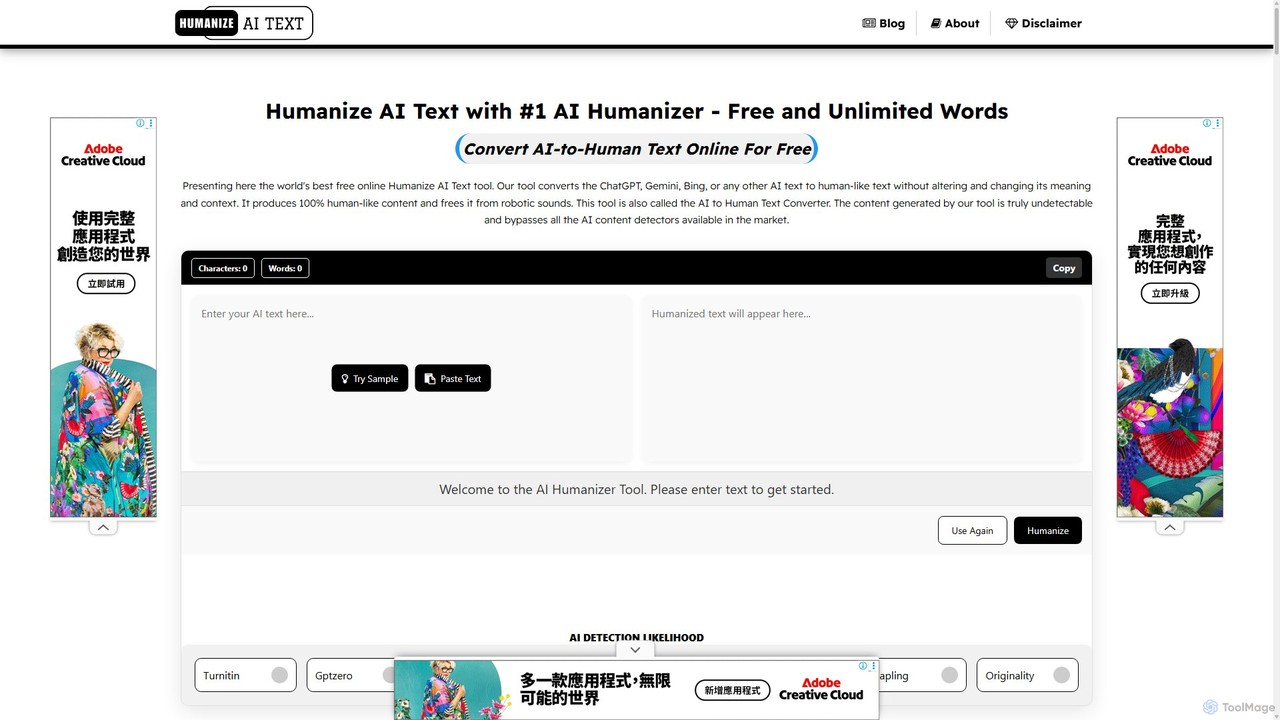
Humanize AI Text Overview
Humanize AI Text is a sophisticated AI-powered platform designed to bridge the gap between artificial intelligence and human expression. In an era where AI-generated content is becoming ubiquitous, this tool addresses the critical need for authenticity. It takes text from any AI writer, such as ChatGPT, Bard, or Claude, and refines it to sound natural, engaging, and completely human-like. The primary goal is to eliminate the robotic tone that often plagues AI writing, making the content undetectable by advanced AI detection tools like GPTZero, Originality.ai, and Turnitin, thus ensuring a 100% human score.
Beyond just bypassing detectors, Humanize AI Text enhances the overall quality of the content. It improves readability, corrects grammatical errors, and ensures the final output is 100% unique and plagiarism-free. The platform also includes an integrated AI Article Generator for creating high-quality, SEO-optimized articles from scratch and a robust Plagiarism Checker to verify content originality. This makes it a comprehensive suite for anyone involved in digital content creation.
How to use Humanize AI Text
Using the tool is a straightforward and efficient process, designed for users of all skill levels:
- Paste or Upload: Copy your AI-generated text and paste it directly into the input box, or upload a file (supports .docx, .pdf, .txt).
- Select Mode: Choose from various humanization modes to match your content goals. Options include Standard, Shorten, Expand, Simplify, or Improve Writing.
- Customize (Optional): For more tailored results, you can set specific content goals, such as adjusting the tone, enhancing clarity, or defining your target audience and brand voice.
- Humanize: Click the 'Humanize' button. The advanced algorithms will process your text in seconds, transforming it into natural, human-like prose.
- Review and Export: The humanized content is fully editable. You can make final tweaks and then export your work in multiple formats, including PDF, DOC, HTML, or plain text.
Core Features of Humanize AI Text
- Advanced AI Humanizer: Converts AI text into natural, fluent human writing using sophisticated natural language processing.
- Undetectable by AI Detectors: Guarantees content that bypasses all major AI detection tools, achieving a 100% human score.
- Built-in Plagiarism Checker: A powerful tool to scan your text and ensure it is 100% original, complete with a detailed report. It can also fix plagiarism issues automatically.
- SEO-Optimized Article Generator: Creates high-quality, E-E-A-T compliant articles that are designed to rank higher on search engines.
- Multiple Writing Modes: Offers five distinct modes (Standard, Shorten, Expand, Simplify, Improve Writing) to tailor the output to specific needs.
- Multi-Language Support: Capable of humanizing text in various languages, including English, Spanish, French, and German, making it ideal for a global audience.
- Error-Free Content: Automatically corrects grammar, spelling, and punctuation errors, ensuring a polished and professional final product.
- Brand Voice Customization: Allows users to personalize the output to match a specific brand tone, persona, and target audience.
Use Cases for Humanize AI Text
This versatile tool is beneficial for a wide range of professionals and use cases:
- Content Creators & Bloggers: To transform AI-drafted articles into engaging, high-ranking blog posts that connect with readers.
- SEO Professionals: To create SEO-friendly content that meets Google's standards for human-quality writing and avoids penalties.
- Marketers: To craft persuasive and authentic copy for social media, email campaigns, landing pages, and product descriptions.
- Students & Academics: To refine research papers and essays, improving clarity and readability while ensuring academic integrity and avoiding plagiarism.
- Business Owners: To streamline content creation for websites and marketing materials, ensuring a professional and trustworthy brand voice.
- Job Seekers: To humanize AI-generated resumes and cover letters, making them stand out to recruiters.
Advantages of Humanize AI Text
The key advantages include enhanced content quality, significant time savings, and improved digital presence. By making content more readable and engaging, it helps reduce bounce rates and increase user trust. Its ability to bypass AI detectors is crucial for maintaining credibility and SEO rankings. The guarantee of plagiarism-free content protects users from potential penalties and reputational damage. Ultimately, it empowers users to leverage the speed of AI without sacrificing the authenticity and connection of human writing.
Pricing and Plans
Humanize AI Text operates on a freemium model. It offers a generous free plan, advertised with "UNLIMITED Free Words," allowing users to access core humanization features without any cost. For users requiring more advanced capabilities, such as enhanced customization, higher processing priority, or access to premium features, there are likely paid subscription plans available. The platform mentions a 3-day refund policy for purchases, which confirms the existence of paid tiers. This structure makes the tool accessible for casual users while providing robust solutions for professionals and businesses.
Traffic
Latest traffic
Status
Monthly traffic trend
- 2025-9: 488.7K
- 2026-1: 334.8K
- 2026-2: 273.8K
- 2026-3: 290.9K
- 2026-4: 286.4K
- 2026-5: 291.5K
Geography
Top 5 countries / regions
- 🇺🇸United States30.0%
- 🇰🇪Kenya19.8%
- 🇷🇺Russia19.6%
- 🇮🇳India15.8%
- 🇳🇱Netherlands14.8%
Traffic sources
| Source type | Percentage |
|---|---|
Direct | 79.8% |
Referral | 17.0% |
Email | 3.2% |
Top keywords
| Keyword | Cost per click |
|---|---|
| ai humanizer | $0.72 |
| gptzero | $0.50 |
| humanize ai | $0.36 |
| pdf翻译 | $1.91 |
| synthid remover | $0.27 |
Humanize AI Text Videos on YouTube

Zanexa Tech
Dan - Smart Tutorials


Hollywood Kachi

WriteHuman

pcguide lk
Research World
Humanize AI Text Alternatives
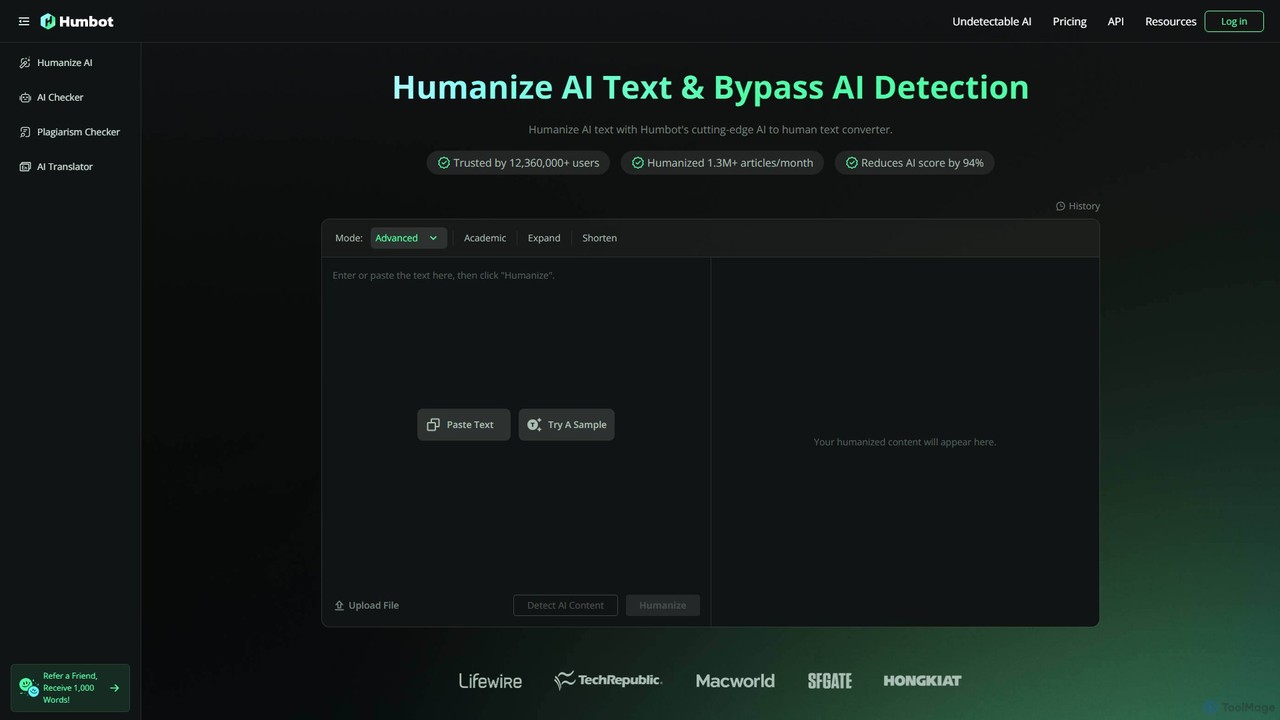
Humbot
Humbot is an advanced AI humanizer designed to convert AI-generated text into natural, human-like content. It helps users bypass the most sophisticated AI detectors, including Turnitin and GPTZero, while ensuring the output is high-quality, original, and plagiarism-free. It's an essential tool for content creators, students, and marketers who leverage AI for writing.
Content Creation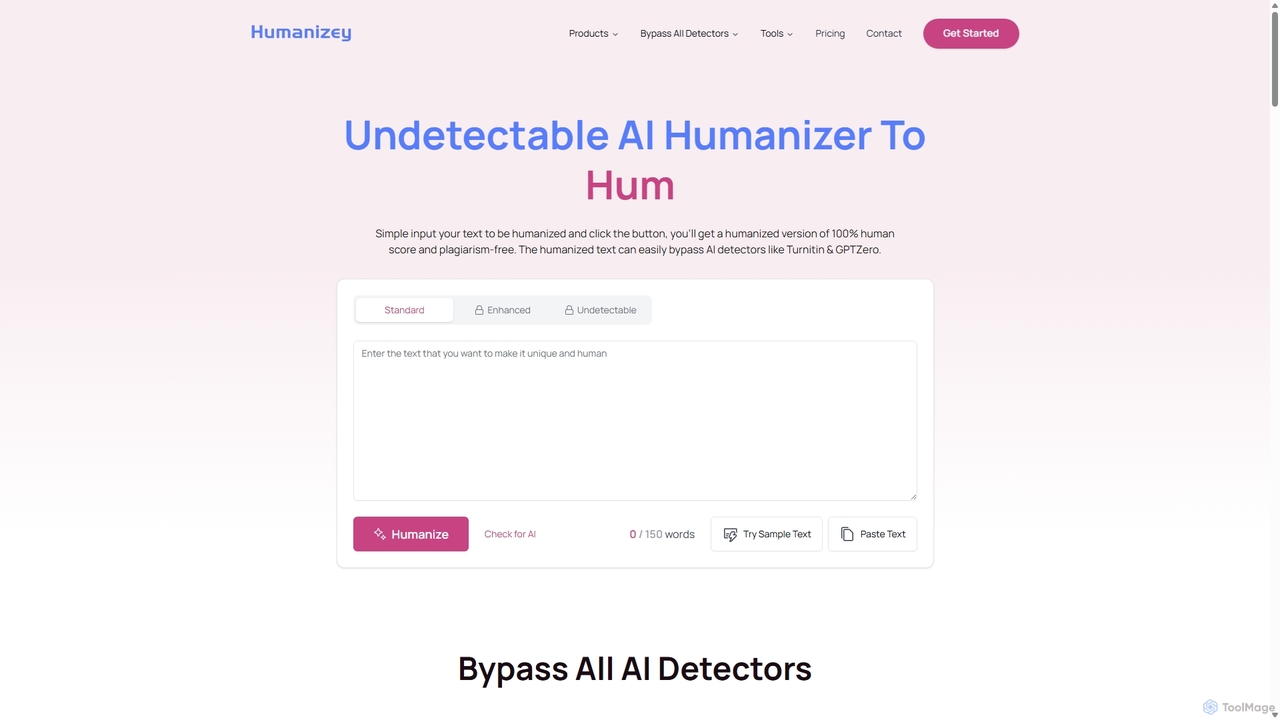
Humanizey
Humanizey is an advanced AI humanizer designed to convert AI-generated text into 100% human-like, undetectable content. It helps users bypass all major AI detectors, including Turnitin and GPTZero, while ensuring the output is plagiarism-free and error-free. With support for over 100 languages and multiple rewriting modes, it's an essential tool for students, content creators, and SEO experts who need to ensure their content's originality and authenticity.
Academic Writing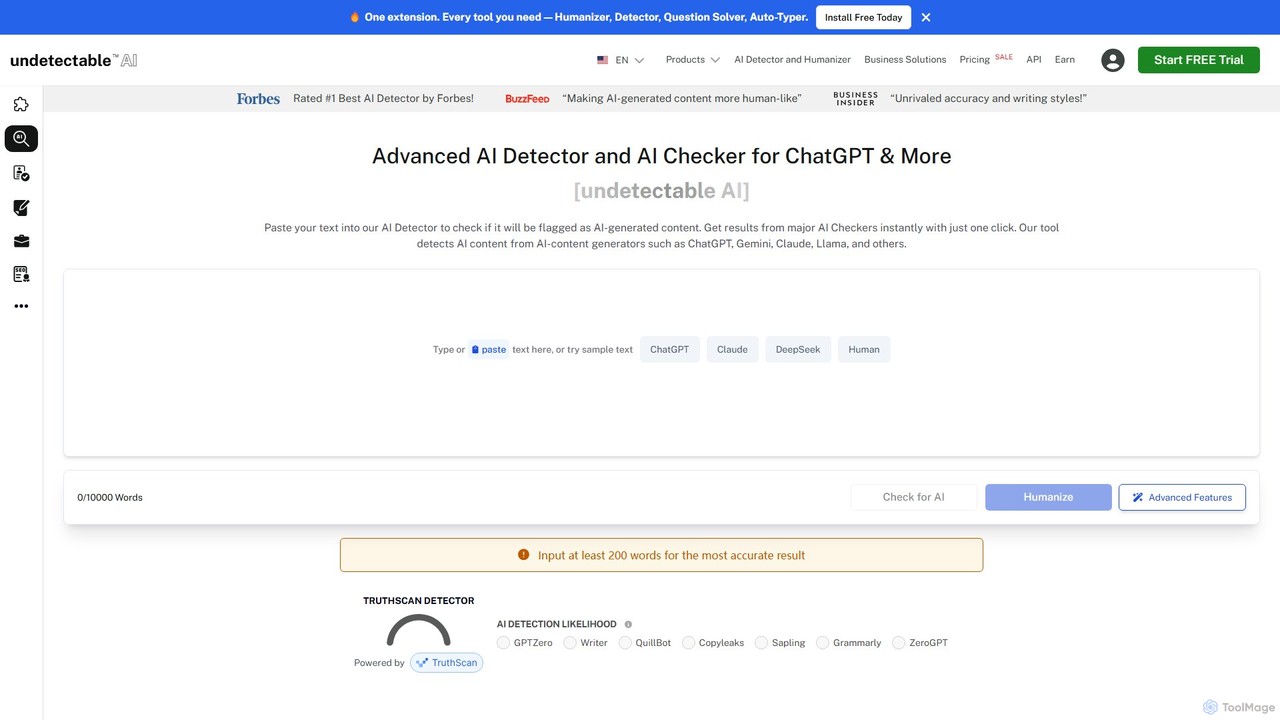
Undetectable AI
An advanced AI detector and humanizer rated #1 by Forbes. It checks content against multiple AI detectors and rewrites AI text to be indistinguishable from human writing, ensuring it bypasses detection. Ideal for writers, SEOs, and students.
Academic Integrity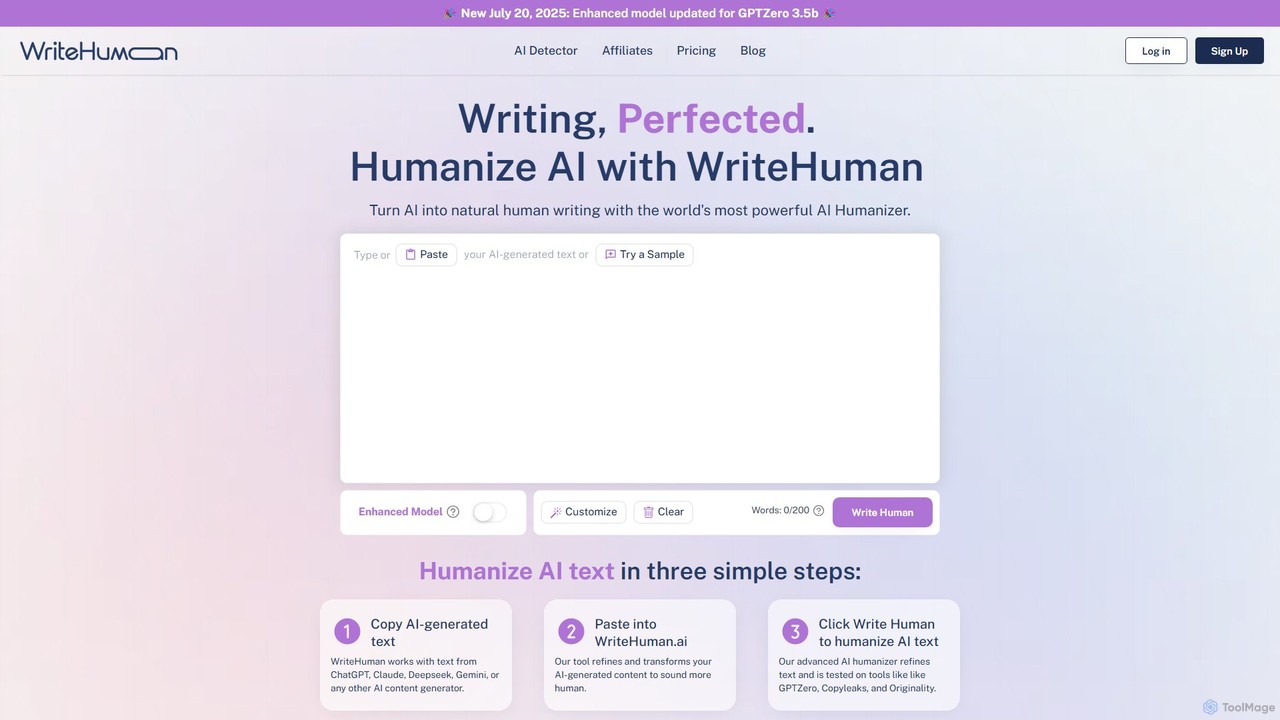
WriteHuman
WriteHuman is a powerful AI humanizer that transforms AI-generated text from platforms like ChatGPT, Claude, and Gemini into natural, human-like content. It's designed to bypass leading AI detectors such as GPTZero, Turnitin, and Originality.ai, ensuring your writing is authentic, engaging, and undetectable. It features a built-in AI checker and preserves the original meaning of your text, making it ideal for writers, marketers, and students.
Academic Writing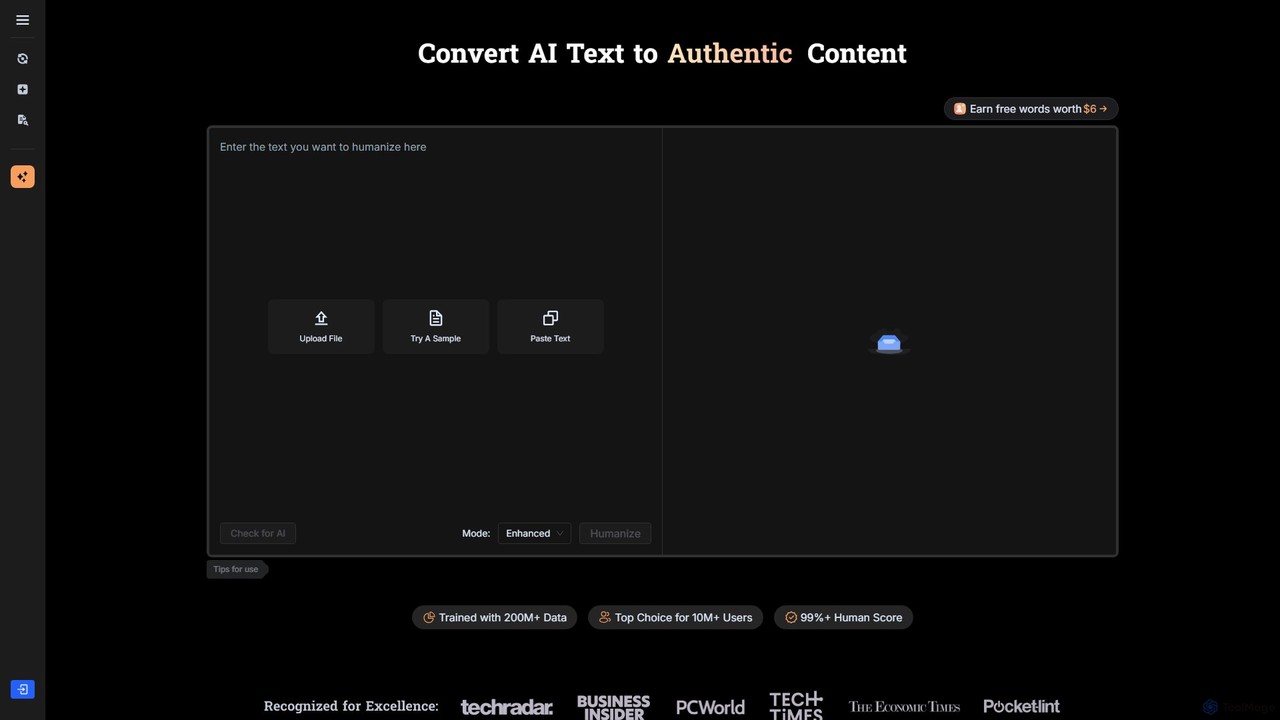
BypassGPT
BypassGPT is an advanced AI humanizer designed to rewrite AI-generated text, making it 100% undetectable by leading AI detectors like GPTZero, Turnitin, and Originality.ai. It enhances content to be plagiarism-free, error-free, and SEO-friendly, ensuring a natural, human-like quality. It supports over 50 languages, making it a versatile tool for students, bloggers, and marketers worldwide.
Content CreationHumanize AI Text Categories
Humanize AI Text Embed Widget
Copy this embed code to place the badge on your blog, article, or product site and send readers directly to this ToolMage detail page.

Related AI tools
WriteHuman
WriteHuman is a powerful AI humanizer that transforms AI-generated text from platforms like ChatGPT, Claude, and Gemini into natural, human-like content. It's designed to bypass leading AI detectors such as GPTZero, Turnitin, and Originality.ai, ensuring your writing is authentic, engaging, and undetectable. It features a built-in AI checker and preserves the original meaning of your text, making it ideal for writers, marketers, and students.
Academic Writing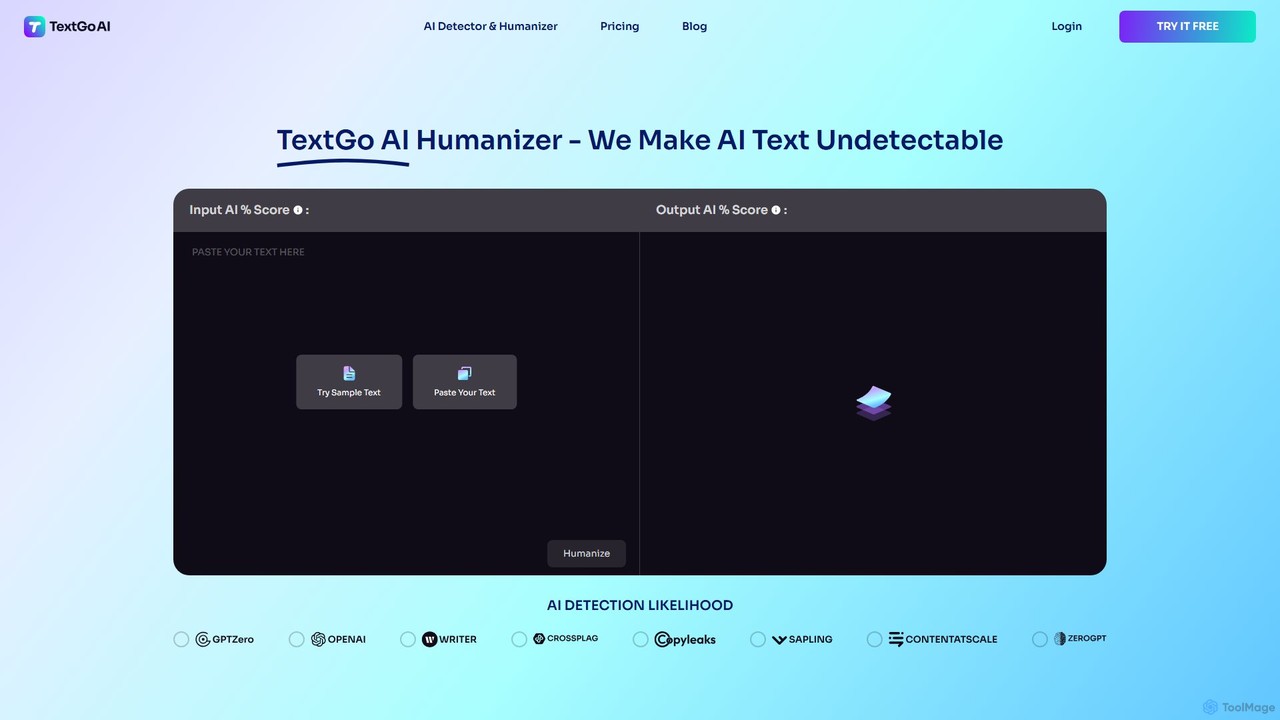
TextGo
TextGo is an advanced AI humanizer designed to convert AI-generated text into undetectable, human-like content. It helps users bypass AI detectors, ensuring their content is authentic, plagiarism-free, and engaging. Ideal for students, marketers, bloggers, and writers, TextGo refines text to be SEO-friendly while preserving its original meaning and enhancing readability, making it a powerful tool for scaling content creation efficiently.
Academic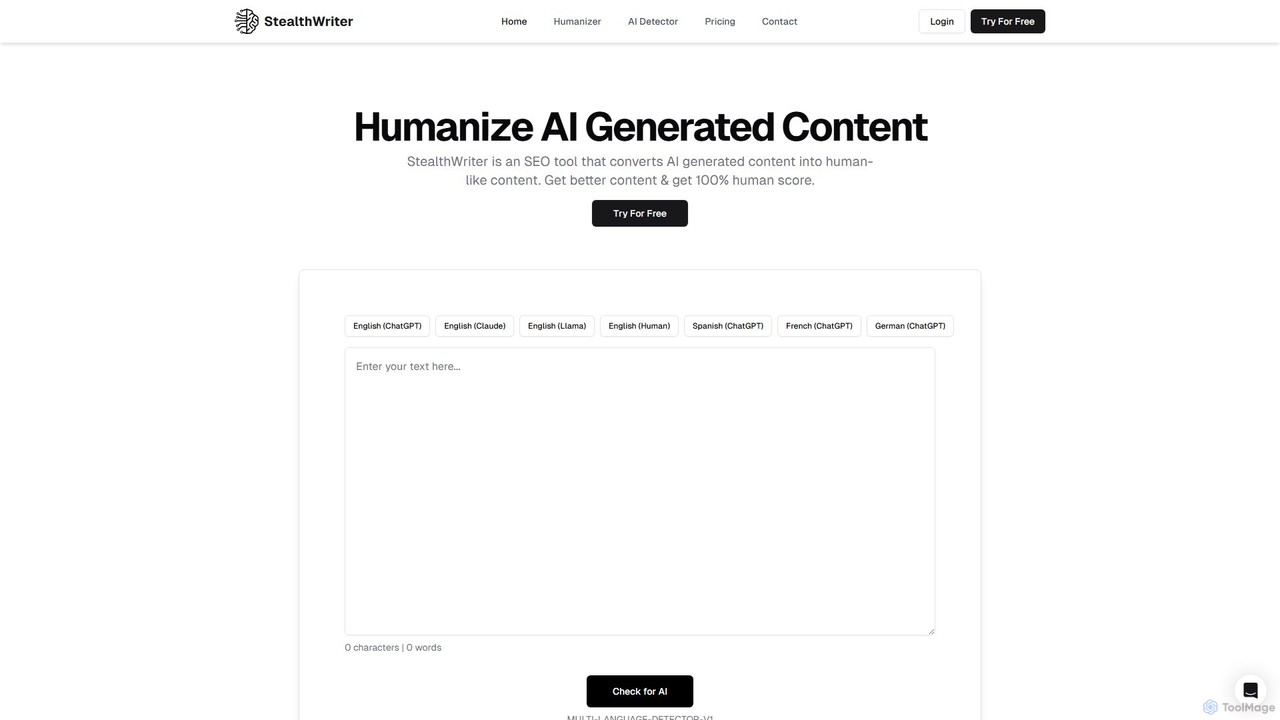
StealthWriter
StealthWriter is an advanced AI tool designed to humanize AI-generated text, helping you bypass AI detectors and achieve a 100% human score. It refines content to be more engaging, readable, and natural-sounding without introducing errors. Ideal for SEO specialists, marketers, and writers, it also includes a built-in AI detector to verify your content's authenticity.
Content Creation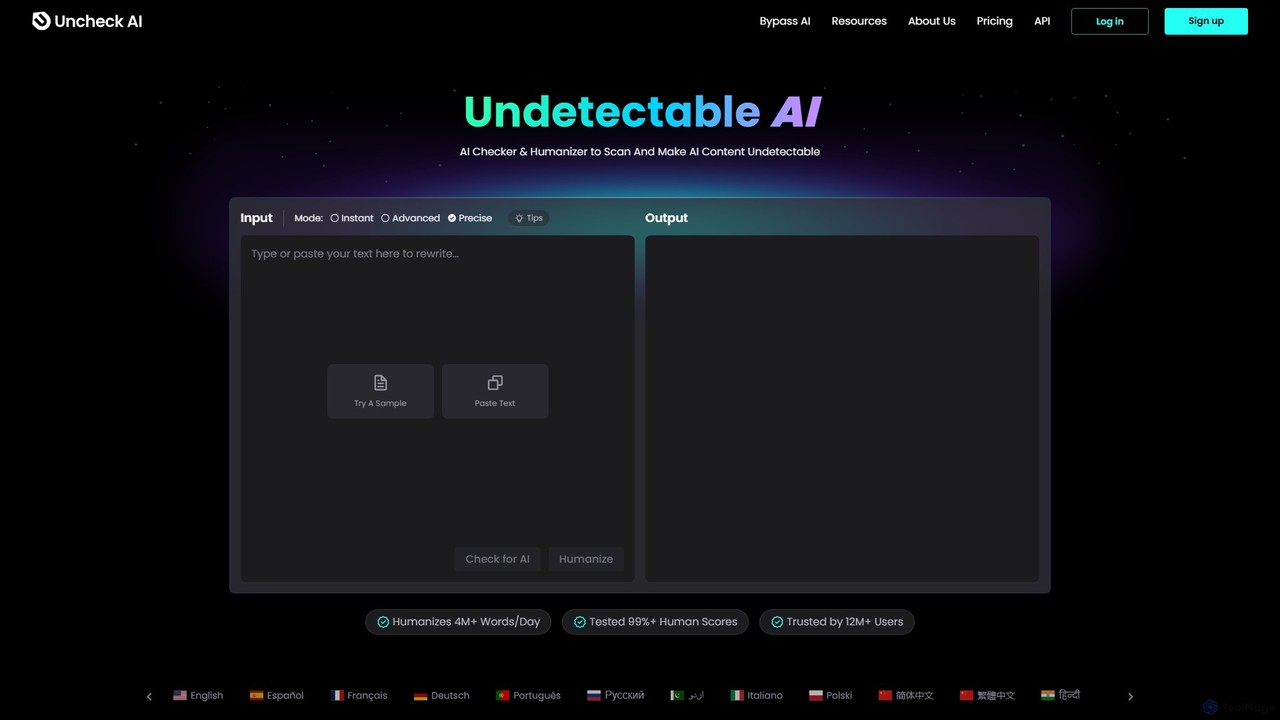
Uncheck AI
Uncheck AI is a dual-function tool featuring an advanced AI humanizer and a comprehensive AI detector. It rewrites AI-generated content to make it 100% undetectable by major detectors like Turnitin and GPTZero, while preserving the original meaning. It also offers a built-in checker that aggregates results from multiple AI scanners in one click.
Content Creation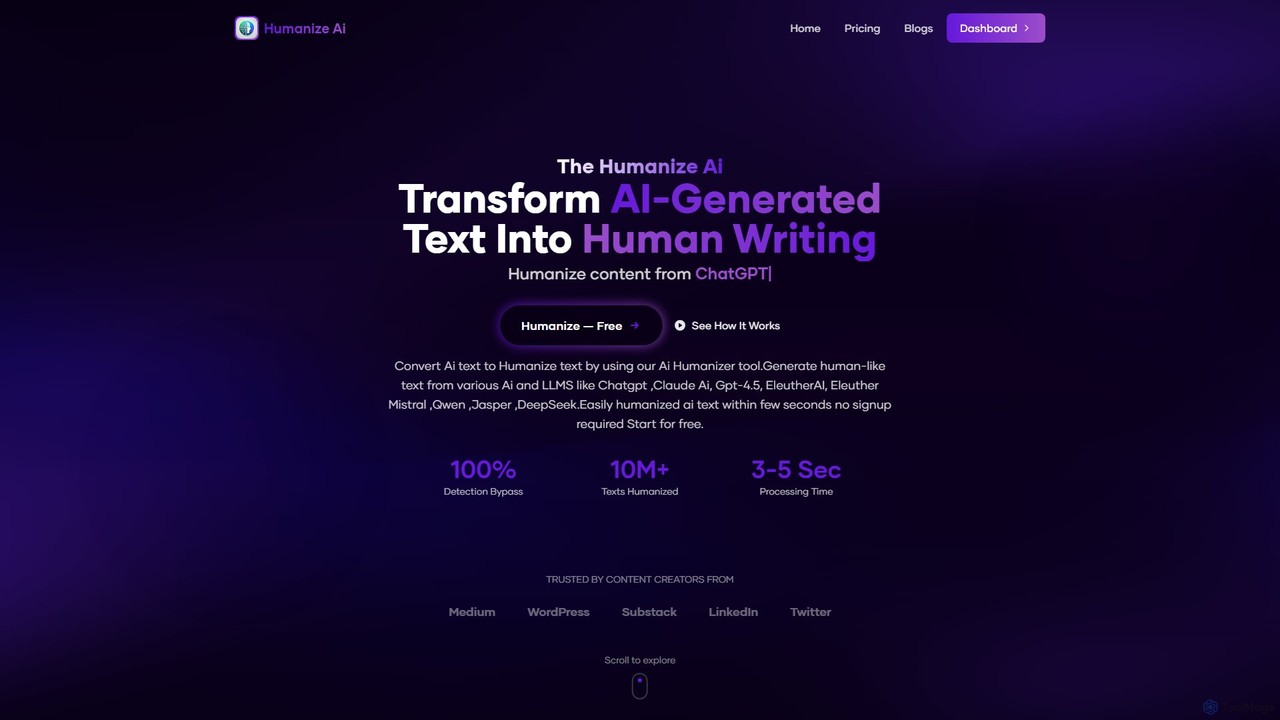
The Humanize AI
The Humanize AI is a free AI humanizer tool that transforms AI-generated text from models like ChatGPT and Claude into 100% human-like, undetectable content. It enhances readability, improves flow, and optimizes text for SEO, making it perfect for writers, marketers, and students aiming to bypass AI detection and create authentic content.
Academic Writing
Paraphrase Tool
An advanced AI-powered paraphrasing tool designed to rephrase text, remove plagiarism, and humanize AI-generated content. It offers multiple writing modes, including Creative, Academic, and SEO, to enhance text quality for writers, students, and marketers. It operates on a freemium model, providing both free and premium features.
Academic WritingHumbot
Humbot is an advanced AI humanizer designed to convert AI-generated text into natural, human-like content. It helps users bypass the most sophisticated AI detectors, including Turnitin and GPTZero, while ensuring the output is high-quality, original, and plagiarism-free. It's an essential tool for content creators, students, and marketers who leverage AI for writing.
Content CreationHumanizey
Humanizey is an advanced AI humanizer designed to convert AI-generated text into 100% human-like, undetectable content. It helps users bypass all major AI detectors, including Turnitin and GPTZero, while ensuring the output is plagiarism-free and error-free. With support for over 100 languages and multiple rewriting modes, it's an essential tool for students, content creators, and SEO experts who need to ensure their content's originality and authenticity.
Academic Writing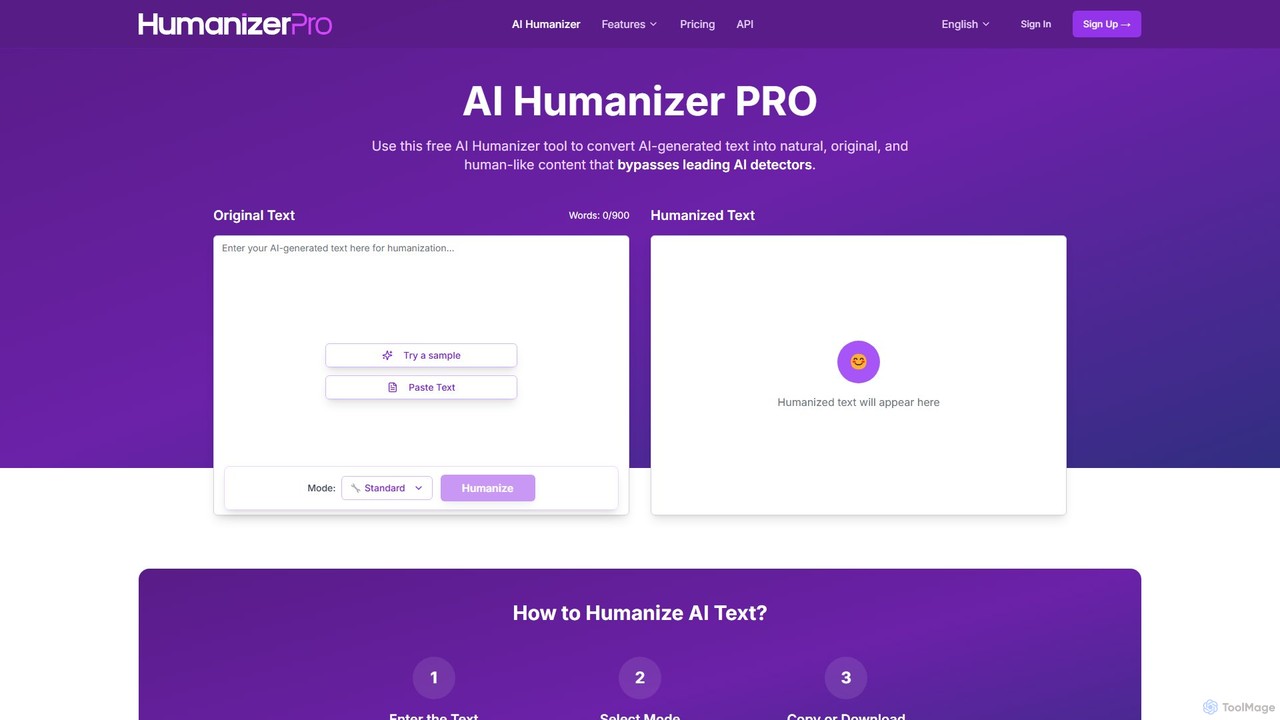
HumanizerPro
HumanizerPro is a free AI humanizer that converts AI-generated text into natural, human-like content. It helps users bypass all major AI detectors, including GPTZero and Turnitin, while preserving the original meaning and improving readability for SEO, academic, and professional writing.
Automation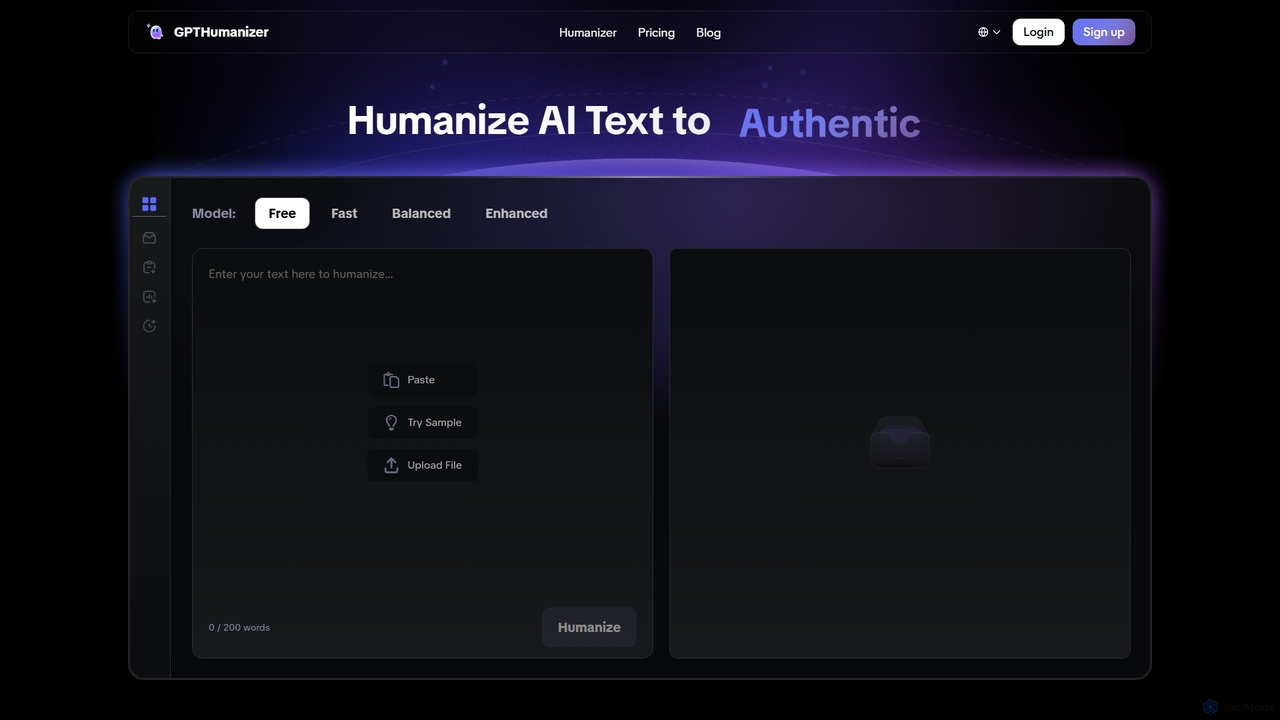
GPTHumanizer
GPTHumanizer is an advanced AI tool designed to convert AI-generated text into natural, human-like content. It helps users bypass AI detectors like GPTZero and Turnitin, improve SEO rankings, and enhance readability. By rewriting text while preserving its original meaning, it's ideal for content creators, marketers, and students who want to produce authentic, high-quality, and undetectable AI-assisted writing.
Academic Writing
Jyek
Jyek is an AI agent platform that understands objectives, creates execution plans, uses tools, and delivers verifiable results for complex, multi-step tasks.
Automation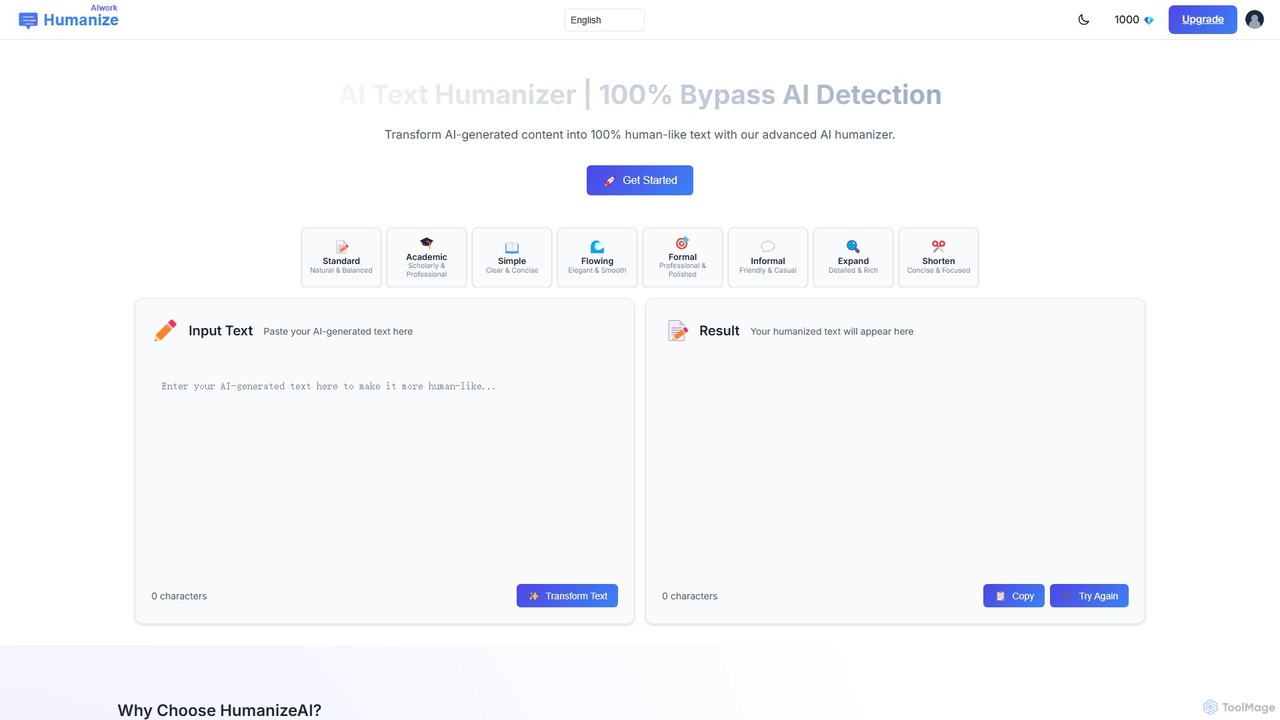
humanizeaiwork
humanizeaiwork is an advanced AI text humanizer designed to convert AI-generated content into natural, human-like text. It specializes in rewriting content to be 100% undetectable by all major AI detection systems, making it an essential tool for writers, students, marketers, and professionals who need authentic, engaging, and original-sounding material.
Academic Writing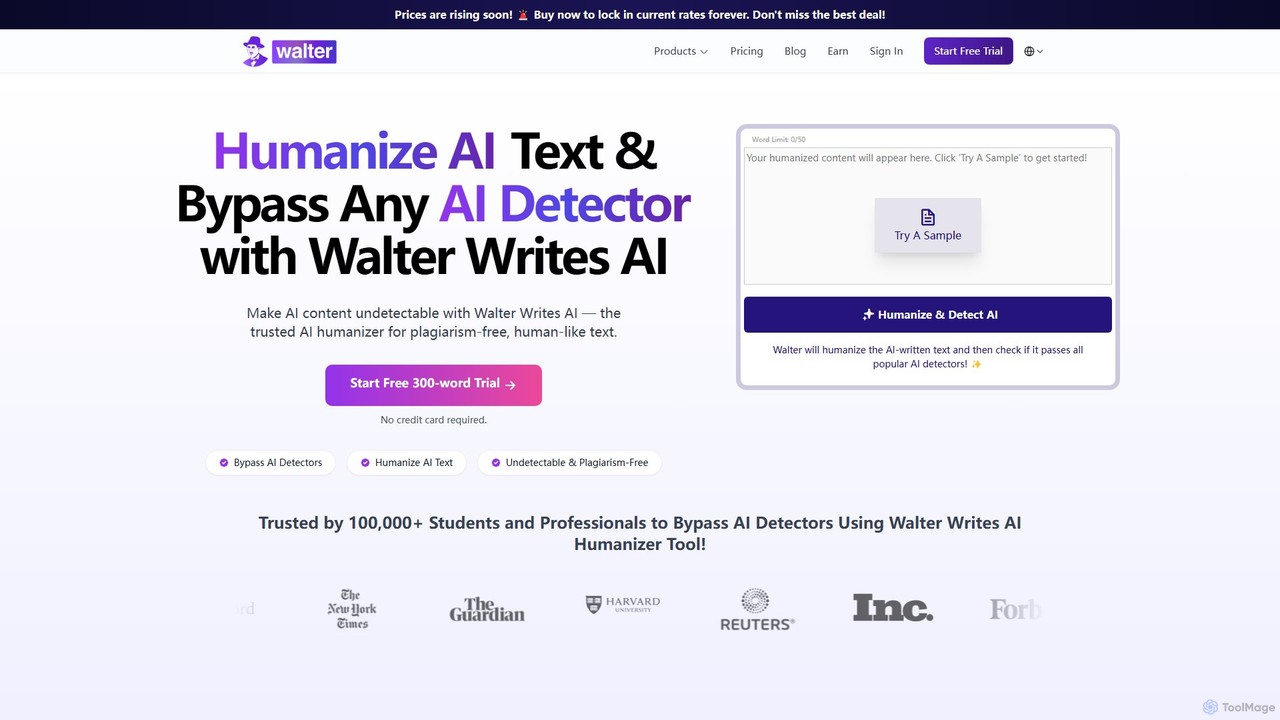
walterwrites
A powerful AI humanizer and detector designed to make AI-generated text undetectable by tools like Turnitin and GPTZero. It refines robotic text into natural, plagiarism-free, and human-like writing. Ideal for students, content creators, and professionals, it supports over 80 languages and ensures academic and professional integrity.
Academic Writing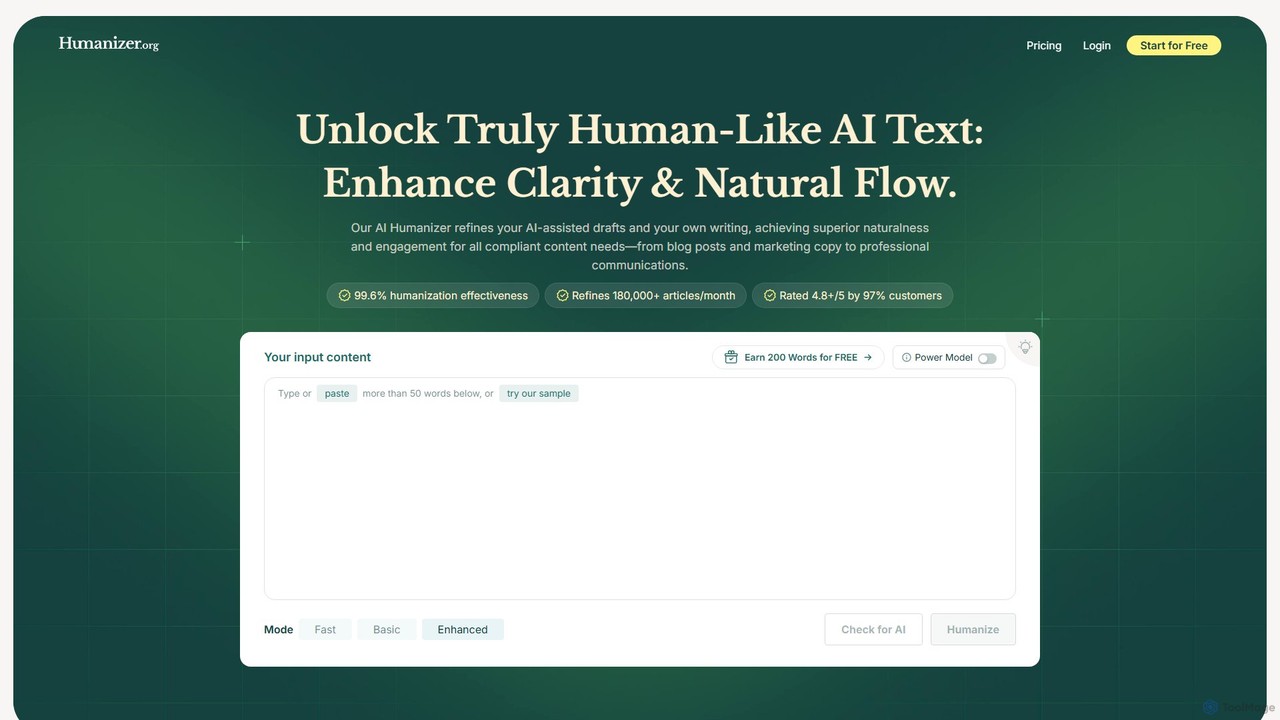
Humanizer
Humanizer is an advanced AI tool designed to transform AI-generated text into natural, engaging, and undetectable human-like content. It enhances clarity, flow, and style, bypassing AI detectors with a 99.6% success rate. Supporting over 50 languages, it's ideal for students, marketers, and writers who need to produce authentic, high-quality, and plagiarism-free content.
Academic Writing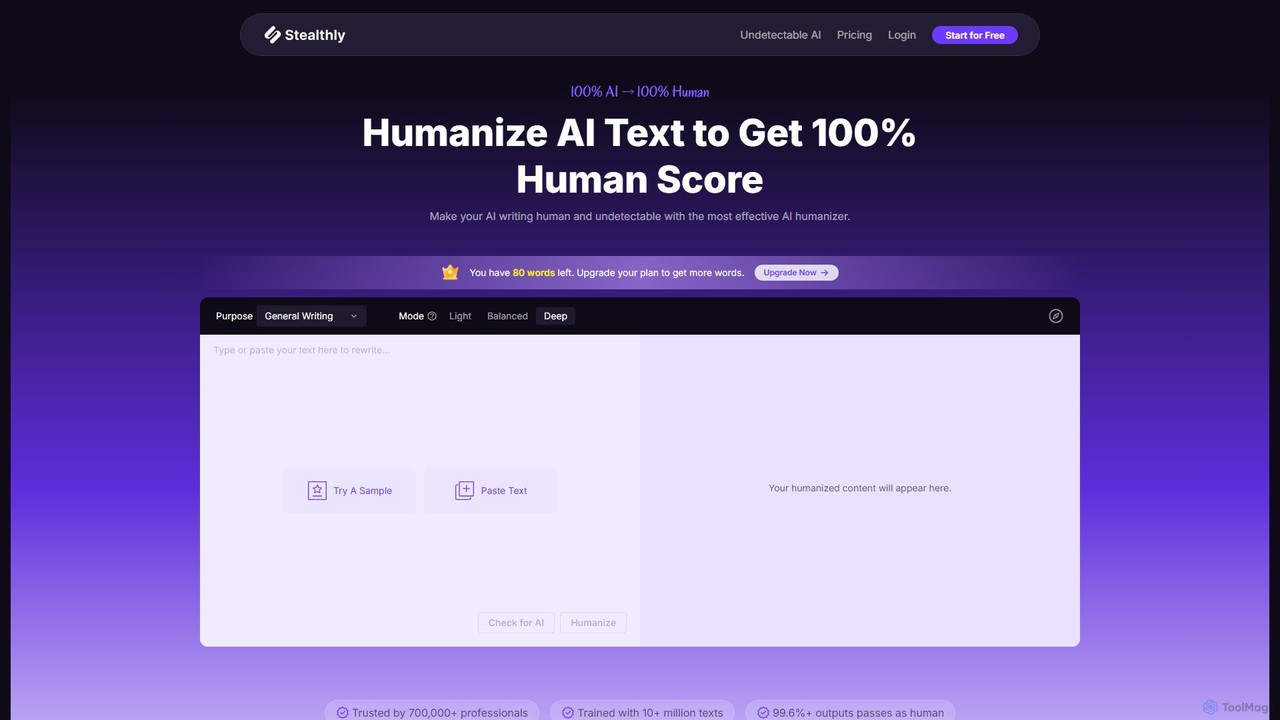
stealthly
Stealthly is an advanced AI humanizer that transforms AI-generated text into undetectable, human-like content. It helps users achieve a 100% human score, bypass all major AI detectors like Turnitin and Originality.ai, and ensures the output is plagiarism-free and grammatically correct. Ideal for students, writers, and SEO specialists.
Academic Assistance
Humanize AI Text Comments (0)
Sign in to comment.
Sign inNo comments yet.