

unicodetokruti Overview
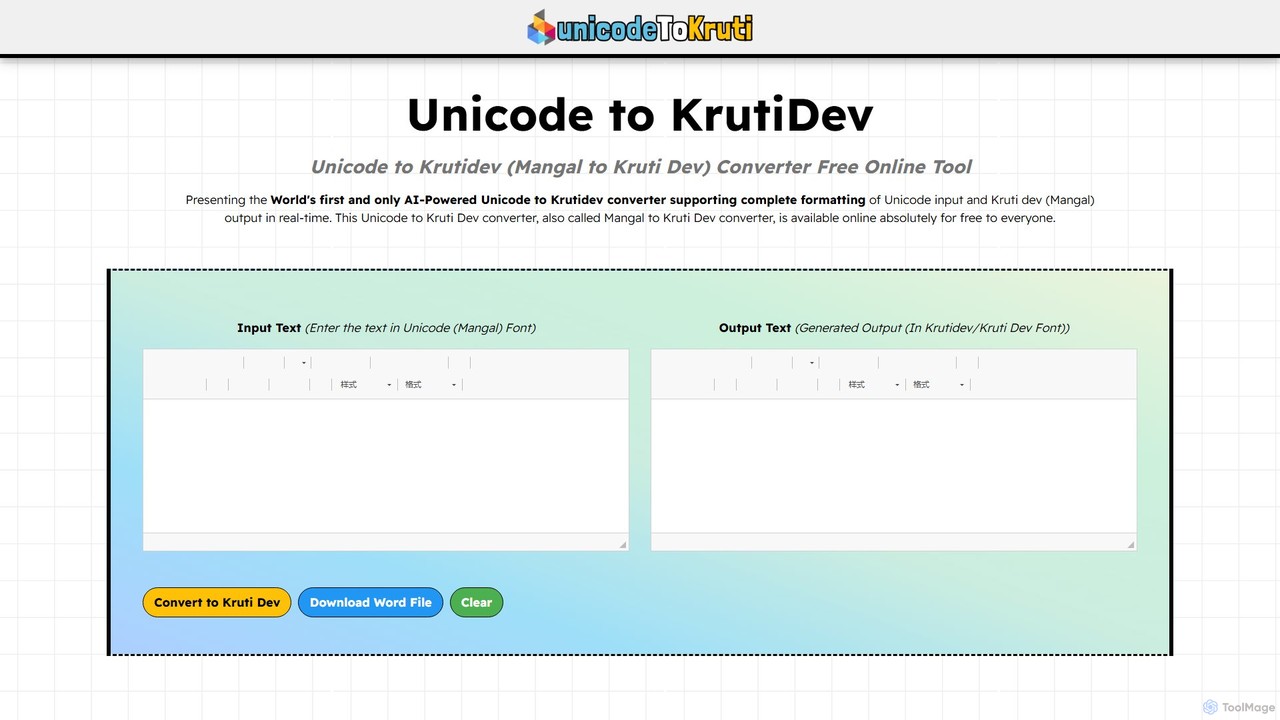
unicodetokruti is a specialized, AI-powered online tool designed to seamlessly convert text from the modern Unicode (Mangal) font to the traditional Kruti Dev font. This service is crucial for users working with the Devanagari script, primarily for languages like Hindi and Marathi. It addresses the compatibility gap between contemporary digital text standards and legacy systems, which are still prevalent in many Indian government offices, publishing houses, and design workflows. The tool is entirely free, requires no user registration, and imposes no limits on the amount of text that can be converted, making it a highly accessible and efficient solution.
The platform stands out with its comprehensive, feature-rich text editor that allows users to format their text before and after conversion. This ensures that the final output in Kruti Dev retains the intended styling, including formatting like bold, italics, lists, and even embedded tables and images. The conversion process is performed in real-time, providing instant feedback as you type or paste text. Security and privacy are paramount, as the tool does not store any user data, ensuring complete confidentiality.
How to use unicodetokruti
Using unicodetokruti is a straightforward, three-step process designed for maximum efficiency:
- Input Text: Navigate to the website. In the left-hand input box, either type your text in Unicode (Mangal) font or paste it from another source. The tool supports any amount of text.
- Real-Time Conversion: As you input the text, the AI-powered engine automatically converts it into Kruti Dev font in real-time. The converted text will appear instantly in the output box on the right.
- Format and Export: Use the extensive formatting toolbar to make any necessary adjustments to the input or output text. Once satisfied, you can copy the converted text with a single click or download it directly as a Microsoft Word document for offline use or further editing.
Core Features of unicodetokruti
- AI-Powered Conversion: Utilizes artificial intelligence for fast, accurate, and real-time conversion from Unicode (Mangal) to Kruti Dev.
- Rich Text Editor: A comprehensive editor with features like bold, italic, strikethrough, lists, tables, image insertion, hyperlinks, and various styling options.
- Unlimited & Free Access: The tool is completely free to use with no restrictions on word count or the number of conversions.
- No Registration Required: Users can access the tool instantly without the need for any signup or login process.
- Download as Word: A convenient one-click option to download the converted text as a .docx file, preserving formatting.
- Privacy-Focused: The tool guarantees user privacy by not storing any of the input or output data on its servers.
- Cross-Platform Compatibility: Fully functional across all major web browsers and devices, including desktops, tablets, and smartphones.
Use Cases for unicodetokruti
This converter is invaluable for a wide range of professionals and individuals:
- Government Officials: Many Indian government departments still use Kruti Dev for official documents. This tool helps in creating compatible documents or integrating Unicode text into legacy files.
- Content Creators and Journalists: Writers, bloggers, and journalists can type in the standard Unicode font and quickly convert their articles to Kruti Dev for specific publications or platforms.
- Graphic and Web Designers: Designers who need to incorporate Hindi or Marathi text using the specific Kruti Dev typeface for branding or design projects can easily generate the required text.
- Language Translators: Translators can streamline their workflow by converting translated text into the client's required font format without re-typing.
- Educators and Students: Useful for creating and sharing educational materials in the Devanagari script, ensuring consistency across different systems.
Advantages of unicodetokruti
The primary advantage of unicodetokruti is its ability to bridge the gap between old and new text-encoding standards effortlessly. It saves significant time and effort by eliminating the need for manual re-typing. The real-time conversion and rich text editor provide a seamless and powerful user experience. Being free, unlimited, and secure makes it the go-to choice for anyone working with Devanagari scripts. Its unique ability to handle complex formatting, including tables and images, sets it apart from other simpler converters.
Pricing and Plans
unicodetokruti is completely free to use. There are no hidden charges, subscription plans, or premium features. All functionalities are available to all users without any cost.
Traffic
Latest traffic
Status
Monthly traffic trend
- 2025-9: 4.0K
- 2026-1: 5.1K
- 2026-2: 3.2K
- 2026-3: 1.9K
- 2026-4: 3.2K
- 2026-5: 3.1K
Geography
Top 5 countries / regions
- 🇮🇳India100.0%
Top keywords
| Keyword | Cost per click |
|---|---|
| mangal to kruti | $0.00 |
| mangal to kruti dev | $0.00 |
| mangal to krutidev | $0.00 |
| unicode to kruti dev | $0.23 |
| unicode to krutidev | $0.24 |
unicodetokruti Alternatives
Boost Editor
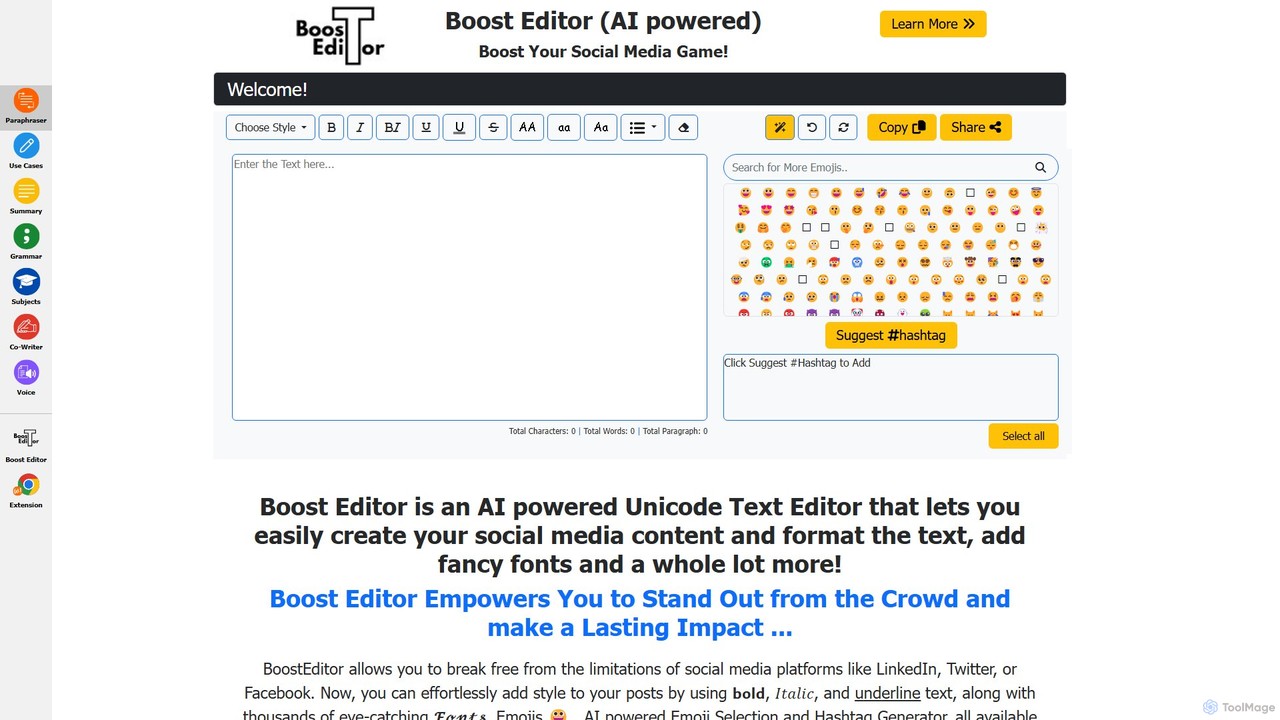
Boost Editor is an AI-powered Unicode text editor and formatter designed to make your social media content stand out. Instantly convert plain text into a variety of stylish fonts, including bold, italics, and script styles. Perfect for creating eye-catching posts, bios, and headlines for LinkedIn, Facebook, Twitter, and more, helping to increase engagement and brand visibility.
Social Media Marketing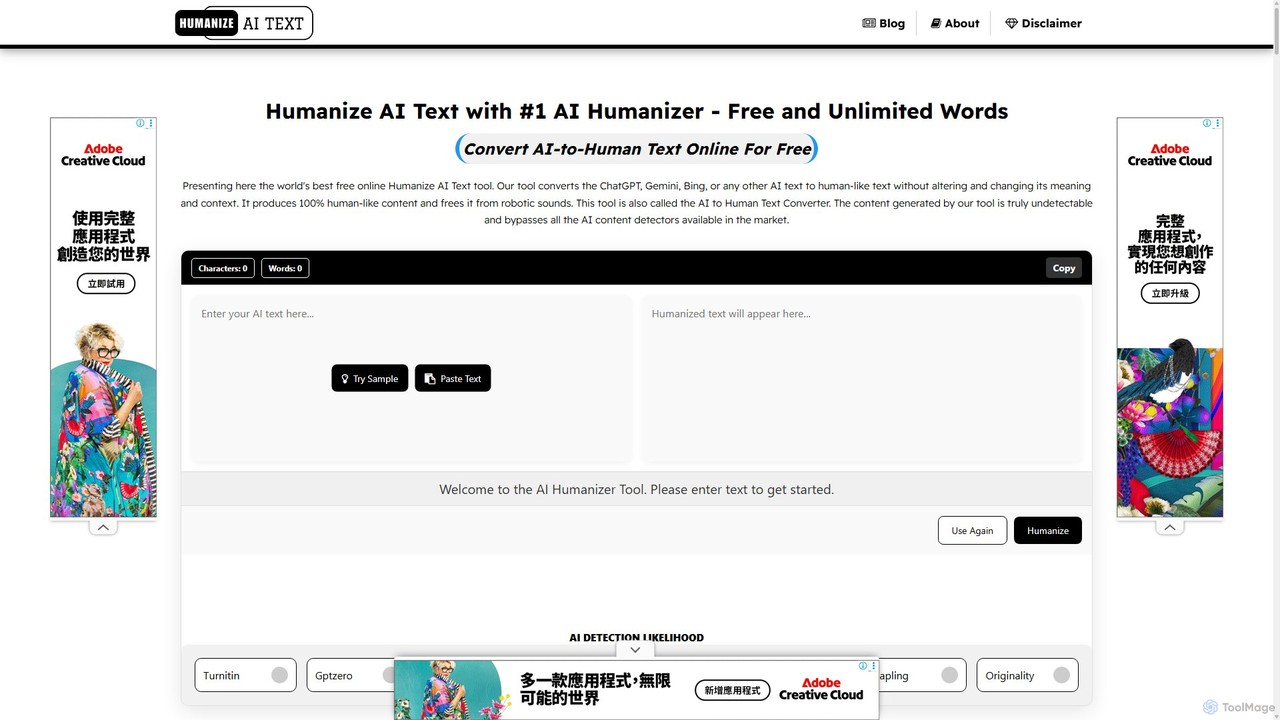
Humanize AI Text
Humanize AI Text is a leading AI humanizer that transforms robotic AI-generated content into natural, engaging, and undetectable human writing. It helps users bypass all major AI detectors, improve SEO rankings, and ensure 100% plagiarism-free content. With multiple writing modes, multi-language support, and a built-in plagiarism checker, it's the ultimate tool for content creators, marketers, and students.
Text Editing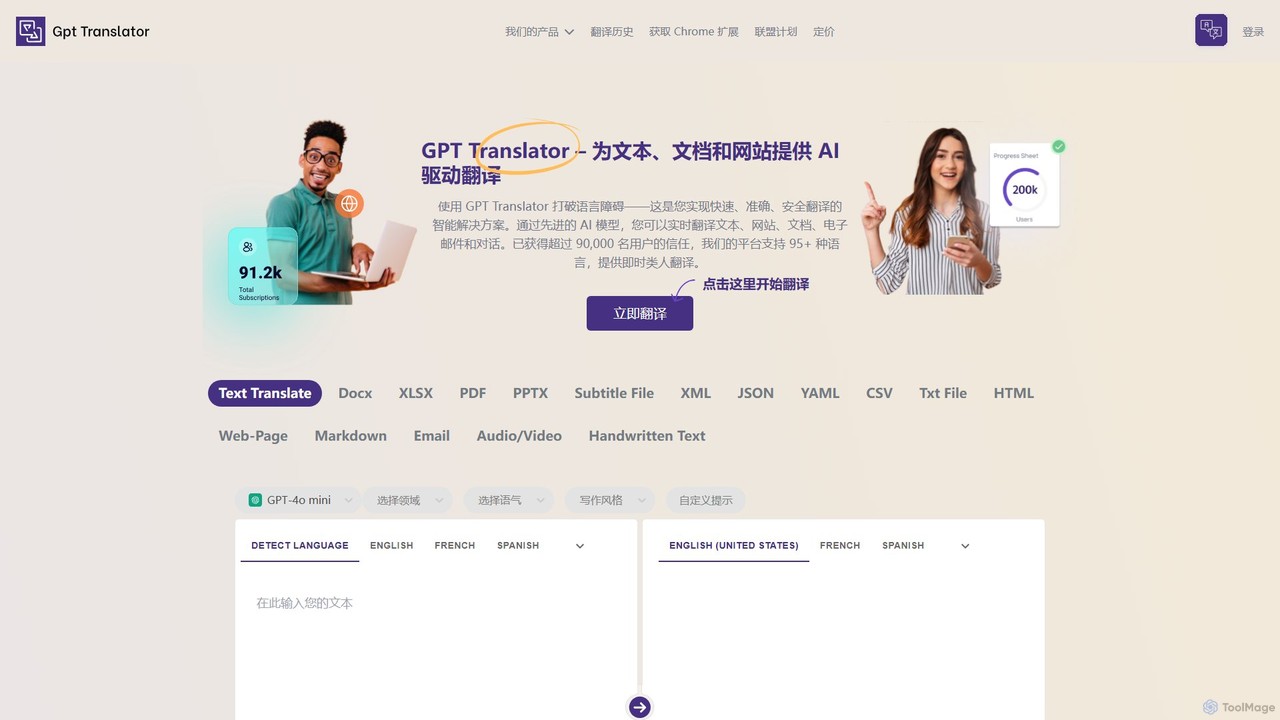
GPT Translator
GPT Translator is an advanced AI-powered translation tool that supports over 100 languages. It handles various formats including text, documents (DOCX, PDF, PPTX), websites, audio/video, and even handwritten text. Powered by multiple AI engines like GPT-4o and Gemini, it provides fast, context-aware, and format-preserving translations, making it ideal for businesses, students, and developers.
Api
morsetranslator
morsetranslator is a free, web-based tool for instant, accurate translation between English text and Morse code. It features audio playback, downloadable sounds, and comprehensive learning resources like alphabet charts. Ideal for enthusiasts, students, and professionals in aviation or maritime fields, it offers a user-friendly interface to learn, practice, and utilize the timeless communication system of Morse code for various purposes, from education to emergency signaling.
Learning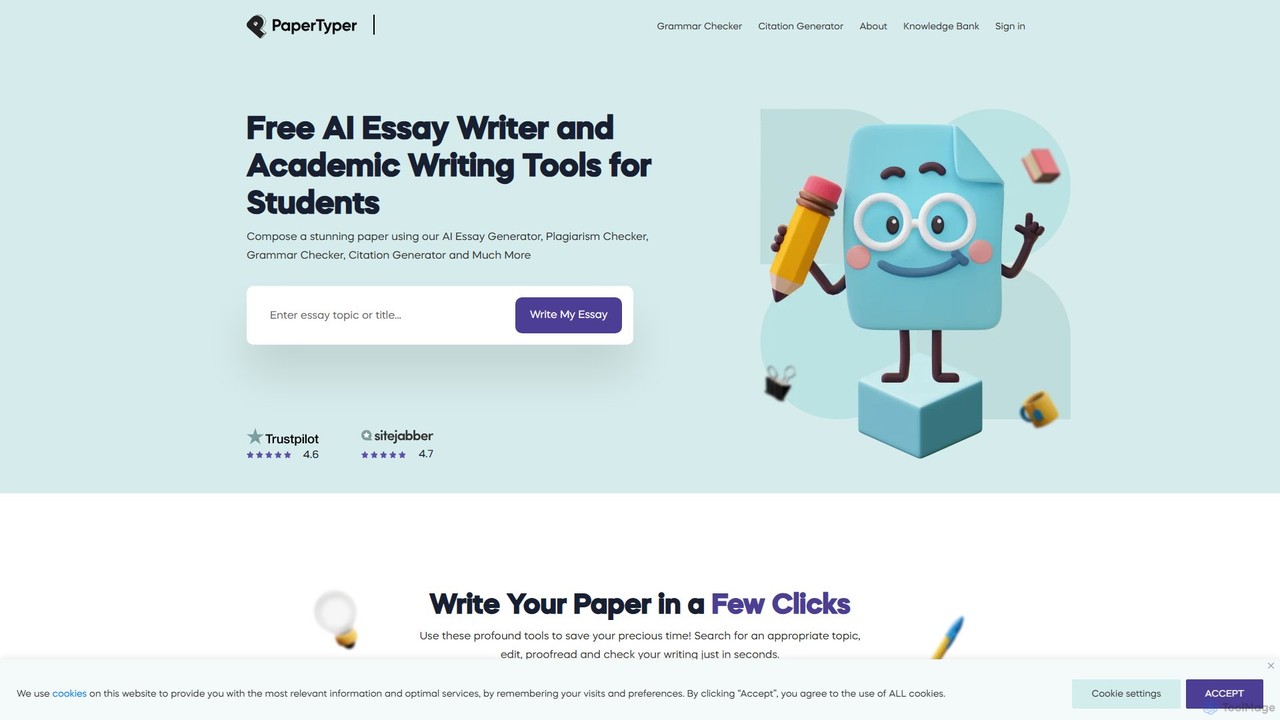
PaperTyper
PaperTyper is a free, all-in-one AI writing assistant for students. It offers an essay generator, plagiarism checker, multi-language grammar checker, and citation generator to help overcome writer's block and streamline the academic writing process from start to finish.
Writingunicodetokruti Categories
unicodetokruti Embed Widget
Copy this embed code to place the badge on your blog, article, or product site and send readers directly to this ToolMage detail page.

Related AI tools
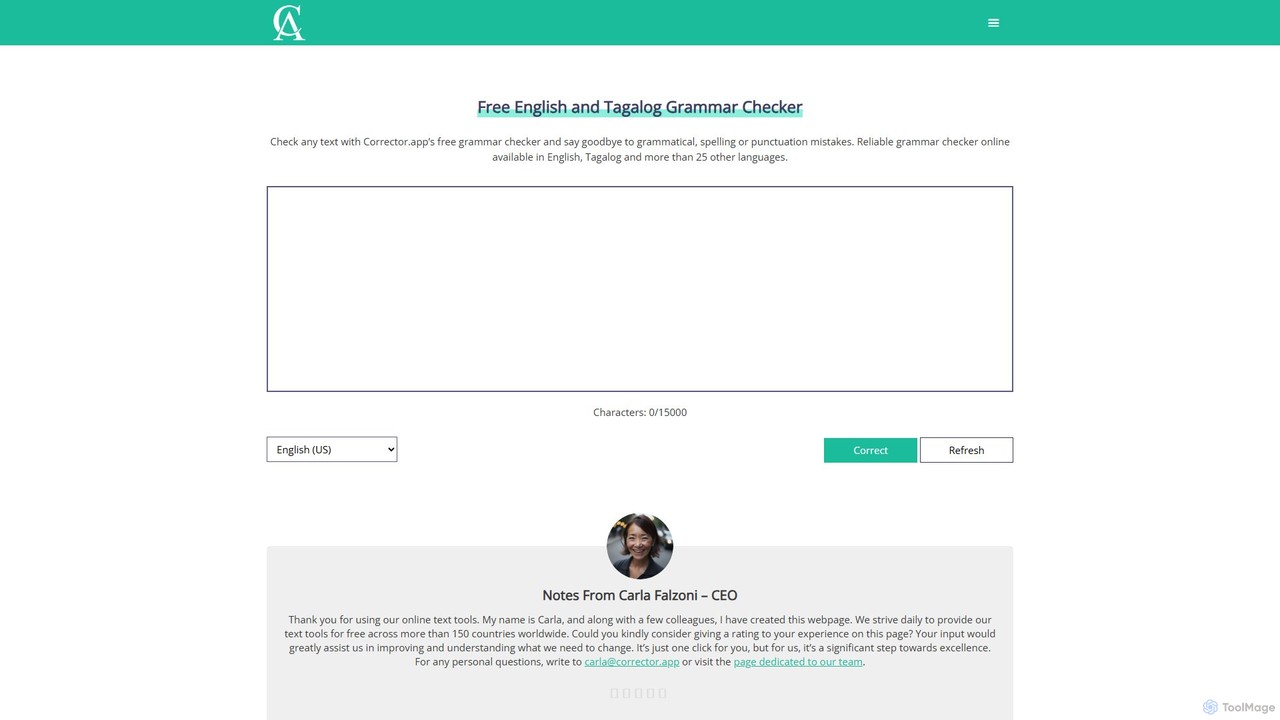
Corrector.app
Corrector.app is a powerful and completely free online grammar, spelling, and punctuation checker. It supports over 27 languages, including various English dialects, Spanish, French, and German. With no registration required, it provides instant, reliable text analysis to help students, professionals, and writers improve their written communication.
Proofreading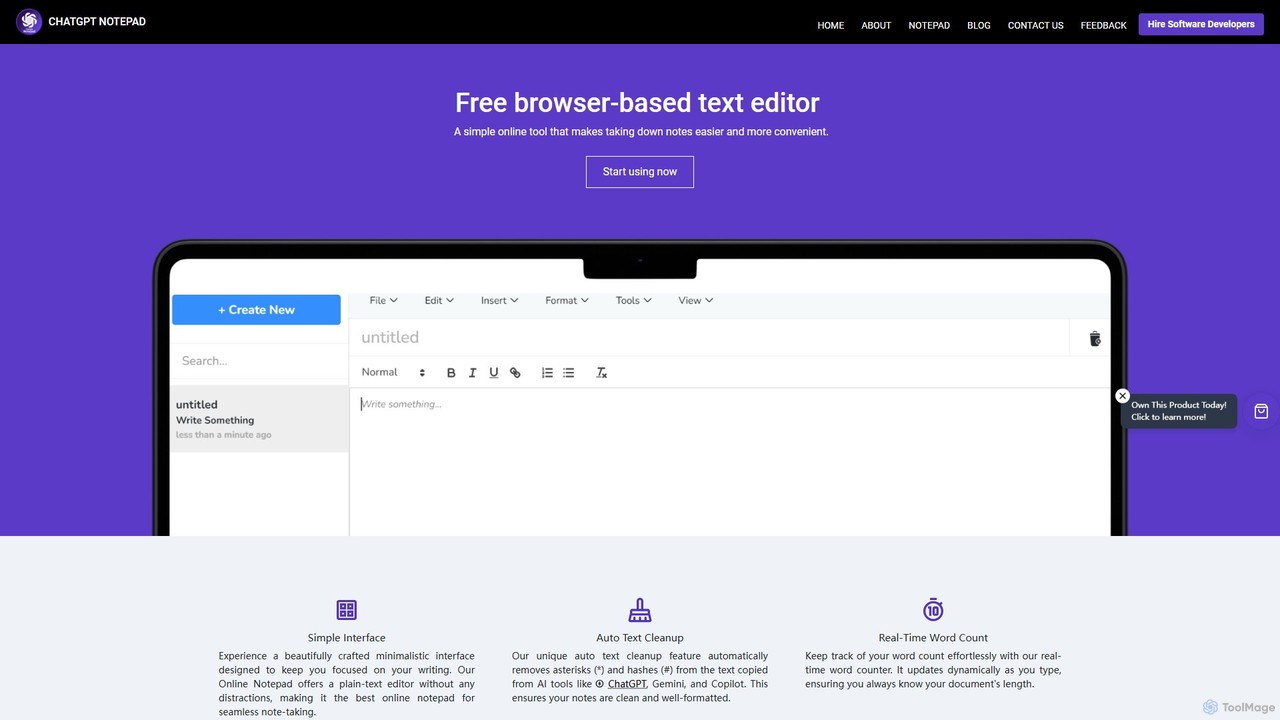
ChatGPT Notepad
ChatGPT Notepad is a free, browser-based online text editor designed for seamless note-taking and text editing. It features a minimalist, distraction-free interface and a unique auto-cleanup tool that removes formatting artifacts from AI-generated text (e.g., from ChatGPT, Gemini). With real-time word count, find & replace, and direct save/print options, it's the perfect companion for writers, students, and developers.
Note Taking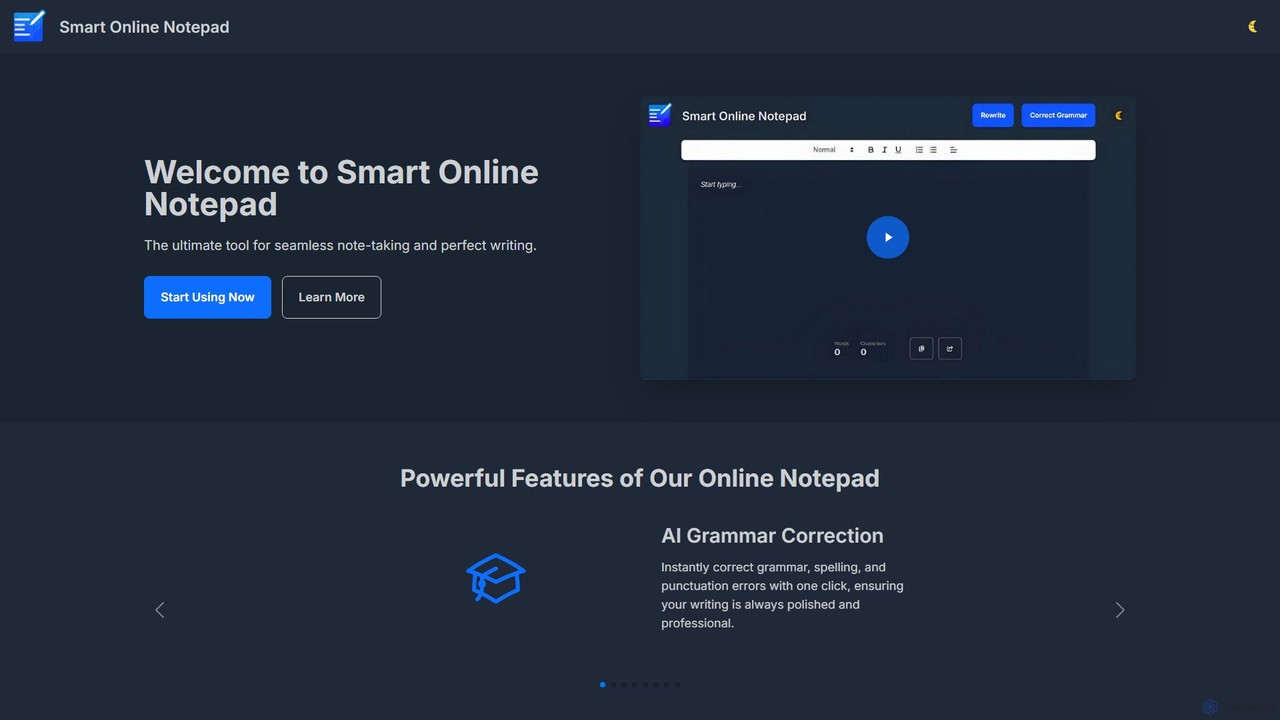
smartonlinenotepad
A free, AI-powered online notepad that offers instant grammar correction, text rewriting, and seamless note-sharing. No sign-up required, it supports multiple languages and features like word count and dark mode to enhance your writing productivity.
Note Taking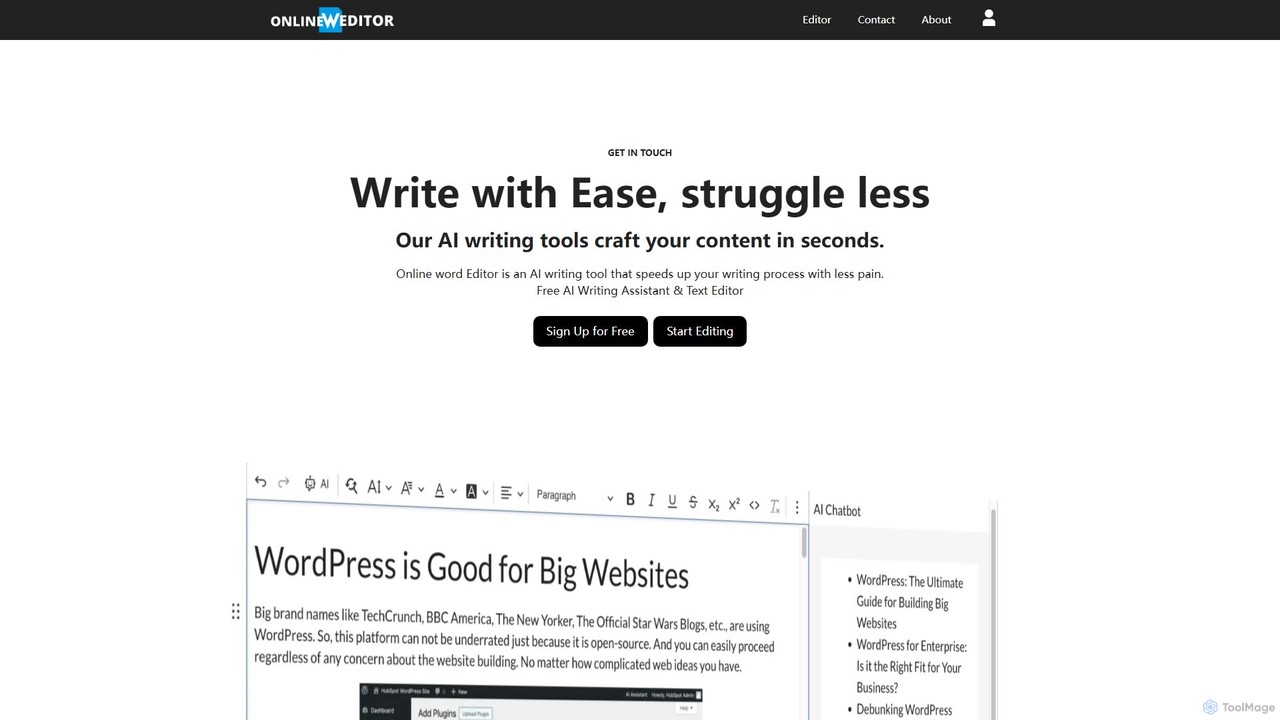
onlinewordeditor
onlinewordeditor is a free, browser-based word processor integrated with a powerful AI writing assistant. It allows users to create, edit, and format documents with a full WYSIWYG editor, while also leveraging AI to generate, summarize, rewrite, and improve text. With a strong focus on privacy, it saves all data to local storage and requires no registration, offering a seamless and secure writing experience.
Text EditorBoost Editor
Boost Editor is an AI-powered Unicode text editor and formatter designed to make your social media content stand out. Instantly convert plain text into a variety of stylish fonts, including bold, italics, and script styles. Perfect for creating eye-catching posts, bios, and headlines for LinkedIn, Facebook, Twitter, and more, helping to increase engagement and brand visibility.
Social Media Marketing
Semantic Scholar
A free, AI-powered research tool from the Allen Institute for AI that helps scholars discover and understand scientific literature. It uses AI to analyze over 200 million papers, providing features like semantic search, influential citation analysis, and paper summaries to accelerate scientific breakthroughs.
Apis
wisprflow
wisprflow is an AI-powered voice dictation application that transcribes speech into text 4x faster than typing. It works across Mac, Windows, and iPhone, featuring AI auto-edits, a personal dictionary, and support for over 100 languages. It's designed to boost productivity and provide accessibility for all users.
Assistive Technology
clck
clck is a free, fast, and reliable URL shortening service powered by Yandex. It allows users to instantly convert long, cumbersome links into short, manageable ones. The service also includes a built-in QR code generator and provides a free API for developer integration, making it a versatile tool for marketers, developers, and general users.
Api
Jyek
Jyek is an AI agent platform that understands objectives, creates execution plans, uses tools, and delivers verifiable results for complex, multi-step tasks.
Automation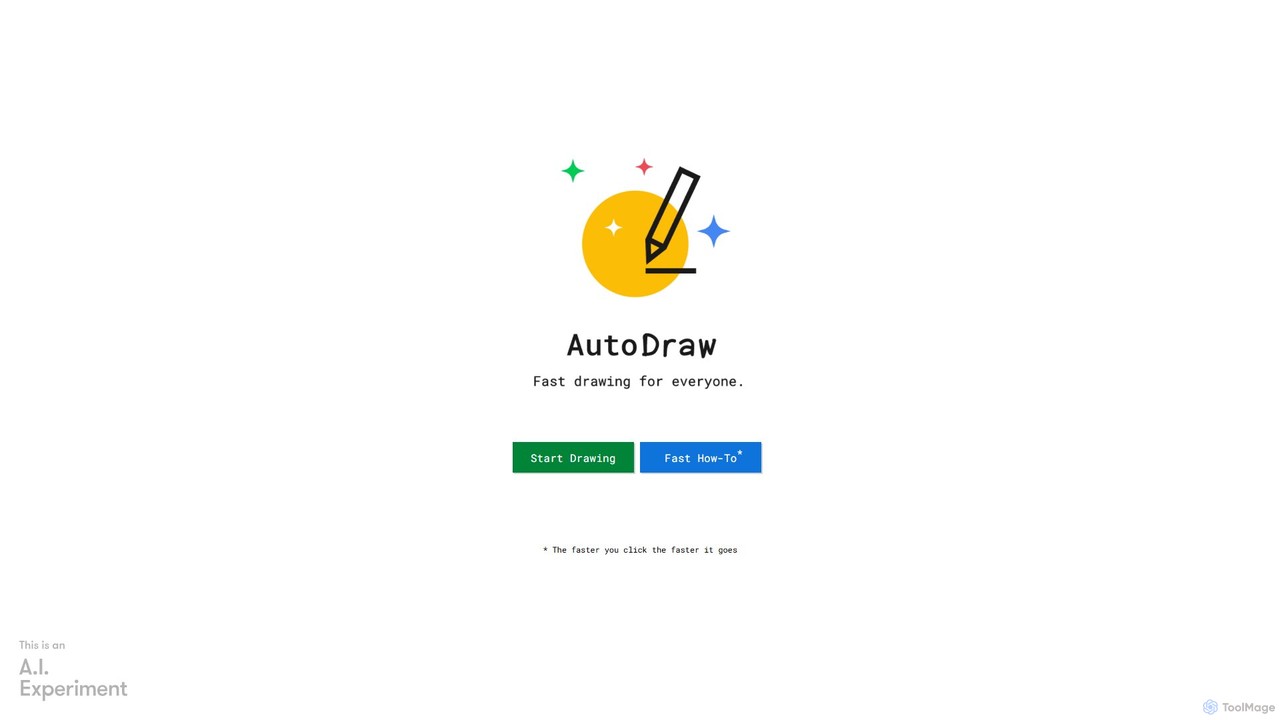
AutoDraw
AutoDraw is a free, AI-powered drawing tool by Google that transforms your rough sketches into polished, professional illustrations in real-time. Simply start doodling, and its machine learning algorithm suggests beautiful clipart to replace your drawing. It's perfect for creating icons, diagrams, and simple graphics quickly, even if you have no artistic skill. Fast, fun, and accessible to everyone on any device with a web browser.
Drawing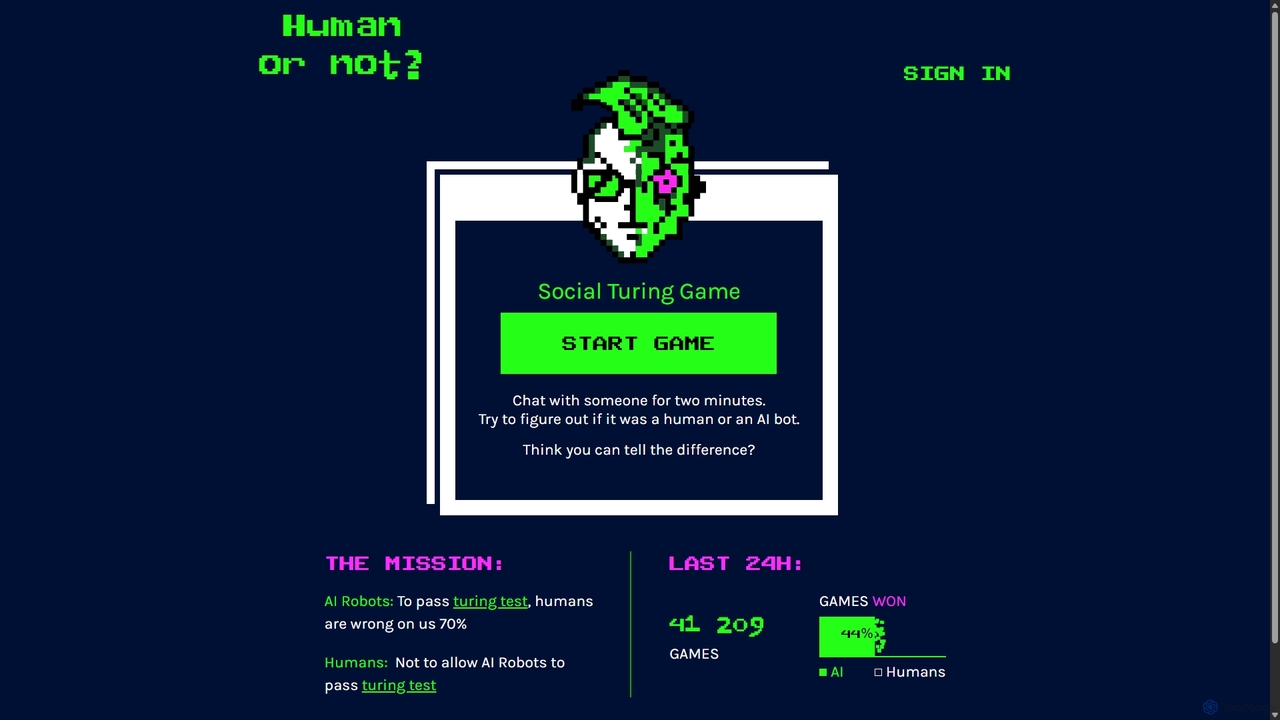
Human or Not
Human or Not is an engaging social Turing game where you chat with a stranger for two minutes and then guess if they are a human or an AI. Test your intuition and see if you can distinguish between human conversation and advanced AI.
Learning
Free AI Video Upscaler
A free, browser-based AI tool that enhances and upscales video resolution without requiring any signup or software installation. It supports various content types, including animated, real-life, and 3D videos, offering different AI models for optimal results.
Editing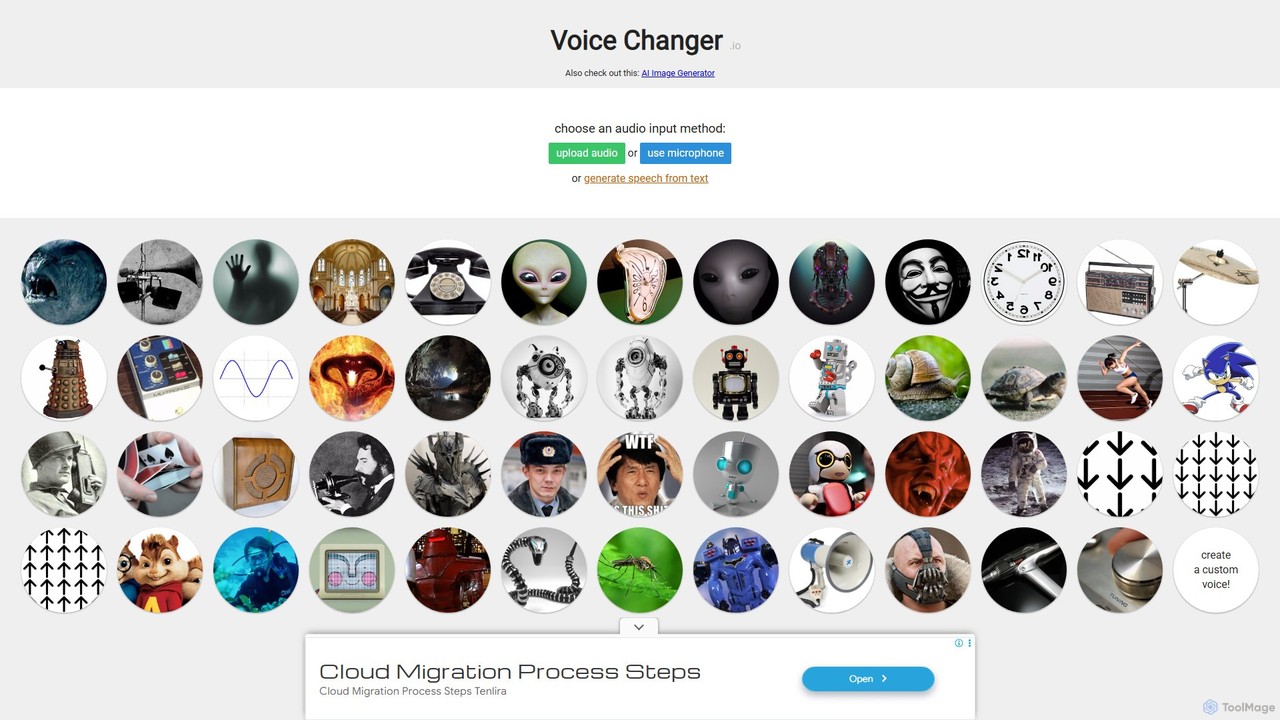
Voice Changer
A free, online tool that allows you to change your voice using various effects. You can record your voice, upload an audio file, or use text-to-speech, and then apply a wide range of effects to create unique voices for entertainment, content creation, or privacy.
Voice Modulation
Hemingway App
Hemingway App is a writing and editing tool designed to make your writing bold and clear. It highlights common errors, complex sentences, and weak phrasing. The AI-powered 'Editor Plus' version offers advanced grammar checking, tone adjustment, and automated rewriting to enhance clarity and impact.
Learning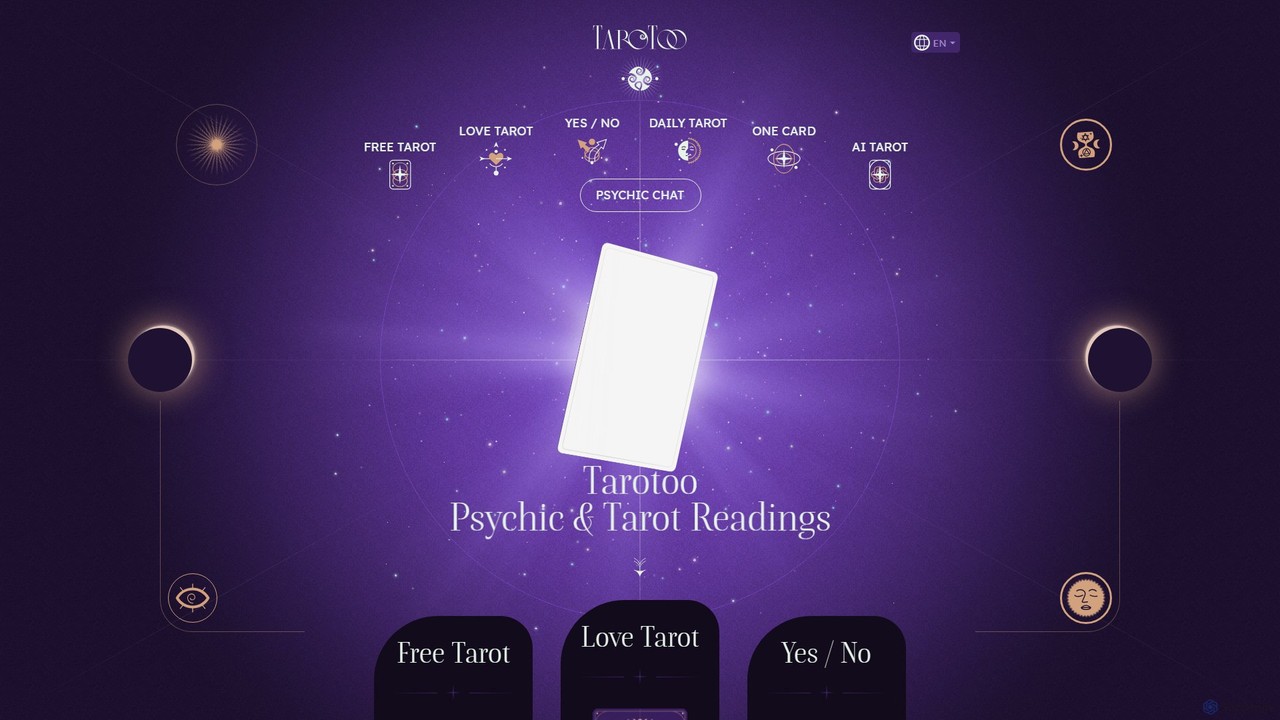
Tarotoo
Tarotoo is an innovative, 100% free online platform that combines the ancient art of tarot with modern AI technology. It offers various animated tarot readings (love, daily, yes/no) and an AI psychic chat for guidance on spirituality, astrology, and life questions. No registration is required, providing an accessible and private way to explore your past, present, and future with insights from world-renowned tarot experts.
Divination
unicodetokruti Comments (0)
Sign in to comment.
Sign inNo comments yet.