ToolMage
Sign in

Best 5 Converter AI tools for Utilities

Popular Converter AI tools in Utilities include morsetranslator, unicodetokruti, ScantextAI, Shoesize.io, and Web Toolset, helping you work more efficiently.

Web Toolset
Free

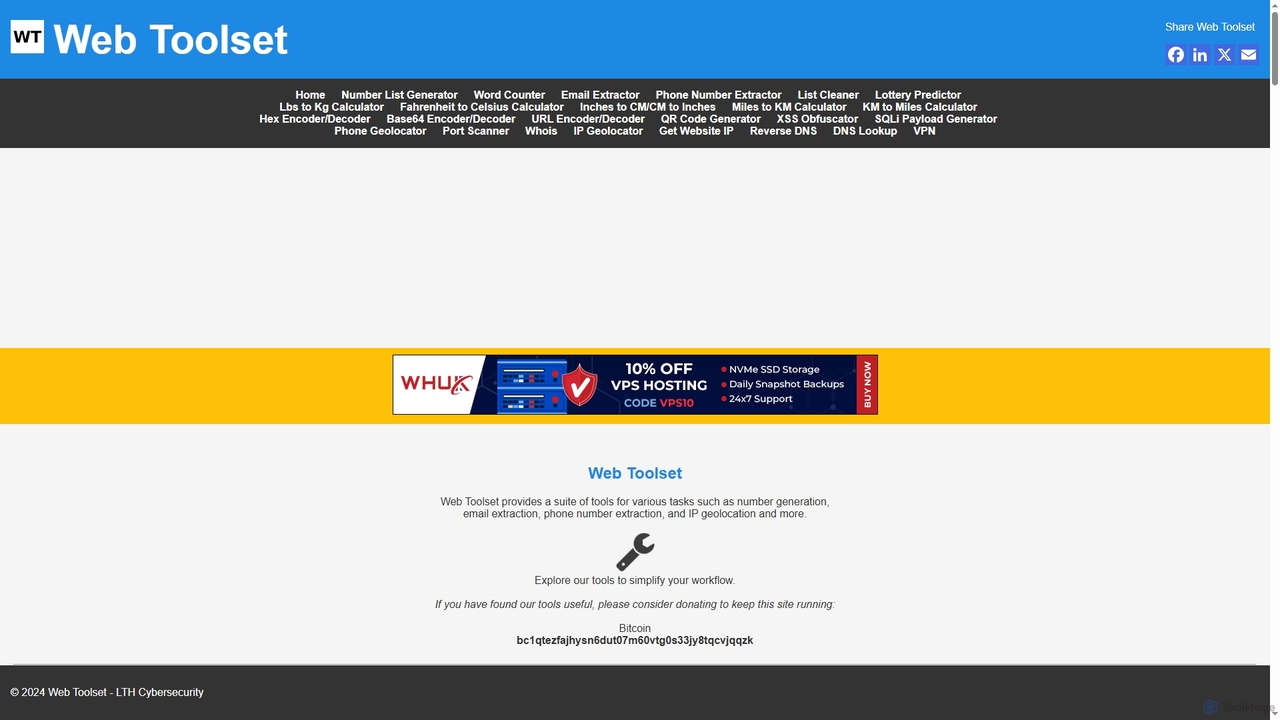
Web Toolset

A comprehensive suite of free online tools designed for developers, marketers, and security professionals. It offers utilities for data extraction, text processing, network analysis, cybersecurity testing, and various unit conversions to simplify complex tasks.

Web
Visits 4.3KFavorites 148Likes 139
Shoesize.io
Free

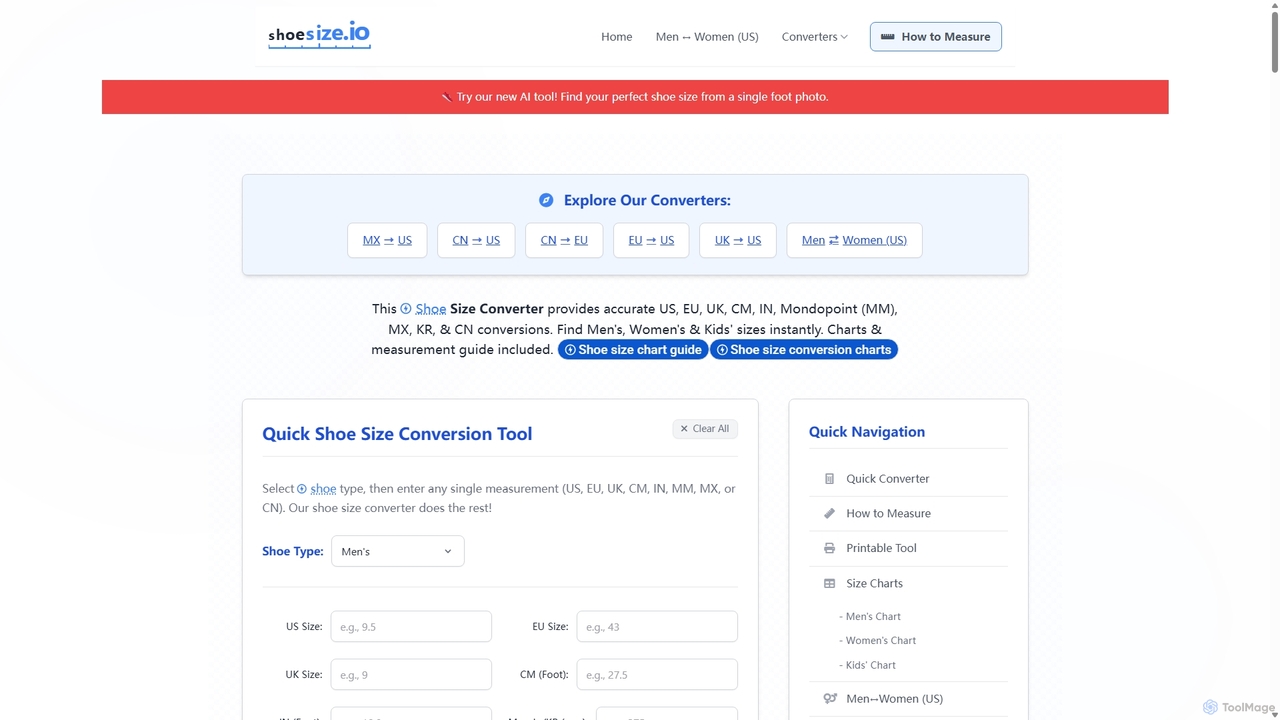
Shoesize.io

An advanced AI-powered shoe size converter that helps you find your perfect fit from a single foot photo. It provides comprehensive conversion charts and guides for international sizes (US, EU, UK, CM, etc.) for men, women, and kids. This tool eliminates guesswork in online shoe shopping, ensuring accuracy and reducing returns by considering brand-specific variations and providing precise measurement instructions.

Shopping Assistant
Visits 5.8KFavorites 125Likes 103
morsetranslator
Free

morsetranslator

morsetranslator is a free, web-based tool for instant, accurate translation between English text and Morse code. It features audio playback, downloadable sounds, and comprehensive learning resources like alphabet charts. Ideal for enthusiasts, students, and professionals in aviation or maritime fields, it offers a user-friendly interface to learn, practice, and utilize the timeless communication system of Morse code for various purposes, from education to emergency signaling.

Learning
Visits 24.9KFavorites 101Likes 95
unicodetokruti
Free

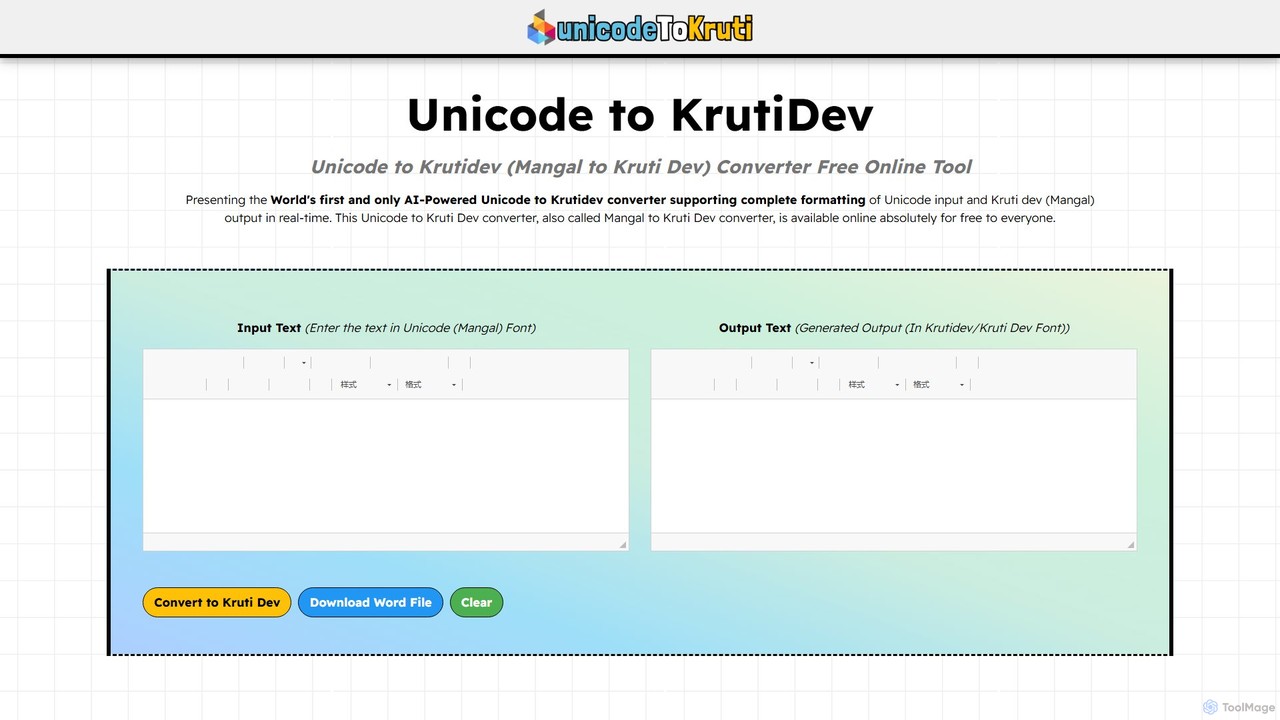
unicodetokruti

A free, AI-powered online tool for converting Devanagari text from Unicode (Mangal font) to the legacy Kruti Dev font. It offers real-time conversion with no word limits or login requirements. Ideal for government officials, content creators, and designers, it features a rich text editor, allows downloading as a Word file, and ensures data privacy.

Text Editing
Visits 7.5KFavorites 114Likes 110
ScantextAI
Free

ScantextAI

ScantextAI is a free, web-based OCR tool that instantly converts images into editable text. It supports over 50 languages and various image formats, allowing users to export text to PDF or Word (DOCX) files. With a strong focus on privacy, it processes files locally on your device, ensuring your data remains secure. No registration is required, making it a quick and efficient solution for students, professionals, and anyone needing to digitize documents.

Ocr
Visits 7.4KFavorites 117Likes 138

About Converter

AI Converter tools are specialized utilities designed to transform digital files from one format to another, often leveraging artificial intelligence for enhanced accuracy and efficiency. These tools go beyond simple format changes, intelligently preserving data integrity, layout, and quality during complex conversions. They are invaluable for professionals and individuals needing seamless data interoperability across various platforms and applications.

Core Features

  • Intelligent Format Recognition: Automatically identifies source file types and suggests optimal target formats.
  • Batch Processing: Converts multiple files simultaneously, significantly saving time and effort.
  • Quality Preservation: Employs advanced algorithms to maintain or even enhance the quality of converted media and documents.
  • Cross-Format Transformation: Supports a wide array of conversions, including audio, video, image, document, and even speech-to-text or text-to-speech.
  • OCR & Data Extraction: Extracts editable text from images or scanned PDFs, converting it into searchable and usable formats.

Applicable Scenarios

Content creators frequently use AI converters to adapt media files (e.g., video to GIF, high-res image to web-optimized format) for different social media platforms or website requirements. Developers might convert code snippets or data formats for compatibility across systems.

How to Choose

When selecting an AI converter, consider the range of supported input/output formats, the conversion speed and quality, and its ability to handle batch operations. Evaluate security features for sensitive data and look for integration options with other tools in your workflow.

Featured tool rankings

Converter use cases

1

Optimizing Web Images for Faster Loading

Web developers and digital marketers use AI image converters to batch process large libraries of product photos or website graphics. The tool automatically converts high-resolution images (e.g., PNG, TIFF) into web-friendly formats like WebP or optimized JPEG, reducing file sizes without noticeable quality loss, thereby improving website loading speed and SEO performance.

2

Transcribing Audio Interviews to Text

Journalists, researchers, and podcasters utilize AI audio converters with speech-to-text capabilities to transform recorded interviews, lectures, or podcast episodes into editable text documents. This significantly streamlines the process of content analysis, quotation extraction, and subtitle generation, saving hours of manual transcription time.

3

Converting PDF Documents for Editing

Office professionals and students frequently encounter PDF files that need editing. AI document converters can accurately transform complex PDFs into editable formats like Microsoft Word, Excel, or PowerPoint, preserving original layouts, fonts, and images. This eliminates the need for manual retyping and allows for quick content modification.

4

Adapting Video Formats for Multi-Platform Publishing

Video content creators and social media managers leverage AI video converters to prepare their content for diverse platforms. They can convert a single source video into various aspect ratios, resolutions, and file types (e.g., MP4 for YouTube, MOV for Apple devices, GIF for social media snippets), ensuring optimal playback and engagement across all channels.

5

Extracting Data from Scanned Documents

Businesses and data entry specialists employ AI converters with advanced OCR (Optical Character Recognition) to extract structured data from scanned invoices, receipts, or legal documents. The tool converts these image-based files into searchable and editable text or spreadsheet formats, automating data entry and facilitating efficient record-keeping and analysis.

6

Migrating Legacy Audio/Video Archives

Media archivists and personal users with old digital media collections use AI converters to update legacy audio (e.g., WMA, OGG) or video (e.g., AVI, WMV) files to modern, widely compatible formats like MP3 or MP4. This ensures long-term accessibility and playback on contemporary devices and software, preventing data obsolescence.

Converter FAQ

What are AI Converters?

AI Converters are digital tools that use artificial intelligence to transform files from one format to another. Unlike traditional converters, they leverage AI to intelligently analyze content, preserve quality, and often offer advanced features like smart recognition, batch processing, and even content-aware adjustments during conversion. They are a subset of utility tools focused on seamless data interoperability.

How do AI Converters differ from traditional converters?

The primary difference lies in the intelligence and automation provided by AI. Traditional converters often perform a direct, rule-based format change, which can sometimes lead to quality loss or layout issues. AI Converters, however, can understand the content, optimize conversion parameters dynamically, handle complex structures (like nested PDFs), and offer features such as OCR, smart upscaling, or noise reduction, resulting in higher quality and more efficient transformations.

What types of files can AI Converters handle?

AI Converters are highly versatile and can handle a broad spectrum of file types. This includes common media formats like images (JPEG, PNG, WebP, TIFF), audio (MP3, WAV, FLAC, AAC), and video (MP4, MOV, AVI, MKV). They also excel at document conversions (PDF to Word/Excel/PPT, EPUB to PDF), and specialized tasks like speech-to-text, text-to-speech, or even extracting data from scanned documents using OCR.

How to choose the best AI Converter for my needs?

To select the best AI Converter, first identify your primary conversion needs: what file types do you frequently work with, and what are your desired output formats? Consider the tool's accuracy in preserving quality and layout, its speed, and whether it supports batch processing. Look for robust security features if handling sensitive data, and check for user-friendliness and integration capabilities with your existing workflow.

What are the key benefits of using AI Converters?

The main benefits of using AI Converters include significantly improved efficiency through automation and batch processing, higher conversion quality with intelligent preservation of data and layout, and enhanced versatility in handling complex or diverse file types. They save time, reduce manual effort, and ensure better compatibility across different platforms and applications, making digital workflows smoother and more reliable.