SourcePilot
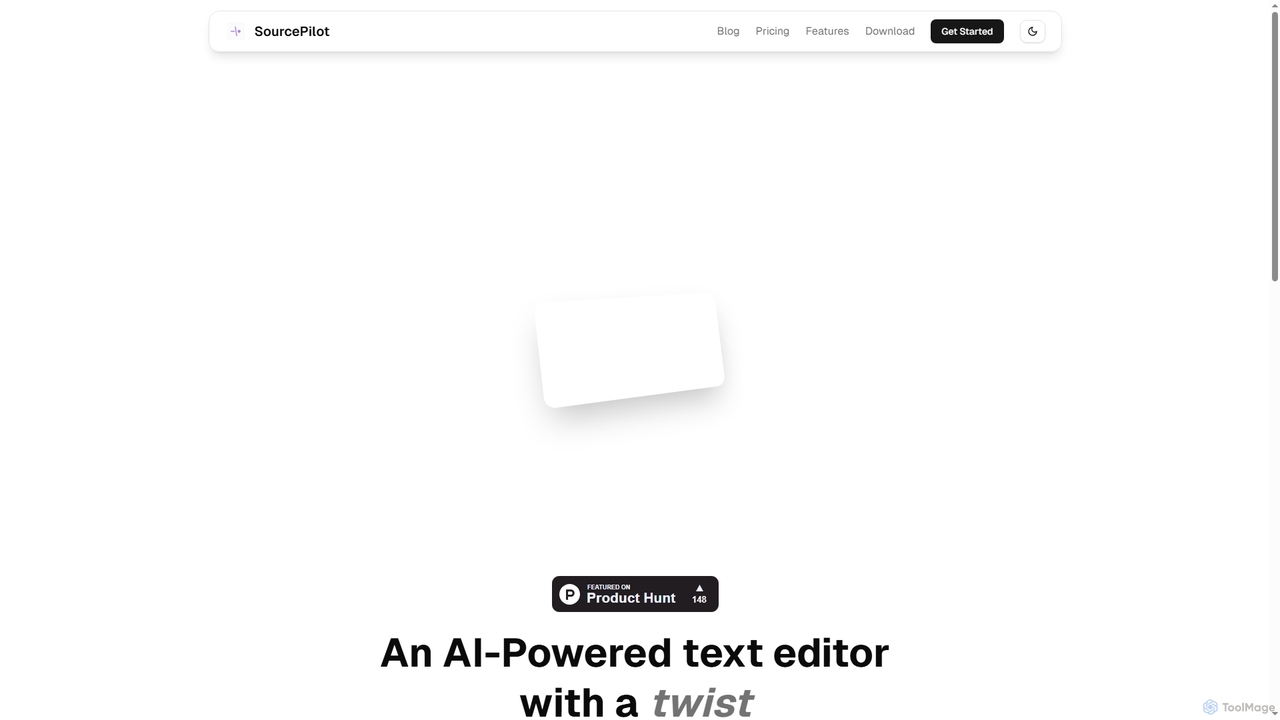
SourcePilot is an AI-powered desktop text editor designed to enhance writing speed, quality, and impact while ensuring complete …
SourcePilot is an AI-powered desktop text editor designed to enhance writing speed, quality, and impact while ensuring complete user ownership and privacy. It offers smart AI suggestions, context-aware assistance, and local document management for various writing needs.
Quillminds
Quillminds is an AI-powered academic writing assistant designed for students and researchers. It streamlines the writing process from …
Quillminds is an AI-powered academic writing assistant designed for students and researchers. It streamlines the writing process from research to final draft with features like a smart research assistant, automatic citation management (APA, MLA, Chicago), a style enhancer for academic prose, and an integrated plagiarism checker. It aims to save time, improve grades, and reduce the stress of academic writing.
onlinewordeditor
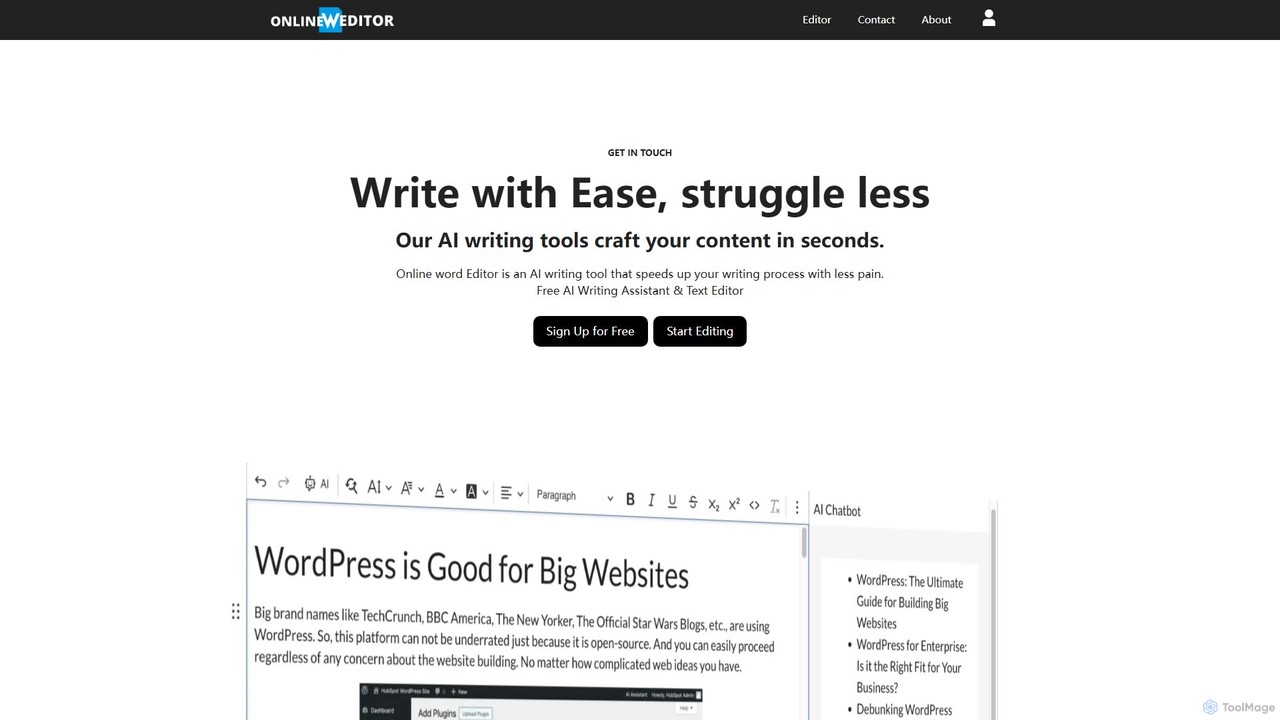
onlinewordeditor is a free, browser-based word processor integrated with a powerful AI writing assistant. It allows users to …
onlinewordeditor is a free, browser-based word processor integrated with a powerful AI writing assistant. It allows users to create, edit, and format documents with a full WYSIWYG editor, while also leveraging AI to generate, summarize, rewrite, and improve text. With a strong focus on privacy, it saves all data to local storage and requires no registration, offering a seamless and secure writing experience.
Novel
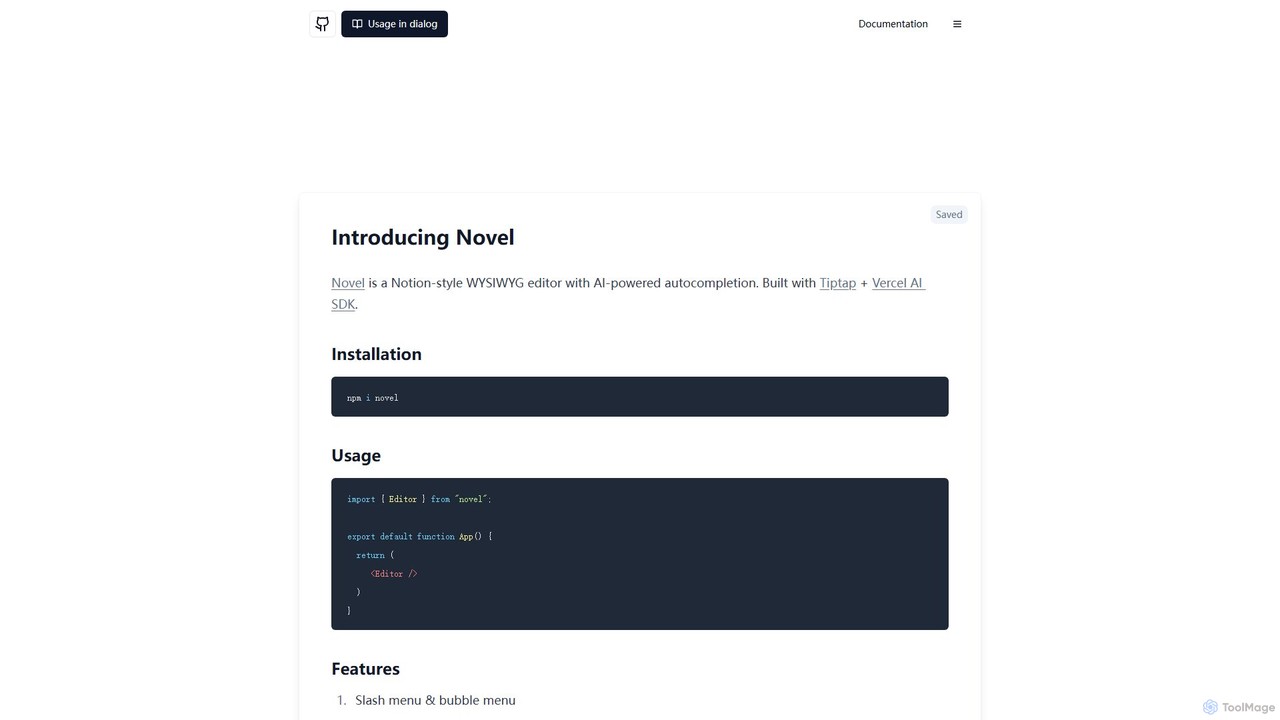
Novel is an open-source, Notion-style WYSIWYG editor component with AI-powered autocompletions. Built for developers using Tiptap and the …
Novel is an open-source, Notion-style WYSIWYG editor component with AI-powered autocompletions. Built for developers using Tiptap and the Vercel AI SDK, it allows for easy integration of a rich text editor with advanced features like slash commands, image uploads, and real-time AI assistance into any web application.
About Text Editor
A Text Editor is a fundamental productivity tool designed for creating and modifying plain text files. Unlike word processors, these tools focus on raw text manipulation, providing a clean and efficient interface for writing code, notes, configuration files, and any text-based content. They are indispensable for developers, writers, system administrators, and anyone requiring precise control over text data, often offering extensibility through plugins and high performance.
Core Features
- Syntax Highlighting: Visually distinguishes different elements of code or structured text for improved readability.
- Search and Replace: Efficiently finds and replaces text patterns, often with support for regular expressions.
- Multi-cursor Editing: Allows simultaneous editing at multiple locations, significantly speeding up repetitive tasks.
- Code Folding: Collapses blocks of code or text to manage large files more easily.
- Plugin/Extension Support: Extends functionality with custom tools, language support, and themes.
Applicable Scenarios
Text editors are widely used in software development for writing and debugging code, by technical writers for drafting documentation in formats like Markdown, and by system administrators for editing server configuration files and scripts. Their versatility makes them suitable for any task requiring direct and precise text manipulation.
How to Choose
When selecting a text editor, consider its performance and speed, especially for large files. Evaluate the feature set, including specific language support, extensibility via plugins, and customization options. Also, assess the user interface for ease of use and cross-platform compatibility to ensure it fits your workflow across different operating systems.
Text EditorUse Cases
Writing and Debugging Source Code
Developers utilize text editors to write, edit, and debug source code for various programming languages, benefiting from features like syntax highlighting and auto-completion to enhance coding efficiency and accuracy.
Drafting Technical Documentation
Technical writers and engineers employ text editors to create and maintain documentation, such as README files, user manuals, and API specifications, often using lightweight markup languages like Markdown for clear, version-controlled content.
Editing Server Configuration Files
System administrators and DevOps professionals rely on text editors to precisely modify critical server configuration files, network settings, and automation scripts, ensuring system stability and security.
Efficient Note-Taking and Brainstorming
Students, researchers, and professionals use text editors for distraction-free note-taking, outlining ideas, and drafting content, appreciating their speed and simplicity for capturing thoughts quickly.
Data Cleaning and Transformation
Data analysts and scientists leverage text editors for quick data manipulation tasks, such as cleaning CSV files, reformatting JSON data, or extracting specific information using advanced search and replace functionalities.
Web Development (HTML, CSS, JavaScript)
Web developers use text editors as their primary environment for crafting HTML structures, styling with CSS, and implementing interactive features with JavaScript, often integrating with browser developer tools for a seamless workflow.