
Novel Overview
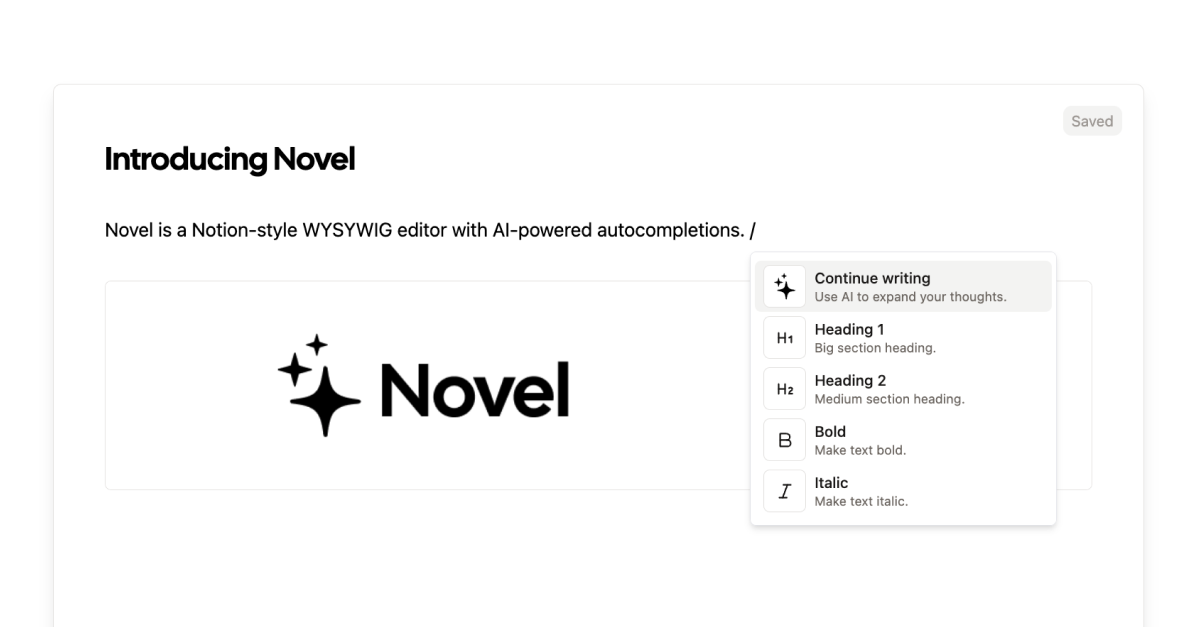
Novel is a powerful, open-source, Notion-style WYSIWYG (What You See Is What You Get) editor component designed for developers. It provides a beautiful and intuitive editing experience out-of-the-box, complete with AI-powered autocompletions. Built on a modern tech stack including Tiptap, Next.js, and the Vercel AI SDK, Novel enables developers to rapidly integrate a feature-rich text editor into their web applications, saving significant development time. The editor's interface is heavily inspired by Notion, featuring familiar elements like slash commands for quick actions, a floating bubble menu for contextual formatting, and seamless media embedding. Its core strength lies in its native AI integration, which allows end-users to generate, edit, and refine text by simply typing '++' or selecting an AI command from the menu. This makes it an ideal solution for building next-generation content creation platforms, knowledge bases, or any application requiring sophisticated text input capabilities.
How to use Novel
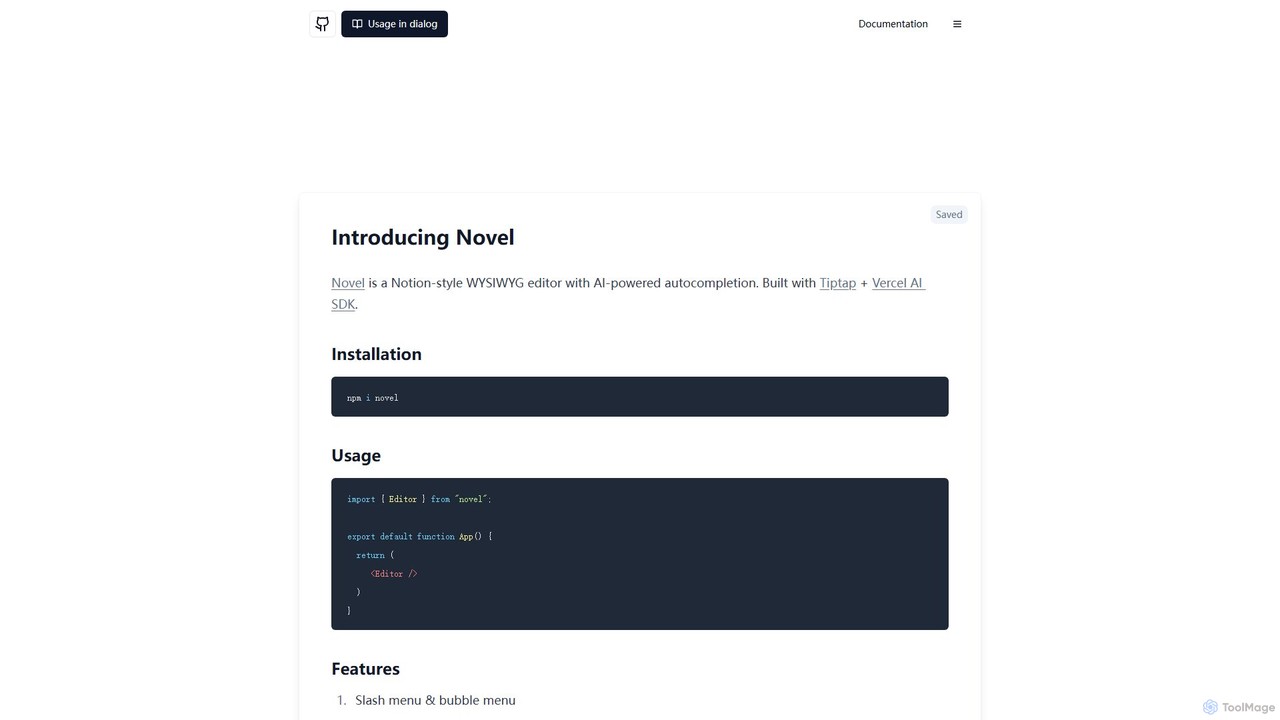
Novel is a developer component, not a standalone application. To use it, developers need to install it into their project via npm.
1. Installation: Run the command npm i novel in your project's terminal.
2. Integration: Import the Editor component into your React/Next.js application: import { Editor } from "novel";.
3. Implementation: Render the component in your app: export default function App() { return ( <Editor /> ) }.
4. End-User Interaction: Once integrated, users can interact with the editor intuitively. Type / to open the slash command menu for inserting elements like images, tweets, or LaTeX formulas. To trigger the AI, type ++ followed by a prompt, or highlight text and use the AI options in the bubble menu. Images can be added via the slash command or by simply dragging and dropping them into the editor.
Core Features of Novel
- AI-Powered Autocompletions: Natively integrated with the Vercel AI SDK, offering intelligent text generation, summarization, and editing capabilities on the fly.
- Notion-Style UI/UX: Provides a familiar and polished user experience with slash commands, a floating bubble menu for text formatting, and block-based editing.
- Rich Media Support: Effortlessly handle image uploads via drag-and-drop or copy-paste. Embed external content like tweets directly within the editor.
- LaTeX for Mathematical Equations: Includes support for rendering complex mathematical symbols and formulas using LaTeX syntax.
- Developer-Friendly & Extensible: Built on top of Tiptap, a highly customizable and extensible rich-text editor framework for the web.
- Open Source: The entire codebase is open-source, offering transparency and the freedom to customize and contribute.
- Modern Tech Stack: Utilizes a robust stack including Tiptap, TypeScript, RadixUI, and Cmdk for a reliable and high-performance experience.
Use Cases for Novel
As a versatile component, Novel can be the foundation for various applications:
• Blogging Platforms & CMS: Build a custom content management system with a superior writing experience for bloggers and content creators.
• AI Writing Assistants: Create dedicated tools for copywriting, marketing, or creative writing that leverage the built-in AI features.
• Knowledge Management Systems: Develop internal wikis, documentation sites, or personal note-taking apps similar to Notion or Confluence.
• SaaS Application Features: Integrate into project management tools, CRMs, or customer support platforms to allow users to write detailed notes, descriptions, and messages.
Advantages of Novel
Novel offers a significant competitive edge for developers. It drastically reduces the time and complexity required to build a modern text editor. The pre-built AI integration is a key differentiator, allowing developers to offer advanced features without the hassle of setting up complex AI pipelines. Its open-source nature ensures there are no licensing fees and provides full control over customization. By using a proven and popular foundation like Tiptap, it guarantees a stable, extensible, and high-quality editing experience for the end-user.
Pricing and Plans
Novel is a completely free, open-source NPM package distributed under the MIT license. Developers can use, modify, and distribute it in their projects without any cost. However, it's important to note that while the Novel component itself is free, the AI features rely on the Vercel AI SDK, which in turn connects to various large language models (LLMs). Using these LLMs will incur costs based on the pricing of the specific AI provider (e.g., OpenAI, Anthropic) you choose to configure.
Traffic
Latest traffic
Status
Monthly traffic trend
- 2025-9: 26.9K
- 2026-1: 21.6K
- 2026-2: 21.7K
- 2026-3: 37.3K
- 2026-4: 29.8K
- 2026-5: 28.6K
Geography
Top 5 countries / regions
- 🇧🇷Brazil29.9%
- 🇻🇳Vietnam20.9%
- 🇮🇩Indonesia18.4%
- 🇳🇬Nigeria15.9%
- 🇮🇳India14.9%
Top keywords
| Keyword | Cost per click |
|---|---|
| notion wysiwyg editor | $0.00 |
| novel | $0.44 |
| novel.sh | $0.00 |
| opensource notion-style editor | $0.00 |
| wysiwyg editor in next js | $0.00 |
Novel Videos on YouTube

The Novelist Studio


The Nerdy Novelist

The Nerdy Novelist


源腾AI研究所

JayKay Dowdall

ぷろもでAI研究所【生成AI解説】
Novel Alternatives
Assistant-ui
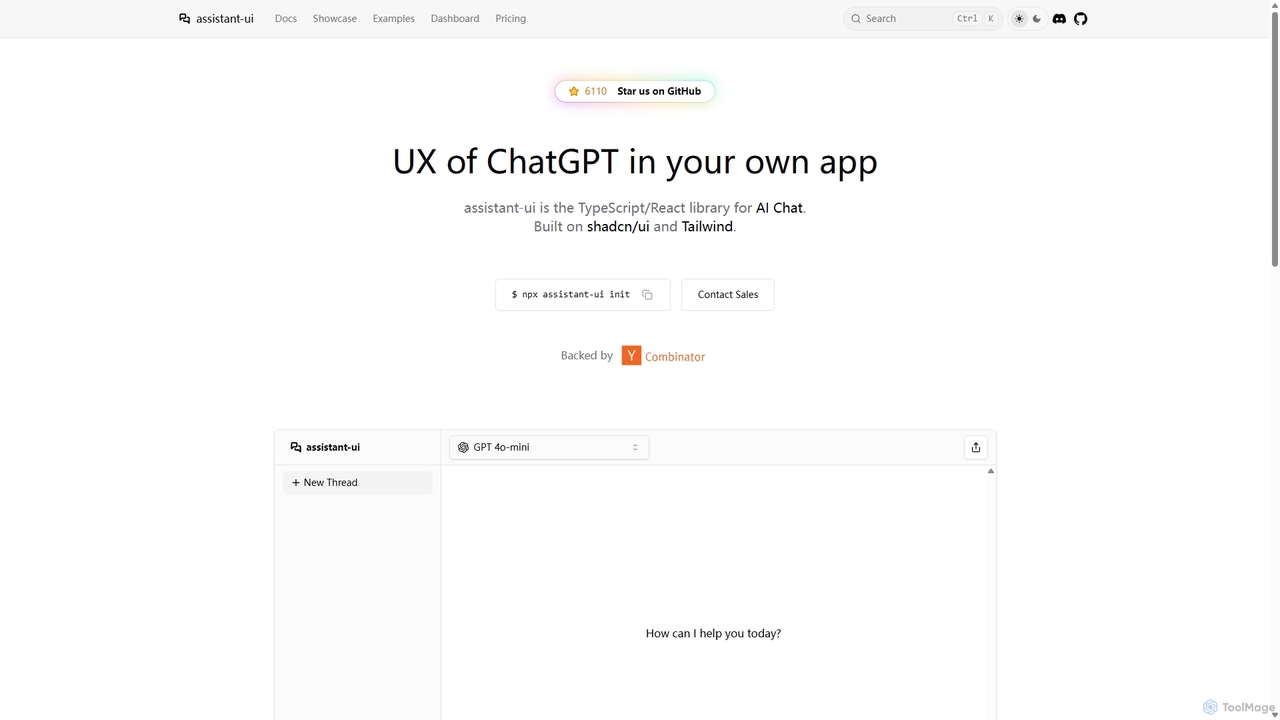
Assistant-ui is an open-source TypeScript/React library for rapidly building high-quality, customizable AI chat interfaces. Built on shadcn/ui and Tailwind CSS, it provides developers with pre-built components to integrate a ChatGPT-like experience into any application, supporting various backends and advanced features like generative UI.
Libraries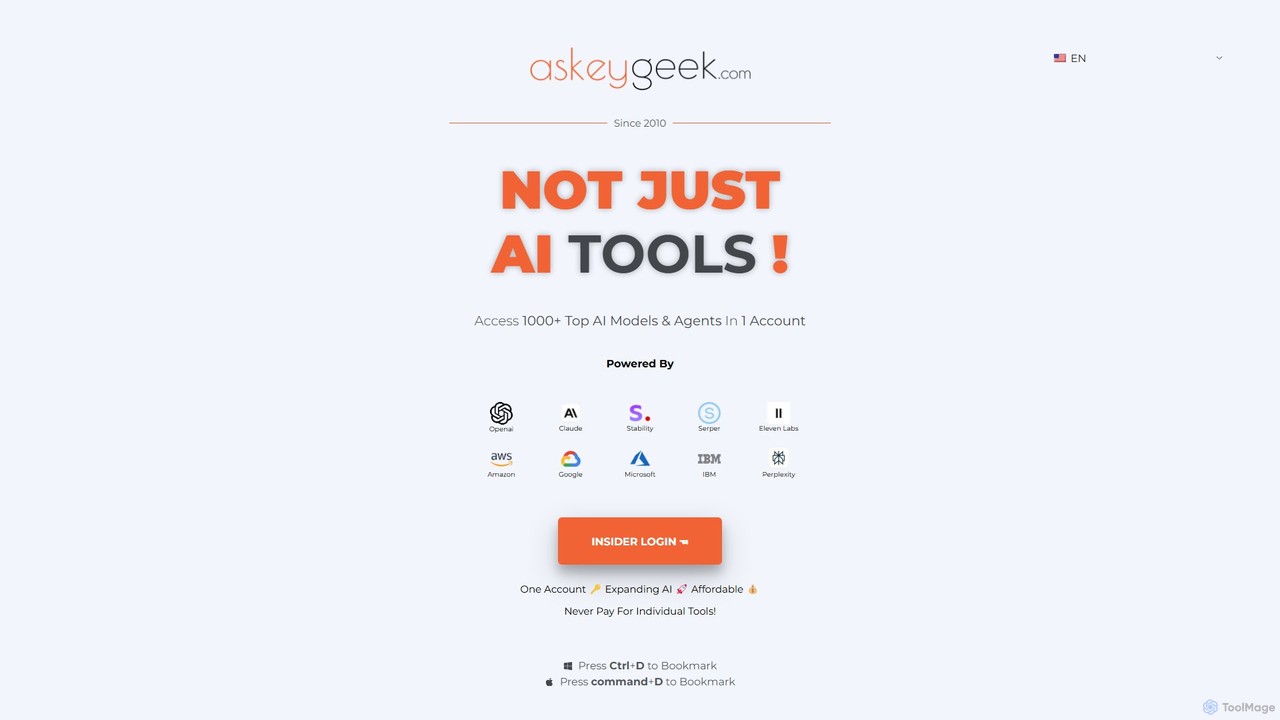
askeygeek
askeygeek is an all-in-one AI productivity platform offering access to over 1000 top AI models (from OpenAI, Claude, Stability, etc.) and 1500+ free web tools through a single, affordable account. It integrates text-to-speech, transcription, content creation, and various developer utilities to streamline workflows for creators, marketers, and developers.
Text To Speech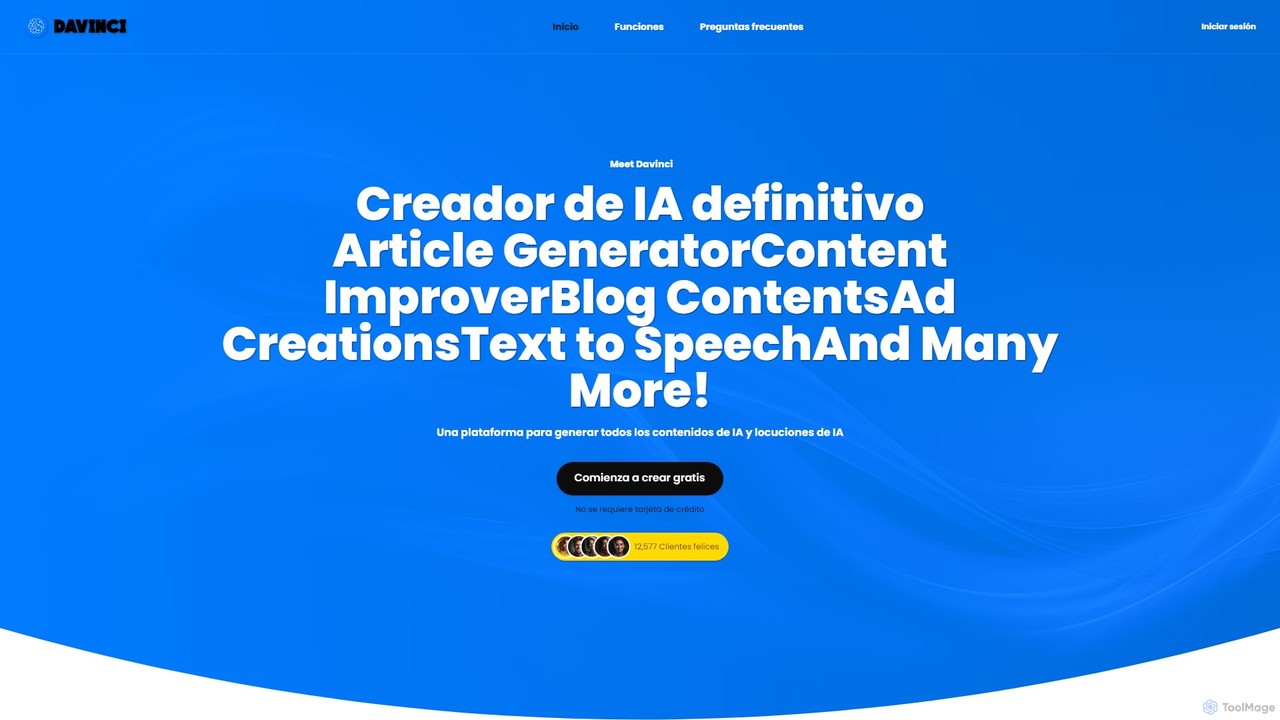
Copyson
Copyson is an all-in-one AI platform for content creation, combining a powerful text generator with advanced text-to-speech capabilities. It supports over 54 languages for text and 144 for voiceovers, offering tools for article writing, content improvement, ad copy, and more. With over 540 neural voices and customizable templates, it empowers marketers, creators, and businesses to produce high-quality text and audio content efficiently.
Text To Speech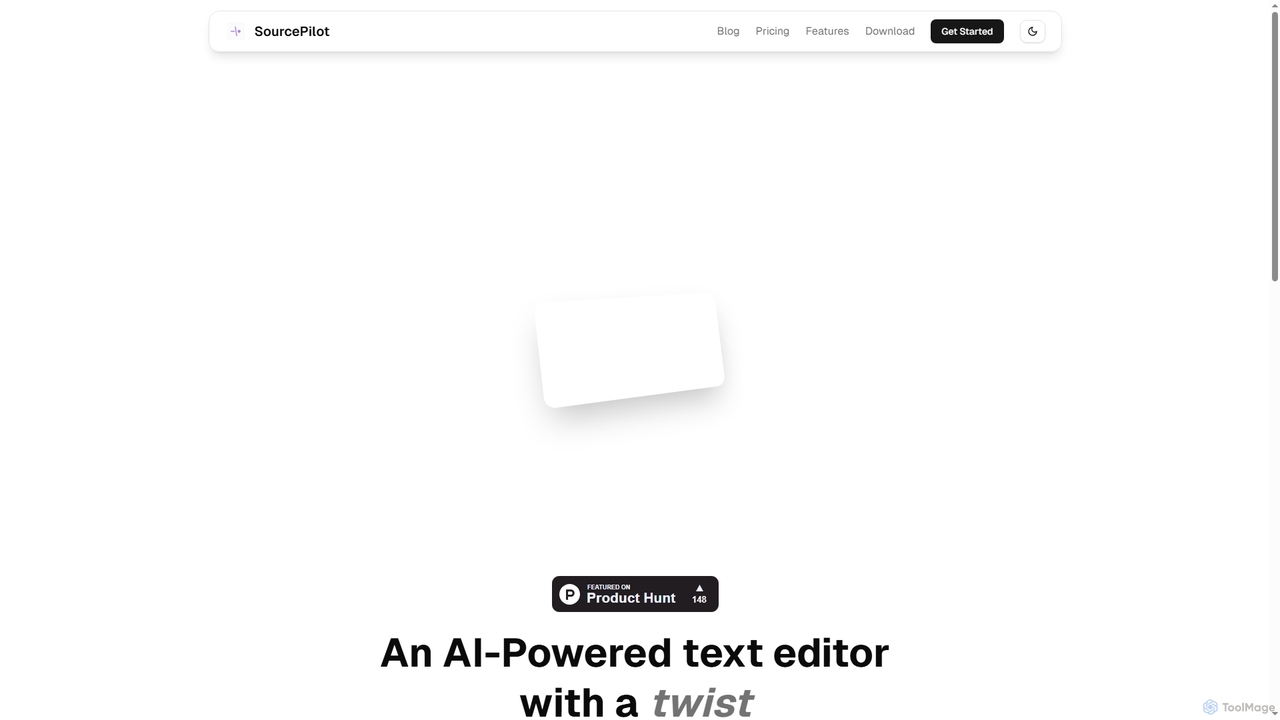
SourcePilot
SourcePilot is an AI-powered desktop text editor designed to enhance writing speed, quality, and impact while ensuring complete user ownership and privacy. It offers smart AI suggestions, context-aware assistance, and local document management for various writing needs.
Blogging
chatgpt.js
chatgpt.js is a powerful, open-source JavaScript library for developers. It simplifies interaction with the ChatGPT web interface's DOM, enabling the rapid creation of browser extensions, userscripts, and other applications that enhance or automate the ChatGPT experience.
ToolkitsNovel Categories
Novel Embed Widget
Copy this embed code to place the badge on your blog, article, or product site and send readers directly to this ToolMage detail page.

Related AI tools
Assistant-ui
Assistant-ui is an open-source TypeScript/React library for rapidly building high-quality, customizable AI chat interfaces. Built on shadcn/ui and Tailwind CSS, it provides developers with pre-built components to integrate a ChatGPT-like experience into any application, supporting various backends and advanced features like generative UI.
Libraries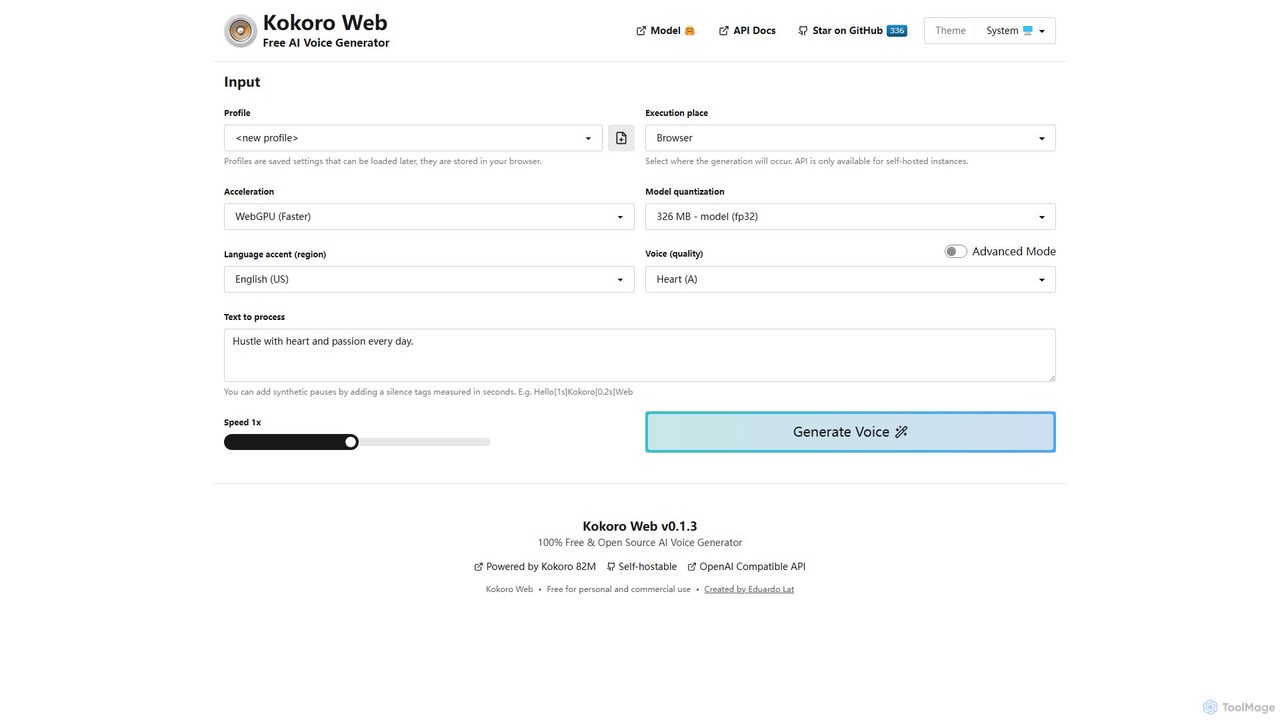
Kokoro Web
A free, open-source, and browser-based AI voice generator that offers multi-language support and advanced technical controls. It processes text directly on your device, ensuring complete privacy and providing high-quality text-to-speech (TTS) output without any cost or registration.
Text To Speech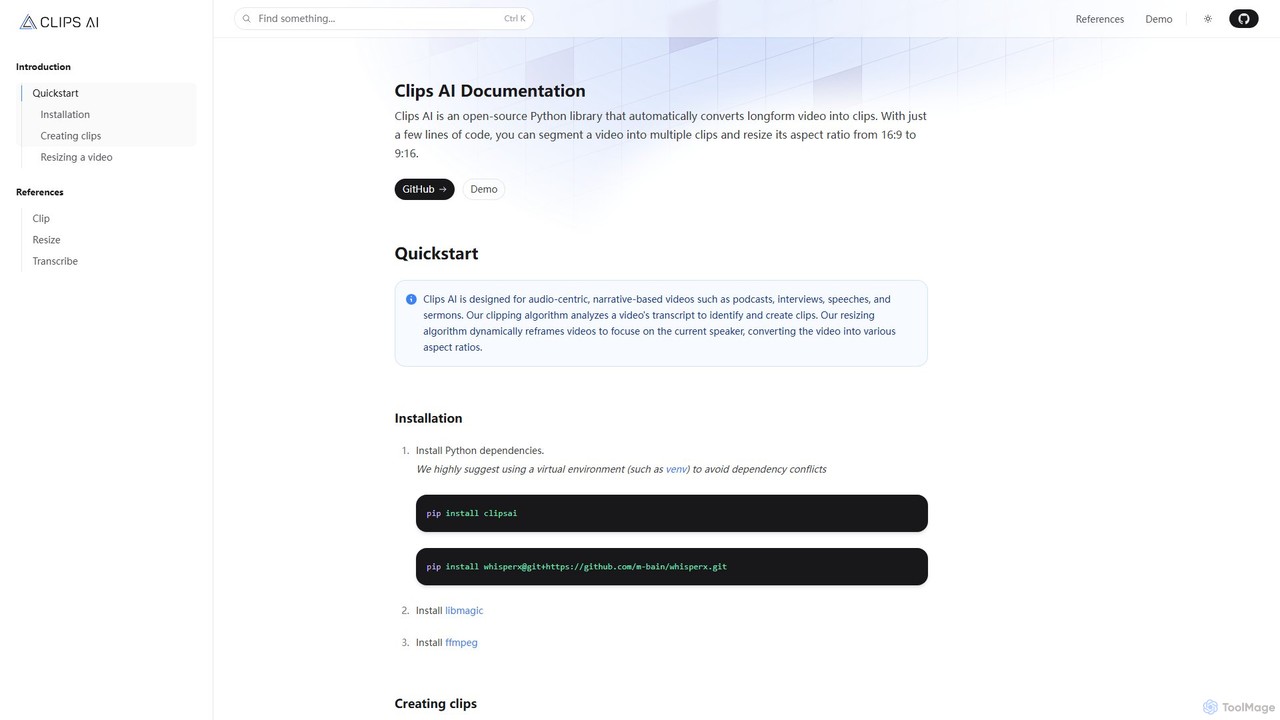
Clips AI
Clips AI is an open-source Python library for developers that automates the conversion of long-form videos into short, shareable clips. It uses AI to transcribe content, identify key moments, and dynamically resize videos for social media platforms, making it ideal for repurposing podcasts, interviews, and speeches.
Video Processingaskeygeek
askeygeek is an all-in-one AI productivity platform offering access to over 1000 top AI models (from OpenAI, Claude, Stability, etc.) and 1500+ free web tools through a single, affordable account. It integrates text-to-speech, transcription, content creation, and various developer utilities to streamline workflows for creators, marketers, and developers.
Text To SpeechCopyson
Copyson is an all-in-one AI platform for content creation, combining a powerful text generator with advanced text-to-speech capabilities. It supports over 54 languages for text and 144 for voiceovers, offering tools for article writing, content improvement, ad copy, and more. With over 540 neural voices and customizable templates, it empowers marketers, creators, and businesses to produce high-quality text and audio content efficiently.
Text To SpeechSourcePilot
SourcePilot is an AI-powered desktop text editor designed to enhance writing speed, quality, and impact while ensuring complete user ownership and privacy. It offers smart AI suggestions, context-aware assistance, and local document management for various writing needs.
Bloggingchatgpt.js
chatgpt.js is a powerful, open-source JavaScript library for developers. It simplifies interaction with the ChatGPT web interface's DOM, enabling the rapid creation of browser extensions, userscripts, and other applications that enhance or automate the ChatGPT experience.
Toolkits
MyTools.AI
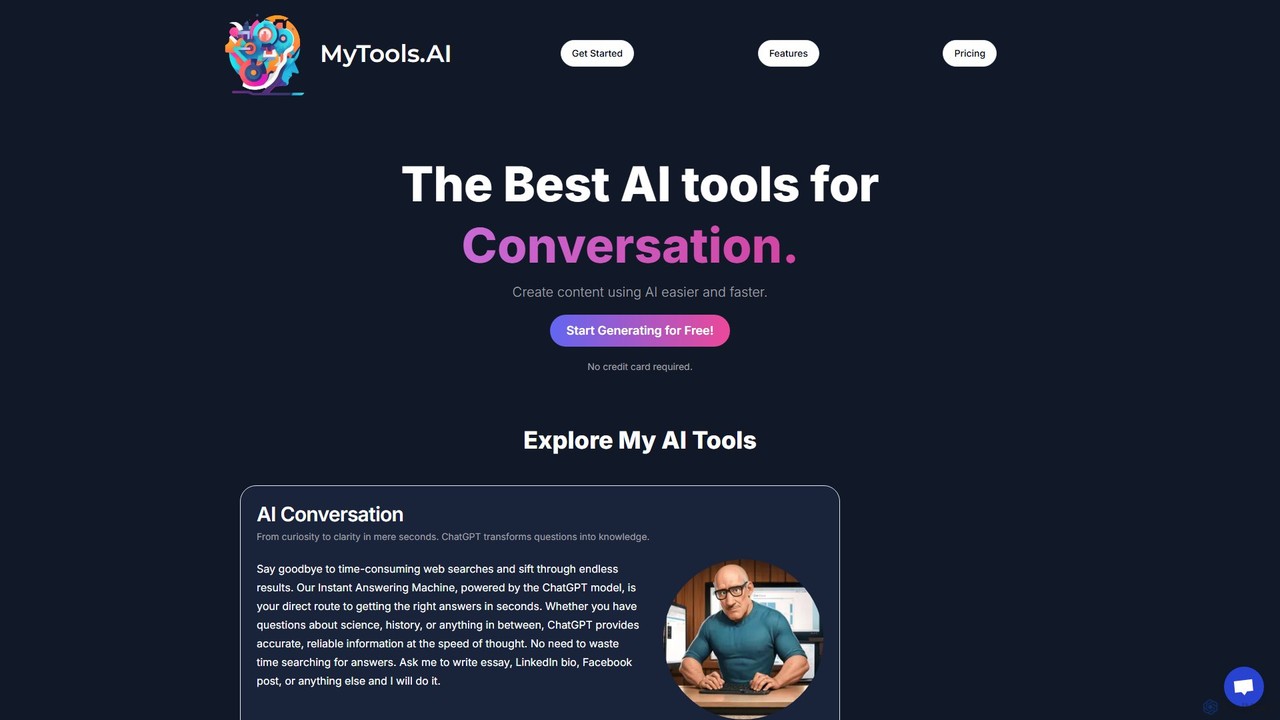
MyTools.AI is a comprehensive AI suite offering powerful tools for content creation, image generation, code development, and music composition. Powered by leading models like ChatGPT and DALL-E 3, it streamlines creative and technical workflows for professionals and beginners alike, consolidating multiple AI capabilities into one user-friendly platform.
Music Generation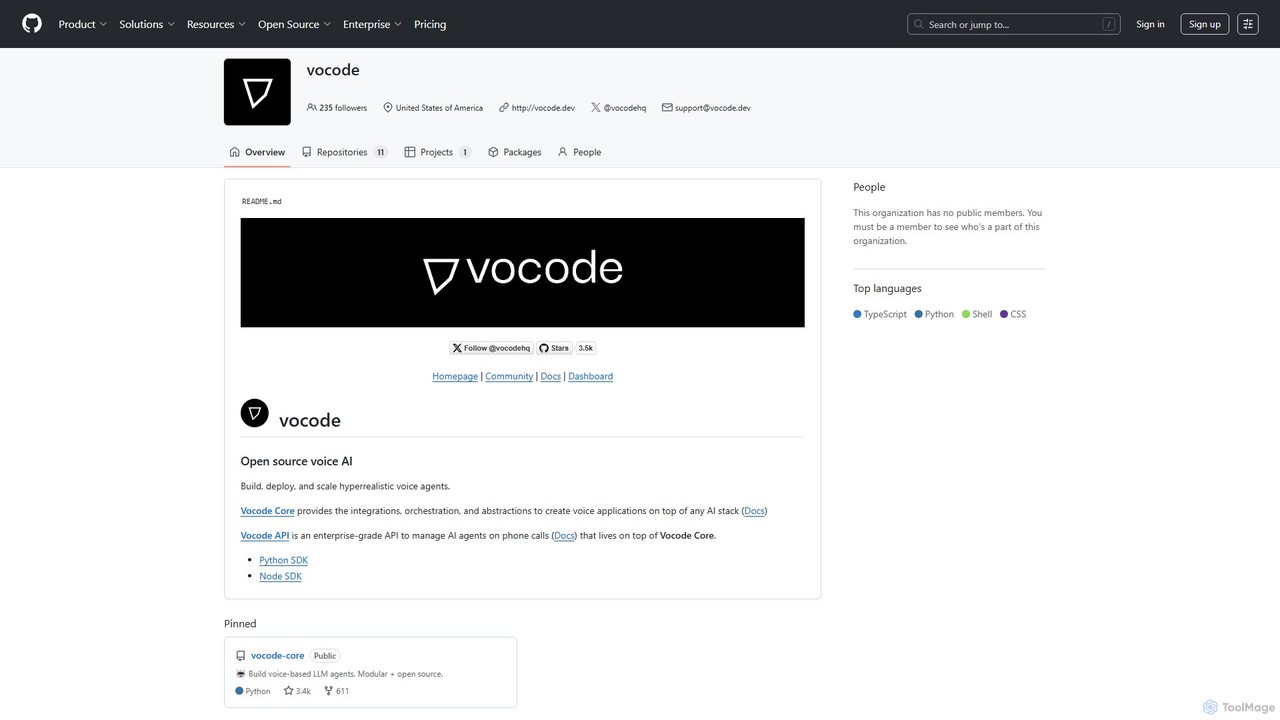
vocode
Vocode is an open-source platform for building, deploying, and scaling hyperrealistic voice AI agents. It provides developers with a core framework and an enterprise-grade API to create sophisticated voice-based LLM applications for tasks like automated customer service, sales calls, and interactive voice response (IVR) systems.
Voicebot
codegate
Codegate is an open-source security gateway and multiplexing framework for AI agentic systems. Developed by Stacklok, it provides secure workspaces and policy-based access control, enabling developers to build and manage complex multi-agent applications safely and efficiently.
Agentic Frameworks
Comet
Comet is a family of high-performance, open-source large language models (LLMs) developed by Perplexity AI. Designed for exceptional speed and accuracy, Comet powers fast conversational AI applications and is available for developers via API and direct download.
Natural Language Processing
Supabase
Supabase is an open-source Firebase alternative, providing a complete backend solution built on Postgres. It offers a suite of tools including a database, authentication, instant APIs, edge functions, real-time subscriptions, storage, and vector embeddings to accelerate application development from prototype to production.
Backend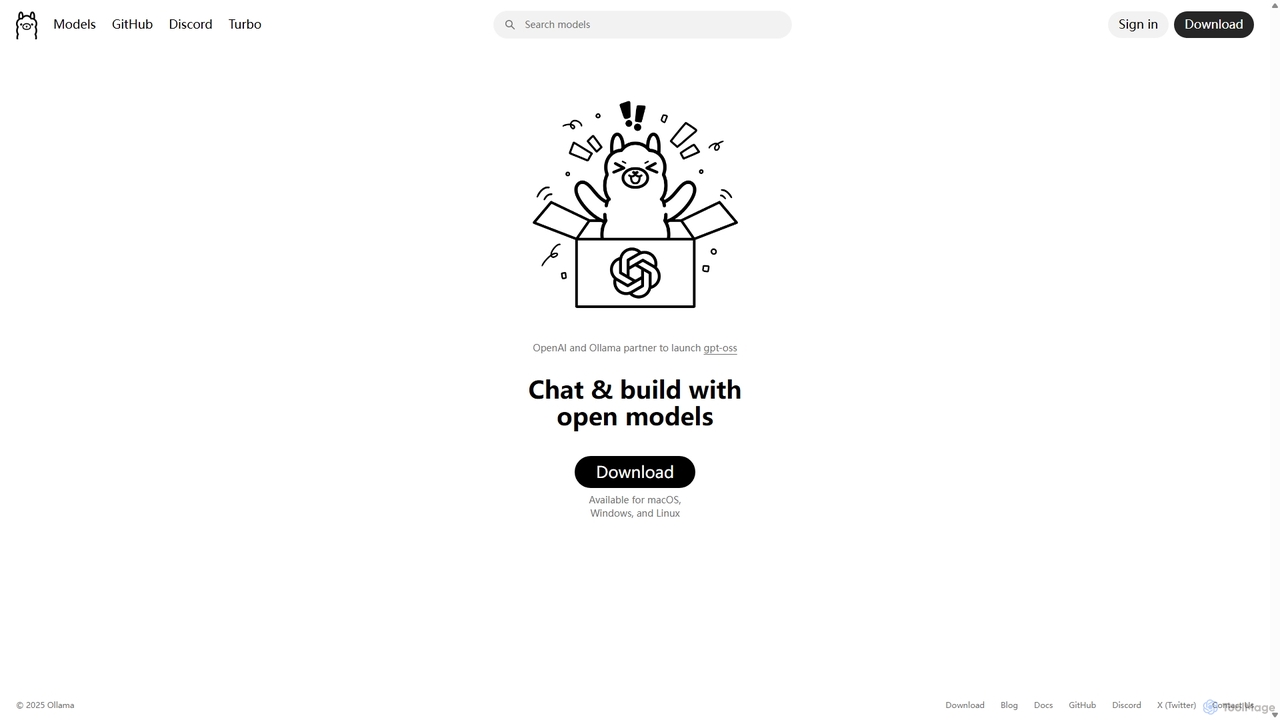
Ollama
Ollama is a powerful open-source framework for running large language models (LLMs) like Llama 3, Mistral, and Gemma locally on your own hardware. Available for macOS, Windows, and Linux, it simplifies the setup and management of open-source models, enabling private, offline, and cost-effective AI development and usage.
Machine Learning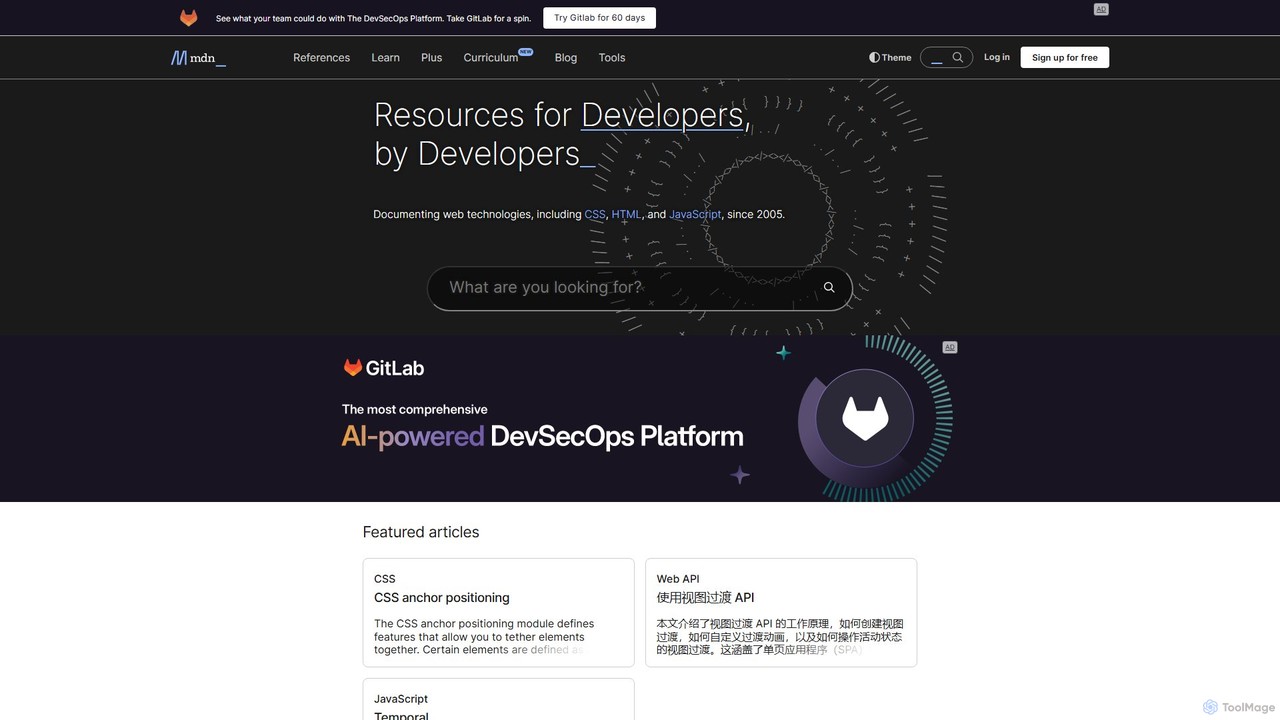
MDN Web Docs
MDN Web Docs, maintained by Mozilla and contributors, is the definitive, free resource for web developers. It provides comprehensive documentation for open web standards, including HTML, CSS, and JavaScript, along with extensive tutorials and reference materials for developers of all skill levels.
Documentation
Novel Comments (0)
Sign in to comment.
Sign inNo comments yet.