

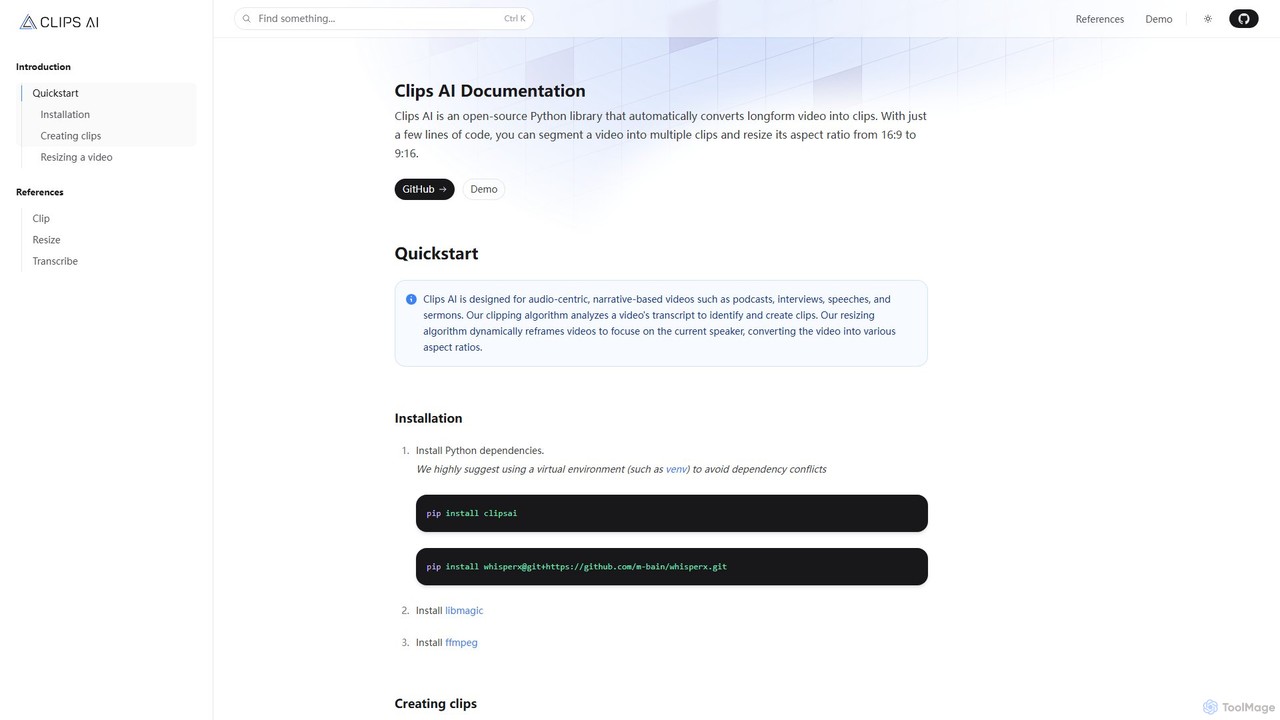
Clips AI Overview
Clips AI is a powerful, open-source Python library designed specifically for developers and content creators with technical expertise. It provides a programmatic solution to one of the most time-consuming tasks in content marketing: repurposing long-form video content. By leveraging state-of-the-art AI models, Clips AI automates the entire workflow of identifying, extracting, and formatting engaging short clips from longer videos like podcasts, interviews, webinars, and speeches.
The core of Clips AI lies in its intelligent analysis of video content. It first transcribes the audio using WhisperX, a robust version of OpenAI's Whisper, to get highly accurate text with word-level timestamps. Then, it employs a sophisticated NLP technique, the TextTiling algorithm enhanced with BERT embeddings, to analyze the transcript. This method doesn't just look for keywords; it detects shifts in topics, allowing it to identify coherent and contextually complete segments that are perfect for standalone clips. This ensures the output is meaningful and engaging for viewers.
How to use Clips AI
As a Python library, Clips AI is integrated into your development environment. The process is straightforward for developers:
- Installation: Begin by setting up a Python virtual environment. Install the necessary dependencies, including `clipsai`, `whisperx`, and system tools like `ffmpeg` and `libmagic`.
- Authentication: For the dynamic resizing feature, which relies on speaker diarization, you need a free access token from Hugging Face to use the Pyannote model.
- Transcription: Instantiate the `Transcriber` class and use its `transcribe()` method, pointing it to your video or audio file. This will generate a detailed transcription object.
- Clip Finding: Create an instance of the `ClipFinder` class. Pass the transcription object to its `find_clips()` method. This will return a list of potential `Clip` objects, each containing start and end times.
- Video Trimming & Editing: Use the `MediaEditor` class to trim the original video file based on the start and end times of your chosen clip. You can save the new, shorter clip to a specified path.
- Resizing and Reframing: To adapt the clip for vertical formats (e.g., 9:16), use the `resize()` function. It will not only change the aspect ratio but also dynamically crop the frame to keep the active speaker centered, a crucial feature for engaging social media content.
Core Features of Clips AI
- AI-Powered Clip Segmentation: Utilizes the TextTiling algorithm and BERT embeddings to intelligently segment videos based on topic shifts, creating coherent and engaging clips.
- High-Accuracy Transcription: Integrates WhisperX for precise, word-level timestamped transcriptions, which form the basis for clip detection.
- Dynamic Video Reframing: Automatically resizes videos from 16:9 to 9:16 and other aspect ratios, using speaker diarization (via Pyannote) to keep the current speaker in focus.
- Open-Source and Customizable: Being a Python library, it offers complete flexibility for developers to integrate it into custom applications, content pipelines, and automated workflows.
- Developer-Focused API: Provides a clean and well-documented set of classes and methods (`Transcriber`, `ClipFinder`, `MediaEditor`) for easy implementation.
Use Cases for Clips AI
Clips AI is ideal for anyone looking to automate video repurposing at scale:
- Podcast Creators: Automatically generate dozens of short video clips from a single podcast episode to promote on TikTok, Instagram Reels, and YouTube Shorts.
- Marketers and Brands: Repurpose webinar and interview content into bite-sized highlights for social media campaigns, increasing reach and engagement.
- Educational Institutions: Break down long lectures and academic talks into key concept videos for students.
- Media Companies: Integrate Clips AI into their content management systems to build an automated pipeline for creating and distributing short-form video content.
Advantages of Clips AI
The primary advantage of Clips AI is its efficiency and control. It automates a tedious manual process, saving significant time and resources. Because it's open-source, it's a highly cost-effective solution compared to subscription-based SaaS platforms. Furthermore, it gives developers full control over the clipping logic, allowing for customization and integration that is not possible with closed-source tools. The use of advanced AI ensures the quality of the output is consistently high.
Pricing and Plans
Clips AI is a completely free and open-source library. There are no subscription fees or licensing costs to use the software. Users are only responsible for their own infrastructure and compute costs, which may be necessary for processing large volumes of video. The required third-party models like WhisperX and Pyannote are also open-source and free to use (with the aforementioned Hugging Face token for Pyannote).
Traffic
Latest traffic
Status
Monthly traffic trend
- 2025-9: 9.7K
- 2026-1: 4.6K
- 2026-2: 5.8K
- 2026-3: 6.3K
- 2026-4: 5.6K
- 2026-5: 5.9K
Geography
Top 5 countries / regions
- 🇺🇸United States48.0%
- 🇮🇳India15.2%
- 🇮🇹Italy13.9%
- 🇮🇩Indonesia13.6%
- 🇩🇪Germany9.4%
Traffic sources
| Source type | Percentage |
|---|---|
Referral | 70.2% |
Direct | 23.2% |
Email | 6.6% |
Top keywords
| Keyword | Cost per click |
|---|---|
| ai clips | $1.44 |
| clip ai | $0.77 |
| clipping ai | $1.63 |
| clips ai | $0.14 |
| clipsai | $0.00 |
Clips AI Alternatives
klipify.ai
klipify.ai is an AI-powered platform that automatically transforms long-form videos and podcasts into engaging, shareable short-form clips for social media. It analyzes your content, identifies the most viral-worthy moments, and generates ready-to-post clips with captions, saving creators hours of manual editing.
Video Marketing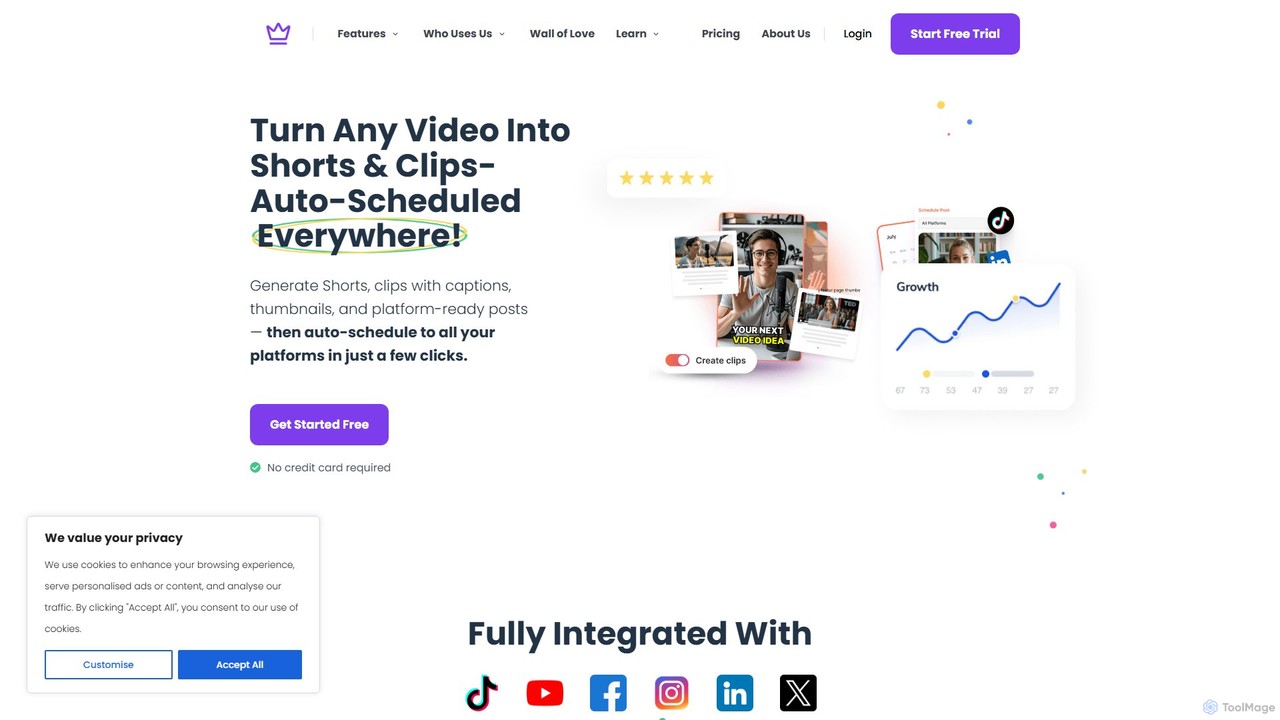
Taja AI
Taja AI is an intelligent content repurposing platform that transforms long-form videos into a suite of engaging content, including viral shorts, blog posts, and social media updates. It automates content creation, SEO optimization, and multi-platform scheduling, helping creators and businesses save time, increase reach, and maintain consistency.
Seo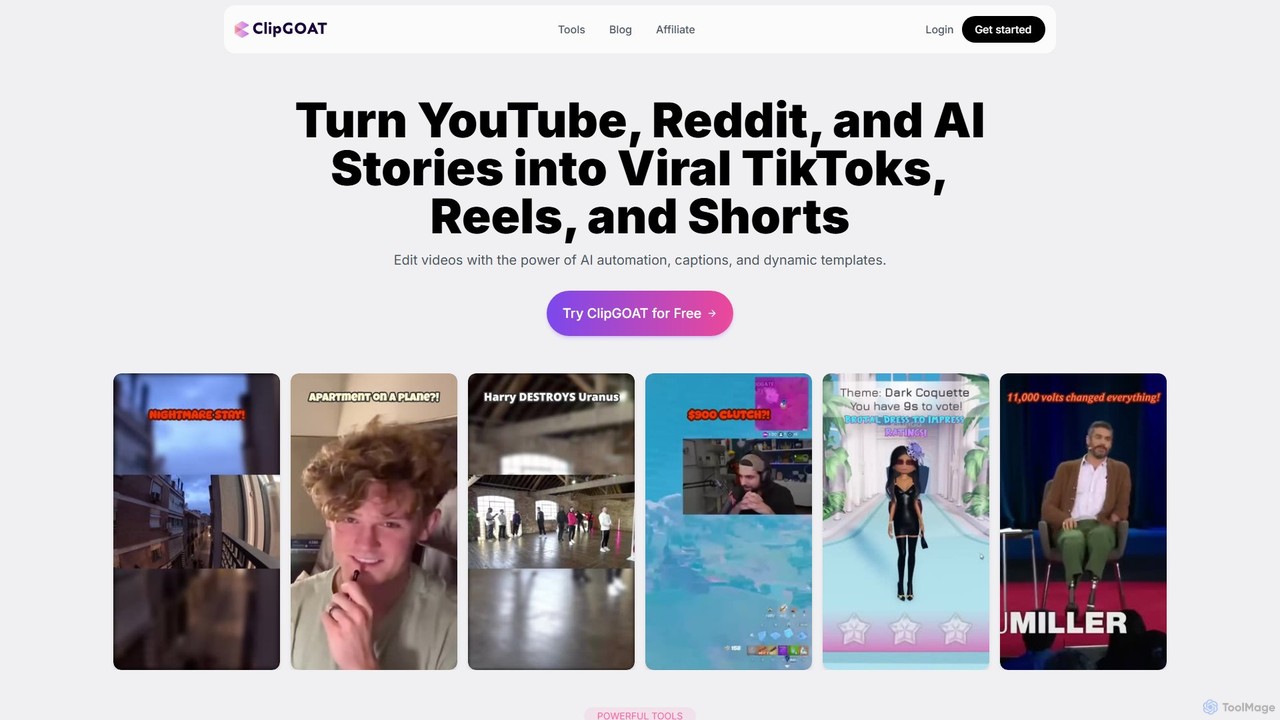
ClipGOAT
ClipGOAT is an AI-powered platform that transforms long-form content like YouTube videos, Reddit threads, and text stories into viral short-form videos for TikTok, Reels, and Shorts. It automates clipping, captioning, and reframing, enabling creators to produce and schedule engaging content in minutes without prior editing experience.
Automation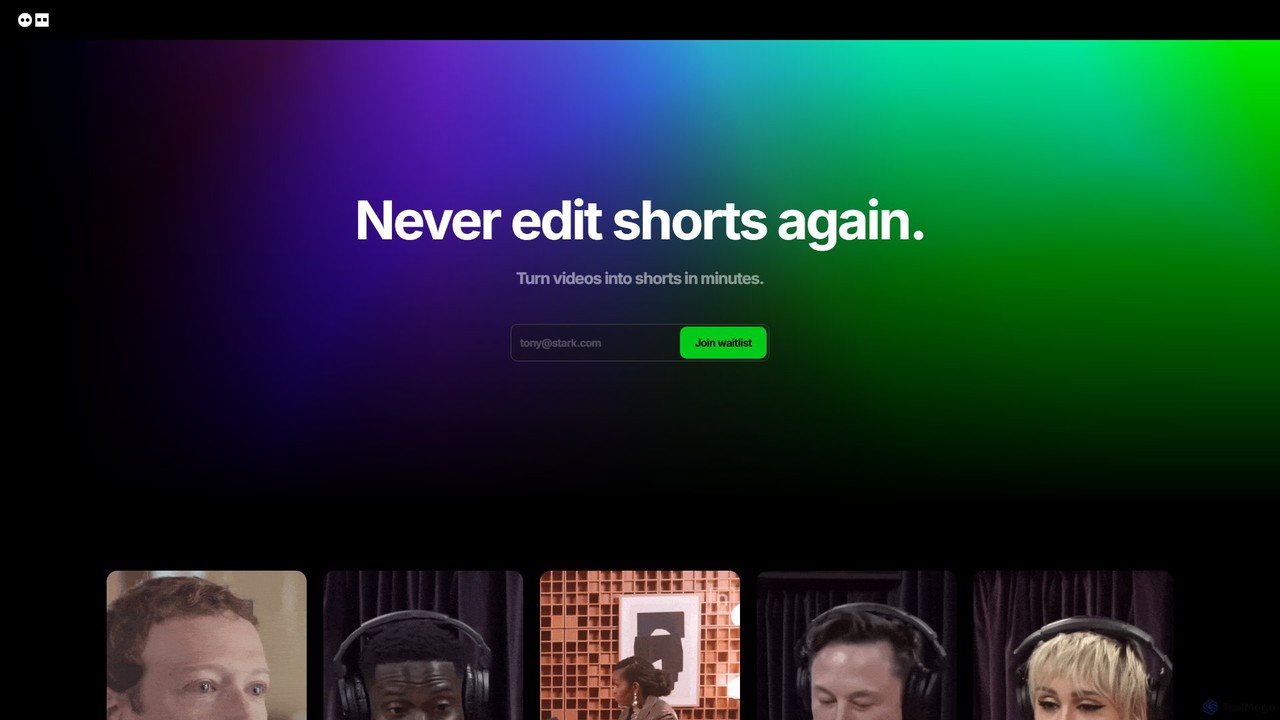
Dumme
Dumme is an AI-powered tool that automatically transforms long-form videos, such as podcasts, interviews, and lectures, into engaging, shareable short clips. It intelligently identifies highlights, adds captions, titles, and descriptions, enabling creators to repurpose content for platforms like TikTok, YouTube Shorts, and Reels in minutes.
Automation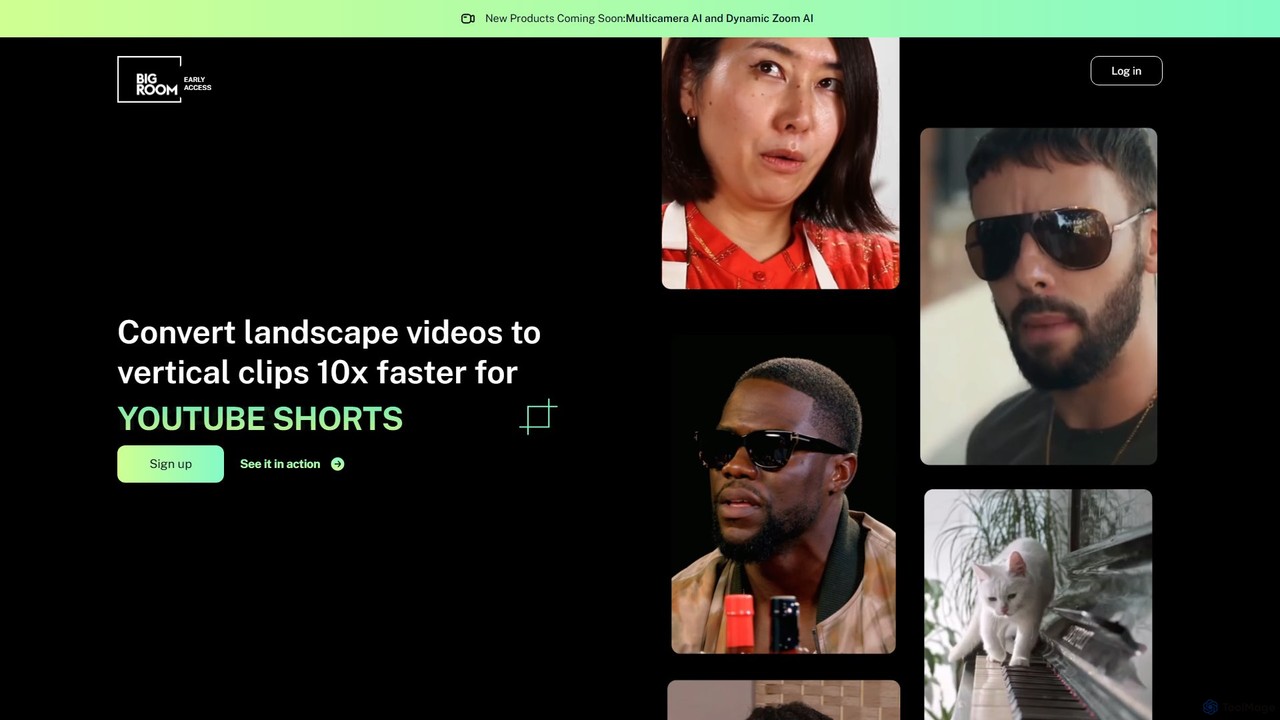
bigroom
bigroom is an AI-powered video tool that automatically converts landscape videos into engaging vertical clips for social media like TikTok, Instagram Reels, and YouTube Shorts. It uses AI to intelligently track subjects, reframe shots, and make smart cuts, simulating a professional multi-camera production 10x faster.
AutomationClips AI Categories
Clips AI Embed Widget
Copy this embed code to place the badge on your blog, article, or product site and send readers directly to this ToolMage detail page.

Related AI tools
klipify.ai
klipify.ai is an AI-powered platform that automatically transforms long-form videos and podcasts into engaging, shareable short-form clips for social media. It analyzes your content, identifies the most viral-worthy moments, and generates ready-to-post clips with captions, saving creators hours of manual editing.
Video Marketing
OpusClip
OpusClip is a generative AI video repurposing tool that turns long videos into viral short clips with one click. It automatically identifies the most compelling hooks, reframes the video, adds dynamic captions, and scores clips for virality, streamlining content creation for social media.
Video Marketing
SendShort.ai
SendShort.ai is an AI-powered platform that transforms long-form videos into engaging, viral-ready short clips for social media. Automatically identify key moments, add dynamic captions, and repurpose your content for TikTok, Reels, and Shorts in minutes, maximizing your reach and saving hours of editing time.
Video Marketing
VideoTap
VideoTap is an AI-powered platform that transforms long-form videos into a wide range of marketing content. Simply upload a video, and the AI automatically generates SEO-optimized blog posts, viral social media clips, podcast show notes, email copy, transcripts, and more. It's designed to save creators and marketing teams hours of manual work, maximizing the value of every video.
Content Creation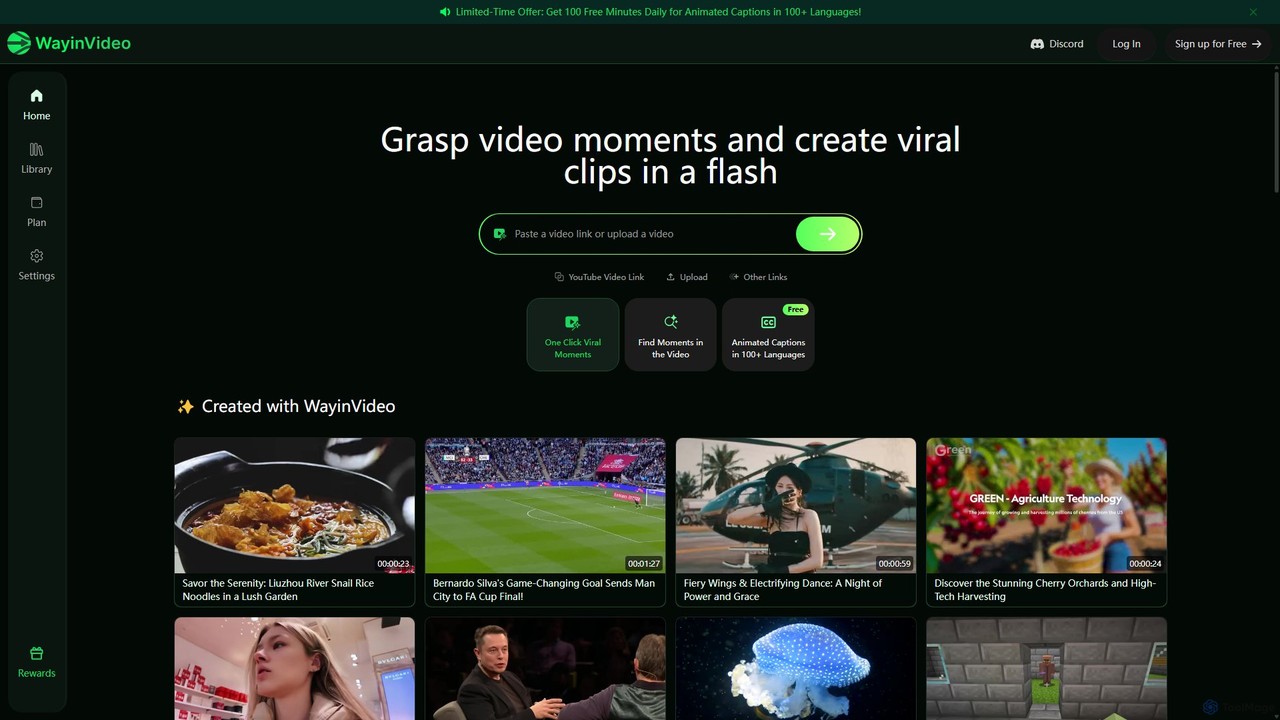
WayinVideo
WayinVideo is an AI-powered tool that transforms long videos from platforms like YouTube into engaging, viral short clips. It automatically identifies key moments, adds animated captions in over 100 languages, and generates shareable content in a flash. Ideal for content creators, marketers, and social media managers looking to maximize their video reach with minimal effort.
Video Marketing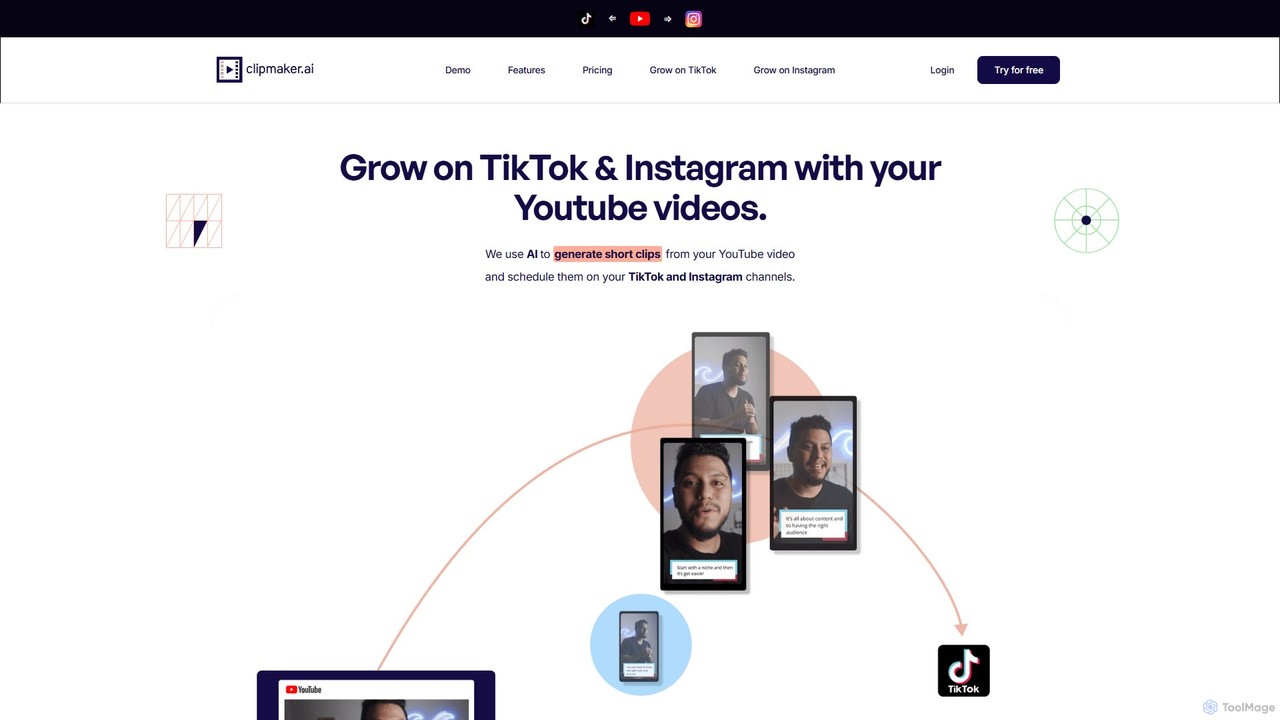
ClipMaker
ClipMaker is an AI-powered tool that transforms long-form YouTube videos into engaging, short-form clips for TikTok, Instagram Reels, and YouTube Shorts. It automatically identifies viral moments, reframes videos vertically, and adds dynamic captions to help creators and marketers grow their social media presence effortlessly.
Video Marketing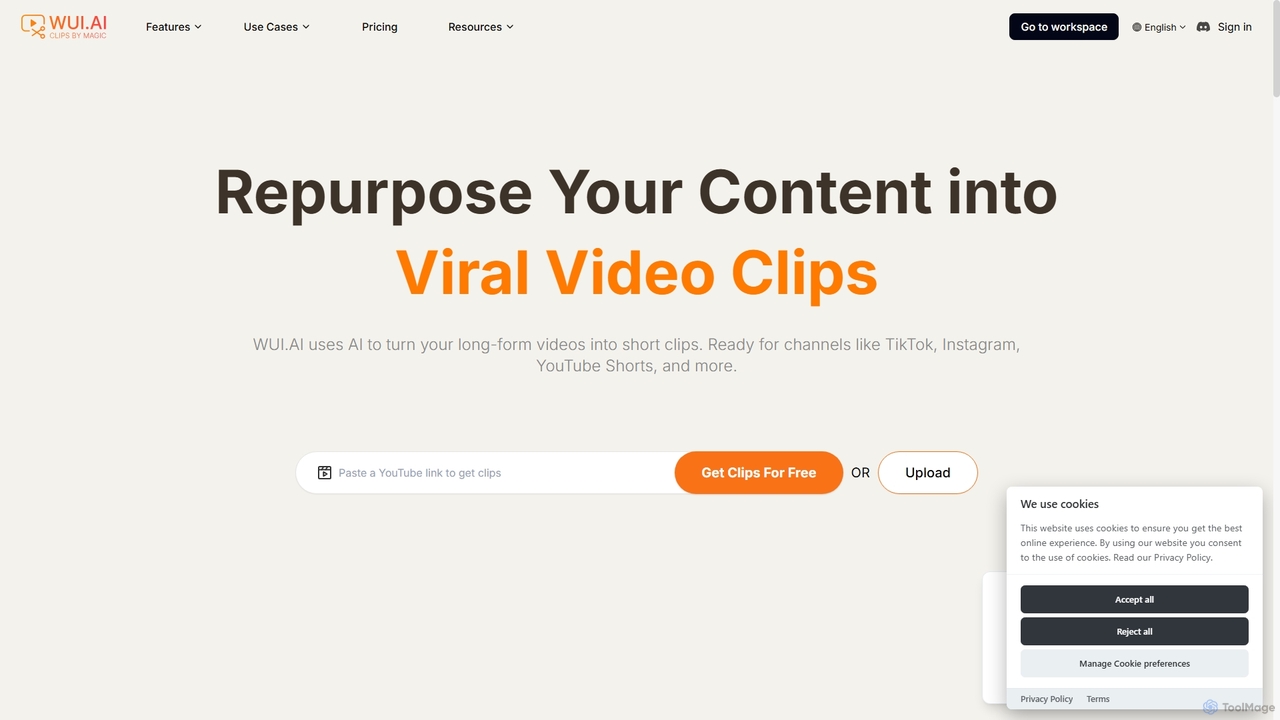
WUI.AI
WUI.AI is an AI-powered platform that transforms long-form videos and podcasts into engaging, viral short clips for social media. It automates highlight detection, subtitling, resizing, and translation, helping creators and marketers save time and maximize their content's reach on platforms like TikTok, Instagram, and YouTube Shorts.
Automation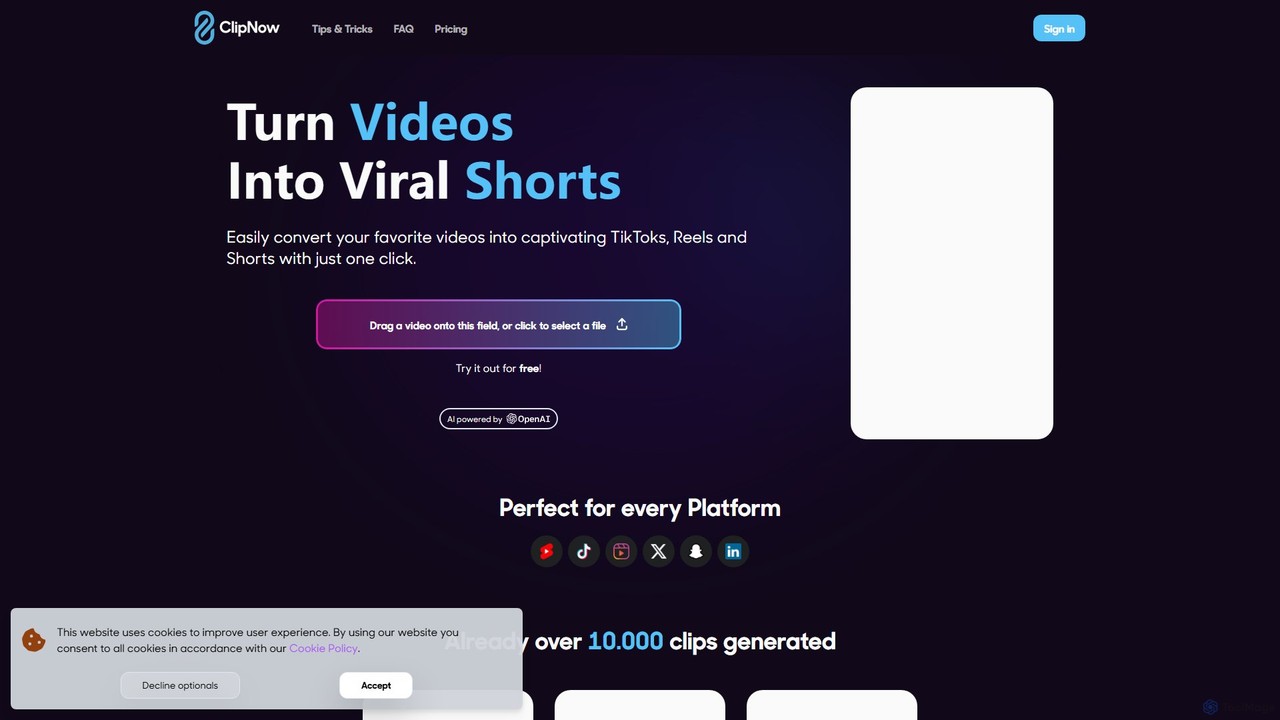
ClipNow
ClipNow is an AI-powered tool that automatically transforms long-form videos into multiple engaging, viral short clips for social media platforms like TikTok, Instagram Reels, and YouTube Shorts. With just one click, it analyzes, crops, and adds captions to your content, significantly speeding up your content creation workflow.
Automation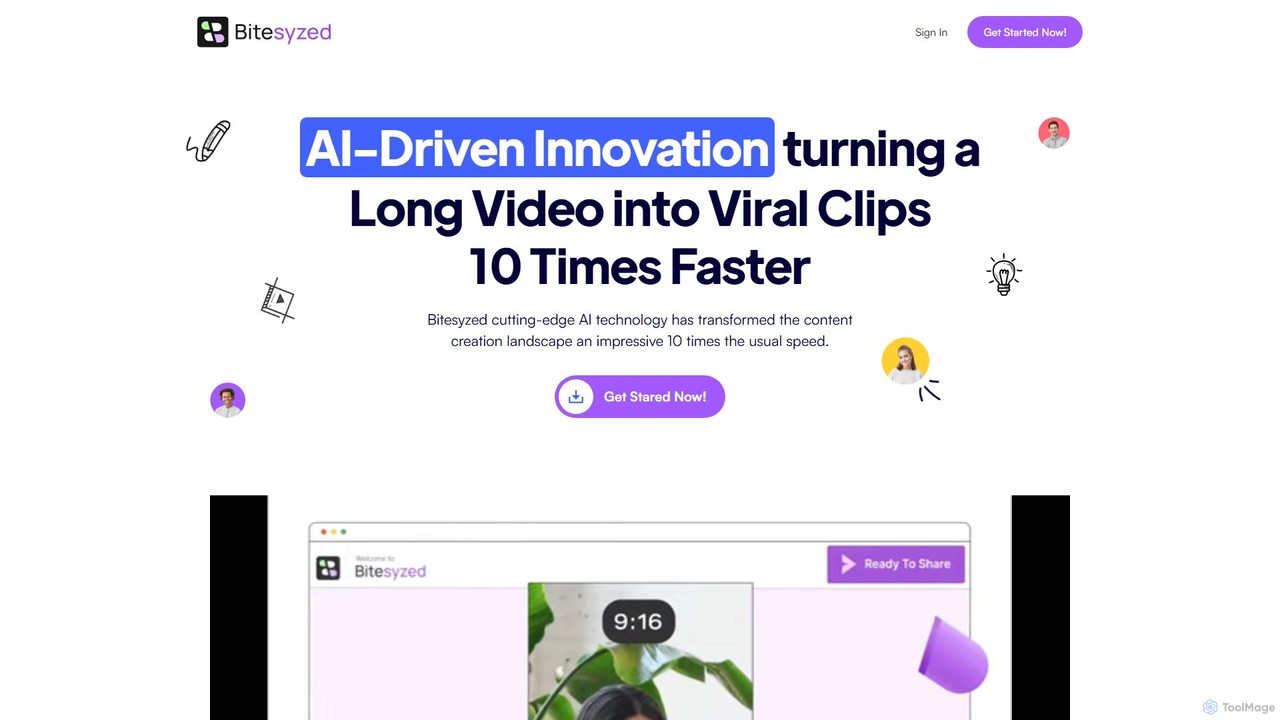
bitesyzed
Bitesyzed is an AI-powered video repurposing tool that transforms long-form videos into engaging, viral short clips 10 times faster. It automatically identifies the most captivating moments, adds multi-language subtitles, and generates optimized descriptions and hashtags. Ideal for content creators and marketers looking to maximize their reach on social media with minimal effort.
Content Creation
Glossai
GlossAI is an AI-powered platform that automatically repurposes long-form video and audio content, such as webinars and podcasts, into a variety of short-form assets. It generates engaging video clips, social media posts, blog articles, and carousels, helping marketers and creators maximize their content's reach and impact with minimal effort.
RepurposingTaja AI
Taja AI is an intelligent content repurposing platform that transforms long-form videos into a suite of engaging content, including viral shorts, blog posts, and social media updates. It automates content creation, SEO optimization, and multi-platform scheduling, helping creators and businesses save time, increase reach, and maintain consistency.
SeoClipGOAT
ClipGOAT is an AI-powered platform that transforms long-form content like YouTube videos, Reddit threads, and text stories into viral short-form videos for TikTok, Reels, and Shorts. It automates clipping, captioning, and reframing, enabling creators to produce and schedule engaging content in minutes without prior editing experience.
AutomationDumme
Dumme is an AI-powered tool that automatically transforms long-form videos, such as podcasts, interviews, and lectures, into engaging, shareable short clips. It intelligently identifies highlights, adds captions, titles, and descriptions, enabling creators to repurpose content for platforms like TikTok, YouTube Shorts, and Reels in minutes.
Automationbigroom
bigroom is an AI-powered video tool that automatically converts landscape videos into engaging vertical clips for social media like TikTok, Instagram Reels, and YouTube Shorts. It uses AI to intelligently track subjects, reframe shots, and make smart cuts, simulating a professional multi-camera production 10x faster.
Automation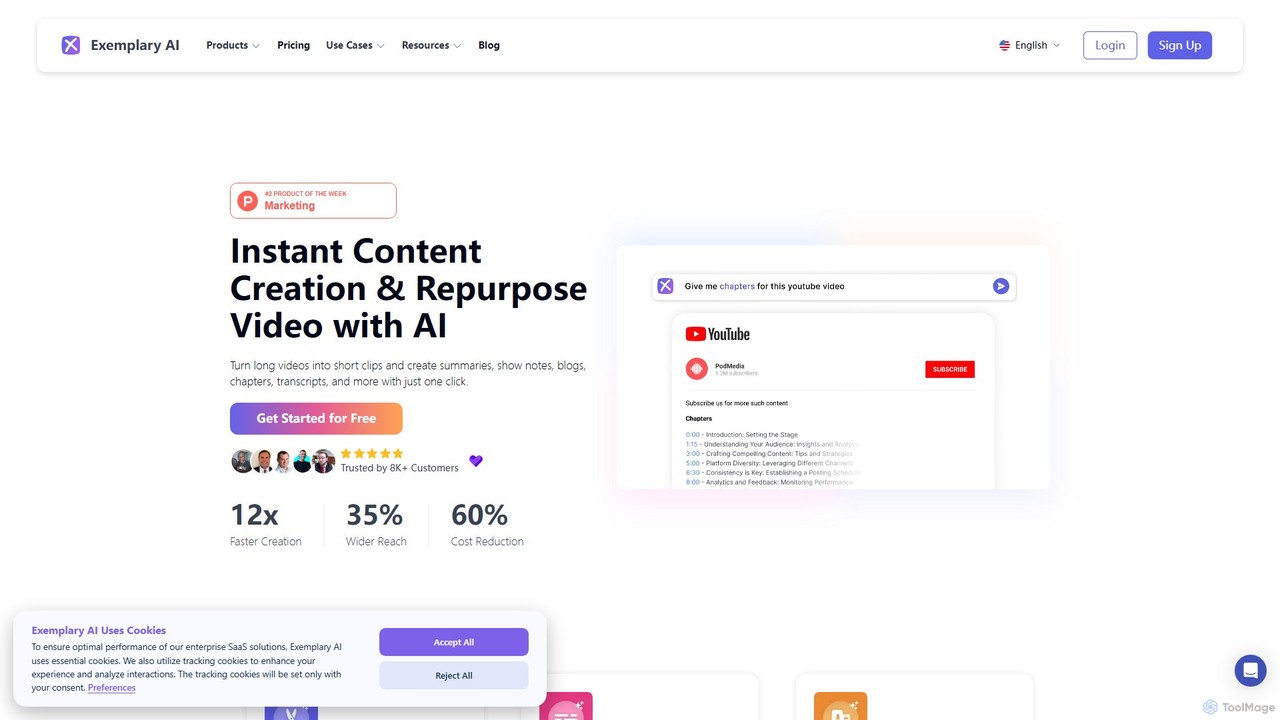
Exemplary AI
Exemplary AI is an all-in-one content repurposing toolkit designed for creators, marketers, and businesses. It uses AI to automatically transcribe, translate, and summarize audio and video content. Key features include a video clip generator, text-based video editing, and automatic subtitle creation, enabling users to effortlessly transform long-form content into engaging social media posts, blogs, and more in over 120 languages.
Repurposing
Clips AI Comments (0)
Sign in to comment.
Sign inNo comments yet.