Best of the Year 11 results Os & Utilities AI Tools

Popular AI tools in the Os & Utilities field include Screenpipe、MacCopilot、theoasis、EnConvo、Shift、Writers brew、Sidekick、Macaify、alfredsearch、WriteMage, etc., helping you quickly improve efficiency.

Screenpipe

Screenpipe

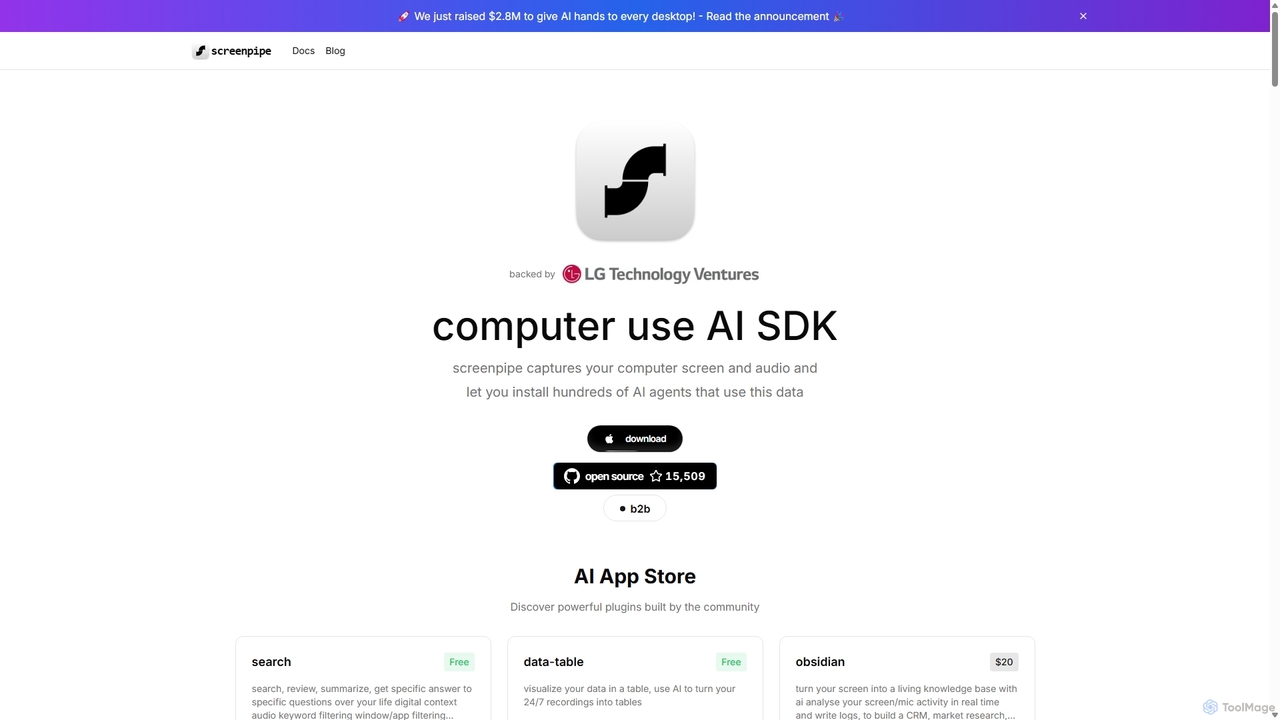
Screenpipe is an open-source AI SDK that captures your computer's screen and audio 24/7, creating a local, private …

59.1K
Shift

Shift

Shift is a system-wide AI assistant for macOS that enhances your workflow by allowing you to edit text …

3.9K
EnConvo

EnConvo

EnConvo is a powerful AI agent launcher for macOS designed to automate tasks and boost productivity. It integrates …

4.5K
alfredsearch

alfredsearch

alfredsearch is an award-winning productivity application for macOS that boosts your efficiency. It allows you to search your …

2.5K
Macaify

Macaify

Macaify is a native macOS application that integrates AI capabilities into any app on your Mac. With a …

2.6K
WriteMage

WriteMage

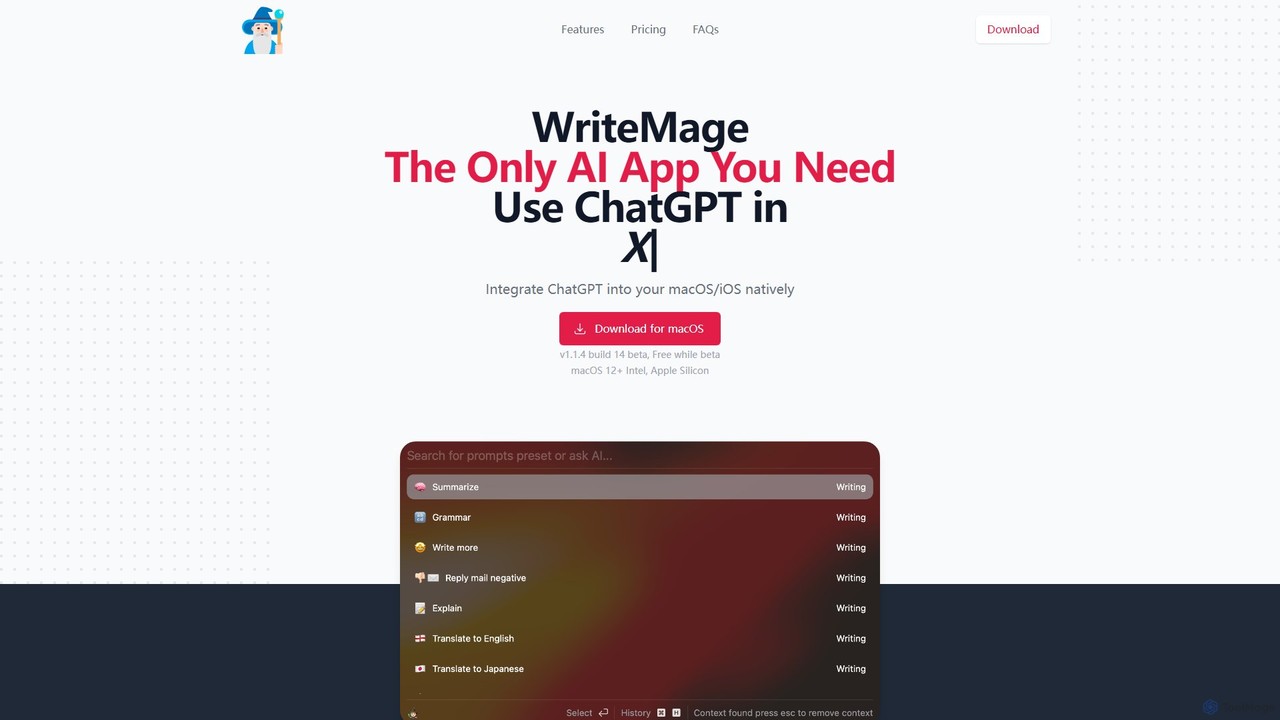
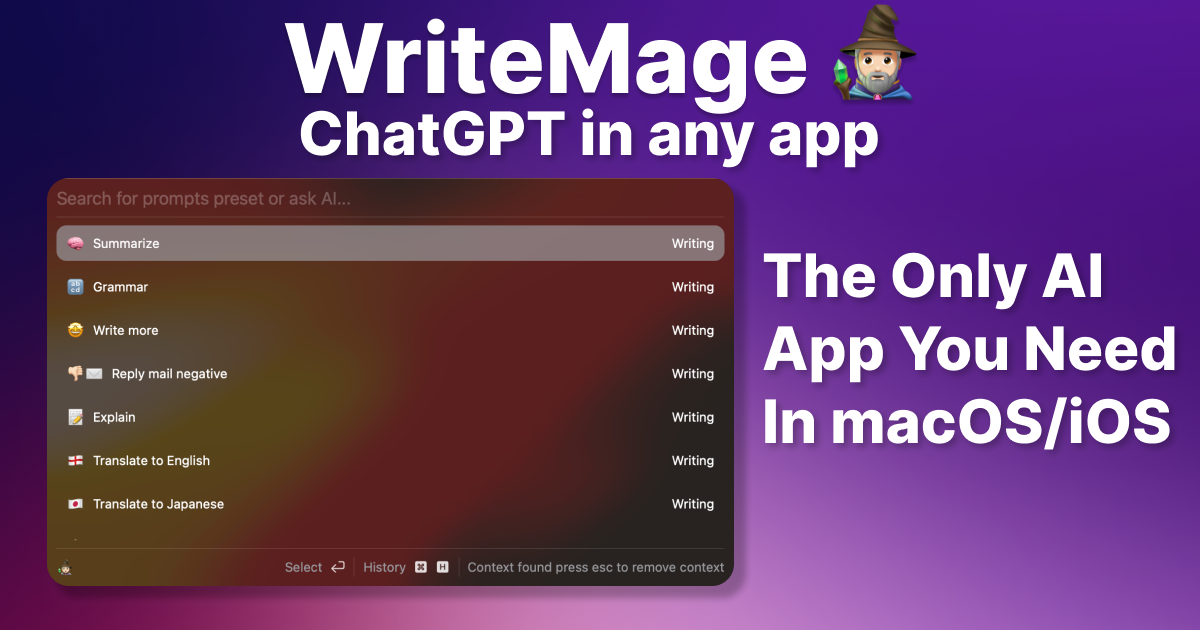
WriteMage is a native AI assistant for macOS and iOS, integrating ChatGPT seamlessly into any application. It functions …

2.5K
InfinipilotAI

InfinipilotAI

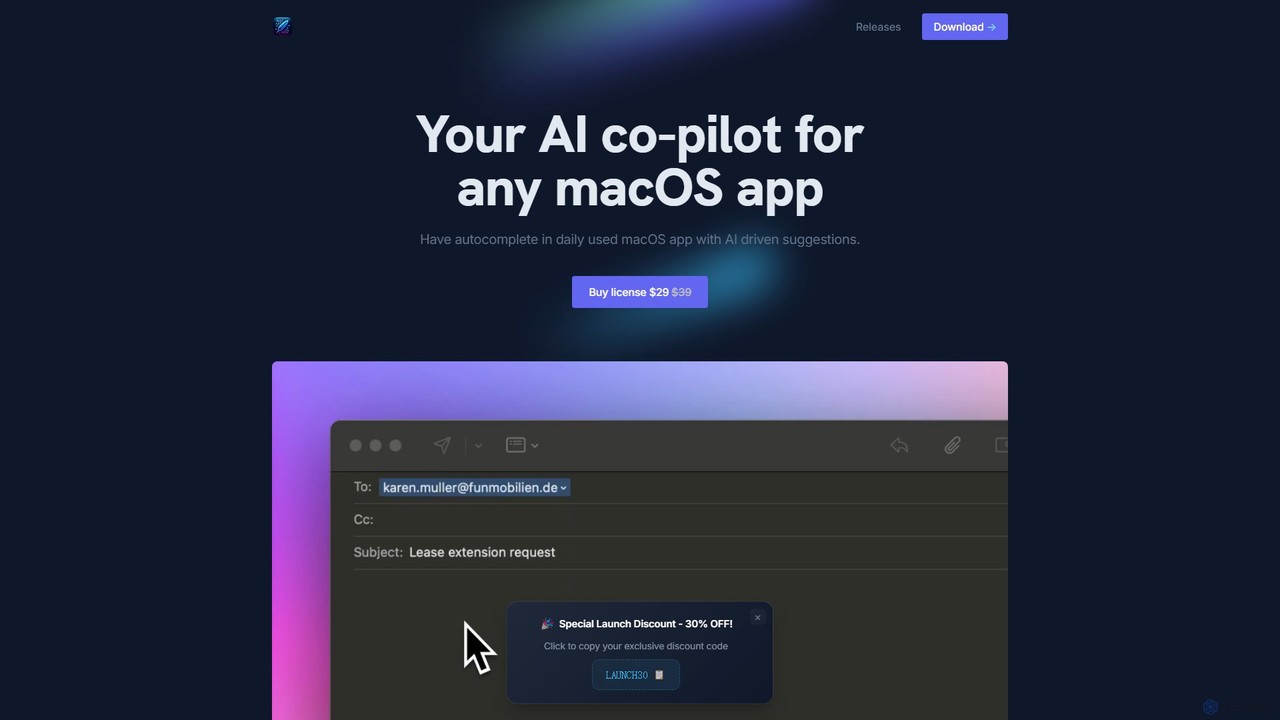
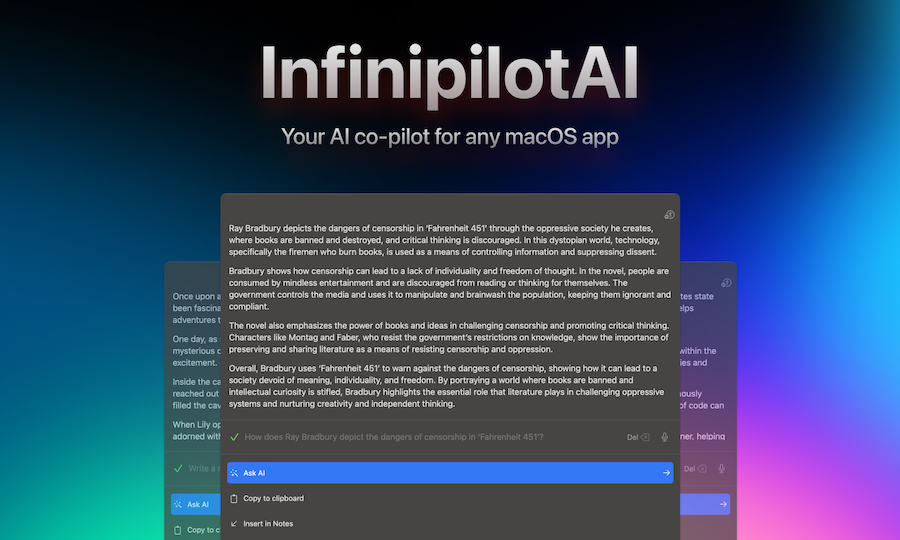
InfinipilotAI is a native macOS AI co-pilot that seamlessly integrates with any application. It boosts productivity with features …

2.5K
Writers brew

Writers brew

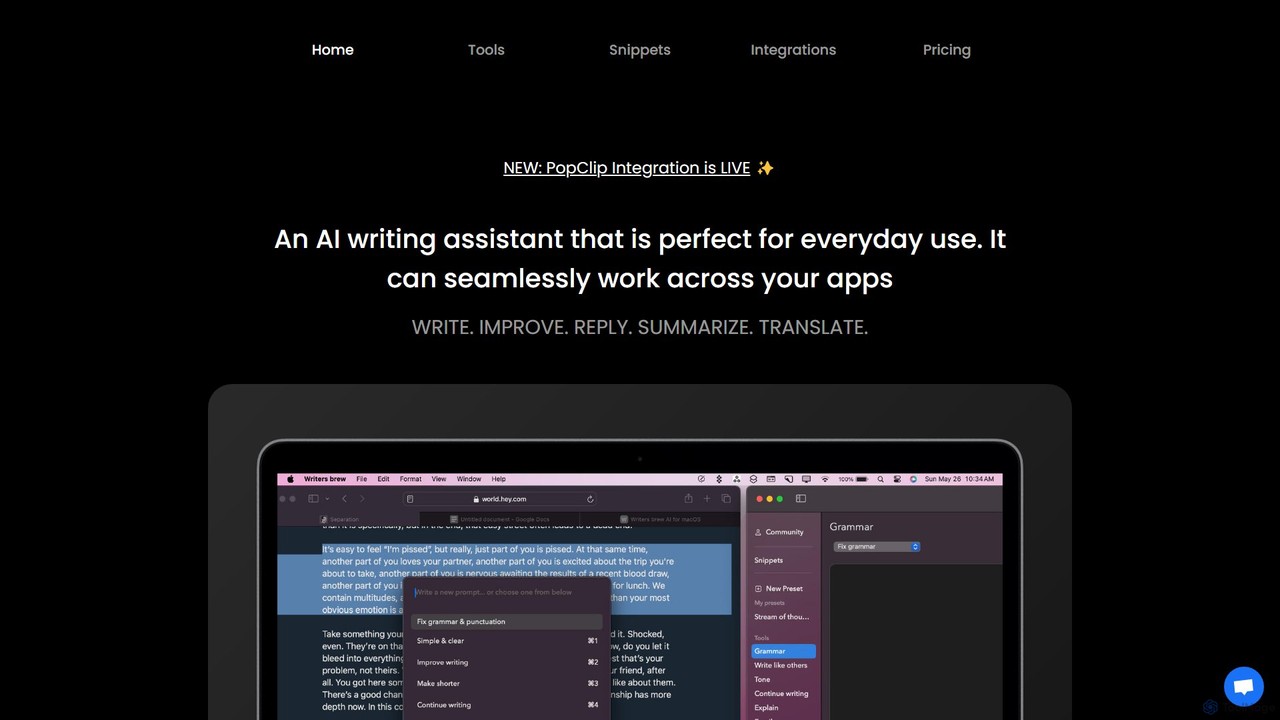
Writers brew is a native AI writing assistant for macOS that integrates seamlessly across all applications. It helps …

3.4K
theoasis

theoasis

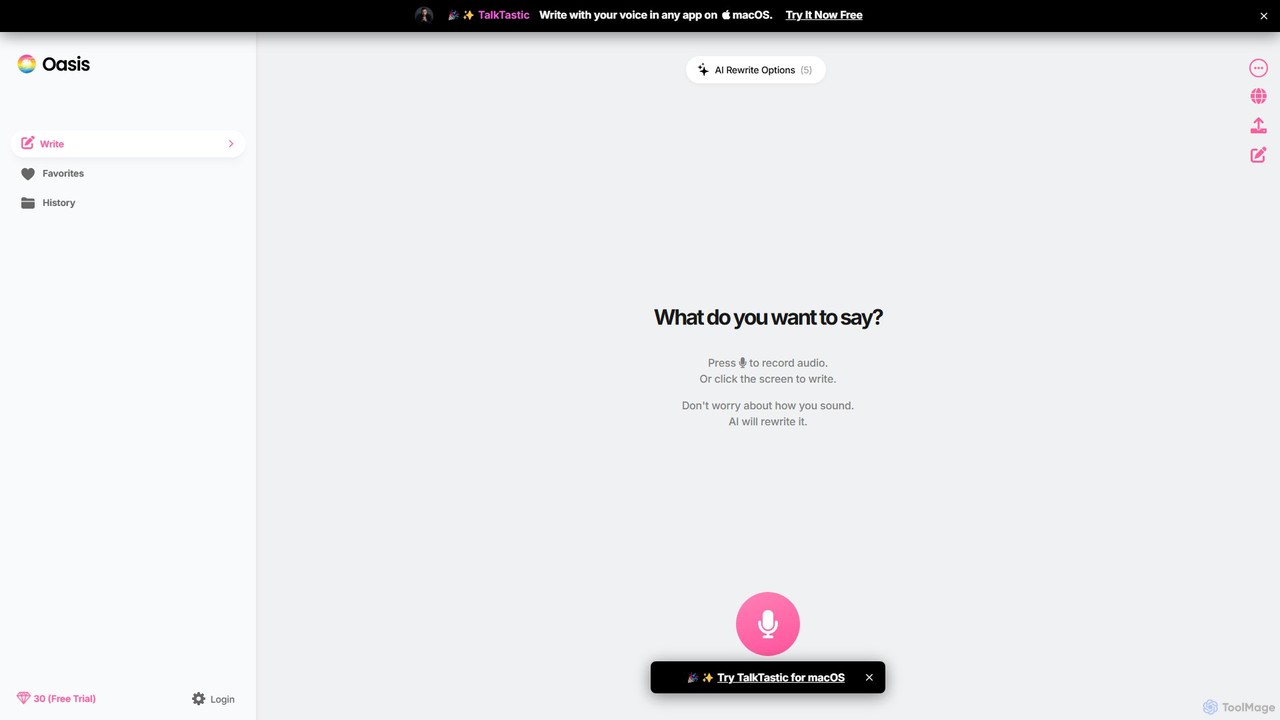
OASIS is a revolutionary AI-powered writing assistant for macOS. It allows you to write with your voice in …

4.8K
Free
Sidekick

Sidekick

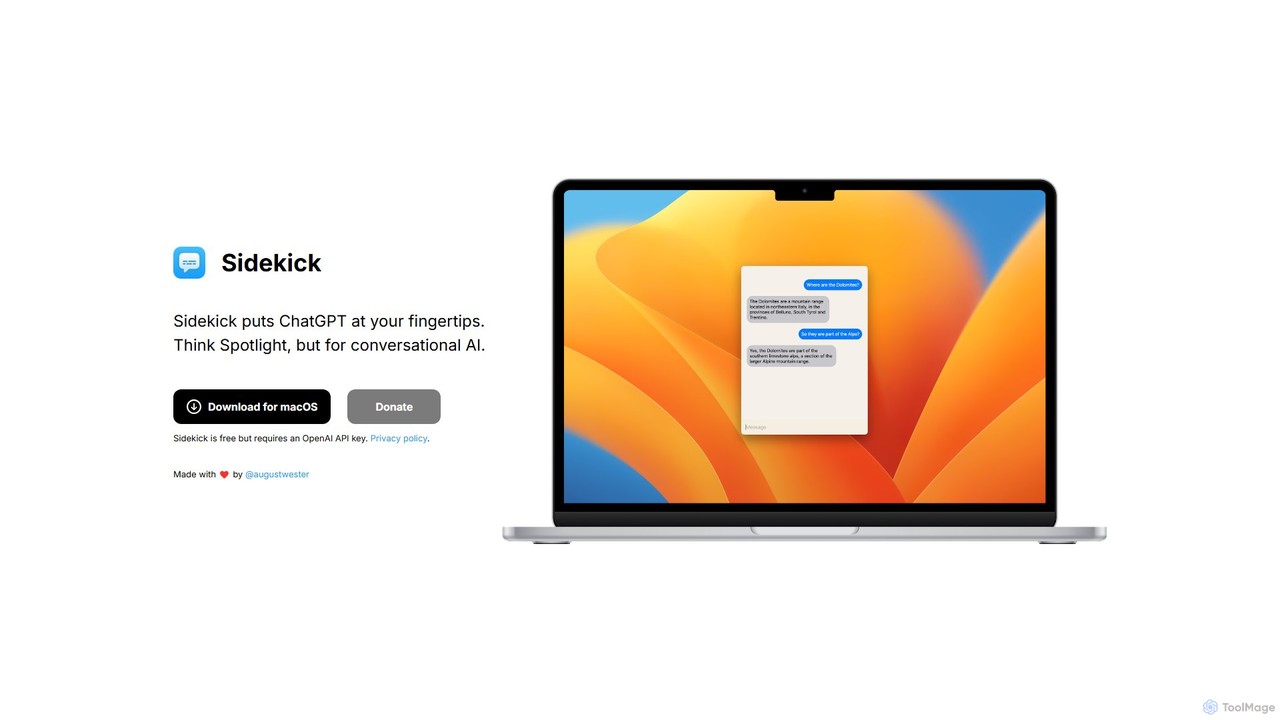
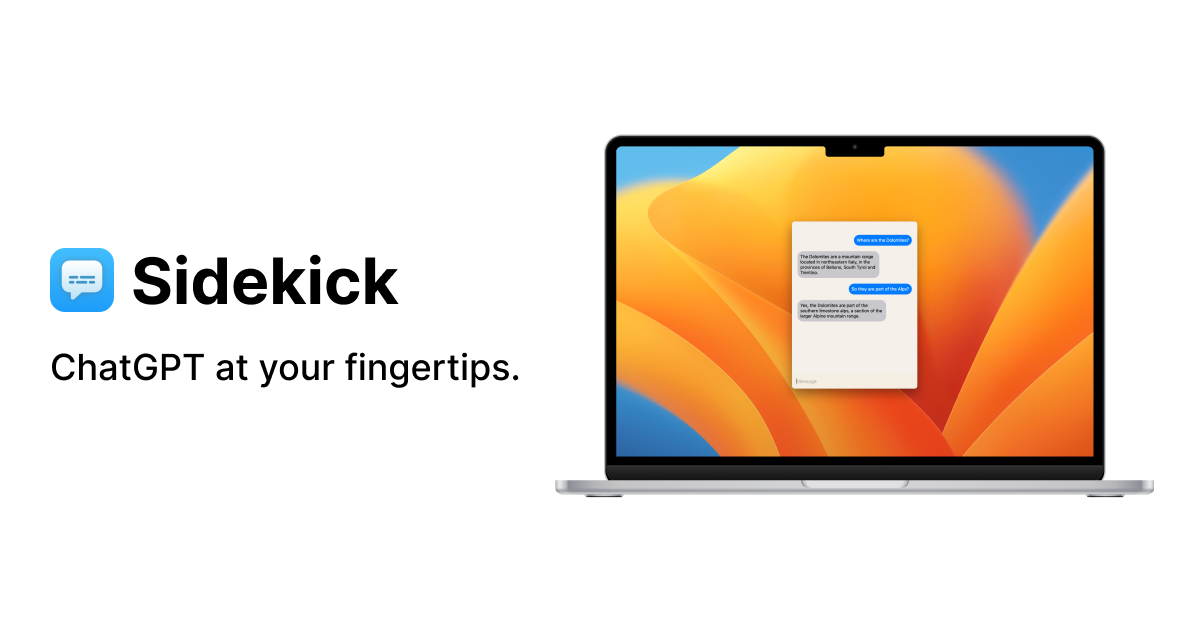
Sidekick is a free macOS application that provides instant access to ChatGPT from anywhere on your desktop. Functioning …

2.8K
MacCopilot

MacCopilot

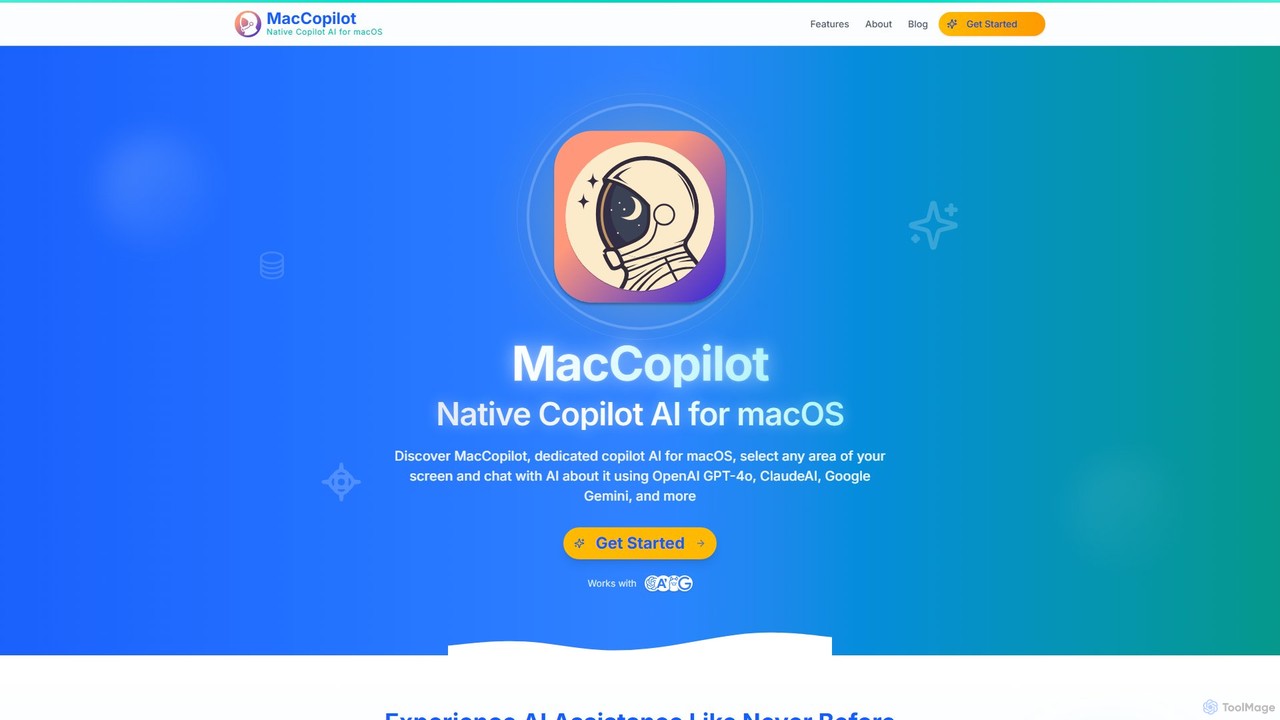
MacCopilot is a native AI assistant for macOS that revolutionizes productivity. It allows you to select any area …

5.0K

About Os & Utilities

AI OS & Utilities are a class of software that leverages artificial intelligence to manage computer hardware, software resources, and user interactions more intelligently. These tools analyze usage patterns, predict user needs, and automate complex system-level tasks without direct commands. Their primary value lies in creating a more responsive, personalized, and efficient computing environment that proactively optimizes performance and simplifies workflows. This results in a system that not only follows instructions but also anticipates them.

Core Features

  • Predictive Resource Management: Analyzes application and user behavior to intelligently allocate CPU, memory, and storage for optimal performance.
  • Intelligent Task Automation: Automates routine actions like file organization, system cleanup, and software updates based on context and learned habits.
  • Natural Language Interface: Enables system control and application interaction through conversational voice or text commands.
  • Proactive System Maintenance: Identifies potential performance bottlenecks, security vulnerabilities, or hardware issues and provides preemptive solutions.
  • Personalized User Experience (UX): Adapts the interface, notifications, and application suggestions to fit an individual user's workflow and preferences.

Use Cases

These tools are valuable for a wide range of users, from developers and system administrators to everyday consumers. In a professional setting, they can automate complex development environments or optimize server resource allocation. For personal use, they can help organize digital files, manage system performance, and create a computing experience that adapts to the user's habits, making technology more accessible and less intrusive.

How to Choose

When selecting an AI OS or Utility, consider its compatibility with your current operating system and hardware. Evaluate the depth of its automation and customization features to ensure it meets your specific workflow needs. Assess the tool's data privacy policy to understand how your usage data is handled. Finally, consider the learning curve and the level of control it offers, whether you prefer a fully automated system or one that provides suggestions you can approve.

Os & UtilitiesUse Cases

1

Automated Workflow for Developers

A software developer uses an AI utility integrated into their development environment. The tool monitors their coding patterns and project requirements, automatically configuring virtual environments, managing dependencies, and pre-compiling code in the background. It predicts which tests are most relevant to recent changes and runs them proactively, reducing manual configuration and wait times. This allows the developer to focus purely on writing code, significantly accelerating the development and testing cycle.

2

Intelligent File and Desktop Organization

A marketing professional deals with hundreds of assets weekly, including images, documents, and videos. An AI utility running on their OS automatically tags files based on their content (e.g., 'logo', 'Q4 report', 'social media campaign'). It then sorts them into context-aware folders. When the user starts working on a new project, the utility anticipates the required files and creates a temporary 'smart folder' on the desktop, providing instant access and eliminating the need to manually search through directories.

3

Proactive Server Performance Optimization

A system administrator manages a web server that experiences fluctuating traffic. An AI utility monitors server load, network requests, and application performance in real-time. It learns the daily and weekly traffic patterns and proactively reallocates resources, such as scaling up application instances before peak hours and scaling them down during quiet periods. It also detects anomalous behavior that could indicate a security threat or hardware failure, sending an alert with a diagnosis before a critical outage occurs.

4

Personalized Computing for Power Users

A data analyst frequently uses a specific set of applications and datasets together. Their AI-enhanced OS observes this routine. Now, when the analyst logs in in the morning, the OS has already pre-loaded the necessary applications into memory and cached the relevant datasets. It also adjusts system priorities to favor data processing tasks, resulting in faster query execution and model training times. The user experiences a snappier, more responsive system tailored precisely to their professional workflow without any manual tuning.

5

Simplified System Control via Natural Language

An elderly user finds navigating complex menus and file systems challenging. With an AI-powered OS, they can simply speak or type commands in plain language. For example, they can say, 'Show me my photos from last summer's vacation,' and the OS will locate, filter, and display the correct files, regardless of their location. They can also issue commands like, 'Make the text bigger on all windows' or 'Find and delete large files I haven't opened in a year,' making the computer far more accessible and less intimidating.

6

Smart Energy Management for Laptops

A freelance writer often works from various locations and relies on their laptop's battery life. An AI utility on their device learns their daily schedule and application usage. It intelligently dims the screen during periods of inactivity, throttles background processes that are not critical, and switches between performance modes based on whether they are writing (low power) or editing videos (high power). This proactive management extends the battery life by 20-30%, allowing them to work longer without needing to find a power outlet.

Os & UtilitiesFrequently Asked Questions