
Checkget Overview
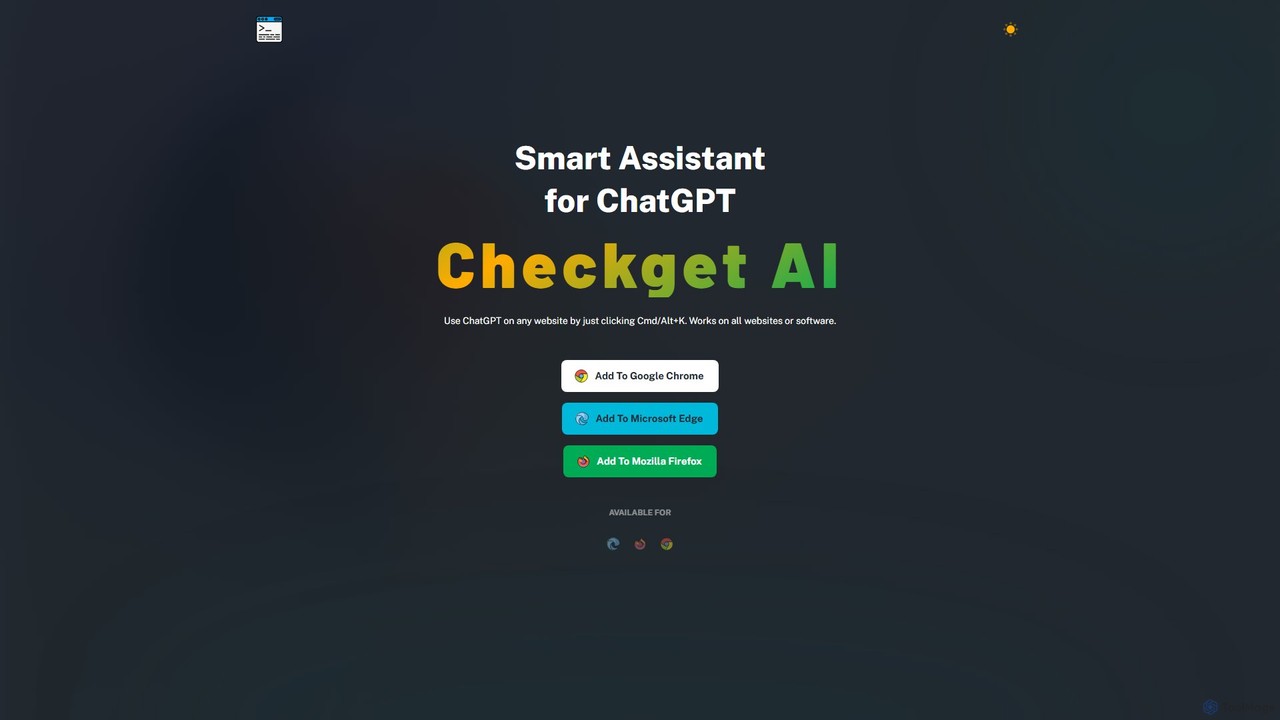
Checkget is a powerful productivity tool designed as a smart assistant for ChatGPT, seamlessly integrated into your browser. It functions as an extension for Chrome, Edge, and Firefox, allowing you to harness the power of AI on any website or web application without ever leaving your current page. The core principle of Checkget is to eliminate the constant need for copying, pasting, and switching between tabs, thereby saving valuable time and maintaining your workflow's momentum.
By using a simple keyboard shortcut, Cmd+K (on Mac) or Alt+K (on Windows), you can instantly summon the Checkget assistant. This allows for immediate interaction with ChatGPT's capabilities, whether you need to draft a quick response, understand a complex topic, or refine a piece of writing. The tool is intelligently designed to be context-aware, making it a truly smart assistant.
How to use Checkget
Using Checkget is designed to be intuitive and blend into your existing habits. Here’s a simple guide to get started:
- Installation: Add the Checkget extension to your preferred browser (Google Chrome, Microsoft Edge, or Mozilla Firefox) from their respective web stores.
- Activation: While on any website, simply press the keyboard shortcut Cmd+K (Mac) or Alt+K (Windows) to open the Checkget interface.
- Contextual Actions: For more targeted assistance, select a piece of text on the page—be it a paragraph, a line of code, or a customer query. After selecting, press the shortcut. Checkget's AI will automatically recognize the context and suggest relevant actions.
- Interact and Refine: Type your questions directly into the assistant, or use the suggested actions to summarize, translate, rephrase, or fix grammar. You can easily switch between different tones and styles to match your needs.
Core Features of Checkget
- Universal Access: Works flawlessly on any website, web app, or even local software interfaces, making it a truly ubiquitous tool.
- Shortcut-Driven Workflow: The Cmd/Alt+K shortcut provides instant access, saving significant time compared to traditional copy-paste methods.
- Context-Aware Intelligence: The AI can automatically understand the scenario, whether you're replying to an email, debugging code, or researching a topic, and provide tailored assistance.
- Comprehensive AI Functions: Perform a wide range of tasks including answering questions, finding information, explaining complex concepts, summarizing articles, translating text, correcting spelling and grammar, expanding or shortening text, and rephrasing content.
- Tone and Style Adjustment: Easily modify the tone of your text to be professional, casual, friendly, or any other style you require.
- Privacy and Security: All communications are encrypted. For maximum privacy, a 'Local Mode' allows users to connect their own OpenAI API key, ensuring data is processed directly between their device and ChatGPT.
- GPT-4 Access: Paid plans offer access to the more powerful GPT-4 model for more nuanced and accurate responses.
- Dark Mode: A sleek dark theme is available for a comfortable viewing experience, especially during late-night work sessions.
Use Cases for Checkget
Checkget is versatile and can be applied across various professional and personal scenarios:
- For Writers and Marketers: Quickly brainstorm ideas, draft social media posts, rephrase sentences for clarity, and check for grammatical errors directly within Google Docs or WordPress.
- For Developers: Select a code snippet to have it explained, debugged, or optimized without leaving the code editor or documentation page.
- For Students and Researchers: Summarize long academic papers, explain difficult concepts, and translate foreign language sources instantly.
- For Customer Support Agents: Craft polite, accurate, and helpful replies to customer emails or live chats in seconds by selecting the customer's query.
- For Everyday Users: Get quick answers to questions, draft personal emails, or understand online content more efficiently.
Advantages of Checkget
The primary advantage of Checkget is its ability to dramatically increase productivity by integrating AI assistance directly into your workflow. It saves time, reduces cognitive load from context switching, and provides powerful, context-aware support. The focus on privacy with its 'Local Mode' is a significant benefit for users concerned about data security. Its freemium model makes it accessible to everyone, while paid plans offer advanced capabilities for power users.
Pricing and Plans
Checkget offers a flexible pricing structure to suit different needs:
- Personal (Free): Includes 30 requests per day, 5 rounds of conversation, and GPT-3.5 support. Ideal for casual users.
- Pro ($4.99/mo): Offers 200 requests per day, 15 rounds of conversation, and access to GPT-4 (5 requests per call). Includes 2x faster response time and email support.
- Premium ($9.98/mo): Provides 500 requests per day, 30 rounds of conversation, and GPT-4 access. Includes all Pro features plus priority support.
- Ultimate ($29.98/mo): Designed for heavy users with 1500 requests per day, 100 rounds of conversation, and full GPT-4 access. Includes access to all features and top-priority support.
Yearly subscriptions are available at a discounted rate.
Traffic
Latest traffic
Status
Monthly traffic trend
- 2025-8: 57
- 2025-9: 309
- 2026-3: 0
- 2026-4: 0
- 2026-5: 1.2K
Checkget Alternatives

typegpt
typegpt is a lightweight browser extension that integrates ChatGPT into any text box on the internet. Use simple commands to generate, translate, or code directly in your workflow, using your own API key for maximum cost-efficiency and control.
Code Assistant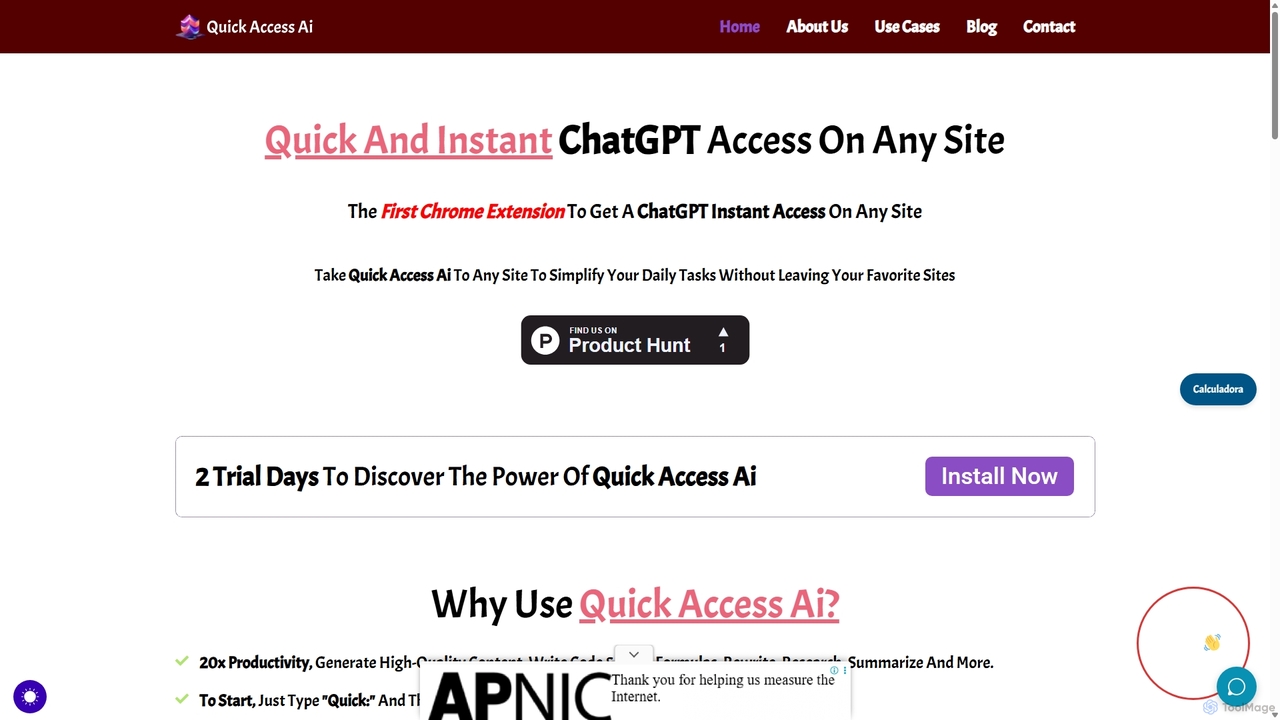
Quick Access Ai
Quick Access Ai is a Chrome extension that provides instant access to ChatGPT on any website. By simply typing a command, users can generate content, write code, summarize text, and perform research without switching tabs. It aims to boost productivity by integrating AI assistance directly into your existing workflow, making daily tasks faster and more efficient.
Code Assistant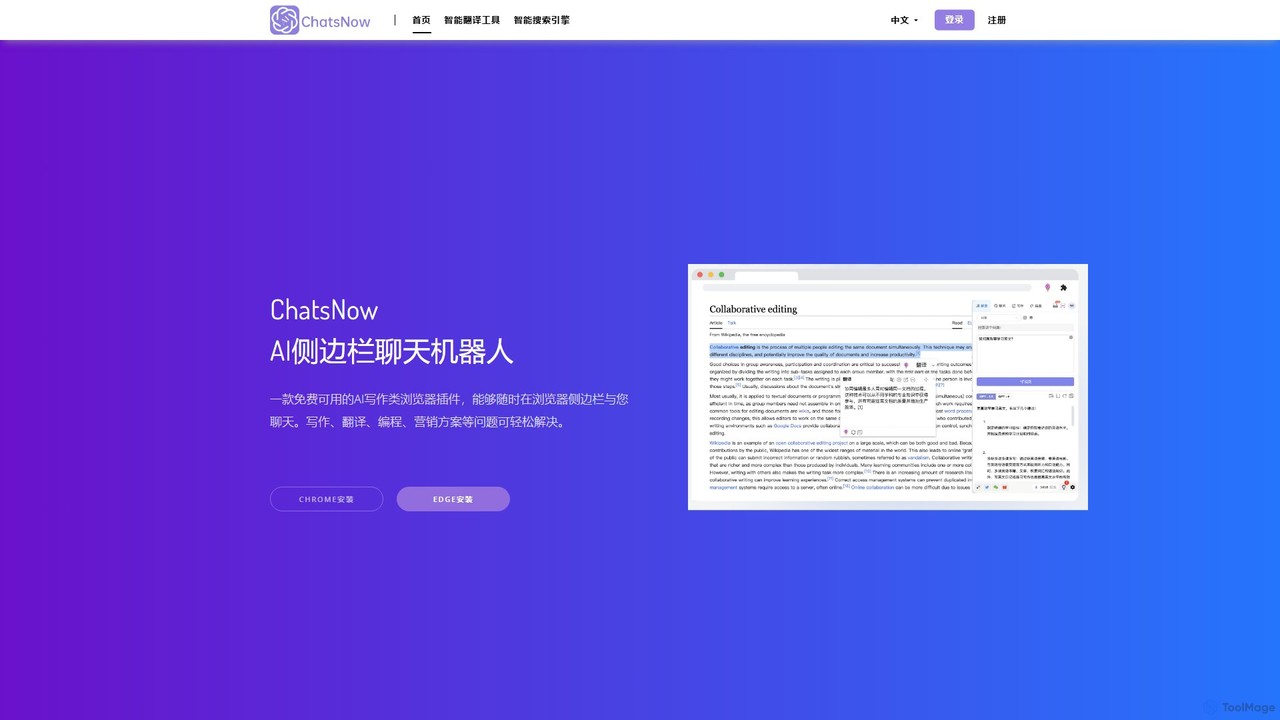
ChatsNow
ChatsNow is a versatile AI sidebar assistant for Chrome and Edge. It integrates a powerful chatbot, writer, and image generator directly into your browser. Instantly get answers, summarize web pages, draft emails, create marketing copy, or generate images from text prompts. With a library of prompt templates and the ability to work with selected text, ChatsNow streamlines your workflow for studying, working, and creative tasks, boosting your productivity across the web.
Ai Assistant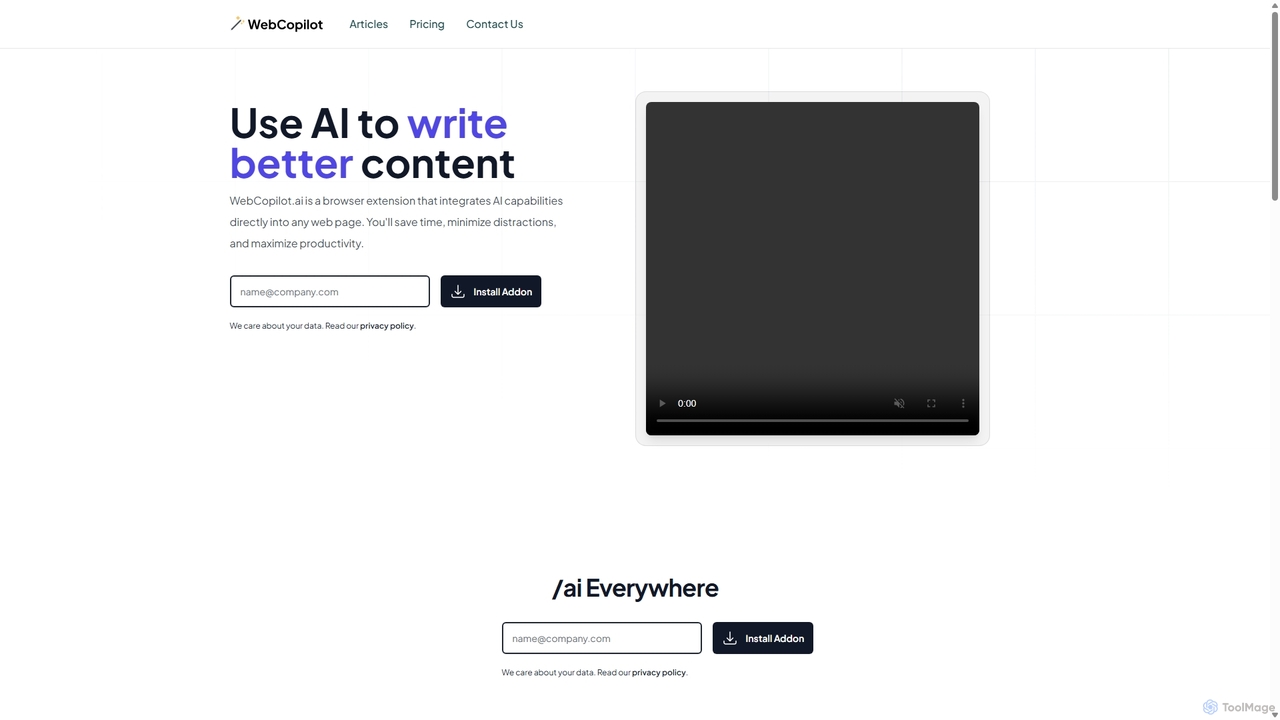
WebCopilot
WebCopilot is an AI-powered browser extension that integrates ChatGPT's capabilities into any webpage. Simply type `/ai` in any text field to generate, rewrite, or improve content for emails, social media posts, and more. It streamlines workflows on platforms like Gmail, Twitter, LinkedIn, and even helps create formulas in Google Sheets, boosting productivity and saving time by bringing AI assistance directly to where you work.
Code Assistant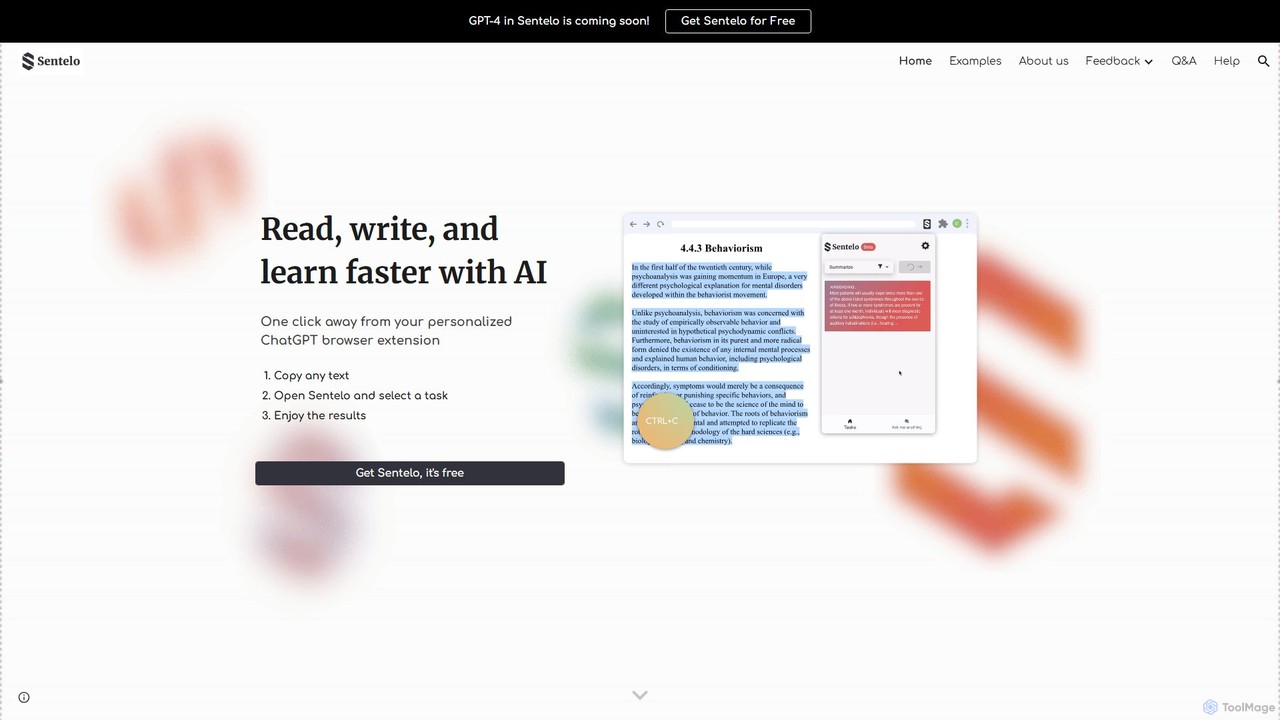
sentelo
Sentelo is a free, AI-powered browser extension designed as your ultimate learning and writing copilot. It helps you read, write, and learn faster across any website, PDF, or document by providing powerful functions for summarizing, elaborating, rephrasing, and coding assistance.
Code AssistantCheckget Categories
Checkget Embed Widget
Copy this embed code to place the badge on your blog, article, or product site and send readers directly to this ToolMage detail page.

Related AI tools
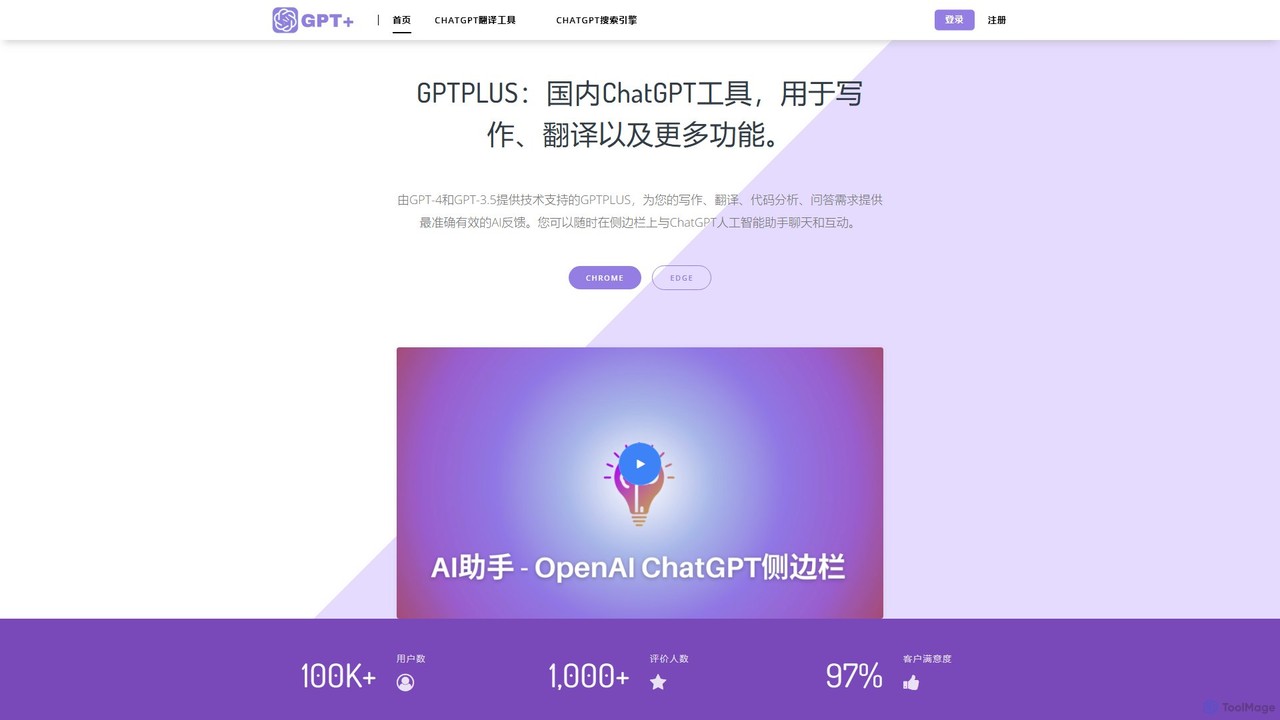
GPTPLUS
GPTPLUS is a powerful browser extension that integrates ChatGPT as a convenient sidebar. It offers one-click text processing, a rich library of prompt templates, and advanced AI assistance for writing, translation, and research directly within your browser, boosting productivity and streamlining your workflow.
Browser Extensionstypegpt
typegpt is a lightweight browser extension that integrates ChatGPT into any text box on the internet. Use simple commands to generate, translate, or code directly in your workflow, using your own API key for maximum cost-efficiency and control.
Code Assistant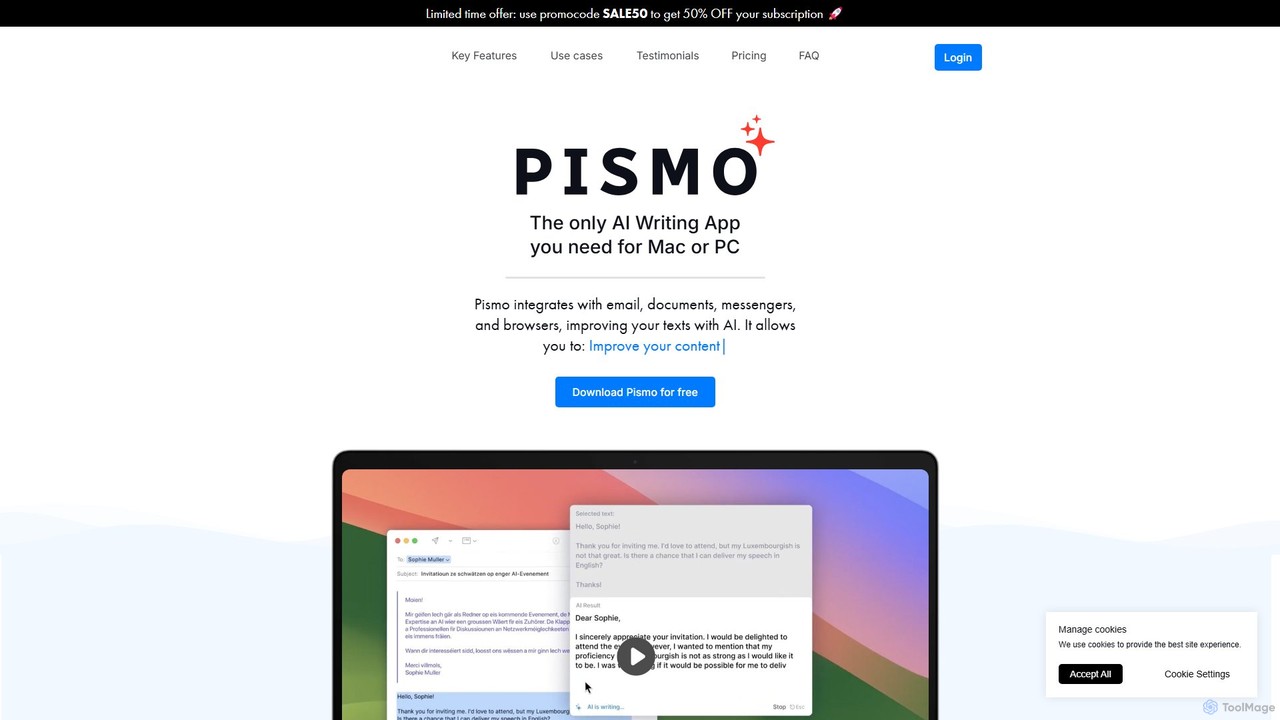
Pismo
Pismo is a native AI writing assistant for Mac and Windows. It integrates seamlessly into any application, allowing you to improve writing, fix grammar, translate text, change tone, and use custom prompts with hotkeys to boost your productivity.
ParaphraserChatsNow
ChatsNow is a versatile AI sidebar assistant for Chrome and Edge. It integrates a powerful chatbot, writer, and image generator directly into your browser. Instantly get answers, summarize web pages, draft emails, create marketing copy, or generate images from text prompts. With a library of prompt templates and the ability to work with selected text, ChatsNow streamlines your workflow for studying, working, and creative tasks, boosting your productivity across the web.
Ai Assistant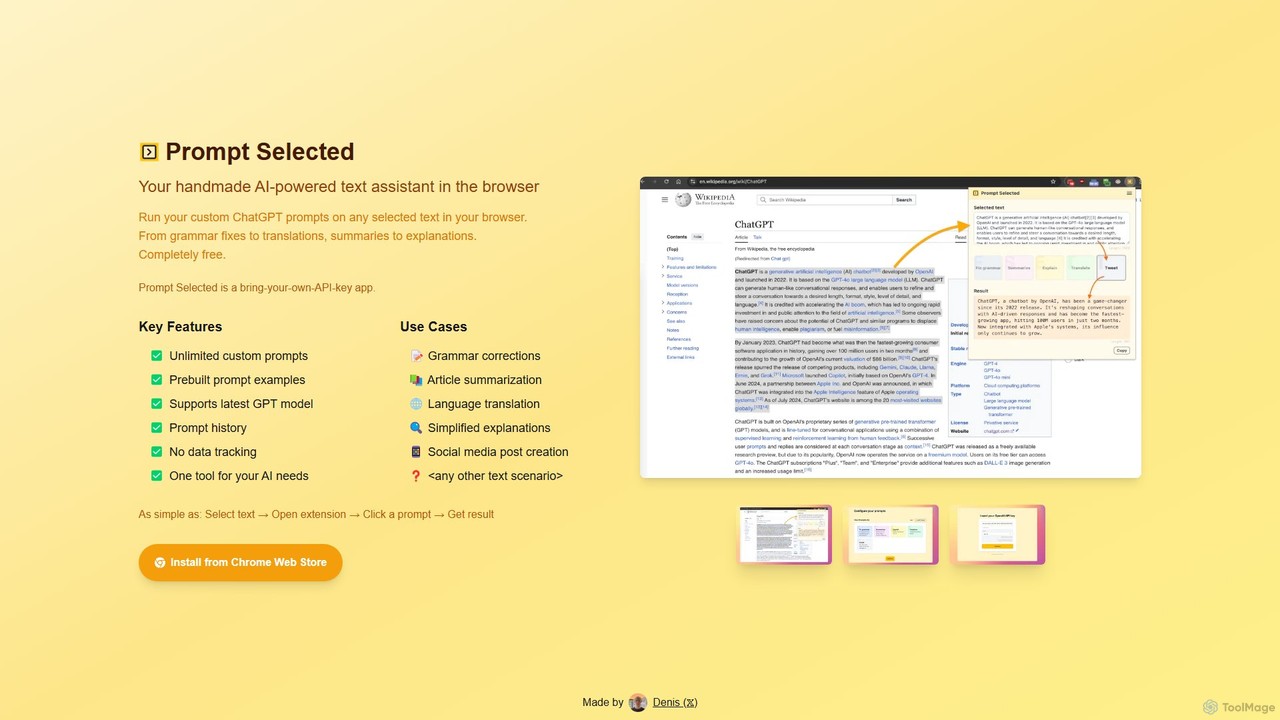
Prompt Selected
A free, privacy-focused Chrome extension that acts as your personal AI text assistant. Run unlimited custom ChatGPT prompts on any selected text directly in your browser for tasks like summarization, translation, and grammar correction using your own API key.
Prompt Engineering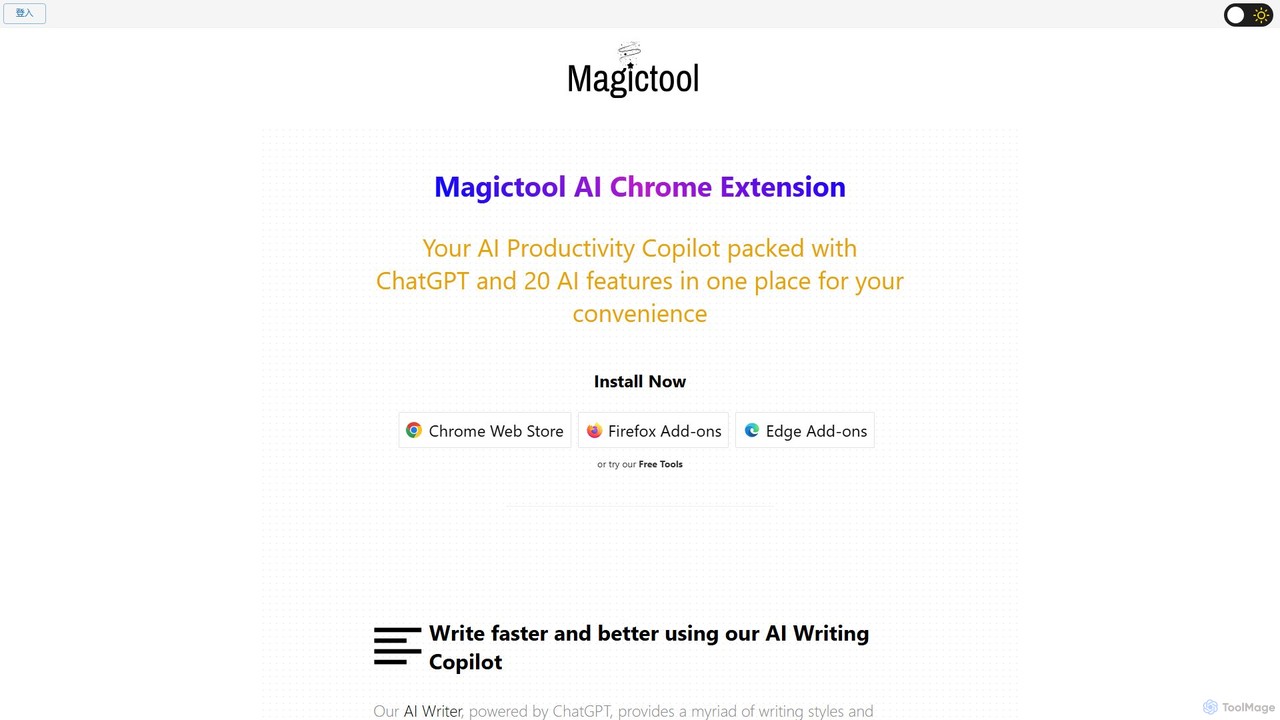
Magictool AI
Magictool AI is an all-in-one productivity hub integrated into a browser extension. It packs over 20 AI features, including a ChatGPT-powered writer, YouTube video summarizer, PDF chat, data scraper, and AI image generator. It's designed to streamline your workflow, enhance your writing, and boost your research capabilities directly within your browser.
Chrome Extensions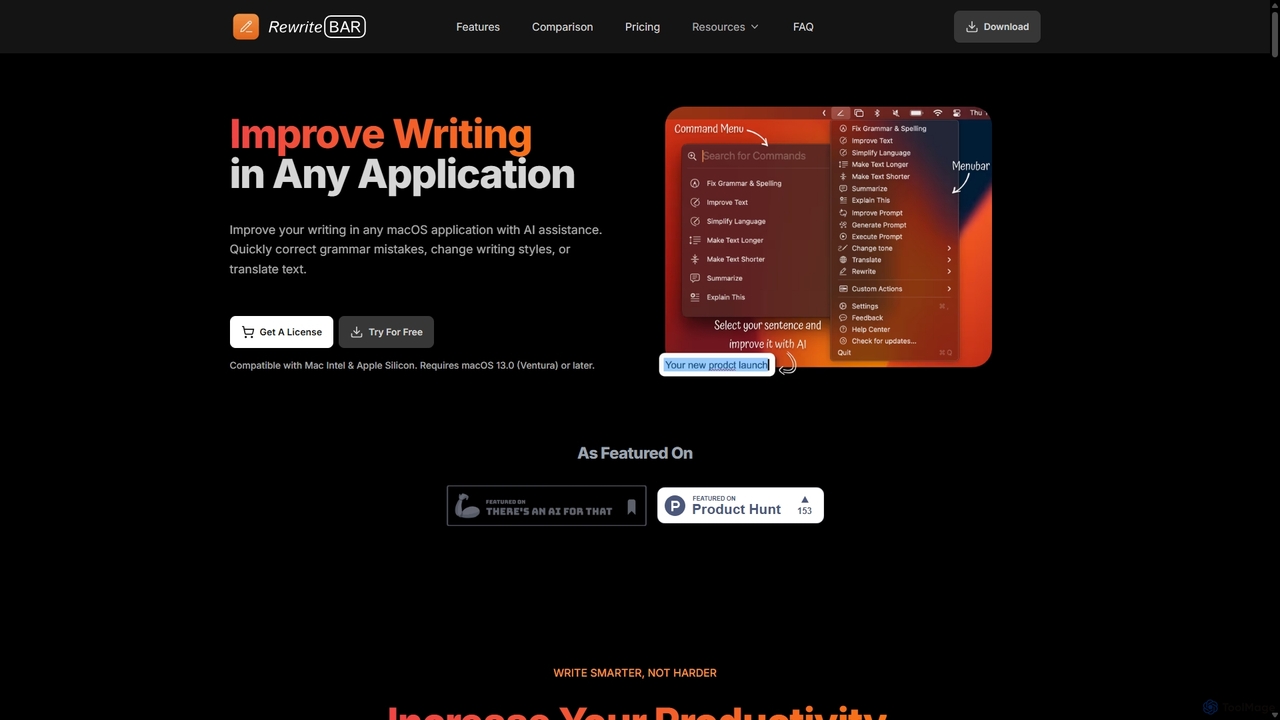
RewriteBar
RewriteBar is a native macOS menu bar app that acts as your personal AI writing assistant. It works seamlessly across all applications, allowing you to instantly correct grammar, change tone, translate text, summarize content, and more with a simple keyboard shortcut. It supports over 12 AI providers, including local models for ultimate privacy, offering a powerful and flexible writing enhancement experience.
Code Assistant
GeniusAiHub
GeniusAiHub is an all-in-one AI platform designed to boost productivity and creativity. It integrates a suite of powerful tools for content creation, image generation, code assistance, and data analysis into a single, intuitive workspace. Ideal for marketers, developers, and creators, it streamlines complex workflows and replaces the need for multiple separate AI applications.
Image GenerationQuick Access Ai
Quick Access Ai is a Chrome extension that provides instant access to ChatGPT on any website. By simply typing a command, users can generate content, write code, summarize text, and perform research without switching tabs. It aims to boost productivity by integrating AI assistance directly into your existing workflow, making daily tasks faster and more efficient.
Code Assistant
Grammarly
Grammarly is an AI-powered writing assistant that helps you communicate more effectively. It goes beyond basic grammar and spelling checks to offer suggestions on style, tone, and clarity. Trusted by millions, Grammarly integrates seamlessly into your workflow across various platforms, providing real-time feedback to enhance your emails, documents, and social media posts. Its generative AI features can also help you brainstorm, compose, and rewrite text instantly.
Communication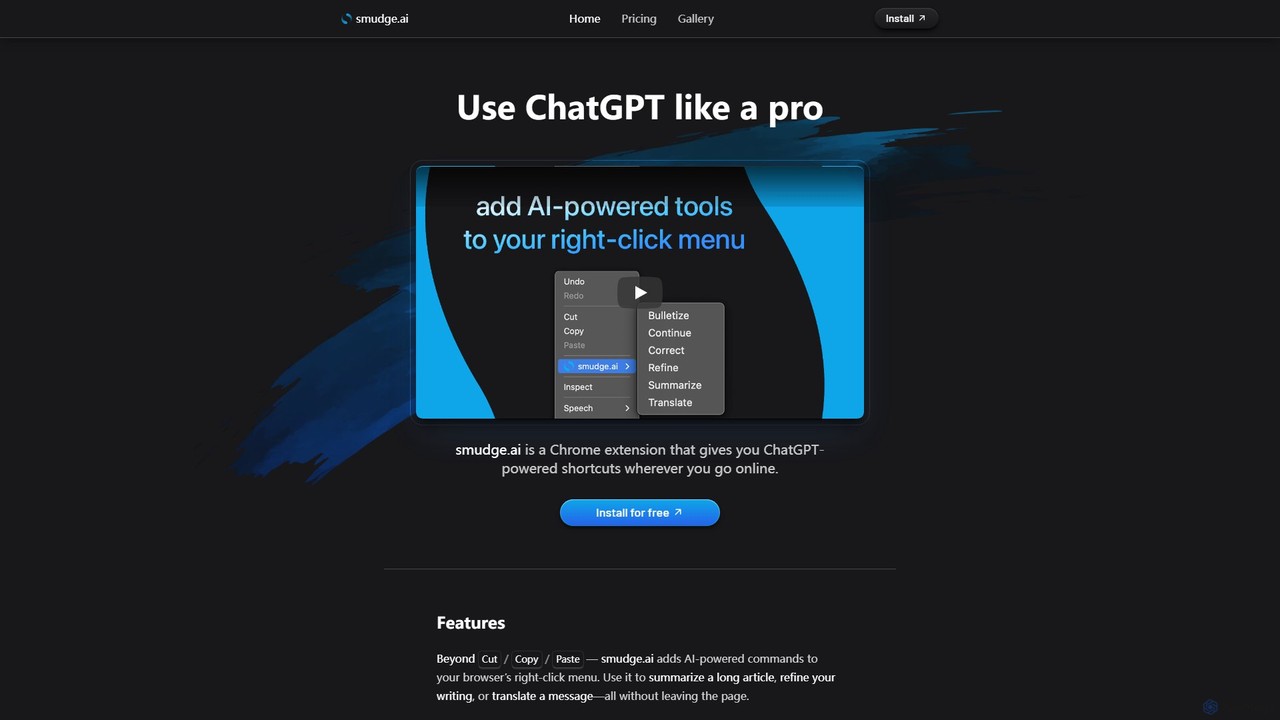
smudge.ai
smudge.ai is a powerful Chrome extension that integrates ChatGPT-powered shortcuts directly into your browser's right-click menu. Instantly summarize articles, refine your writing, translate text, and create custom commands without ever leaving your current page, streamlining your online workflow.
Chrome Extensions
KAI
KAI is an AI-powered keyboard for iPhone that integrates ChatGPT-like capabilities directly into any app. It helps you upgrade your writing, brainstorm ideas, translate text, and get instant answers, boosting your productivity and creativity on the go.
Email Assistant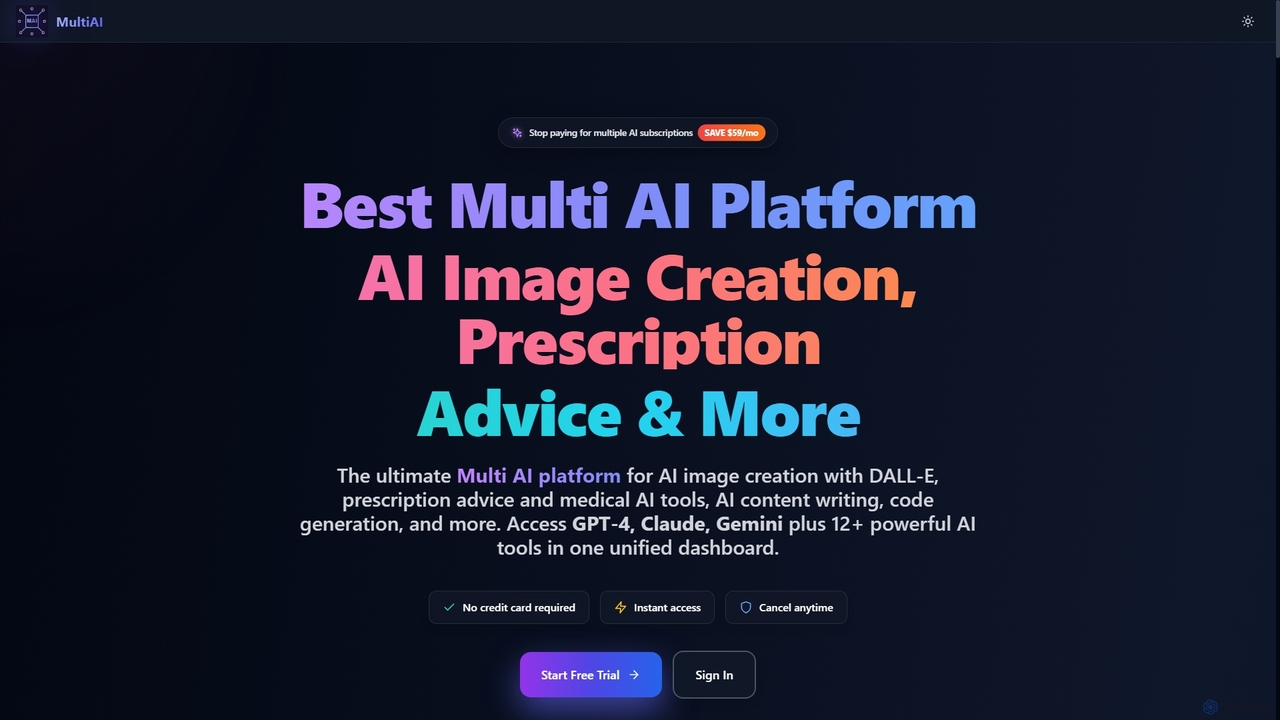
MultiAI
MultiAI is a comprehensive AI platform that unifies access to leading AI models like GPT-4, Claude, and Gemini, alongside 12+ specialized tools for image creation, medical advice, content writing, and code generation. It helps professionals save money and time by consolidating multiple AI subscriptions into one powerful, secure, and unlimited dashboard, enhancing productivity and creativity across various domains.
Writing Assistant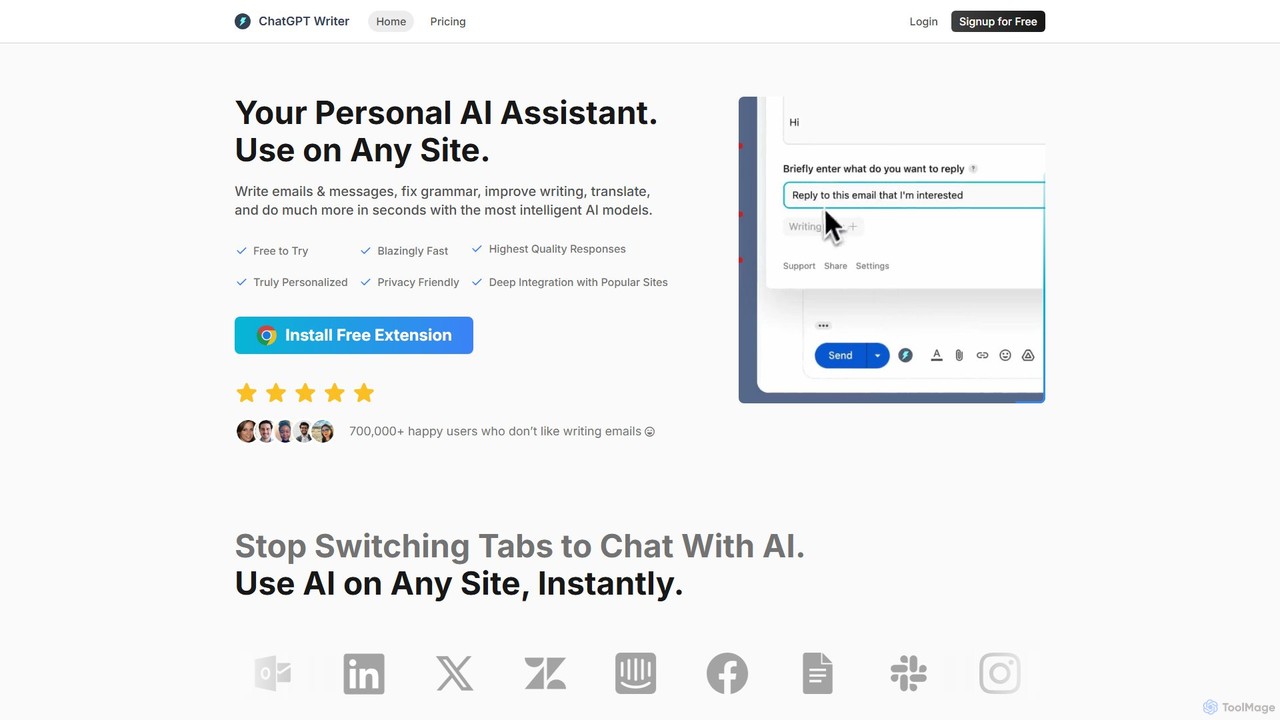
ChatGPT Writer
ChatGPT Writer is a powerful AI browser extension that integrates seamlessly into any website. Powered by models like GPT-4.1, Claude, and Gemini, it helps you write emails, fix grammar, translate text, summarize content, and more, directly within your workflow, eliminating the need to switch tabs.
Chrome Extensions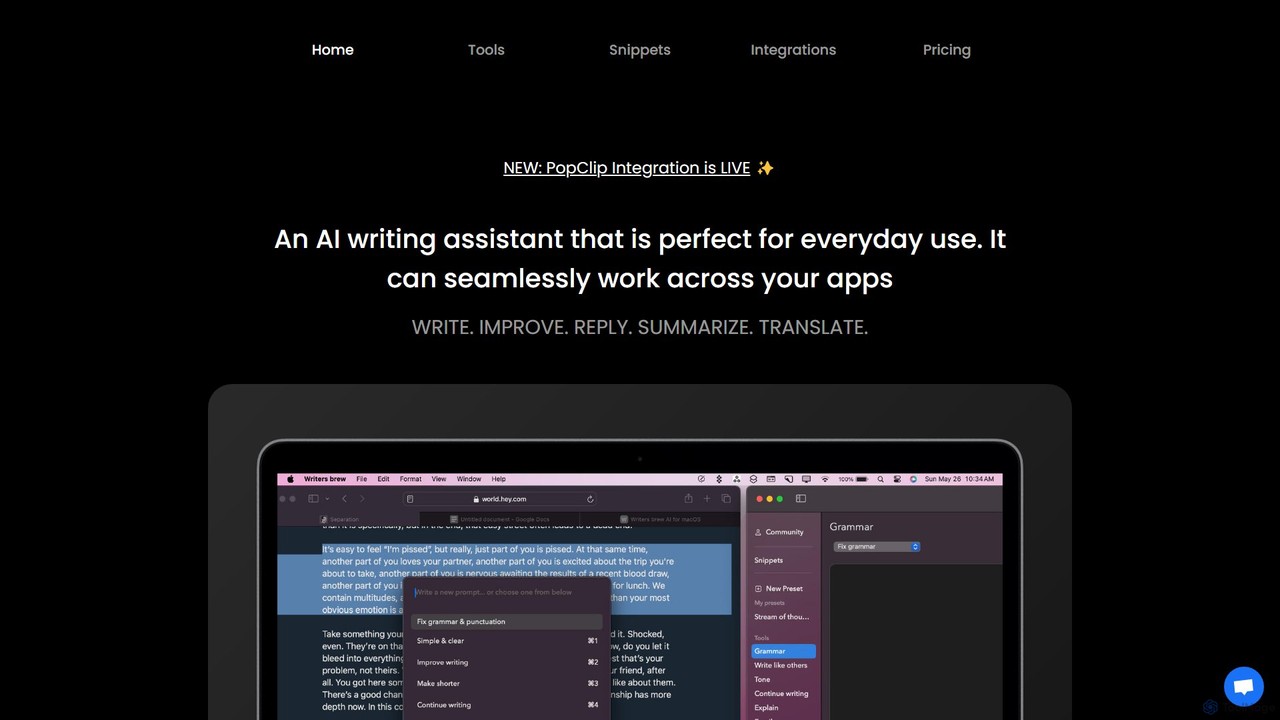
Writers brew
Writers brew is a native AI writing assistant for macOS that integrates seamlessly across all applications. It helps you write, improve, summarize, translate, and reply to text anywhere with a simple keyboard shortcut, also featuring text snippets, OCR, and other productivity utilities.
Macos
Checkget Comments (0)
Sign in to comment.
Sign inNo comments yet.